
Microsoft Authenticator v6.2512.8111
Microsoft Corporation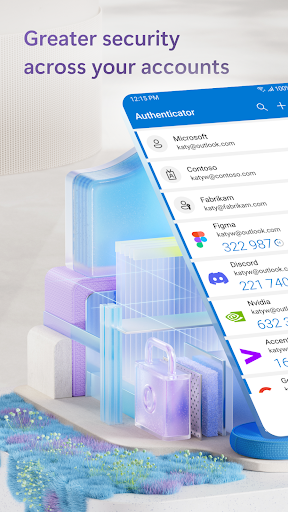
About this app
Developer Description
No more passwords, easier sign-in, and greater protection for your accounts.
Getting started with multi-factor authentication
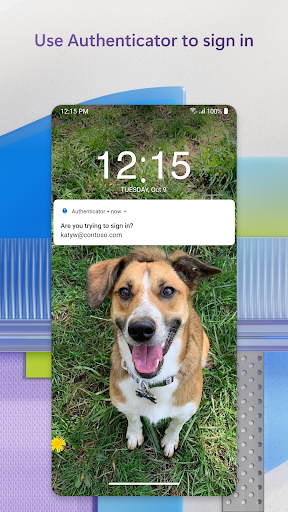
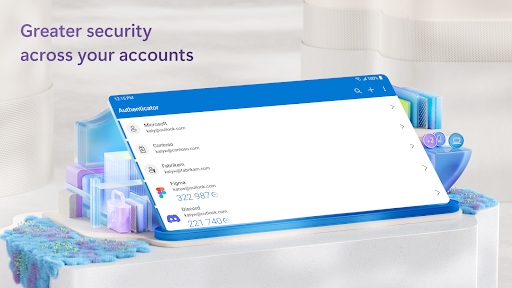
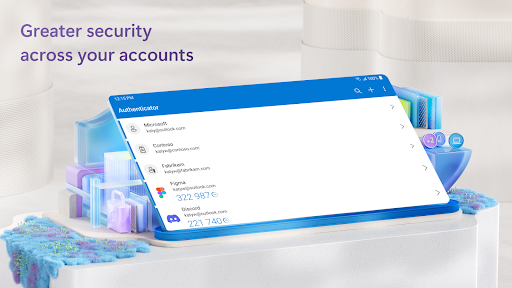
Multi factor authentication (MFA) or two factor authentication (2FA) provides a second layer of security. When logging in with multi-factor authentication, you’ll enter your password, and then you’ll be asked for an additional way to prove it’s really you. Either approve the notification sent to the Microsoft Authenticator, or enter the one-time password (OTP) generated by the app. The one-time passwords (OTP codes) have a 30 second timer counting down. This timer is so you never have to use the same time-based one-time password (TOTP) twice and you don’t have to remember the number. The one-time password (OTP) doesn’t require you to be connected to a network, and it won’t drain your battery. You can add multiple accounts to your app, including non-Microsoft accounts like Facebook, Amazon, Dropbox, Google, LinkedIn, GitHub, and more.
Getting started with passwordless
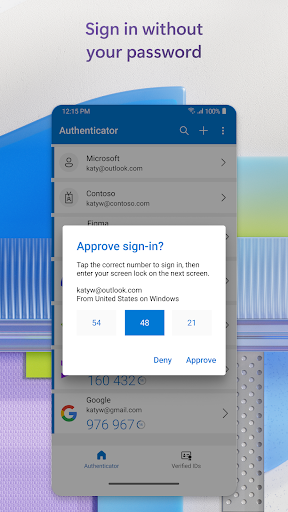
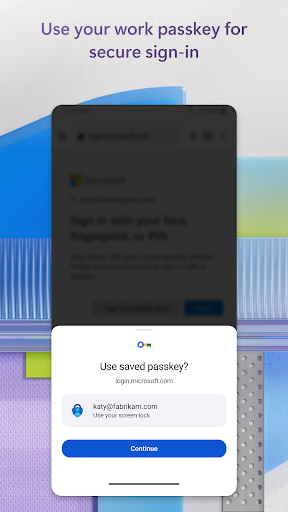
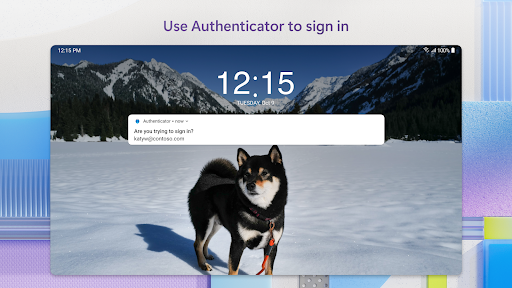
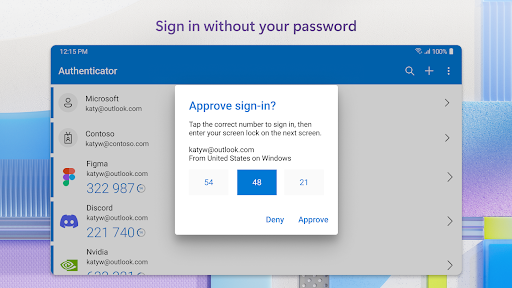
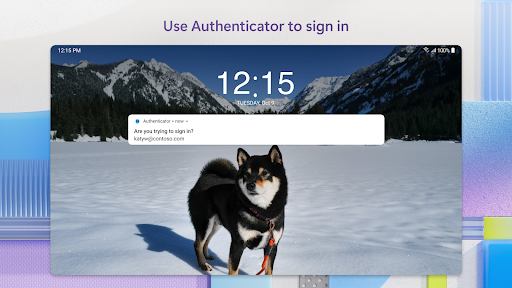
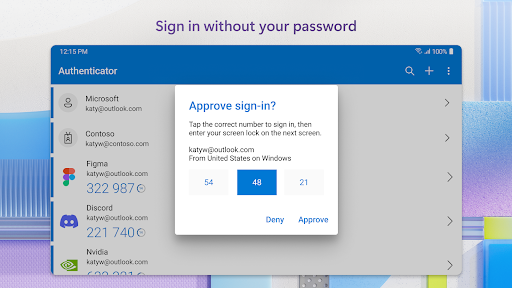
Use your phone, not your password, to log into your Microsoft account. Just enter your username, then approve the notification sent to your phone. Your fingerprint, face ID, or PIN will provide a second layer of security in this two-step verification process. After you’ve signed in with two factor authentication (2FA), you’ll have access to all your Microsoft products and services, such as Outlook, OneDrive, Office, and more.
Microsoft personal, work or school accounts
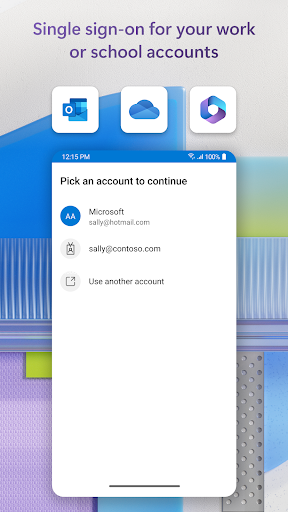
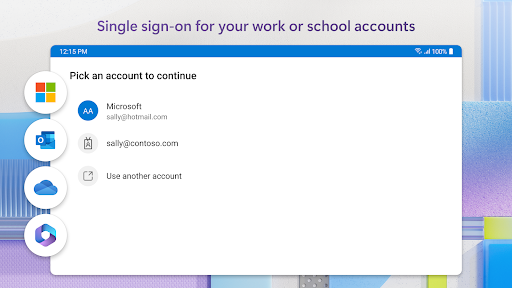
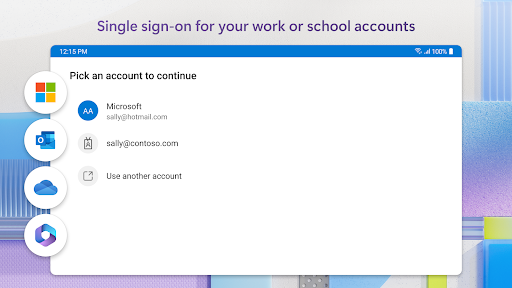
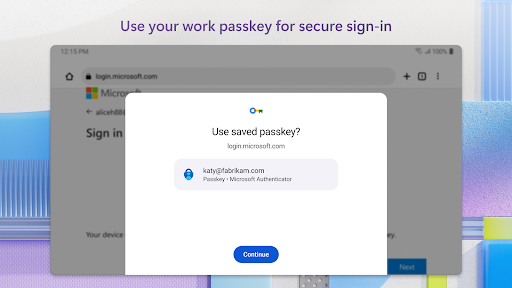
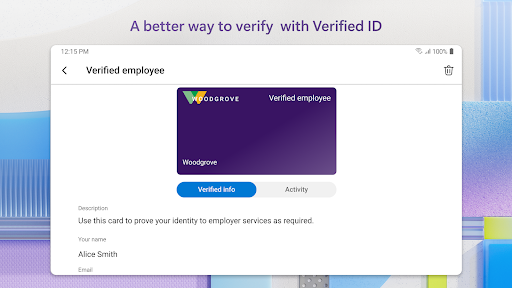
Sometimes your work or school might ask you to install the Microsoft Authenticator when accessing certain files, emails, or apps. You will need to register your device to your organization through the app and add your work or school account. Microsoft Authenticator also supports cert-based authentication by issuing a certificate on your device. This will let your organization know that the sign-in request is coming from a trusted device and help you seamlessly and securely access additional Microsoft apps and services without needing to log into each. Because Microsoft Authenticator supports single sign-on, once you have proven your identity once, you will not need to log in again to other Microsoft apps on your device.
Optional Access permissions:
Microsoft Authenticator includes the following optional access permissions. All these require user consent. If you choose to not grant these optional access permissions, you can still use Microsoft Authenticator for other services that do not require such permission. For more information see https://aka.ms/authappfaq
Accessibility Service: Used to optionally support features on more apps and sites.
Location: Sometimes your organization wants to know your location before allowing you to access certain resources. The app will request this permission only if your organization has a policy requiring location.
Camera: Used to scan QR codes when you add a work, school, or non-Microsoft account.
Read the contents of your storage: This permission is only used when you report a technical problem through the app settings. Some information from your storage is collected to diagnose the issue.
What's New
Version Information
- Version
- 6.2512.8111
- Downloads
- 100M+
- Updated on
- Dec 15, 2025
- Released
- Jan 13, 2015
- Requires
- Android 8.0
Statistics
Google Play Rating History
Rating Distribution
Downloads Over Time
Microsoft Authenticator has been downloaded times. Over the past 30 days, it averaged downloads per day.
Shaded area shows 30-day prediction based on historical trends
Historical data collection started recently. More data points will be available over time.
Microsoft Authenticator - Google Play Rankings
Top Rankings
| Rank | Country | Category | List | Change |
|---|---|---|---|---|
| — |
Ranking History in
No ranking data available yet. Rankings are updated daily.
#5 in Top Free Business in United States


#2 in Top Free Business in Germany
#2 in Top Free Business in Spain

#2 in Top Free Business in Australia

Microsoft Authenticator users say on Google Play
 M Borg
After many years, still super convenient and secure. I use this all the time and it works. Zero security issues!
 Keith Lawson
ok, not always clear on application
 santi sapkota
good
 Anthony Gidigah
Too cumbersome without straightforward guide
 Mike (Maik0)
dear Microsoft, JUST BECAUSE I HAVE MULTIPLE WAYS OF SIGNING IN, WHY IS THE AUTHENTICATOR not required as the 2nd step... What genius came up with the idea of 2 step verification that can bypass AN AUTHENTICATOR ENTIRELY
ApkTrusted Ratings & Reviews
More from Microsoft Corporation
See more apps
Microsoft Bing Search
Free

Microsoft Azure
Free

MSN
Free

Microsoft Clarity
Free

MSN Money- Stock Quotes & News
Free

MSN Weather - Forecast & Maps
Free

IoT Plug and Play
Free

Microsoft Build
Free

Microsoft Bing Webmaster Tools
Free

Link to Windows
Free

Warehouse Management
Free

Bing Wallpapers
Free

Microsoft Advertising
Free

Microsoft Identity Pass
Free

As Dusk Falls Companion App
Free

SMS Organizer
Free
Similar Apps

Duo Mobile
Free

Okta Verify
Free

SAP SuccessFactors Mobile
Free

Slack
Free

Twilio Authy Authenticator
Free

Bitwarden Password Manager
Free

Viva Engage
Free
Email - Fast & Secure Mail
Free

Yahoo Mail
Free
1Password: Password Manager
Free

Samsung Email
Free

Workday
Free

SAP Concur
Free

Zoom Workplace
Free

2FA Authenticator (2FAS)
Free

Samsung Smart Switch Mobile
Free
Scan this QR code to download

Forwarding you to the page at Google Play market in seconds...
Open Google Play market now