
Bitwarden Password Manager v2025.12.0
Bitwarden Inc.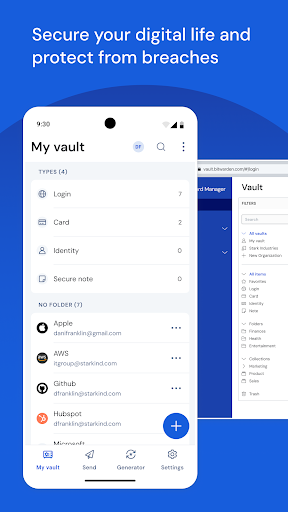





About this app
Bitwarden Password Manager solves the problem of password management for individuals and organizations, benefiting those who value online security and convenience. Compared to alternatives in the Productivity category, Bitwarden stands out for its excellent user rating, robust feature set, and transparent development process. However, its offline capability and lack of ads or in-app purchases make it an attractive option for those seeking a hassle-free experience. With over 5 million downloads and a 4.8-star rating, Bitwarden has established itself as a top-tier app in its category.
Pros
- Bitwarden's excellent user rating of 4.8/5 and high download numbers of over 5 million demonstrate its social proof and widespread adoption, indicating a well-designed and effective app.
- The app's free model with no ads or in-app purchases provides a seamless and uninterrupted user experience, allowing users to manage their passwords without distractions or additional costs.
- Bitwarden's transparent development process and regular updates, such as the latest version 2025.12.0, ensure that the app stays up-to-date with the latest security patches and features, providing users with a secure and reliable password management solution.
- The app's offline capability allows users to access their password vault even without an internet connection, making it a convenient option for those who need to manage their passwords on-the-go.
- Bitwarden's developer, Bitwarden Inc., has a reputation for prioritizing user security and privacy, which is reflected in the app's design and functionality, giving users peace of mind when storing their sensitive information.
Cons
- One concern is that Bitwarden may not be suitable for users who are not tech-savvy, as the app's features and settings may require some time to learn and configure, potentially leading to a steeper learning curve.
- Although Bitwarden has an excellent reputation, some users may still be hesitant to store their sensitive information in a password manager, highlighting the need for ongoing education and awareness about the benefits and risks of password management.
- The app's lack of device compatibility with older Android versions may limit its accessibility for some users, potentially excluding those who cannot upgrade their devices to Android 10 or later.
- Some users may experience issues with syncing their password vault across multiple devices, which can be frustrating and may require additional troubleshooting and support from the developer.
Best for: The ideal user for Bitwarden Password Manager is a tech-savvy individual or organization seeking a secure, convenient, and free password management solution, likely between the ages of 25 and 50, who values online security and is willing to invest time in setting up and configuring the app to meet their specific needs.
Developer Description
Bitwarden is a login and password manager that helps keep you safe while online.
SECURE YOUR DIGITAL LIFE
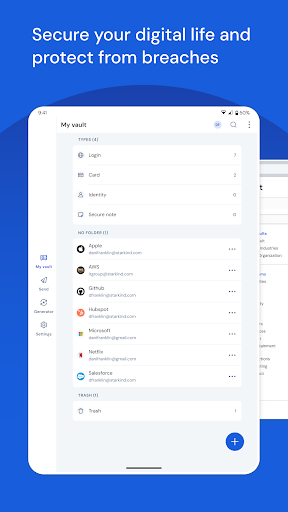
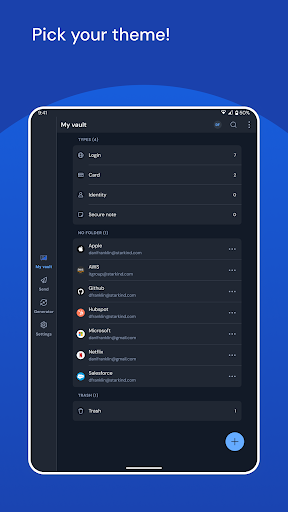
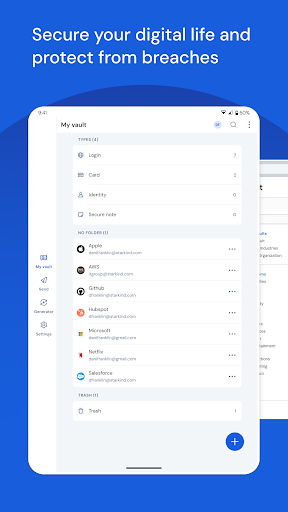
Secure your digital life and protect against data breaches by generating and saving unique, strong passwords for every account. Maintain everything in an end-to-end encrypted password vault that only you can access.
ACCESS YOUR DATA, ANYWHERE, ANYTIME, ON ANY DEVICE
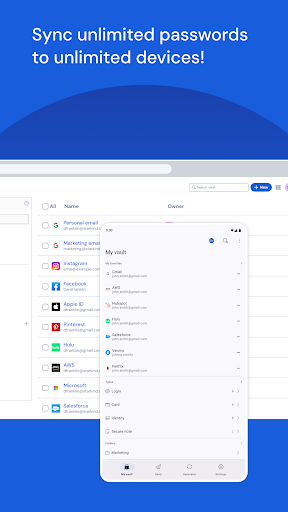
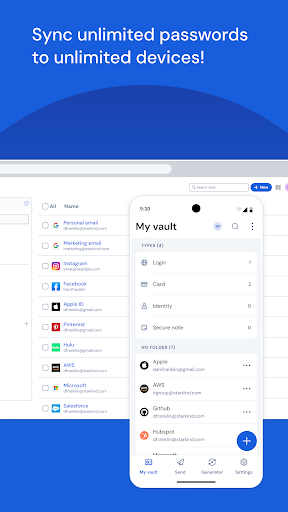
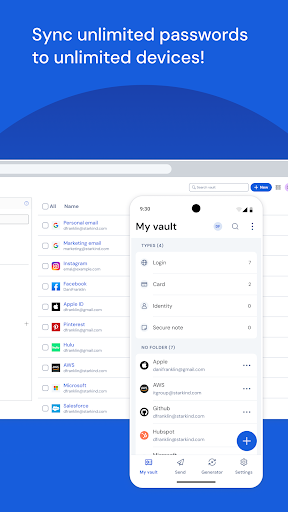
Easily manage, store, secure, and share unlimited passwords and passkeys across unlimited devices without restrictions.
USE PASSKEYS WHEREVER YOU LOG IN
Create, store, and sync passkeys across the Bitwarden mobile app and browser extensions for a secure, passwordless experience no matter what device you're on.
EVERYONE SHOULD HAVE THE TOOLS TO STAY SAFE ONLINE
Utilize Bitwarden for free with no ads and or selling data. Bitwarden believes everyone should have the ability to stay safe online. Premium plans offer access to advanced features.
EMPOWER YOUR TEAMS WITH BITWARDEN
Plans for Teams and Enterprise come with professional business features. Some examples include SSO integration, self-hosting, directory integration and SCIM provisioning, global policies, API access, event logs, and more.
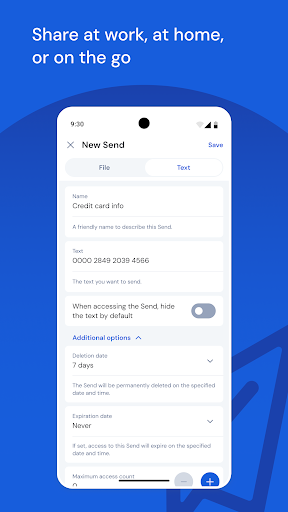
Use Bitwarden to secure your workforce and share sensitive information with colleagues.
More reasons to choose Bitwarden:
World-Class Encryption
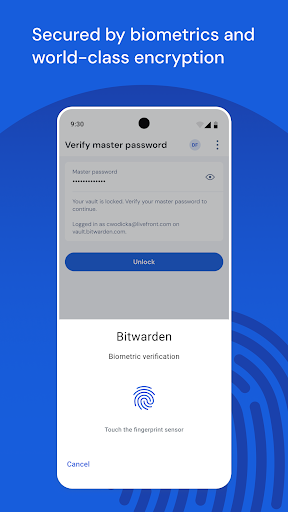
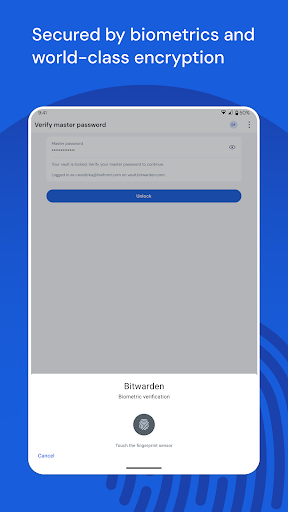
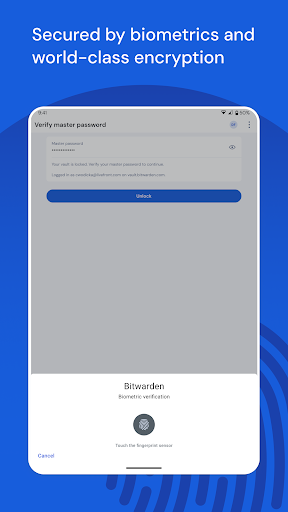
Passwords are protected with advanced end-to-end encryption (AES-256 bit, salted hashing, and PBKDF2 SHA-256) so your data stays secure and private.
3rd-party Audits
Bitwarden regularly conducts comprehensive third-party security audits with notable security firms. These annual audits include source code assessments and penetration testing across Bitwarden IPs, servers, and web applications.
Advanced 2FA
Secure your login with a third-party authenticator, emailed codes, or FIDO2 WebAuthn credentials such as a hardware security key or passkey.
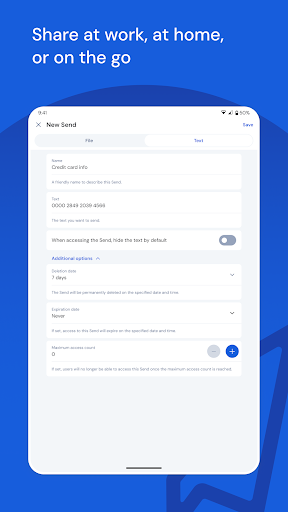
Bitwarden Send
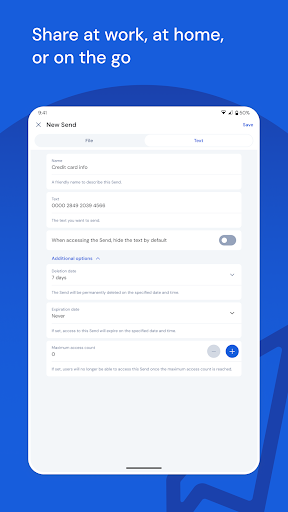
Transmit data directly to others while maintaining end-to-end encrypted security and limiting exposure.
Built-in Generator
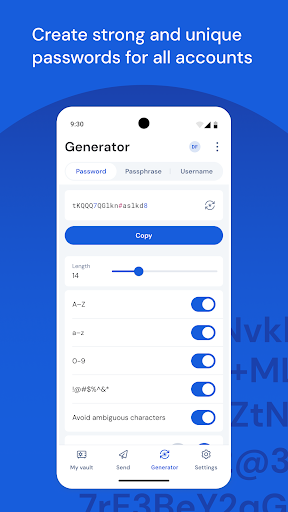
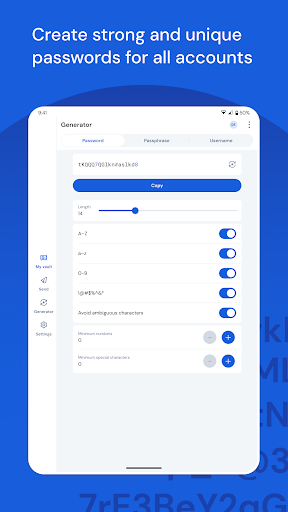
Create long, complex, and distinct passwords and unique usernames for every site you visit. Integrate with email alias providers for additional privacy.
Global Translations
Bitwarden translations exist for more than 50 languages.
Cross-Platform Applications
Secure and share sensitive data within your Bitwarden Vault from any browser, mobile device, or desktop OS, and more.
Accessibility Services Disclosure: Bitwarden offers the ability to use the Accessibility Service to augment Autofill on older devices or in cases where autofill is not working correctly. When enabled, the Accessibility Service is used to search for login fields in apps and websites. This establishes the appropriate field IDs when a match for the app or site is found and inserts credentials. When the Accessibility Service is active Bitwarden does not store information or control any on-screen elements beyond inserting credentials.
Privacy
Given that Bitwarden requests zero permissions, it is likely that the app does not collect any sensitive user data beyond what is necessary for its functionality, and users can feel relatively secure when using the app. However, as with any password manager, it is essential to use a strong master password and enable two-factor authentication to protect access to the vault. Additionally, users should regularly review and update their password vault to ensure that their information remains secure.
Tips
To get the most out of Bitwarden, users should start by setting up a strong master password and enabling two-factor authentication to protect their vault. Additionally, users can optimize their password management by using the app's built-in password generator to create unique and complex passwords for each of their online accounts. Furthermore, users can improve their overall online security by regularly reviewing and updating their password vault, as well as enabling auto-fill and auto-login features to streamline their browsing experience.
What's New
Fixed app crashes when unlocking during sync errors
Fixed passkey creation for AliExpress
General under the hood improvements for usability and performance
Version Information
- Version
- 2025.12.0
- Downloads
- 5M+
- Updated on
- Dec 11, 2025
- Released
- Aug 27, 2016
- Requires
- Android 10
Statistics
Google Play Rating History
Rating Distribution
Downloads Over Time
Bitwarden Password Manager has been downloaded times. Over the past 30 days, it averaged downloads per day.
Shaded area shows 30-day prediction based on historical trends
Historical data collection started recently. More data points will be available over time.
Bitwarden Password Manager - Google Play Rankings
Top Rankings
| Rank | Country | Category | List | Change |
|---|---|---|---|---|
| — |
Ranking History in
No ranking data available yet. Rankings are updated daily.
#83 in Top Free Productivity in Australia


#86 in Top Free Productivity in Germany

#92 in Top Free Productivity in Canada

Bitwarden Password Manager users say on Google Play
 Celandine
great app, I love it. Super easy, multi-platform, reliable, and quick especially once you've learned how it works.
 Darklord
Works pretty well but autofill popup is a bit hit and miss. I also wish the app had physical passkey unlock/login support.
 Wyrdly Misuhndurstud
um...Is the pin supposed to be visible when trying to set one? Doesnt seem right for an app like bitwarden. Seems easy for a cybercriminal to see using a screen overlay or cast.
 Dave South
Still just doesn't work properly. Used to be flawless. About 50%of the time it just won't autofill. Already tried the fixes.
 Pierre Francoeur
I love Bitwarden, I truly do. Except for the Android app. Autofill works like 1 out of 10 time. You press a password field, the popup appears, you select the login you want to fill and then..... NOTHING! You have to go I to the app, find the login, copy the username, paste it on the web page you are trying to access, go back to bitwarden, copy the password, go back to the web page, paste it again... and if you have a 2FA, do it again a 3rd time! So inefficient. Getting worse and worse.
ApkTrusted Ratings & Reviews
More from Bitwarden Inc.
See more apps
Similar Apps
1Password: Password Manager
Free

LastPass Password Manager
Free

Keeper Password Manager
Free

Enpass Password Manager
Free

RoboForm Password Manager
Free

Proton Pass: Password Manager
Free

Aegis Authenticator - 2FA App
Free
2FA Authenticator (2FAS)
Free

Passwords & passkeys-Safe
Free

Proton Mail: Encrypted Email
Free

IronVest - Security & Privacy
Free
Twilio Authy Authenticator
Free
SafeInCloud 1
Paid

Startpage
Free

Bitdefender Mobile Security
Free

One Key: password manager
Free
Scan this QR code to download

Forwarding you to the page at Google Play market in seconds...
Open Google Play market now