
Microsoft Lens - PDF Scanner v16.0.19628.20008
Microsoft Corporation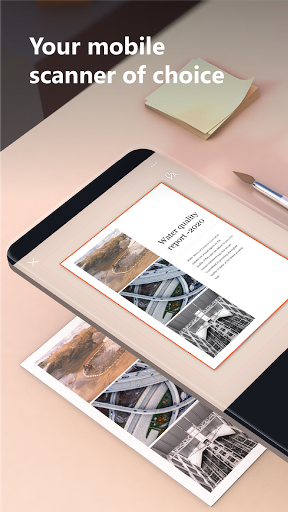

About this app
Developer Description
Pocket PDF scanner with integrated OCR
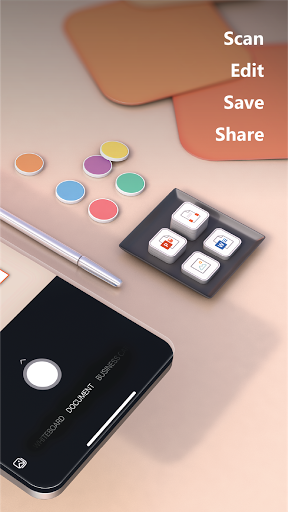
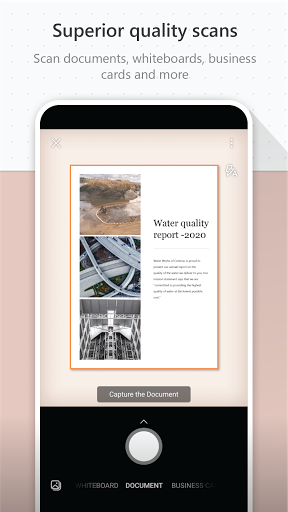
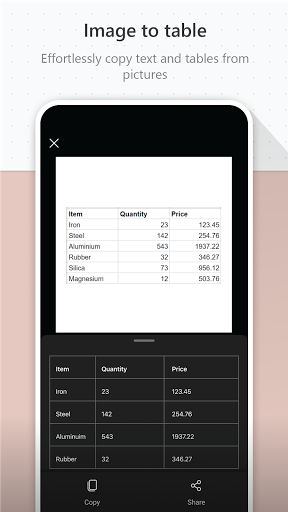
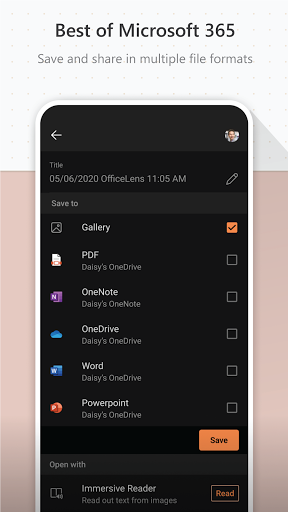
You can use Microsoft Lens to convert images to PDF, Word, PowerPoint, and Excel files, digitize printed or handwritten text, and save to OneNote, OneDrive, or your local device. You can even import images that are already on your device using Gallery.
PRODUCTIVITY AT WORK
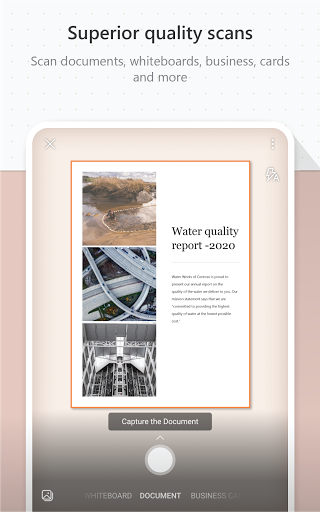
• Scan and upload all your notes, receipts, and documents
• Capture whiteboard at end of the meeting to keep those action items on track
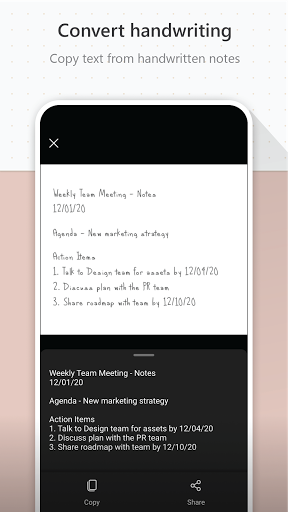
• Scan printed text or handwritten meeting notes to edit and share later
• Keep your business networking contacts handy by scanning business cards and saving them to your contact list
• Choose to save as PDF, Image, Word or PowerPoint formats into OneNote, OneDrive, or local device as location
PRODUCTIVITY AT SCHOOL
• Scan classroom handouts and annotate them in Word and OneNote
• Scan handwritten notes to digitize and edit later (works with English only)
• Take a picture of the whiteboard or blackboard to reference later, even if you're offline
• Keep class notes and your own research organized with the seamless integration with OneNote
By installing the app, you agree to these terms and conditions: http://aka.ms/olensandterms.
What's New
Version Information
- Version
- 16.0.19628.20008
- Downloads
- 50M+
- Updated on
- Jan 7, 2026
- Released
- May 26, 2015
- Requires
- Android 7.0
Statistics
Google Play Rating History
Rating Distribution
Downloads Over Time
Microsoft Lens - PDF Scanner has been downloaded times. Over the past 30 days, it averaged downloads per day.
Shaded area shows 30-day prediction based on historical trends
Historical data collection started recently. More data points will be available over time.
Microsoft Lens - PDF Scanner users say on Google Play
 Andrea MadDog
I've used this app for over a number of years and it's never worked better. It let's me go paperless with all bills and receipts easily scanned and saved.
 cyrus nzau
❤
 ALI ANISSI
Hello, please do not take the Microsoft Lens out of support and update, and continue to support, because it is very powerful and perfect for scanning documents, do not leave the support, and continue to add other features and capabilities. Thank you.
 Nik Myname
Просто личте
ApkTrusted Ratings & Reviews
More from Microsoft Corporation
See more apps
Microsoft Authenticator
Free

Microsoft Bing Search
Free

Microsoft Azure
Free

MSN
Free

MSN Money- Stock Quotes & News
Free

MSN Weather - Forecast & Maps
Free

IoT Plug and Play
Free

Microsoft Build
Free

Microsoft Bing Webmaster Tools
Free

Link to Windows
Free

Warehouse Management
Free

Bing Wallpapers
Free

Microsoft Advertising
Free

Microsoft Identity Pass
Free

As Dusk Falls Companion App
Free

SMS Organizer
Free
Similar Apps

Adobe Scan AI PDF Scanner, OCR
Free

iLovePDF: PDF Editor & Scanner
Free

Genius Scan - PDF Scanner
Free

PDF Scanner app - TapScanner
Free

Smallpdf: Scanner & PDF Editor
Free

PDFelement-PDF Editor & Reader
Free

Document Reader - PDF Editor
Free

Mobi PDF・Editor・Scanner・Reader
Free

Mobile Scanner App - Scan PDF
Free

MobiOffice: Word, Sheets, PDF
Free

WPS Office-PDF, Word, Sheet
Free
DOCX Editor: PDF, DOC, XLSX
Free
Image to PDF - PDF Maker
Free
Polaris Office: Edit&View, PDF
Free

vFlat Scan - PDF Scanner, OCR
Free

PDF Scanner - Document Scanner
Free
Scan this QR code to download

Forwarding you to the page at Google Play market in seconds...
Open Google Play market now