
Christmas Snow Watch Face vVARY
Rzrshrp Analog and Digital Design



About this app
Developer Description
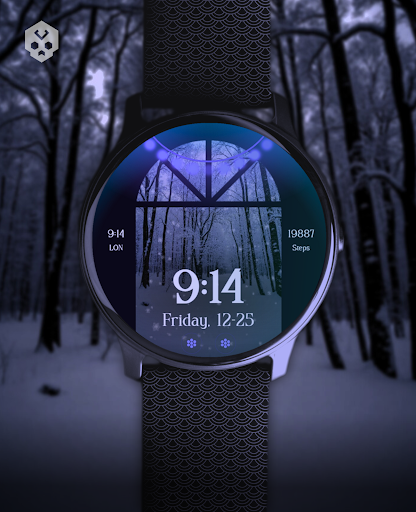
An endless animated snowfall, a cozy watch face, perfect for Christmas holidays!
Introduction
This is a native, standalone Wear OS watch face. This means that it can be installed on many smartwatches running this OS (like Samsung, Mobvoi Ticwatch, Fossil, Oppo, the latest Xiaomi and more).
It is completely handcrafted, to be unique.
Features
The watch face includes:
◉ 30 color schemes
◉ A beautiful endless snowfall and parallax effect
◉ Many different customizations
◉ 12/24 hours, auto date format support
◉ A lot of information at a glance
◉ Customizable Overlay (10 available)
◉ Customizable Backlight (10 available)
◉ Customizable Background (10 available)
◉ Customizable Christmas lights / battery meter (9 available)
◉ Customizable Window (10 available)
◉ 7 customizable complications, of different sizes!
◉ Easy to use (and uninstallable) companion app
Installation
The installation is straightforward, don't worry!
Here's the procedure and a quick Q&A:
◉ Install this app in your smartphone
◉ Open it, and connect your Wear OS smartwatch to your device
◉ If the watch is connected, you will be able to tap the "view and install on smartwatch" button. (if not, refer to the Q&A below)
◉ Check your watch, you should see my watch face and the install button (if you see the price instead, refer to the Q&A below)
◉ Install it in your smartwatch
◉ Long press on your current watch face
◉ Swipe left until you see a "+" button, tap on it
◉ Look for the new watch face, tap on it
◉ Done. If you want, you can uninstall the companion app now!
Q&A
Q - I'm being charged twice! / The watch is asking me to pay again / you're a [derogatory adjective]
A - Keep calm. This happens when the account you’re using on the smartphone is different from the account used on the smartwatch. You have to use the same account (else, Google has no way to know that you already bought the watch face).
Q - I can't press the button in the companion app but my smartwatch is connected, why?
A - Most probably, you're using an incompatible device, like an old Samsung smartwatch or any other non-Wear OS smartwatch/smartband. You can easily check on Google if your device runs Wear OS before installling any watch face. If you're sure you have a Wear OS device and still you can't press the button, open the Play Store on your watch and search for my watch face manually!
Q - I have a Wear OS device, but it's not working! I'm gonna leave a one star review 😏
A - Stop right there! Most definitely there's an issue on your side while following the procedure, so please just send me an email (i usually reply during the weekends) and don't damage me with a bad and misleading review!
Q - The [name of a feature] is not working!
A - Try setting another watch face and then set mine again, or try allowing the permissions manually (on the watch obviously). If it still doesn't work, there's an handy "email button" in the companion app!
Support
If you need help or you have a suggestion, feel free to send me an email, I'll do my best to help.
I usually reply during the weekend because I'm just one person (not a company) and I have a job, so be patient!
This app is supported and updated to fix bugs and add new features. The overall design won't change, but it will surely be improved over time!
I know that the price isn't the lowest, but I worked a lot of hours on each watch face and the price also includes the support and the updates, if you think about it. And i assure you, I'll invest any earning on useful things and to help my family. Oh, and thanks for reading the full description! Nobody does it!
What's New
Version Information
- Version
- -
- Downloads
- 100+
- Updated on
- Dec 6, 2025
- Released
- Nov 11, 2024
- Requires
- Android Varies with device
Statistics
Google Play Rating History
Rating Distribution
Downloads Over Time
Christmas Snow Watch Face has been downloaded times. Over the past 30 days, it averaged downloads per day.
Shaded area shows 30-day prediction based on historical trends
Historical data collection started recently. More data points will be available over time.
Christmas Snow Watch Face users say on Google Play
 Cheri N.
Not sure why everyone is having an issue with downloading since I haven't had any at all with my galaxy watch 6! This is actually a really cool looking watch face with TONS of customizations and really beautiful with smooth animations for winter... I'm glad I decided to get it since there aren't many good animated faces out there for the OS software watches unfortunately. Thanks to the designer, great work!
 Meghan Murphy
Difficult to navigate but beautiful
 Cindy Christensen
Drained the battery on my Pixel 3 watch extremely quickly, so I had to uninstall.
 Darlene Cunningham
Will not download to my watch face, requesting a refund
ApkTrusted Ratings & Reviews
More from Rzrshrp Analog and Digital Design
See more apps
Secret Service Watch Face
Paid

Infinity Parallax Watch Face
Free

Moving Evanescence Watch Face
Paid

Dark Metal Saber Watch Face
Paid

Scanner Watch Face
Paid
Planet in stars Watch Face
Paid

Scrolling Cyberdeck Watch Face
Paid

Dragon Radar Watch Face
Free

Big Ben Watch Face
Free

Poly Skull Watch Face
Free

Football Watch Face
Paid

Cosmo Phase Watch Face
Free

Car Watch Face
Free

Blue Screen Watch Face
Free

Liquid Glass Watch Face
Free

Glyph Mono Hand Watch Face
Paid
Similar Apps

ReS61 - Christmas Lights
Paid
Christmas Neon Snowflakes Xmas
Paid
LED Lights Rainbow Gamer RGB
Paid
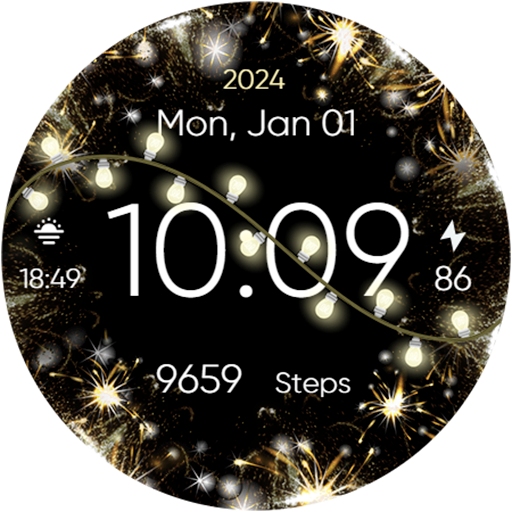
Animated New Year & Christmas
Paid
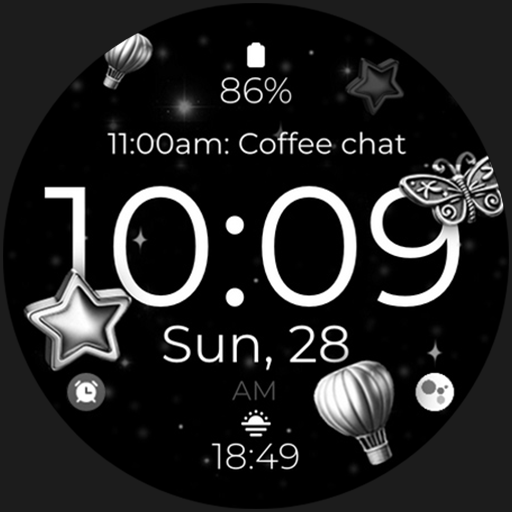
Digital Silver Watch Face
Paid
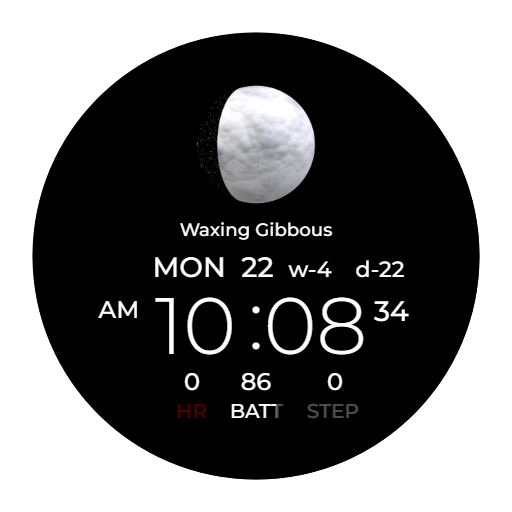
AI MOONPHASE
Paid

Christmas Lights watch face
Paid

Cute Shooting Stars Glitter
Paid

TVV Christmas - Animated
Paid

Snowflake rose gold watch face
Paid

BFF16- New Year & Christmas
Paid
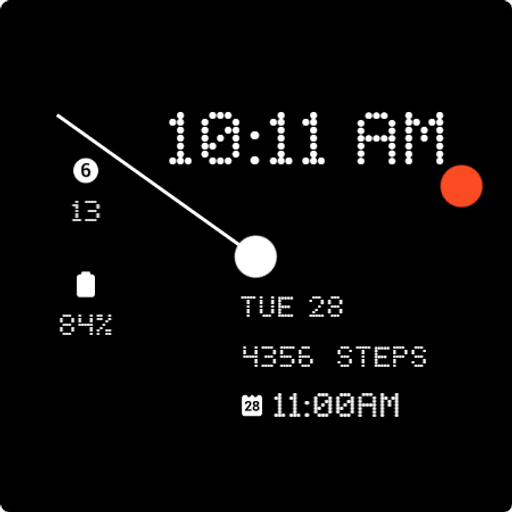
Nothing Analog Watch Face
Paid

Galaxy Castle Universe Space
Free
Lavanda Flowers 2
Paid

V NewYearTree
Free
Red Neon Gamer Spider Web
Paid
Scan this QR code to download

Forwarding you to the page at Google Play market in seconds...
Open Google Play market now