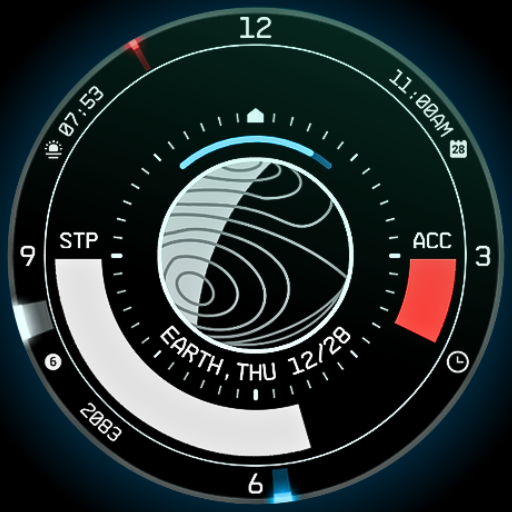
Planet in stars Watch Face vVARY
Rzrshrp Analog and Digital Design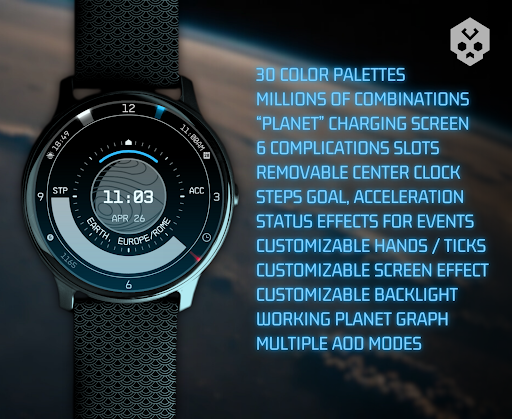




About this app
Developer Description
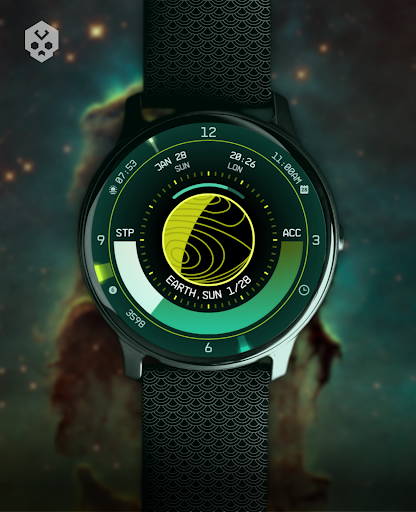
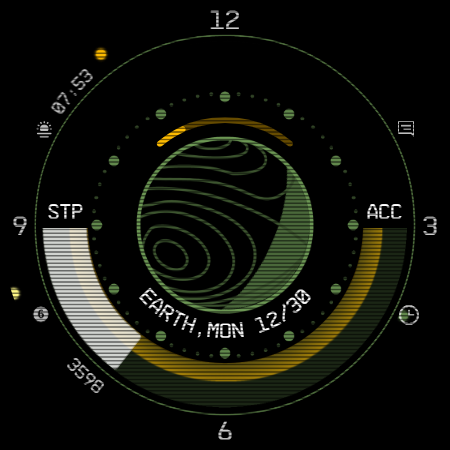
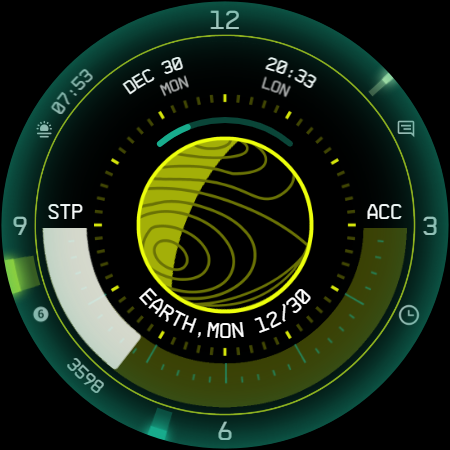
An original, digital / analog watch face with infinite customization options
Introduction
This is a native, standalone Wear OS watch face. This means that it can be installed on many smartwatches running this OS (like Samsung, Mobvoi Ticwatch, Fossil, Oppo, the latest Xiaomi and more).
It is completely handcrafted, to be unique.
Features
The watch face includes:
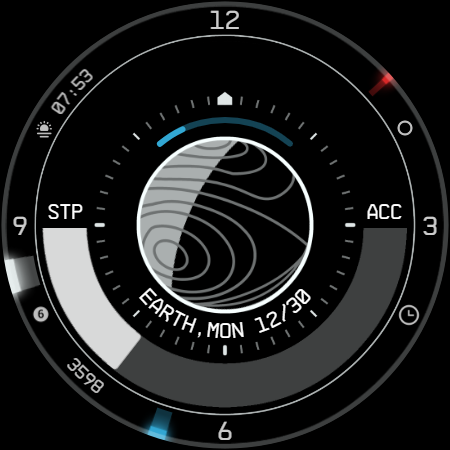
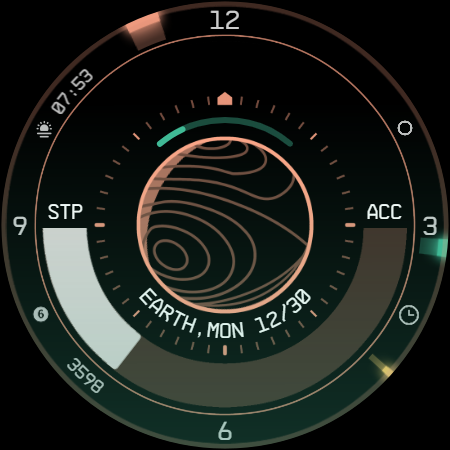
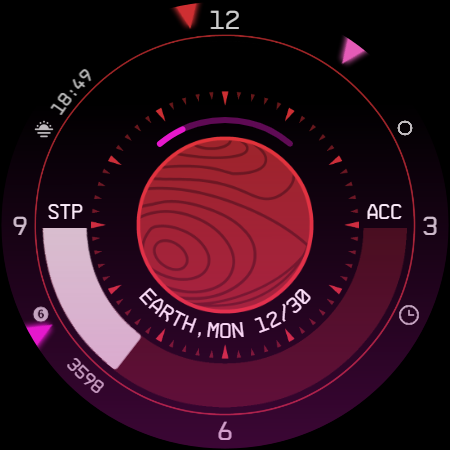
◉ 30 color palettes
◉ Many different customizations (9MLN possibilities!)
◉ 12/24 hours format support
◉ A lot of information at a glance
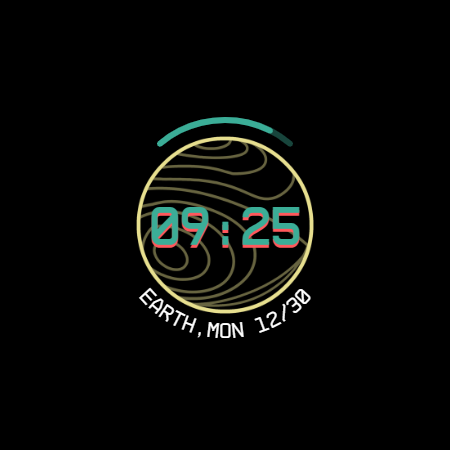
◉ Customizable UI, hands, circle, main bar, AOD and foreground effects
◉ Clean, futuristic and NASA punk style
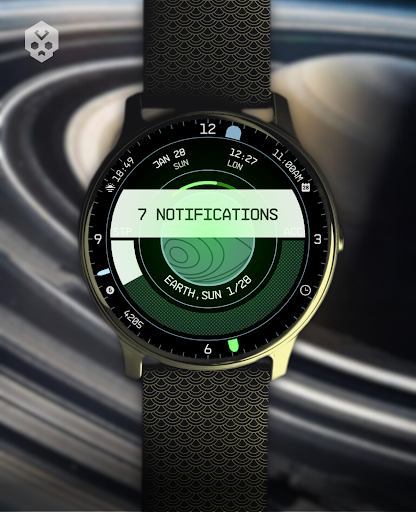
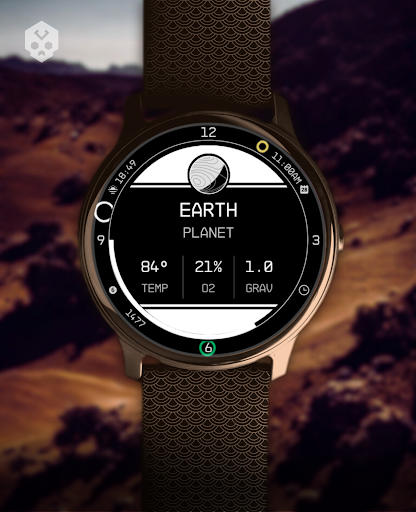
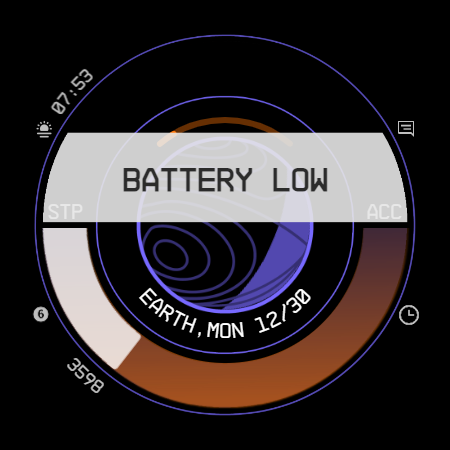
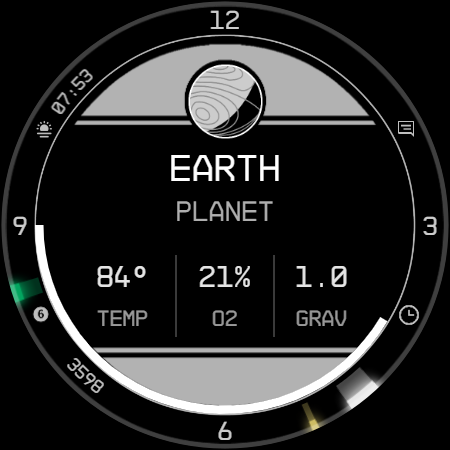
◉ Planet details while charging, low battery / notification status alert!
◉ 5 customizable complications, of different sizes!
◉ Easy to use (and uninstallable) companion app
Installation
The installation is straightforward, don't worry!
Here's the procedure and a quick Q&A:
◉ Install this app in your smartphone
◉ Open it, and connect your Wear OS smartwatch to your device
◉ If the watch is connected, you will be able to tap the "view and install on smartwatch" button. (if not, refer to the Q&A below)
◉ Check your watch, you should see my watch face and the install button (if you see the price instead, refer to the Q&A below)
◉ Install it in your smartwatch
◉ Long press on your current watch face
◉ Swipe left until you see a "+" button, tap on it
◉ Look for the new watch face, tap on it
◉ Done. If you want, you can uninstall the companion app now!
Q&A
Q - I'm being charged twice! / The watch is asking me to pay again / you're a [derogatory adjective]
A - Keep calm. This happens when the account you’re using on the smartphone is different from the account used on the smartwatch. You have to use the same account (else, Google has no way to know that you already bought the watch face).
Q - I can't press the button in the companion app but my smartwatch is connected, why?
A - Most probably, you're using an incompatible device, like an old Samsung smartwatch or any other non-Wear OS smartwatch/smartband. You can easily check on Google if your device runs Wear OS before installling any watch face. If you're sure you have a Wear OS device and still you can't press the button, open the Play Store on your watch and search for my watch face manually!
Q - I have a Wear OS device, but it's not working! I'm gonna leave a one star review 😏
A - Stop right there! Most definitely there's an issue on your side while following the procedure, so please just send me an email (i usually reply during the weekends) and don't damage me with a bad and misleading review!
Q - The [name of a feature] is not working!
A - Try setting another watch face and then set mine again, or try allowing the permissions manually (on the watch obviously). If it still doesn't work, there's an handy "email button" in the companion app!
Support
If you need help or you have a suggestion, feel free to send me an email, I'll do my best to help.
I usually reply during the weekend because I'm just one person (not a company) and I have a job, so be patient!
This app is supported and updated to fix bugs and add new features. The overall design won't change, but it will surely be improved over time!
I know that the price isn't the lowest, but I worked a lot of hours on each watch face and the price also includes the support and the updates, if you think about it. And i assure you, I'll invest any earning on useful things and to help my family. Oh, and thanks for reading the full description! Nobody does it!
What's New
- Latest WFF format support
- Fixes and optimizations
Version Information
- Version
- -
- Downloads
- 5K+
- Updated on
- Jul 30, 2025
- Released
- Nov 7, 2023
- Requires
- Android Varies with device
Statistics
Google Play Rating History
Rating Distribution
Downloads Over Time
Planet in stars Watch Face has been downloaded times. Over the past 30 days, it averaged downloads per day.
Shaded area shows 30-day prediction based on historical trends
Historical data collection started recently. More data points will be available over time.
Planet in stars Watch Face users say on Google Play
 Jonathan Enzinna
Works great, looks sharp, info dense, highly customizable, and I've noticed considerably better battery life compared to Facer watch faces. My only complaint is that the settings page takes forever to load. At first I thought it crashed, but it just needed more time. Otherwise, rock solid.
 Viktor
I like the starfield vibe. Pretty good customization with the exception of the hard coded alarm shortcut which is an annoyance as I have them all set via phone. Would prefer that be a complication instead of the center one. The analog hands are great so I didn't need a digital clock on the moon. Other than that the step count number I think would look better in the bar or removed. I like the step bar and the accelerometer part is neat.
 pepi dimi
I too, am here simply to request the steps bar have an option to be something else. steps function is useless to me and its the only thing keeping this watch face from being 10/10
 Eric Marchetti
Looks cool would like to use it more but the customization does not work. Every time I try changing something it crashes out and the changes don't go through.
 Eddie Leos
Garbage. Won't work, load, install on Pixel Watch. Did everything from uninstalling, installing, restart, nothing. Emailed the developer asking for tips or advice and have heard absolutely nothing and for that reason alone, garbage; 1 star. Good thing I used the Google rewards app for this.
ApkTrusted Ratings & Reviews
More from Rzrshrp Analog and Digital Design
See more apps
Liquid Glass Watch Face
Paid

Poly Skull Watch Face
Paid

Secret Service Watch Face
Paid

Infinity Parallax Watch Face
Free

Dragon Radar Watch Face
Paid

Moving Evanescence Watch Face
Paid

Dark Metal Saber Watch Face
Paid

Scanner Watch Face
Paid

Scrolling Cyberdeck Watch Face
Paid

Christmas Snow Watch Face
Paid

Big Ben Watch Face
Free

Football Watch Face
Paid

Cosmo Phase Watch Face
Free

Car Watch Face
Free

Blue Screen Watch Face
Free

Glyph Mono Hand Watch Face
Paid
Similar Apps

star explorer watch face
Paid
Star Field Moon Phase Watch
Paid

To the stars Watch Face
Paid

Sol 3 - animated watch face
Free

Starfield LPV6 SE Watch Face
Paid

Digital Watchface D3
Paid

ZKin Watch Sparkling Blue Star
Paid

StarMark
Paid

Timeframe
Paid

EXD094: Ultra Quantum Watch
Paid

Torus Earth ZKin Watch
Paid

ZKin Watch Blue Series Planet
Paid
KTcw
Free
Vector GUI Watch Face
Paid

ACD002 Planets Orbit
Paid

Division Watchface
Paid
Scan this QR code to download

Forwarding you to the page at Google Play market in seconds...
Open Google Play market now