Vector GUI Watch Face vVARY
thema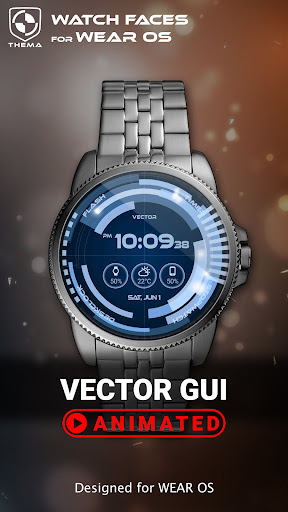





About this app
Developer Description
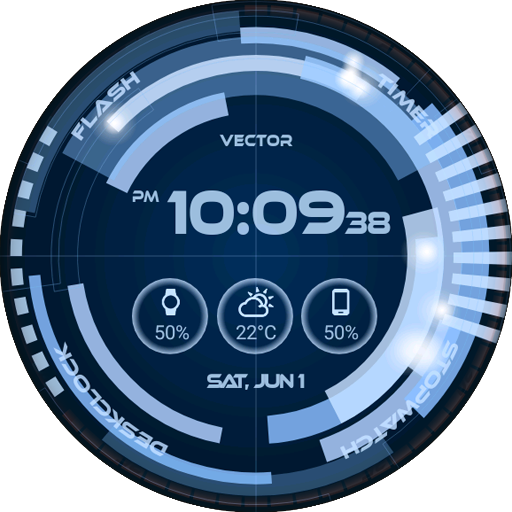
Futuristic animated & interactive : customize Vector GUI Watch Face!
★ Features of Vector GUI Watch Face ★
- Animations in interactive mode
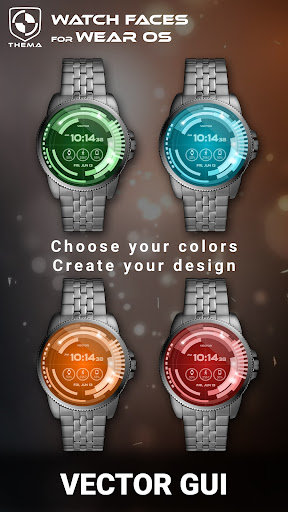
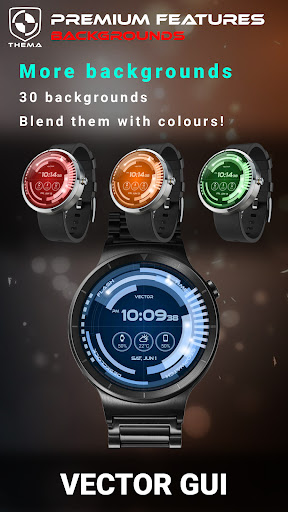
- Choose design colors
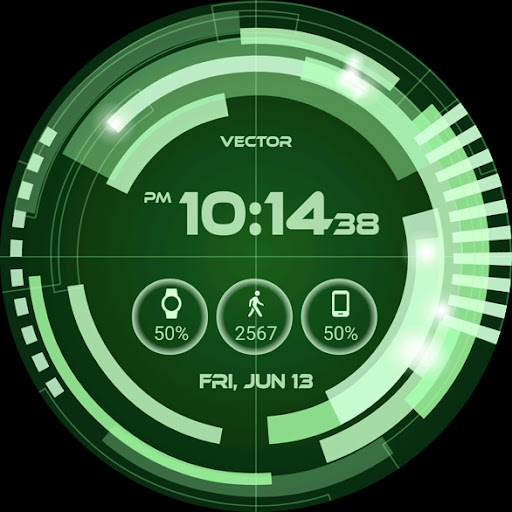
- Day & Month
- Watch battery
- Mobile battery (requires phone app)
- Weather (requires phone app)
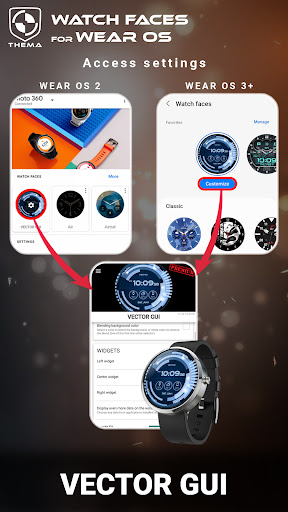
The settings of the watch face are located in the "Wear OS" app of your mobile.
Just hit the gear icon over the watch face preview and the settings screen will show up!
★ Settings ★
🔸Wear OS 2.X / 3.X / 4.X
- Choose design colors on watch & mobile
- Define heartbeat frequency refresh rate
- Define weather refresh rate
- Weather unit
- 12 / 24 hours mode
- Define interactive mode duration
- Choose the ambient mode b&w and eco luminosity
- Choose to display a leading zero on hours
- Switch between éco / simple b&w / full ambient mode
- Data:
+ Change the indicator to display on the 3 positions
+ Choose between up to 8 indicators (Daily step count, Heartbeat frequency, Unread Email from Gmail, etc...)
+ Complication (wear 2.0 & 3.0)
- Interactivity
+ Access to detailed data by touching a widget
+ Switch the displayed data by touching a widget
+ Change the shortcut to execute on the 4 positions
+ Choose your shortcut among all applications installed on your watch!
+ Choose to display the interactive areas
🔸Wear OS 6.X
- Choose design colors
- Choose date format
- Display shortcuts or not
- Complication data:
+ Set the data you want on the widgets
+ Touch the widgets to start the data activity if available
- Interactivity
+ Access to detailed data by touching a widget
+ Modify the shortcuts: choose your shortcut among all applications installed on your watch!
- ... and more
★ Additional settings on phone ★
- Notifications for new designs
- Access to support
- ... and more
★ Installation ★
🔸Wear OS 2.X / 3.X / 4.X
A notification will be displayed on your watch, right after your mobile installation. You just have to hit it to start the installation process of the watch face.
If the notification did not display for some reason, you can still install the watch face by using the Google Play Store available on your watch: just search the watch face by its name.
🔸Wear OS 6.X
Install the watch app to manage the watchface: the free version is automatically installed. Then use the "MANAGE" button in the top right shortcut of the watchface to update/upgrade your watch face.
★ More watch faces ★
Visit my watch faces collection for Wear OS on the Play Store at https://goo.gl/CRzXbS
** If you have any issues or questions, feel free to contact me by email (English or French language) before giving a bad rating. Thanks!
Website: https://www.themaapps.com/
Youtube: https://youtube.com/ThomasHemetri
Twitter: https://x.com/ThomasHemetri
Instagram: https://www.instagram.com/thema_watchfaces
What's New
- Design and optimisations
- Bump libraries versions
- Fix crash
Requires app update on both Watch & Mobile.
If you have any issue, please let me know by email at thema.apps@gmail.com
In-app purchases
$0.99 - $11.99 per item
Version Information
- Version
- -
- Downloads
- 10K+
- Updated on
- Jan 5, 2026
- Released
- Jun 13, 2015
- Requires
- Android Varies with device
Statistics
Google Play Rating History
Rating Distribution
Downloads Over Time
Vector GUI Watch Face has been downloaded times. Over the past 30 days, it averaged downloads per day.
Shaded area shows 30-day prediction based on historical trends
Historical data collection started recently. More data points will be available over time.
Vector GUI Watch Face users say on Google Play
 Shannon Madera
These are the one of the best as far as options and colors and Interaction.
 James White
This is a great watch skin however it seems to be running much slower and not as smooth as displayed on the preview video. I might be missing something but I'm wearing the Galaxy watch 4 which is a current gen model so it should run smoothly.
 A Google user
It needs the option to turn off the cotton balls.
A Google user
the numbers are too small
A Google user
--Pre Android Wear 2-- The watch face design is excellent & movement can be set to fast, slow or no movement. The inactive mode also works nicely to save power with colour & non colour mode that looks crap. The watch face does have some issues where shortcuts crash the watch face & colour selection from the watch face does not work with all colours but does work from the app & has more colours. I hope they keep working on the watch face as it has potential with its configurable design making it good value for money. --Post Android Wear 2-- Don't use this watch face from Android Wear 2. This watch face crashed the watch so badly that it could not be closed or restarted after it froze on a blank screen when I tried to change color from the LG Urbane.
ApkTrusted Ratings & Reviews
More from thema
See more apps
Critical GUI Watch Face
Paid

Phone Battery Complication
Free

B-Sidz Watch Face
Free
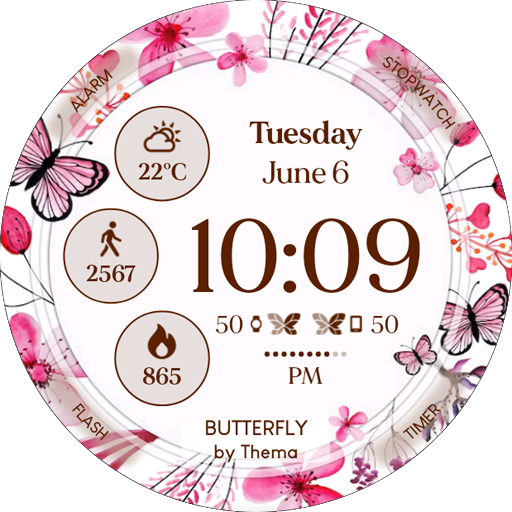
Butterfly Watch Face
Free
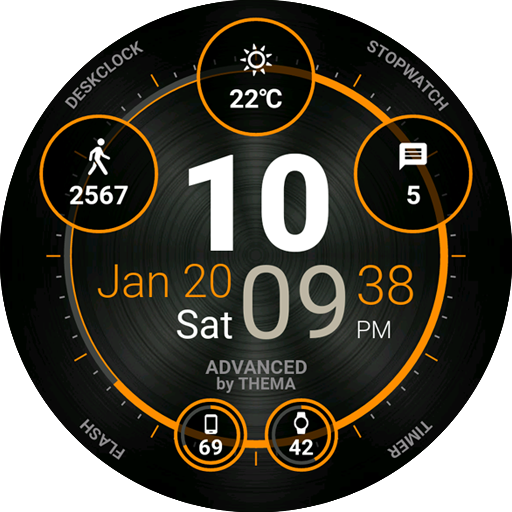
Advanced Watch Face
Free
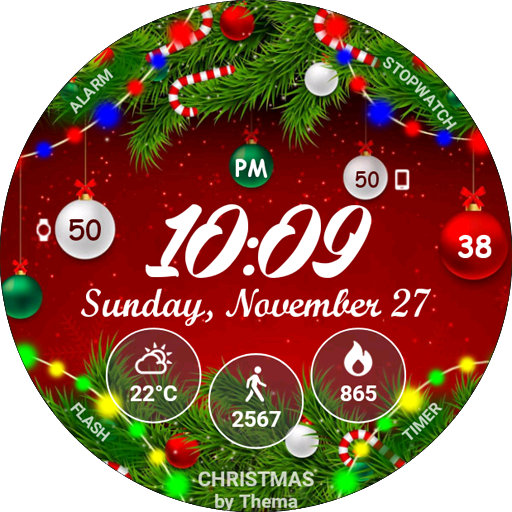
Christmas Lights Watch Face
Free
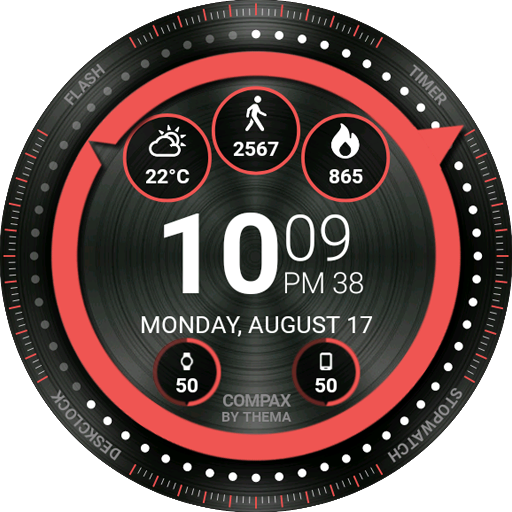
Compax Watch Face
Free
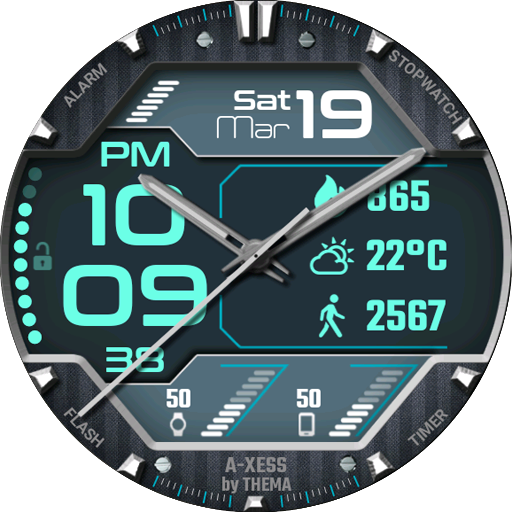
A-Xess Watch Face
Free
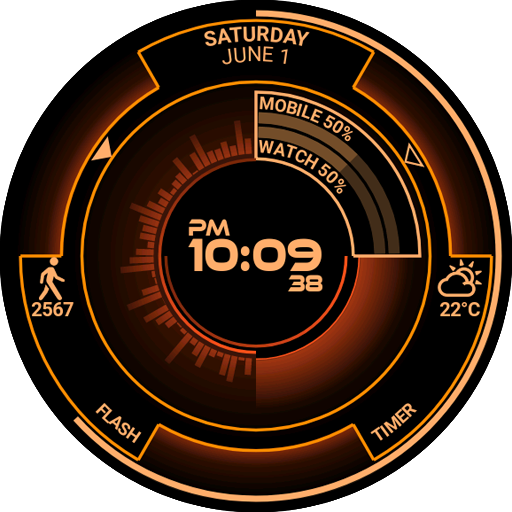
Atomic Watch Face
Paid
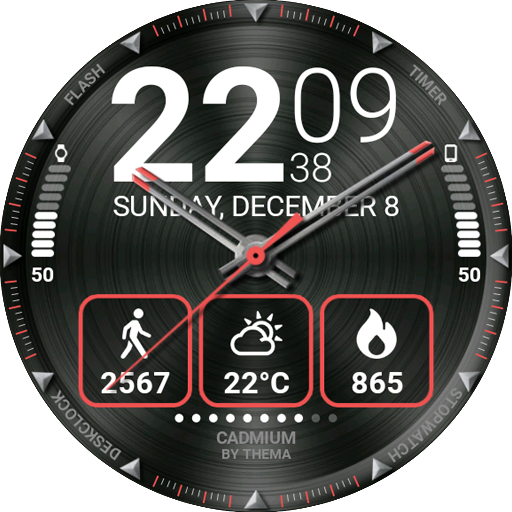
Cadmium Watch Face
Free
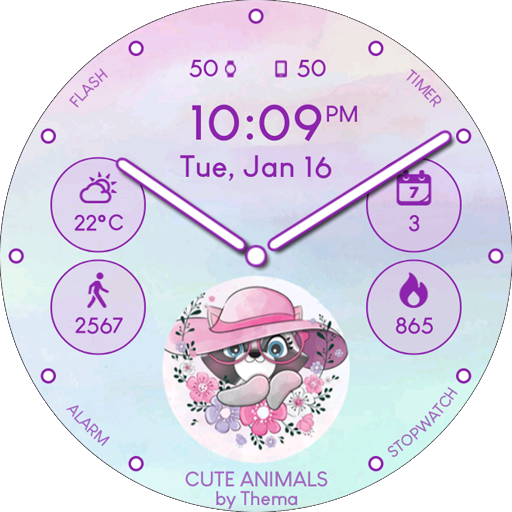
Cute Animals Watch Face
Free
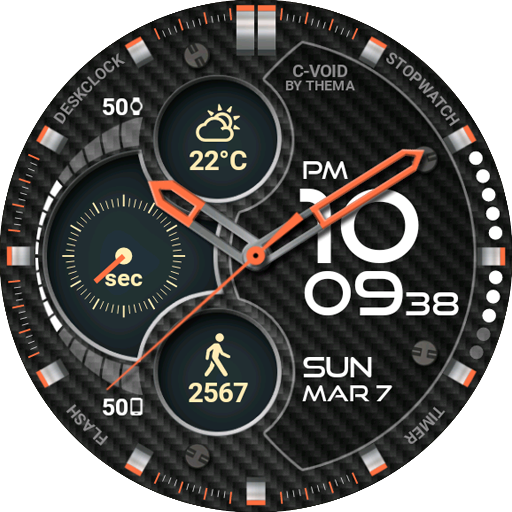
C-Void Watch Face
Free
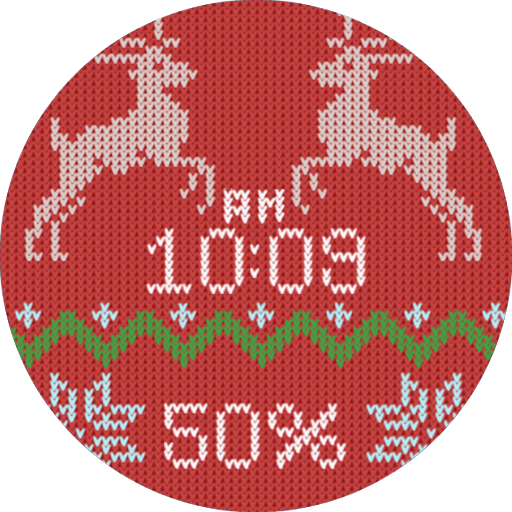
Christmas Sweater Watch Face
Paid
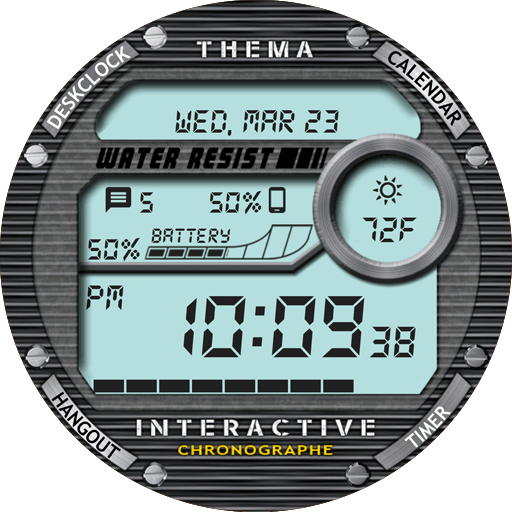
Chrono Watch Face
Free
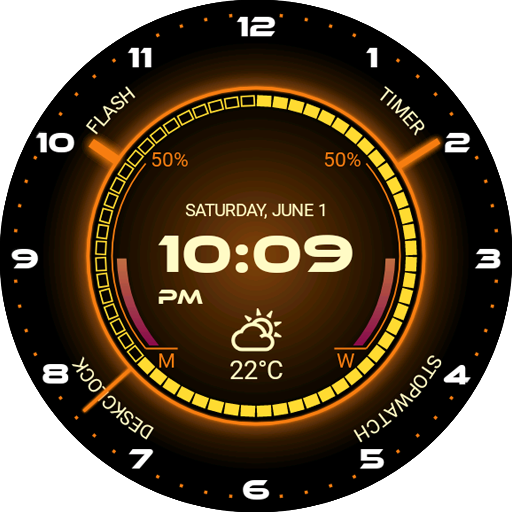
Core Watch Face
Free
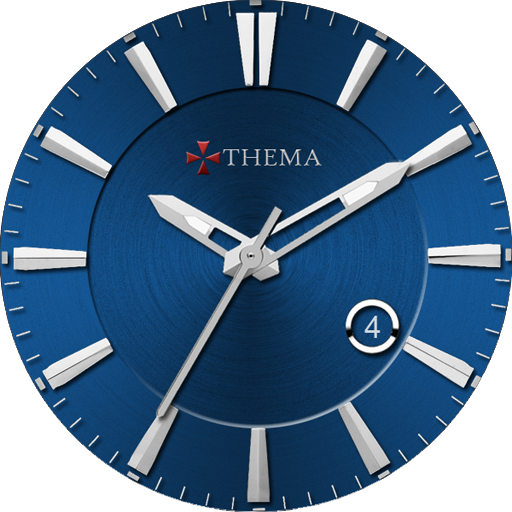
Classic One Wear Watch Face
Free
Scan this QR code to download

Forwarding you to the page at Google Play market in seconds...
Open Google Play market now