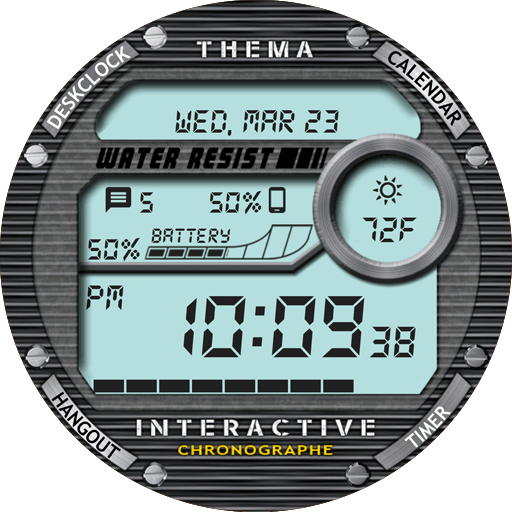
Chrono Watch Face vVARY
thema



/
About this app
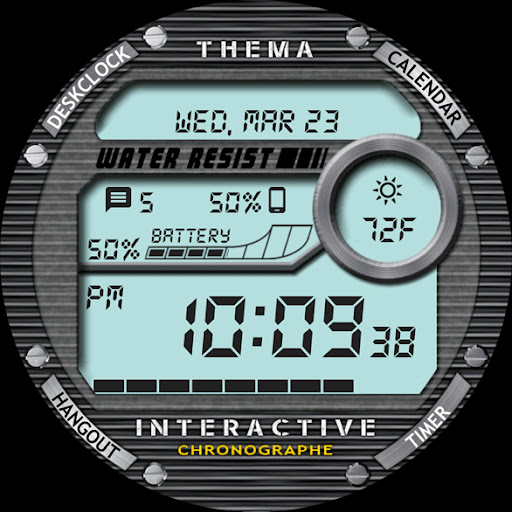
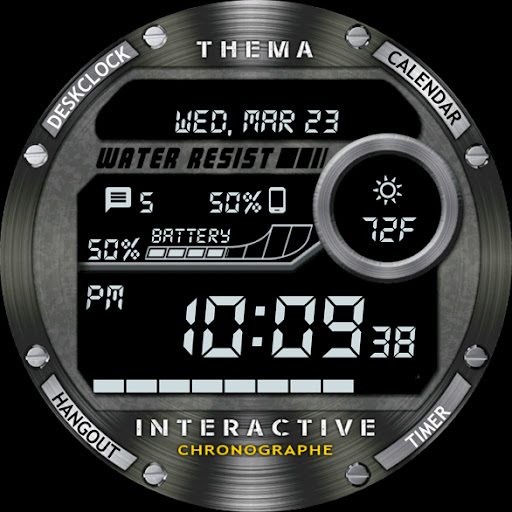
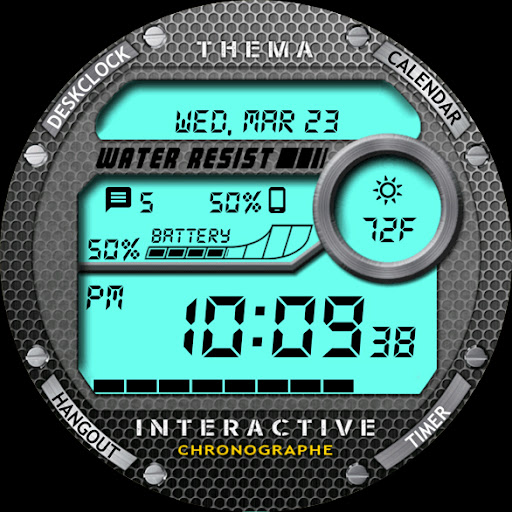
Chrono Watch Face is an interactive digital watch face with 8 data to display
Chrono Watch Face for Wear OS!
★ Features of Chrono Watch Face ★
- Choose design colors
- Day & Month
- Watch battery
- Mobile battery (requires phone app)
- Weather (requires phone app)
The settings of the watch face are located in the "Wear OS" app of your mobile.
Just hit the gear icon over the watch face preview and the settings screen will show up!
★ Settings ★
🔸Wear OS 2.X / 3.X / 4.X
- Choose design colors on watch & mobile
- Define heartbeat frequency refresh rate
- Define weather refresh rate
- Weather unit
- 12 / 24 hours mode
- Define interactive mode duration
- Choose the ambient mode b&w and eco luminosity
- Choose to display a leading zero on hours
- Choose to display or not the seconds dots
- Switch between éco / simple b&w / full ambient mode
- Choose background among different styles
- Blend background with colors
- Data:
+ Change the indicator to display on the 3 positions
+ Choose between up to 8 indicators (Daily step count, Heartbeat frequency, Unread Email from Gmail, etc...)
+ Complication (wear 2.0 & 3.0)
- Interactivity
+ Access to detailed data by touching a widget
+ Switch the displayed data by touching a widget
+ Change the shortcut to execute on the 4 positions
+ Choose your shortcut among all applications installed on your watch!
+ Choose to display the interactive areas
🔸Wear OS 6.X
- Choose design colors
- Choose date format
- Display shortcuts or not
- Display watch / mobile battery indicators or not
- Choose background among different styles
- Blend background with colors
- Complication data:
+ Set the data you want on the widgets
+ Touch the widgets to start the data activity if available
- Interactivity
+ Access to detailed data by touching a widget
+ Modify the shortcuts: choose your shortcut among all applications installed on your watch!
- ... and more
★ Additional settings on phone ★
- Notifications for new designs
- Access to support
- ... and more
★ Installation ★
🔸Wear OS 2.X / 3.X / 4.X
A notification will be displayed on your watch, right after your mobile installation. You just have to hit it to start the installation process of the watch face.
If the notification did not display for some reason, you can still install the watch face by using the Google Play Store available on your watch: just search the watch face by its name.
🔸Wear OS 6.X
Install the watch app to manage the watchface: the free version is automatically installed. Then use the "MANAGE" button in the top right shortcut of the watchface to update/upgrade your watch face.
★ More watch faces ★
Visit my watch faces collection for Wear OS on the Play Store at https://goo.gl/CRzXbS
** If you have any issues or questions, feel free to contact me by email (English or French language) before giving a bad rating. Thanks!
Website: https://www.themaapps.com/
Youtube: https://youtube.com/ThomasHemetri
Twitter: https://x.com/ThomasHemetri
Instagram: https://www.instagram.com/thema_watchfaces
★ Features of Chrono Watch Face ★
- Choose design colors
- Day & Month
- Watch battery
- Mobile battery (requires phone app)
- Weather (requires phone app)
The settings of the watch face are located in the "Wear OS" app of your mobile.
Just hit the gear icon over the watch face preview and the settings screen will show up!
★ Settings ★
🔸Wear OS 2.X / 3.X / 4.X
- Choose design colors on watch & mobile
- Define heartbeat frequency refresh rate
- Define weather refresh rate
- Weather unit
- 12 / 24 hours mode
- Define interactive mode duration
- Choose the ambient mode b&w and eco luminosity
- Choose to display a leading zero on hours
- Choose to display or not the seconds dots
- Switch between éco / simple b&w / full ambient mode
- Choose background among different styles
- Blend background with colors
- Data:
+ Change the indicator to display on the 3 positions
+ Choose between up to 8 indicators (Daily step count, Heartbeat frequency, Unread Email from Gmail, etc...)
+ Complication (wear 2.0 & 3.0)
- Interactivity
+ Access to detailed data by touching a widget
+ Switch the displayed data by touching a widget
+ Change the shortcut to execute on the 4 positions
+ Choose your shortcut among all applications installed on your watch!
+ Choose to display the interactive areas
🔸Wear OS 6.X
- Choose design colors
- Choose date format
- Display shortcuts or not
- Display watch / mobile battery indicators or not
- Choose background among different styles
- Blend background with colors
- Complication data:
+ Set the data you want on the widgets
+ Touch the widgets to start the data activity if available
- Interactivity
+ Access to detailed data by touching a widget
+ Modify the shortcuts: choose your shortcut among all applications installed on your watch!
- ... and more
★ Additional settings on phone ★
- Notifications for new designs
- Access to support
- ... and more
★ Installation ★
🔸Wear OS 2.X / 3.X / 4.X
A notification will be displayed on your watch, right after your mobile installation. You just have to hit it to start the installation process of the watch face.
If the notification did not display for some reason, you can still install the watch face by using the Google Play Store available on your watch: just search the watch face by its name.
🔸Wear OS 6.X
Install the watch app to manage the watchface: the free version is automatically installed. Then use the "MANAGE" button in the top right shortcut of the watchface to update/upgrade your watch face.
★ More watch faces ★
Visit my watch faces collection for Wear OS on the Play Store at https://goo.gl/CRzXbS
** If you have any issues or questions, feel free to contact me by email (English or French language) before giving a bad rating. Thanks!
Website: https://www.themaapps.com/
Youtube: https://youtube.com/ThomasHemetri
Twitter: https://x.com/ThomasHemetri
Instagram: https://www.instagram.com/thema_watchfaces
In-app purchases
$0.99 - $11.99 per item
Version Information
- Version
- -
- Downloads
- 10K+
- Updated on
- Nov 30, 2025
- Released
- Mar 23, 2016
- Requires
- Android Varies with device
What's New
2.25.11.2313
- Design and optimisations
- Bump libraries versions
- Fix crash
Requires app update on both Watch & Mobile.
If you have any issue, please let me know by email at thema.apps@gmail.com
- Design and optimisations
- Bump libraries versions
- Fix crash
Requires app update on both Watch & Mobile.
If you have any issue, please let me know by email at thema.apps@gmail.com
Ratings & Reviews
Developer Response
More from thema
See more apps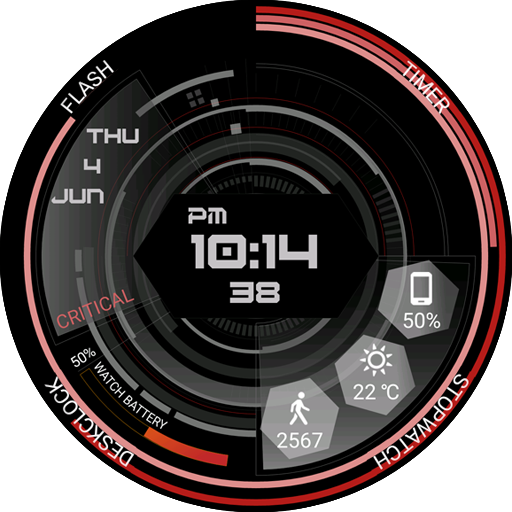
Critical GUI Watch Face
Paid
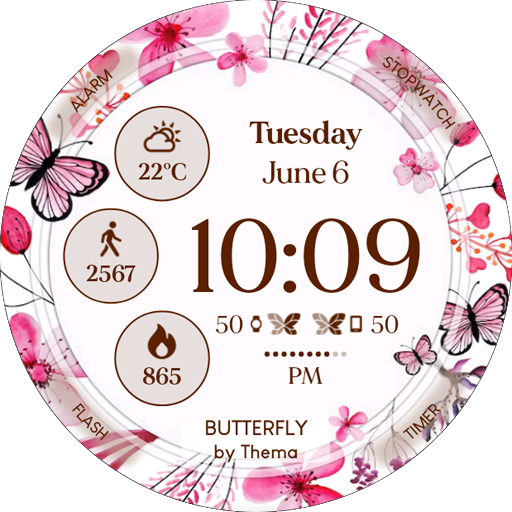
Butterfly Watch Face
Free
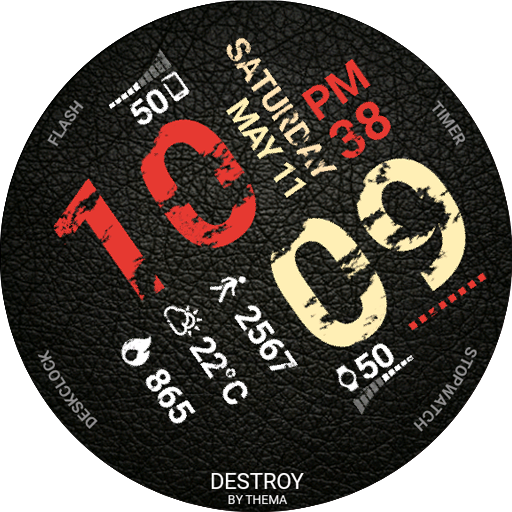
Destroy Watch Face
Free
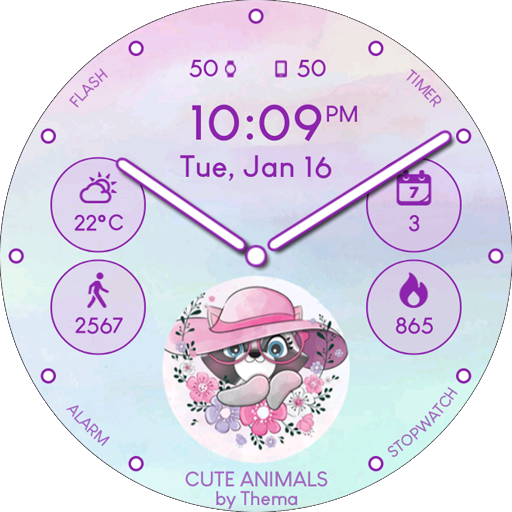
Cute Animals Watch Face
Free
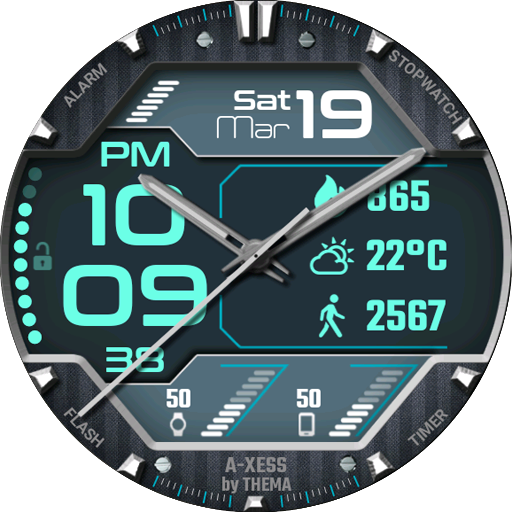
A-Xess Watch Face
Free
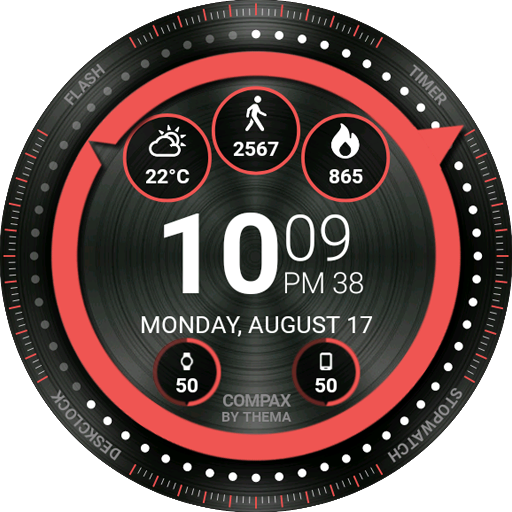
Compax Watch Face
Free
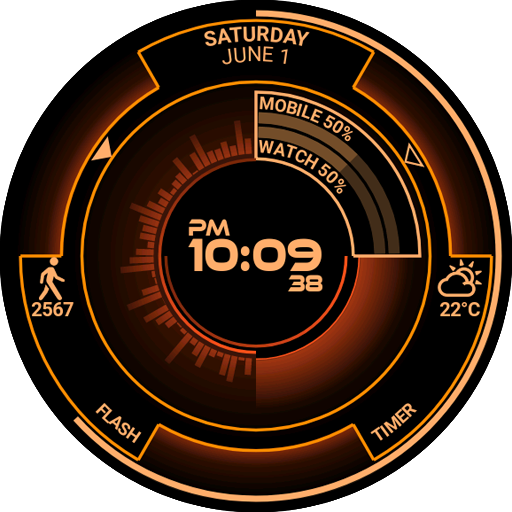
Atomic Watch Face
Paid
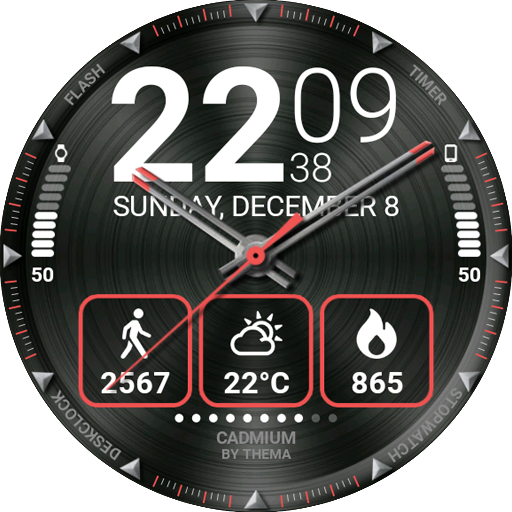
Cadmium Watch Face
Free
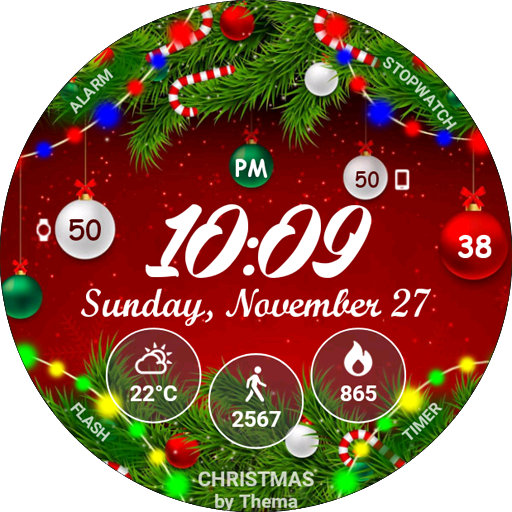
Christmas Lights Watch Face
Free
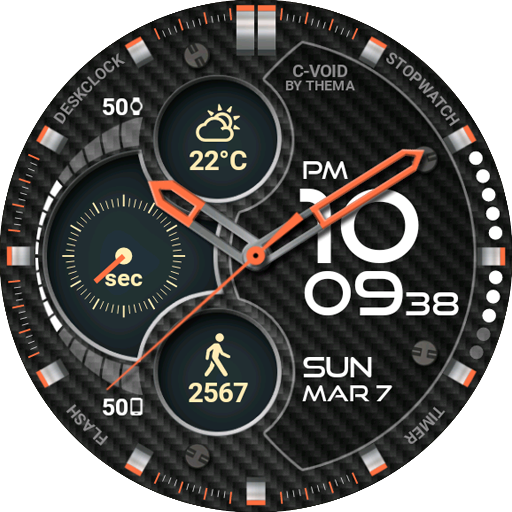
C-Void Watch Face
Free
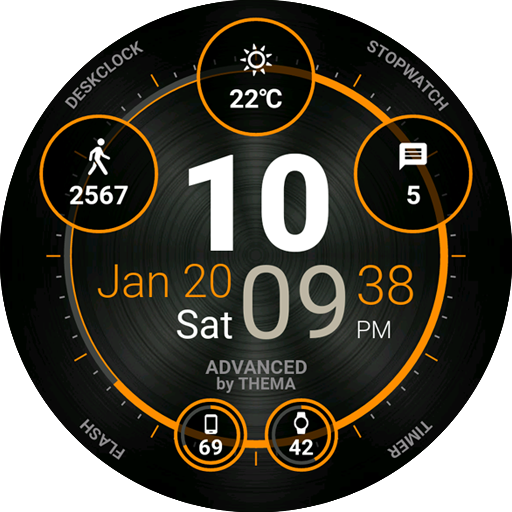
Advanced Watch Face
Free
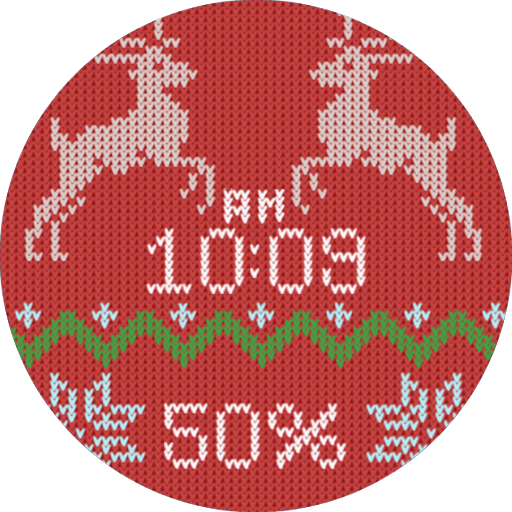
Christmas Sweater Watch Face
Paid
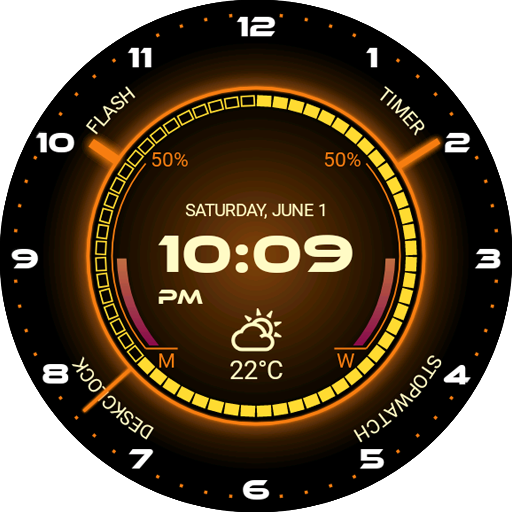
Core Watch Face
Paid
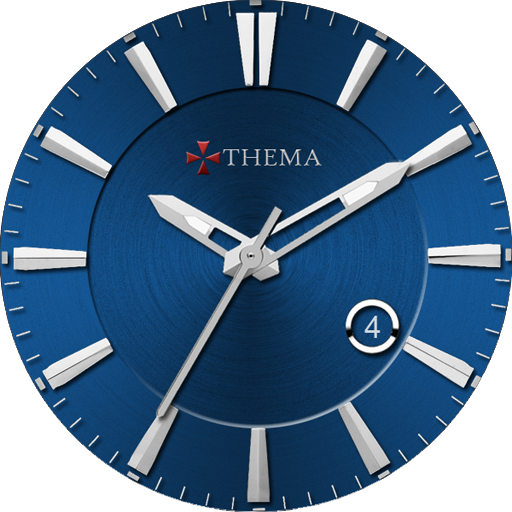
Classic One Wear Watch Face
Paid

Phone Battery Complication
Free

B-Sidz Watch Face
Free
Similar Apps

VS Illumination
Free

HMKWatch Digital 268
Free
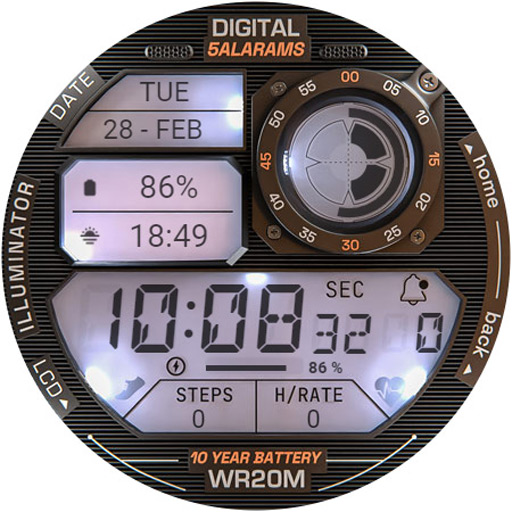
ILLUMINATOR Digital Watch face
Paid

EXD127: Digital Shock Face
Free

GRBL Digital One Watch Face
Paid

Classis Retro Weather Digital
Paid

CELEST5531 Retro Digital Watch
Paid

HMK D268
Paid
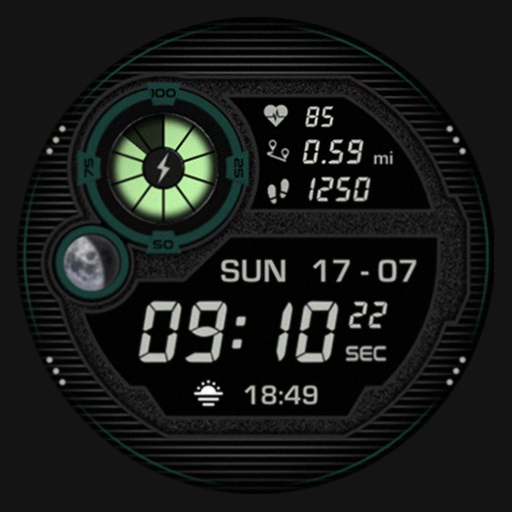
SG-107
Paid

Digital Watchface — NDW072
Free
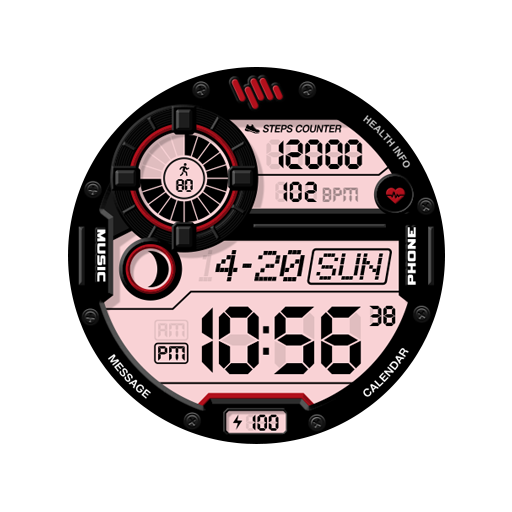
SamWatch Digital Rhea
Paid

CELEST5530 Retro Digital Watch
Paid

Ballozi BRILLO Digital Retro
Free
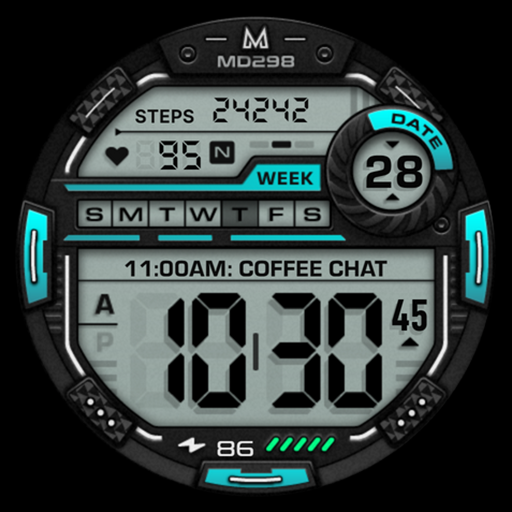
MD298 Digital watch face
Free

Retro Digital Watch Face
Paid

Unique Digital Watch Face
Paid