
CELEST5530 Retro Digital Watch vVARY
CELEST Watches




/
About this app
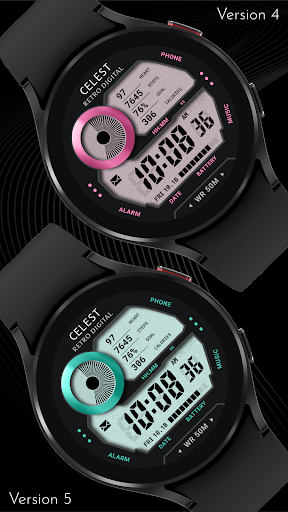
Sleek and elegant classic watch face from CELEST Watches
Available in 9 captivating color variations, this timepiece combines retro charm with modern functionality. Its bold, segmented digits and contrasting color palette create a striking visual impact. Essential information is clearly displayed, including time, date, battery level, heart rate, steps, calories burned, and progress towards your step goal. Enjoy quick access to your phone, alarm, and music with dedicated app shortcuts. Plus, customize the watch face with two invisible complications that can be set up as shortcuts to your favorite apps.
INSTALLATION GUIDE ↴
When attempting to install a watch face from the official Google Play Android app, you may encounter several issues.
In cases where the watch face is installed on your phone but not on your watch, the developer has included a companion app to enhance visibility on the Play Store. You can uninstall the companion app from your phone and look for a triangular symbol next to the Install button in the Play Store app (https://i.imgur.com/OqWHNYf.png). This symbol indicates a dropdown menu, where you can pick your watch as the target for installation.
Alternatively you can try to open the Play Store in a web browser on your laptop, Mac or PC. This will enable you to visually select the correct device for installation (https://i.imgur.com/Rq6NGAC.png).
[Samsung] If you followed the aforementioned instructions and the watch face still doesn't appear on your watch, open the Galaxy Wearable app. Navigate to the Downloaded section within the app, and you'll find the watch face there (https://i.imgur.com/mmNusLy.png). Simply click on it to initiate the installation.
WATCH FACE DETAILS ↴
Customization:
- 9 color variations
- 9 LCD screen background color options
- 2 invisible complications over the three dots on the left and right side to be used as app shortcuts
CATALOG & DISCOUNTS↴
Our online catalog: https://celest-watches.com/product-category/compatibility/wear-os/
Wear OS discounts: https://celest-watches.com/product-category/availability/on-sale-on-google-play/
FOLLOW US ↴
Instagram: https://www.instagram.com/celestwatches/
Facebook: https://www.facebook.com/celeswatchfaces
Twitter: https://twitter.com/CelestWatches
Telegram: https://t.me/celestwatcheswearos
INSTALLATION GUIDE ↴
When attempting to install a watch face from the official Google Play Android app, you may encounter several issues.
In cases where the watch face is installed on your phone but not on your watch, the developer has included a companion app to enhance visibility on the Play Store. You can uninstall the companion app from your phone and look for a triangular symbol next to the Install button in the Play Store app (https://i.imgur.com/OqWHNYf.png). This symbol indicates a dropdown menu, where you can pick your watch as the target for installation.
Alternatively you can try to open the Play Store in a web browser on your laptop, Mac or PC. This will enable you to visually select the correct device for installation (https://i.imgur.com/Rq6NGAC.png).
[Samsung] If you followed the aforementioned instructions and the watch face still doesn't appear on your watch, open the Galaxy Wearable app. Navigate to the Downloaded section within the app, and you'll find the watch face there (https://i.imgur.com/mmNusLy.png). Simply click on it to initiate the installation.
WATCH FACE DETAILS ↴
Customization:
- 9 color variations
- 9 LCD screen background color options
- 2 invisible complications over the three dots on the left and right side to be used as app shortcuts
CATALOG & DISCOUNTS↴
Our online catalog: https://celest-watches.com/product-category/compatibility/wear-os/
Wear OS discounts: https://celest-watches.com/product-category/availability/on-sale-on-google-play/
FOLLOW US ↴
Instagram: https://www.instagram.com/celestwatches/
Facebook: https://www.facebook.com/celeswatchfaces
Twitter: https://twitter.com/CelestWatches
Telegram: https://t.me/celestwatcheswearos
Version Information
- Version
- -
- Downloads
- 50+
- Updated on
- Jul 18, 2025
- Released
- Aug 17, 2024
- Requires
- Android Varies with device
What's New
Updated to latest target API.
Ratings & Reviews
Developer Response
More from CELEST Watches
See more apps
CELEST5415 Retro Digital Watch
Paid

CELEST5412 Analog Watch
Paid
CELEST5401 Minimalist Watch
Paid

CELEST5403 Sport Watch
Paid
CELEST5404 Retro Digital Watch
Paid
CELEST5405 Mirrored Watch
Paid

CELEST5409 Military Watch
Paid

CELEST5402 Retro Digital Watch
Paid

CELEST5413 Analog Watch
Paid

CELEST5410 Diver Watch
Paid

CELEST5414 Amart analog Watch
Paid

CELEST1000 Military Watch
Paid

CELEST5418 Military Watch
Paid
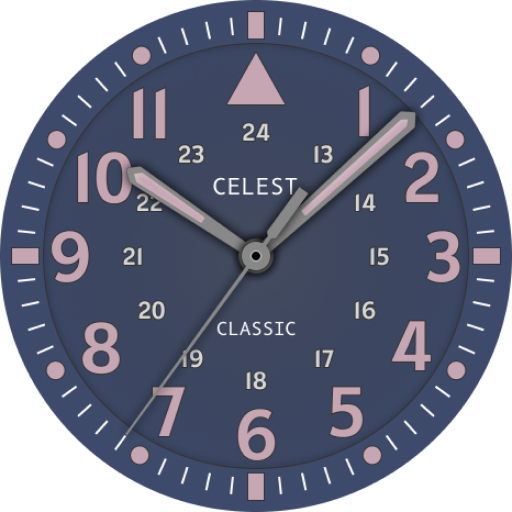
CELEST5419 Military Watch
Paid
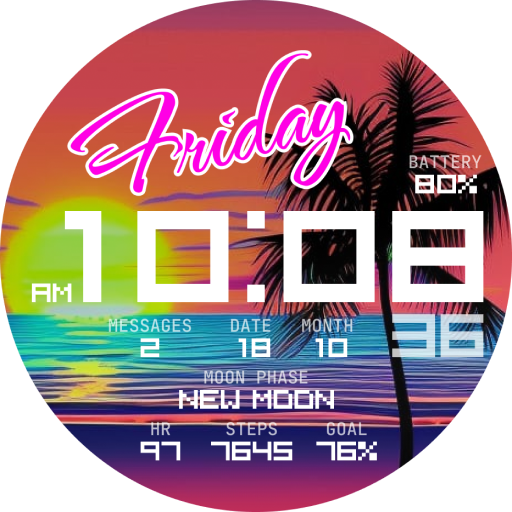
CELEST5421 Smart Watch
Paid

CELEST5422 Minimalist Watch
Paid
Similar Apps
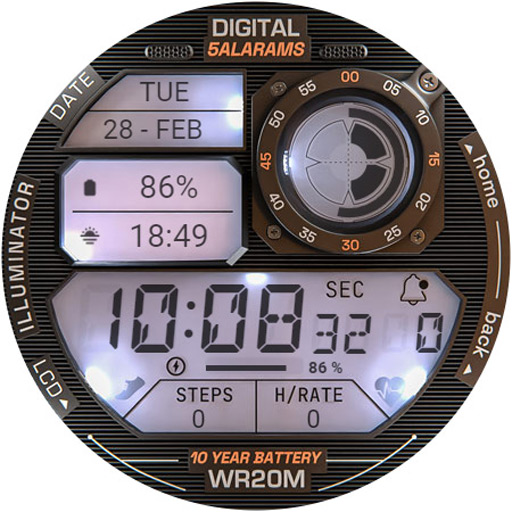
ILLUMINATOR Digital Watch face
Paid

VS Illumination
Free

JJ-Digital038 Watch Face
Free
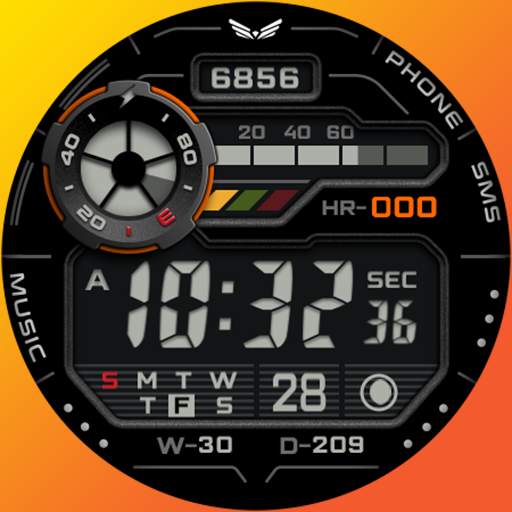
Ballozi CERTES Digital Retro
Paid

HMKWatch Digital 163
Free

Digital Retro Watchface—NDW73
Paid

Oogly Digital Retro
Paid

SH001 Watch Face, WearOS watch
Free

HMKWatch Digital 163 K
Paid

HMKWatch Digital 163 Invert
Paid
Chrono Watch Face
Paid

SamWatch Digital Atum B
Paid

JW286 jwstudio
Paid
SG-107
Paid

EXD127: Digital Shock Face
Paid

Informative Digital Watch 072
Paid