
SH001 Watch Face, WearOS watch vVARY
Shards Watch Face



About this app
Developer Description
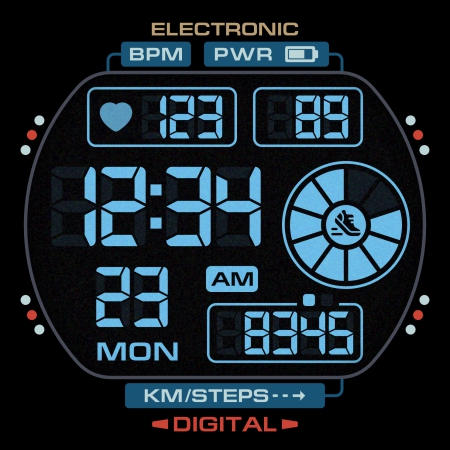
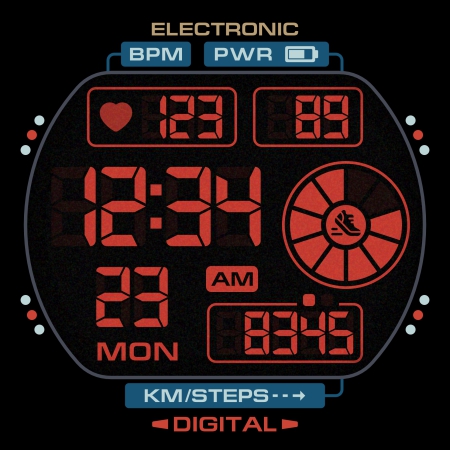
Digital Watch face. Only for Wear OS devices. Smartwatch app. Shards watch faces
The SH001 is a Digital watch face for Wear OS by Shards.
Shards is the perfect choice of watch faces for Wear OS smartwatches.
Watch face installation notes on smart watch:
Phone app serves only as a placeholder to make it easier to install & find the watch face on your Wear OS watch. You have to select your watch device from the install dropdown menu
TELEGRAM:
https://t.me/joinchat/TxsjXaUXKMQgqn5N
FACEBOOK:
https://www.facebook.com/groups/655756995056226/?ref=share
INSTAGRAM:
https://www.instagram.com/shards_watch_face
Watch face features:
- BPM
- Digital 12/24h
- Day of week
- Date
- Steps*
- Battery %
- Color change
- 4 customizable shortcuts
- Always ON Display
- Distance *, **
* Shows the value of the sensors(Steps/Distance) in turn - 5 seconds. In AOD mode, only the number of steps taken is displayed.
** Mileage will automatically show on devices with language set to UK and US English. For other languages, the distance will be shown in KM.
Watch face customization:
1 - Touch and hold display
2 - Tap on customize option
Some features may not be available on some watches.
Not Suitable for Rectangular Watches.
This watch face supports all Wear OS devices with API Level 30+
All watch faces: https://play.google.com/store/apps/dev?id=7427443638746033211
Version Information
- Version
- -
- Downloads
- 10K+
- Updated on
- Jul 24, 2025
- Released
- Oct 16, 2021
- Requires
- Android Varies with device
Statistics
Google Play Rating History
Rating Distribution
Downloads Over Time
SH001 Watch Face, WearOS watch has been downloaded times. Over the past 30 days, it averaged downloads per day.
Shaded area shows 30-day prediction based on historical trends
Historical data collection started recently. More data points will be available over time.
SH001 Watch Face, WearOS watch users say on Google Play
 Perry Chow
Seriously beautiful digital face. It's difficult to find a traditional looking digital face on WearOS, and this one is really nice. Love the color variations and the AOD display is wonderfully full featured. If you're a Casio fan, this face is a must have. All of the disparate elements are sized and balanced very well. Nothing is perfect, so the one thing I would like is a running display of seconds. But I'm a fan of Casios and this face fits pretty well with the Casio aesthetic.
 Strif3
Screenshots are showing steps in KM, but after downloading the watch face, the steps are in MILES and can not be changed :|.
 Dan L
Dan L
Looks great, but why can't we set some of the complications to go right to specific apps? I would also like to change the circle that shows the step progress to temperature since the steps are listed in the box directly below. Otherwise this is a great watchface.
 Chris Capasso (Chris C.)
You can't customize the circle complication, and it INSISTS on a 10k daily step goal. A lower goal won't show 100% full. You also can't customize the other complications; upper left is always heart rate. Upper right is always battery. Lower right is stuck on displaying steps and distance. My suggestion would be to allow customization of circle complication at least. That's my big issue- you could use that space to display weather. Already shows step count. Or make ring based on step goal.
 Thomas Shepherd
Got ripped off, face installs and that's all, not usable. Watch face downloads on watch, then has one option "uninstall", my watch is galaxy 6. It's telling me that the watchfaces to choose from are screen shots. Developer gave advice which didn't work.
ApkTrusted Ratings & Reviews
More from Shards Watch Face
See more apps
SH016 Watch Face, WearOS watch
Paid
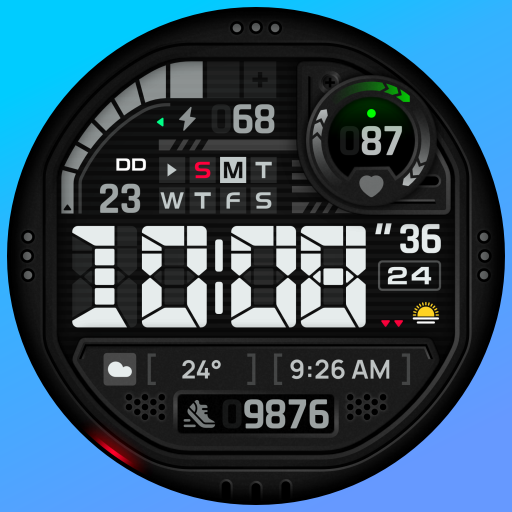
SH073 Watch Face, WearOS watch
Paid

SH013 Watch Face, WearOS watch
Paid
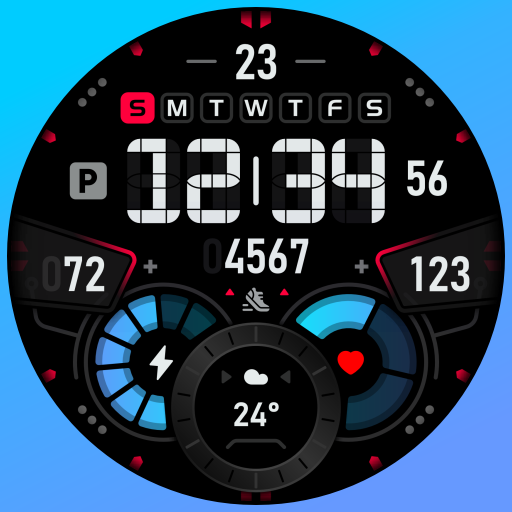
SH007 Watch Face, WearOS watch
Paid

SH019 Watch Face, WearOS watch
Paid
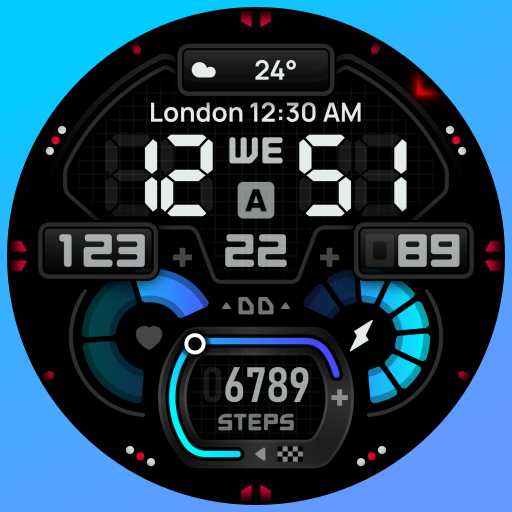
SH009 Watch Face, WearOS watch
Paid

SH020 Watch Face, WearOS watch
Paid
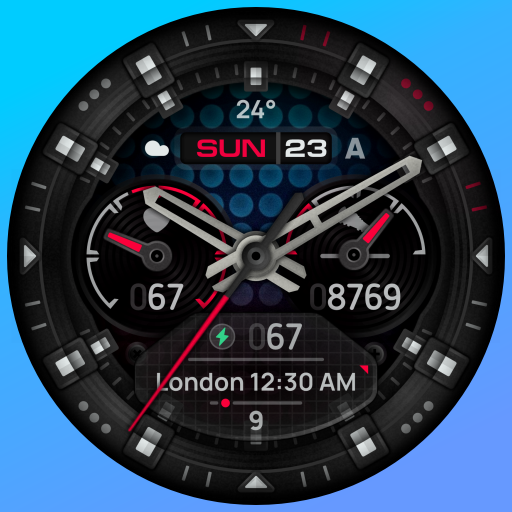
SH015 Watch Face, WearOS watch
Free
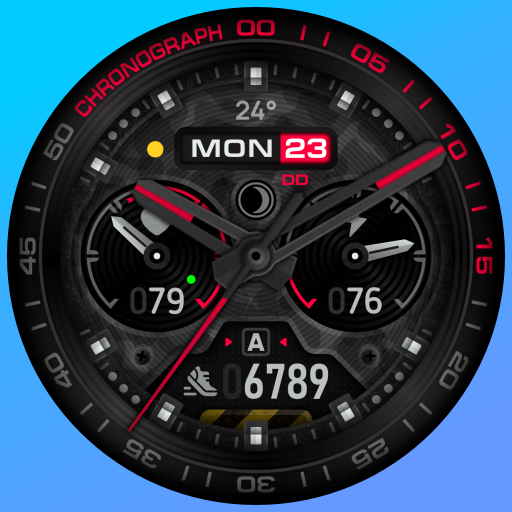
SH014 Watch Face, WearOS watch
Free
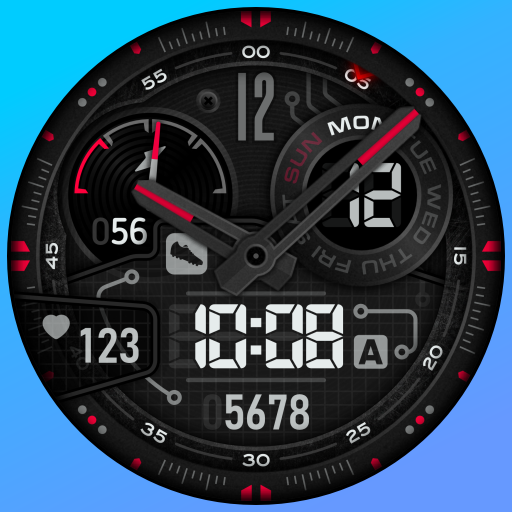
SH005 Watch Face, WearOS watch
Free

SH017 Watch Face, WearOS watch
Free
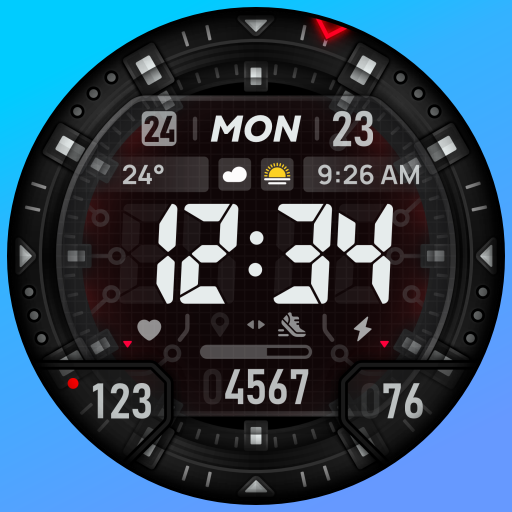
SH018 Watch Face, WearOS watch
Paid

SH004 Watch Face, WearOS watch
Free

SH022 Watch Face, WearOS watch
Free

SH023 Watch Face, WearOS watch
Free

SH024 Watch Face, WearOS watch
Free
Scan this QR code to download

Forwarding you to the page at Google Play market in seconds...
Open Google Play market now