
SH020 Watch Face, WearOS watch vVARY
Shards Watch Face





About this app
Developer Description
Hybrid Watch face. Only for Wear OS devices. Smartwatch app. Shards watch faces
https://sites.google.com/view/shardsbogo?usp=sharing
All watch faces: https://play.google.com/store/apps/dev?id=7427443638746033211
The SH020 is a Hybrid watch face for Wear OS by Shards.
Shards is the perfect choice of watch faces for Wear OS smartwatches. Analog, digital, hybrid watch faces for your watch.
Watch face installation notes on smart watch:
Phone app serves only as a placeholder to make it easier to install & find the watch face on your Wear OS watch. You have to select your watch device from the install dropdown menu
TELEGRAM:
https://t.me/joinchat/TxsjXaUXKMQgqn5N
FACEBOOK:
https://www.facebook.com/groups/655756995056226/?ref=share
INSTAGRAM:
https://www.instagram.com/shards_watch_face
Watch face features:
- Analog time
- Digital time(12/24h)
- Heart Rate
- Day of week
- Date
- Steps *
- Battery %
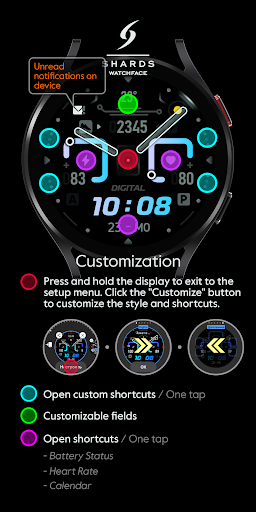
- Сustomizable shortcuts
- Customizable field / complications
- Always On Display
- Changeable colors
- Changeable hand colors
- Distance *, **
* Shows the value of the sensors(Steps/Distance ) in turn - 5 seconds. In AOD mode, only the number of steps taken is displayed.
** Mileage will automatically show on devices with language set to UK and US English. For other languages, the distance will be shown in KM.
Watch face customization:
1 - Touch and hold display
2 - Tap on customize option
Some features may not be available on some watches.
Not Suitable for Rectangular Watches.
This watch face supports all Wear OS devices with API Level 30+
All watch faces: https://play.google.com/store/apps/dev?id=7427443638746033211
Version Information
- Version
- -
- Downloads
- 1K+
- Updated on
- Jul 29, 2025
- Released
- Jan 17, 2022
- Requires
- Android Varies with device
Statistics
Google Play Rating History
Rating Distribution
Downloads Over Time
SH020 Watch Face, WearOS watch has been downloaded times. Over the past 30 days, it averaged downloads per day.
Shaded area shows 30-day prediction based on historical trends
Historical data collection started recently. More data points will be available over time.
SH020 Watch Face, WearOS watch users say on Google Play
 Yusuf Karakaya
Very nicely designed and classy watchface!
 Ryan C (Weird.Wacky.UAP.Phenomena)
Hope you come out with better watch faces for ware os. You have great designs for tizen. This watch face is the best so far.
 Wesley
Doesnt install on galaxy watch 4
ApkTrusted Ratings & Reviews
More from Shards Watch Face
See more apps
SH025 Watch Face, WearOS watch
Paid

SH016 Watch Face, WearOS watch
Paid
SH073 Watch Face, WearOS watch
Paid

SH013 Watch Face, WearOS watch
Paid

SH026 Watch Face, WearOS watch
Paid
SH014 Watch Face, WearOS watch
Paid

SH022 Watch Face, WearOS watch
Paid

SH017 Watch Face, WearOS watch
Paid
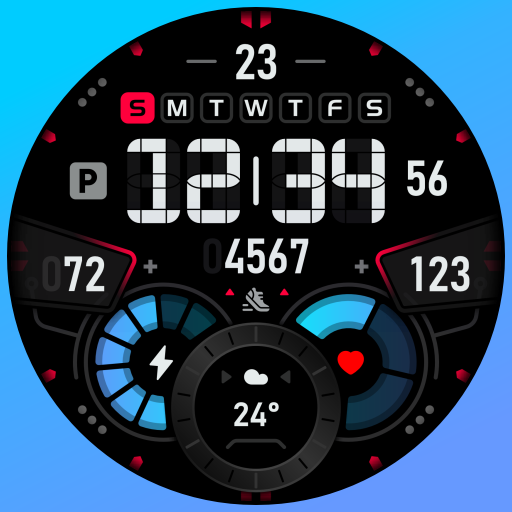
SH007 Watch Face, WearOS watch
Paid

SH004 Watch Face, WearOS watch
Paid

SH019 Watch Face, WearOS watch
Paid
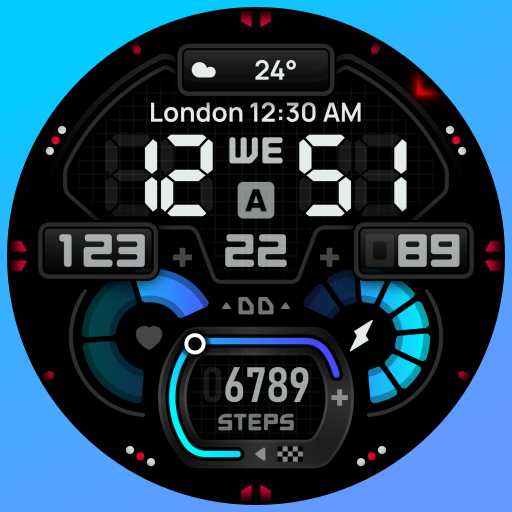
SH009 Watch Face, WearOS watch
Paid
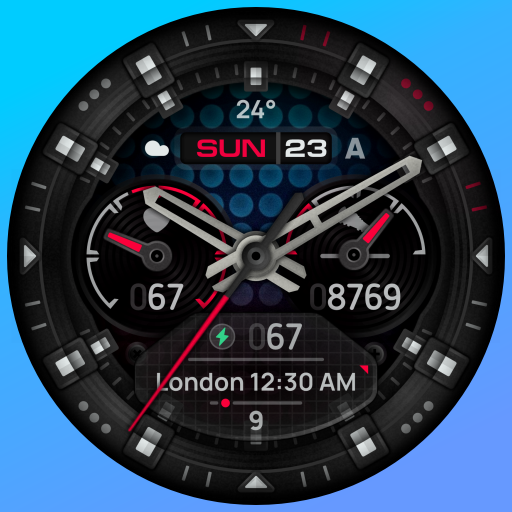
SH015 Watch Face, WearOS watch
Free

SH001 Watch Face, WearOS watch
Paid
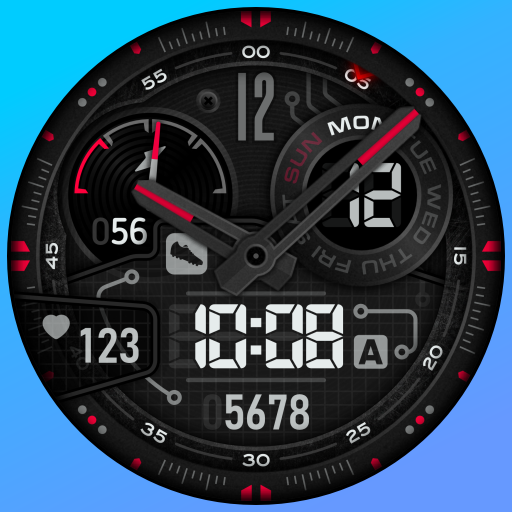
SH005 Watch Face, WearOS watch
Paid
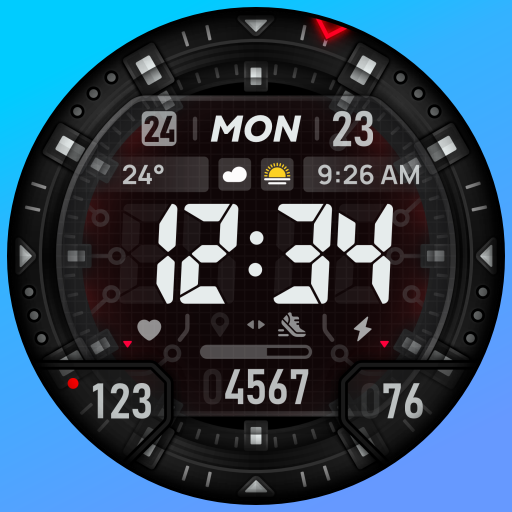
SH018 Watch Face, WearOS watch
Paid
Similar Apps

SamWatch AD Hybrid Kronos 2025
Paid
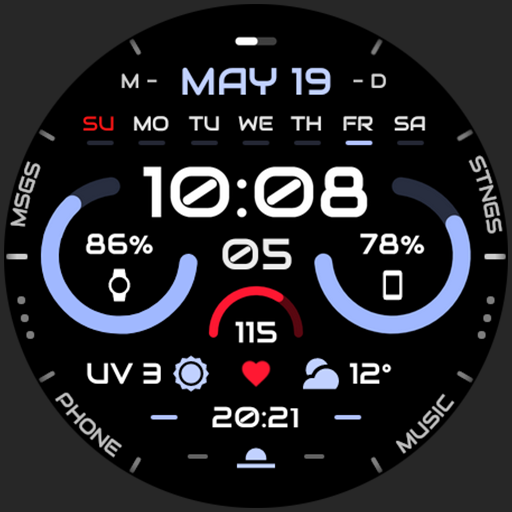
Engine Watch Face
Free

MD285 Digital watch face
Free

SamWatch AD Oneiroi 2024
Paid

SamWatch Analog Fantasy A 2
Paid

Night ver 10 - watch face
Paid
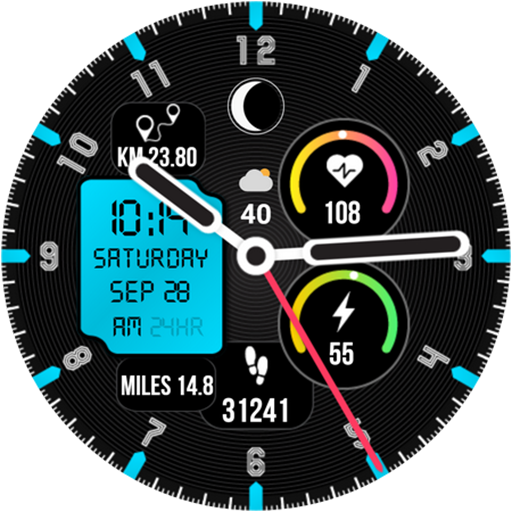
Active 7
Paid

Watch Face WF139
Paid

SamWatch Simple Analog 26
Paid

AR 2
Paid

SO696w
Paid

MD199: Analog watch face
Free

ACTIVE 39 Hybrid Watch Face
Paid

MD229 Digital watch face
Paid

FSW248 digital Watchface
Paid

MD209 Analog watch face
Paid
Scan this QR code to download

Forwarding you to the page at Google Play market in seconds...
Open Google Play market now