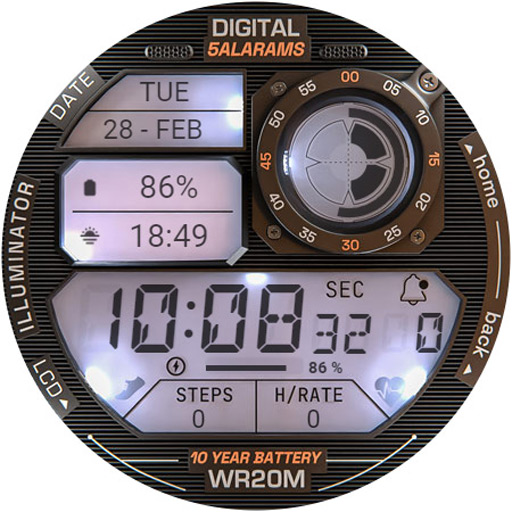
ILLUMINATOR Digital Watch face vVARY
WatchBase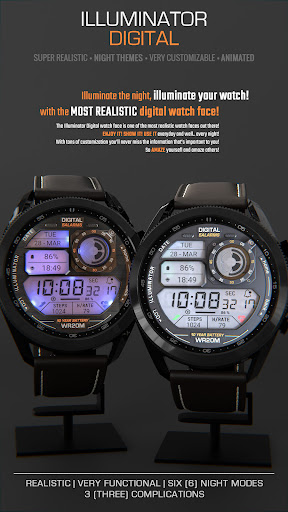





About this app
Developer Description
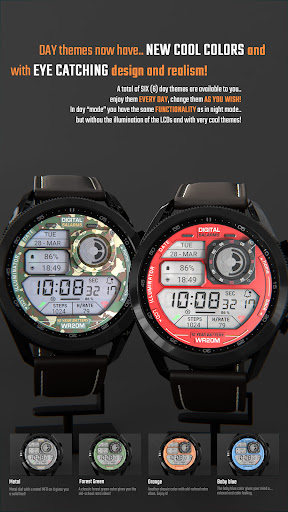
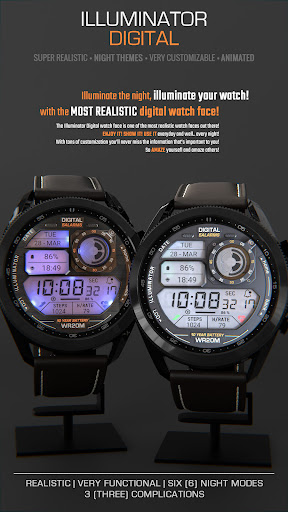
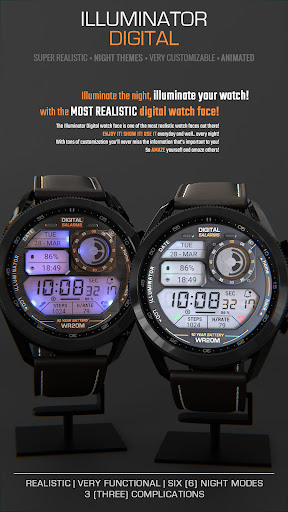
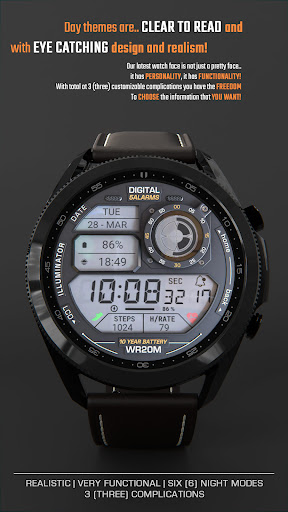
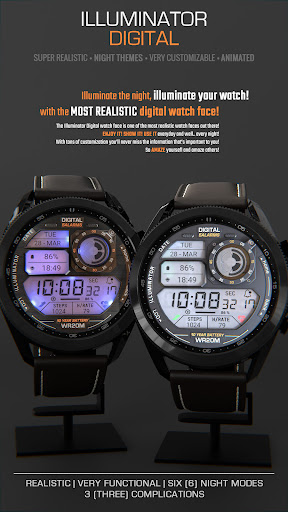
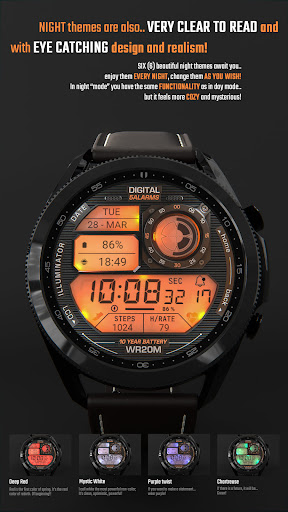
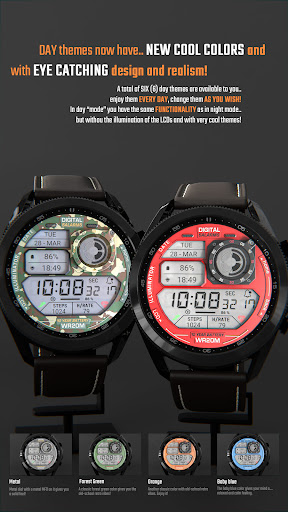
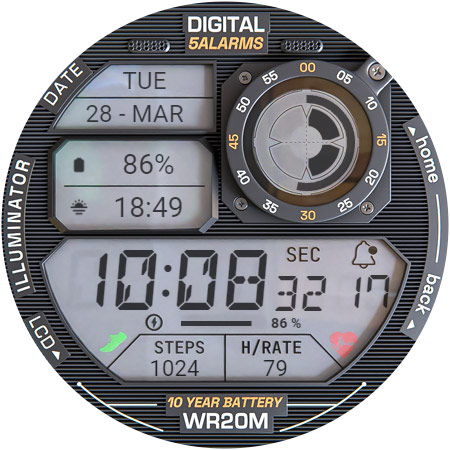
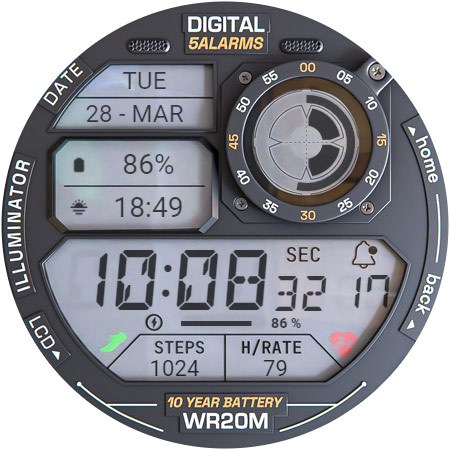
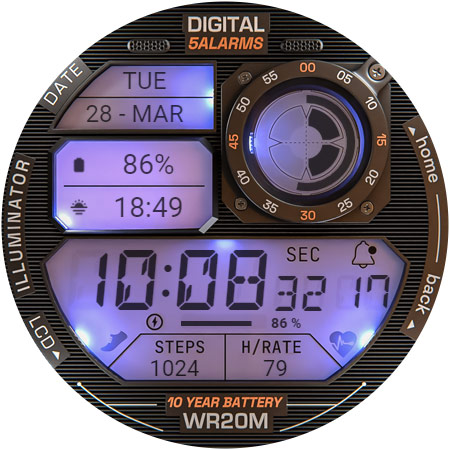
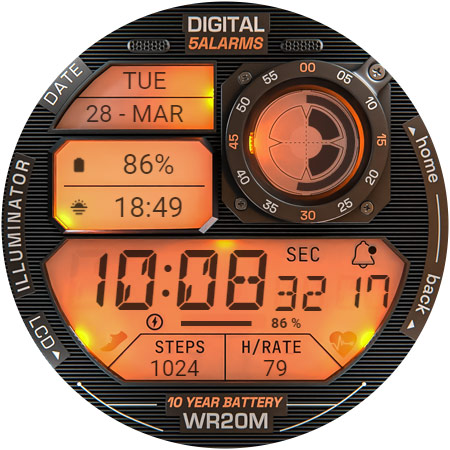
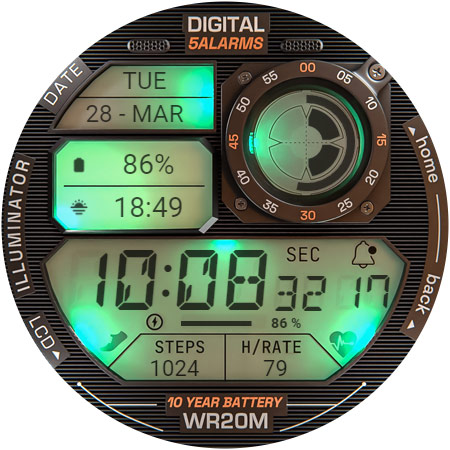
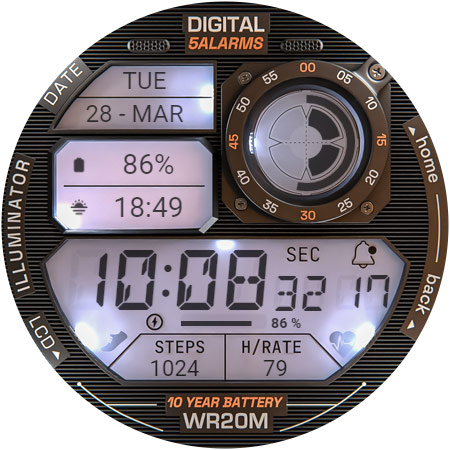
Super realistic and easy to read!
NOTE: Please read the How to section and Installation section !!!
ⓘ Features:
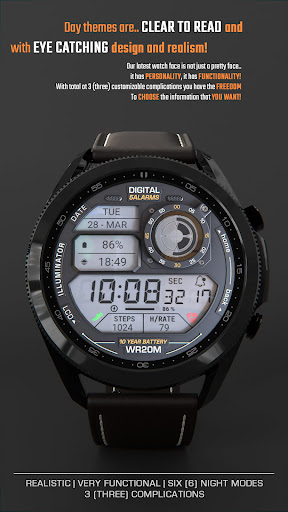
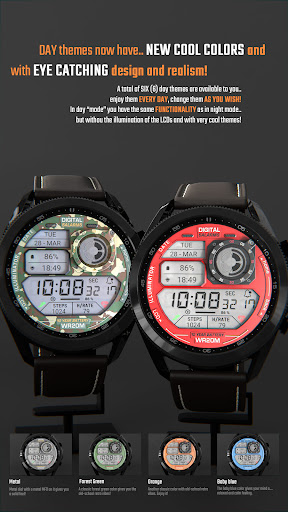
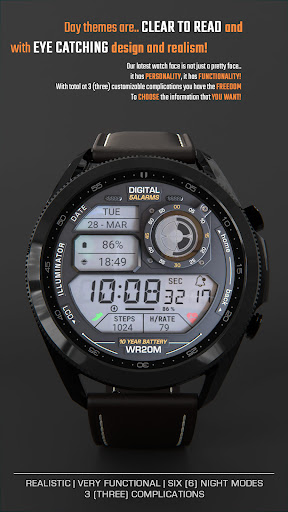
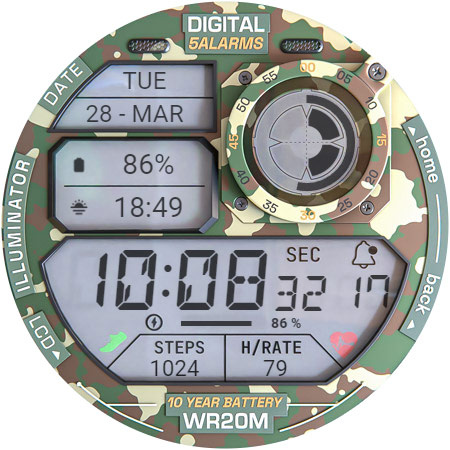
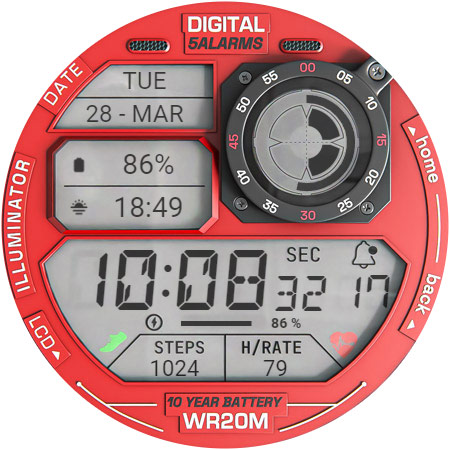
- Realistic design.
- Animated.
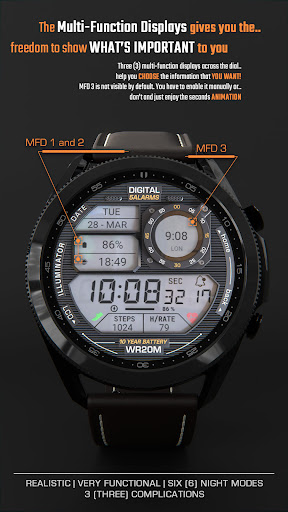
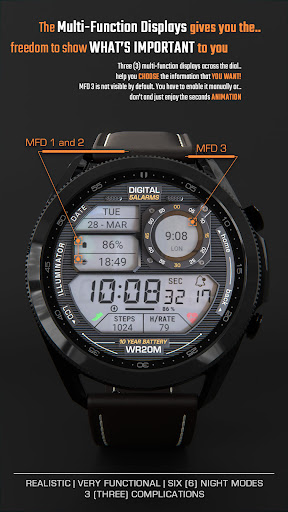
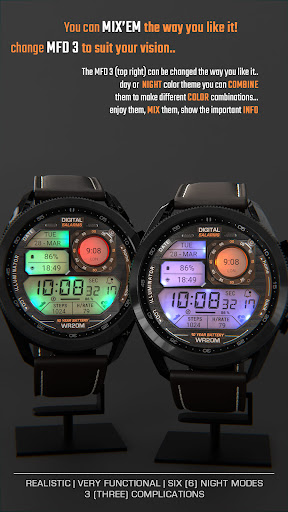
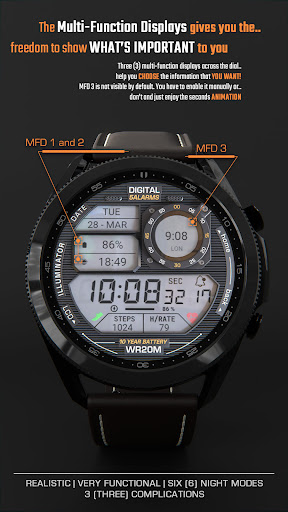
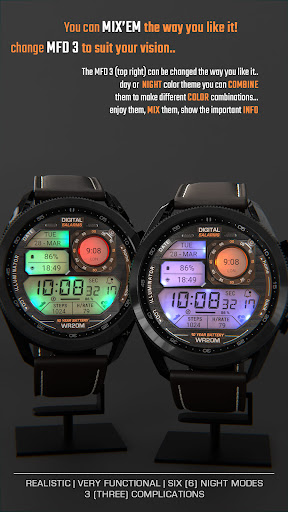
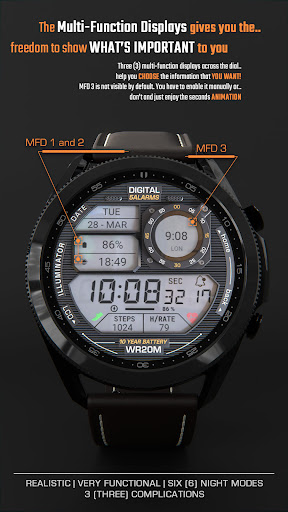
- 3 MFD (custom complications).
- Auto 12h/24h mode.
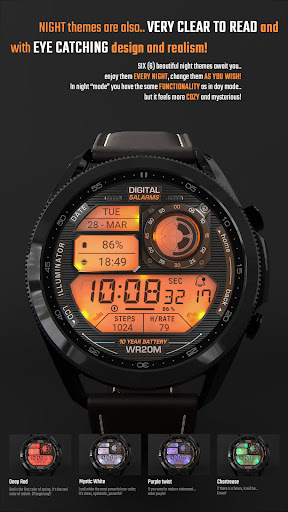
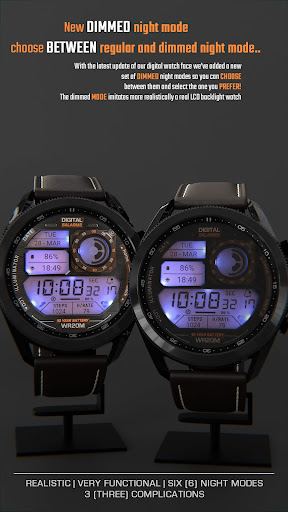
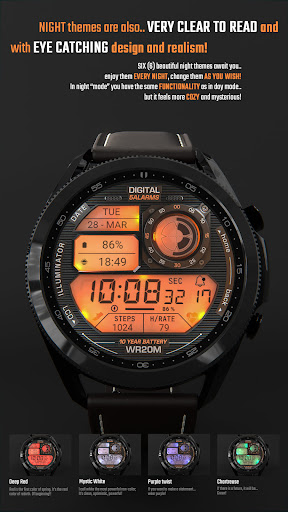
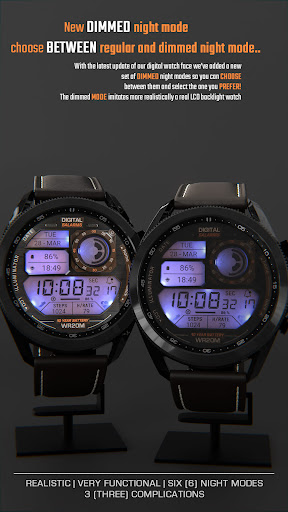
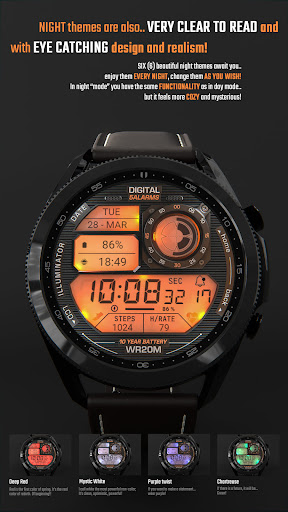
- Night modes.
- Time and date.
- Battery indicator.
- Notifications count.
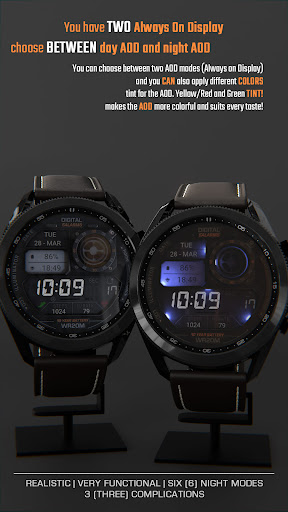
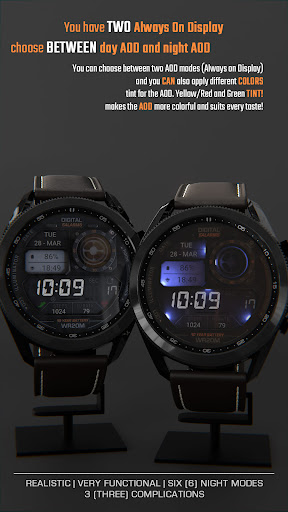
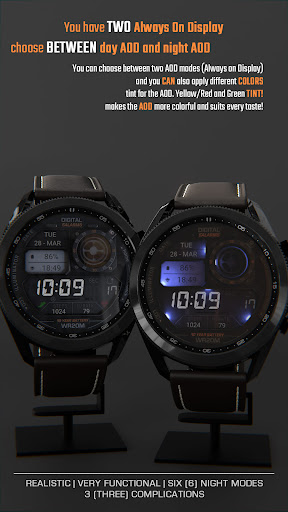
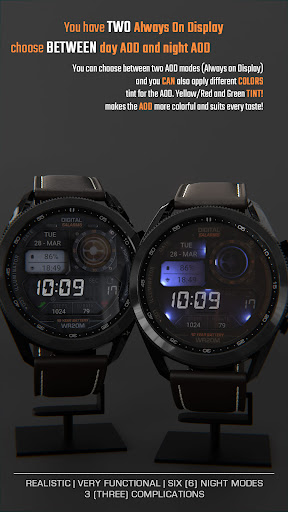
- Custom Alway On Display (Choose between day/night AOD).
ⓘ How to:
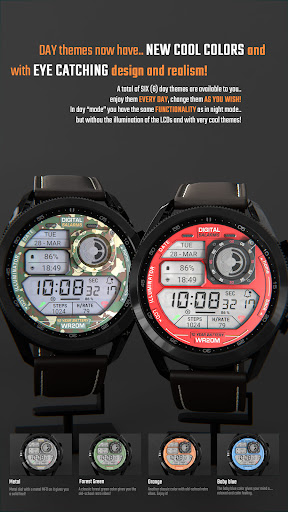
- Long press (touch and hold) on the screen to customize hands color.
* IMPORTANT - if you enable MFD display you must choose/customize it with the information you want. If you turn off the MFD you must choose "Empty" as a complication option to avoid text/info being displayed over the MFD 3 display (top right LCD).
Want another SUPER REALISTIC watch faces? Here you go:
Luna Benedicta: https://play.google.com/store/apps/details?id=wb.luna.benedicta
WatchBase. Illuminator: https://play.google.com/store/apps/details?id=wb.illuminator.hybrid
ⓘ Heart rate info
In order for the HR to work, you must first allow health sensors.
When you apply the watch face if you see "-" or "E" heart rate was not measured,
just tap on it to measure it.
1. If you see "M" for HR value, then heart rate is being measured.
2. If you see "E" for HR value, then the heart measurement was not successful (dirty sensor or any kind of reason). Just tap to try again.
** Heart rate is not always automatically available. If not, then read the above.
ⓘ Installation
How to install: https://watchbase.store/static/ai/
After installation: https://watchbase.store/static/ai/ai.html
If you have any issues installing the watch face, please note that we have no control over the installation process or any other Google Play / Watch processes. The most common issue that people face is after they buy the watch face and install it, they can't see/find it.
In order to apply the watch face after you install it, touch and hold on the main screen (your current watch face) the swipe left to look for it. If you can't see it, tap on the " + " sign at the end (add a watch face) and find our watch face there.
We use a companion app for the phone to make the installation process easier. If you buy our watch face, tap on the install button (on the phone app) you must check your watch.. a screen will appear with the watch face.. tap install again and wait for the installation to finish. If you already bought the watch face and it still asks you to buy it again on the watch, don't worry you will not be charged twice. This is a common synchronization issue, just wait a little or try to restart your watch.
Another solution for installing the watch face is to try to install it from a browser, logged with your account (google play account that you use on the watch).
* The text/labels - "5 ALARMS" , "10 YEAR BATTERY" and "WR20M" are for decoration purposes only and do not reflect the watch face/watch functions and/or features. They allow us to get the retro vibe.
JOIN WatchBase.
Facebook page:
https://www.facebook.com/WatchBase
Facebook group (General watch faces group):
https://www.facebook.com/groups/1170256566402887/
Instagram:
https://www.instagram.com/watch.base/
YouTube:
https://www.youtube.com/@WATCHBASE/videos
Google Play page:
https://play.google.com/store/apps/developer?id=WatchBase
SUBSCRIBE to our YouTube channel:
https://www.youtube.com/c/WATCHBASE?sub_confirmation=1
https://www.youtube.com/c/WATCHBASE
Version Information
- Version
- -
- Downloads
- 50K+
- Updated on
- Oct 29, 2025
- Released
- Feb 22, 2023
- Requires
- Android Varies with device
Statistics
Google Play Rating History
Rating Distribution
Downloads Over Time
ILLUMINATOR Digital Watch face has been downloaded times. Over the past 30 days, it averaged downloads per day.
Shaded area shows 30-day prediction based on historical trends
Historical data collection started recently. More data points will be available over time.
ILLUMINATOR Digital Watch face - Google Play Rankings
Top Rankings
| Rank | Country | Category | List | Change |
|---|---|---|---|---|
| — |
Ranking History in
No ranking data available yet. Rankings are updated daily.
#5 in Top Paid Personalization in United States

#79 in Top Grossing Personalization in United States
 Emoji Font Keyboard & Themes
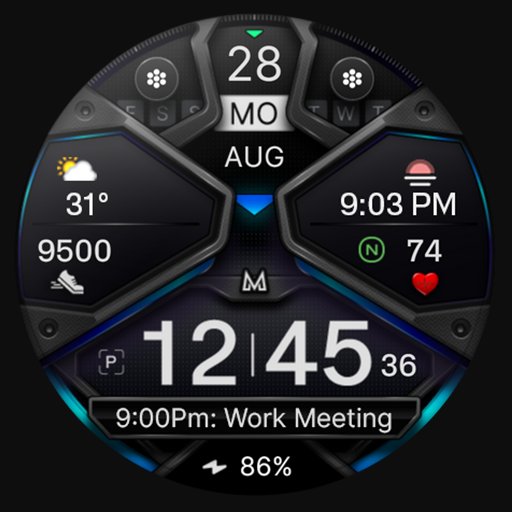
ILLUMINATOR Digital Watch face
Emoji Font Keyboard & Themes
ILLUMINATOR Digital Watch face
 Retro Mode - Icon Pack (Neon)
#6 in Top Paid Personalization in Australia

#7 in Top Paid Personalization in Germany


ILLUMINATOR Digital Watch face users say on Google Play
 Phil G
Must customize faces and options from watch NOT from phone. There is issues when using wear app on phone to try changing things. Originally I rated low because of this but developer responded immediately and it works perfectly from watch screen. (On watch ultra long press on watch home screen) looks great has multiple colors and faces for any "G-shock" look to match your looks. Also can set 3 different complications to it. Definitely worth the price!!
 Rodger G
Short, sweet. This face is a first. The illusion of retro backlit that still comes off while viewing it at an angle. A lot of faces look great head on but that side view looks flat and single layered. This one is a first. Happy to support. Need more faces like this with "magical" lighting that looks real. I get that there is an issue with hanging in the app and on the watch sometimes when trying to set the face but a quick force close and it's working again.
 David Brooks
First of all, great looking and functional face. It's my go-to and the one I use the most. The dimmed night mode looks amazing. That being said...It does not auto switch between day and night modes. Easily 5 stars otherwise, huge miss. Also, when I select day for always on mode, it does not use the day face that I have pre-selected. It uses the default day face option. What's even more annoying is that this holds true even in reg day mode. A Samsung compass complication for MFD3 would be sick!
 Danny Jay
If we were judging just on looks I'd give it a five out of five but functionality is more of a three out of 5 and battery usage is a one this thing absolutely destroys my battery. Before install, I could charge to 100% before bed, put it into sleep mode and I'd wake up with the battery on 98%. cut to installing this watch face now if I charge 200% before bed when I wake up the things are ready at 80% an hour later when I'm on my way to work the things at 70% and I haven't even used it yet
 Emma Fouts
Inconsistent lighting for the illuminated options (the 2 left MFD are much brighter than the others especially in AOD mode). The 3rd (circle) MFD can't be used as the seconds function if you choose a custom color for it & the complications you can put there don't actually line up or fit in a way you'd expect them to. AOD mode only has 1 illuminated option (purple, no yellow/red/orange/green options). Only the MFD have any shortcuts.
ApkTrusted Ratings & Reviews
More from WatchBase
See more apps
Dashboard Ultra HWF
Paid

BIG Dash Pro | "RPM"
Free

EVERYDAY 10-Hands Style
Paid
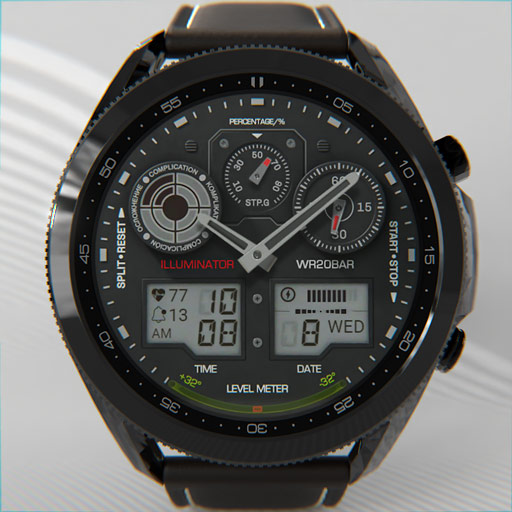
Illuminator 2.0 Watch face
Paid
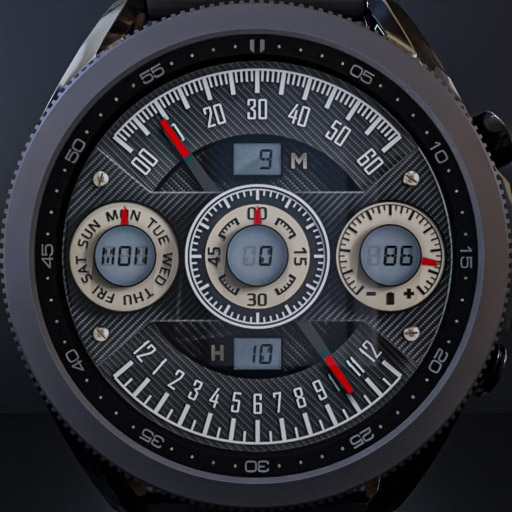
WatchBase. Dashboard
Free

ILLUMINATOR Hybrid-LCD
Paid

HUD Digital Animated
Paid
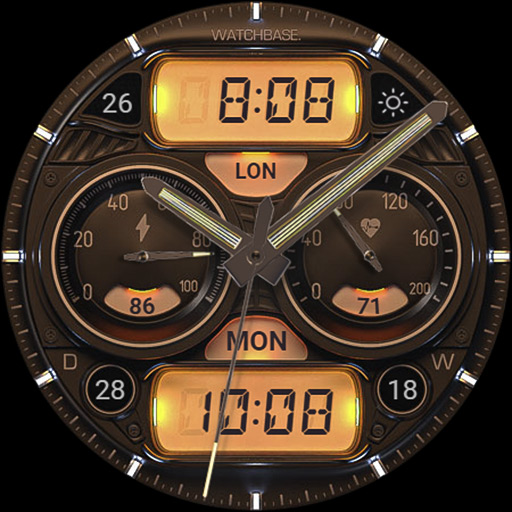
ILLUMINATOR Hybrid Legacy
Paid
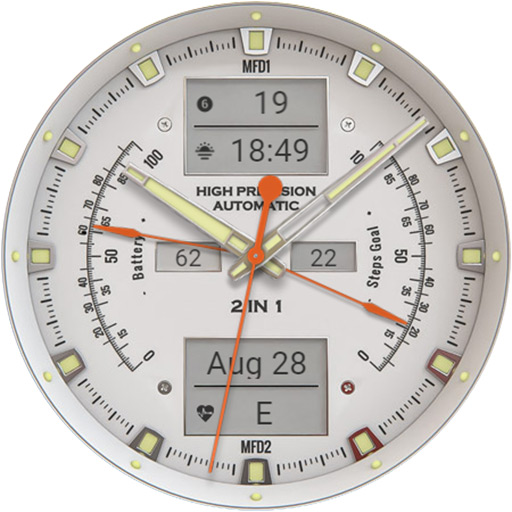
ANALOG MASTER Watch face
Paid
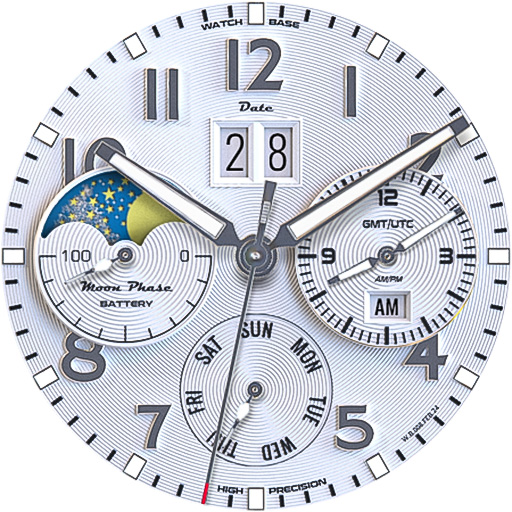
ALPINIST Moon Phase - GMT
Paid

Harmony GT Premium
Paid
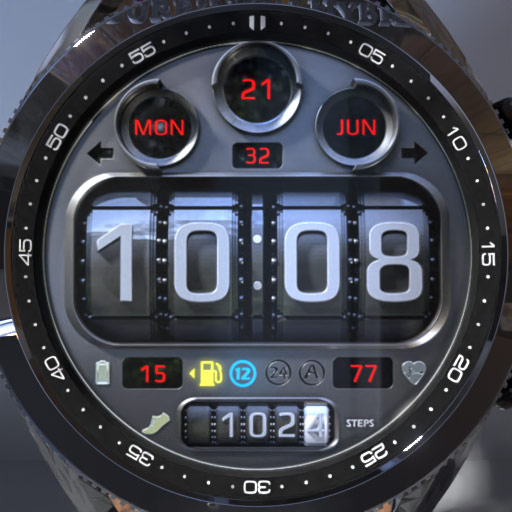
BIG Dash Pro | Odo
Free

Classic GMT President
Paid

Airman AFI 36-2903
Free

Predator's Watch | Illuminator
Paid
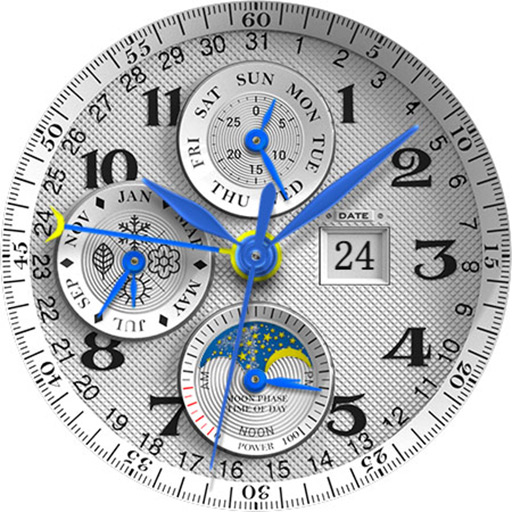
LUNA BENEDICTA Watch face
Free
Similar Apps

VS Illumination
Free

Classis Retro Weather Digital
Paid

DIGI FRAMONT CTS29 Watch face
Paid

Shockable V2
Free

Informative Digital Watch 072
Free

Digital Watch Face MB401
Paid

DARDONUS CTS28 Watch face
Paid

JND0124
Free
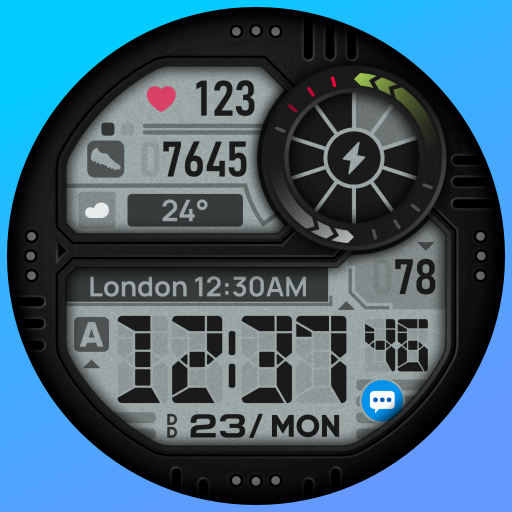
SH050 Watch Face, WearOS watch
Free

CELEST5531 Retro Digital Watch
Free

DB043 Hybrid Watch Face
Paid

ZCPY3DLCDwatch
Free

BRN171 - DIGIO
Free

MD112 Digital watch face
Free

HMK D268
Free

HMKWatch Digital 268 HUD
Free
Scan this QR code to download

Forwarding you to the page at Google Play market in seconds...
Open Google Play market now