
ILLUMINATOR Hybrid-LCD vVARY
WatchBase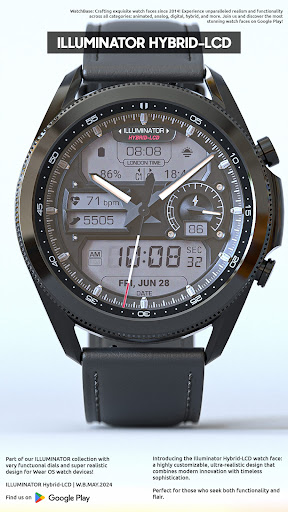





About this app
Developer Description
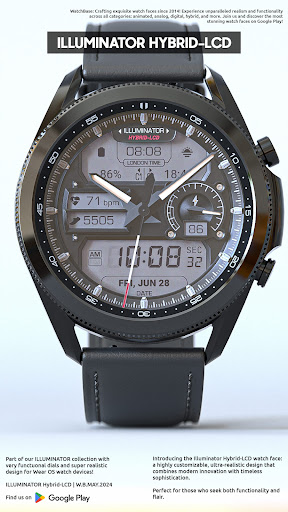
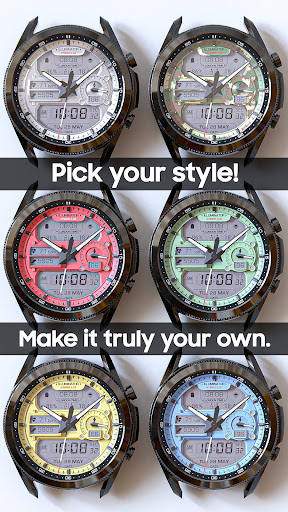
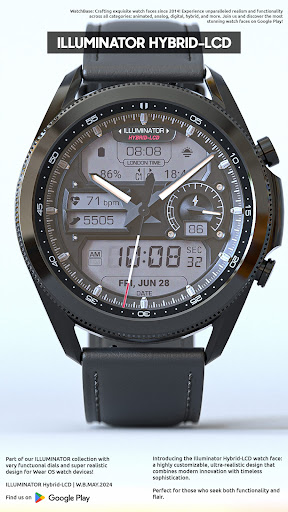
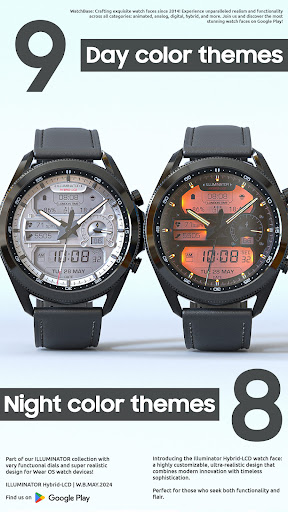
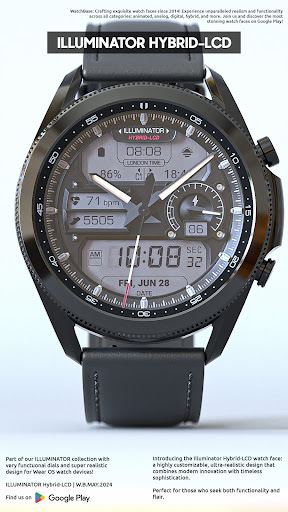
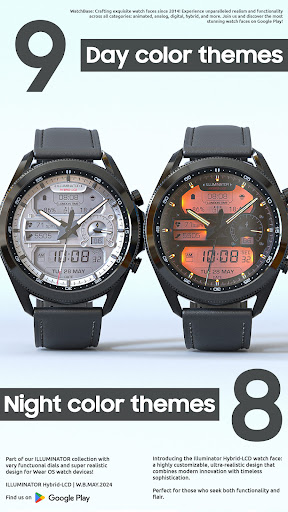
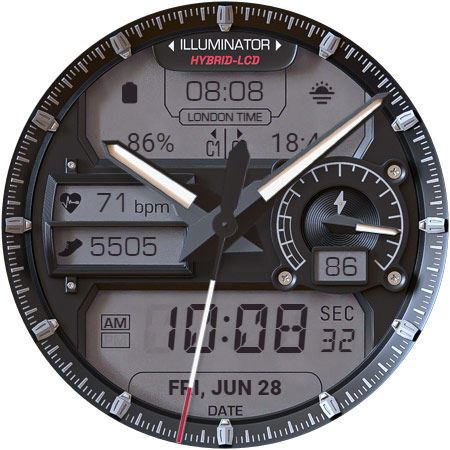
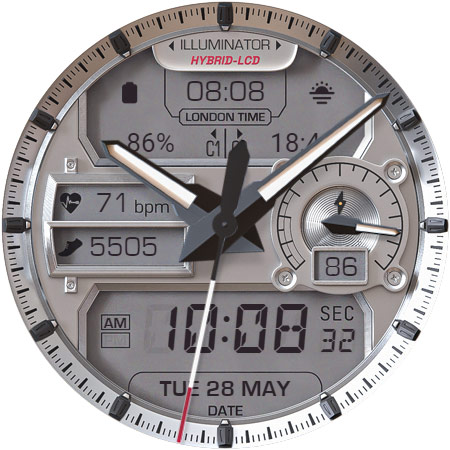
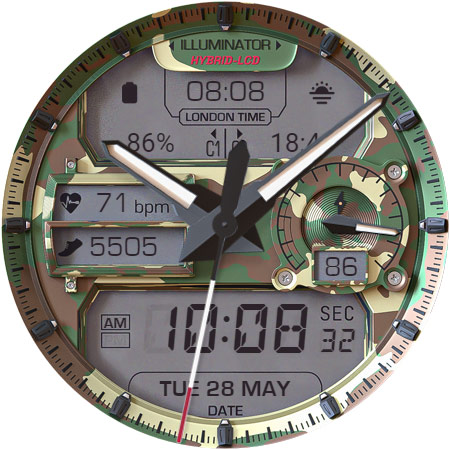
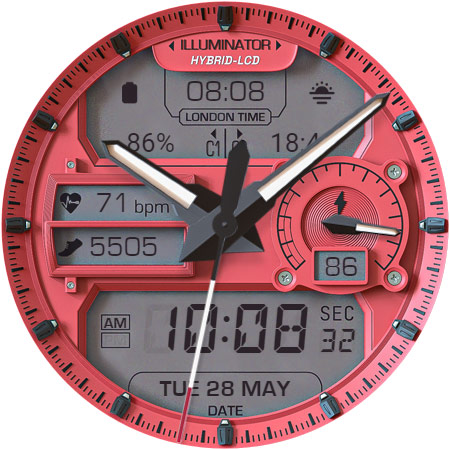
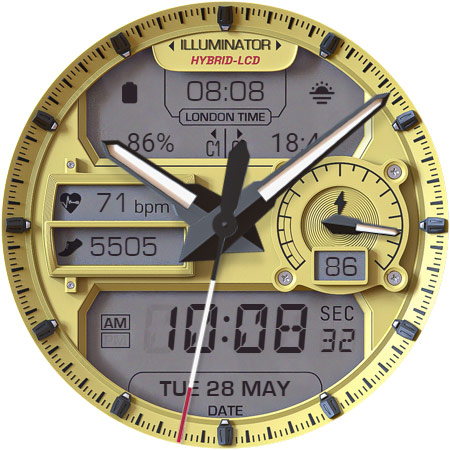
Illuminator Hybrid-LCD watch face: a highly customizable, ultra-realistic design
NOTE: Please read the how to section and installation section and check out the images !!!
ⓘ Features:
- Realistic design.
- Hybrdid-LCD watch.
- 4 (four) custom complications. * (IMPORTANT Read the Complicaiton Section below)
- Auto 12h/24h mode.
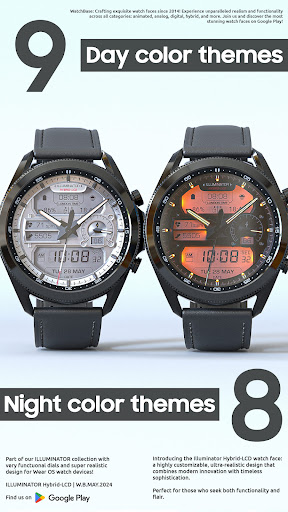
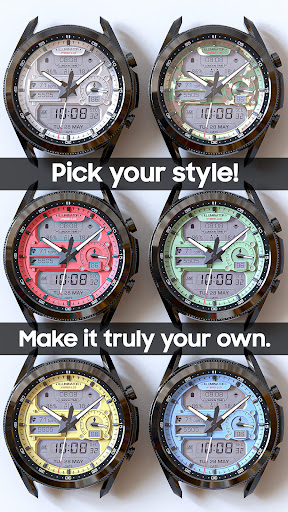
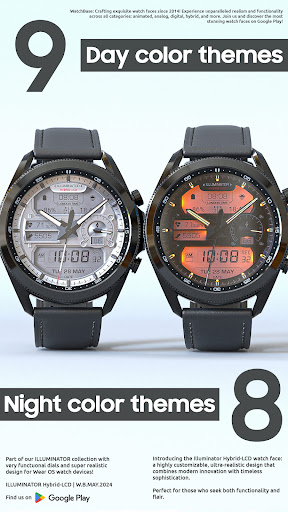
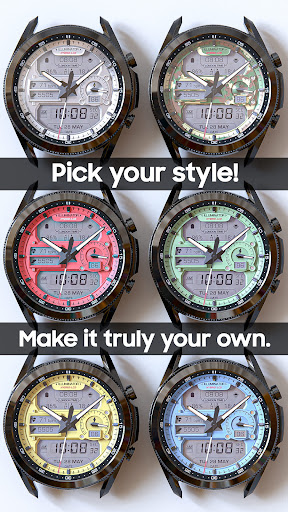
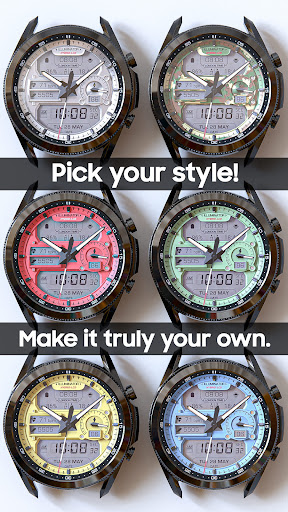
- 9 (nine) different Day themes.
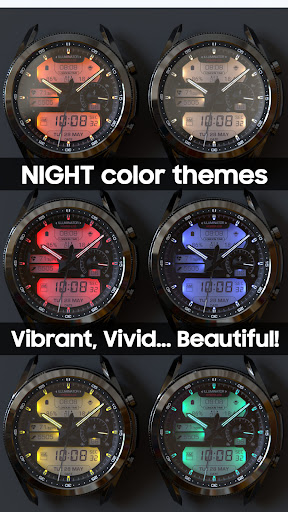
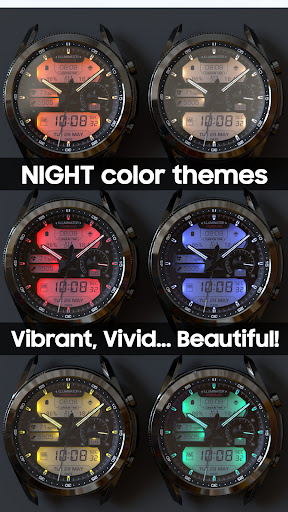
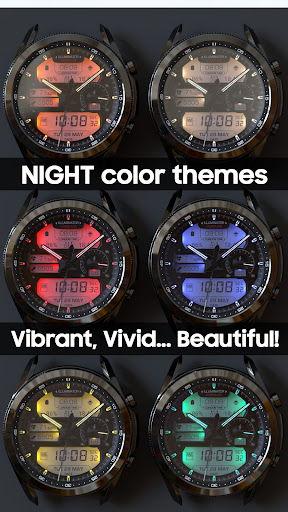
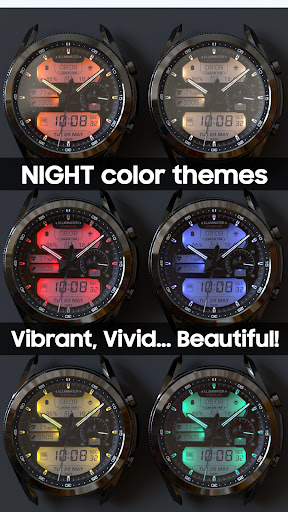
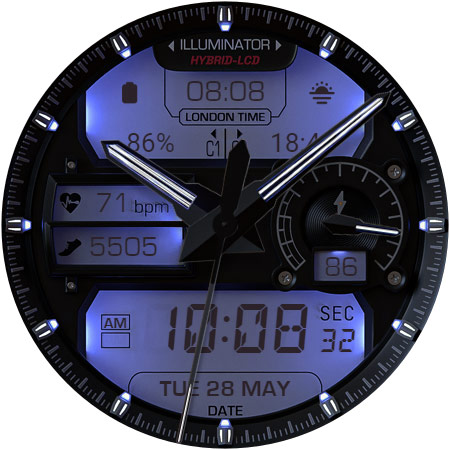
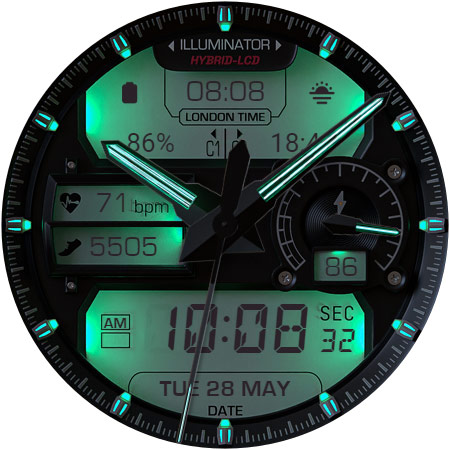
- 8 (eight) different Night themes.
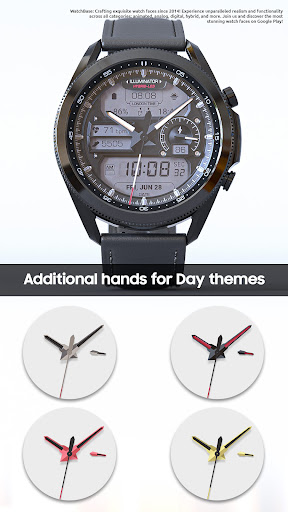
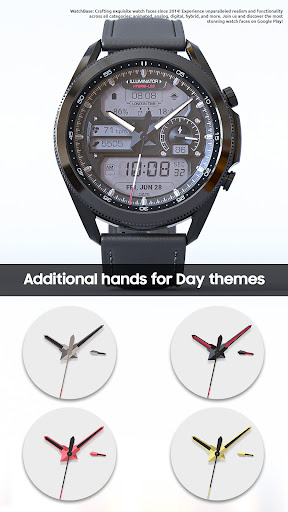
- 5 (five) hands for Day mode.
- Hear rate indicator (LCD).
- Steps indicator (LCD).
- London time.
- Time and date.
- Battery indicator.
- AM/PM indicator (LCD).
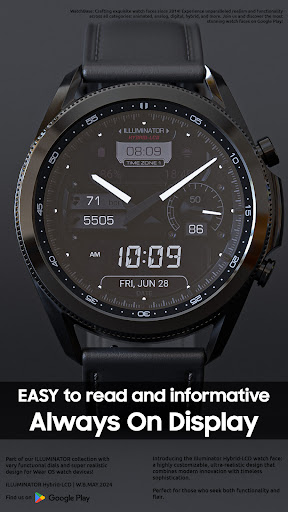
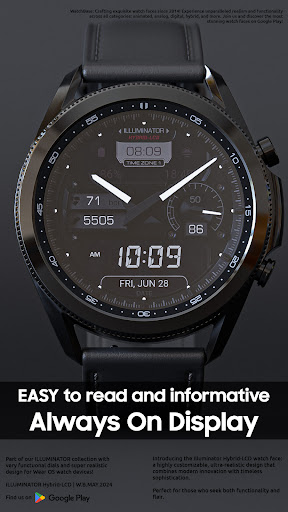
- Alway On Display.
- Three color themes for AOD.
- Three AOD hands colors.
ⓘ How to:
- To customize (chnage themes style) your watch face, touch and hold on the screen, then tap on customize.
- AOD (Always On Display) themes/hands. To change the AOD theme and/or hands select the second/first option in the "AOD Normal/Blue" and/or "AOD hands White/Blue".
ⓘ NIGHT themes How to:
-If you activate night themes and want to switch back to the day theme, simply go to the customization menu and select the first option under 'Night Color Themes' to turn it off. This is because night themes overlay day themes when activated.
* Preview for the AOD theme and Hands color might not be visible due to the way customizations work.
Don't miss out our top REALISTIC watch faces:
Milirary ZULU Tactical - https://play.google.com/store/apps/details?id=wb.military.zulu
Moon Master PRO - https://play.google.com/store/apps/details?id=wb.moon.master
ⓘ Installation
How to install: https://watchbase.store/static/ai/
After installation: https://watchbase.store/static/ai/ai.html
* Luna Benedicta watch face shown in "How to install" and "After installation". The same installation process is valid for all of our watch faces.
If you have any issues installing the watch face, please note that we have no control over the installation process.
In order to apply the watch face after you install it, touch and hold on the main screen (your current watch face) the swipe left to look for it. If you can't see it, tap on the " + " sign at the end (add a watch face) and find our watch face there.
We use a companion app for the phone to make the installation process easier. If you buy our watch face, tap on the install button (on the phone app) you must check your watch.. a screen will appear with the watch face.. tap install again and wait for the installation to finish. If you already bought the watch face and it still asks you to buy it again on the watch, don't worry you will not be charged twice. This is a common synchronization issue, just wait a little or try to restart your watch.
ⓘ Note: If you encounter any issues during installation, please contact our support team for assistance at support@belvek.com
ⓘ Complications:
- Illuminator Hybrid-LCD offers two compication located in the upper LCD screen on the left and right side. To change them tap and hold on the watch face and tap Customize, then scroll right and choose which one to custmoize.
* Some complication may not follow the text/icon color and/or size. We have no control over it.
- Illuminator Hybrid-LCD offers additional two compilations located in the lower LCD screen on the left and right side set by default as Shortcuts complications. These compilations are completely hidden and intended to be used only as shortcuts. You can customize them from the Customization menu.
If you choose another type of complication different than the Shortcut complication, they will act in the same manner (tapping will open the chosen app. For example if you choose Timer complication when you tap on it it will open the Timer app on your device) as a shortcuts (if the selected complication type supports it.)
SUBSCRIBE to our YouTube channel:
https://www.youtube.com/c/WATCHBASE?sub_confirmation=1
What's New
Version Information
- Version
- -
- Downloads
- 10K+
- Updated on
- Oct 29, 2025
- Released
- May 17, 2024
- Requires
- Android Varies with device
Statistics
Google Play Rating History
Rating Distribution
Downloads Over Time
ILLUMINATOR Hybrid-LCD has been downloaded times. Over the past 30 days, it averaged downloads per day.
Shaded area shows 30-day prediction based on historical trends
Historical data collection started recently. More data points will be available over time.
ILLUMINATOR Hybrid-LCD - Google Play Rankings
Top Rankings
| Rank | Country | Category | List | Change |
|---|---|---|---|---|
| — |
Ranking History in
No ranking data available yet. Rankings are updated daily.
#22 in Top Paid Personalization in United States


#13 in Top Paid Personalization in South Korea


#17 in Top Paid Personalization in Germany


#18 in Top Paid Personalization in United Kingdom
ILLUMINATOR Hybrid-LCD users say on Google Play
 Alexander M
Very realistic watchface, especially night themes! I only miss the option to set different colors for AOD mode (only white and blue available). It would be great to have an option to set fluorescent green AOD hands and hour marks.
 John Bleil
Only downside is the London time feature. I wish I could change the location like World clock. Otherwise, great face. I have a couple of your faces already and like them a lot. This and the moon master are my favs
 Mehmet Meray
It is a nice watch face, but only thing that I can customize is the night color theme. The rest doesn't change. I hope they get this fixed.
 Maximilian Vogt
Don't call it night mode, there is none. If you set any night mode, it will be displayed throughout the day as well. Why won't it adapt to sunrise / sunset or ambient light?
 Mark Payne
Galaxy Watch Ultra (2025). Great night display love the colours but once set, it stays the same. Seems no way to change display back to daytime. I had to uninstall/reinstall. Will this be fixed? Is it possible to align with sunrise/sunset to change display?
ApkTrusted Ratings & Reviews
More from WatchBase
See more apps
Dashboard Ultra HWF
Paid

BIG Dash Pro | "RPM"
Free

EVERYDAY 10-Hands Style
Paid
WatchBase. Dashboard
Free
Illuminator 2.0 Watch face
Paid
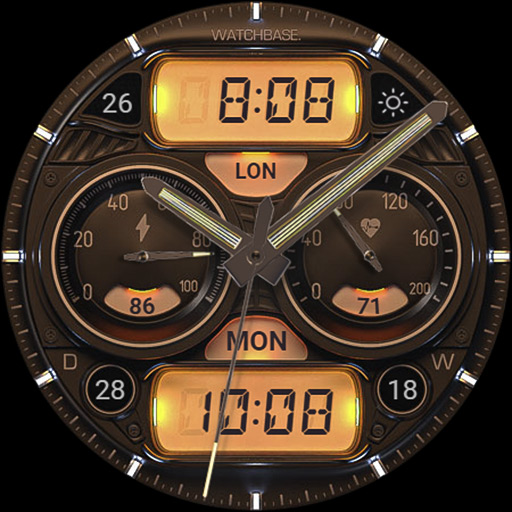
ILLUMINATOR Hybrid Legacy
Paid
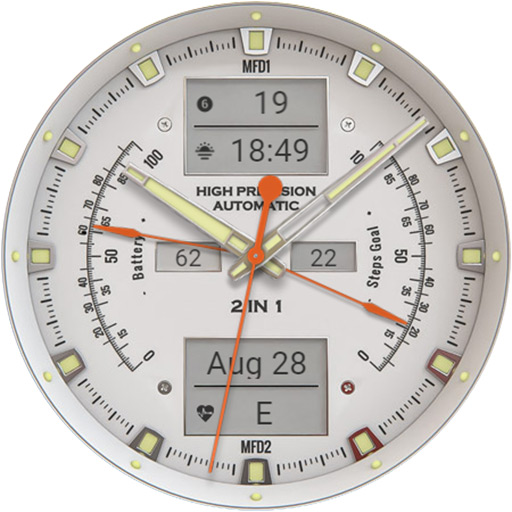
ANALOG MASTER Watch face
Paid
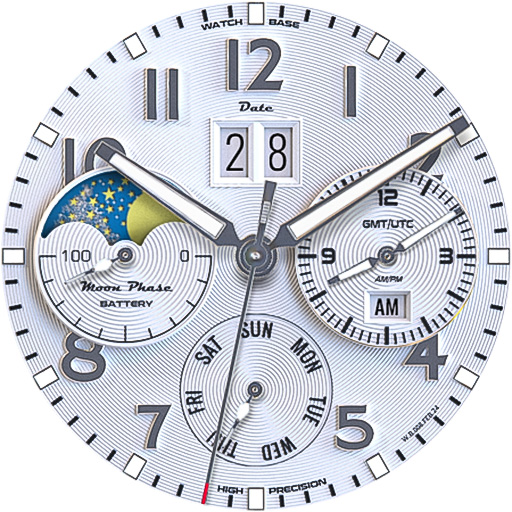
ALPINIST Moon Phase - GMT
Paid

Harmony GT Premium
Paid
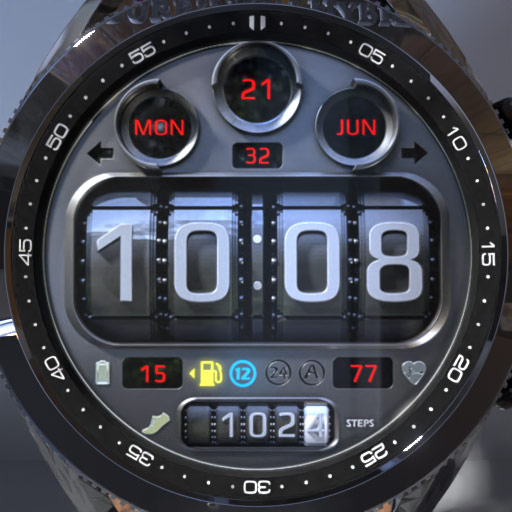
BIG Dash Pro | Odo
Free

Classic GMT President
Paid

Airman AFI 36-2903
Free

HUD Digital Animated
Free
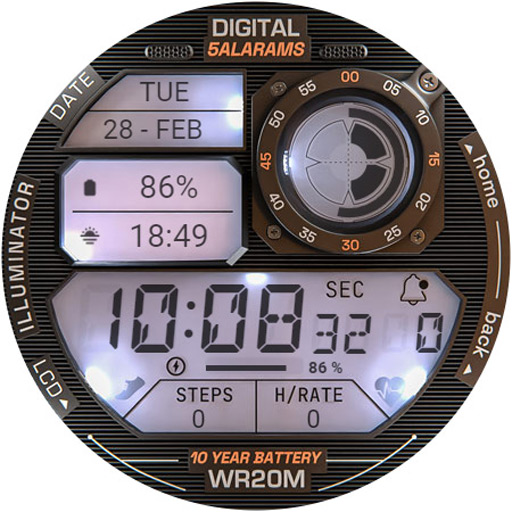
ILLUMINATOR Digital Watch face
Free

Predator's Watch | Illuminator
Free
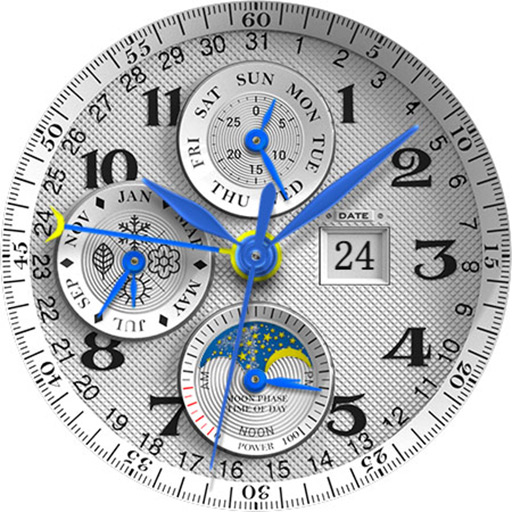
LUNA BENEDICTA Watch face
Free
Similar Apps
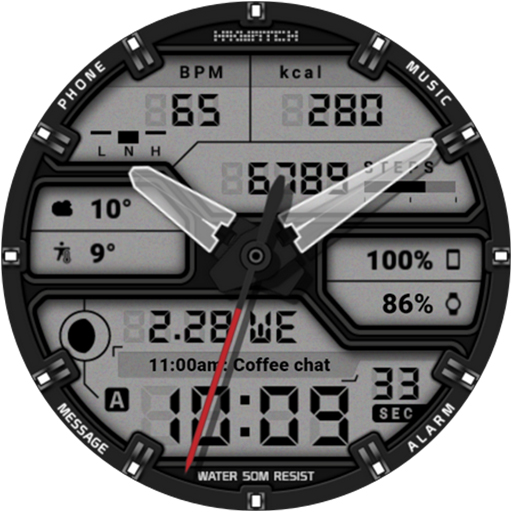
HMKWatch Analog 364
Paid

BRATADO CTS13 Watch face
Free

Hybrid Miltime Watch face
Free

PT04 Hybrid Watch Face
Paid

HMKWatch Digital 264
Paid

PT05 Hybrid Watch Face
Free

HMKWatch Analog 266
Paid

HMK WA264
Free

Auris - Hybrid Watch Face
Paid

MAGARNO CTS26 Watch face
Paid

MAHO020 Wear OS Watch Face
Paid

SG-109
Free

Hybrid LONUC URX132 Watch face
Paid

DARDONUS CTS28 Watch face
Free

HMKWatch Analog 268
Free

SCARTAK CTS15 Watch face
Free
Scan this QR code to download

Forwarding you to the page at Google Play market in seconds...
Open Google Play market now