
HMKWatch Analog 266 vVARY
HMKWatch

About this app
Developer Description
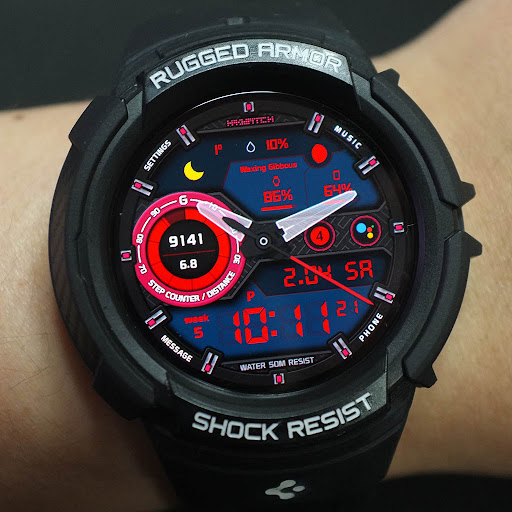
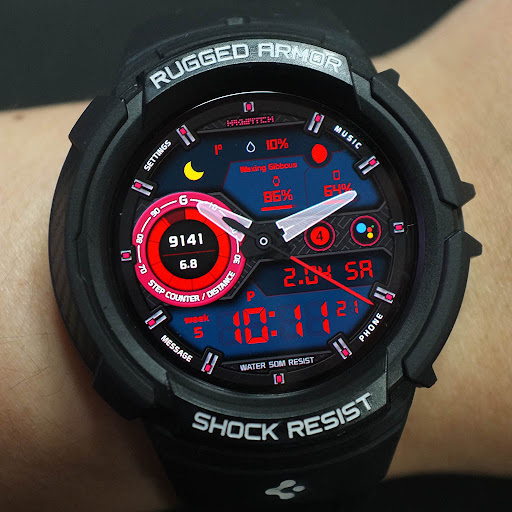
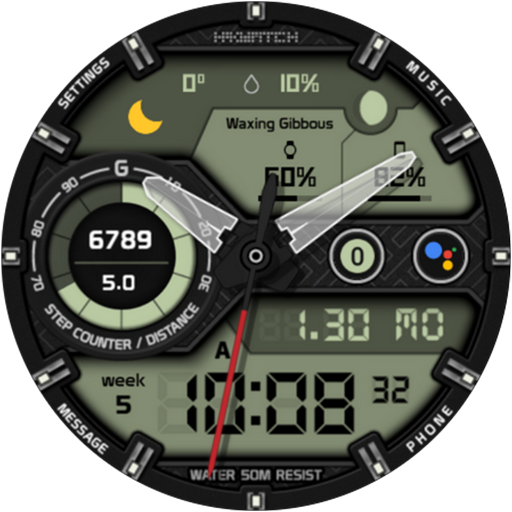
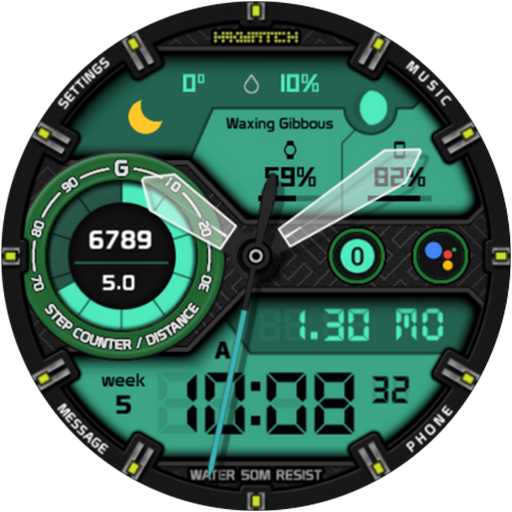
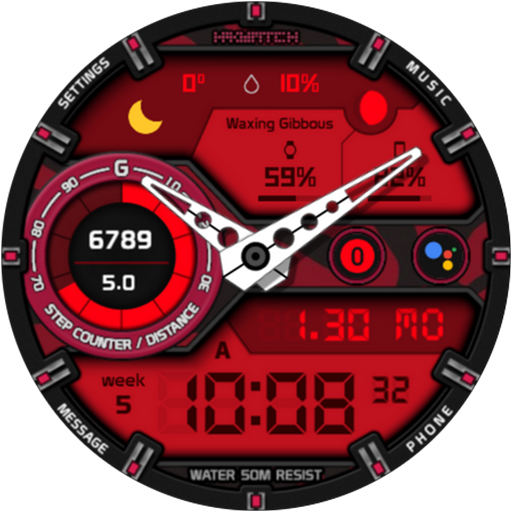
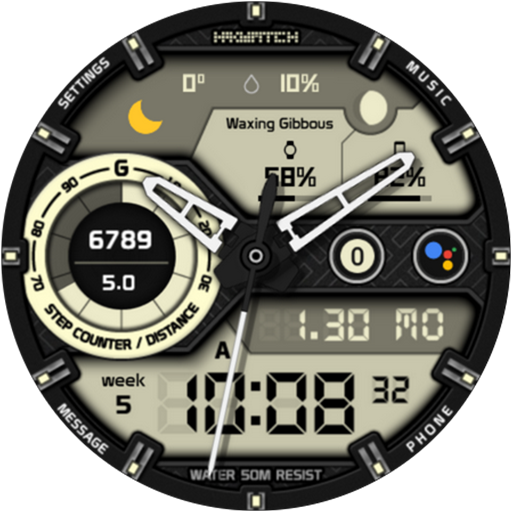
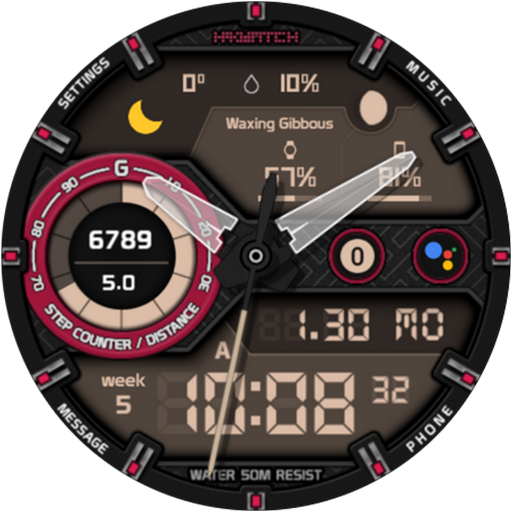
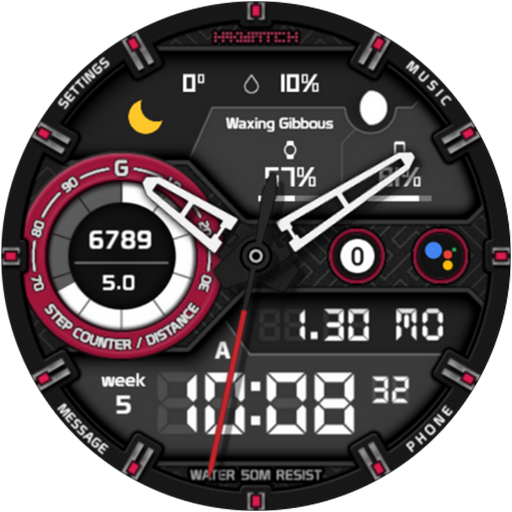
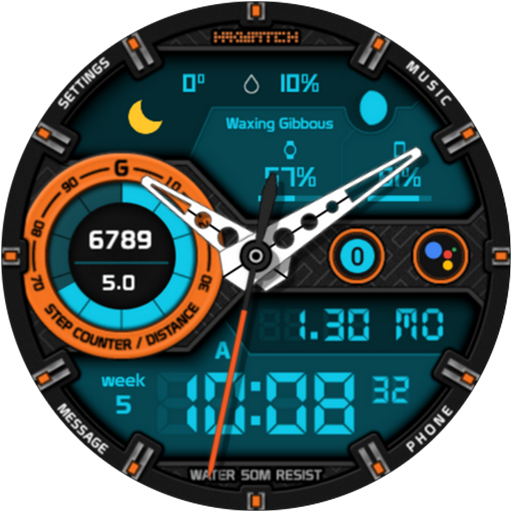
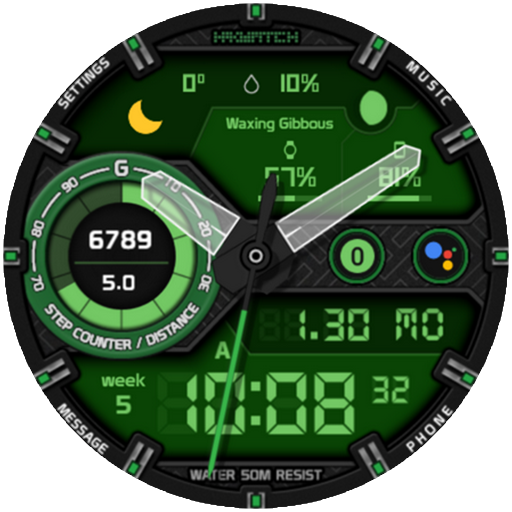
Comfortable and clear analog watch face.
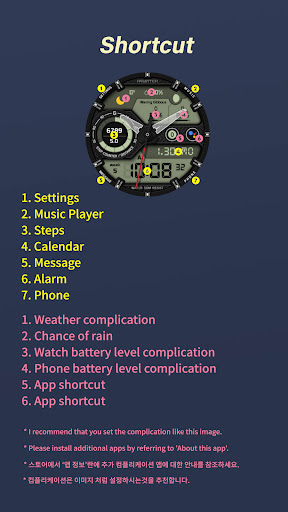
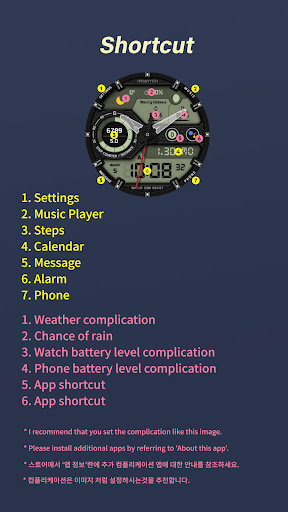
* Please install additional apps by referring to 'About this app'.
[Features]
Analog / Digital dual mode
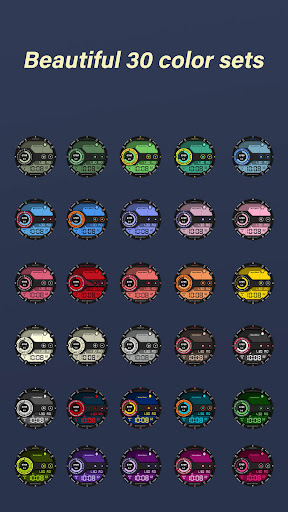
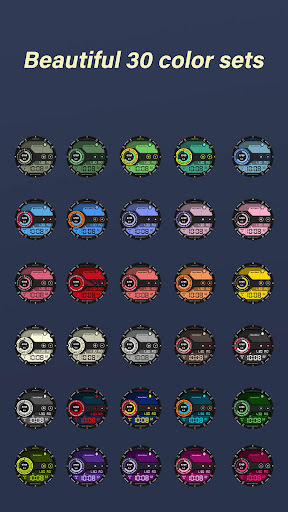
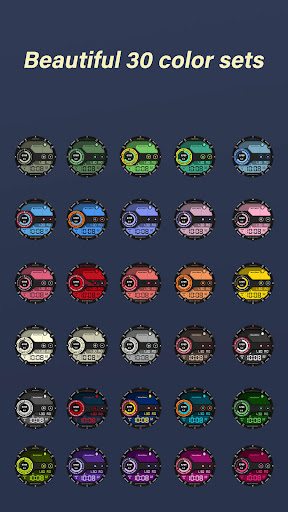
30 colors
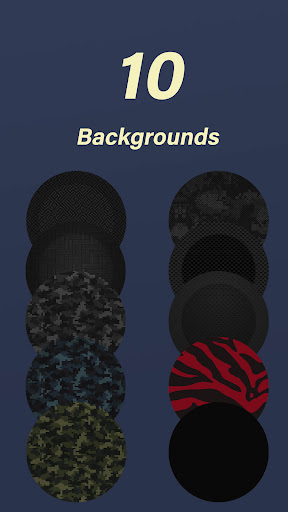
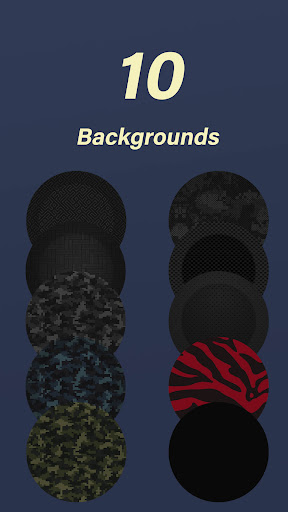
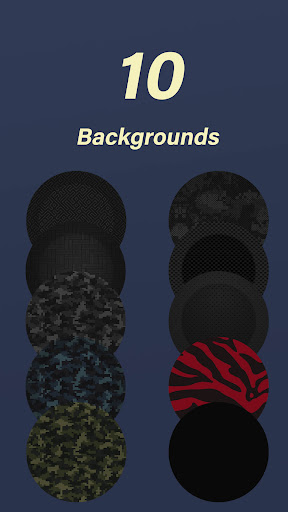
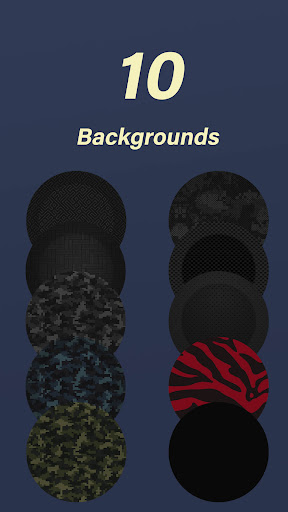
10 backgrounds
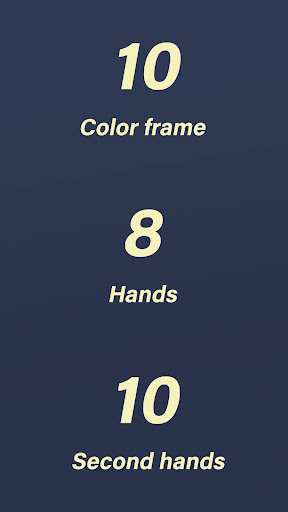
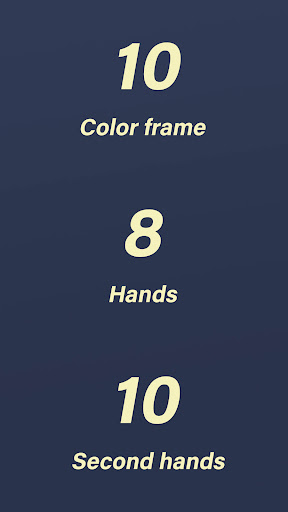
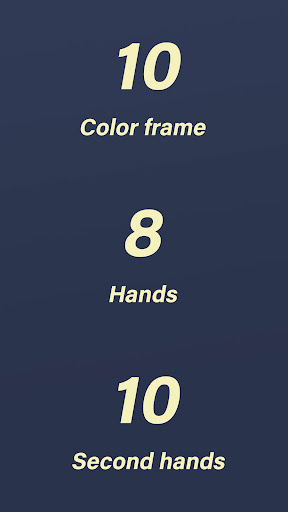
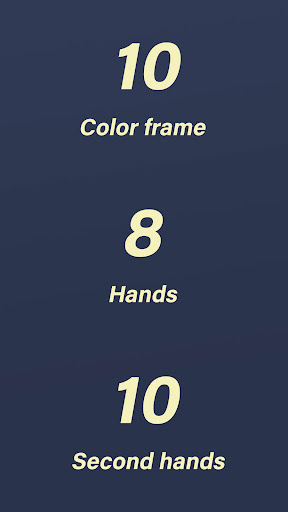
10 cover frames
8 hands types
10 second hands types
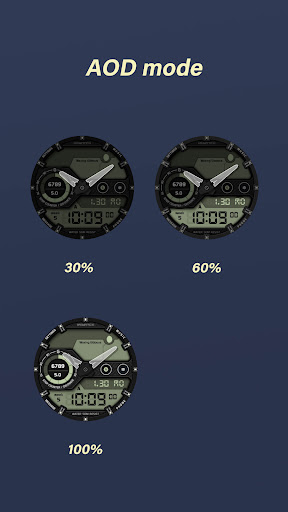
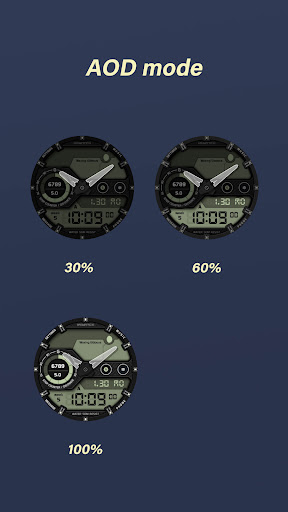
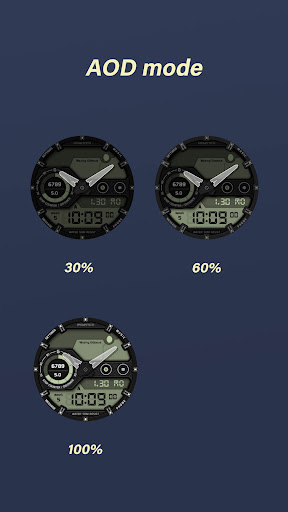
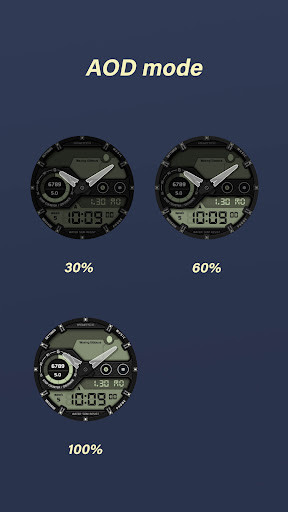
3 AOD modes
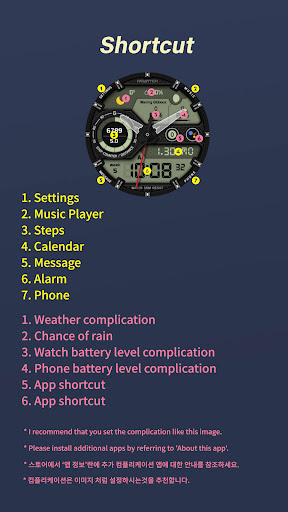
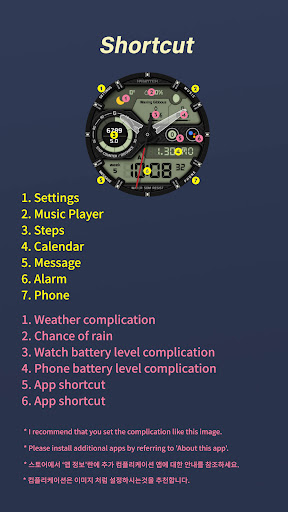
6 Complications
Steps and distance
Moonphase 8steps
Fixed 7 shortcuts : Settings, Music player, Phone, Message, Alarm, Calendar, Steps
=======================================================
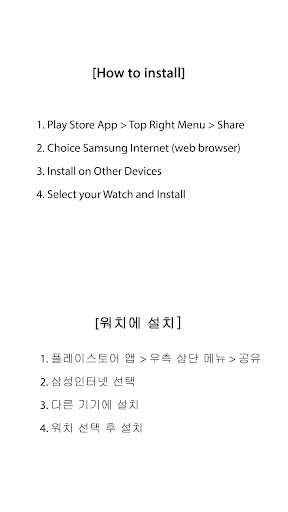
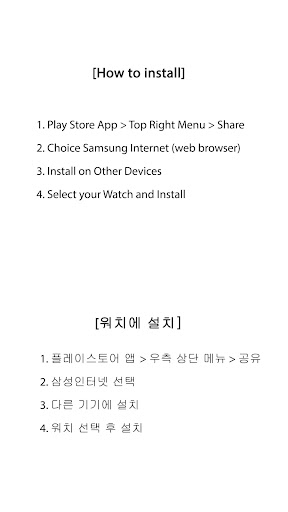
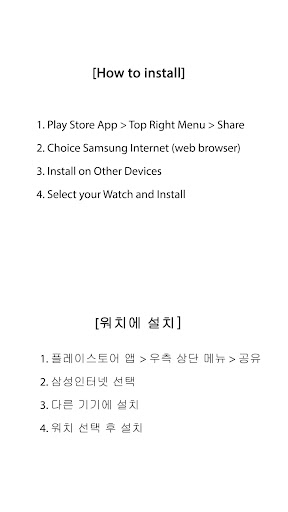
[How to install]
Make sure your watch is selected first before you press the payment button.
Press the small black triangle next to the Payment button to select the watch.
If you don't follow the above method, you can use Chrome or Samsung browser on your PC or smartphone.
After entering the store with a web browser, click Install on another device to install it on the watch.
After the release of Watch 5, a new UI was applied to Watch 4.
The newly installed watchface can be found in the following ways.
1. Press and hold the watch screen to enter the 'Frequently Used Watch Face List'.
2. Turn it to the rightmost and press 'Add watchface'.
3. Then, enter the 'Installed Watchface List'.
4. Find and select the watch face you purchased.
=======================================================
[Additional installation app]
1. Smart phone battery app (Free app)
Please install the additional app of the link below on the watch and smartphone, and set up the complication.
If the link does not open, please search for the 'Phone Battery Complication' app and install it.
https://play.google.com/store/apps/details?id=com.weartools.phonebattcomp
2. Complications Suite - Wear OS (Free app)
https://play.google.com/store/apps/details?id=com.weartools.weekdayutccomp
3. Heart Rate Complication (Paid app)
https://play.google.com/store/apps/details?id=com.weartools.heartratecomp
4. Health Services Complications (Paid app)
https://play.google.com/store/apps/details?id=com.weartools.hscomplications
All credits goes to original app creator:
amoledwatchfaces - https://play.google.com/store/apps/dev?id=5591589606735981545
=======================================================
Get new news from my Instagram.
www.instagram.com/hmkwatch
https://hmkwatch.tistory.com/
Please send me an email if you have any errors or suggestions.
hmkwatch@gmail.com
Version Information
- Version
- -
- Downloads
- 1K+
- Updated on
- Jul 28, 2025
- Released
- Jan 30, 2023
- Requires
- Android Varies with device
Statistics
Google Play Rating History
Rating Distribution
Downloads Over Time
HMKWatch Analog 266 has been downloaded times. Over the past 30 days, it averaged downloads per day.
Shaded area shows 30-day prediction based on historical trends
Historical data collection started recently. More data points will be available over time.
HMKWatch Analog 266 users say on Google Play
 SirDudley23
A+++
ApkTrusted Ratings & Reviews
More from HMKWatch
See more apps
HMKWatch Analog 169
Paid
HMKWatch Analog 152
Paid

HMKWatch Analog 264
Paid

HMKWatch Analog 268
Paid

HMKWatch Analog 160
Paid

HMKWatch Christmas 04
Paid

HMKWatch Analog 265
Paid

HMKWatch Analog 267
Paid

HMKWatch Digital 045
Paid

HMK WD047
Paid

HMK AD038
Paid
HMK AD039
Paid

HMKWatch Analog 023
Paid

HMKWatch Analog 032
Paid
HMKWatch Analog 033
Paid

HMKWatch Analog 034
Paid
Similar Apps

BRATADO CTS13 Watch face
Paid

KRONOS ARD Watch Face
Free
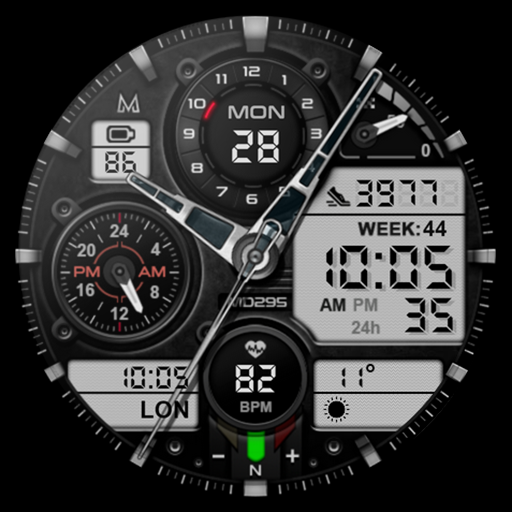
MD295 Analog watch face
Paid

JW100 jwstudio
Paid

SCARTAK CTS15 Watch face
Paid

ILLUMINATOR Hybrid-LCD
Paid

DARDONUS CTS28 Watch face
Paid

Hybrid TRADOR URX23 Watch face
Paid
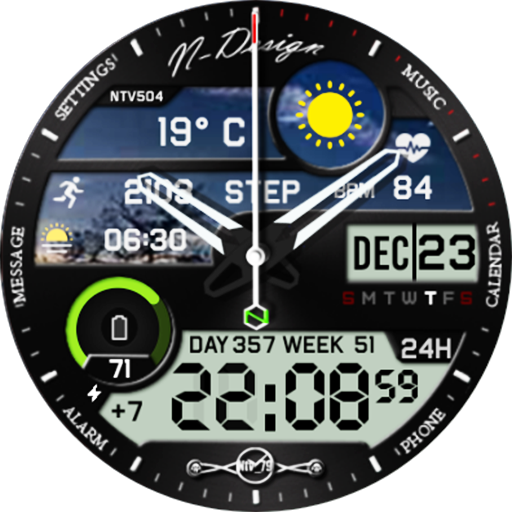
Ntv504 - N Design watch face
Free

SamWatch AD Qebui
Paid

JW092 jwstudio
Paid

Unique Digital Watch Face
Paid

OMG 343 Hybrid Retro Watch
Paid
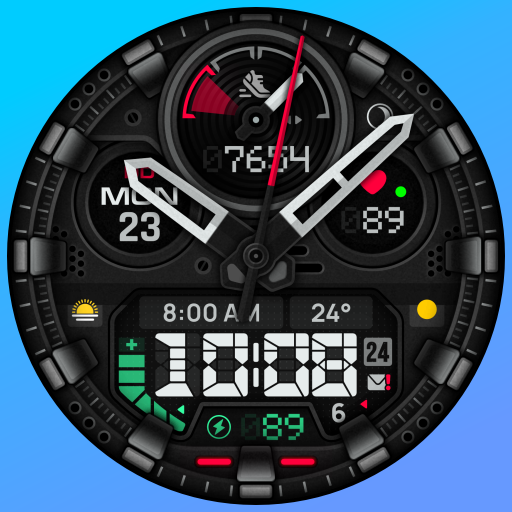
SH088 Watch Face, WearOS watch
Free
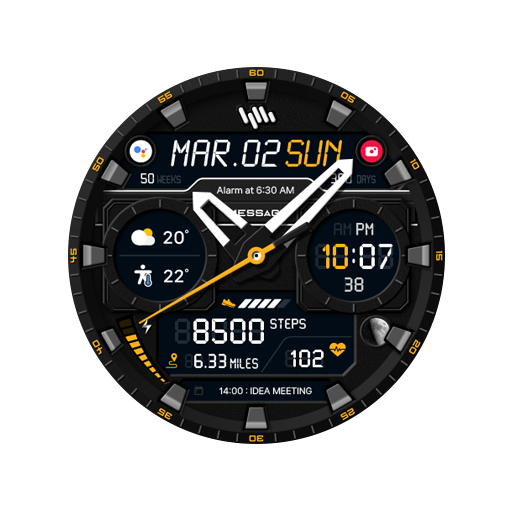
SamWatch AD Qebui 2
Paid

Ballozi STEALTH MARINE 4
Paid
Scan this QR code to download

Forwarding you to the page at Google Play market in seconds...
Open Google Play market now