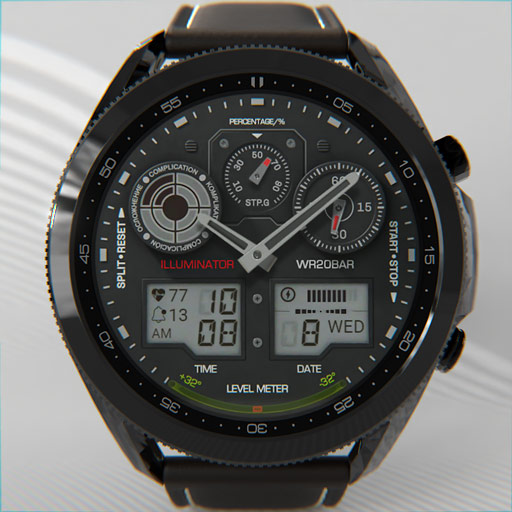
Illuminator 2.0 Watch face vVARY
WatchBase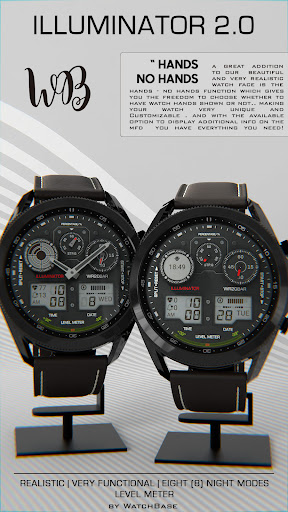






About this app
Developer Description
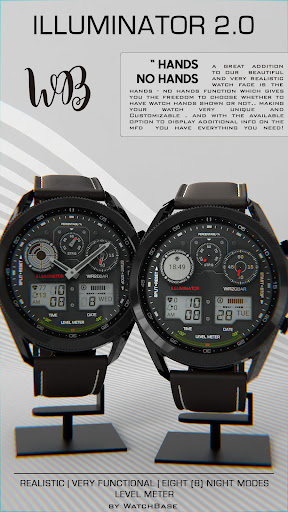
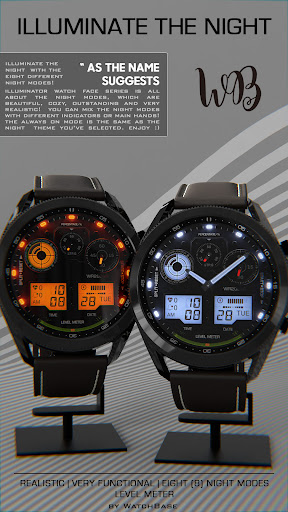
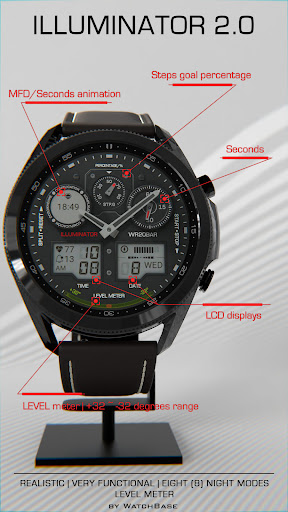
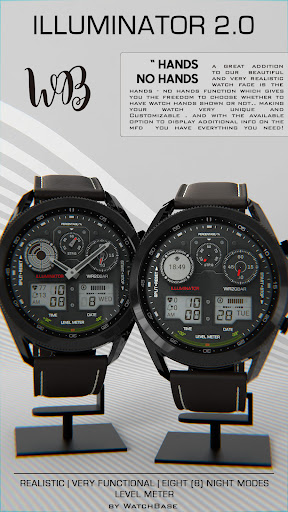
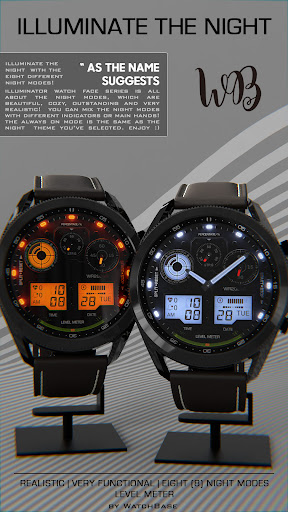
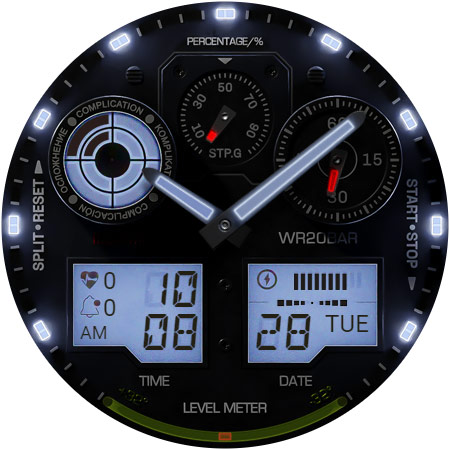
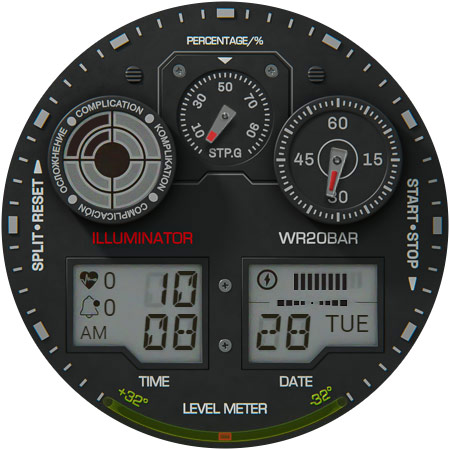
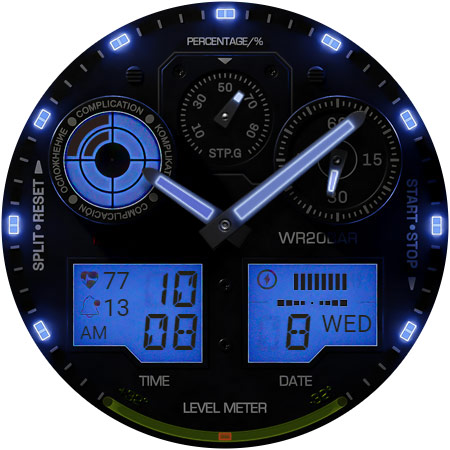
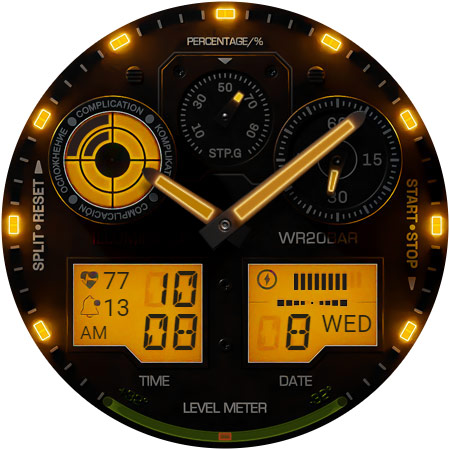
Realistic, customizable, night modes and very easy to read watch face
NOTE: Please read the how to section and installation section !!!
ⓘ Features:
- Animated
- Customizable
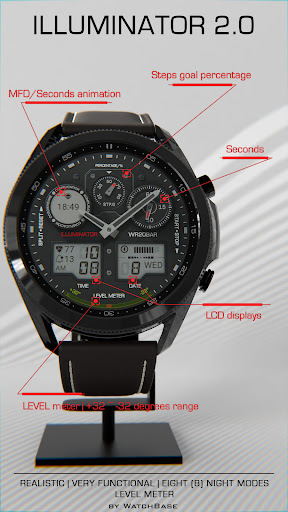
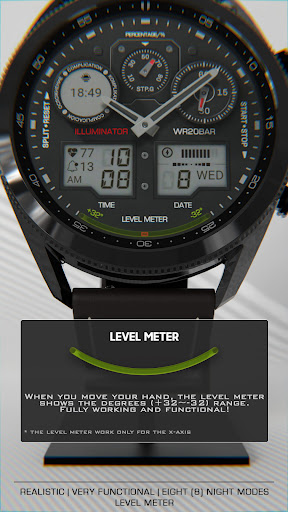
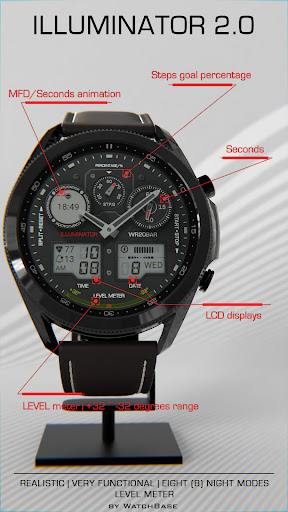
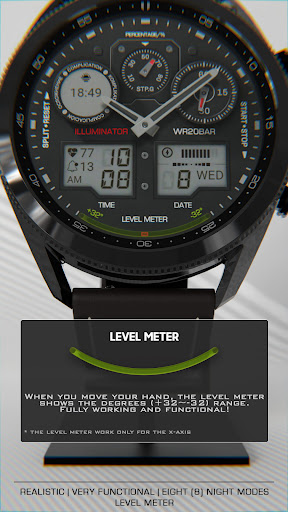
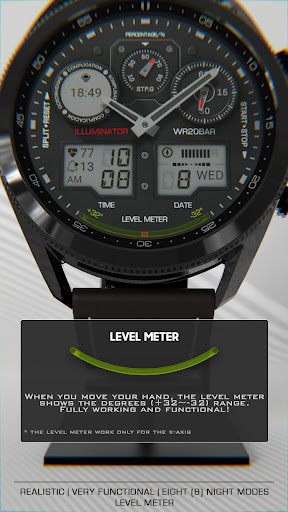
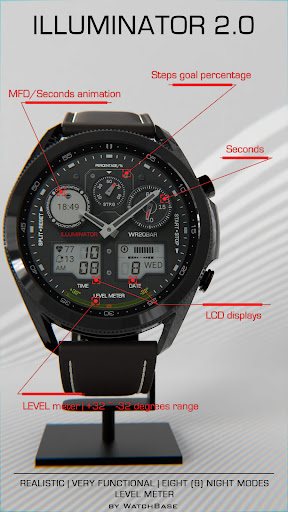
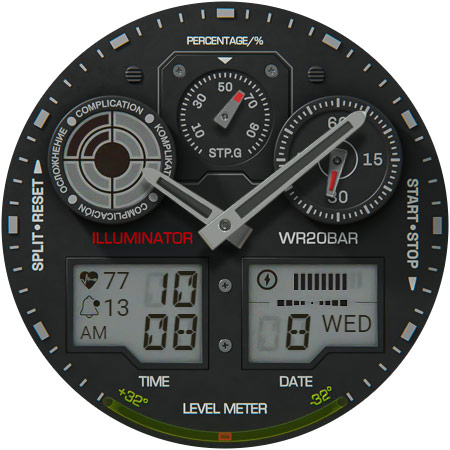
- Level meter
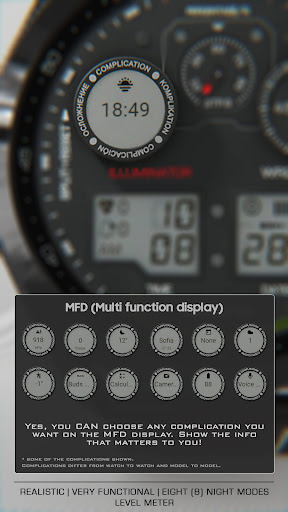
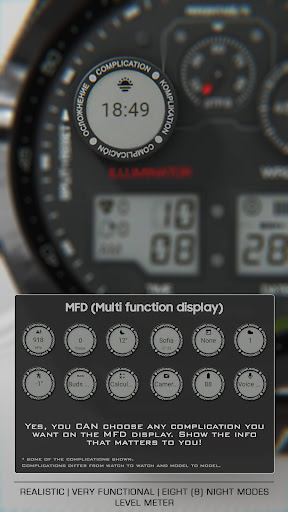
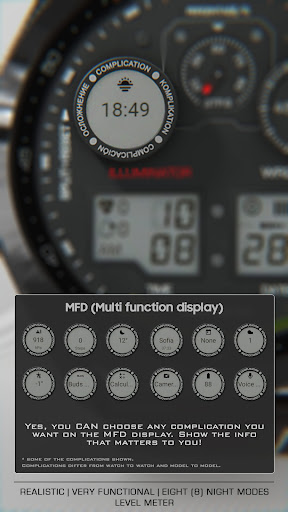
- MFD (Multi function display)
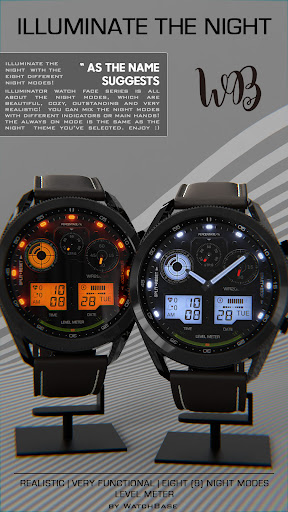
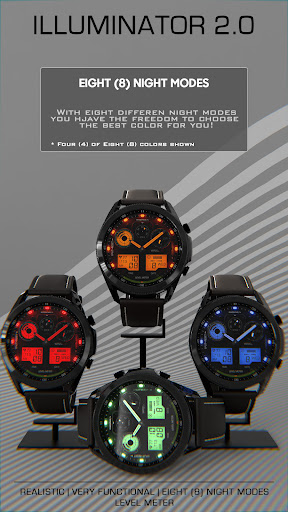
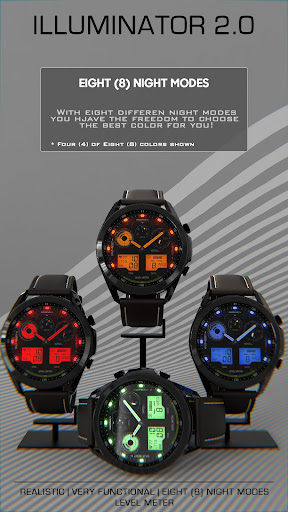
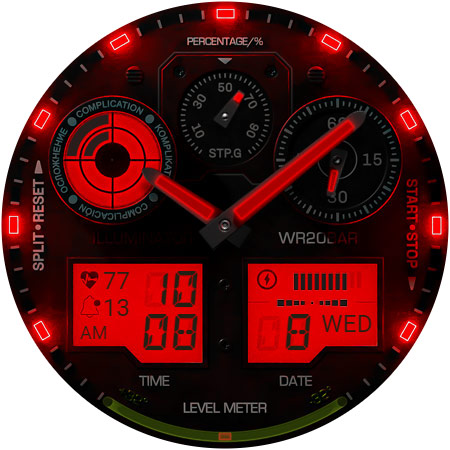
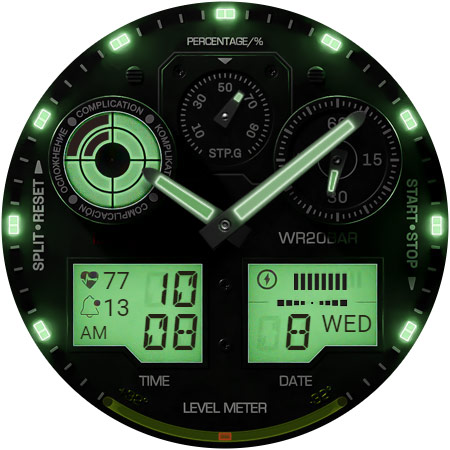
- 8 night modes.
- Auto 12h/24h mode
- Time and date
- Realistic design
- Battery indicator
- Steps goal indicator
ⓘ How to:
- Long press (touch and hold) on the screen to customize.
NOTES:
ⓘ Heart rate info
In order for the HR to work, you must first allow health sensors.
When you apply the watch face if you see "-" heart rate was not measured,
just tap on it to measure it.
1. If you see "M" for HR value, then heart rate is being measured.
2. If you see "E" for HR value, then the heart measurement was not successful (dirty sensor or any kind of reason). Just tap to try again.
** Heart rate is not always automatically available. If not, then read the above.
ⓘ Installation
How to install: https://watchbase.store/static/ai/
After installation: https://watchbase.store/static/ai/ai.html
If you have any issues installing the watch face, please note that we have no control over the installation process or any other Google Play processes.
The most common issue that people face is after they buy the watch face and install it, they can't see/find it.
In order to apply the watch face after you install it, touch and hold on the main screen (your current watch face) the swipe left to look for it. If you can't see it, tap on the " + " sign at the end (add a watch face) and find our watch face there.
We use a companion app for the phone to make the installation process easier. If you buy our watch face, tap on the install button (on the phone app) you must check your watch.. a screen will appear with the watch face.. tap install again and wait for the installation to finish. If you already bought the watch face and it still asks you to buy it again on the watch, don't worry you will not be charged twice. This is a common synchronization issue, just wait a little or try to restart your watch.
Another solution for installing the watch face is to try to install it from a browser, logged with your account (google play account that you use on the watch).
Want the MOST realistic watch face? Try Luna Benedicta:
https://play.google.com/store/apps/details?id=wb.luna.benedicta
MORE beautiful watch faces here:
Google Play page:
https://play.google.com/store/apps/developer?id=WatchBase
JOIN WatchBase.
Facebook page:
https://www.facebook.com/WatchBase
Facebook group (General watch faces group):
https://www.facebook.com/groups/1170256566402887/
Instagram:
https://www.instagram.com/watch.base/
YouTube:
https://www.youtube.com/@WATCHBASE/videos
Google Play page:
https://play.google.com/store/apps/developer?id=WatchBase
SUBSCRIBE to our YouTube channel:
https://www.youtube.com/c/WATCHBASE?sub_confirmation=1
https://www.youtube.com/c/WATCHBASE
Version Information
- Version
- -
- Downloads
- 1K+
- Updated on
- Feb 6, 2023
- Released
- Feb 6, 2023
- Requires
- Android Varies with device
Statistics
Google Play Rating History
Rating Distribution
Downloads Over Time
Illuminator 2.0 Watch face has been downloaded times. Over the past 30 days, it averaged downloads per day.
Shaded area shows 30-day prediction based on historical trends
Historical data collection started recently. More data points will be available over time.
Illuminator 2.0 Watch face - Google Play Rankings
Top Rankings
| Rank | Country | Category | List | Change |
|---|---|---|---|---|
| — |
Ranking History in
No ranking data available yet. Rankings are updated daily.
#74 in Top Paid Apps in Malaysia


Illuminator 2.0 Watch face users say on Google Play
 Geo Dan RUSU
Remarkable! Military sporty look New Illuminator with nice night neonic colors, many features and useful health info and readable nice AOD. Good work! Thank you!
 Haresh Gundlapalli
This is a good watch face. Very realistic but looks like it uses more CPU as it lags when swiped left or right from the WF. Very good if fixed.
 Miza Hakimie
No always on display.. big disappointed because i thought this face watch have..
 Gordon Edison
Difficult to see/read, disappointing
ApkTrusted Ratings & Reviews
More from WatchBase
See more apps
Dashboard Ultra HWF
Paid

BIG Dash Pro | "RPM"
Free

EVERYDAY 10-Hands Style
Paid
WatchBase. Dashboard
Free
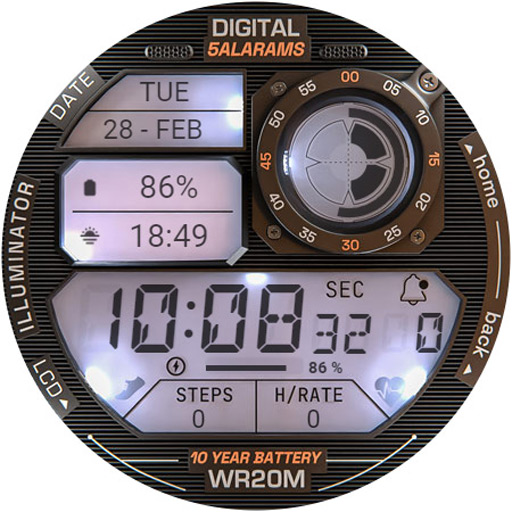
ILLUMINATOR Digital Watch face
Paid

ILLUMINATOR Hybrid-LCD
Paid
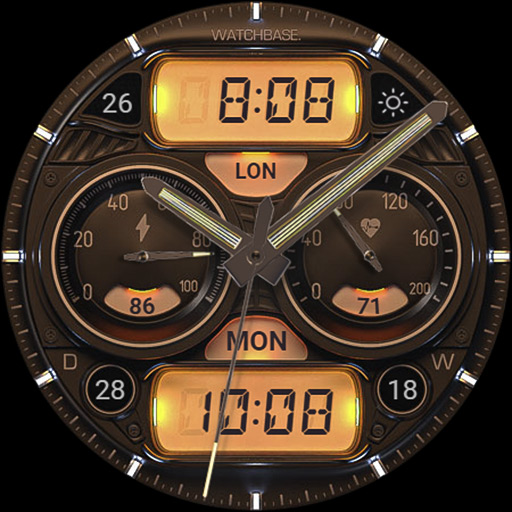
ILLUMINATOR Hybrid Legacy
Paid
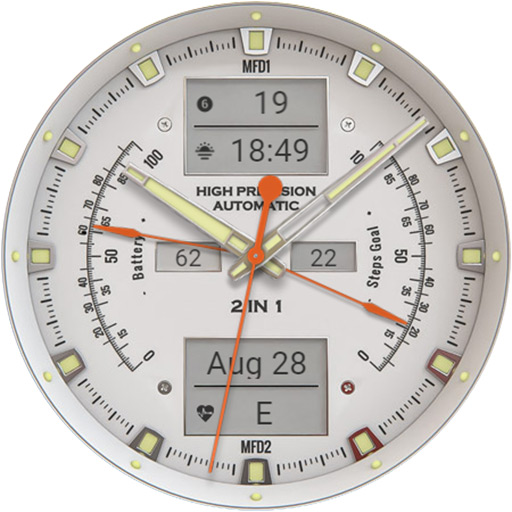
ANALOG MASTER Watch face
Paid
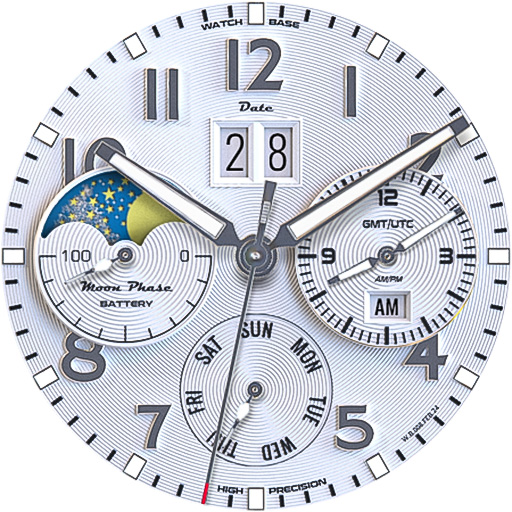
ALPINIST Moon Phase - GMT
Paid

Harmony GT Premium
Paid
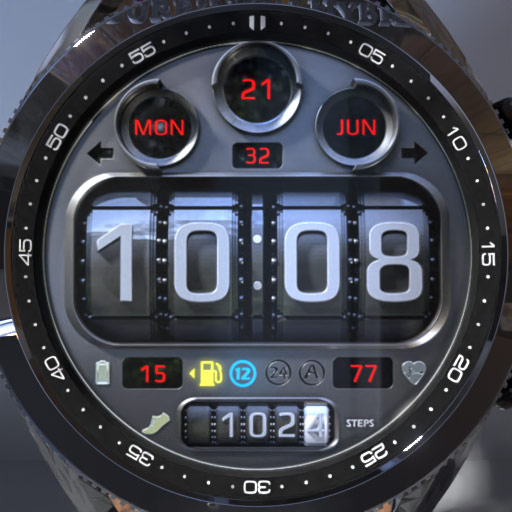
BIG Dash Pro | Odo
Free

Classic GMT President
Paid

Airman AFI 36-2903
Free

HUD Digital Animated
Free

Predator's Watch | Illuminator
Paid
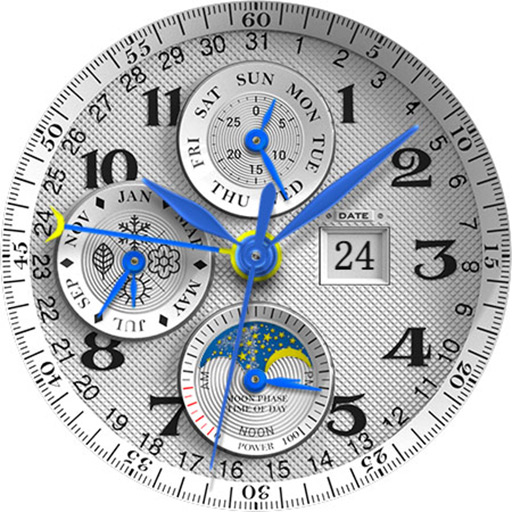
LUNA BENEDICTA Watch face
Free
Similar Apps

TROPILA CTS11 Watch face
Paid

Hybrid DALKUN CTS24 Watch face
Free
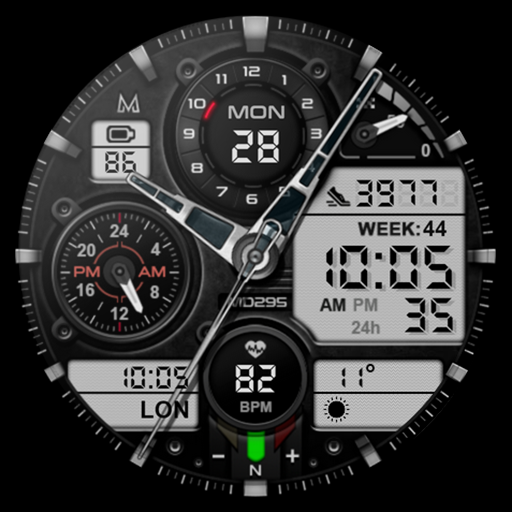
MD295 Analog watch face
Paid

Hybrid RUMINT URX33 Watch face
Paid

PT04 Hybrid Watch Face
Paid

MB281 Analog Watch Face
Free

MD330 Analog Watch Face
Free
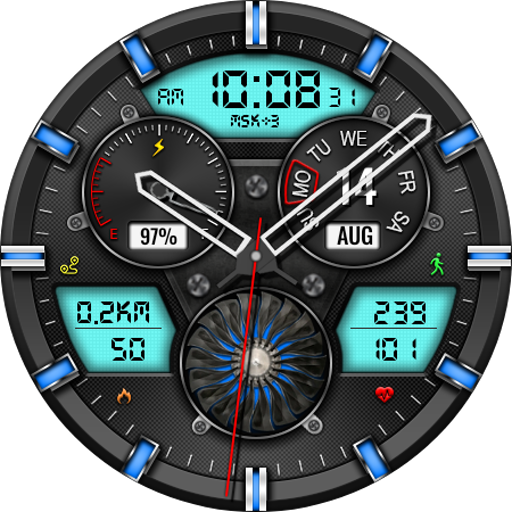
Hybrid CLOUD URX138 Watch face
Paid

HMKWatch Analog 265
Paid

PT05 Hybrid Watch Face
Free

Fusion Watch Face CUE129
Paid

Lotus Hybrid Watch Face
Free

DARDONUS CTS28 Watch face
Free
MD299 Analog watch face
Free

Voron GUARD Watch Face
Paid
Hybrid ACTIVE URX76 Watch face
Paid
Scan this QR code to download

Forwarding you to the page at Google Play market in seconds...
Open Google Play market now