
S4U Assen - Hybrid watch face vVARY
styles4you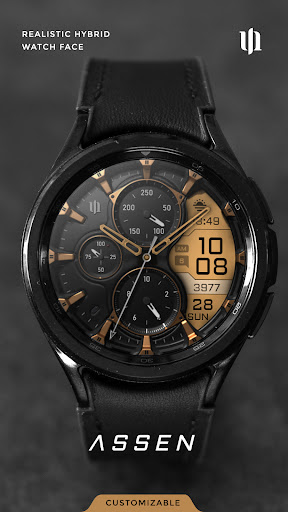



About this app
Developer Description
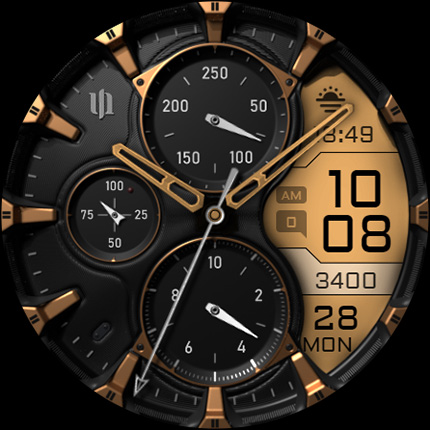
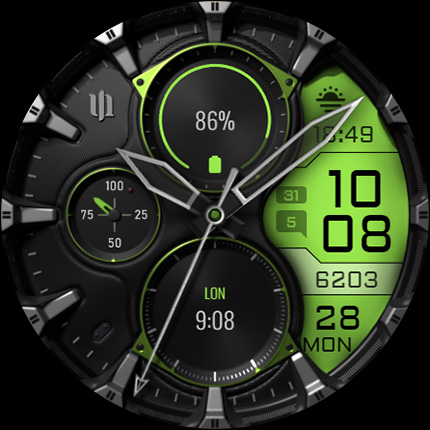
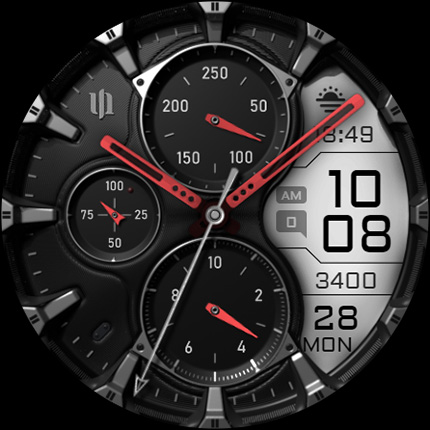
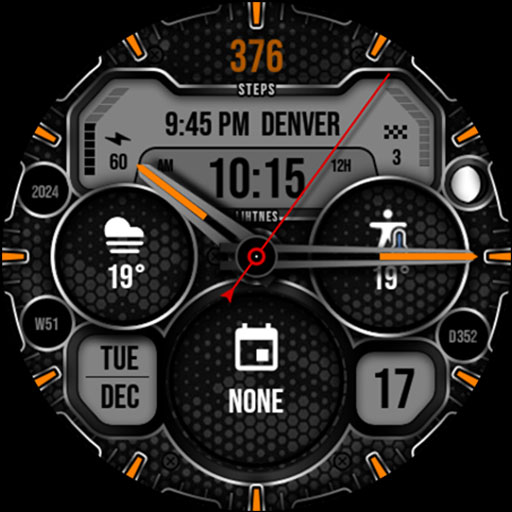
A realistic hybrid watch face with many customization options.
✨ Key Features:
- Realistic hybrid dial (digital and analog design elements combined).
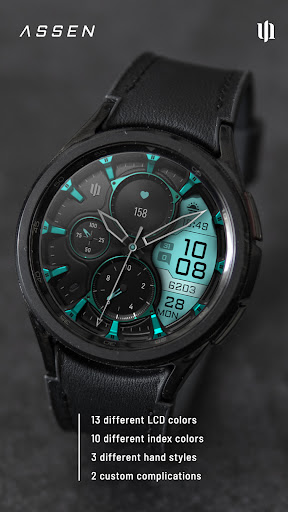
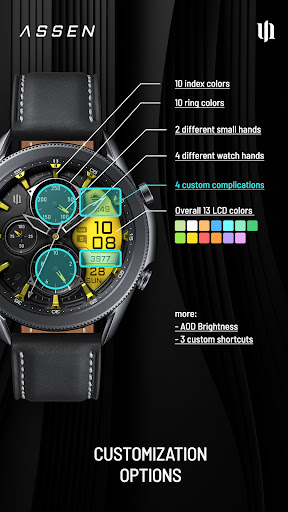
- Color customization (13 LCD colors and 10 index colors).
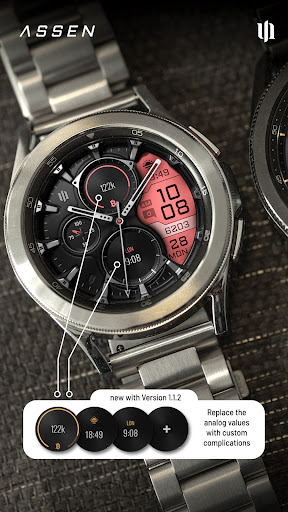
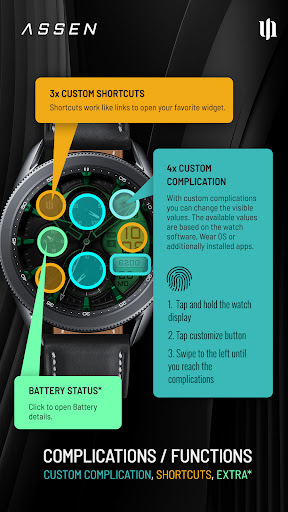
- 4 custom complications (for user-defined data).
- 3 custom shortcuts to access your favorite widget
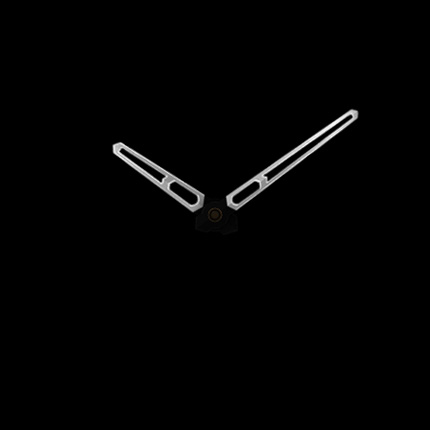
- 4 custom clock hands
- 2 custom small hands
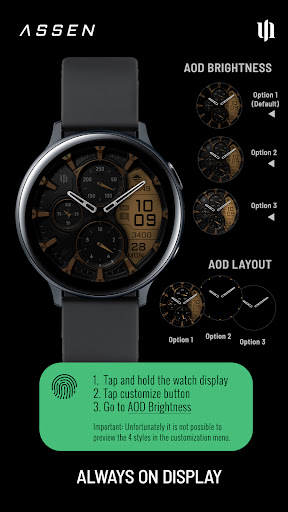
- 3 AOD brightness levels
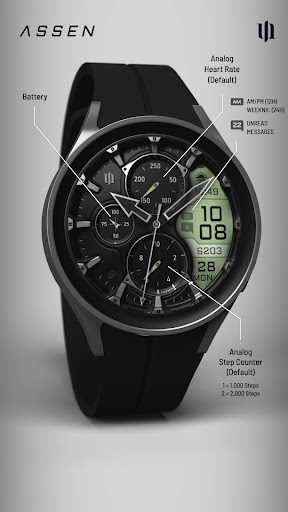
- Watch face displays time, steps, heart rate, day of the week, day of the month, number of unread messages + 2 custom complications
****
⚠️ IMPORTANT: Compatibility
This is a Wear OS Watch Face app and supports only smartwatches running Wear OS 4 or higher (Wear OS API 33+).
Compatible devices include:
- Samsung Galaxy Watch 4, 5, 6, 7, 7 Ultra
- Google Pixel Watch 1–3
- Other Wear OS 4+ smartwatches
If you experience any issues with installation or downloading, even on a compatible smartwatch:
1. Open the companion app provided with your purchase.
2. Follow the steps in the Install/Issues section.
Still need help? Feel free to email me at wear@s4u-watches.com for support.
****
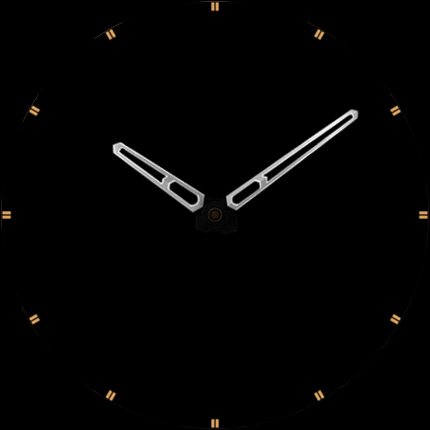
🌙 Always-On Display (AOD)
The dial has an always active display. You can change the brightness level in the customization menu. There are 3 levels in total.
The colors are synchronized with the normal view.
With the new option “AOD Layout” in the customization menu, you can now change the AOD to a minimal layout.
Important Notes:
- Using AOD will reduce battery life, depending on your smartwatch's settings.
- Some smartwatches may automatically dim the AOD display based on ambient light conditions.
****
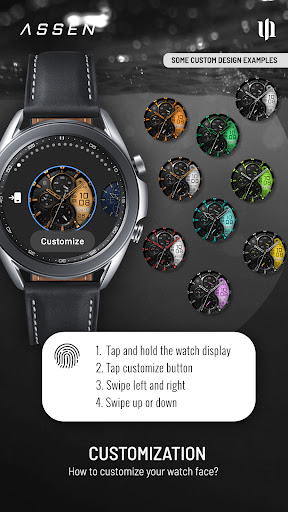
🎨 CUSTOMIZATION OPTIONS
1. Press and hold your finger at center on the watch display.
2. Press the button to adjust.
3. Swipe left or right to switch between the different customizable items.
4. Swipe up or down to change the options/color of the items.
Available Customization Options:
Color: 30 themes - 13 colors (LCD display and hand color)
Index colors: 10
Ring colors: 10
Hands: 4 styles
Small hands: 2 styles
AOD brightness: 3 level
Complications: 4 custom complications, 3 shortcuts
Additional functionality:
+ tap the battery indicator to open battery details
(not supported by every smartwatch)
****
⚙️ COMPLICATIONS & SHORTCUTS
Enhance your watch face with customizable app shortcuts and complications:
- App Shortcuts: Link to your favorite widgets for quick access.
- Editable Complications: Display the data you need most by customizing the visible values.
1. Press and hold the watch display.
2. Push the customize button.
3. Swipe from right to left until you reach the "complications".
4. 3 app shortcuts and 4 custom complications are highlighted. Click on them to make the desired settings.
****
📬 Stay Connected
If you enjoy this design, be sure to check out my other creations! I’m constantly working on new watch faces for Wear OS. Visit my website to explore more:
🌐 https://www.s4u-watches.com
Feedback & Support
I’d love to hear your thoughts! Whether it’s something you like, dislike, or a suggestion for future designs, your feedback helps me improve.
📧 For direct support, email me at: wear@s4u-watches.com
💬 Leave a review on the Play Store to share your experience!
Follow Me on Social Media
Stay up to date with my latest designs and updates:
📸 Instagram: https://www.instagram.com/matze_styles4you/
👍 Facebook: https://www.facebook.com/styles4you
▶️ YouTube: https://www.youtube.com/c/styles4you-watches
🐦 X: https://x.com/MStyles4you
What's New
The problem that the digital time was not updated in AOD mode has been fixed.
Version Information
- Version
- -
- Downloads
- 100K+
- Updated on
- Jul 16, 2025
- Released
- Aug 10, 2023
- Requires
- Android Varies with device
Statistics
Google Play Rating History
Rating Distribution
Downloads Over Time
S4U Assen - Hybrid watch face has been downloaded times. Over the past 30 days, it averaged downloads per day.
Shaded area shows 30-day prediction based on historical trends
Historical data collection started recently. More data points will be available over time.
S4U Assen - Hybrid watch face - Google Play Rankings
Top Rankings
| Rank | Country | Category | List | Change |
|---|---|---|---|---|
| — |
Ranking History in
No ranking data available yet. Rankings are updated daily.
#22 in Top Paid Personalization in United States
 Retro Mode - Icon Pack (Neon)
S4U Assen - Hybrid watch face
Retro Mode - Icon Pack (Neon)
S4U Assen - Hybrid watch face
 WB DIGITAL BASE 2 Watch Face
#6 in Top Paid Personalization in Japan


#6 in Top Paid Personalization in Netherlands


#7 in Top Paid Personalization in France

S4U Assen - Hybrid watch face users say on Google Play
 AppTrove
Beautiful watchface, just like most of the other watchfaces from this developer. But one unique aspect of this watchface is the Time-only AOD option. This single feature is extremely important for me as it helps prevent screen burn-in. I don't use AOD if this option is not available. Request the developer to bring this feature in all the other watchfaces too via updates.
 sudhakar reddy S
I have recently installed this watch face. I like it very much. But it's brightness is too low at any given brightness of the watch. Please increase the brightness in the next iteration & we will install the new one.
 David Christian
I do like the watch face, but there should be an option to remove the analog hands (hours, minutes, seconds). They cover up the shortcuts and complications on the face at times and just take away from the look and feel. I mean I get it if some people like it cool. Just make it customizable so that they can be removed.
 Marc Schwartz
Very clunky customisation, would not have purchased if I had know this previously. Visability poor too.
 Brendan Almeida
It drains battery quickly
ApkTrusted Ratings & Reviews
More from styles4you
See more apps
S4U EYE2 - digital watch face
Paid

S4U Abandon Time watch face
Paid
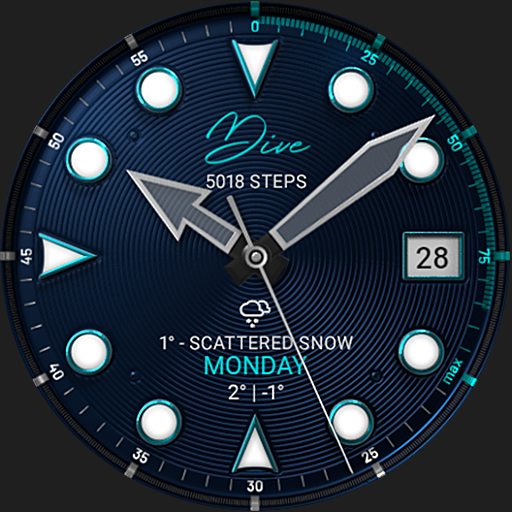
S4U Dive - Diver watch face
Paid
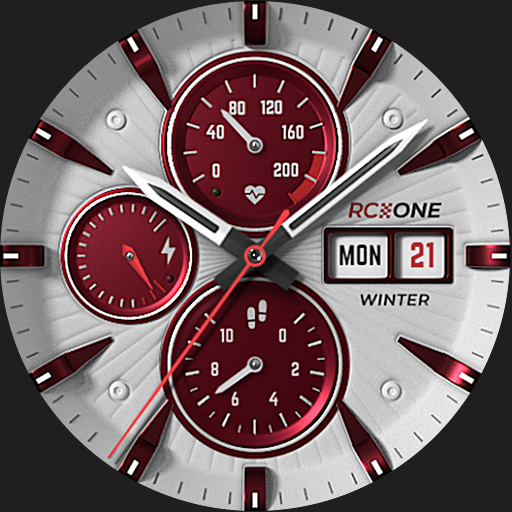
S4U RC ONE Winter watch face
Paid
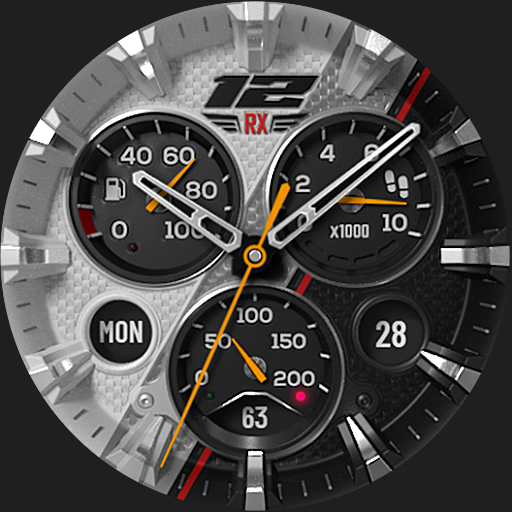
S4U Macau RX Racing Watch face
Paid
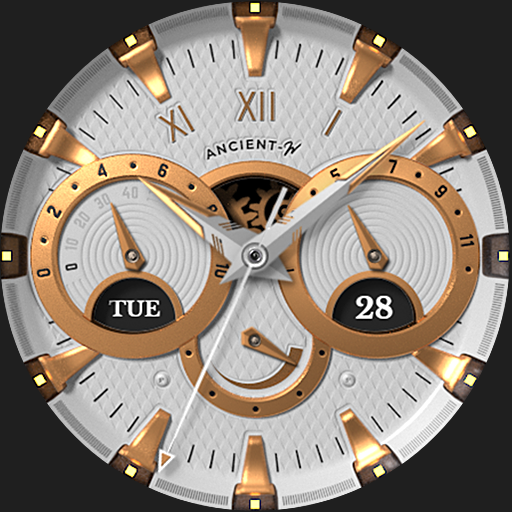
S4U Ancient Winter watch face
Paid

S4U Davos - Classic watch face
Paid
S4U Cyberpunk watch face
Paid
S4U Frost - classic watch face
Paid
S4U Arctic Blue watch face
Free

S4U Chicago Golden watch face
Paid
S4U Ancient Winter SE
Paid

S4U Ancient Gold Watch Face
Paid
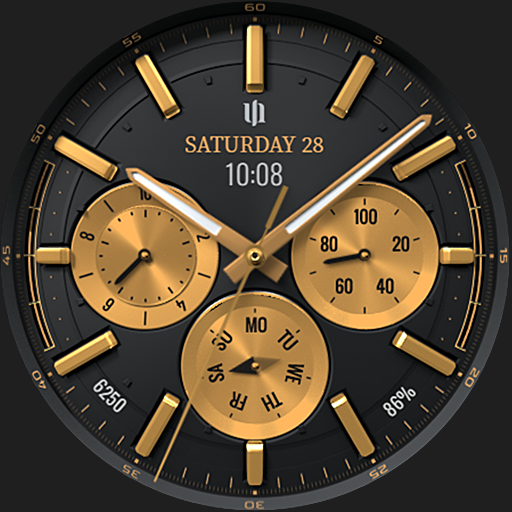
S4U Atlanta
Paid

S4U Dive Winter - watch face
Paid

S4U Ancient SE watch face
Paid
Similar Apps
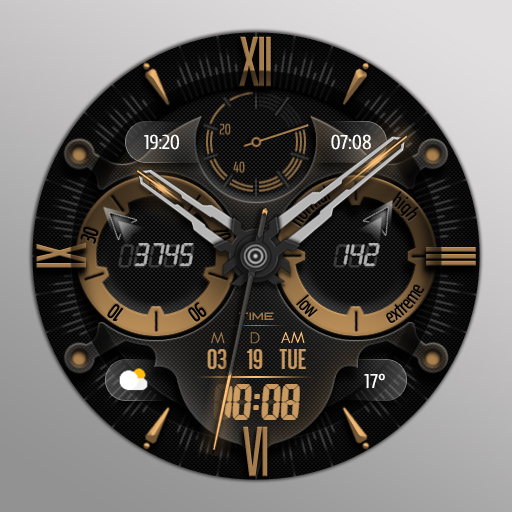
KTdh
Paid

Watch face CNW0010
Paid

CWF020 Matte Gold Watch Face
Paid

Antique Watch Face 052
Paid

ANALOG QWADRO
Paid

Rugged Analog - watch face
Paid

Classic Watch Face 028
Paid

Oogly Deluxe Hybrid
Paid

WFP 240 Modern watch face
Paid

ZKin Watch Jazz Gold Luxury
Paid
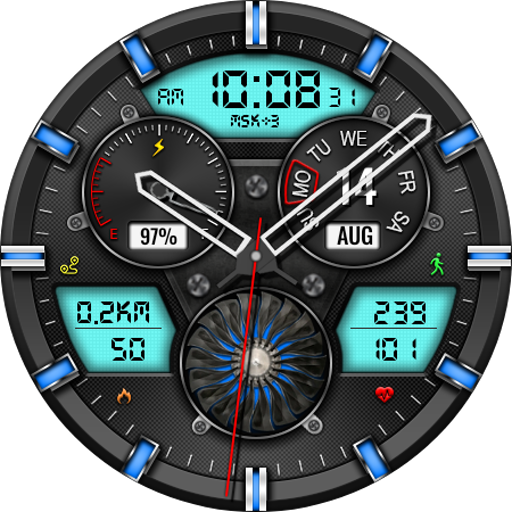
Hybrid CLOUD URX138 Watch face
Paid
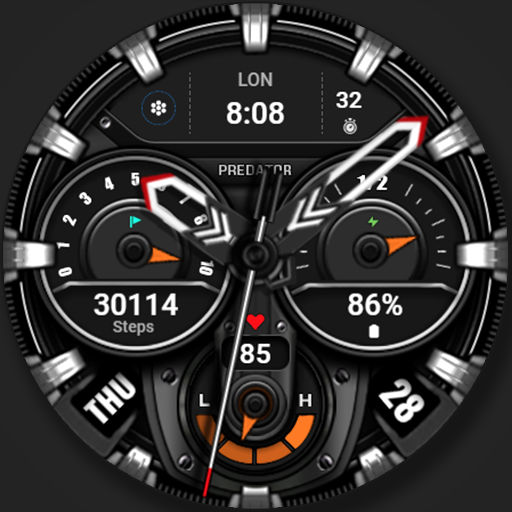
WFP 239 Ultra watch face
Free

DADAM100: Hybrid Watch Face
Free

DigitX - Elite Hybrid
Paid

GearSync WatchFace
Paid
Hybrid Watch Face 014
Paid
Scan this QR code to download

Forwarding you to the page at Google Play market in seconds...
Open Google Play market now