Star Field Moon Phase Watch v1.1.3
3Dimensions v.o.f.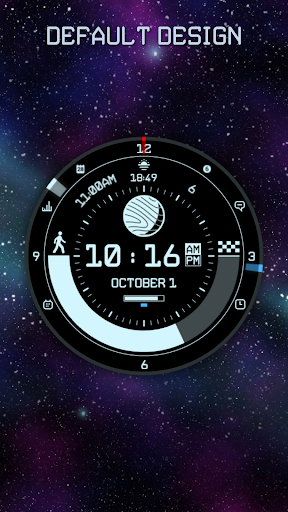


About this app
Developer Description
Watch Face inspired by space with current Moon Phase
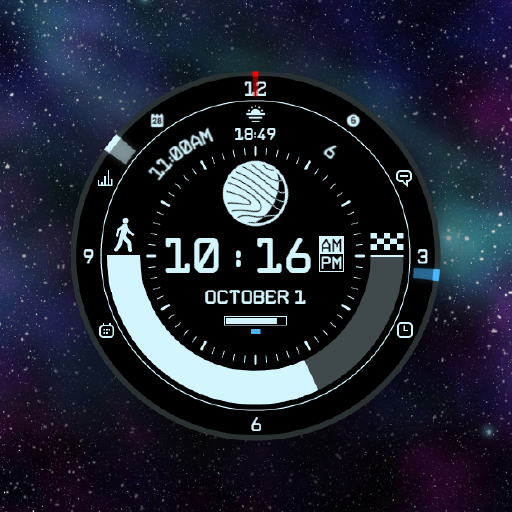
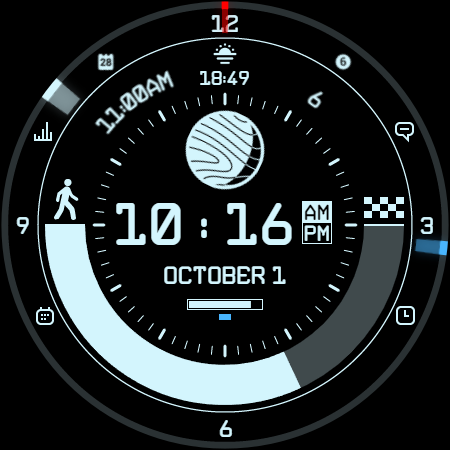
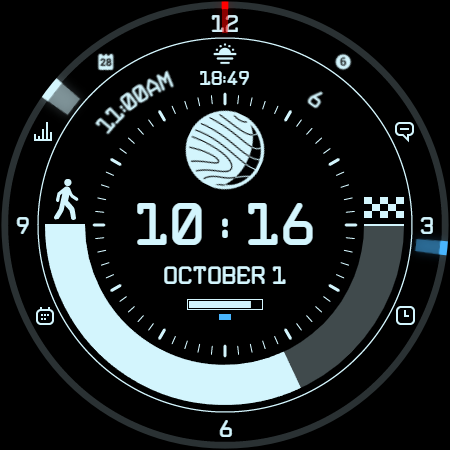
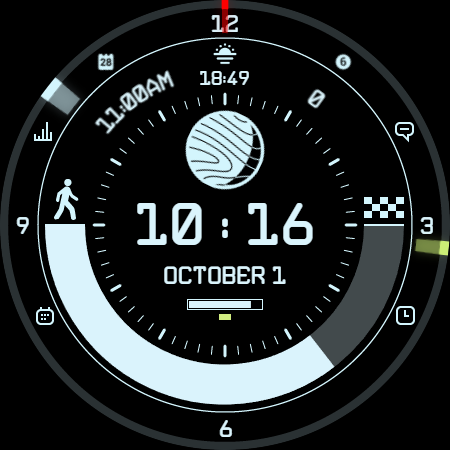
This watch face is perfect for anyone who loves the beauty of the universe. It displays a realistic rendering of the moon phase, as well as the time, date, step counter, battery status and user defined complications and shortcuts.
Features:
Realistic rendering of the moon phase
Time, date, and step counter
Seconds, minutes and hour indicators in the ring
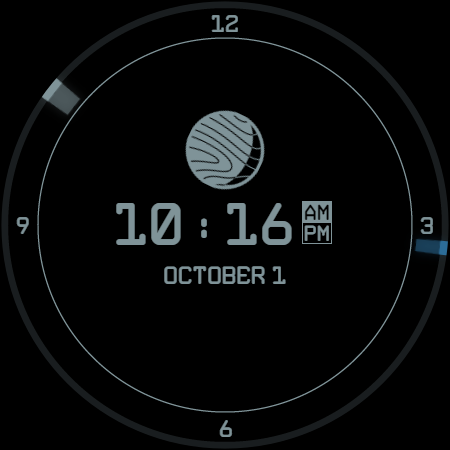
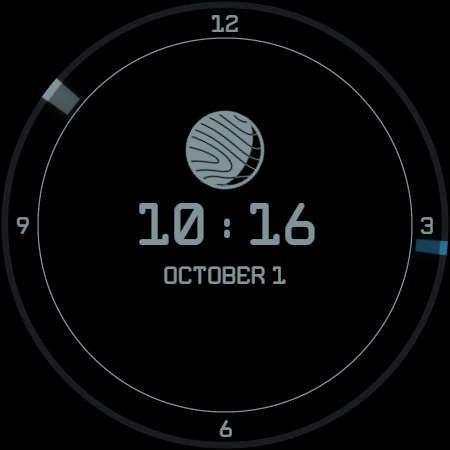
Always-on mode
Battery status and low battery warning indicator
Customizable complications
Customizable shortcuts
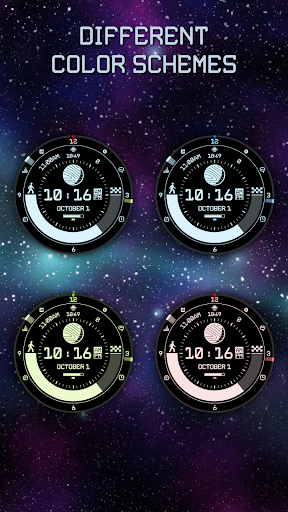
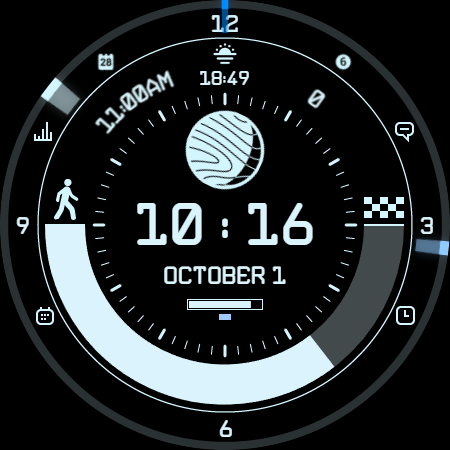
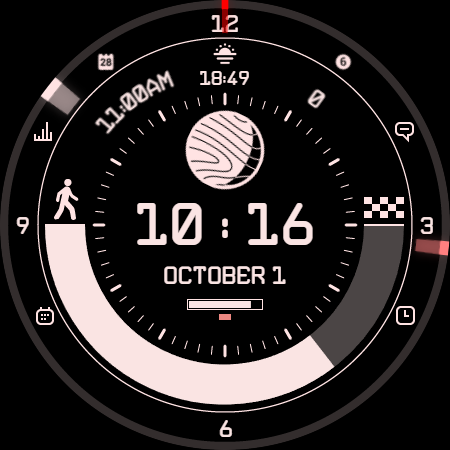
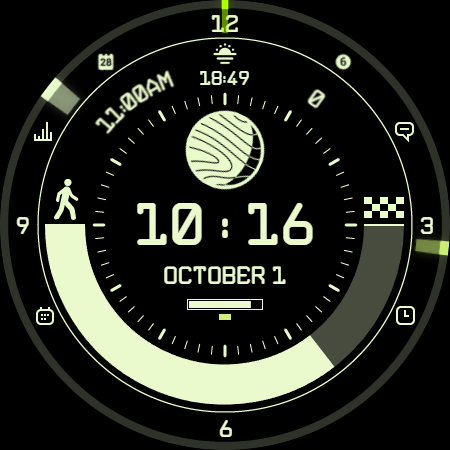
Customizable colors (5 sets)
Compatible devices:
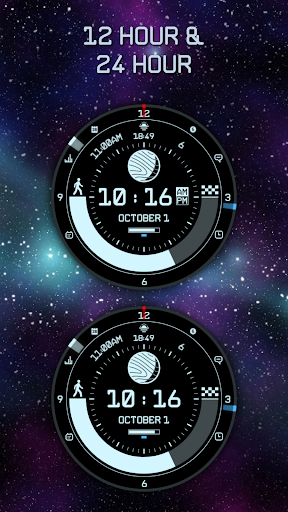
All Android devices with Wear OS 4 or higher
Download Star Field Moon Phase Watch Face today and enjoy the beauty of the universe on your wrist!
About the developer:
3Dimensions is a team of passionate developers who like to explore new things. We are always looking for new ways to improve our products, so let us know what you think!
Additional information:
The shortcuts have fixed icons, but you can set up which application the shortcuts should launch.
Our recommended set-up would be:
Top left = Settings
Top right = messages
Bottom left = calendar
Bottom right = reminders
Recommended setup for complications in the top ring are:
Left = Temperature
Center = Sunrise, sunset
Right = Barometer
But you can define it the way you want!
What's New
- Moon phase now consists of 28 frames.
- The hemisphere can now be changed via styles to also display a correct moon phase for the southern hemisphere.
- Battery warning light now turns green when charging.
- Upgrade Wear OS API level to 33+ and target SDK to 34.
Version Information
- Version
- 1.1.3
- Downloads
- 100+
- Updated on
- Mar 19, 2025
- Released
- Dec 6, 2023
- Requires
- Android Varies with device
Statistics
Google Play Rating History
Rating Distribution
Downloads Over Time
Star Field Moon Phase Watch has been downloaded times. Over the past 30 days, it averaged downloads per day.
Shaded area shows 30-day prediction based on historical trends
Historical data collection started recently. More data points will be available over time.
Star Field Moon Phase Watch users say on Google Play
 Alfredo Ortiz
Nice add on, would just want more color options, maybe the step counter be able to change it as well to diferentes options as well as moon phase, but over all great and works well.
 Lucky
Lucky
Got past the install issue, it requires the Google account associated with the play store to be removed and relinked in the wearable app hopefully it doesn't drain the battery too much, I will update soon after using it for a bit
 Jolene Boyce
Doesn't work with my watch. Looks great though
ApkTrusted Ratings & Reviews
More from 3Dimensions v.o.f.
See more apps

Similar Apps

To the stars Watch Face
Paid

Starfield LPV6 SE Watch Face
Paid

StarMark
Paid

star explorer watch face
Paid
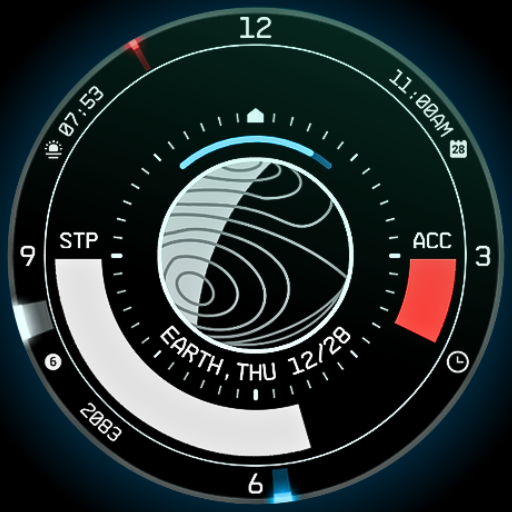
Planet in stars Watch Face
Paid
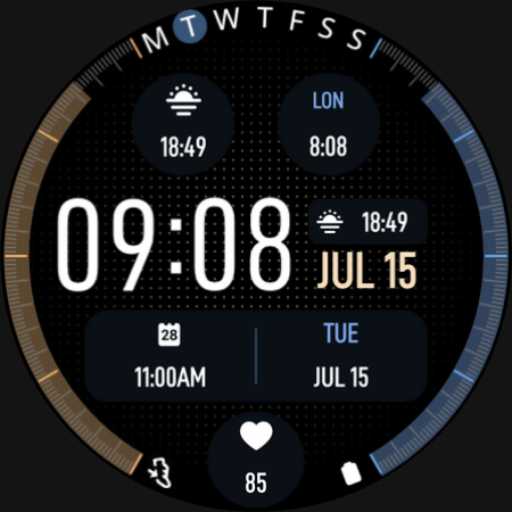
SG-154
Free
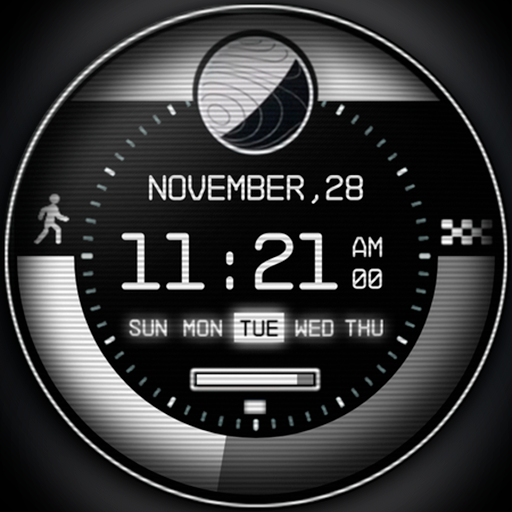
Retro NASA Space Watch Face
Paid

BRN125 - royo
Paid

SG-130
Free

Timeframe
Paid

ML2U 168 Watch Face
Paid

Digital Watch Face Premium
Free

TKS 04 Dash Watch Face
Paid

Ringerstaff V
Paid
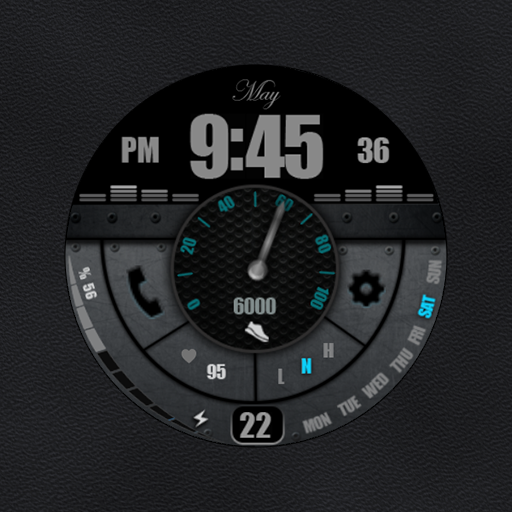
W-Design WOS084 - Watch Face
Paid

Digital Watch Face Pro Black
Free
Scan this QR code to download

Forwarding you to the page at Google Play market in seconds...
Open Google Play market now