
Screen Time - Parental Control v3.11.71
Parental Control App by Screen Time Labs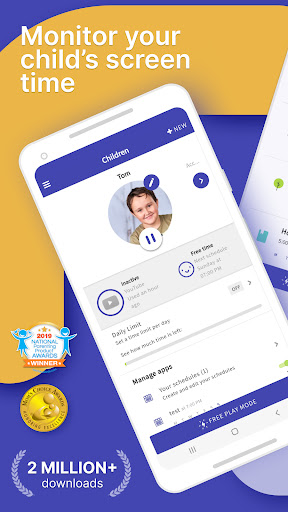
About this app
Developer Description
Maintain parental control with screen time blocker, location tracker, сhild lock
Kids who have a smartphone spend an average of 7.5 hours on their devices per day. Screen Time was developed to help parents get their children to put the phones down and engage in outdoor activities, family chats at the dinner table, concentrate on their homework, and get a good night’s sleep.
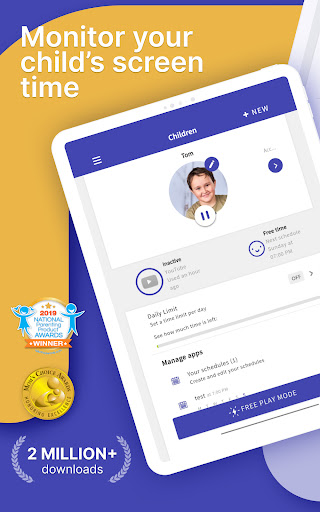
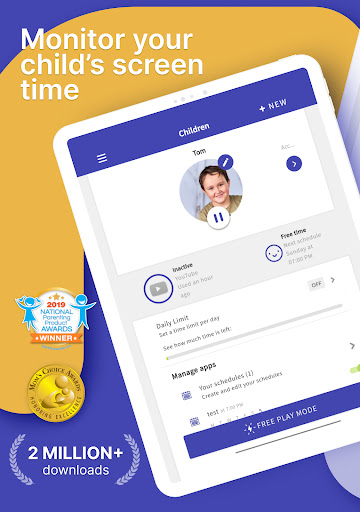
Screen Time provides parents with information about their children's’ smartphone and tablet usage. With our screen time tracker, you are able to:
▪ Monitor your kids’ screen time
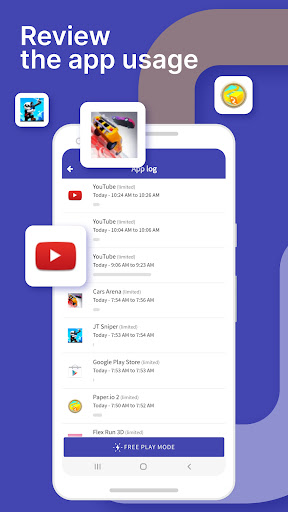
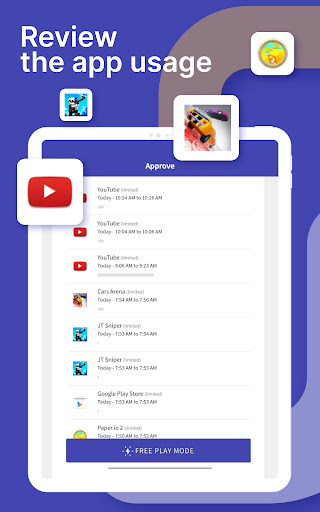
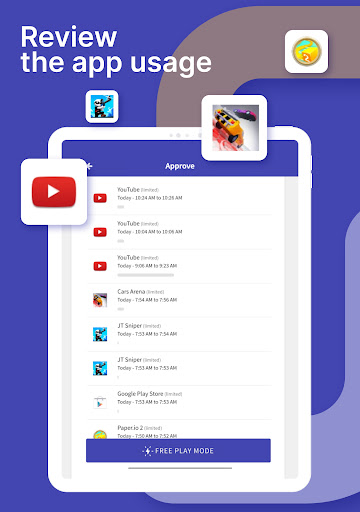
▪ See which apps are being used and for how long
▪ See what websites they have visited
▪ Monitor which social media platforms are used and for how long
▪ See which YouTube videos they have watched
▪ Receive a notification when your kids try to install a new app
▪ Receive a daily summary of your kids app and web usage
If you decide you need to proactively manage your children's’ screen time on their Android or Amazon devices, the Premium version of our app gives parents greater control over their kids’ devices. With Premium, you can:
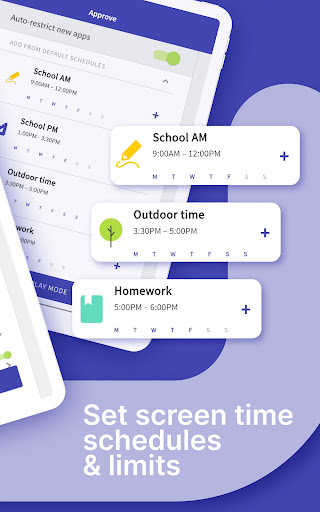
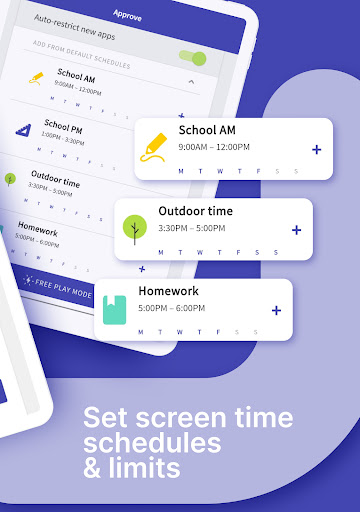
▪ Set a specific daily time limit for your kids’ screen time
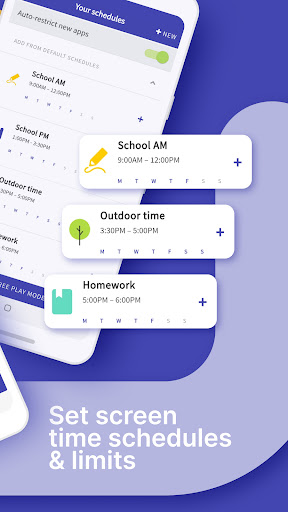
▪ Set schedules of when they can and can’t use their device
▪ Instantly pause your kids’ devices at the push of a button
▪ Block app activity during bedtime
▪ Block certain apps from being accessed at all
▪ View your children’s web history and search history
▪ Block websites from being accessed
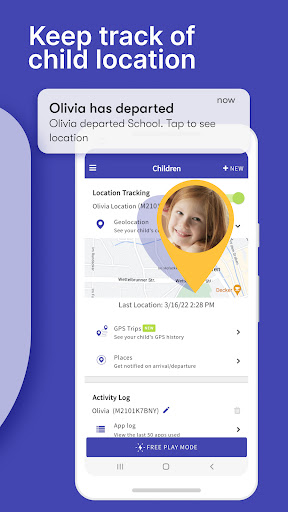
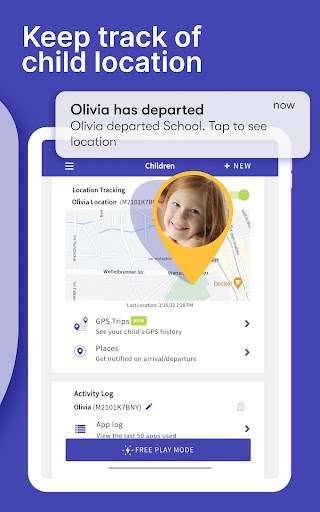
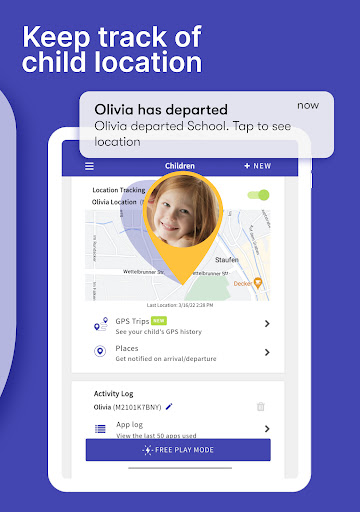
▪ See exactly where your children are with GPS phone location tracking
▪ Get an alert when your child arrives or leaves a specific location
▪ Receive a daily email summary of your kids app and web usage
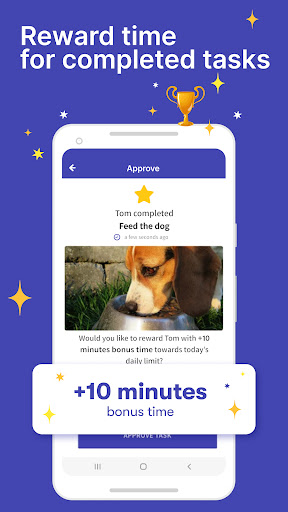
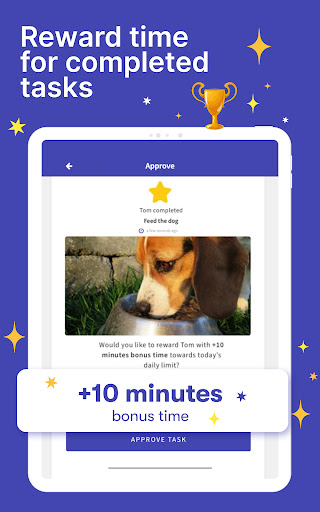
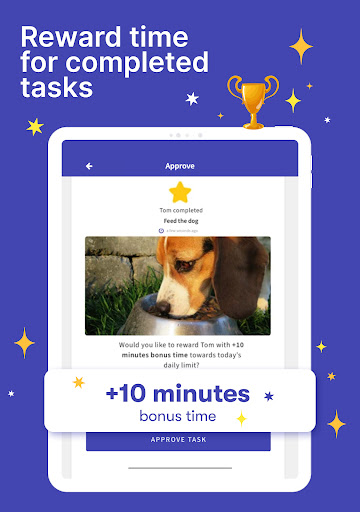
▪ Set tasks and chores for your kids to complete, allowing them to earn additional screen time when they’re done
▪ Use Free Play mode to temporarily override settings, like during long trips
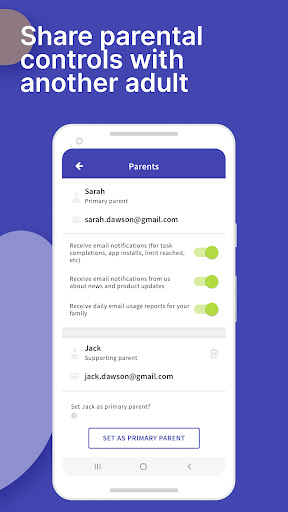
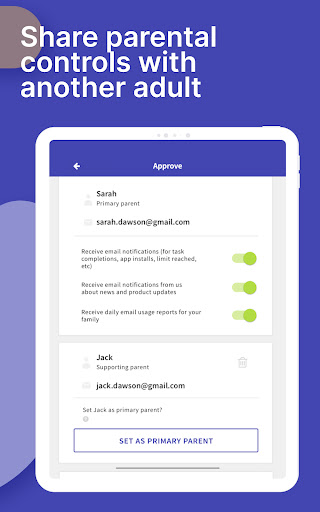
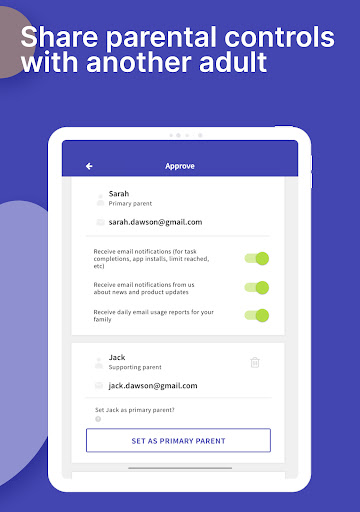
▪ Share app management with other adults in your kids’ lives
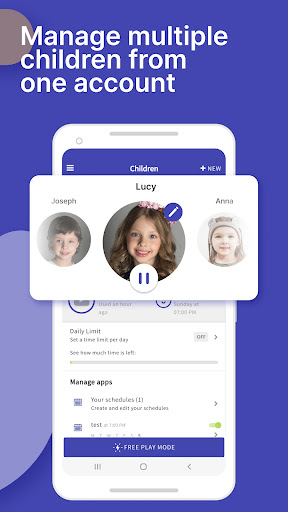
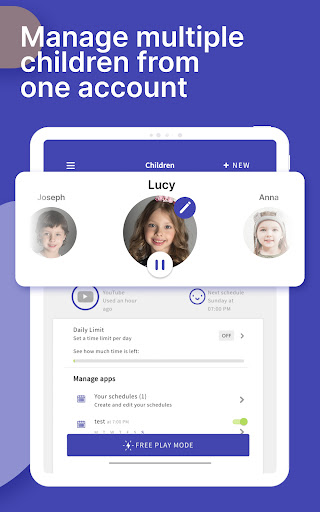
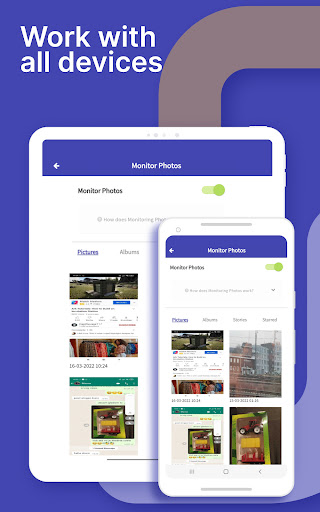
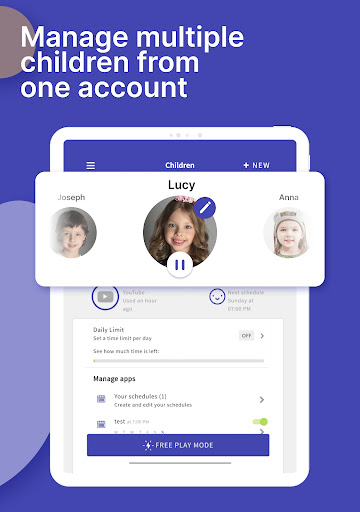
▪ Have up to 5 devices per account, so you can track multiple kids and devices
All new users will get a 7 day free trial of the Premium version of Screen Time. No credit card information is needed for this free trial, and you will not be automatically charged unless you decide to sign up for a membership.
See our Premium pricing here https://screentimelabs.com/pricing
Feedback
If you have any problems please take a look at our help pages, or contact us via the contact page of our website.
Screen Time Parental Control App Help: https://screentimelabs.com/help
Screen Time Parental Control App Contact: https://screentimelabs.com/contact
Ready to take control of your kid’s screen time? Download our child lock and location tracker app now.
What's New
In-app purchases
$1.52 - $49.99 per item
Version Information
- Version
- 3.11.71
- Downloads
- 1M+
- Updated on
- Sep 6, 2024
- Released
- Jul 30, 2013
- Requires
- Android 7.0
Statistics
Google Play Rating History
Rating Distribution
Downloads Over Time
Screen Time - Parental Control has been downloaded times. Over the past 30 days, it averaged downloads per day.
Shaded area shows 30-day prediction based on historical trends
Historical data collection started recently. More data points will be available over time.
Screen Time - Parental Control - Google Play Rankings
Top Rankings
| Rank | Country | Category | List | Change |
|---|---|---|---|---|
| — |
Ranking History in
No ranking data available yet. Rankings are updated daily.
#35 in Top Grossing Parenting in United States
 GPS Tracker: Location Tracking
Screen Time - Parental Control
GPS Tracker: Location Tracking
Screen Time - Parental Control
 Just a Baby: Become a parent
#138 in Top Free Parenting in United States
 BabySparks - Development Activ
Screen Time - Parental Control
BabySparks - Development Activ
Screen Time - Parental Control
 Lullabies: Baby Sleep Music
#28 in Top Grossing Parenting in Germany


#29 in Top Grossing Parenting in France


Screen Time - Parental Control users say on Google Play
 Davina M
I had done some research into apps for children, to monitor their screen time, not only time used, but content and this came highly rated. I signed up and was very pleased with what it offered, ease of use, and able to add multiple children. A big plus for me was the additional subscription to geolocation that has proved very handy over the years. I write this with having just completed raising my kids and my youngest now not needing it. Thank you screen time. It's been a Godsend.
 Jamar O'Dullahad
Good for controlling child devices with a lot of options for whitelisting apps, scheduling off time, keeping an eye on web use, and the ability to cut the device off whenever or give them whatever amount of bonus free time you want. Every once in a while the system will get weird and you'll have to reconnect things, but other than that I've had very few issues. Be warned, because of how youtube picture in picture works, screen time will not cut off YouTube if you've got a premium account
 Ella Kozak
Coming from a victim of this app, it's a little buggy, but pretty useful if you're a parental figure, I'd imagine. Found an easy way to disable it without putting in the passkey or uninstalling it, though, so no worries for me.
 M Wilkinson
Been using this, paid subscription, for years but over time it has been become less accurate, buggy and not great. I don't know if they aren't doing updates or what, but the GPS function has really deteriorated. It worked great with our 1st child, but with our 3rd, it isn't worth the price. Will likely switch to Life360 when the subscription expires as the GPS is the main thing we use it for.
 Matt Towery
screen time has not been acting right through any platform for the past 3 or 4 days at least. I can't assign free time, I can't get anything to work at all without opening everything up on their phones so screen time at that point becomes useless. I've uninstalled and reinstalled over and over. still nothing.
ApkTrusted Ratings & Reviews
More from Parental Control App by Screen Time Labs
See more apps
Scan this QR code to download

Forwarding you to the page at Google Play market in seconds...
Open Google Play market now