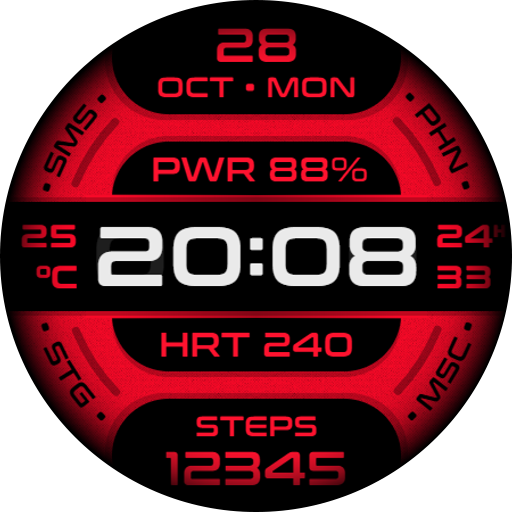
Obscure Watch Face v1.0.1
SkyMax Watch Faces






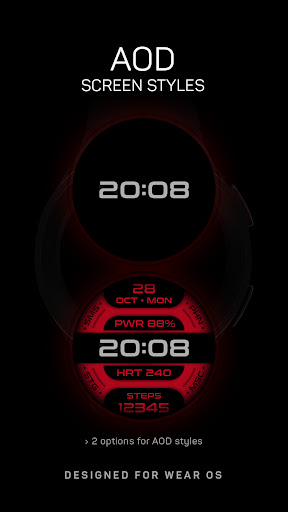


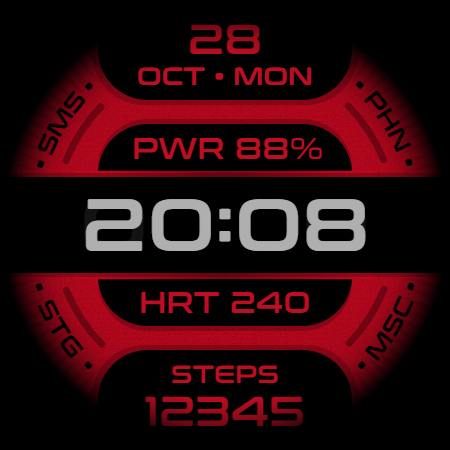
About this app
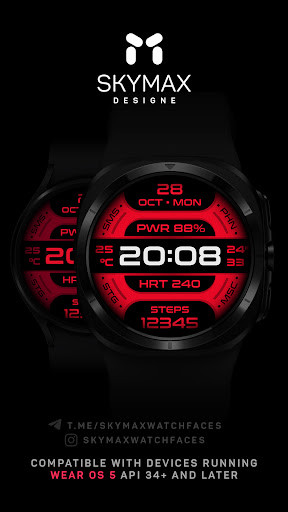
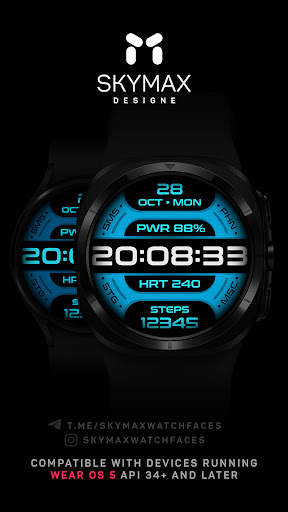
The Obscure Watch Face app solves the problem of bland and unpersonalized watch faces for Wear OS smartwatches, benefiting users who value modern design and simplicity. As a free app with no ads or in-app purchases, it stands out in the Personalization category for its straightforward approach. However, the lack of user ratings and limited download data raise questions about its overall quality and user satisfaction. Compared to alternatives, Obscure Watch Face's minimalistic design may appeal to those seeking a clean and distraction-free watch face experience.
Pros
- The app's free model with no ads or in-app purchases provides an uninterrupted user experience, allowing users to enjoy their watch face without distractions.
- With zero permissions required, users can be assured that their data and device security are not compromised, which is a significant advantage in terms of privacy.
- The app's small size and lack of resource-intensive features suggest it may be suitable for older devices or those with limited storage capacity, making it accessible to a broader range of users.
- The developer's email address is provided, offering a direct line of communication for feedback and support, which can be beneficial for users who encounter issues or have suggestions.
- The modern design of the watch face may appeal to users who prefer a sleek and contemporary look on their Wear OS smartwatch.
Cons
- The lack of user ratings and limited download data make it challenging to gauge the app's overall quality, performance, and user satisfaction, which could deter potential users.
- The app's functionality might be too basic for some users who are accustomed to more feature-rich watch faces, potentially leading to a lack of engagement over time.
- Without updates or a clear development roadmap, there's a risk that the app may not receive necessary maintenance or new features, which could impact its long-term viability.
- The absence of a developer website or detailed support resources may make it difficult for users to find comprehensive information or troubleshooting guides.
Best for: The ideal user for the Obscure Watch Face app is likely a tech-savvy individual with a Wear OS smartwatch who values simplicity, modern design, and privacy, and is looking for a straightforward, distraction-free watch face experience without the clutter of ads or in-app purchases.
Developer Description
A modern watch face Wear OS smartwatch.
This app is designed for most Wear OS devices.
** Install > Select only the clock from the Install drop-down menu. If you see a "Your devices are not compatible" message or have any other installation issues, try using our companion app to install the app on your smartwatch. As a last resort, go to the Play Store in your browser to install.
Compatible with devices running Wear OS 5.0 API 34+ and later.
FUNCTIONS:
› 12 or 24 hour time format depending on your phone settings + seconds
› Date with multiple languages, day of the week, year
› Battery charge information
› Heart rate counter, beats per minute level
› Step counter
› Weather forecast indicator
› Always On Display (AOD) supported
PERSONALIZATION:
** Touch and hold the watch display to customize the watch face.
** For full functionality, please enable required permissions for shortcuts and complications!
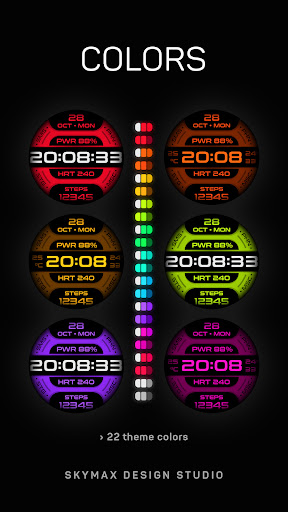
› 22 background images
› 2 AOD screen styles
› 6 AOD screen brightness options
NOTES:
** If after updating the watch face, updating the system or other situations, the step counter or other indicators show “0”, try the following. Touch and hold the watch display to get to the watch face selection menu → select any other available watch face → then remove our watch face from the watch face selection menu (not from the watch) and reinstall it on your watch using your smartphone, from the recently installed watch faces selection menu.
** If the heart rate or other indicators are also “0”, check the permissions in the settings. “Settings” → “Applications” → “Permissions”, find this watch face and configure the necessary permissions. Also make sure that the watch screen is on and that it is worn correctly on your wrist when measuring your heart rate.
Join us for live support and discussion:
Telegram https://t.me/skymaxwatchfaces
Instagram https://www.instagram.com/skymaxwatchfaces
Privacy
Given that the Obscure Watch Face app requires no permissions, the risk of data collection or security breaches appears to be minimal. However, users should still be cautious when installing any new app and monitor their device's performance and data usage. It's also advisable to keep an eye on future updates and permission requests, should the app's requirements change.
Tips
To get the most out of the Obscure Watch Face app, users should first ensure their Wear OS smartwatch is compatible and up-to-date. Upon installation, exploring the app's settings and customization options can help tailor the watch face to individual preferences. Additionally, periodically checking for updates can ensure users have the latest features and security patches.
Version Information
- Version
- 1.0.1
- Downloads
- 1K+
- Updated on
- Jul 2, 2025
- Released
- Nov 29, 2024
- Requires
- Android Varies with device
Statistics
Google Play Rating History
Rating Distribution
Downloads Over Time
Obscure Watch Face has been downloaded times. Over the past 30 days, it averaged downloads per day.
Shaded area shows 30-day prediction based on historical trends
Historical data collection started recently. More data points will be available over time.
Obscure Watch Face users say on Google Play
 Yosef Ben-Sarah
colorful with just the basics for those who don't want all the clutter.
ApkTrusted Ratings & Reviews
More from SkyMax Watch Faces
See more apps
Anomaly Watch Face
Paid

Aswang Watch Face
Free

Coba Watch Faces
Paid

Concentric Watch Face
Free

Cosmo Watch Face
Paid

Energon Watch Faces
Paid
Evo Watch Face
Free

Evo Max Watch Face
Paid

Evo Pro Watch Face
Free

Gradient dream Watch Face
Paid

Grimm Watch Face
Paid
Hexagon Watch Faces
Paid

Manticora Watch Face
Paid

Mark One Watch Face
Free
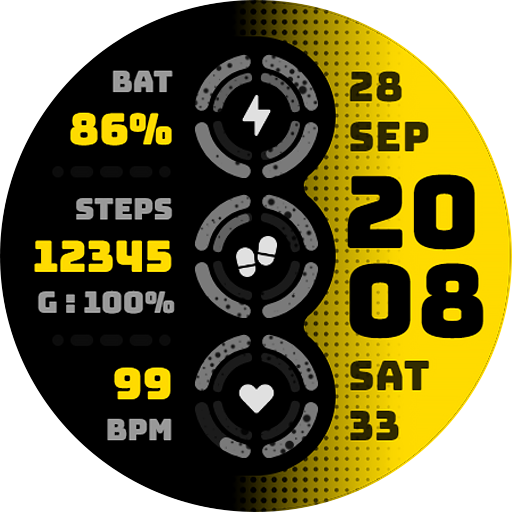
Morok Watch Face
Free

Nebula Watch Face
Paid
Similar Apps

DM018 Elegant Watch Face
Free

KZY128
Free

JND0053
Free

DM021 Classy Digital Face
Paid
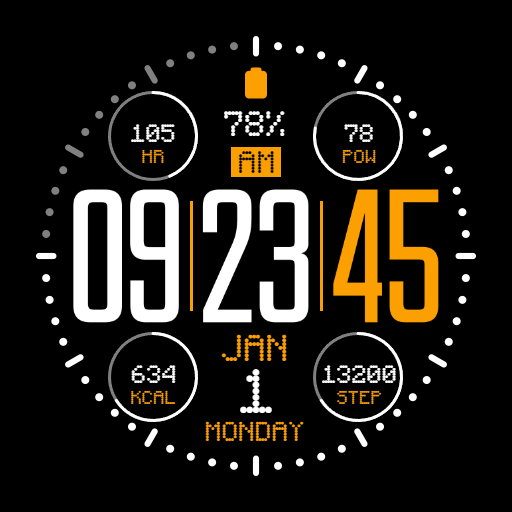
IWF AL1 watchface
Paid

Phantom - LCD | YELE
Free

Key080 Artistic Watch Face
Paid

SamWatch Digital Mut 2021
Paid
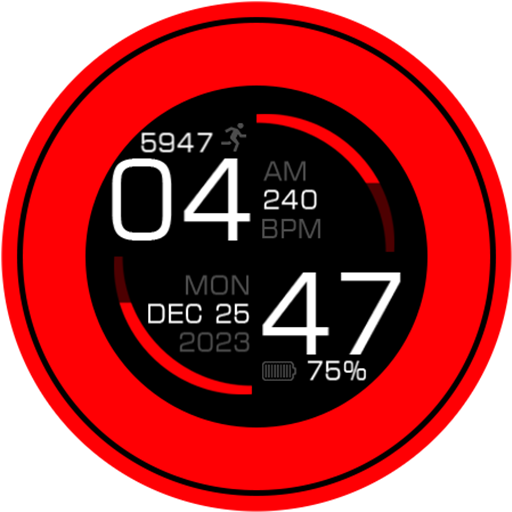
Key113 Artistic Watch Face
Free
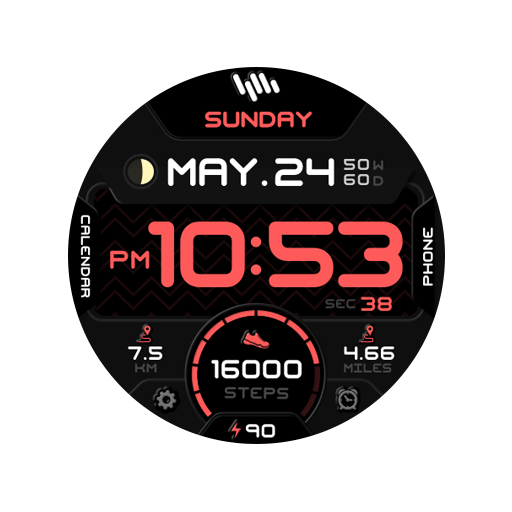
SamWatch Digital Mut 2021 B
Paid
WFP 243 Sporty watch face
Free
DM089 Futuristic Sport Watch
Free

DM026 Elegant Tech Face
Paid

KZY042
Free

Night 93 - watch face
Paid

DM093 Futuristic Data Watch
Paid
Scan this QR code to download

Forwarding you to the page at Google Play market in seconds...
Open Google Play market now