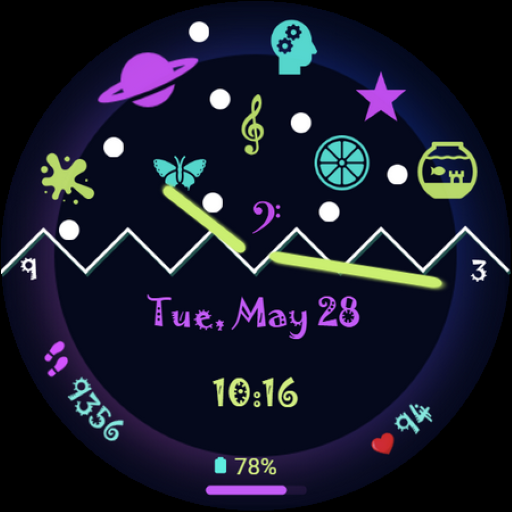
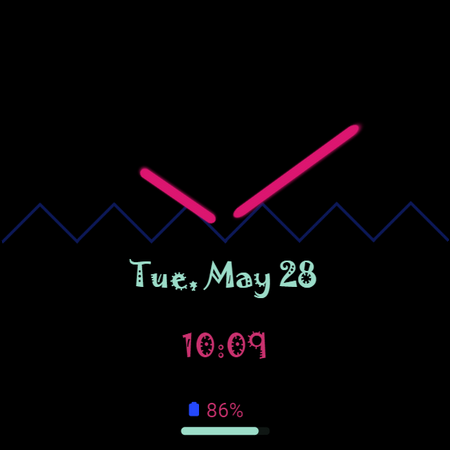
Color Rhythm Watch Face SAM-10 vVARY
SMA Design Watch Faces



About this app
Developer Description
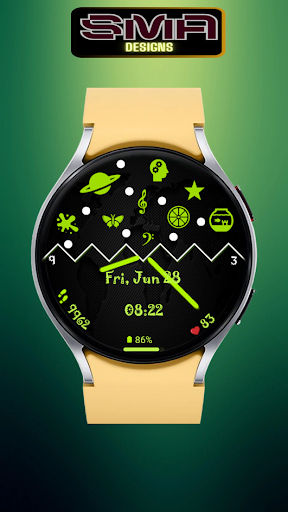
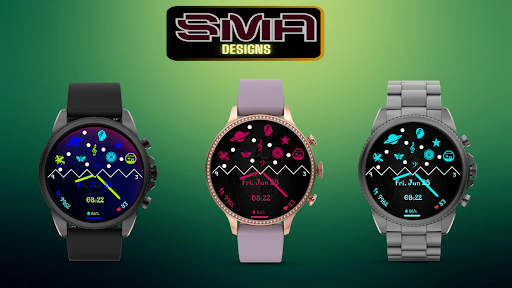
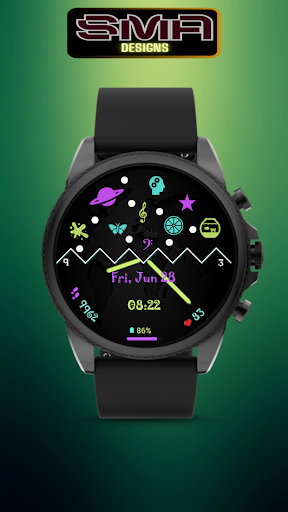
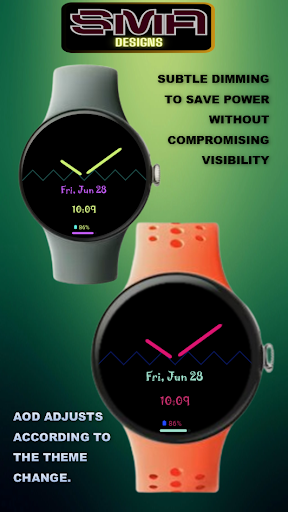
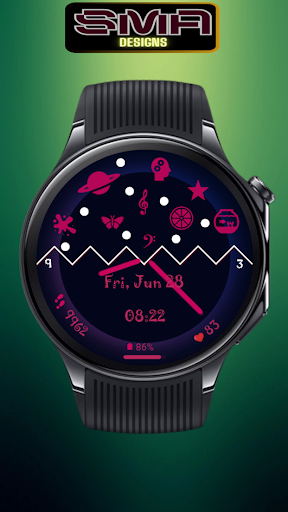
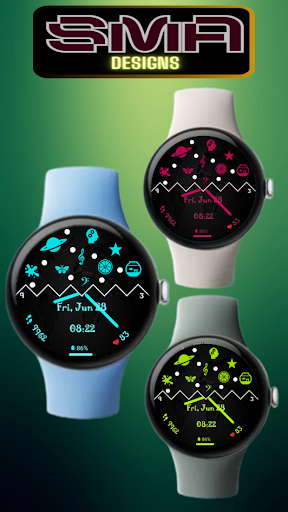
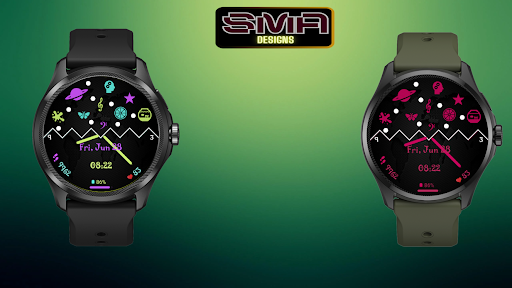
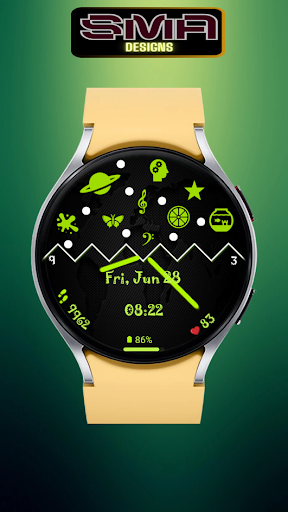
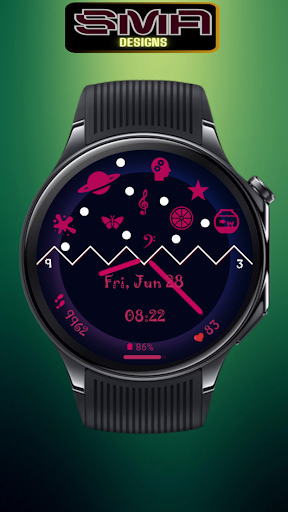
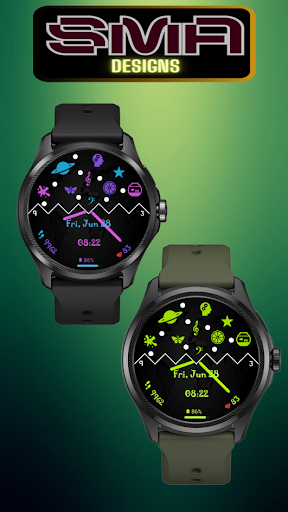
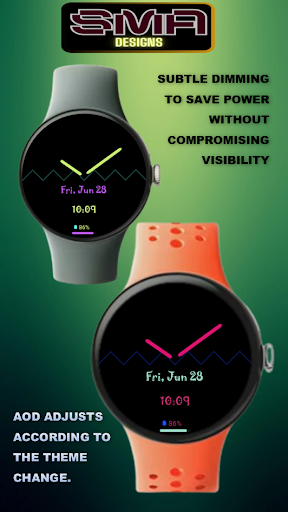
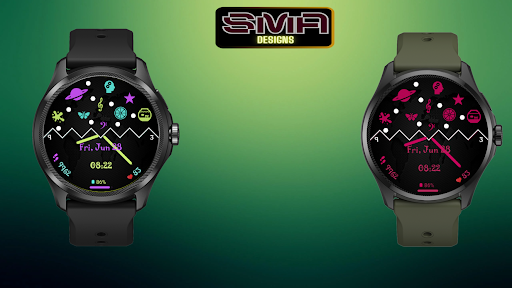
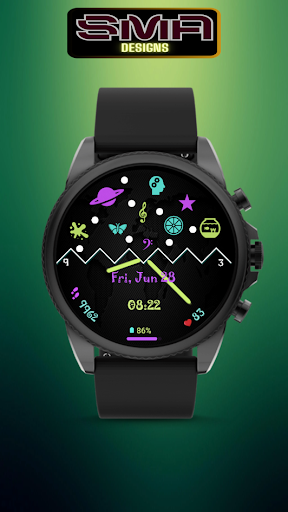
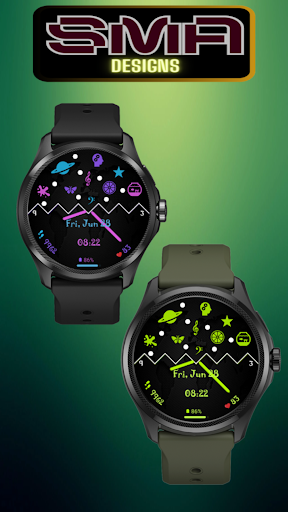
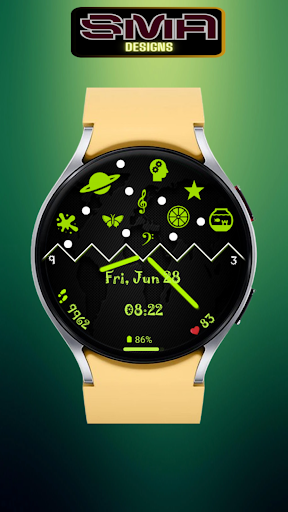
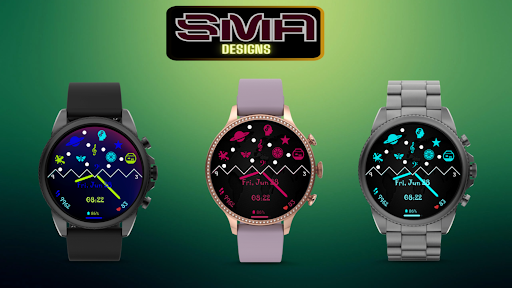
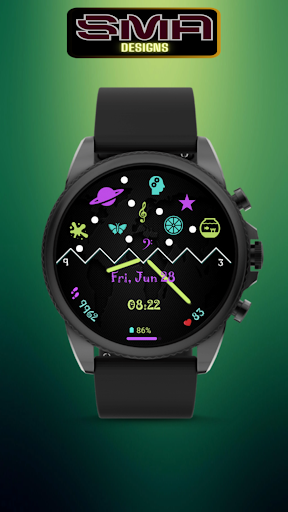
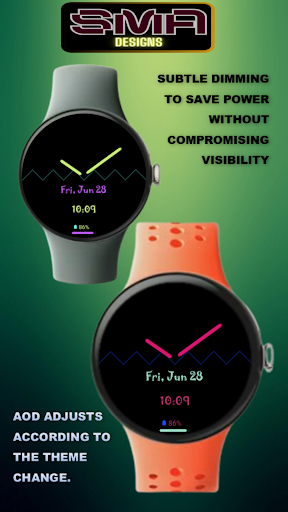
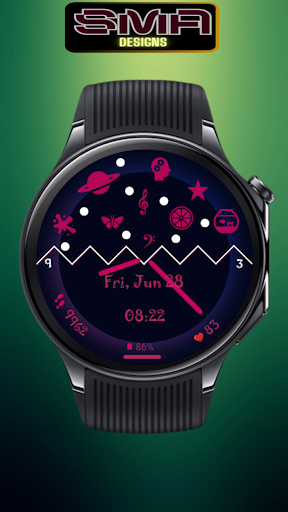
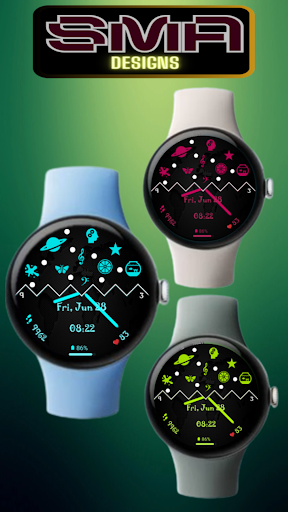
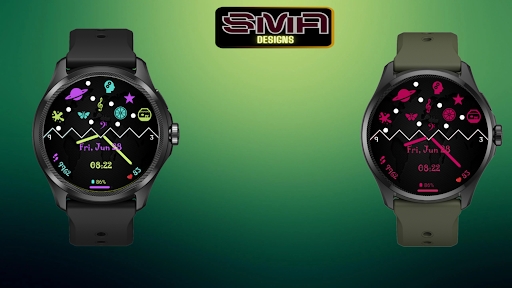
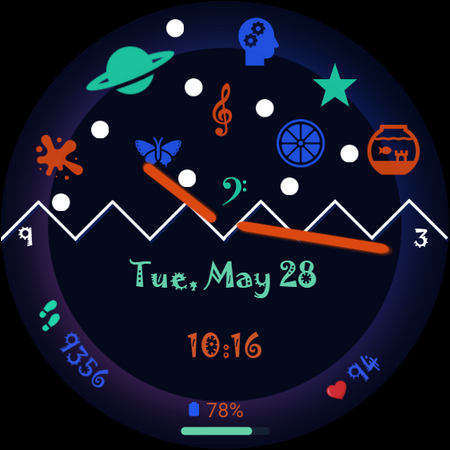
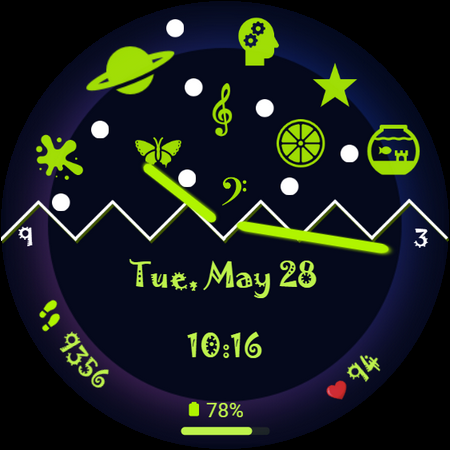
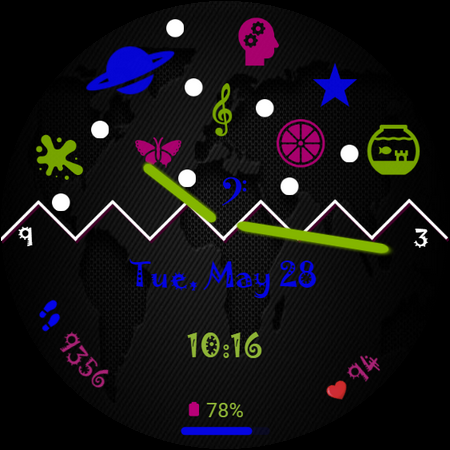
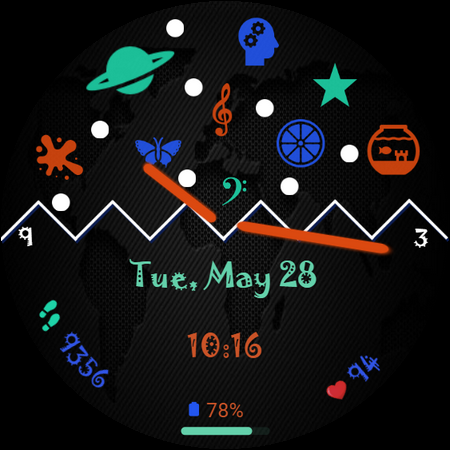
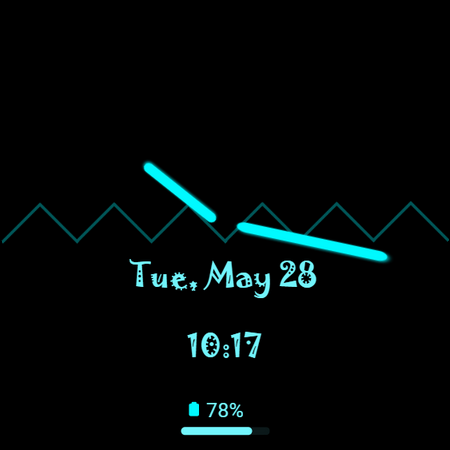
Vibrant WearOS WF Bursting with colorful elements a visual delight on your wrist
Overall, this watch face is a testament to the marriage of form and function, where elegance meets innovation in a dazzling display of color and creativity. With its vibrant elements and impeccable design, it's not just a timepiece; it's a work of art for your wrist.
Note:
if you see message "Your devices are not compatible", use Play Store on WEB browser.
INSTALLATION
1. Install app on your phone (only Android OS 11.0 or above)
2. Install app on your smartwatch (only Wear OS by Google)
To show the heart rate, stay still and tap the heart rate area. It will blink and measure your heart rate. The heart rate will be shown after the successful reading. The default usually showing 0 before the reading is complete.
Tap and hold the watch face and go to the "customize" menu (or settings icon under the watch face) to change the styles and also manage the complication.
Join our Telegram group for live support and discussion
https://t.me/SMA_WatchFaces
Important notes about heart rate measurement & display:
*Heart rate measurement is independent from the Wear OS heart rate application and is taken by the watch face itself. The watch face shows your heart rate at the time of measurement and does not update the Wear OS heart rate app. The heart rate measurement will be different than the measurement taken by stock Wear OS app. The Wear OS app will not update the watch face heart rate, so in order to display your most current heart rate on the watch face, tap the heart icon to measure again.
★ FAQ
Q: Do your watch faces support Samsung Active 4 and Samsung Active 4 Classic?
A: Yes, our watch faces support WearOS smartwatches.
Q: How to install the watch face?
A: Follow these steps:
1. Open the Google Play Store app on your watch
2. Search for the watch face
3. Press the install button
Custom Watch Faces
Digital Watch Face
Analog Watch Face
Watch Face Design
Personalized Watch Face
Interactive Watch Face
Smartwatch Faces
Clock Faces
Stylish Watch Face
Version Information
- Version
- -
- Downloads
- 50+
- Updated on
- -
- Released
- May 10, 2024
- Requires
- Android Varies with device
Statistics
Google Play Rating History
Rating Distribution
Downloads Over Time
Color Rhythm Watch Face SAM-10 has been downloaded times. Over the past 30 days, it averaged downloads per day.
Shaded area shows 30-day prediction based on historical trends
Historical data collection started recently. More data points will be available over time.
Color Rhythm Watch Face SAM-10 users say on Google Play
 Mahesh Patil
Good Funny look
ApkTrusted Ratings & Reviews
More from SMA Design Watch Faces
See more apps
Chrono Luxe Watch Face SAM-25
Free

Cross Round Watch Face SAM-20
Free

Eclipse Minimal Watch Face -22
Free

Focus360 WearOS Watch Face-40
Free

Gear Sync Watch Face SAM-41
Free

Glow Track Watch Face SAM-30
Free

Luminous Halo WatchFace SAM-18
Free

RainbowChrono WatchFace SAM-29
Free

Speedometer WatchFace SMA 17
Free

Spinning Alloy 1 Watch Face-23
Paid

Square Circle WatchFace SAM-16
Paid

Tech Lab Watch Face SAM-19
Paid

Titanium Edge WatchFace SAM-28
Free

Vital View Watch Face SAM-24
Free

Analog Digital WatchFace SMA 6
Paid
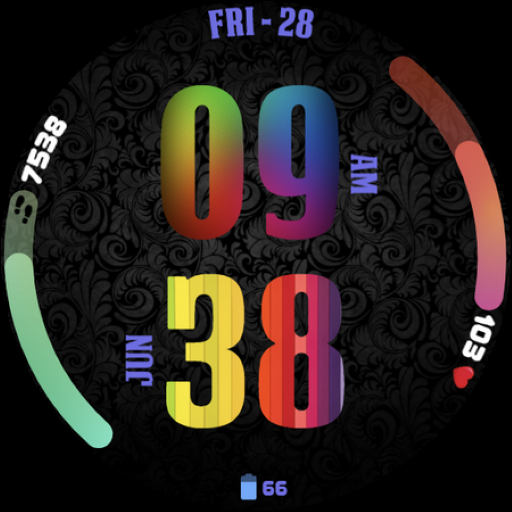
Big Clock Watch Face SAM-14
Paid
Similar Apps

NW095: Digital watch face
Free
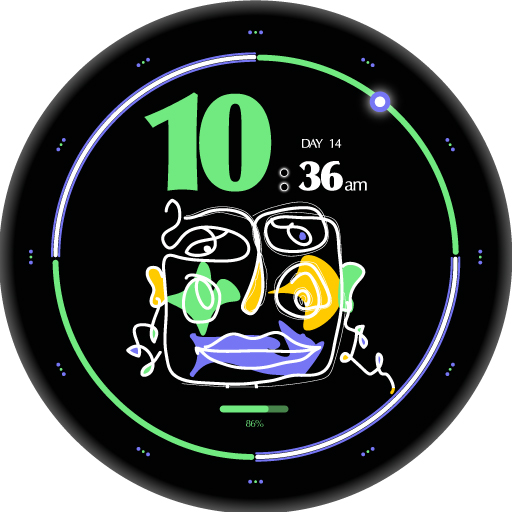
Artisanal Watch Face
Free

Analog Watch Face 019
Free
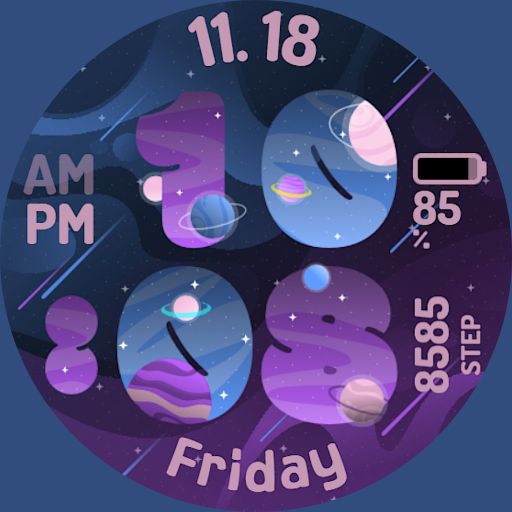
SpaceNumber Watchface
Free
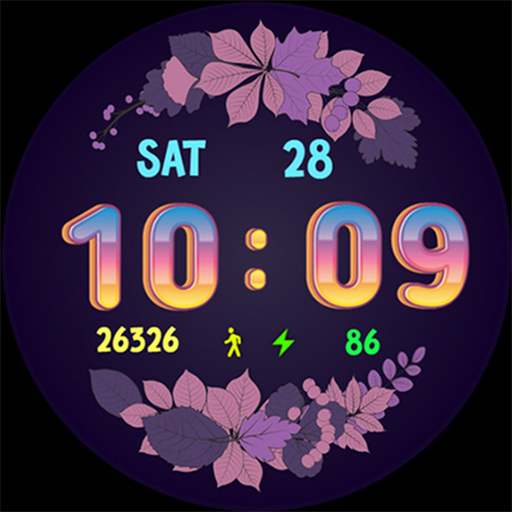
Beautiful Floral
Paid

Pars Christmas Watch Face
Paid

Vibrant Mandala Analog
Free

Spring Watch Face Animated
Free

Neon Blue Watch Face
Free
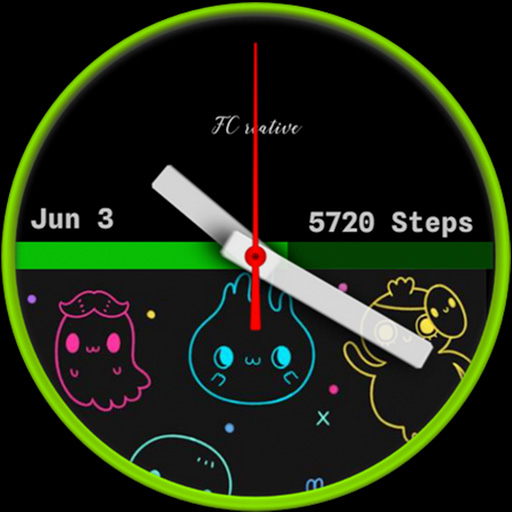
GhostyBoo FCWF
Free

Half Arc Function ZKin Watch
Paid

Paint Bloom
Free
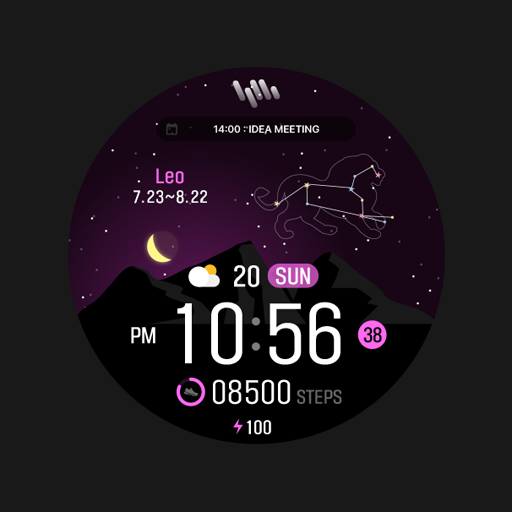
SamWatch Fantasy B 2024
Paid

Pars Universe
Free

Battery v6 minimal watch face
Paid

Stars Bloom
Free
Scan this QR code to download

Forwarding you to the page at Google Play market in seconds...
Open Google Play market now