
Lumen 3 Classic vVARY
SP Watch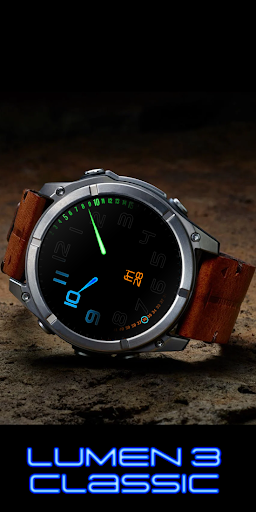
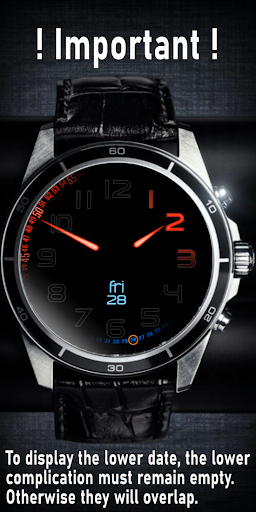
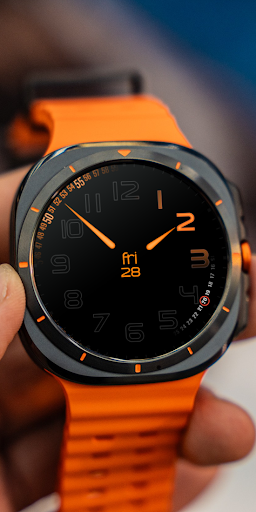
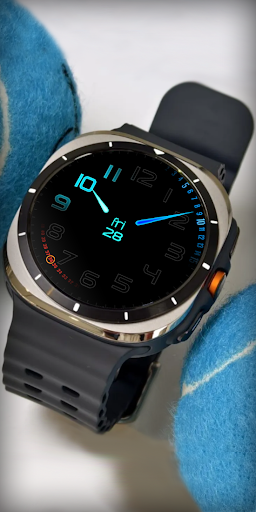




About this app
Developer Description
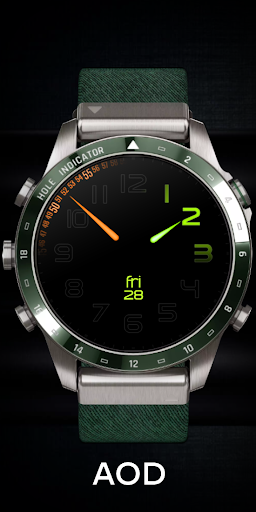
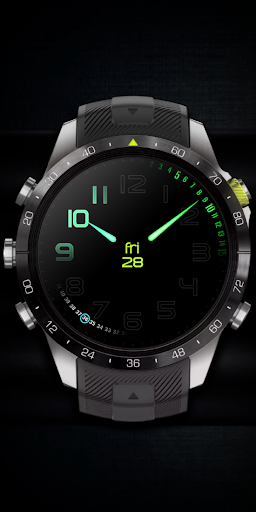
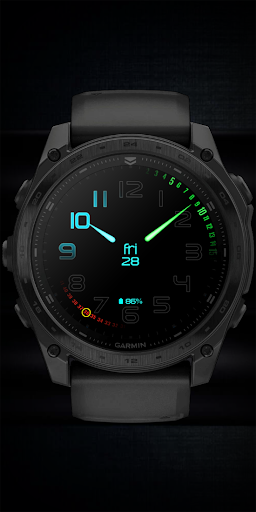
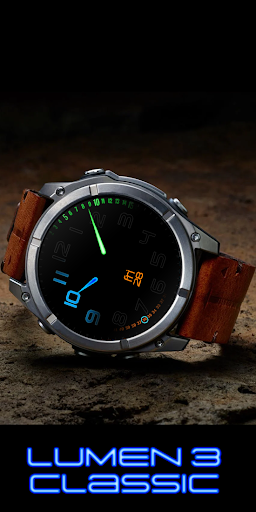
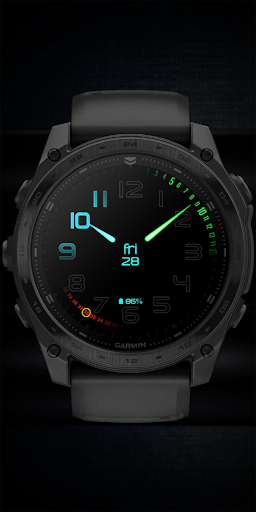
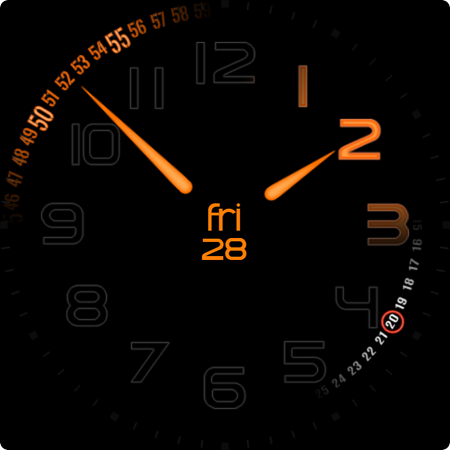
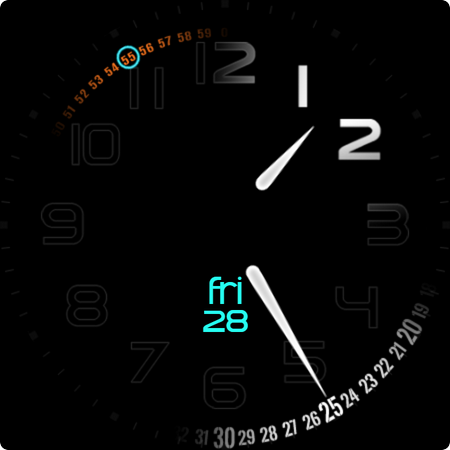
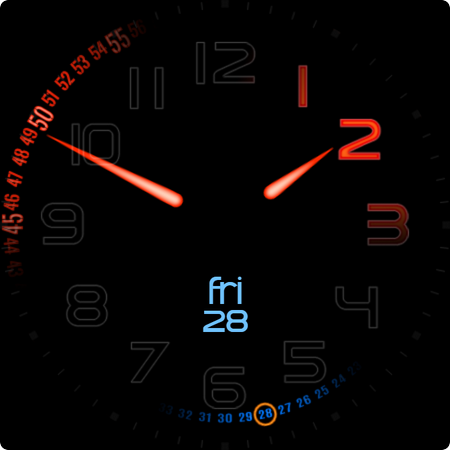
Customizable Wear OS Watch Face - Unique Minimalist design
This is a Wear OS Watch Face. It supporting only smartwatch devices which are running with WEAR OS API 33+. For example: Samsung Galaxy Watch 4/5/6/7 and many more.
If you have problems with the installation or download, even though you have a compatible smartwatch, open the supplied companion app and follow the instructions under Installation Guide. Alternatively, write me an e-mail to: mail@sp-watch.de
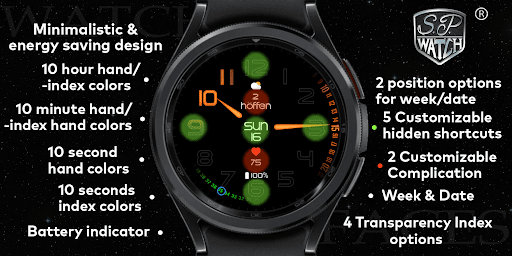
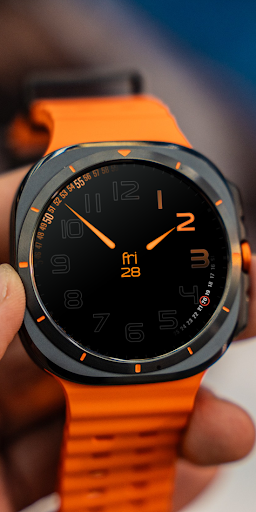
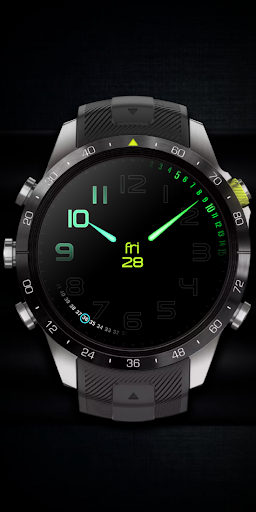
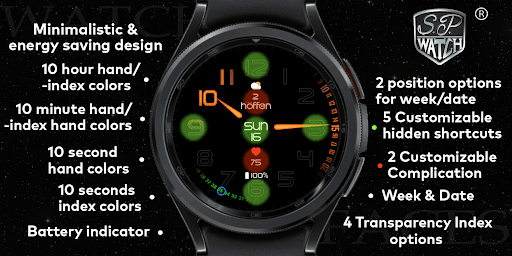
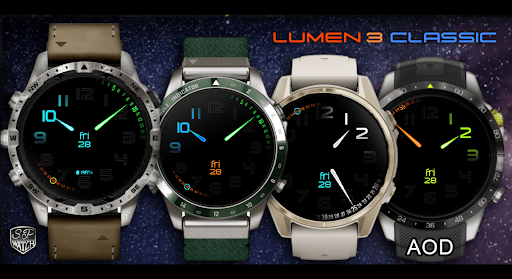
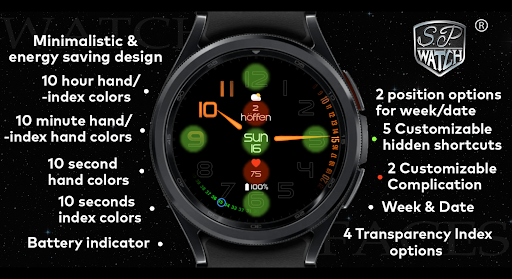
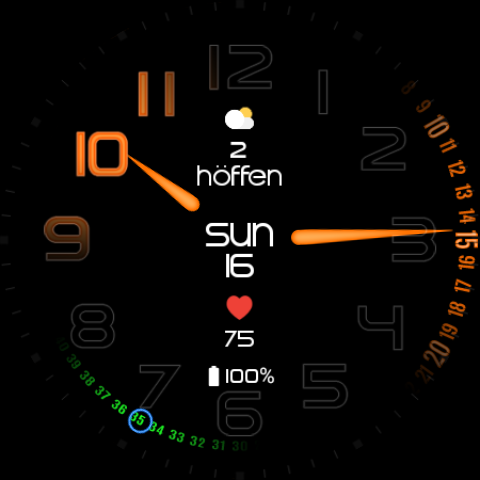
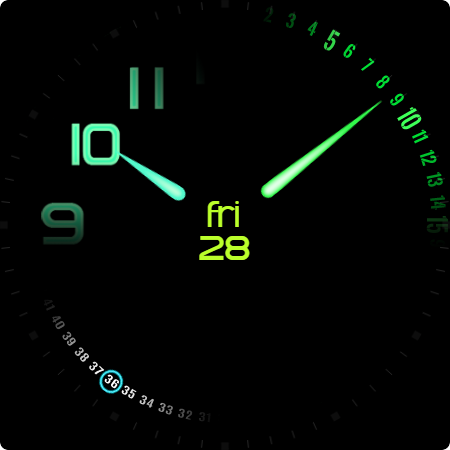
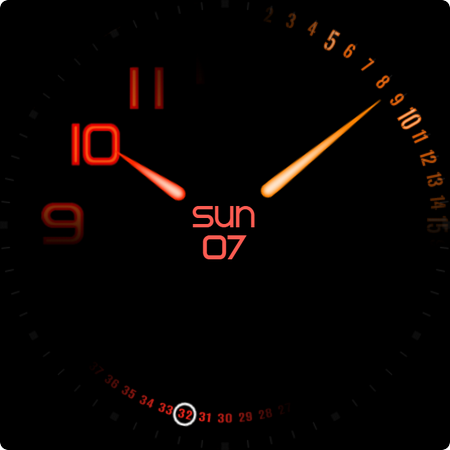
This minimalist watch face has a unique energy friendly design and is customizable. It has 10 font colors as well as 10 Hour index/hand colors, 10 minute Index/hand colors, 10 seconds Index colors, 10 second hands colors, 2 customizable complication, 5 customizable invisible shortcuts and 4 transparency index options. It's designed to provide users with the flexibility to personalize their smartwatch appearance to match their personal taste.
Difference between Lumen 3 and Lumen 3 classic:
Lumen 3 shows 12 and 24 hour dial
Lumen 3 classic only 12 hours
Features:
- Date / Week
- Battery indicator (option to turn off the battery indicator)
- 10 Hour index/hand colors
- 10 minute Index/hand colors
- 10 seconds Index colors
- 10 second hands colors
- 2 customizable complication
- 5 customizable invisible shortcuts
- 4 transparency index options
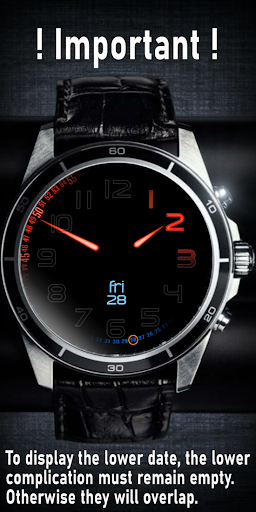
- 2 options for the date position
(you have to deactivate the upper complication for the second date option)
- Date on / off for a clean minimal look
Customization:
1 - Tap and hold Display
2 - Tap customize option
3 - Swipe left and right
4 - Swipe up or down
Feel free to leave feedback in the Play Store!
What's New
Version Information
- Version
- -
- Downloads
- 1K+
- Updated on
- Aug 31, 2025
- Released
- Feb 25, 2025
- Requires
- Android Varies with device
Statistics
Google Play Rating History
Rating Distribution
Downloads Over Time
Lumen 3 Classic has been downloaded times. Over the past 30 days, it averaged downloads per day.
Shaded area shows 30-day prediction based on historical trends
Historical data collection started recently. More data points will be available over time.
Lumen 3 Classic users say on Google Play
 NWG 4 LIFE
very classy and colorful.
 robby purnomo
Please fixed for Xiaomi watch 2
ApkTrusted Ratings & Reviews
More from SP Watch
See more apps


Scan this QR code to download

Forwarding you to the page at Google Play market in seconds...
Open Google Play market now