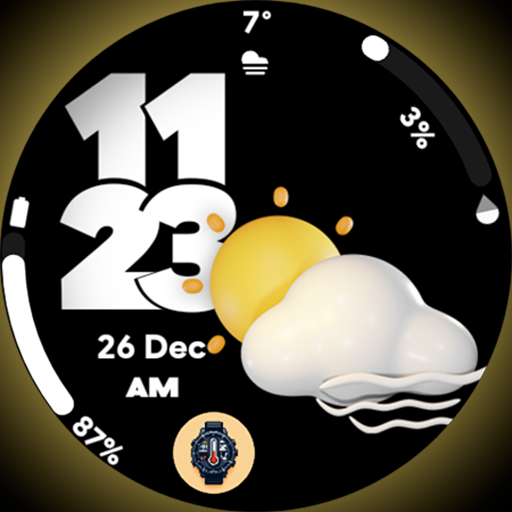
Pixel Weather 2 - Watch face vVARY
SP Watches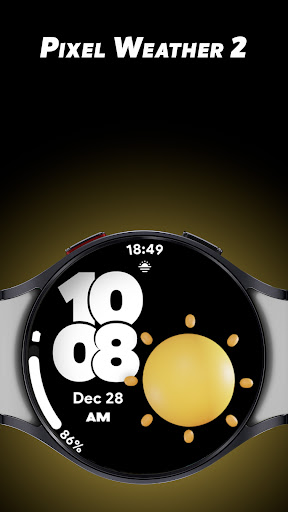
About this app
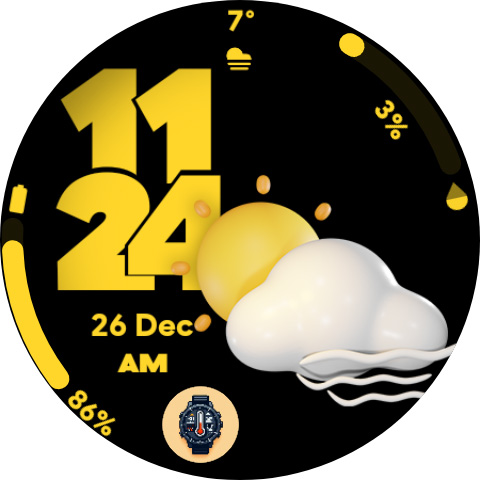
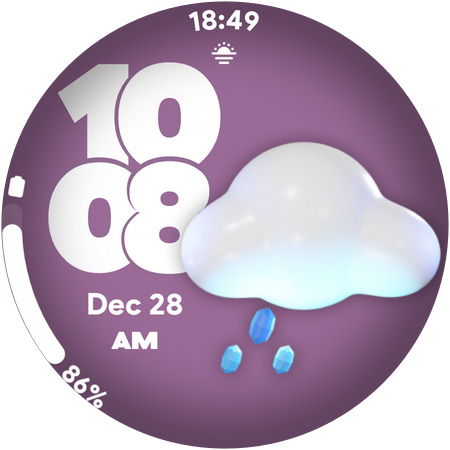
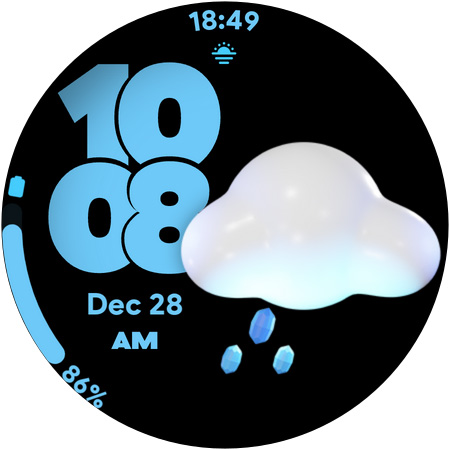
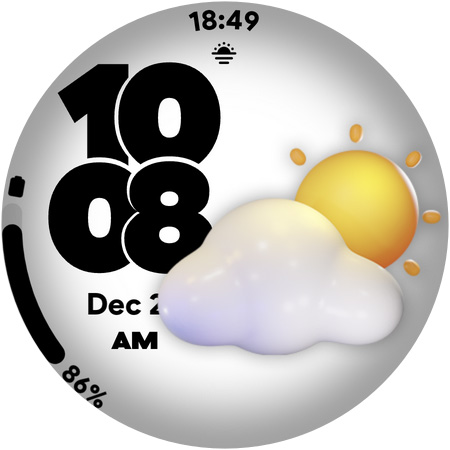
Pixel Weather 2 - Watch face solves the problem of dull and uninformative watch faces by providing unique dynamic weather icons with amazing colors for Wear OS watches, benefiting users who value aesthetics and functionality. This app stands out from alternatives in the Lifestyle category due to its focus on visual appeal and simplicity. However, its limited feature set and lack of developer website may make it fall short for users seeking more comprehensive weather information. Compared to other watch face apps, Pixel Weather 2's paid model without ads is a notable advantage.
Pros
- With a user rating of 4.0/5, Pixel Weather 2 demonstrates a high level of user satisfaction, indicating a well-designed and functional app.
- The app's paid model without ads ensures a clean and uninterrupted user experience, which is a significant advantage over free ad-supported alternatives.
- The developer's email address provides a direct channel for user feedback and support, suggesting a commitment to customer service.
- The app's small size and lack of permissions suggest efficient coding and minimal impact on device performance.
- The unique dynamic weather icons provide a visually appealing and informative watch face experience.
Cons
- The limited number of downloads and lack of developer website may raise concerns about the app's long-term support and updates.
- The app's simplicity, while a strength in terms of ease of use, may also be a weakness for users seeking more detailed weather information or customization options.
- The paid model may deter some users who prefer free alternatives, despite the lack of ads being a significant advantage.
- The app's compatibility with various devices may be a concern, given the 'Varies with device' Android requirement.
Best for: The ideal user for Pixel Weather 2 is likely a tech-savvy individual, probably between the ages of 25 and 45, who values both form and function in their Wear OS watch face and is willing to pay a small fee for a high-quality, ad-free experience that enhances their daily routine with visually appealing and informative weather updates.
Developer Description
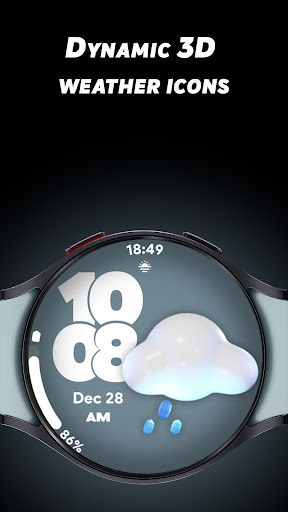
Unique Dynamic Weather icons with amazing colors for Wear OS watches!
Key Features
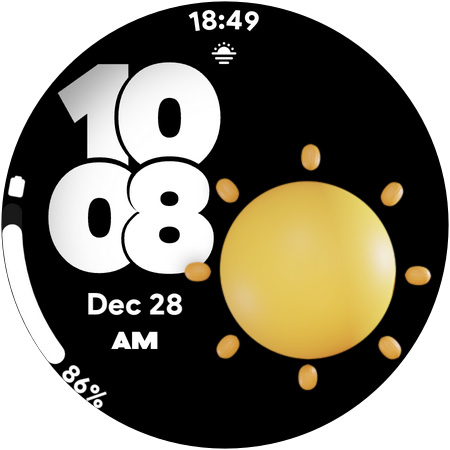
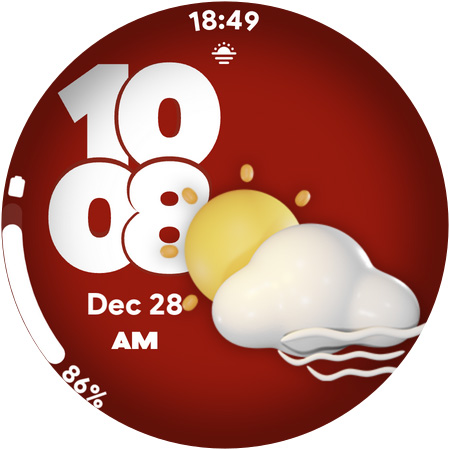
🌦️ Dynamic Weather Icons: Real-time weather updates reflected in beautiful, auto-changing icons.
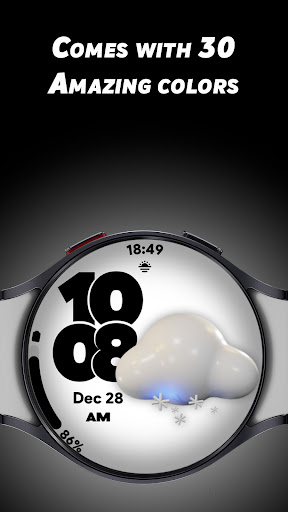
🎨 30 Stunning Colors: Personalize your watch face to suit your style or mood.
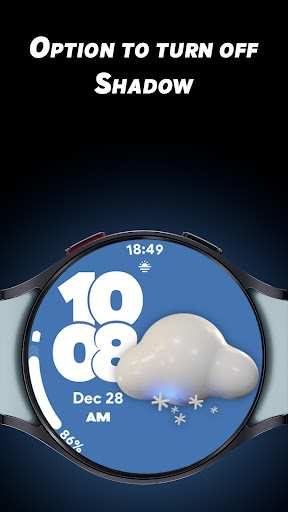
🌟 Customizable Shadow Effect: Choose to turn the shadow on or off for a sleek look.
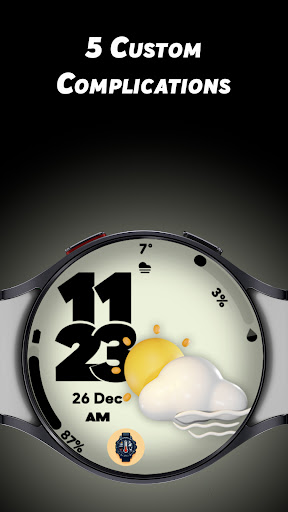
⚙️ 5 Custom Complications: Display the info you love most, such as steps, battery level, or your favorite app shortcuts.
🕒 12/24-Hour Time Format: Switch between formats effortlessly.
🔋 Battery-Friendly Always-On Display (AOD): Optimized for performance without compromising battery life.
Pixel Weather 2 Watch Face is designed for those who value a seamless mix of style, functionality, and efficiency. With endless customization options and dynamic weather visuals, your smartwatch will always look and feel fresh.
Download Pixel Weather 2 now and make every second on your Wear OS smartwatch uniquely yours!
Privacy
Given that Pixel Weather 2 requires no permissions, it poses minimal risk to user data and privacy. However, users should still be cautious when installing any app, ensuring they are downloading from a trusted source. As the app does not collect any sensitive information, there are no specific red flags regarding data collection.
Tips
To get the most out of Pixel Weather 2, users should first ensure their Wear OS watch is compatible and up to date. Upon installation, explore the different dynamic weather icons to find the one that best suits your style. Additionally, consider combining Pixel Weather 2 with other weather apps that provide more detailed forecasts to create a comprehensive weather monitoring system.
Version Information
- Version
- -
- Downloads
- 1K+
- Updated on
- Nov 10, 2025
- Released
- Dec 26, 2024
- Requires
- Android Varies with device
Statistics
Google Play Rating History
Rating Distribution
Downloads Over Time
Pixel Weather 2 - Watch face has been downloaded times. Over the past 30 days, it averaged downloads per day.
Shaded area shows 30-day prediction based on historical trends
Historical data collection started recently. More data points will be available over time.
Pixel Weather 2 - Watch face - Google Play Rankings
Top Rankings
| Rank | Country | Category | List | Change |
|---|---|---|---|---|
| — |
Ranking History in
No ranking data available yet. Rankings are updated daily.
#38 in Top Paid Lifestyle in United States


#44 in Top Paid Lifestyle in India
 UsA LCD Weather Anim - USA181
Pixel Weather 2 - Watch face
UsA LCD Weather Anim - USA181
Pixel Weather 2 - Watch face
 Horoscopes Astrology AstroWorx
#45 in Top Paid Lifestyle in Pakistan
UsA LCD Weather Anim - USA181
Pixel Weather 2 - Watch face
Horoscopes Astrology AstroWorx
#45 in Top Paid Lifestyle in Indonesia
UsA LCD Weather Anim - USA181
Pixel Weather 2 - Watch face
Horoscopes Astrology AstroWorx
Pixel Weather 2 - Watch face users say on Google Play
 Craig Ippolito
fun and stylish watchface. offers customizations - choosing different complications & colors to make it more personal. Great look for your wear enabled device. highly recommended!
 Cam Newell
Really nice watch face. Although it the weather image was animated slightly would be fantastic.
 Ernest Vega
Great but needs to be updated to Wear 6. The complications on the bottom are very dim after exiting AOD. This happens with some of your other Watch Faces as well.
 Richard ramsden
Don't work followed instructions. No good
ApkTrusted Ratings & Reviews
More from SP Watches
See more apps
Adorable Animals - Watch face
Paid
Adorable Animals 2 - Watchface
Paid
Body Temperature Pro
Paid
Arc Dial Two - Watch face
Paid

Analog Weather 2 - Watch face
Paid
Anapro - Watch face
Free

Ana Pro 2 - Watch face
Free
Arc Dial - Watch face
Paid
Pop Time - Watch face
Paid
Arcolog - Watch face
Paid

Art Log - Watch face
Free

Aura Dial - Watch face
Free

Aura Weather - Watch face
Paid
Baseball Dial - Watch face
Free
Battery Dial - Watch face
Free

Analog Weather - Watch face
Paid
Similar Apps

GRBL Weather Watchface
Paid
NW068: Digital watch face
Free
Weather Digital Watch Face
Free
Weather 2 Watch face
Paid

Digital Watchface D11
Paid

AWD Big Weather 3
Free
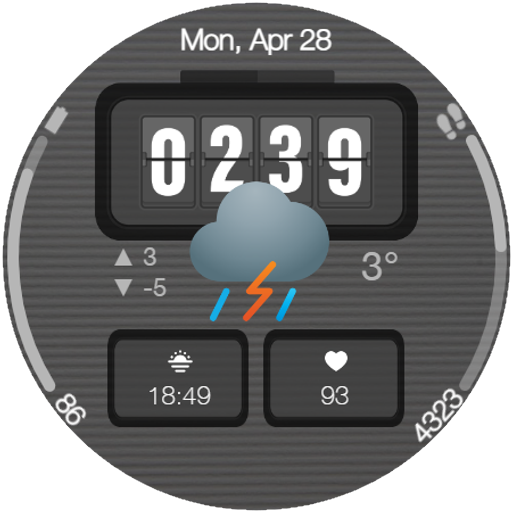
Digital Watchface M19
Paid
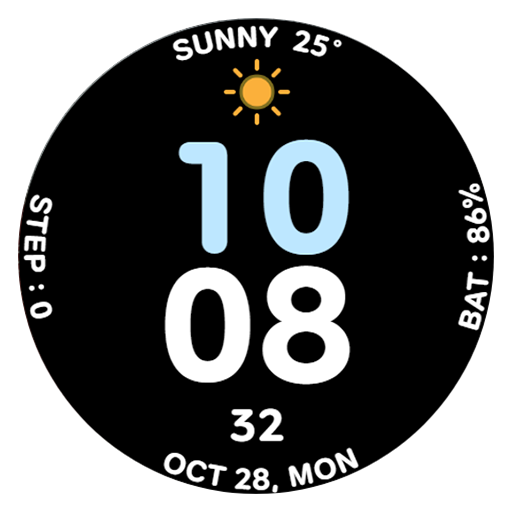
AWD CUTE W watch face
Free

Weather Watch Face
Free

Digital Big Weather Watch Face
Paid

Desert Dune Watch Face
Free

Digital Watchface D10
Paid

Weather Ultra
Paid

Weather Watch MB405
Free

Weather Watch MB408
Paid

EXD026: Digital Watch Face
Free
Scan this QR code to download

Forwarding you to the page at Google Play market in seconds...
Open Google Play market now