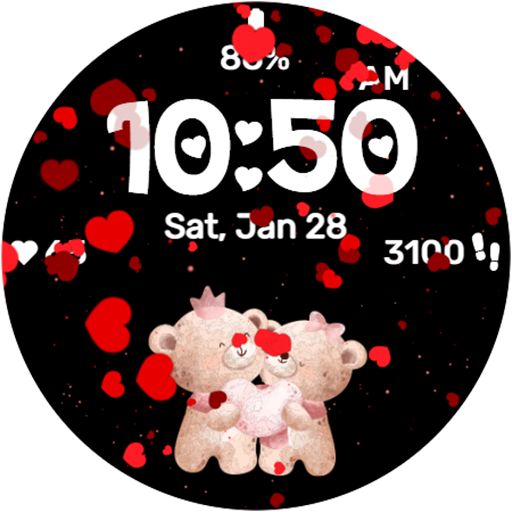
Falling Hearts Animated v1.0.0
StarWatchfaces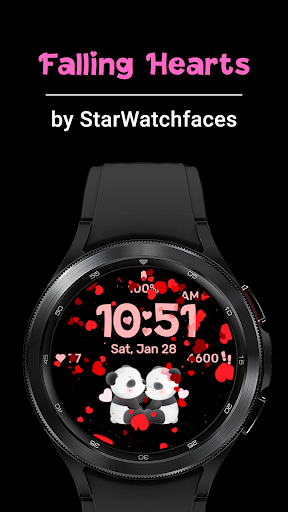


About this app
Developer Description
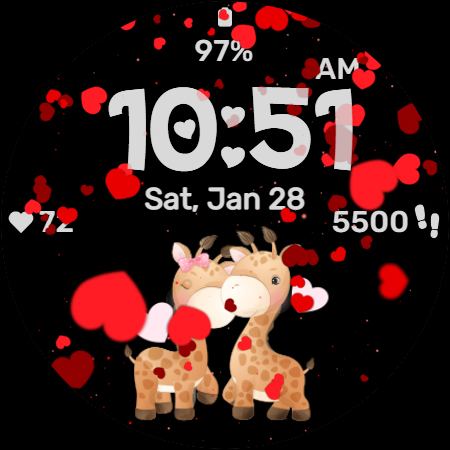
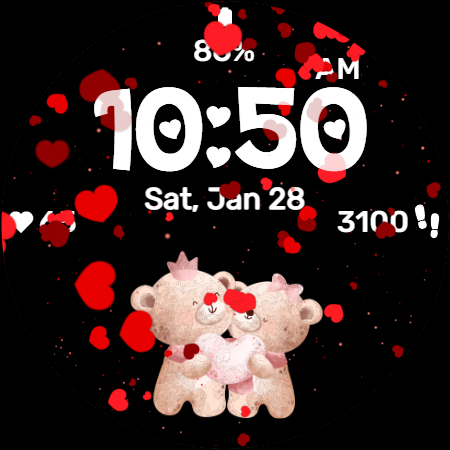
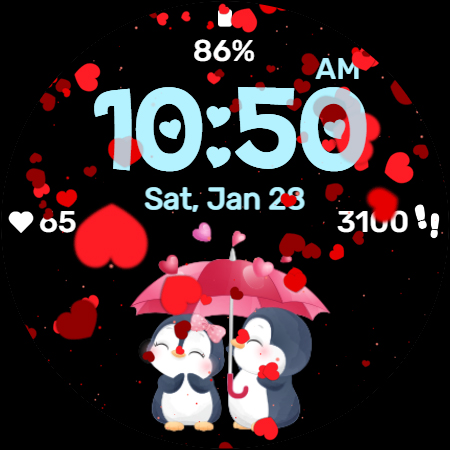
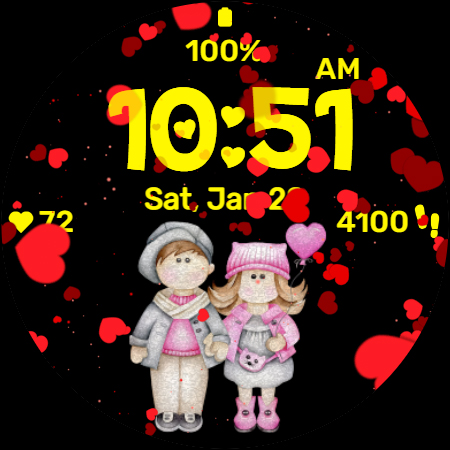
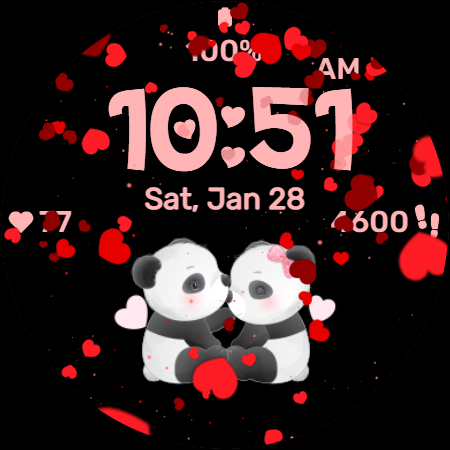
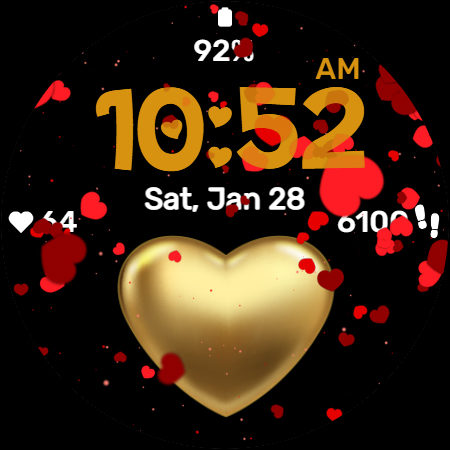
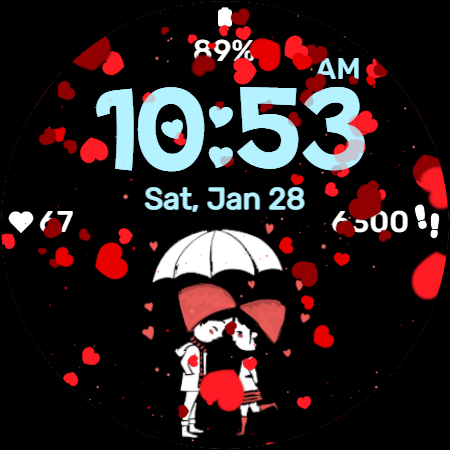
Beautiful animated watchface with falling hearts for Valentine's Day
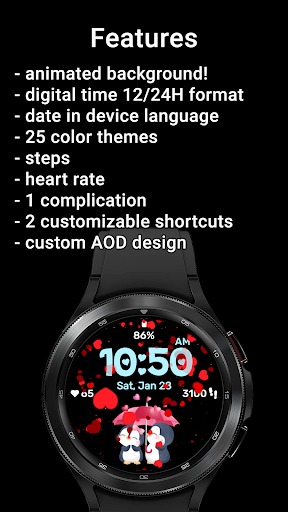
The clock is displayed in a clear and easy-to-read format, using a big custom font with some special digits with heart shapes, with the option to switch between 12 or 24 hour format. The date is displayed in the same language as your watch, making it easy to use for everyone around the globe. The watchface also includes a step counter and heart rate monitor, allowing you to stay on top of your fitness goals.
One of the most exciting features of this watchface is the customizable complication, allowing you to easily display the stats you want. And with two customizable shortcuts, you'll be able to get to your favorite apps even faster.
This watchface is a must-have for anyone looking to add a touch of love, cuteness and charm to their smartwatch!
To customize the watchface:
1. Press and hold on the display
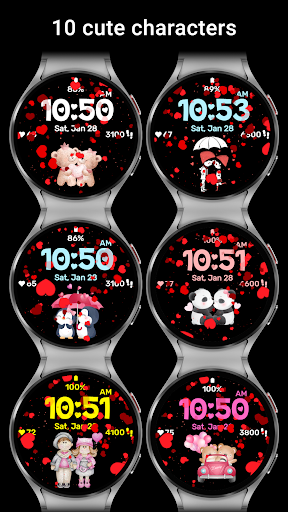
2. Tap the Customize button to change the cute character, colors for time, date and stats, data for complication to display and the apps to launch with the custom shortcuts.
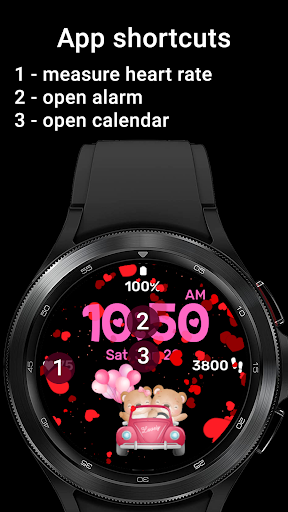
Customize the watchface as you wish: choose the cutest character that makes you smile everytime you check your watch, choose the best looking color theme for time, date and stats, select the data you want for the complication, select your desired apps to launch using the 2 customizable shortcuts and enjoy using the watchface! Check the screenshots from the store listing to better understand where the shortcuts are placed.
Use the companion app on your phone to discover other amazing watchfaces made by us!
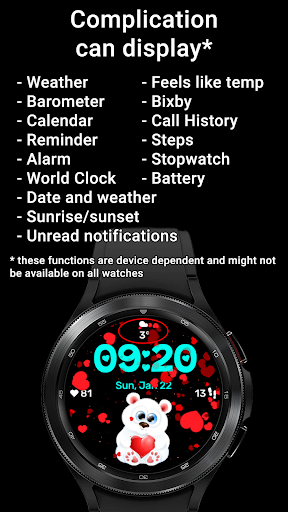
The complication can display*:
- Weather
- Feels like temp
- Barometer
- Bixby
- Calendar
- Call History
- Reminder
- Steps
- Date and weather
- Sunrise/sunset
- Alarm
- Stopwatch
- World Clock
- Battery
- Unread notifications
To display the data you want, tap and hold on the display, then press the Customize button and choose the data you want for the 2 complications.
* these functions are device dependent and might not be available on all watches
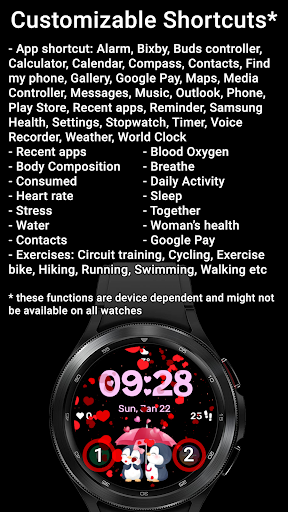
For the customizable shortcut you have these options*:
- App shortcut: Alarm, Bixby, Buds controller, Calculator, Calendar, Compass, Contacts, Find my phone, Gallery, Google Pay, Maps, Media Controller, Messages, Music, Outlook, Phone, Play Store, Recent apps, Reminder, Samsung Health, Settings, Stopwatch, Timer, Voice
Recorder, Weather, World Clock
- Recent apps
- Blood Oxygen
- Body Composition
- Breathe
- Consumed
- Daily Activity
- Heart rate
- Sleep
- Stress
- Together
- Water
- Woman’s health
- Contacts
- Google Pay
- Exercises: Circuit training, Cycling, Exercise bike, Hiking, Running, Swimming, Walking etc
To display the shortcut you want, tap and hold on the display, then press the Customize button and choose the shortcut you want for the 2 customizable shortcut slots.
* these functions are device dependent and might not be available on all watches
For more watchfaces, visit our website.
Enjoy!
What's New
Version Information
- Version
- 1.0.0
- Downloads
- 1K+
- Updated on
- Aug 11, 2025
- Released
- Jan 22, 2023
- Requires
- Android Varies with device
Statistics
Google Play Rating History
Rating Distribution
Downloads Over Time
Falling Hearts Animated has been downloaded times. Over the past 30 days, it averaged downloads per day.
Shaded area shows 30-day prediction based on historical trends
Historical data collection started recently. More data points will be available over time.
Falling Hearts Animated users say on Google Play
 Susan Beedle
A lovely fun watch face. I love the falling hearts and the different little characters. The teddy bears I think are my favourite although I adore all of them. I also like the fact you can choose your own complications. Choosing your own colours for the digital display is also a plus, good on battery life.
ApkTrusted Ratings & Reviews
More from StarWatchfaces
See more apps
Animated Autumn Scenes
Paid

Animated Christmas Tree
Paid
Animated Christmas Tree
Paid

Autumn Magic
Paid

Animated Winter Scenes
Paid

Angel of Death: Halloween face
Paid
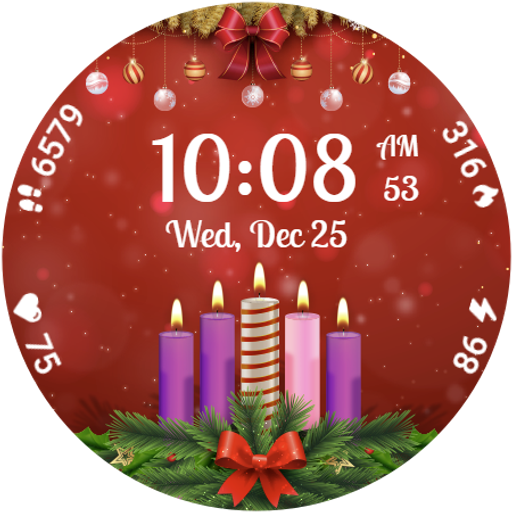
Advent Wreath Animated
Paid

Animated Summer Pool
Paid

Advent Calendar
Paid

Aurora Borealis
Paid

Autumn Falling Leaves
Paid

Autumn Flowers
Paid
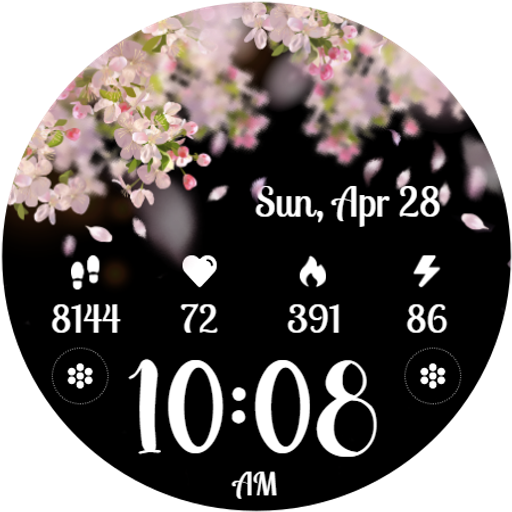
Cherry Petals
Paid

Autumn Tales: Mr. Squirrel
Paid

Autumn Vibes
Free

Beach Waves
Paid
Scan this QR code to download

Forwarding you to the page at Google Play market in seconds...
Open Google Play market now