
Independence Day Animated v1.0.0
StarWatchfaces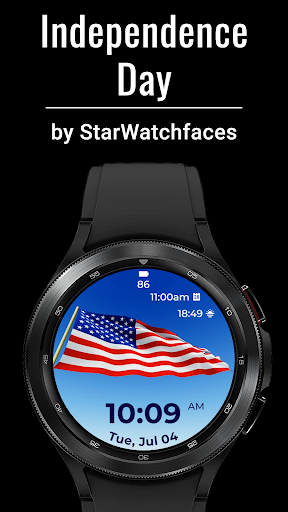
About this app
Developer Description
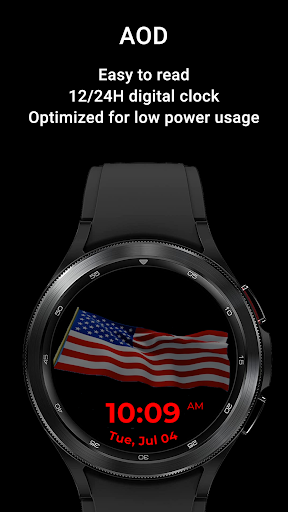
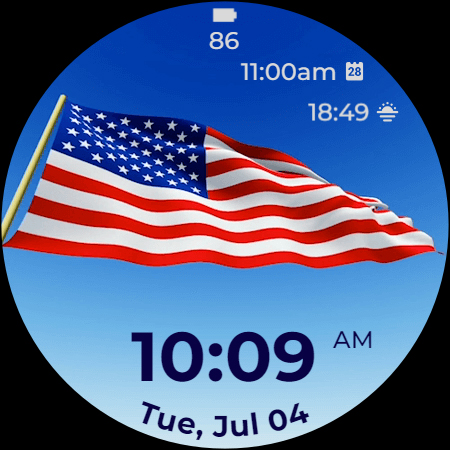
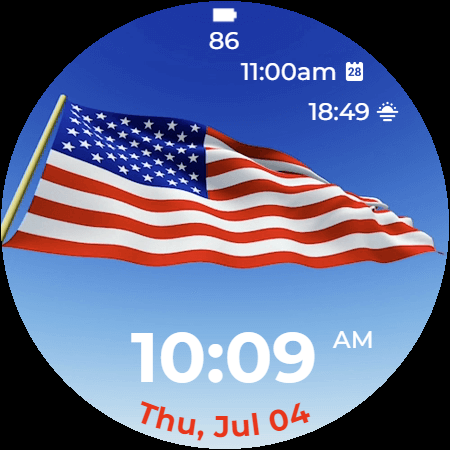
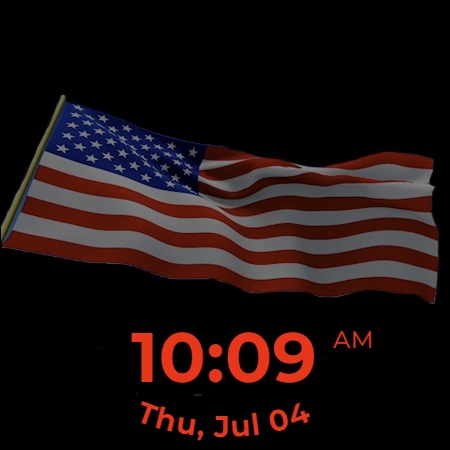
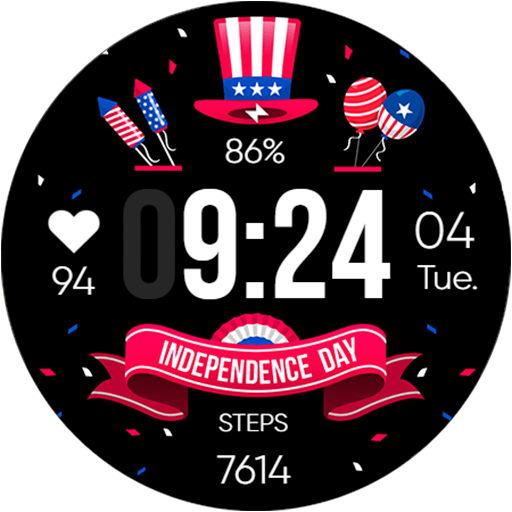
4th of July watchface with animated US flag, date, battery, 2 complications
At the heart of the "Independence Day" watchface is an animated United States flag, gently waving in the background, a poignant symbol of freedom and strength. The time is displayed prominently, with the current date and battery status intelligibly integrated, ensuring that you stay updated and charged throughout your day.
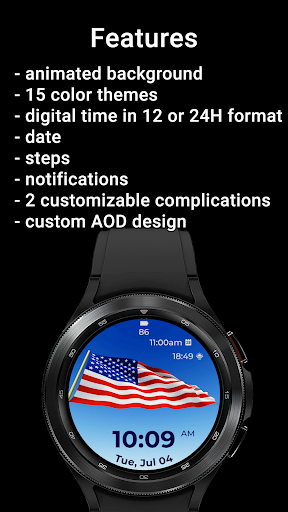
Moreover, "Independence Day" comes equipped with two customizable complications. These intuitive features can be tailored to showcase information most valuable to you, whether it's your next calendar appointment, weather updates, fitness tracking, or your favorite contact for quick access. The possibility of creating your unique blend of utility and aesthetic is just a tap away.
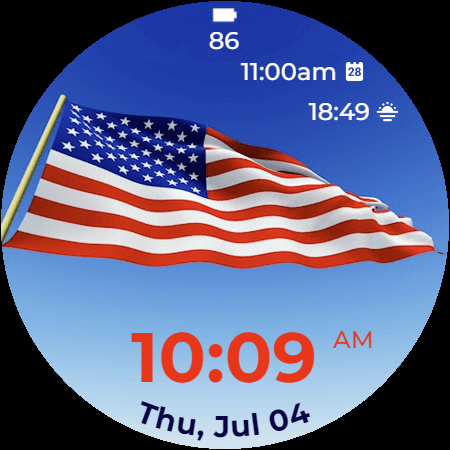
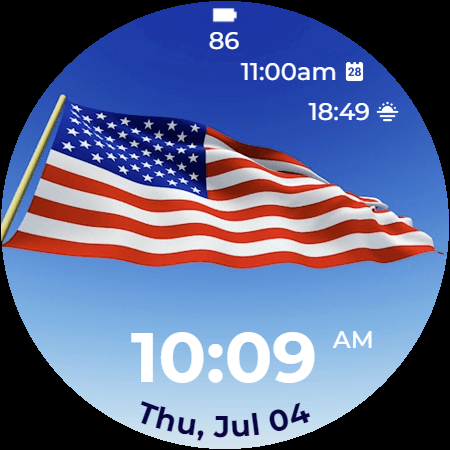
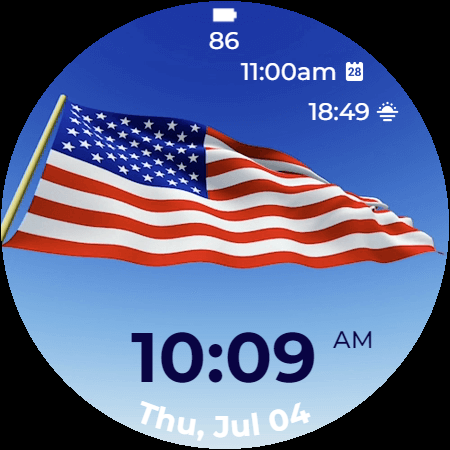
To further enhance its appeal, "Independence Day" offers fifteen color themes. Switching between these themes is easy and fast, ensuring your watch always matches your style and personality.
The "Independence Day" watchface is more than just a timepiece—it's a celebration of American spirit, right on your wrist. It’s an ideal accessory for the Fourth of July festivities, and yet, its timeless appeal makes it a stylish choice all year round.
To customize the watchface:
1. Press and hold on the display
2. Tap the Customize button to change the colors for time, date and stats, data for complications to display.
Customize the watchface as you wish: choose the best looking color theme for time, date and stats, select the data you want for the 2 customizable complications and enjoy using the watchface!
Don't forget: use the companion app on your phone to discover other amazing watchfaces made by us!
If you have issues installing the watchface, Samsung provided a detailed tutorial here: https://developer.samsung.com/sdp/blog/en-us/2022/11/15/install-watch-faces-for-galaxy-watch5-and-one-ui-watch-45
The complication can display*:
- Weather
- Feels like temp
- Barometer
- Bixby
- Calendar
- Call History
- Reminder
- Steps
- Date and weather
- Sunrise/sunset
- Alarm
- Stopwatch
- World Clock
- Battery
- Unread notifications
To display the data you want, tap and hold on the display, then press the Customize button and choose the data you want for the 2 complications.
* these functions are device dependent and might not be available on all watches
For more watchfaces, visit our website.
Enjoy!
What's New
Version Information
- Version
- 1.0.0
- Downloads
- 100+
- Updated on
- Aug 11, 2025
- Released
- Jun 23, 2023
- Requires
- Android Varies with device
Statistics
Google Play Rating History
Rating Distribution
Downloads Over Time
Independence Day Animated has been downloaded times. Over the past 30 days, it averaged downloads per day.
Shaded area shows 30-day prediction based on historical trends
Historical data collection started recently. More data points will be available over time.
ApkTrusted Ratings & Reviews
More from StarWatchfaces
See more apps
Animated Autumn Scenes
Paid

Animated Christmas Tree
Paid
Animated Christmas Tree
Paid

Autumn Magic
Paid

Animated Winter Scenes
Paid

Angel of Death: Halloween face
Paid
Advent Wreath Animated
Paid

Animated Summer Pool
Paid

Advent Calendar
Paid

Aurora Borealis
Paid

Autumn Falling Leaves
Paid

Autumn Flowers
Paid
Cherry Petals
Paid

Autumn Tales: Mr. Squirrel
Paid

Autumn Vibes
Free

Beach Waves
Paid
Similar Apps
3D USA Flag Watch Face
Free
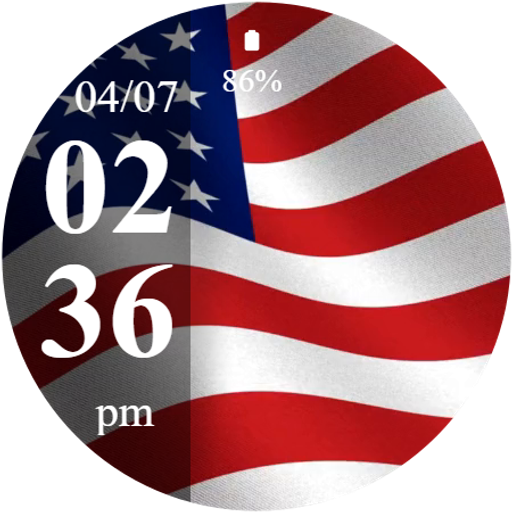
Animated Flag – USA Time
Free
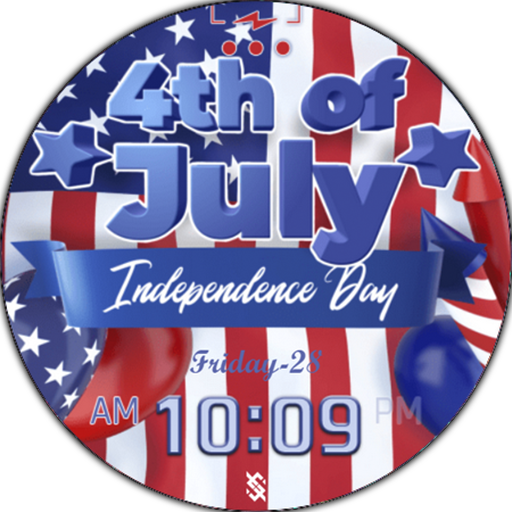
BFF14-4th of July Independence
Paid

Animated USA Flag Watch Face
Paid

4th of July Watch - ReS42
Paid

USA Memorial Watch Face
Free

Animated USA Flag Analog WF
Free
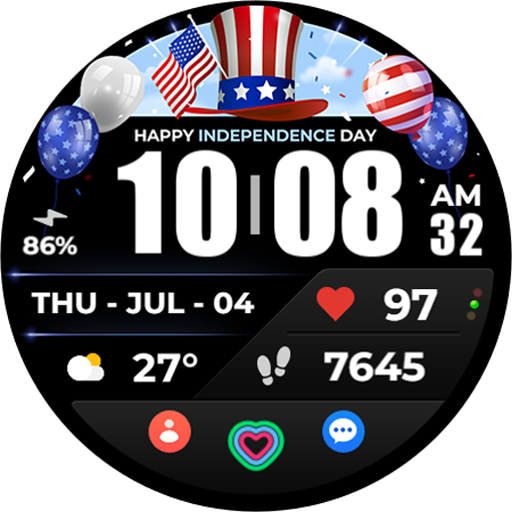
TVV 4th of July Watch Face
Free
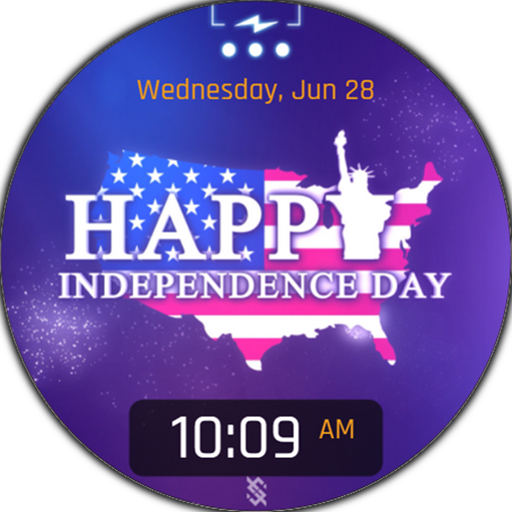
BFF12- Animation 4th of July
Free

American Liberty
Paid

USA Flag
Paid

Independence Day - 4th of July
Paid
4th of July - Independence Day
Paid

ACD165 Independence Day
Free

PW61 Digital Flags Watch Face
Free

4th July USA Watch Face
Free
Scan this QR code to download

Forwarding you to the page at Google Play market in seconds...
Open Google Play market now