Santa Christmas Snowing v1.0.0
StarWatchfaces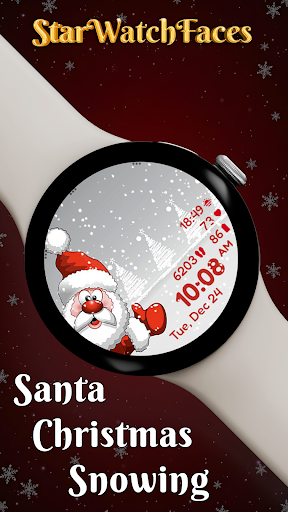
About this app
Developer Description
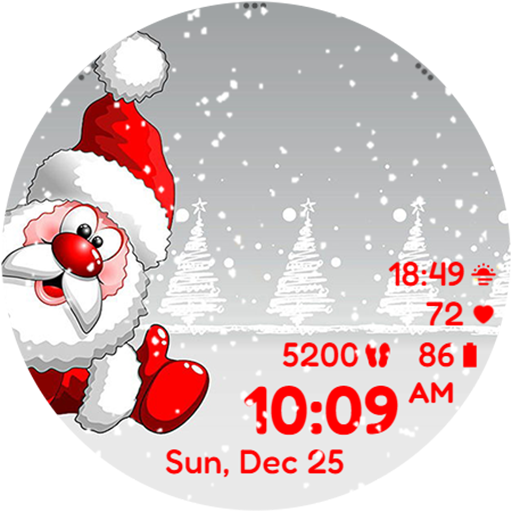
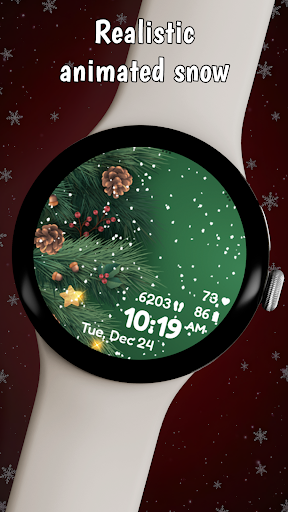
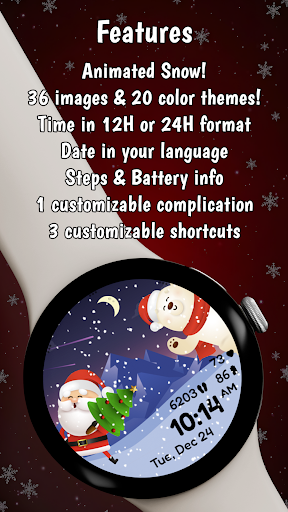
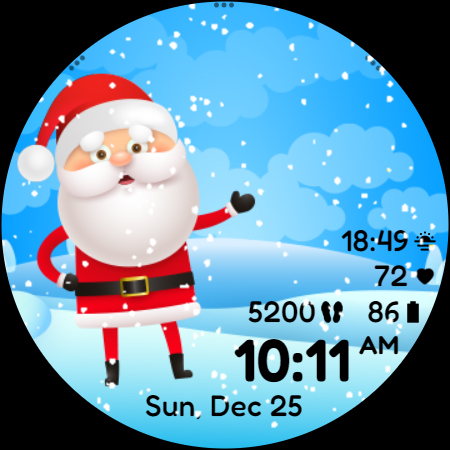
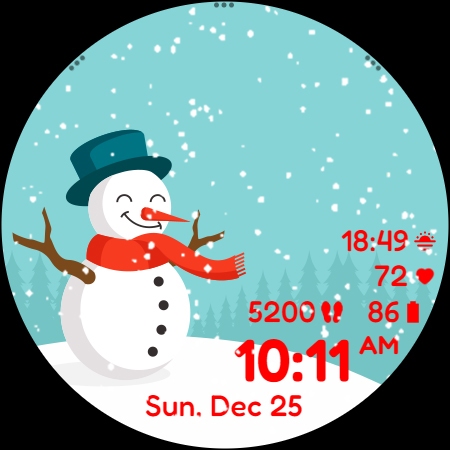
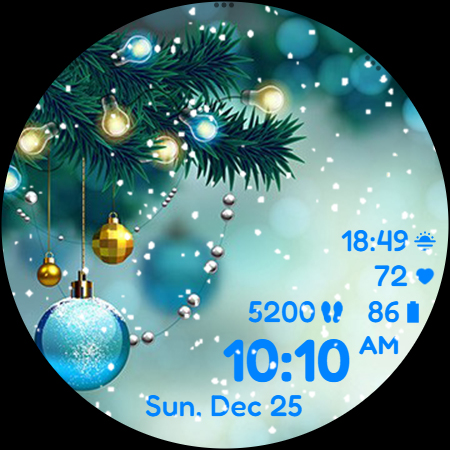
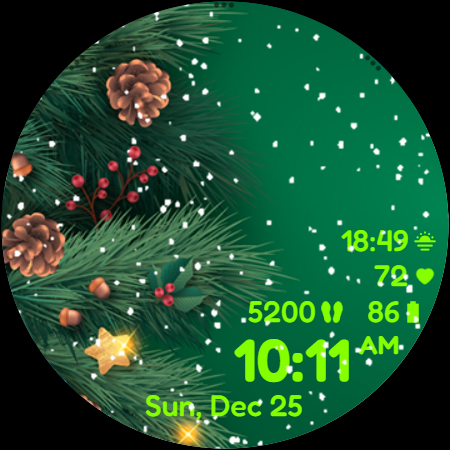
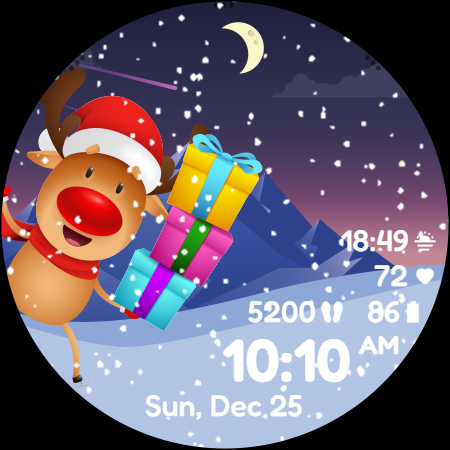
Realistic snow animation, 36 backgrounds, funny characters, 20 colors and more.
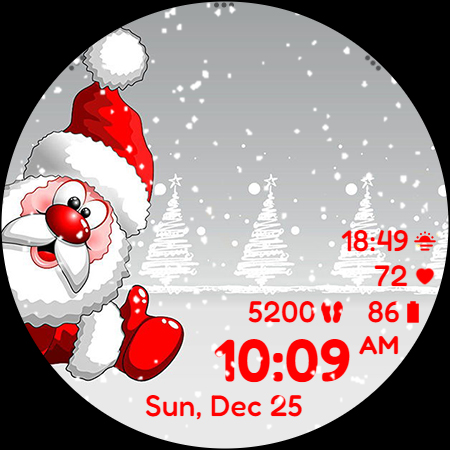
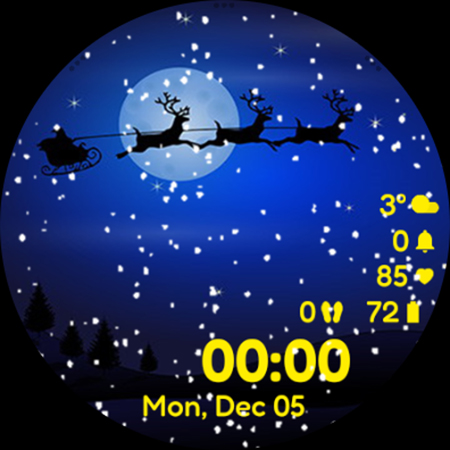
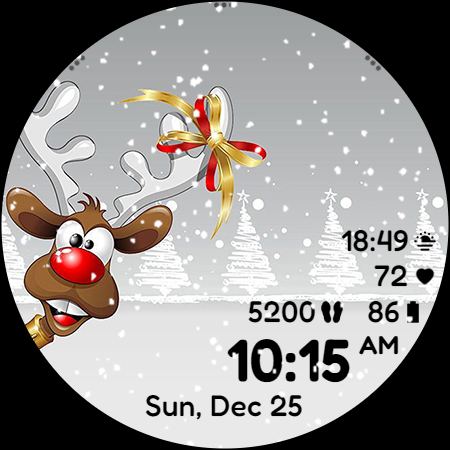
Santa Christmas Snowing is the best watchface to wear this season for your Galaxy Watch or any other Wear OS based watch. Customize it as you wish: choose the funniest background image, choose the best looking color for time, date and stats, select the data you want for the complication, select your desired apps to launch using the top 3 shortcuts and enjoy using the watchface!
🎅 Explore the entire Christmas Collection in our new Watchface Shop app and grab the best value with a bundle that includes all seasonal watchfaces. Discover your perfect Christmas style - https://play.google.com/store/apps/details?id=com.starwatchfaces.watchfaces 🎅
Don't forget: use the companion app on your phone to discover other amazing watchfaces made by us or to get solutions for the installation issues!
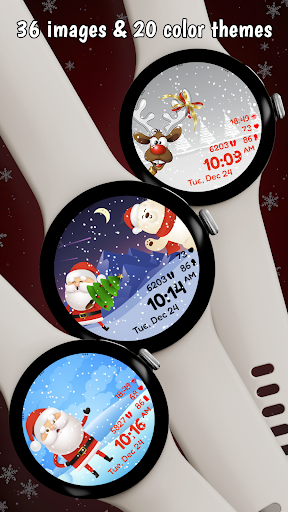
We have included 36 funny images! Try each one by tapping the left center side of the screen! And the realistic animated snow, this really makes it the perfect Christmas watch face for Wear OS.
The images include Santa, Rudolf the reindeer, Teddy the polar bear, Snowman, Christmas Tree, Christmas decorations, winter landscapes, the little mouse, images with Santa together with his friends, children playing in the snow and many others. Discover them all in the Santa Christmas Snowing watchface, your perfect companion for this winter season.
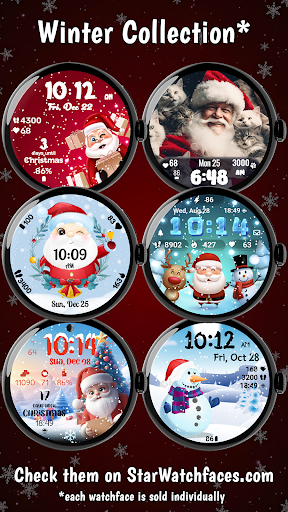
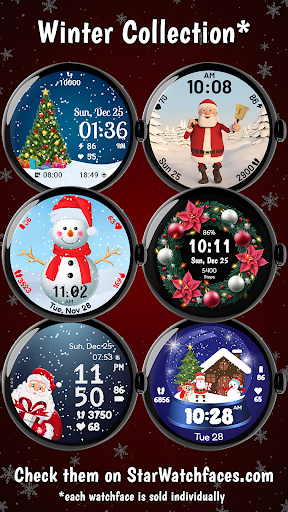
Check out the entire Winter Collection:
https://starwatchfaces.com/wearos/collection/winter-collection/
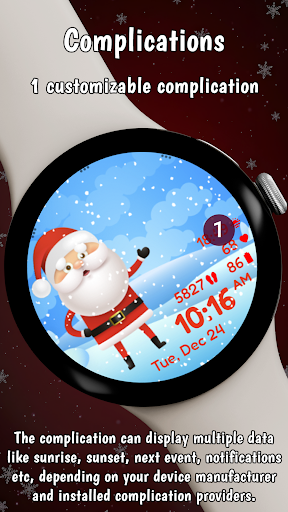
The complication can display*:
- Weather
- Feels like temp
- Barometer
- Bixby
- Calendar
- Call History
- Reminder
- Steps
- Date and weather
- Sunrise/sunset
- Alarm
- Stopwatch
- World Clock
- Battery
- Unread notifications
To display the data you want, tap and hold on the display, then press the Customize button and choose the data you want for the top complication.
* these functions are device dependent and might not be available on all watches
For the 3 shortcuts at the top you have these options*:
- App shortcut: Alarm, Bixby, Buds controller, Calculator, Calendar, Compass, Contacts, Find my phone, Gallery, Google Pay, Maps, Media Controller, Messages, Music, Outlook, Phone, Play Store, Recent apps, Reminder, Samsung Health, Settings, Stopwatch, Timer, Voice
Recorder, Weather, World Clock
- Recent apps
- Blood Oxygen
- Body Composition
- Breathe
- Consumed
- Daily Activity
- Heart rate
- Sleep
- Stress
- Together
- Water
- Woman’s health
- Contacts
- Google Pay
- Exercises: Circuit training, Cycling, Exercise bike, Hiking, Running, Swimming, Walking etc
To display the shortcut you want, tap and hold on the display, then press the Customize button and choose the shortcut you want for the bottom complication.
* these functions are device dependent and might not be available on all watches
Enjoy our most popular Christmas watchface, now available for Wear OS users, packed with many cute images with Santa, reindeer, snowman and many other Santa's little friends. Everytime you check the time on your watch, the little Santa and his friends will make you smile. Enjoy the animated snowing effect to make you feel the real Christmas spirit, even if you don't have real snow outside.
For more watchfaces, check our developer page on Play Store, visit our website - https://starwatchfaces.com - or check our dedicated showcase app for Android, "Christmas watch faces for Wear OS", which will present all the wonderful Christmas watch faces created for the Wear OS users and the promotions that we are running.
Let the magic of Christmas surround you!
Enjoy!
What's New
Version Information
- Version
- 1.0.0
- Downloads
- 10K+
- Updated on
- Aug 12, 2025
- Released
- Dec 4, 2021
- Requires
- Android Varies with device
Statistics
Google Play Rating History
Rating Distribution
Downloads Over Time
Santa Christmas Snowing has been downloaded times. Over the past 30 days, it averaged downloads per day.
Shaded area shows 30-day prediction based on historical trends
Historical data collection started recently. More data points will be available over time.
Santa Christmas Snowing users say on Google Play
 John K
Using Samsung Galaxy S22/Watch 5 --The best watch faces for the holidays! Easy to install just remember on the Galaxy watch to set it to allow apps to auto-update. Once that was done it is really cool and lots to choose from. I know people complained about the complications but I like the screen clean and just using the picture & animated snow. If you want all that other stuff use a different watch face. Customer support was A+ they responded to me within minutes & helped me with my issue.
 Sabrina Sullivan
Cute! But...when I tap on one of the widgets to open it, the background pic changes. I have to hit it juuuuust right to get my widget open without changing the face pic. Also have changed the face when trying to swipe right to see notifications. Don't get me wrong, all the faces are cute!! But once I have one picked for today, I'd like to be able to lock it. Also, a countdown to Christmas would be a cute addition!
 Callie Parker
Face doesn't show continuous monitoring for heart rate, nor steps. It also drains my batter quickly. It's a beautiful face with tons of backgrounds..but it's just not functional for fitness. So if you don't rely on it for minute by minute accuracy, then it won't be a big deal.
 Amy Kaczmarek
Downloaded and paid and says I have to pay again sorry requesting a refund
 Dawn Smith
I purchased this watch face and I was never able to download it on to my watch (somethings wrong on their end). I asked for a refund and they said they don't do refunds. Bad business! 👎I also noticed I was charged 5 times for this!! I emailed them, let's see what is done about it.
ApkTrusted Ratings & Reviews
More from StarWatchfaces
See more apps
Animated Autumn Scenes
Paid

Animated Christmas Tree
Paid
Animated Christmas Tree
Paid

Autumn Magic
Paid

Animated Winter Scenes
Paid

Angel of Death: Halloween face
Paid
Advent Wreath Animated
Paid

Animated Summer Pool
Paid

Advent Calendar
Paid

Aurora Borealis
Paid

Autumn Falling Leaves
Paid

Autumn Flowers
Paid
Cherry Petals
Paid

Autumn Tales: Mr. Squirrel
Paid

Autumn Vibes
Free

Beach Waves
Paid
Similar Apps

Christmas Santa Claus
Free

Christmas Santa CountDown 2024
Free
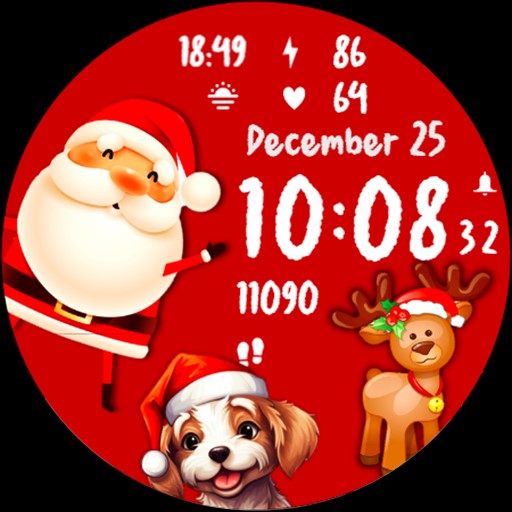
Christmas Magic Snowing Time
Paid

Christmas Countdown
Free

Christmas Holiday Watch Face
Free

WFP 147 Christmas Santa
Paid

KeyWF52 Santa Claus Watch Face
Paid

Christmas Frame - Characters
Paid

Spring Tulips & Golden Flowers
Paid

Merry Christmas Santa Claus
Free
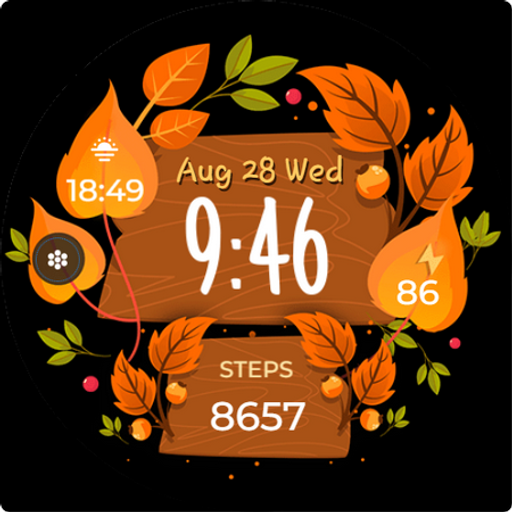
Seasonal Vibes - Wear Os Watch
Paid

DM057 ANIMATED & Seasonal
Paid

Christmas Digital Watchface
Paid

ML2U 156 Watch Face
Paid

Christmas Countdown | WearOS
Paid
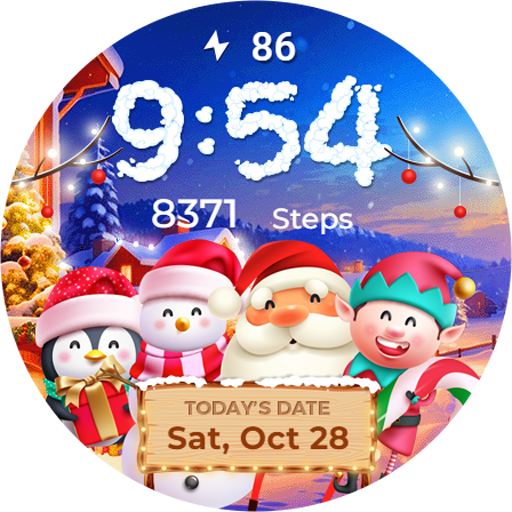
Winter & Christmas Friends
Paid
Scan this QR code to download

Forwarding you to the page at Google Play market in seconds...
Open Google Play market now