
Christmas Snow On/Off Watch v1.0.1
Talex Watch Faces





About this app
Developer Description
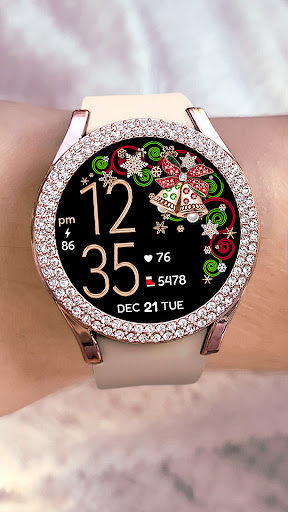
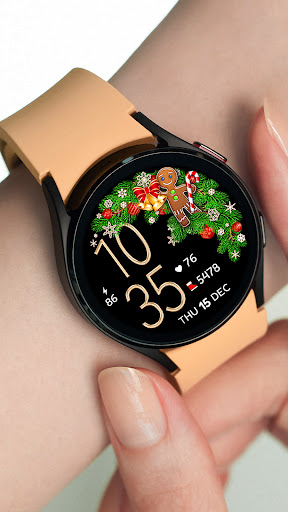
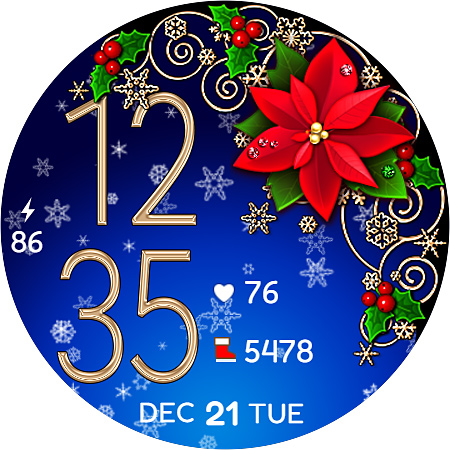
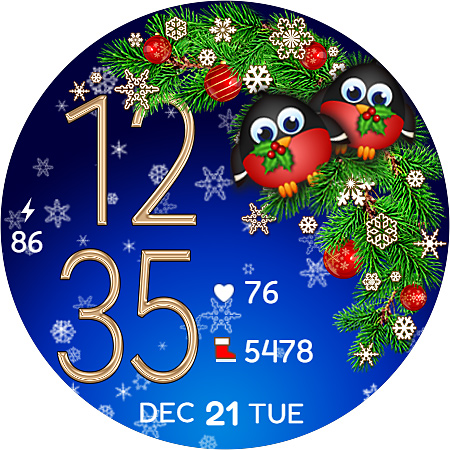
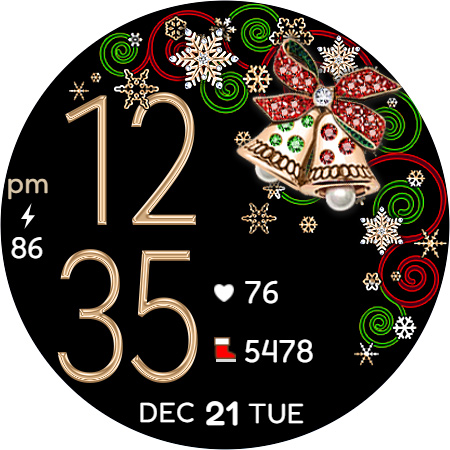
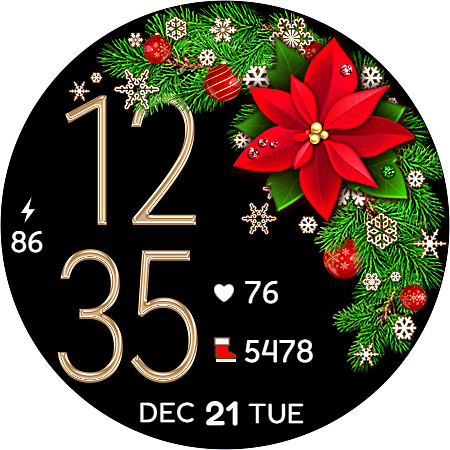
Very Beautiful Christmas Watch Face. Battery-friendly Snow animation On/Off.
Pretty and cute Christmas themed watch face for Wear OS.
12/24 Digital time HH:MM (AUTO-sync with your Phone time)
No leading '0' in HH of 12hr time mode.
Background Snow animation On/Off - battery friendly!
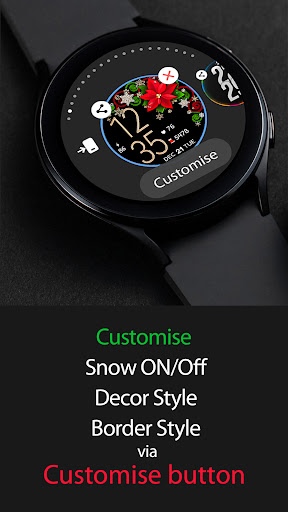
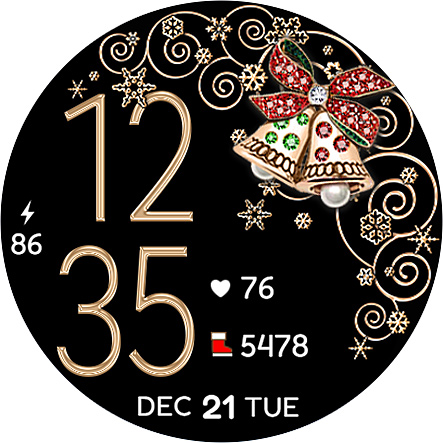
5 Decor Styles + 4 Border Styles + Black or Snowing Bg = 30+ Combinations
Use "Customise" button to create your own.
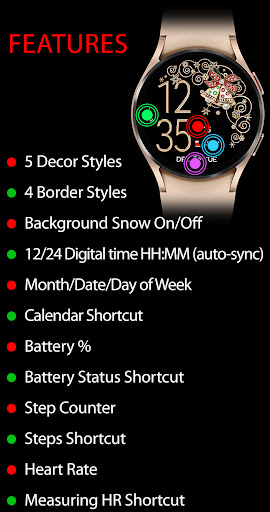
Active mode FEATURES
- Background Snow animation On/Off
- 5 Decor Styles
- 4 Border Styles
- 12/24 Digital time HH:MM (auto-sync with your phone time)
- No leading '0' in HH of 12hr time
- Day of Week/Date/Month
- Calendar Shortcut
- Battery %
- Battery Status Shortcut
- Step counter
- SHealth Steps Shortcut
- Heart Rate + Shortcut to Measuring Heart Rate
Put your watch on your wrist. Tap a Heart icon to start measuring your heart rate. Heart icon blinking while measuring. Keep still while measuring.
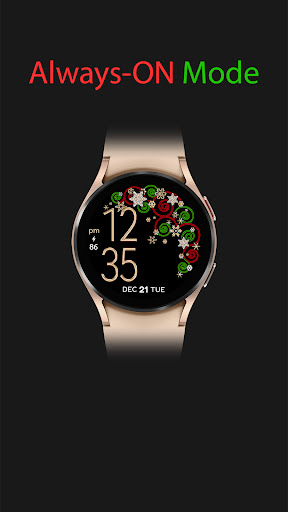
Always-On FEATURES
- 12/24 Digital time HH:MM
- Day of Week/Date/Month
- Battery %
Please find more details on our Features graphics.
INSTALLATION HELPER:
1. Once you purchased a Watch Face please allow about 10-15 minutes for syncronization between google store and watch device.
2. IF new WF doesn't appear on your Watch automatically please try the following: long tap to the watch screen > swipe through the list of your watch faces till its End > tap + (plus) > another list would open. Please check it totally, your Newly bought Watch face should be there.
What's New
Version Information
- Version
- 1.0.1
- Downloads
- 500+
- Updated on
- Jul 16, 2025
- Released
- Nov 17, 2022
- Requires
- Android Varies with device
Statistics
Google Play Rating History
Rating Distribution
Downloads Over Time
Christmas Snow On/Off Watch has been downloaded times. Over the past 30 days, it averaged downloads per day.
Shaded area shows 30-day prediction based on historical trends
Historical data collection started recently. More data points will be available over time.
Christmas Snow On/Off Watch users say on Google Play
 Barbara Lees
I love this watch face. It's really pretty, I love the selection of customizable choices.
ApkTrusted Ratings & Reviews
More from Talex Watch Faces
See more apps
Diamond Butterfly Watch Face
Paid

Diamond Hearts Watch Face
Paid

Bloomy Digital Watch Face
Paid
Blue Glossy Watch Face
Paid
Christmas Time Watch Face
Paid

Bloomy Time Watch Face
Paid
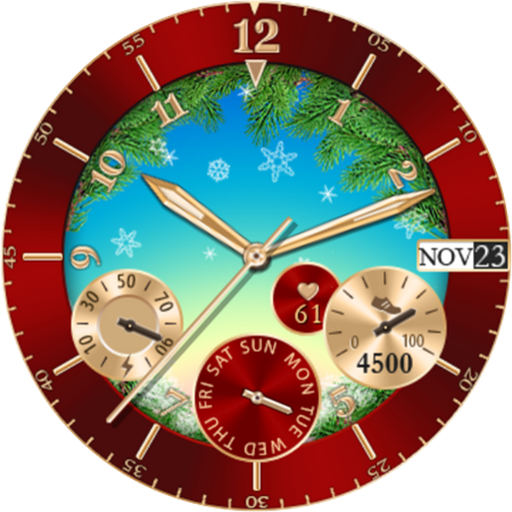
Christmas Snowing Watch Face
Paid

Christmas Snow Watch Face
Paid

Flamingo Summer Watch Face
Paid

Talex Classic Watch Face
Paid
DG Info Watch Face
Paid

Autumn Flowers Watch Face
Paid
Smart Digital Black Colors
Paid

Talex Elegant Watch Face
Paid
Fine Flowers
Paid
Flamingo Summer Watch Face
Paid
Similar Apps

Christmas Wreath
Paid

Christmas Gifts & Lights
Paid

TVV Christmas 3 Watch Face
Paid

WIN Christmas MOD Animation
Paid
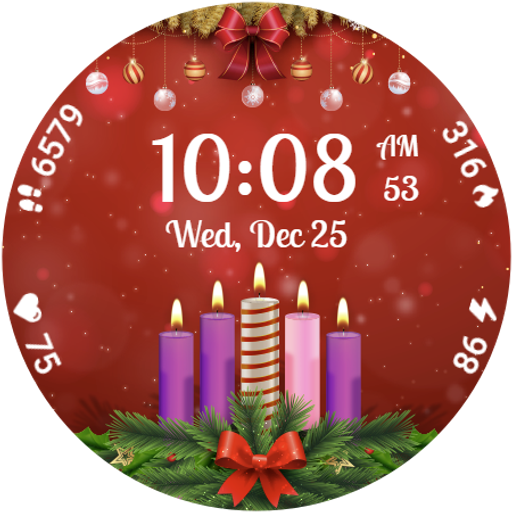
Advent Wreath Animated
Paid
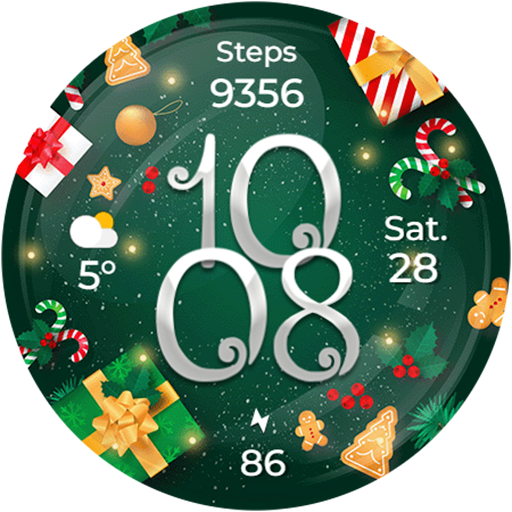
Christmas Globes & Decorations
Paid

Snowflakes pink watch face
Paid

Butterfly Digital Watch Face
Paid
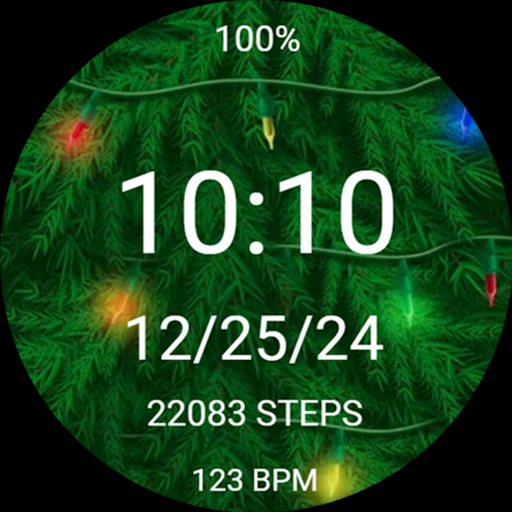
Christmas Tree Light Watchface
Paid

ACRO Happy Christmas Watchface
Paid

FLW088 Colorful Flowers
Paid

Christmas Frames Watch
Free

Christmas Frames Watch Face
Free

Flowers Red Roses - ReS03
Paid
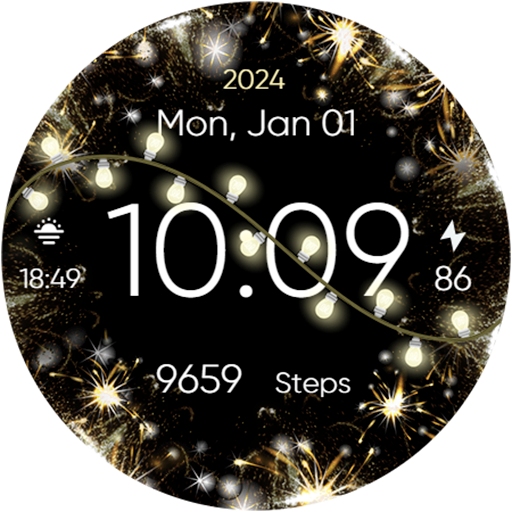
Animated New Year & Christmas
Paid

Christmas
Paid
Scan this QR code to download

Forwarding you to the page at Google Play market in seconds...
Open Google Play market now