Light Step Watch Face v1.0.4
Talex Watch Faces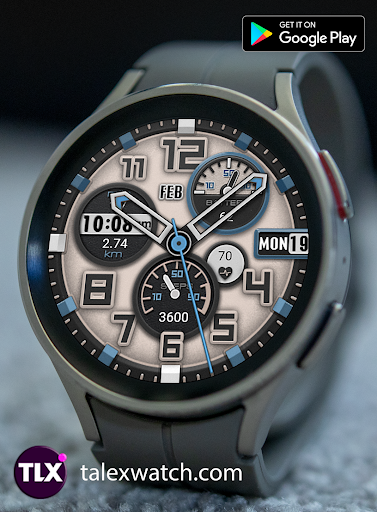
About this app
Developer Description
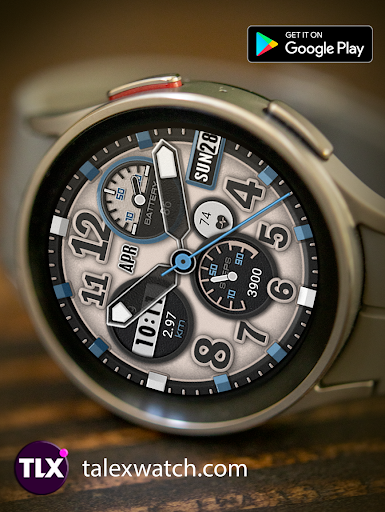
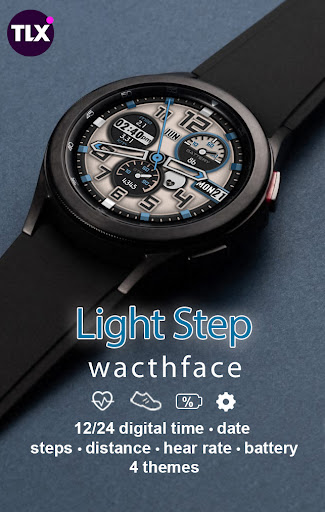
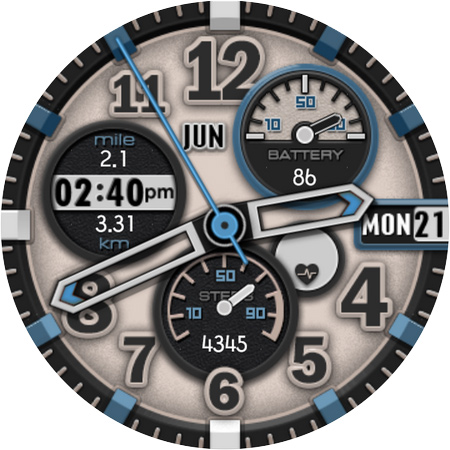
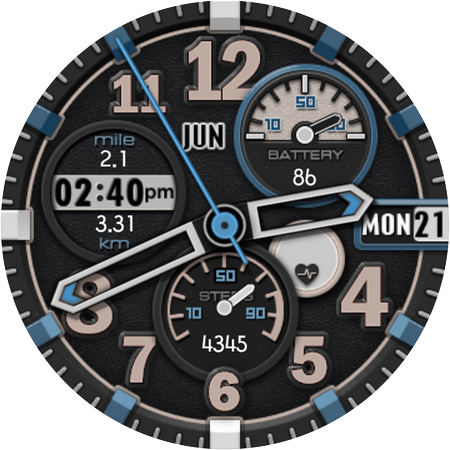
Stylish, informative and interactive watch face for Wear OS devices
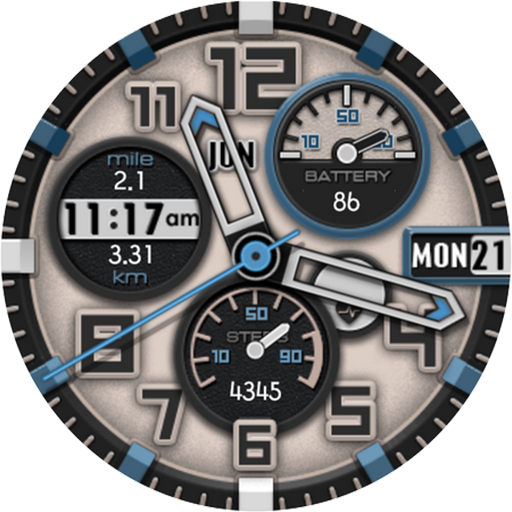
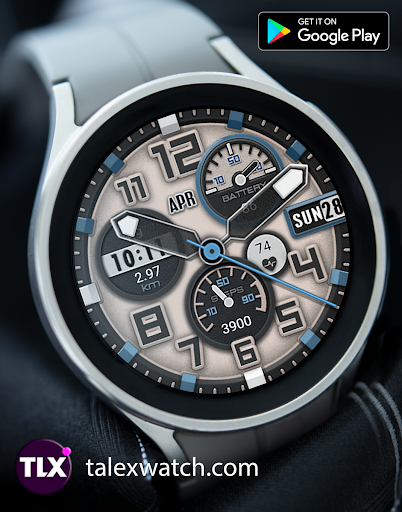
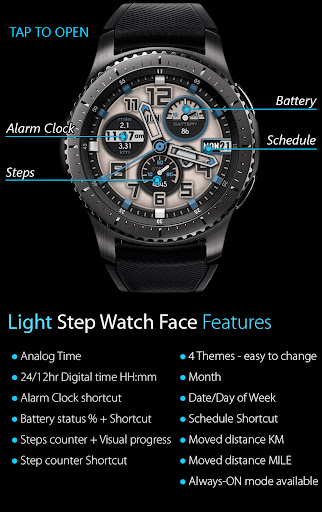
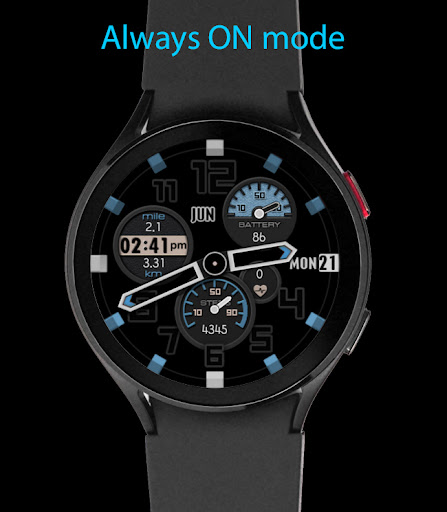
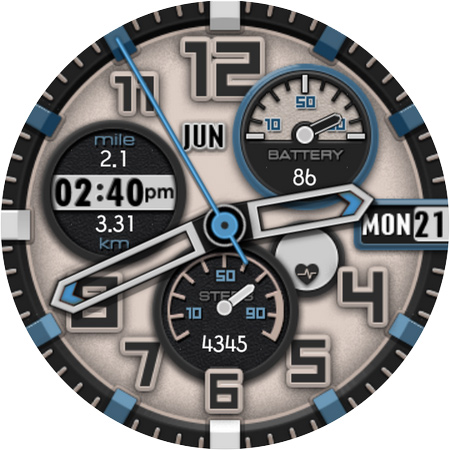
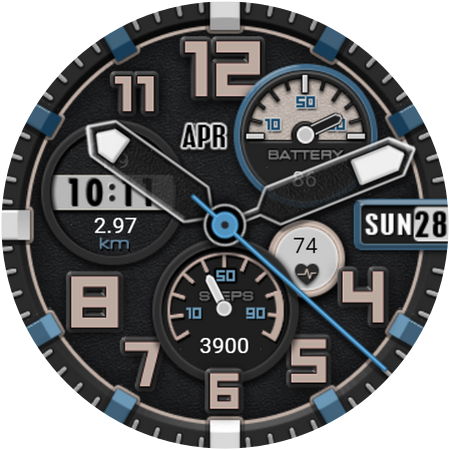
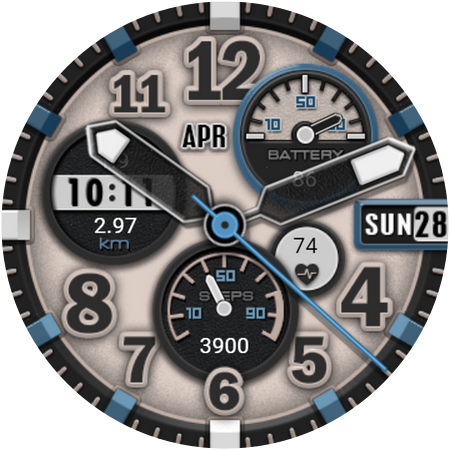
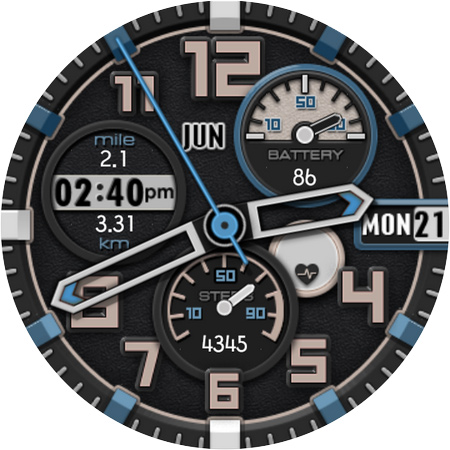
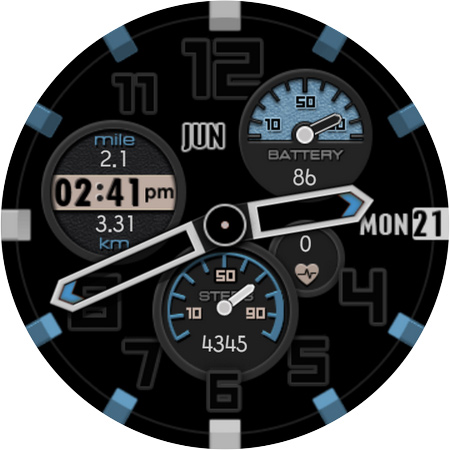
Light Step Watch Face features date, weekday, battery percentage, step counter, daily step goal, moved distance km and miles and shortcuts (alarm clock, battery status, step counter and shedule)
Analog time + digital in time format you need: 12hr or 24hr sync with your Phone time settings.
Sporty design and elegant colors.
Useful info at a glance + a set of shortcuts for getting more details.
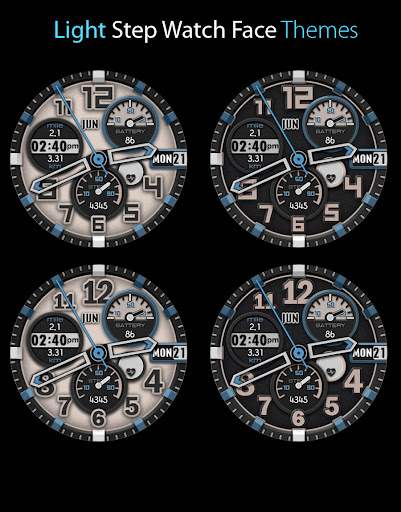
4 Themes - select one you prefer.
2 Clock hands styles available also.
Tap the heart icon to measure your heart rate. The heart icon will start to blink while measuring. Keep still while measuring.
Important notes about heart rate measurement & display:
*Heart rate measurement is independent from the Wear OS heart rate application and is taken by the watch face itself. The watch face shows your heart rate at the time of measurement and does not update the Wear OS heart rate app. The heart rate measurement will be different than the measurement taken by stock Wear OS app. The Wear OS app will not update the watch face heart rate, so in order to display your most current heart rate on the watch face, tap the heart icon to measure again.
If heart rate does not work, make sure sensors were allowed after installation. To check, swap to another watch face then back. It will prompt you to allow sensors if you have not already done so.
What's New
Version Information
- Version
- 1.0.4
- Downloads
- 100+
- Updated on
- Jul 11, 2025
- Released
- Nov 10, 2021
- Requires
- Android Varies with device
Statistics
Google Play Rating History
Rating Distribution
Downloads Over Time
Light Step Watch Face has been downloaded times. Over the past 30 days, it averaged downloads per day.
Shaded area shows 30-day prediction based on historical trends
Historical data collection started recently. More data points will be available over time.
ApkTrusted Ratings & Reviews
More from Talex Watch Faces
See more apps
Christmas Snow On/Off Watch
Paid

Diamond Butterfly Watch Face
Paid

Diamond Hearts Watch Face
Paid

Bloomy Digital Watch Face
Paid
Blue Glossy Watch Face
Paid
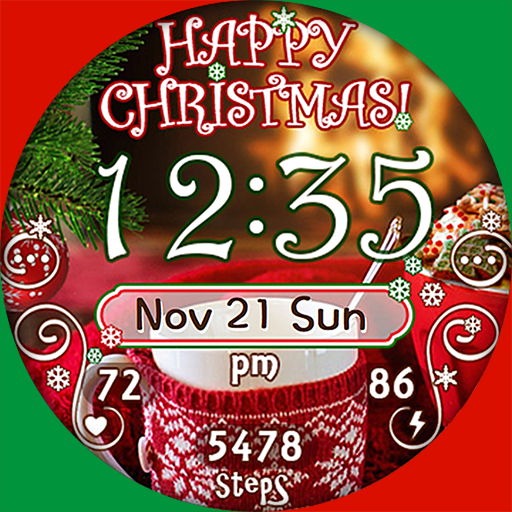
Christmas Time Watch Face
Paid

Flamingo Summer Watch Face
Paid
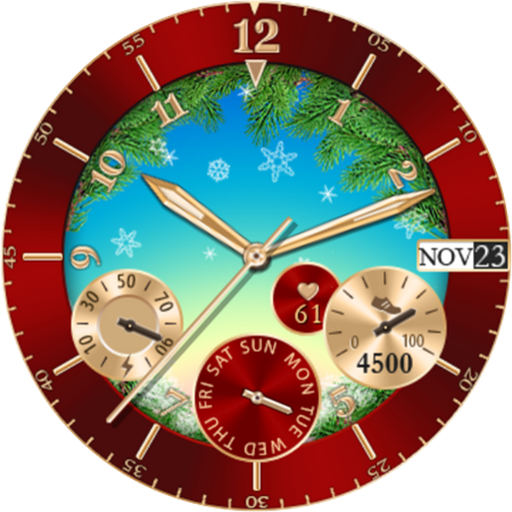
Christmas Snowing Watch Face
Paid

Bloomy Time Watch Face
Paid

Christmas Snow Watch Face
Paid

Talex Classic Watch Face
Paid
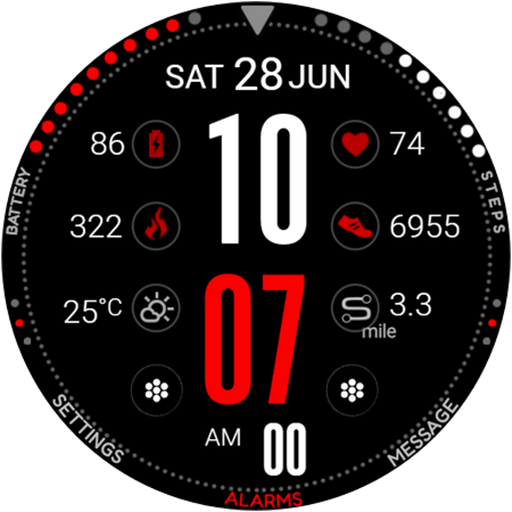
DG Info Watch Face
Paid

Autumn Flowers Watch Face
Paid
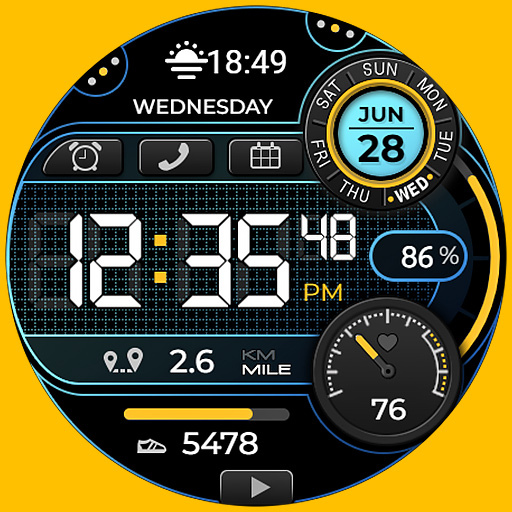
Smart Digital Black Colors
Paid

Talex Elegant Watch Face
Paid
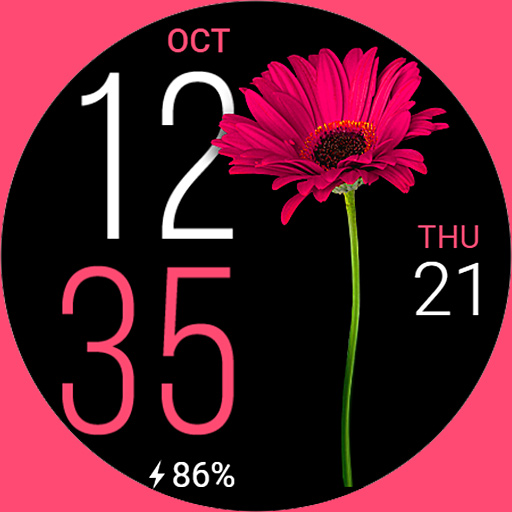
Fine Flowers
Paid
Scan this QR code to download

Forwarding you to the page at Google Play market in seconds...
Open Google Play market now