
Smart Digital Watch Face vVARY
Talex Watch Faces









About this app
Developer Description
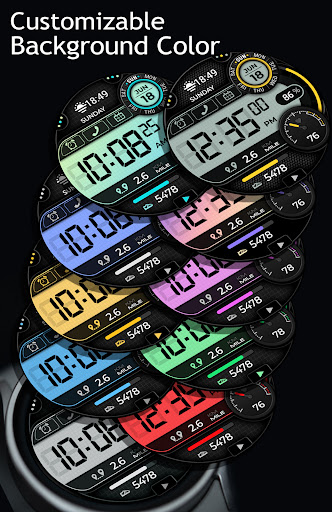
High quality graphics. Informative and customizable Digital watch face
1. Once you purchased a Watch Face please allow about 10-15 minutes for syncronization between google store and watch device.
2. IF new WF doesn't appear on your Watch automatically please try the following: long tap to the watch screen > swipe through the list of your watch faces till its End > tap + (plus) > another list would open. Please check it totally, your Newly bought Watch face should be there.
Smart Digital Watch Face for Wear OS by TALEX.
10000+ design combinations.
Watch face features:
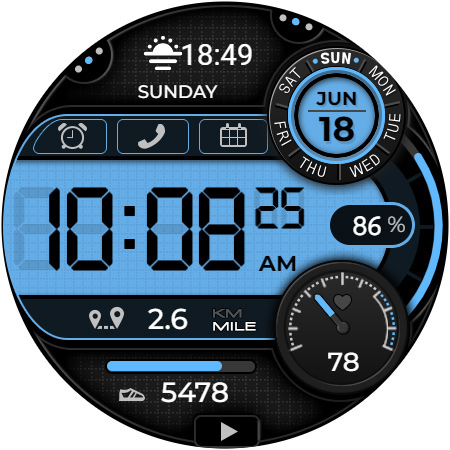
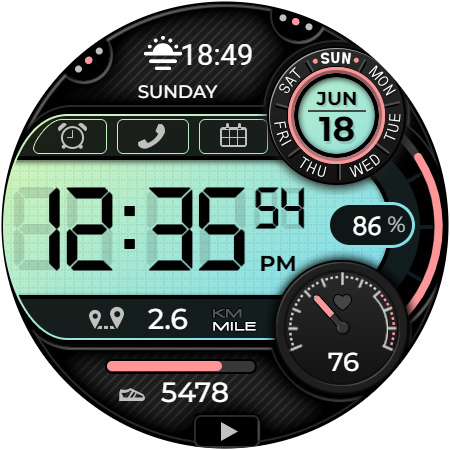
- 12/24hr (based on phone settings)
- Date/Month/Day of Week
- Month/Day of Week multi-language
- Battery and visual progress + Battery Status Shortcut
- Heart Rate and visualization
- Steps and visual progress + Health app Shortcut
- Distance (km/mile)
- 1 Customizable Complication (for example Weather, Sunset/Sunrise etc.)
- 2 Customizable shortcuts (for example Calculator, Contacts etc.)
- 6 Preset App shortcuts
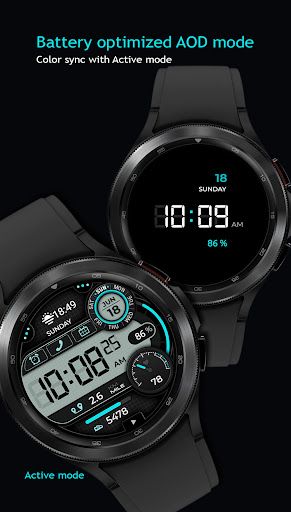
- Always ON Display sync with Active mode colors
Heart Rate notes:
Please start a Heart rate measurement manually first time after installation Allow Body sensors, put your watch on your wrist, tap a HR widget (as shown above) and wait a few seconds. Your watch would take a measurement and display the current result.
After that the watch face can automatically measure your heart rate Every 10 minutes. Or Manually.
What's New
Version Information
- Version
- -
- Downloads
- 1K+
- Updated on
- Jul 16, 2025
- Released
- Jun 5, 2023
- Requires
- Android Varies with device
Statistics
Google Play Rating History
Rating Distribution
Downloads Over Time
Smart Digital Watch Face has been downloaded times. Over the past 30 days, it averaged downloads per day.
Shaded area shows 30-day prediction based on historical trends
Historical data collection started recently. More data points will be available over time.
Smart Digital Watch Face users say on Google Play
 Nichole (Ndroid)
Love this watch face, there is so many options you can do as far as different themes/colors..and it's a good price.
 Muhammad umer Ali
Good
 Ken Weise
Implies that it has a full AOD mode on the description. It does not. Too bad, this was going to be a 5 star review. The full display is awesome. Please add a full AOD mode. Then I can make this 5 stars.
ApkTrusted Ratings & Reviews
More from Talex Watch Faces
See more apps
Christmas Snow On/Off Watch
Paid

Diamond Butterfly Watch Face
Paid

Diamond Hearts Watch Face
Paid

Bloomy Digital Watch Face
Paid
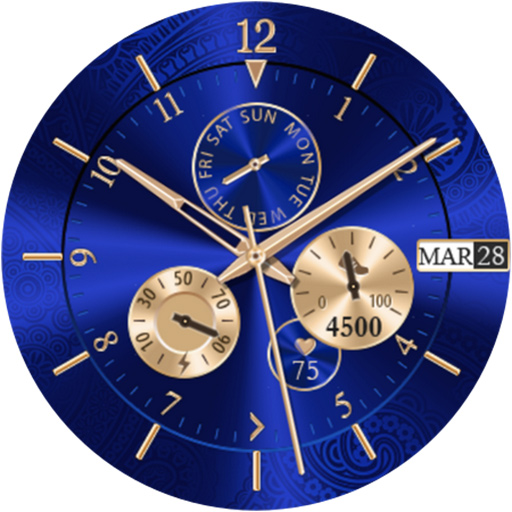
Blue Glossy Watch Face
Paid
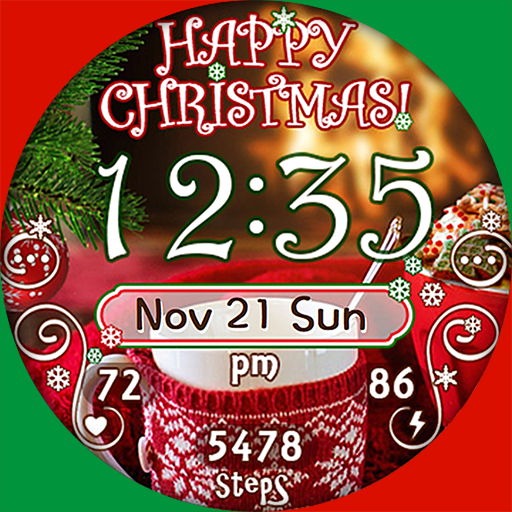
Christmas Time Watch Face
Paid

Flamingo Summer Watch Face
Paid
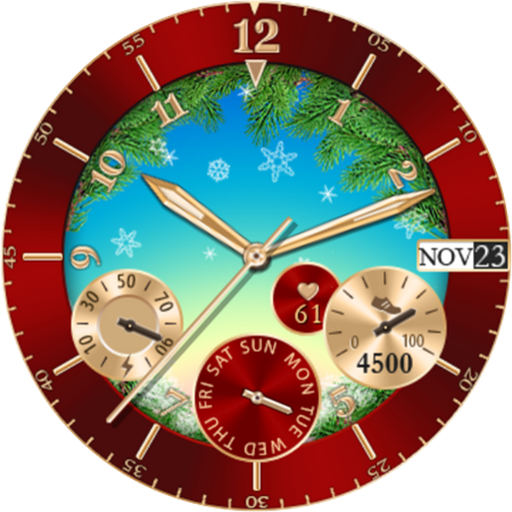
Christmas Snowing Watch Face
Paid

Bloomy Time Watch Face
Paid

Christmas Snow Watch Face
Paid

Talex Classic Watch Face
Paid
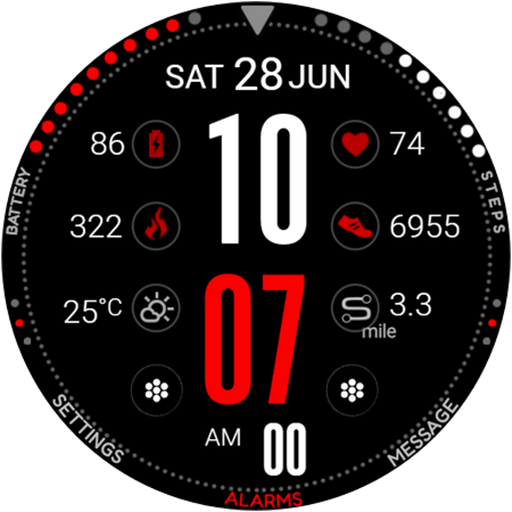
DG Info Watch Face
Paid

Autumn Flowers Watch Face
Paid
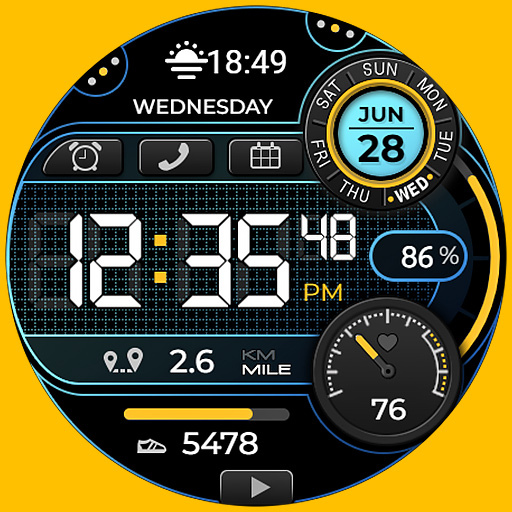
Smart Digital Black Colors
Paid

Talex Elegant Watch Face
Paid
Fine Flowers
Paid
Scan this QR code to download

Forwarding you to the page at Google Play market in seconds...
Open Google Play market now