
SuperGalaxy Watch Face vVARY
Talex Watch Faces



About this app
Developer Description
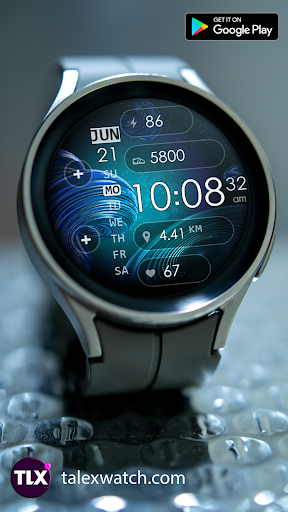
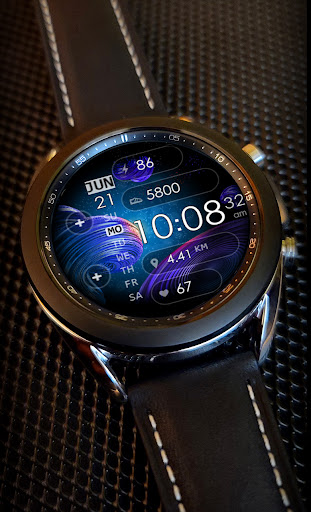
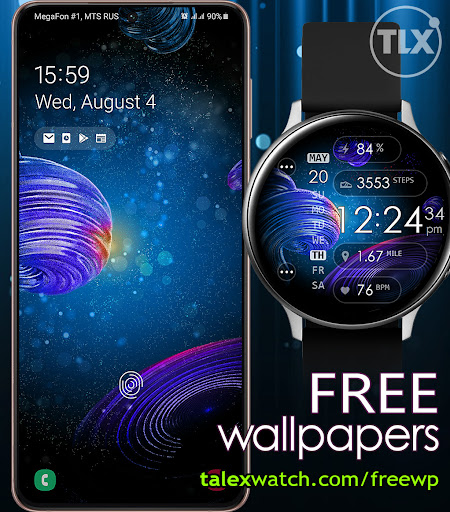
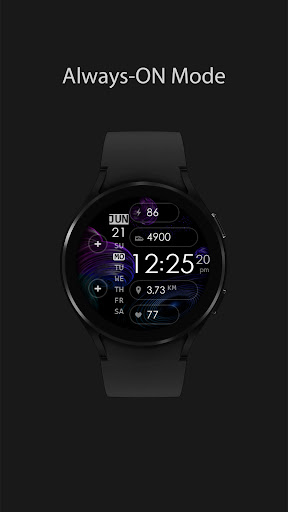
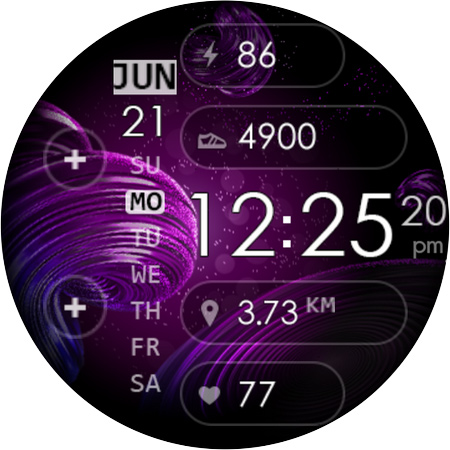
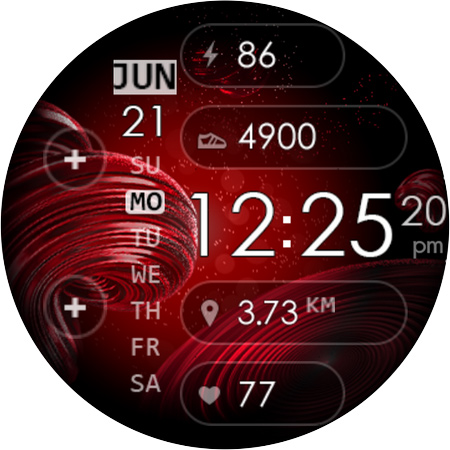
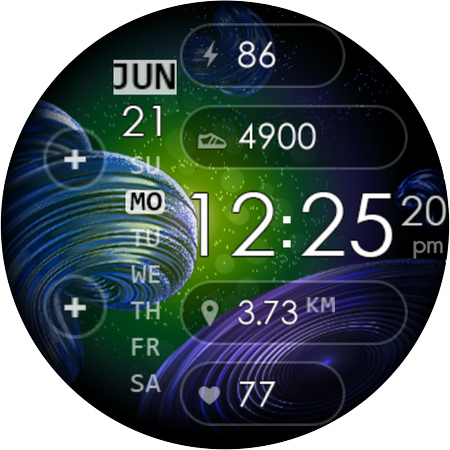
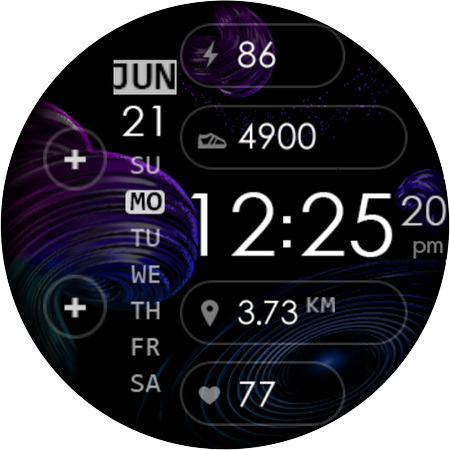
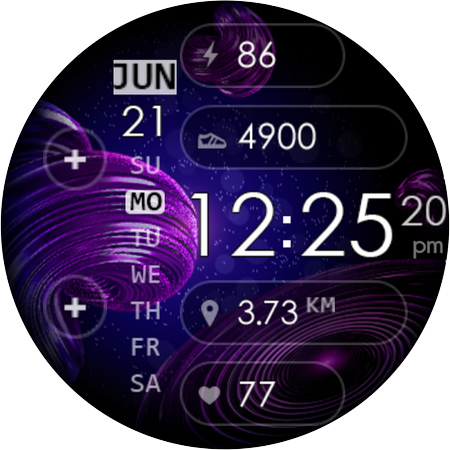
Very beautiful and informative watch face with elegant background effect
Elegant background effect is battery friendly.
12/24 Digital time HH:MM:ss (AUTO-sync with your Phone time) No leading '0' in HH of 12hr time mode.
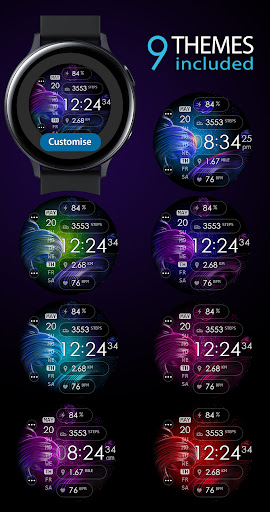
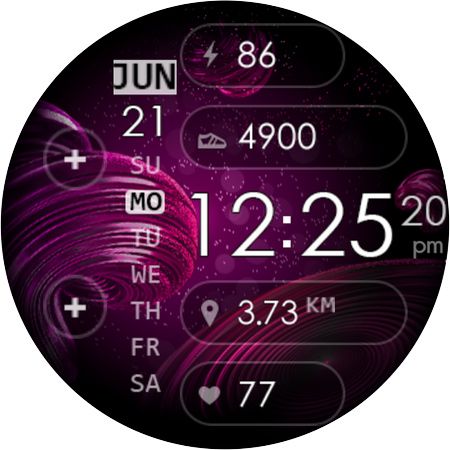
8 Color Themes. Easy way to select one you prefer. TAP the Center of screen to switch between themes. Check the Themes screen for more details.
The face includes a Set of the useful Widgets and Shortcuts + Custom Apps shortcuts.
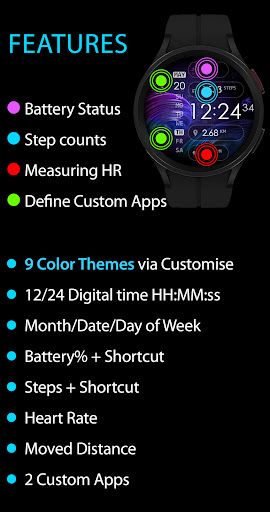
Active mode FEATURES
- 8 Color Themes
- Background effect is battery friendly
- 12/24 Digital time HH:MM:ss (auto-sync with your phone time)
- No leading '0' in HH of 12hr time
- Day of Week/Date/Month
- Battery %
- Battery Status shortcut
- Step counter
- SHealth Shortcut
- Moved Distance (km)
- Heart Rate
- Two Custom Apps Shortcuts
Customization:
1 - Touch and hold display
2 - Tap on customize option
! NOTE HEART RATE:
The heart rate is not automatically updated. Initially empty.
When the user tap for 'Measure Heartrate', then the device will measure the current heart rate and it will be displayed.
Please make sure that the screen is turned on and that the watch is worn correctly on the wrist during heart rate measurement.
What's New
Version Information
- Version
- -
- Downloads
- 1K+
- Updated on
- Jul 11, 2025
- Released
- Nov 19, 2021
- Requires
- Android Varies with device
Statistics
Google Play Rating History
Rating Distribution
Downloads Over Time
SuperGalaxy Watch Face has been downloaded times. Over the past 30 days, it averaged downloads per day.
Shaded area shows 30-day prediction based on historical trends
Historical data collection started recently. More data points will be available over time.
SuperGalaxy Watch Face users say on Google Play
 Kari Carlson
Installed just fine by going through the watch itself. Looks and works exactly as advertised. Very pretty.
 Gray Penny (TheGuyInRooM420)
Good
 Chaz Stodola
I like the background but the "calendar" is basic and the month is blurry, it could be better for sure.
 Leah Murillo
Won't install. galaxy watch 4 I even went to the play store on the watch. On my watch it shows the price, like I've not purchased it. There's no install option. When I click on the price it says to "Complete your purchase. On your Android device. Open notification from the Google Play Store" No notification shows on my phone and when I navigate to the app manually with my phone it's already paid for.
ApkTrusted Ratings & Reviews
More from Talex Watch Faces
See more apps
Christmas Snow On/Off Watch
Paid

Diamond Butterfly Watch Face
Paid

Diamond Hearts Watch Face
Paid

Bloomy Digital Watch Face
Paid
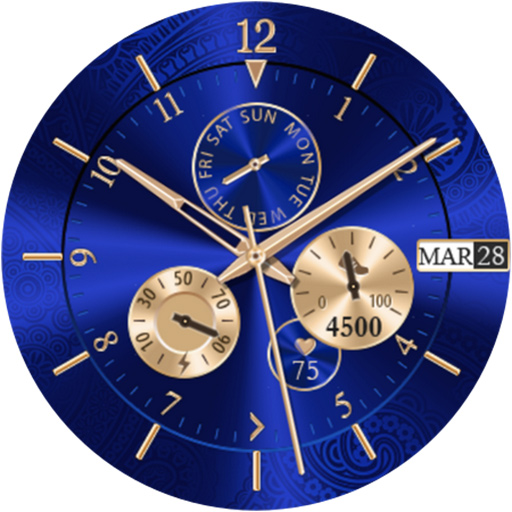
Blue Glossy Watch Face
Paid
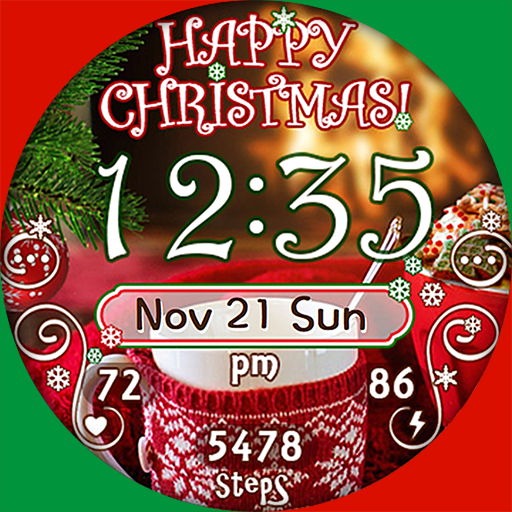
Christmas Time Watch Face
Paid

Flamingo Summer Watch Face
Paid
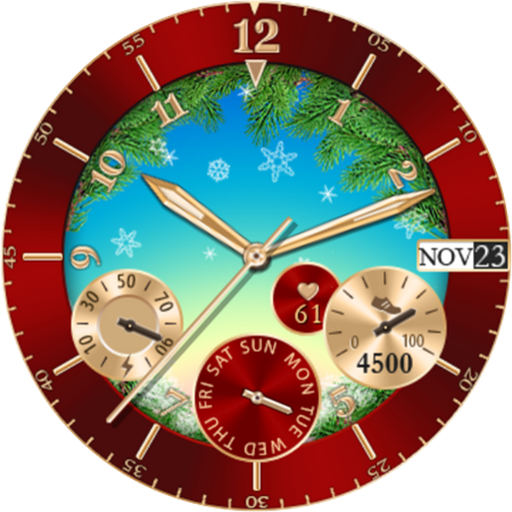
Christmas Snowing Watch Face
Paid

Bloomy Time Watch Face
Paid

Christmas Snow Watch Face
Paid

Talex Classic Watch Face
Paid
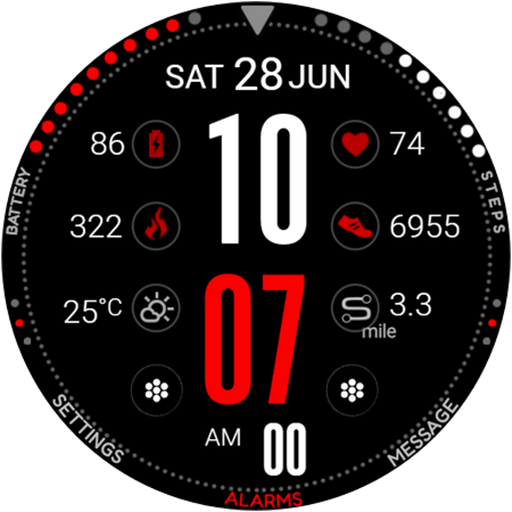
DG Info Watch Face
Paid

Autumn Flowers Watch Face
Paid
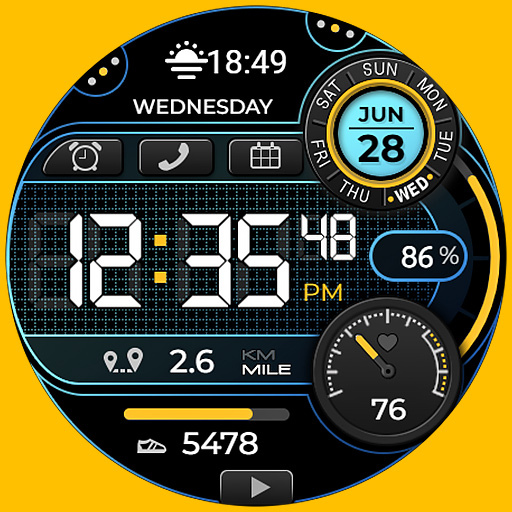
Smart Digital Black Colors
Paid

Talex Elegant Watch Face
Paid
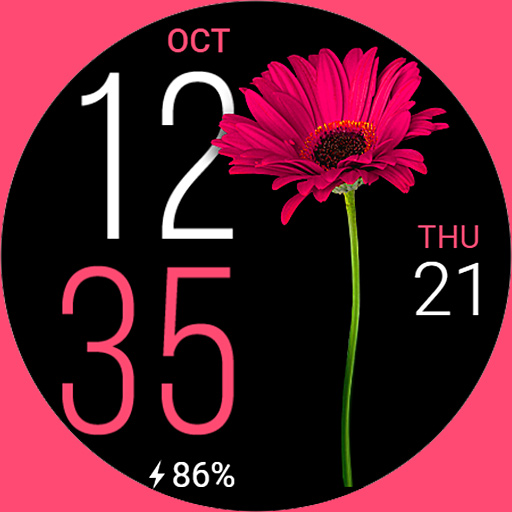
Fine Flowers
Paid
Scan this QR code to download

Forwarding you to the page at Google Play market in seconds...
Open Google Play market now