
TKS 13 Cybernate Watch Face vVARY
Tiny Kitchen Studios
About this app
Developer Description
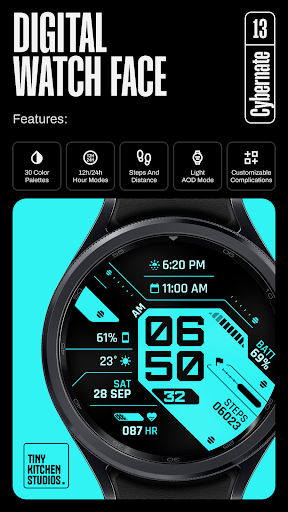
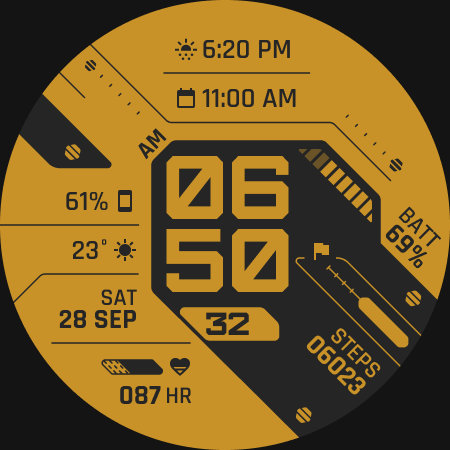
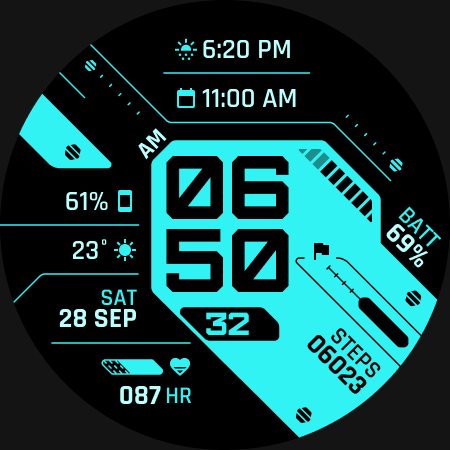
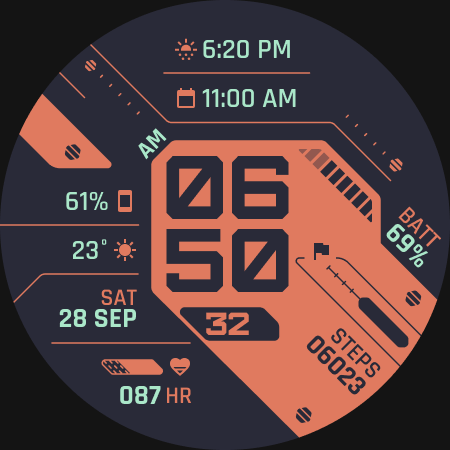
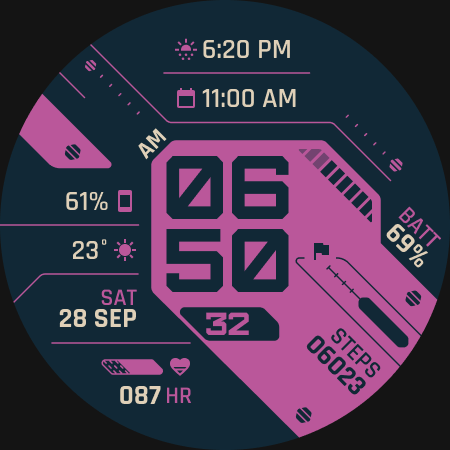
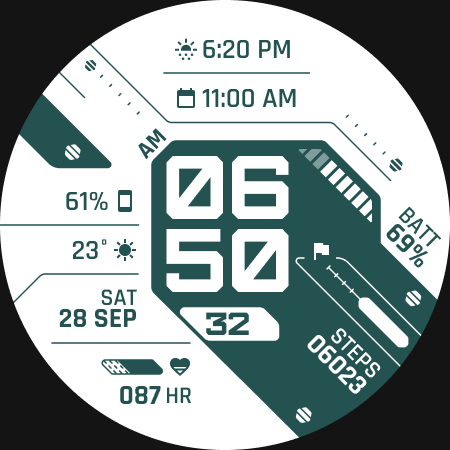
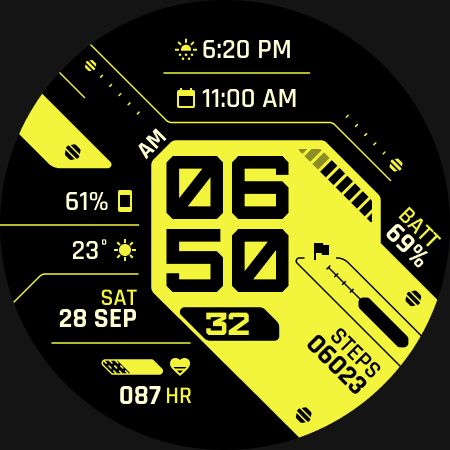
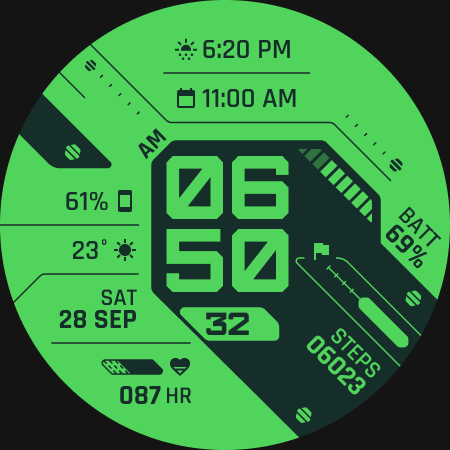
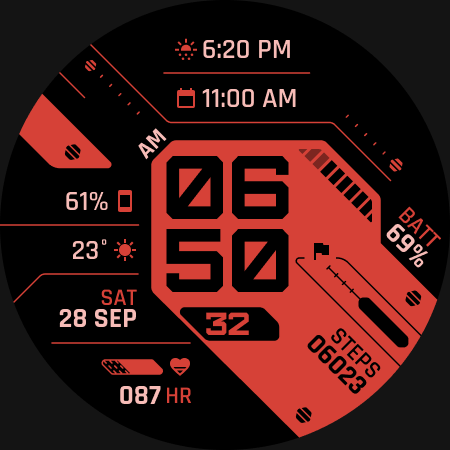
A digital, informative watch face with unique light and dark color palettes
A digital, informative watch face with unique light/dark color palettes and customizable complications.
FEATURES:
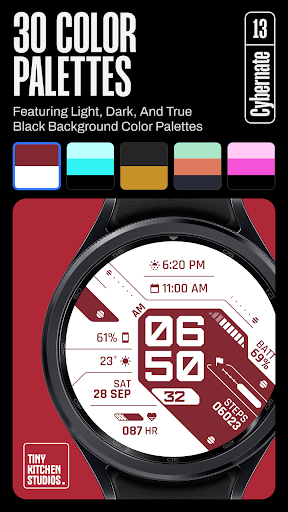
- 29 color palettes, featuring light, dark, and true
black background styles.
- Compatible with 12 hours and 24 hours Modes.
- Steps and heart rate info built-in.
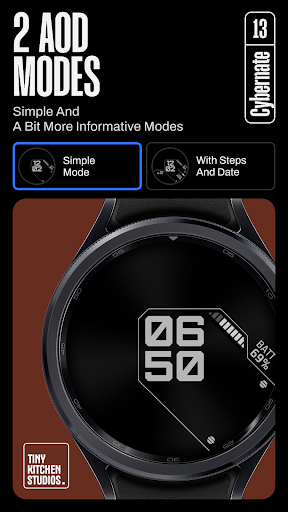
- Two AOD modes
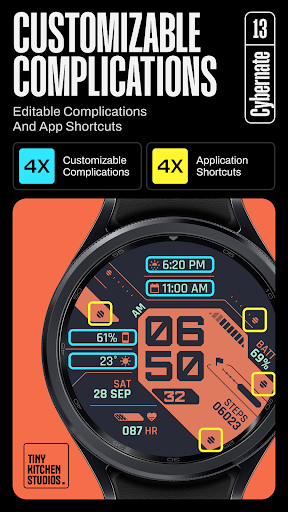
- 4 Customizable complications.
- 4 Customizable app shortcuts.
Purchasing and Installing the watch face:
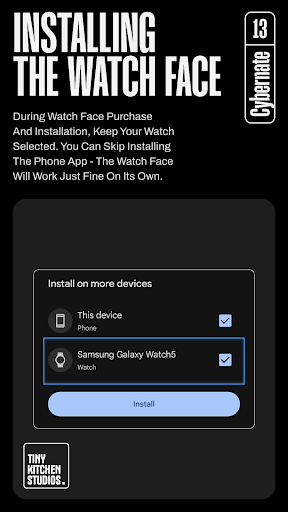
During watch face purchase and installation, keep your watch selected. You can skip installing the phone app - the watch face should work just fine on its own.
Using the watch face:
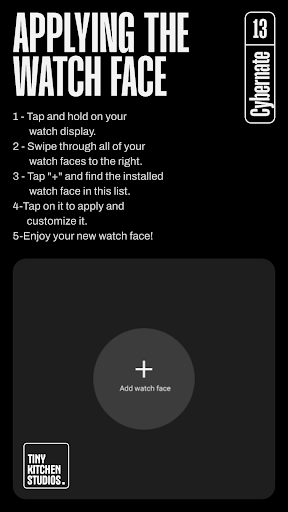
1- Tap and hold on your watch display.
2- Swipe all watch faces to the right
3- Tap "+" and find the installed watch face in this list.
*Important note for pixel watch users:
There's a pixel watch rendering issue that sometimes causes the steps and heart rate counters to freeze specifically after you customize the watch face on your pixel watch. this can be fixed by switching to a different watch face and then back to this one.
Run into any issues or need a hand? We're happy to help! Just send us an email at dev.tinykitchenstudios@gmail.com
What's New
Version Information
- Version
- -
- Downloads
- 500+
- Updated on
- Aug 18, 2025
- Released
- Oct 20, 2024
- Requires
- Android Varies with device
Statistics
Google Play Rating History
Rating Distribution
Downloads Over Time
TKS 13 Cybernate Watch Face has been downloaded times. Over the past 30 days, it averaged downloads per day.
Shaded area shows 30-day prediction based on historical trends
Historical data collection started recently. More data points will be available over time.
TKS 13 Cybernate Watch Face users say on Google Play
 Basel Yasser
Really nice watch face! Definitely my new daily driver
 Jordan Pakrosnis
This thing is sick. My only minor complaint is that the different color options aren't named and sometimes the watch only shows the name and not the actual preview (might be a bug), so them being named--even if something basic like "blue on white"--would be a nice quality of life update. Thank you for the awesome watch face!
ApkTrusted Ratings & Reviews
More from Tiny Kitchen Studios
See more apps
TKS 29 Avant Watch Face
Paid

TKS 14 Gauge Watch Face
Paid

TKS 15 Halo Watch face
Paid
TKS 02 Fracture Watch Face
Paid
TKS 22 Dotrix Watch Face
Paid

TKS 05 Borderline Watch Face
Paid
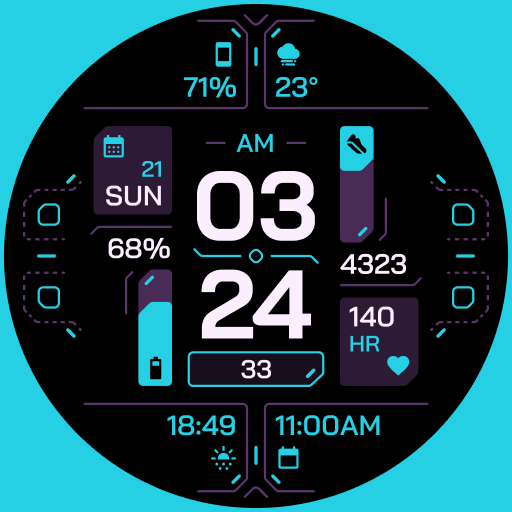
TKS 25 Circuit Watch Face
Paid

TKS 04 Dash Watch Face
Paid

TKS 26 Digitro Watch Face
Paid

TKS 07 Astra Watch Face
Paid
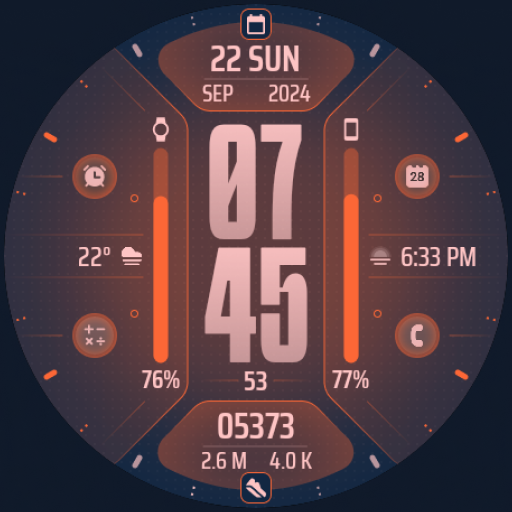
TKS 09 Flux Watch Face
Paid
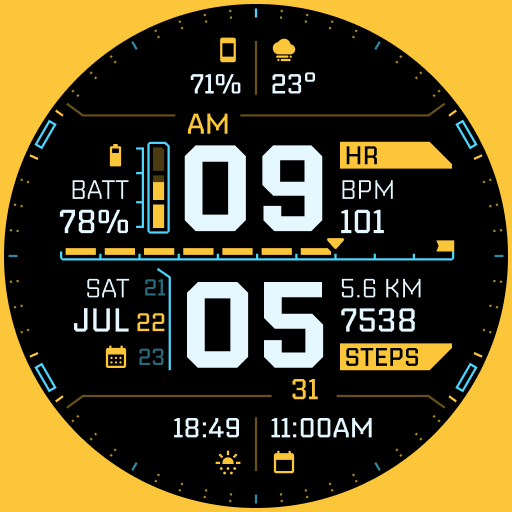
TKS 19 Arcadex Watch Face
Paid

drawverse: draw & guess game
Free

TKS 28 Hex Watch Face
Paid

TKS 16 Izo Watch Face
Paid

TKS 16 Izo CW Watch Face
Paid
Similar Apps
![[69D] W2081 icon](https://play-lh.googleusercontent.com/-5adFWc5ps6hm5fOYR8Yw1oJZETecEykhGvZqa0wRBs_uDzKxj5pdaZ1FYPSsi4olw)
[69D] W2081
Free
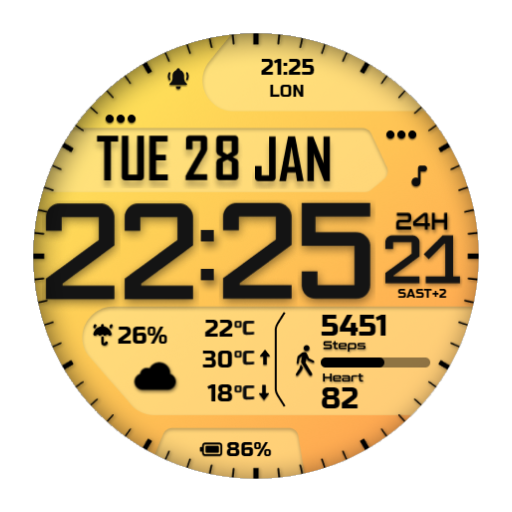
JND0061
Paid

JND0013U
Paid

SMZ ACTION9
Paid

SamWatch Digital Mut 2 2021 B
Paid

Tancha S51 Digital Watch Face
Paid
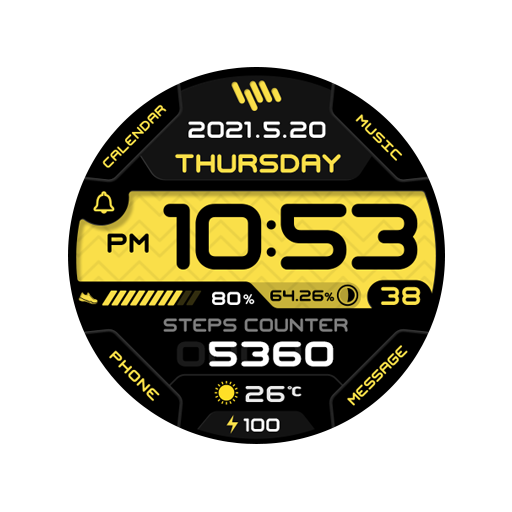
SamWatch Digital Mut 2 2021
Paid

JND0098
Paid

N-SPORT722 Digital Assemb Face
Paid

JND0086
Paid

IWF AllNew DIGI watch face
Paid
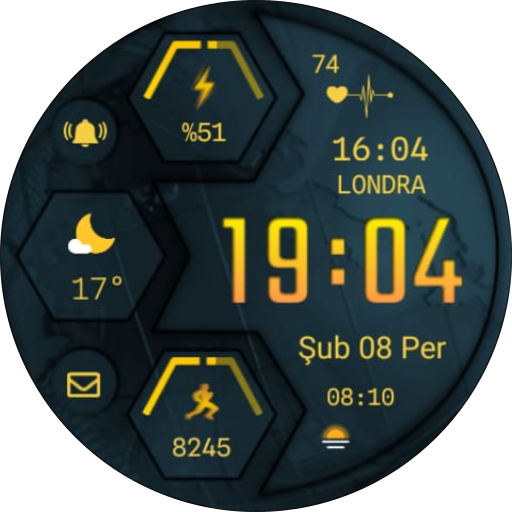
CNRwatch010
Paid

Ballozi TRAGEN Digital
Paid

SY14 Watch Face for Wear OS
Paid

CELEST5536 Retro Digital Watch
Paid

Pace Watch Face
Paid
Scan this QR code to download

Forwarding you to the page at Google Play market in seconds...
Open Google Play market now