
TKS 26 Digitro Watch Face vVARY
Tiny Kitchen Studios




About this app
Developer Description
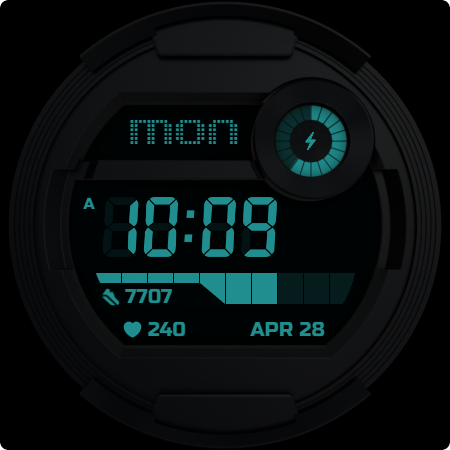
Digitro: A Retro, Customizable, Wear OS Digital Watch Face
Key Features:
- 25 Color Variations
- 2 Backgrounds - Realistic or Black/AMOLED for a simpler look
- 2 Always ON Display Modes: Informative with visible complications and minimal.
- Nostalgic Digital Numbers
- Date
- Heart Rate Indicator
- Retro Steps Goal Indicator
- Retro Battery Indicator
- 4 Customizable Complications,
- 2 App Shortcuts
and more to tailor the watch face functionality and overall look.
How to Install and Apply the Watch Face:
1. Ensure your smartwatch is selected during purchase.
2. Install the optional companion app on your phone (if desired).
3. Long press your watch display, swipe through available faces, tap "+", and select Lumen.
Note for Pixel Watch Users:
If steps or heart rate counters freeze after customization, switch to another watch face and back to reset the counters.
Ran into any issues or need a hand? We're happy to help! Just send us an email at dev.tinykitchenstudios@gmail.com
What's New
Updated minimum supported Wear OS SDK version to 33+
To ensure compatibility with the latest Wear OS features and security standards, the minimum target SDK version has been raised to 33.
Version Information
- Version
- -
- Downloads
- 100+
- Updated on
- Jul 24, 2025
- Released
- May 11, 2025
- Requires
- Android Varies with device
Statistics
Google Play Rating History
Rating Distribution
Downloads Over Time
TKS 26 Digitro Watch Face has been downloaded times. Over the past 30 days, it averaged downloads per day.
Shaded area shows 30-day prediction based on historical trends
Historical data collection started recently. More data points will be available over time.
TKS 26 Digitro Watch Face users say on Google Play
 Amirul Eahsan
The watchface looks incredible with a modern design. The functional features work perfectly. A unique watchface to try out.
ApkTrusted Ratings & Reviews
More from Tiny Kitchen Studios
See more apps
TKS 13 Cybernate Watch Face
Paid

TKS 15 Halo Watch face
Paid
TKS 02 Fracture Watch Face
Paid

TKS 29 Avant Watch Face
Paid

drawverse: draw & guess game
Free

TKS 05 Borderline Watch Face
Paid
TKS 25 Circuit Watch Face
Paid

TKS 07 Astra Watch Face
Paid

TKS 04 Dash Watch Face
Paid
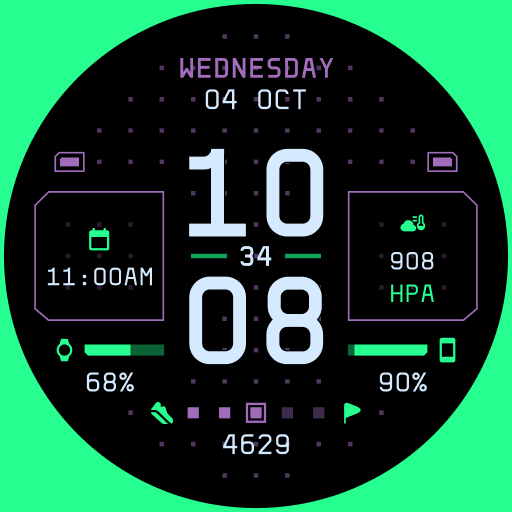
TKS 22 Dotrix Watch Face
Paid
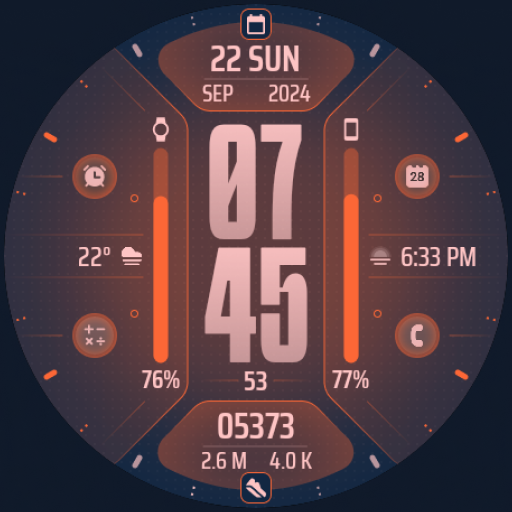
TKS 09 Flux Watch Face
Paid

TKS 14 Gauge Watch Face
Free
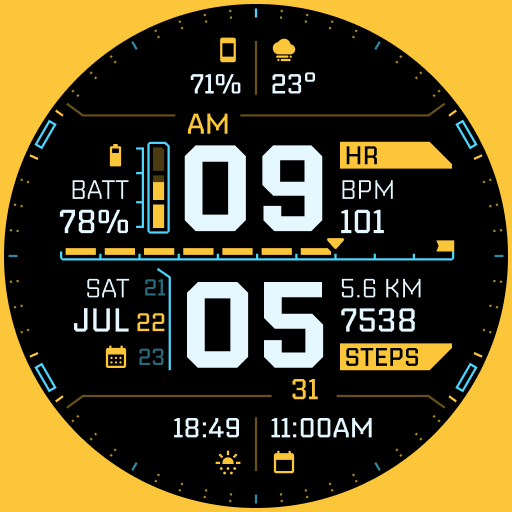
TKS 19 Arcadex Watch Face
Paid

TKS 28 Hex Watch Face
Free

TKS 16 Izo Watch Face
Paid

TKS 16 Izo CW Watch Face
Paid
Similar Apps

NTV153 - Digital Sport Weather
Free

Shockable V2
Free
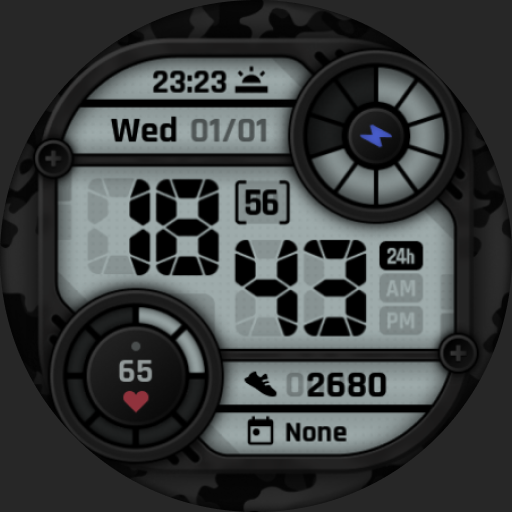
Camo LCD: Watch Face
Paid
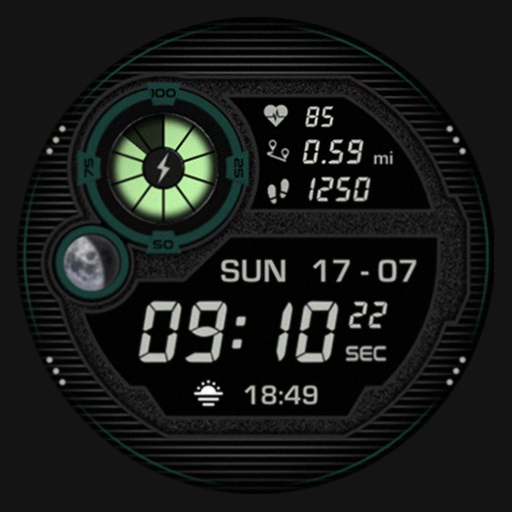
SG-107
Paid

Cameo 3 Watch Face
Paid
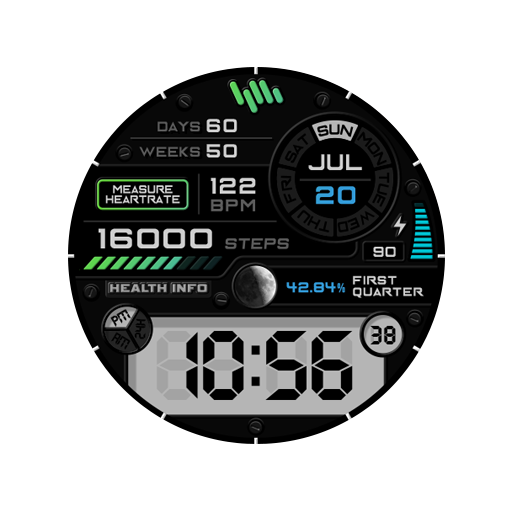
SamWatch D Jupiter FIT 2021
Paid
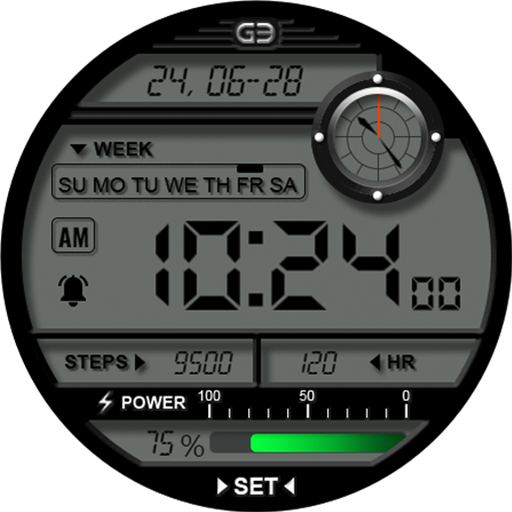
GYD003 | Digital watchface
Free
![AE ADRENALIN [LCI] icon](https://play-lh.googleusercontent.com/WV1-ZN8o4QY6hxmOCE63-IntN27kvRtwVGLhm64Z-FPIZA0zIsrPntOoNWULDhTWaTY)
AE ADRENALIN [LCI]
Paid

Digital Watchface — NDW072
Paid

SY12 Watch Face for Wear OS
Free
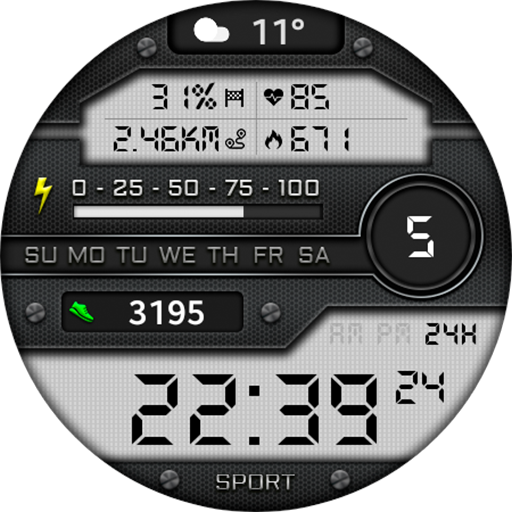
Digital Dadan Watch Face
Paid

Retro Digital Watch Face
Paid

Retro Functional LCD ZKinWatch
Paid

IW02 Retro Military Digital
Free

RECKONER - Digital watch face
Paid

W106D
Free
Scan this QR code to download

Forwarding you to the page at Google Play market in seconds...
Open Google Play market now