Applock - Fingerprint Password v1.76
TOH Talent Team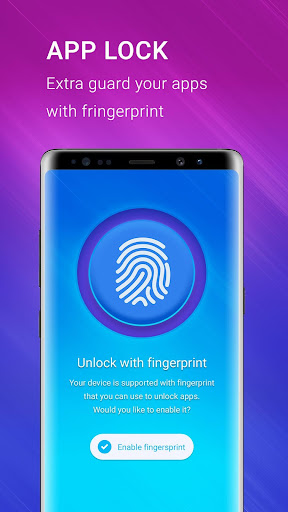
About this app
Developer Description
Smart app lock, security apps keep safe private photo by fingerprint password
This is the super applock that will protects your privacy & give phone protection.
Privacy your note, call, sms, email, settings..., all the privacy guard functions for you to ensure your phone security and keep your privacy safe.
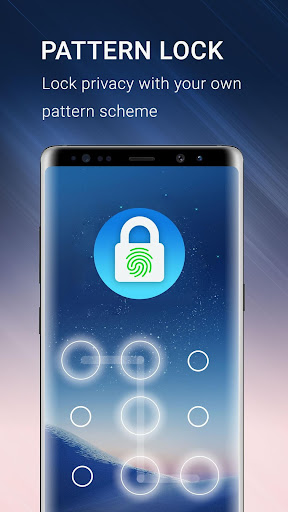
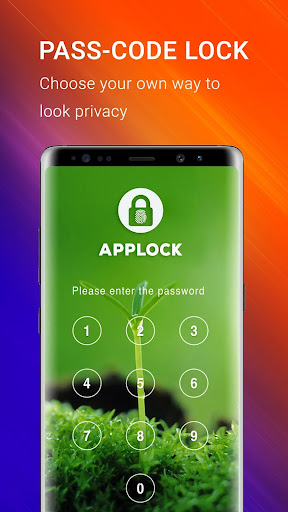
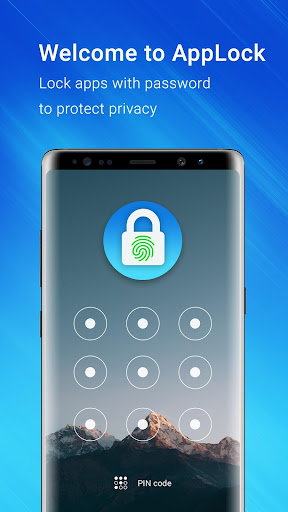
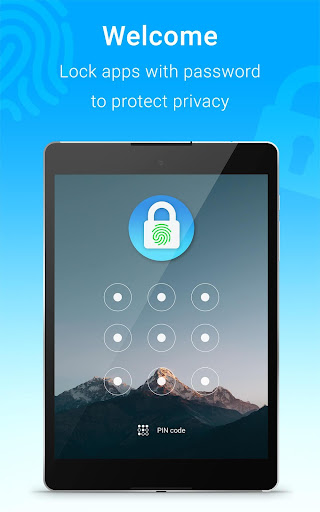
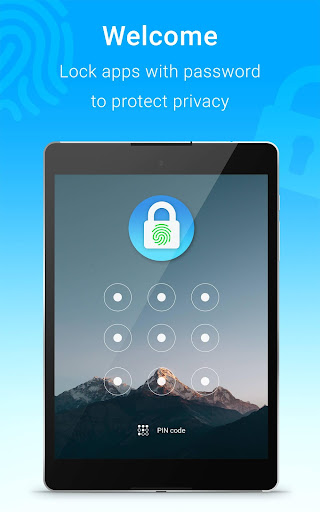
With App lock security protection, your privacy is well protected with password lock screen & pattern lock screen
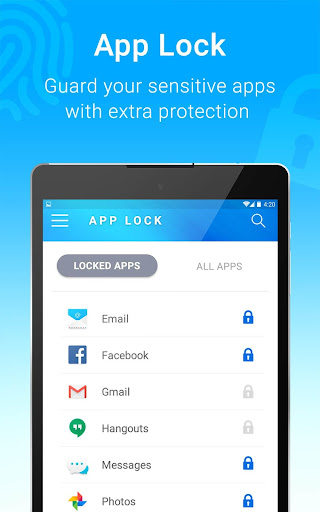
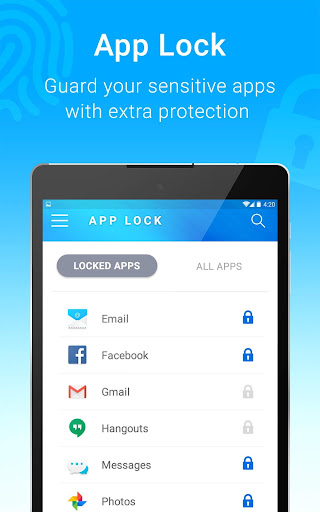
AppLock can lock Facebook, Whatsapp, Gallery, Messenger, Snapchat, Instagram, ….. Ensure personal & phone security.
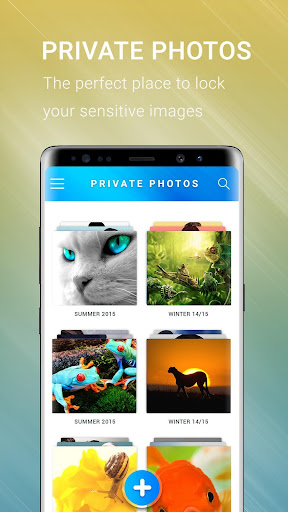
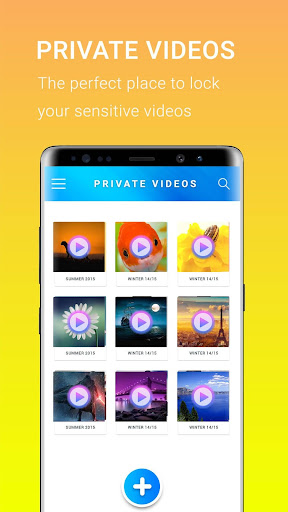
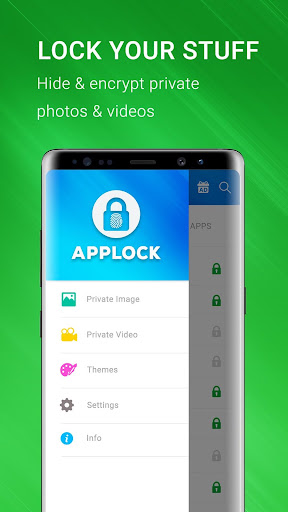
AppLock can hide pictures and hide videos. Hidden pictures and videos are vanished from Gallery and only visible in the photo and video vault. .
App lock has option to enable invisible pattern lock. No more worry people may peep the pin or pattern. Keep safe!
With this secret app lock, Its also a so cool child lock to protect phone from your kids.
The app is perfect app lock that help you to keep your personal security, make protection app from everyone.
---Features---
- Fingerprint lock supported
- Lock apps with a password, pattern password safe with anyone
- The vault: Safe gallery vault, private photo vault help to hide pictures and hide videos.
- With the image vault & gallery lock, app move photo/video to secret vault by auto-deleting hidden images from the gallery wall after performing hide photos & hide videos
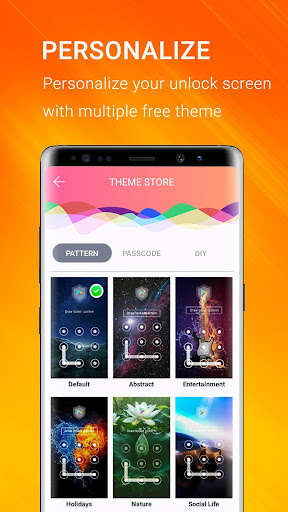
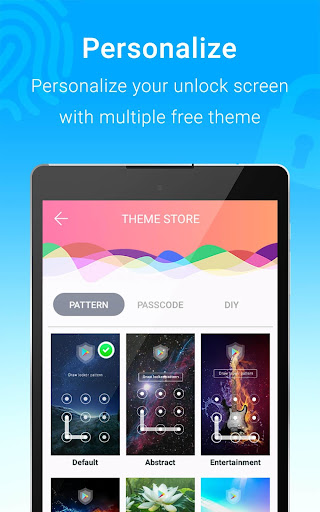
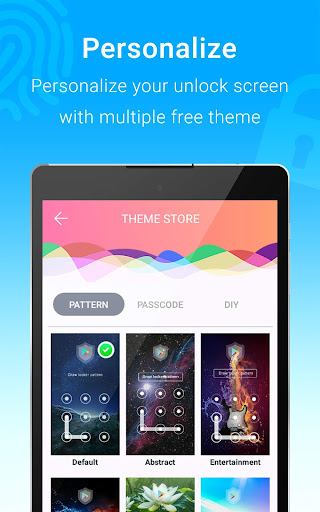
- Lot of beautiful password lock themes, pattern lock screen themes
- Customized lock screen password theme for the app, make privacy screen with style you wanted
- App block Settings automatically right after app is opened at first screen, help to prevent someone uninstall app
- Protect your emails, SMS, call log
- Three securities private mode: Lock apps with password lock, pattern lock or DIY. The keypad lock screen with passcode, DIY help you to make yourself keypad lock screen, pattern lock screen using your photo on the gallery
- Option to make invisible pattern on unlock screen, people can not see your pattern lock screen while you are unlocking. More safe!
- Easily to lock phone apps, unlock phone apps easily from an app list by one click
- Explorer more apps and the locker themes from the “More apps” feature.
- Password manager: Change password type between passcode, pattern, DIY and reset password
Available very soon:
- Data security: Delete app data when someone login fails so many times (probably not you)
- Option to hide apps from the phone desktop and open it in the app locker app.
- Better kids lock: kids lock only allow kids to play with some software that is not security apps like video, music, … without needing to unlock whole phone
- Separated private photo vault app to only lock photos (or lock videos only) app, less app size.
To make app working on fingerprint password, you must setup your fingerprint lock first on phone settings. When this is ON, the fingerprint lock screen will be enabled at unlock screen, otherwise it requires pattern or password for lock screen instead.
---FQA---
1. How to protect my phone ?
You need to lock at least these apps: Settings & Google Play to prevent someone uninstall the app lock app
2. How to change password ?
To password for apps, open the AppLock, click menu Settings then chose Change password
3. How to stop or uninstalling AppLock ?
You must have password to uninstall this smart app lock, if you forgot passcode you can reset it via security email.
4. I Forgot password, how to find it ?
Enter your security email then click 'reset password'.
IMPORTANT NOTE: This app uses the Device Administrator permission, it is NOT required, you can enable or cancel at anytime.
Download smart app locker with fingerprint right now, best app protector, app security for everyone.
The privacy app: We does not collect any personal & device information of yours.
What's New
v1.76: Bug fixed and performance optimization
v1.65: Added GPDR
v1.64: Bug fixed and performance optimization
v1.63: Upgraded target API 33 & enabled HTTPS
v1.61: Update target SDK
v1.59: Fixed ad issue
v1.55: Fixed crash vault
v1.14: Auto-lock delay, intruder selfie
Version Information
- Version
- 1.76
- Downloads
- 10M+
- Updated on
- Aug 3, 2025
- Released
- Nov 24, 2017
- Requires
- Android 6.0
Statistics
Google Play Rating History
Rating Distribution
Downloads Over Time
Applock - Fingerprint Password has been downloaded times. Over the past 30 days, it averaged downloads per day.
Shaded area shows 30-day prediction based on historical trends
Historical data collection started recently. More data points will be available over time.
Applock - Fingerprint Password users say on Google Play
 Peter van Zoggel
Learning to use this very quickly. Is logical and unforgiving which makes me feel safe and well covered against any potential security breach and/or unwanted intrusion - thankyou Applock Fingerprint developers and staffers. Very much appreciated Pete
 Steffi Danielle Robie, Stephen (Steffi)
I'm just now trying it out for the first time, but, so far so good. Tip: if you already have an app set to require fingerprint then don't lock it with this app, you can't unlock both so you end up having to go back and unlock it in the app settings. Makes sense and I'm cool with it. And having another vault is nice and haven't had the chance to check it out good,but it appears that you can lock up more than photos in it. I'll update this review within a couple of days and I have explored the app
 Ruberintwari Bel Ferrat
excessive lock when you need background information
 Muhammad Asif
After this new update. this application is taking too much time to unlock, and it is preventing to see back group running apps as well
 Ronald Sampson
EDIT : what have you done to this app?? it's taking ages to get into the apps now. if you don't fix this, I'm looking for another app lock. ridiculous time to get into an app EDIT AGAIN: What ever you've done to this app in this latest update has ruined the app, so I've found another one. You're so is taking the apps it's protecting, about 7 seconds to open, that's ridiculous I'm deleting this...I just left it on so I could let you know how bad it is now. Bye
ApkTrusted Ratings & Reviews
More from TOH Talent Team
See more apps




Similar Apps
Applock - lock apps - pin lock
Free
AppLock - Fingerprint
Free
App Lock: Fingerprint, Pattern
Free
Calculator Lock - Hide Photo
Free

LockTrip
Free

TTLock
Free
UBhind(App lock/Screen time)
Free
AppLock Master
Free
AppLock
Free

Pavlok
Free
iCallScreen - Phone Dialer
Free

Nuki Smart Lock
Free
App Locker - Lock App
Free

Enpass Password Manager
Free
My Folder : Safe Secure Hidden
Free
Hide Photo Vault &Videos
Free
Scan this QR code to download

Forwarding you to the page at Google Play market in seconds...
Open Google Play market now