
Camera Control for Wear OS v7.8.1
MakeevApps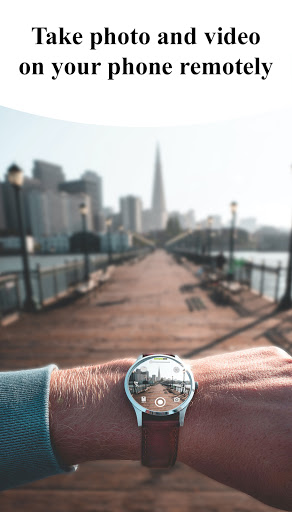

About this app
Developer Description
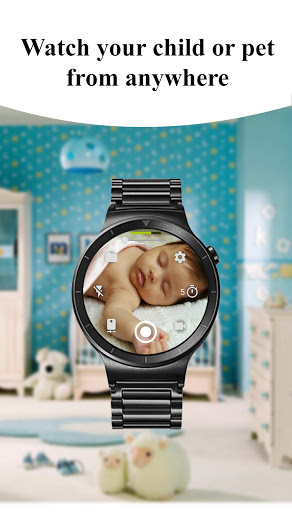
Remote control of the phone camera from your Wear OS smartwatch
🌟 Key Features 🌟
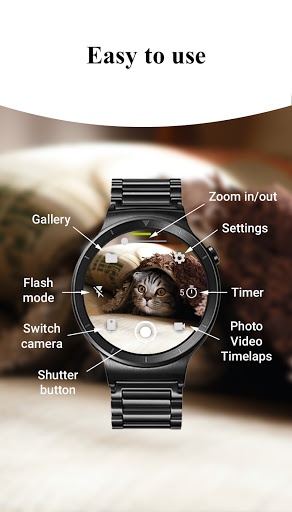
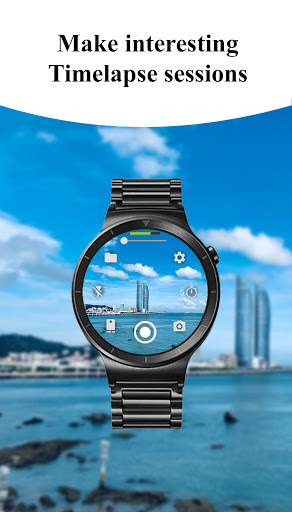
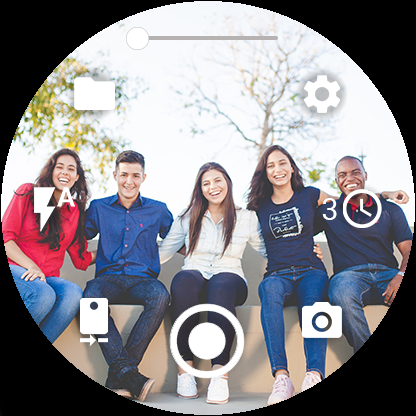
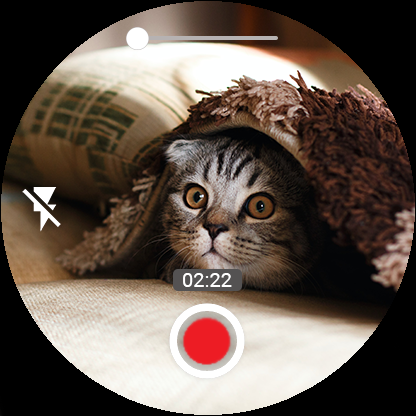
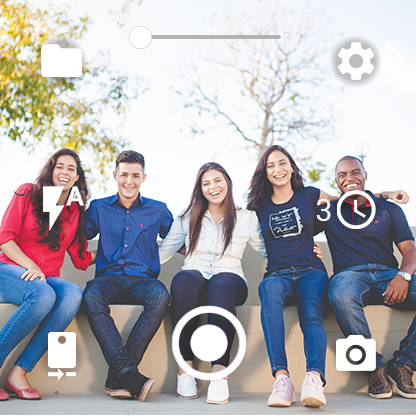
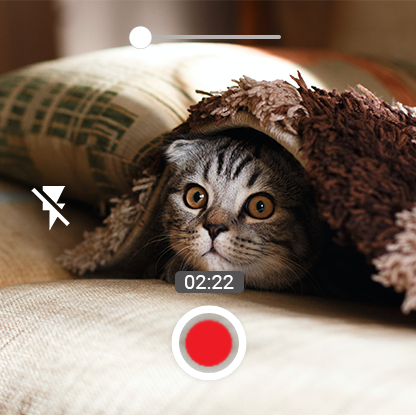
📸 Three Shooting Modes: Capture photos, record videos, and create captivating timelapse sessions effortlessly.
🌆 Advanced Camera Modes: Experience Bokeh, HDR, Night, and Auto modes (device compatibility may vary) for enhanced image quality.
⏱️ Timer Setup: Set up timers directly from your watch for precise photo, video, and timelapse shooting.
🔦 Flash and Flashlight Control: Access multiple flash modes and activate the flashlight independently to illuminate any scene.
🔄 Quick Camera Switching: Seamlessly switch between front and rear cameras on your phone for versatile photography.
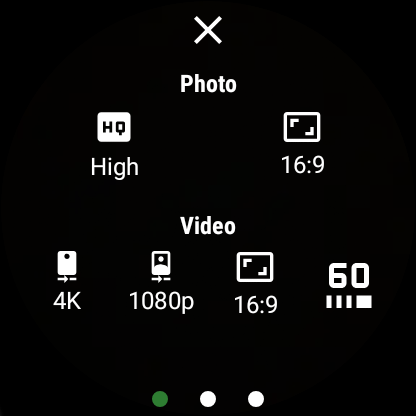
📷 Quality Settings: Adjust photo and video quality settings directly from your watch for both front and rear cameras.
🔍 Zoom Control: Zoom in and out effortlessly by controlling your phone's camera zoom from your smartwatch.
⚙️ Additional Features:
📱 Wide-Angle Camera Support: Unlock the power of wide-angle photography on compatible devices.
🎥 High-Framerate Video: Record videos at 30 or 60 frames per second for smooth, professional-grade footage.
📏 Aspect Ratio Options: Choose between 4:3 and 16:9 aspect ratios for perfect framing.
📷 Stunning 4K Video: Capture breathtaking moments in stunning 4K resolution on supported devices.
📍 Geotagging: Add geotags to your photos and videos to document your location.
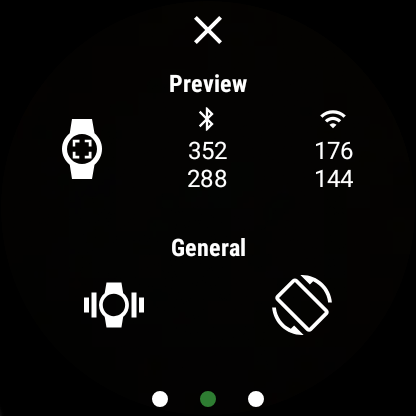
🔒 Camera Orientation Lock: Keep your camera orientation fixed in vertical, horizontal, or auto-rotate mode.
👀 Camera Preview Control: Enable or disable the camera preview on your phone whenever needed.
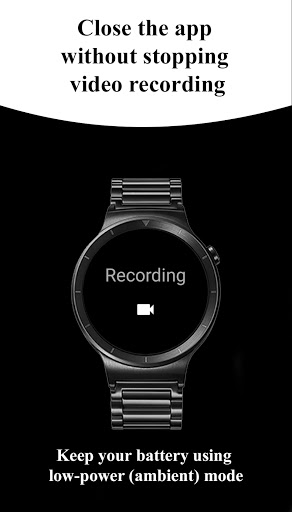
⏹️ Seamless Experience: Close the app on your watch without interrupting ongoing video recording.
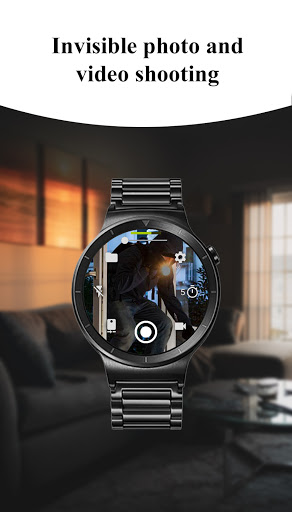
📵 Screen-Off Capture: Take photos and videos even when your phone screen is off or locked.
📶 Wireless Connectivity: Connect your watch to your phone via Bluetooth and Wi-Fi* for seamless control.
🔄 Automatic Image Rotation: Enjoy automatic image rotation on your watch for easy viewing.
🖼️ Photo Gallery: View and browse your captured photos directly on your watch.
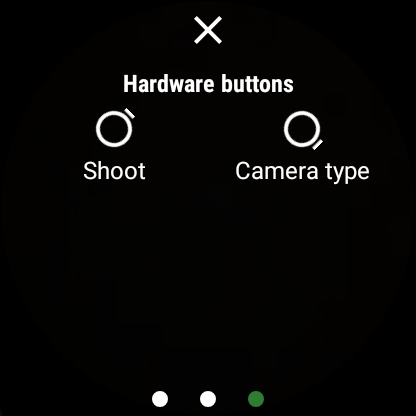
🔢 Gesture and Button Control: Effortlessly control the camera through intuitive gestures and hardware buttons (check gesture usage in system settings).
🖐️ Hide Control Buttons: Long press on the preview to hide control buttons for a distraction-free view.
💾 Flexible Storage Options: Save your images and videos to either the SD card or internal phone storage.
⌛ Organized Timelapse: Timelapse photos are automatically grouped into folders for each session.
🧩 Complication Support: Add a complication to your watch face for quick and easy access to the camera app.
*Note: Features may vary depending on device compatibility.
⚠️ Notes ⚠️
You need to have a Wear OS smartwatch: Galaxy Watch 4/5/6/7, Ticwatch, Asus Zenwatch, Huawei Watch, LG Watch, Fossil Smart Watch, Motorola Moto 360, Casio Smart Watch, Skagen Falster, Montblanc Summit, TAG Heuer Modular etc.
What's New
🔧 Bug fix
Version Information
- Version
- 7.8.1
- Downloads
- 10K+
- Updated on
- Apr 9, 2025
- Released
- May 18, 2015
- Requires
- Android Varies with device
Statistics
Google Play Rating History
Rating Distribution
Downloads Over Time
Camera Control for Wear OS has been downloaded times. Over the past 30 days, it averaged downloads per day.
Shaded area shows 30-day prediction based on historical trends
Historical data collection started recently. More data points will be available over time.
Camera Control for Wear OS users say on Google Play
 Portrait Studio by Creative Photo
If you are patient the app will install on both phone and watch for no additional charge. I went through the recommended steps, to refresh play, but ultimately I just needed to wait a couple of days. The app works incredibly well! You have access to a ton of camera controls, and it can record time lapse and even when the watch screen is off. It was worth the wait!!
 Mahesh S
Everything works except capturing via the front camera. It works once in a while and when it works, it stops capturing after 5 seconds in my OnePlus 7 Pro. NB: Tried switching the Camera 1/2 setting too and that doesn't help.
 panjie laraz prasetyo
Almost perfect Wear OS Camera. Things that could be better - bad autofocus when flash is on (in dark scheme I never get any pictures other than black), please fix this ASAP dev. - flash selecting mode will be better if we can choose not in sequential, because in sequential selecting mode the flash will be triggered when moving from auto to no flash.
 A Google user
Worked for one day now will just show prepare settings error on my watch and doesn't connect.
 Rob Hall
Unable to install on my watch (rebooted six times) and payments were made three times! 'Refund'?? Results in a message 'refund not possible! ' So I payed £7.50 for Nil, nix, nothing!! Cool, so the developer responds after six months, that it might take a few days. And I'm still waiting…
ApkTrusted Ratings & Reviews
More from MakeevApps
See more apps



Similar Apps

World Festival Guide
Paid

CompanyCam
Free

VicoHome: Smart Home Camera
Free
SPYPOINT
Free

Plume Home
Free

CloudEdge
Free

Reolink
Free

Camera FV-5 Lite
Free

Eventer - Unforgettable Events
Free
Nest
Free

Camera Scanner
Free

Yubii Home
Free

Home V
Free

Home Assistant
Free
Homey — A better smart home
Free
Home Security Camera WardenCam
Free
Scan this QR code to download

Forwarding you to the page at Google Play market in seconds...
Open Google Play market now