UniFi Protect v3.1.0
Ubiquiti Inc.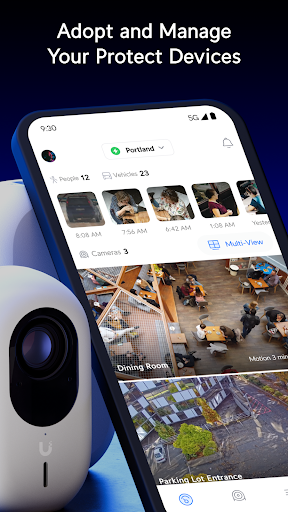
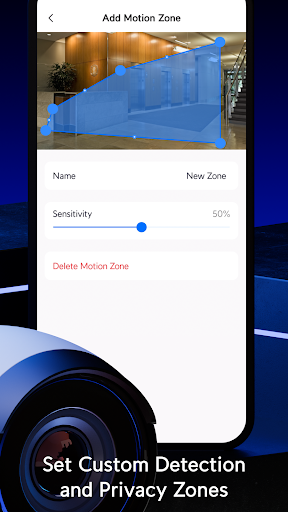
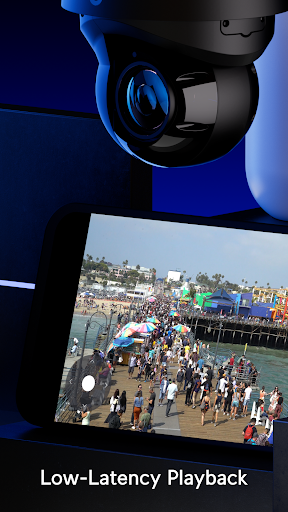
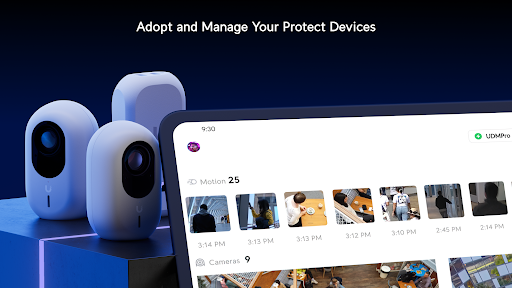
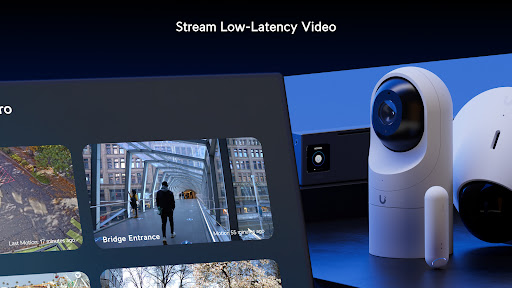
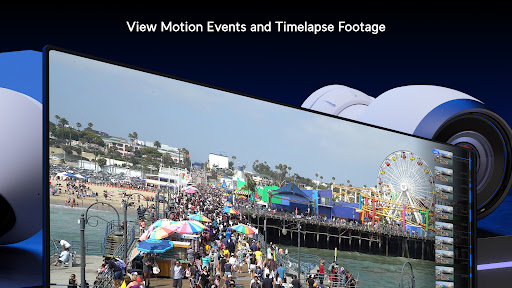
About this app
Developer Description
Simply Scalable Security
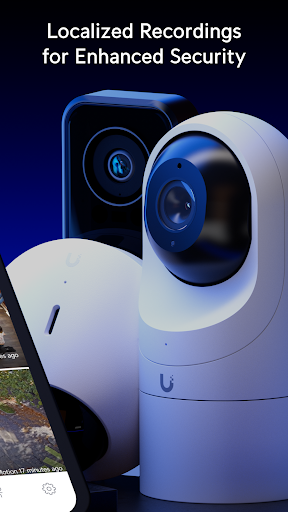
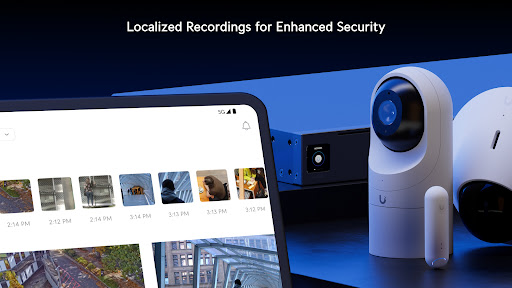
• Maintain complete data privacy with Cloudless recording storage.
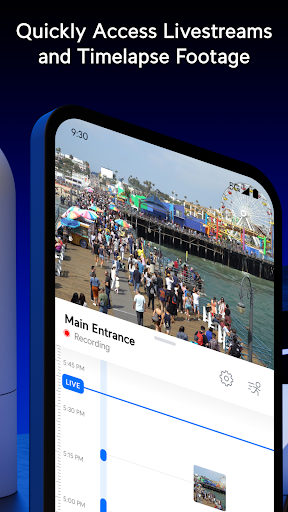
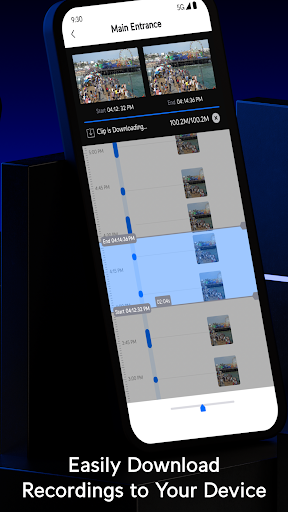
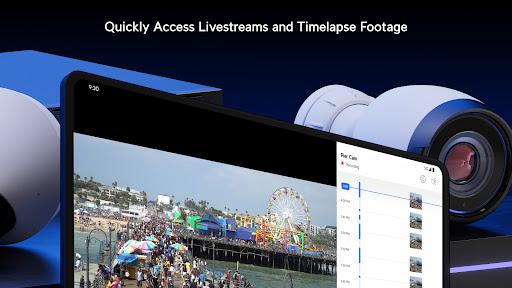
• Quickly scrub through hours of Timelapse footage to pinpoint the exact moments you're looking for.
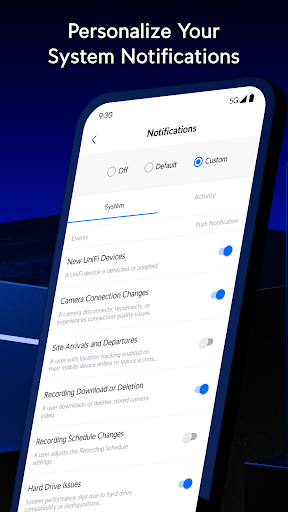
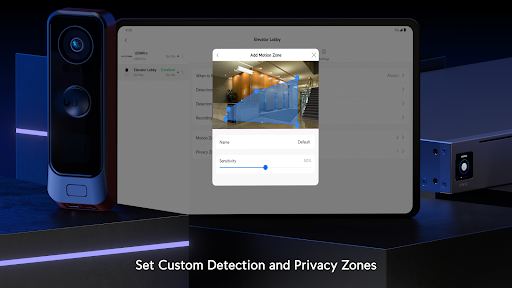
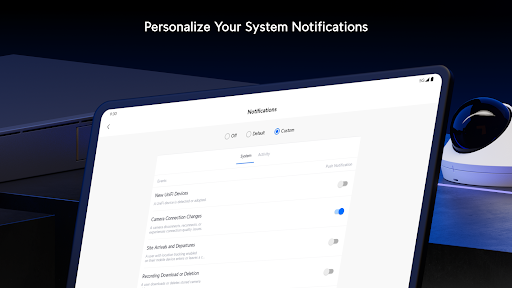
• Personalize security notifications based on a wide variety of individual, vehicular, and atmospheric-based detections.
What's New
- Added support for more granular admin permissions. (Requires UniFi Protect Application 6.2.54 and UniFi OS 5.0.5 or newer.)
- Added the ability to zoom in the Multi-View.
- Added a UniFi Access door unlock shortcut in the Dashboard.
- Improved the quality of 4K snapshots.
Bugfixes
- Fixed an issue where the Events to Capture view was empty for Entry Sensors.
- Fixed a jittery animation when creating a Spotlight.
Version Information
- Version
- 3.1.0
- Downloads
- 1M+
- Updated on
- Dec 10, 2025
- Released
- Aug 14, 2018
- Requires
- Android 7.0
Statistics
Google Play Rating History
Rating Distribution
Downloads Over Time
UniFi Protect has been downloaded times. Over the past 30 days, it averaged downloads per day.
Shaded area shows 30-day prediction based on historical trends
Historical data collection started recently. More data points will be available over time.
UniFi Protect users say on Google Play
 Bryan
Bryan
Great App! UniFi with G6 cameras is far better than Lorex, Night Owl, or Reolink. You get what you pay for with Ubiquiti Networks UniFi Protect.
 Scott Stone
As people have mentioned, the latest update broke video feed when clicking into camera. Live feed only displays in thumbnail preview when first opening protect app. If opening from a PC, this is not an issue so it's app related.
 Martin Nilsson
Location problems. I have gave the app full rights to location. And no battery restrictions But the app will not update location so its either stuck at home or away. Geofencing don't work.
 Michael Hunt
The app randomly crashes. Everytime I use it. I'll be checking a setting or viewing a camera and it just disappears and goes back to my home screen. My Samsung phone notifies me the app is always crashing and suggest I put it to sleep. I feel like I get about 30 to 60 seconds or so to do things before the app closes down. It started this about a month or so ago. Before that it worked fine. Maybe an update introduced this issue?
 Rich Adams
Local-only support is a mess. Update 2022/07: Local devices are now supported...unless you use VLANs. Update 2025/04: It's many years later and this is *still* an issue. Update 2025/11: You can enter IP directly now, but it *still* refuses to work across VLANs and over VPN. Also refuses to start unless you allow crashlytics reporting through firewall. What a mess. It's a much better experience to just use the web UI in a browser, which works over VPN and loads instantly.
ApkTrusted Ratings & Reviews
More from Ubiquiti Inc.
See more apps










Similar Apps

TeamViewer QuickSupport
Free

IP Camera Viewer
Free
Mobile Security Camera (FTP)
Free

LocalSend: Transfer Files
Free

AnyDesk Remote Desktop
Free

Nani − Baby Monitor Cam
Free
Nest
Free

spacedesk - USB Display for PC
Free
Home Security Camera WardenCam
Free
AlfredCamera Home Security app
Free

Linksys
Free

Fing - Network Tools
Free

DMSS
Free

MERCUSYS
Free

ConnectLife
Free

F-Secure: Total Security & VPN
Free
Scan this QR code to download

Forwarding you to the page at Google Play market in seconds...
Open Google Play market now