
UsA Floral Color - USA142 vVARY
USA Design Watch Face









About this app
Developer Description
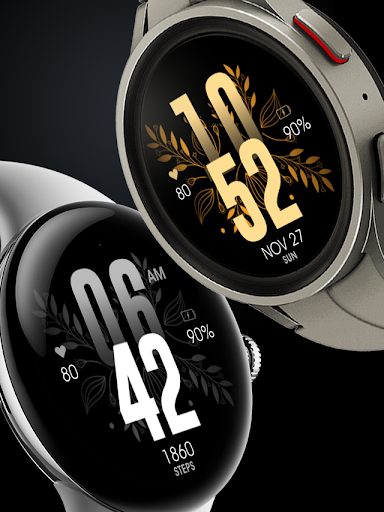
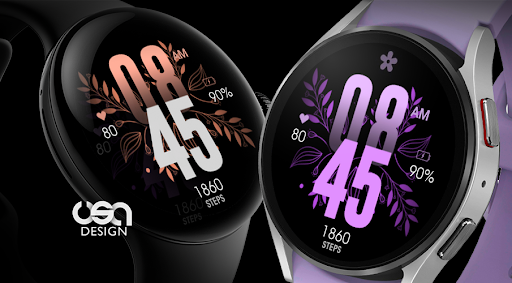
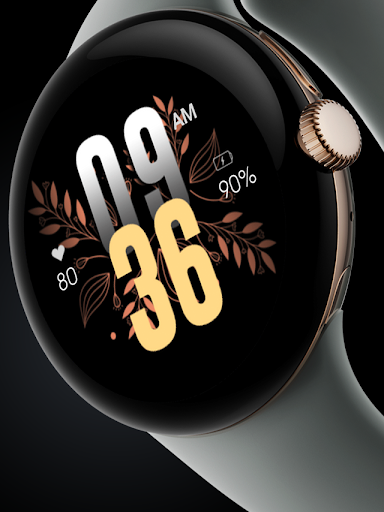
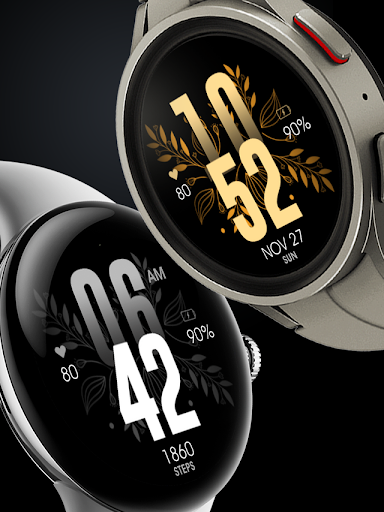
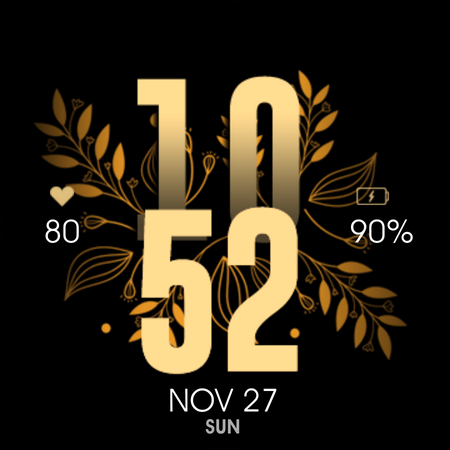
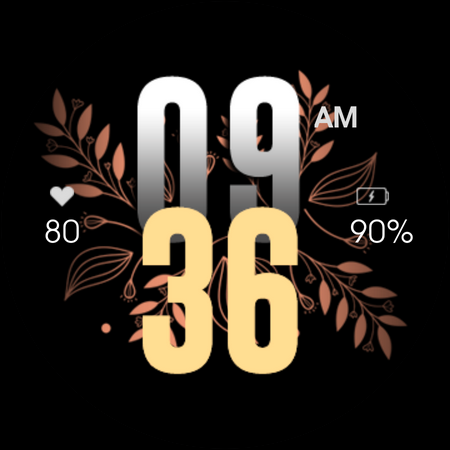
Colorful selection floral watch face with gyro for Wear OS
This watch face requires Wear OS API 33+ (Wear OS 4 or newer). Compatible with Galaxy Watch 4/5/6/7/8 Series and newer, Pixel Watch series and other watch face with Wear OS 4 or newer.
Make sure you are purchasing using the same Google account registered on your watch. The installation should begin automatically on the watch after a few moments.
After the installation is completed on your watch, do these steps to open the watch face on your watch :
1. Open the watch face list on your watch (tap and hold the current watch face)
2. Scroll to the right and tap "add watch face"
3. Scroll down and find new installed watch face in the "downloaded" section
The heart rate is now synced with the built-in heart rate settings including the measurement interval.
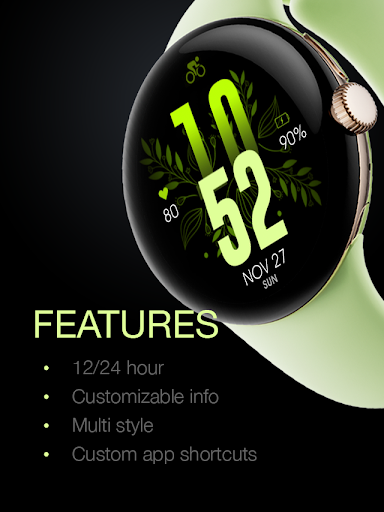
Features:
- 12/24 hour mode sync with your phone setting
- Battery Information
- Heart Rate
- Multiple Color Combination Styles
- Custom app shortcuts
- Short complication info
Tap and hold the watch face and go to the "customize" menu (or settings icon under the watch face) to change the styles and also manage the custom shortcut complication.
Special designed Always On Display ambient mode. Turn on the Always On Display mode on your watch settings to show a low power display on idle. Please be aware, this feature will use more batteries.
Join our Telegram group for live support and discussion
https://t.me/usadesignwatchface
What's New
Version Information
- Version
- -
- Downloads
- 1K+
- Updated on
- Oct 30, 2025
- Released
- Mar 14, 2023
- Requires
- Android Varies with device
Statistics
Google Play Rating History
Rating Distribution
Downloads Over Time
UsA Floral Color - USA142 has been downloaded times. Over the past 30 days, it averaged downloads per day.
Shaded area shows 30-day prediction based on historical trends
Historical data collection started recently. More data points will be available over time.
UsA Floral Color - USA142 - Google Play Rankings
Top Rankings
| Rank | Country | Category | List | Change |
|---|---|---|---|---|
| — |
Ranking History in
No ranking data available yet. Rankings are updated daily.
#20 in Top Paid Lifestyle in United States

#15 in Top Paid Lifestyle in Indonesia

![Magnifier & Microscope+ [Cozy]](https://play-lh.googleusercontent.com/gYn90JPsD2vQcJyODiS3tJ4MIFFfjfeEXAf1d0Wicsiri_ViuhgF869glBk7kJUJl-w)
#15 in Top Paid Lifestyle in India
#15 in Top Paid Lifestyle in Turkey
UsA Floral Color - USA142 users say on Google Play
 Ivor Mason
Generally an outstanding watchface best I've come across in a very long time literally. Well did!! Pixel Watch.
 Kimberly Dawn
Beautiful design. I really love that I can have a more "femme" watch face that is simple, a good font, and has a decent amount of color options. The only thing that would make this 5 stars is if the date/day of week was shown (even if it was small font across the middle of the time).
 Amelia Porter
Considering its a pay to download watch face its pretty basic. Added to that, it doesn't function as it should, the heart rate stays at zero constantly and you can't remove it. The design is flawed as the numbers for hour and minute on the clock merge and most options make them different colours so hard to read - make more sense to separate them to be easily read. Colour options are limited and no choice for one colour numbers and another for leaves.
 Bernelle周貝娜
The heart rate does not work for me, it just shows 0 constantly
ApkTrusted Ratings & Reviews
More from USA Design Watch Face
See more apps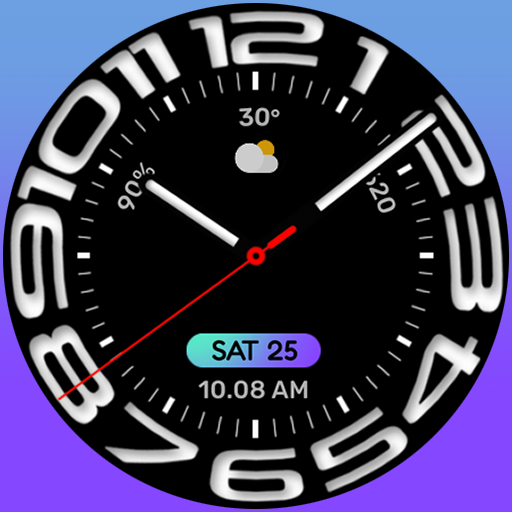
UsA Circular Analog - USA146
Paid

UsA Blazing Digital - USA144
Paid

UsA Bigger Watch Face - USA122
Paid

UsA Bigger Hybrid - USA123
Paid

UsA Golden Flower - USA157
Paid
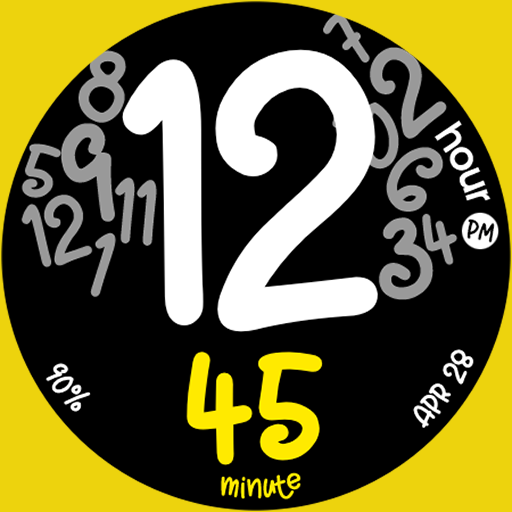
UsA Butter Animated - USA154
Paid

UsA Balancia - USA112
Paid

UsA Balancia Neo - USA178
Paid

UsA Big Color - USA101
Paid
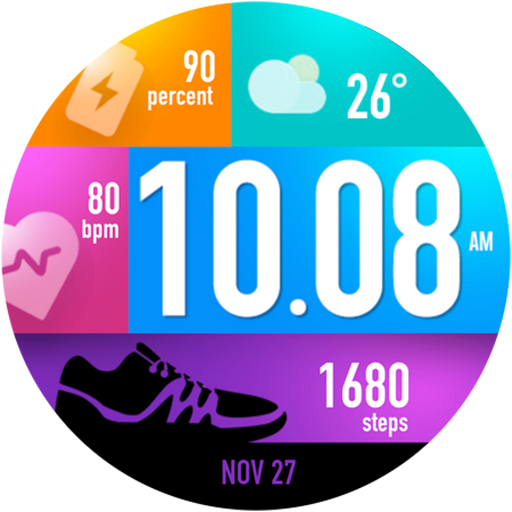
UsA Bubblegum Tiles - USA139
Paid

UsA Chalk - USA126
Paid
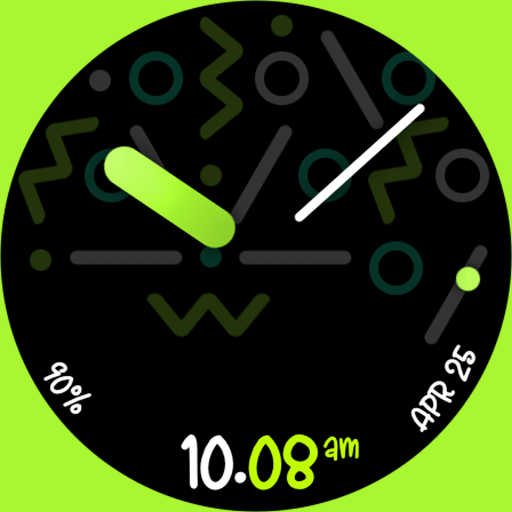
UsA Butter Analog - USA155
Paid
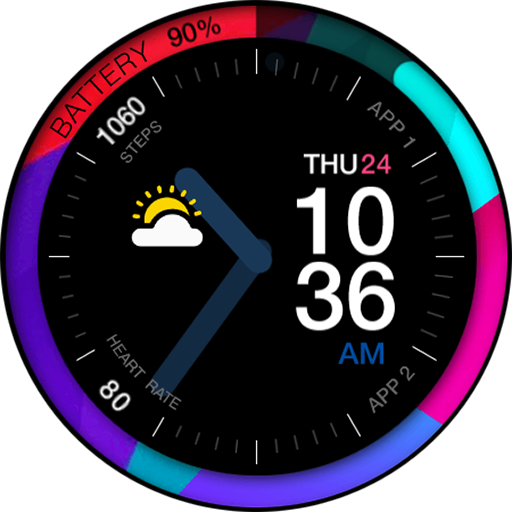
UsA Circle Bar - USA121
Free

UsA Circle Bubble - USA118
Paid

Santa Christmas Snow - USA135
Paid
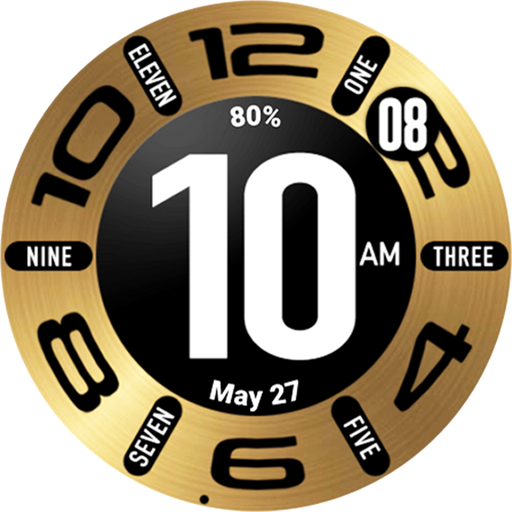
UsA Circular Classic - USA148
Paid
Scan this QR code to download

Forwarding you to the page at Google Play market in seconds...
Open Google Play market now