UsA Florencia - USA111 vVARY
USA Design Watch Face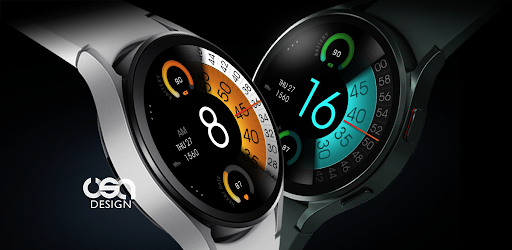


About this app
Developer Description
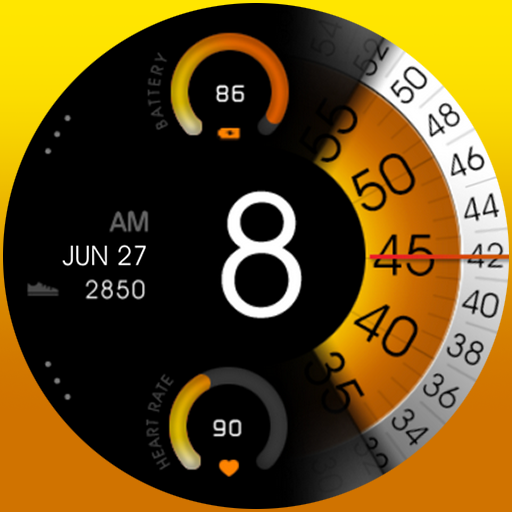
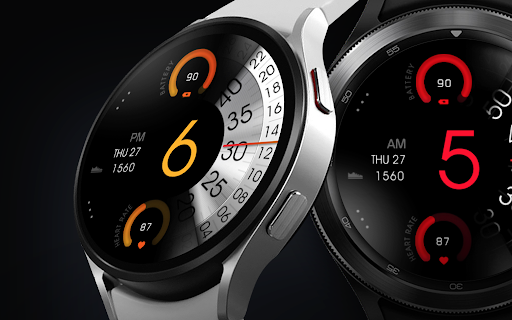
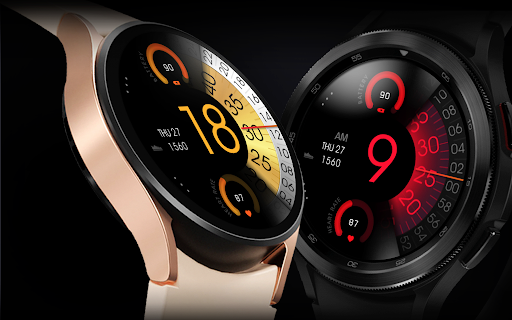
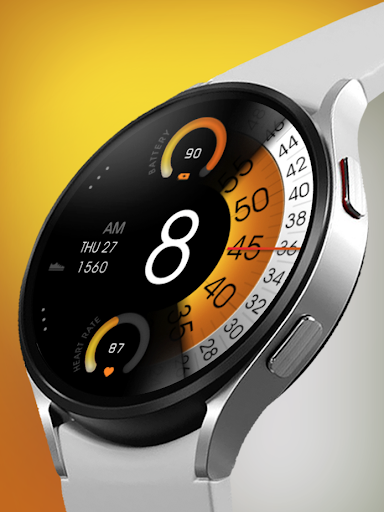
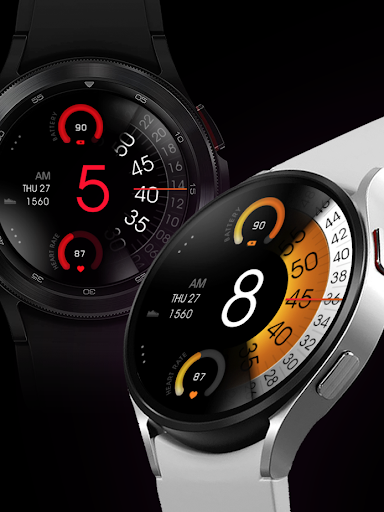
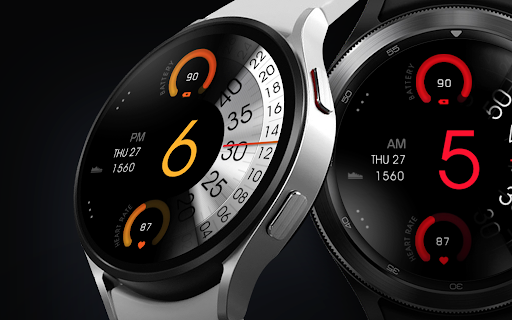
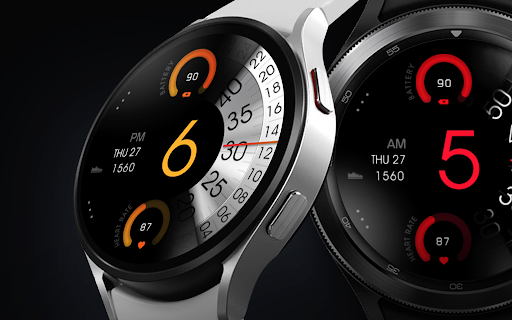
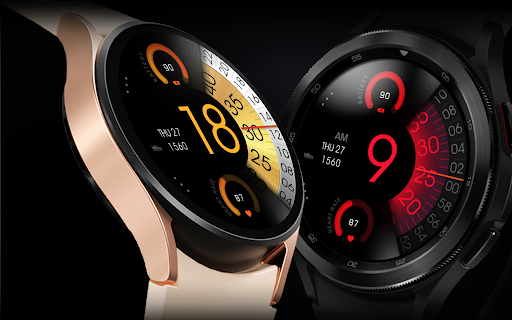
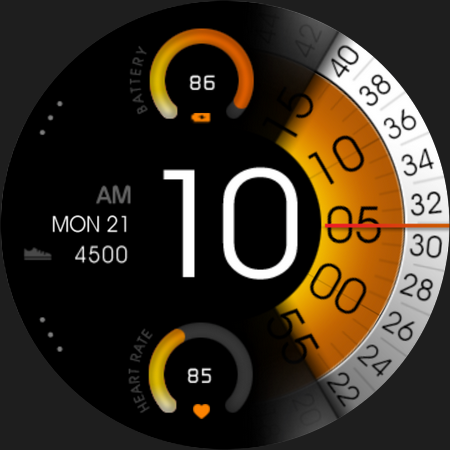
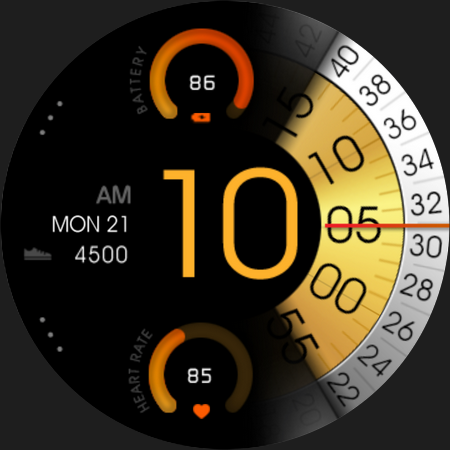
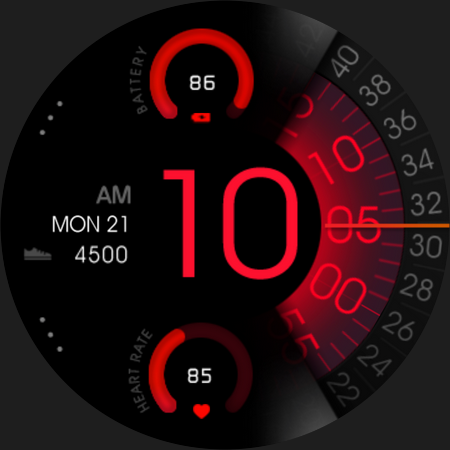
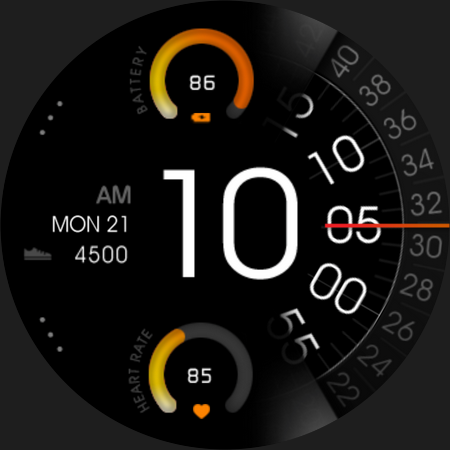
Awesome unique combination between digital and analog for Wear OS watch
This watch face requires Wear OS API 33+ (Wear OS 4 or newer). Compatible with Galaxy Watch 4/5/6/7/8 Series and newer, Pixel Watch series and other watch face with Wear OS 4 or newer.
Features:
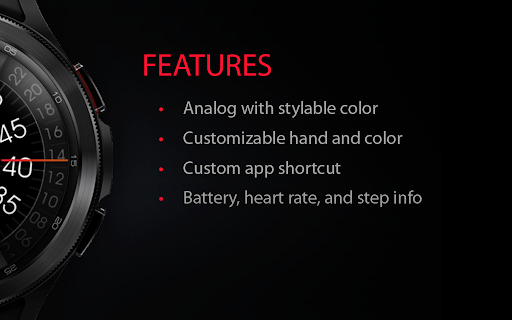
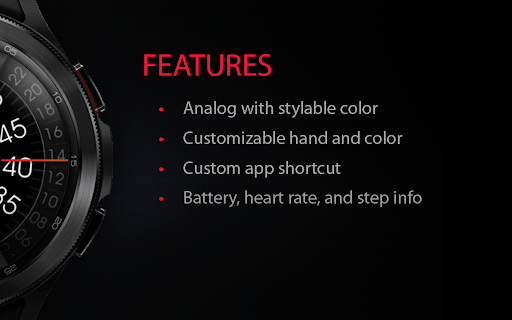
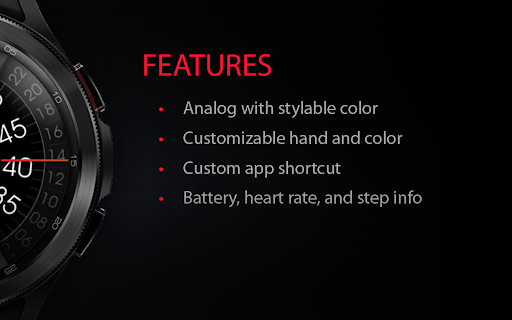
- 12/24 hour digital analog style
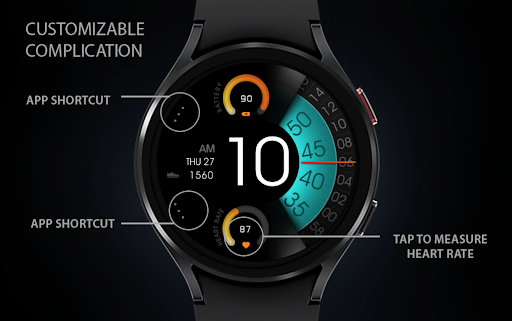
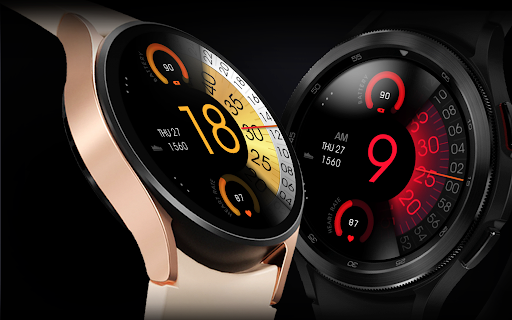
- Battery Information with gauge
- Heart rate with gauge
- Customize menu for easy styling
- Customize minute and seconds blade style
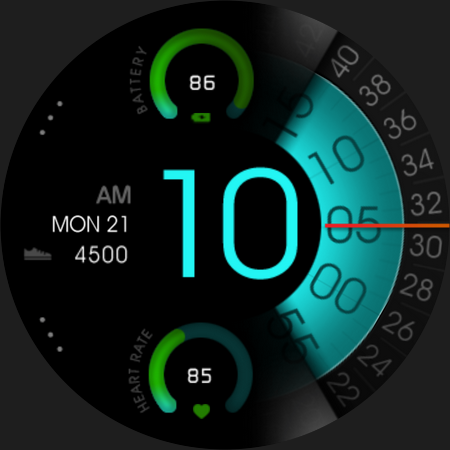
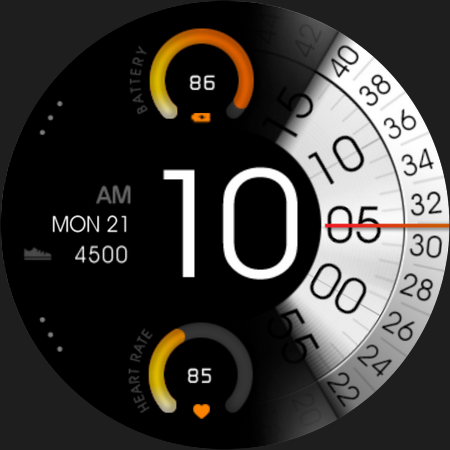
- Customize gauge and hour color style
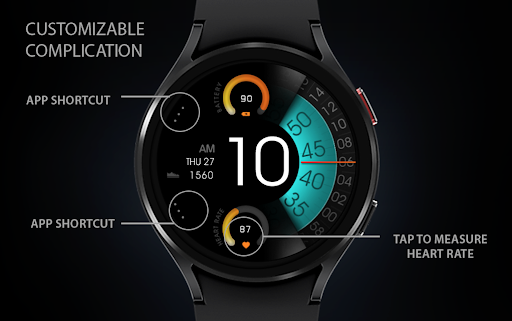
- Custom app shortcuts
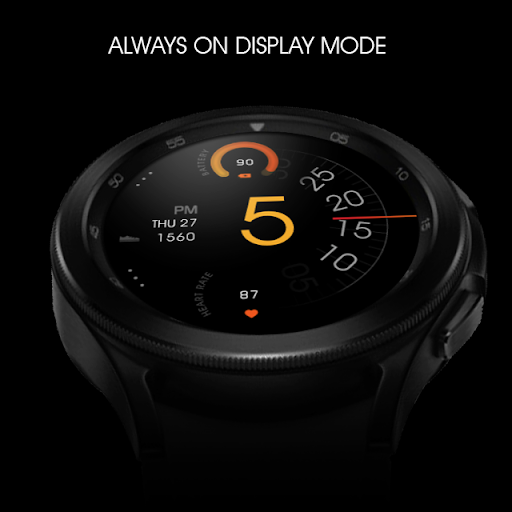
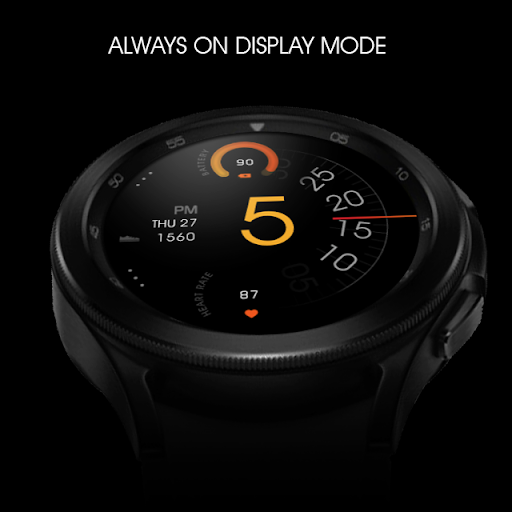
- Special Designed AOD, digit color synced with normal mode
Make sure you are purchasing using the same Google account registered on your watch. The installation should begin automatically on the watch after a few moments.
After the installation is completed on your watch, do these steps to open the watch face on your watch :
1. Open the watch face list on your watch (tap and hold the current watch face)
2. Scroll to the right and tap "add watch face"
3. Scroll down and find new installed watch face in the "downloaded" section
Tap and hold the watch face and go to the "customize" menu (or settings icon under the watch face) to change the styles and also manage the custom shortcut complication.
The heart rate is now synced with the built-in heart rate settings including the measurement interval.
To change between 12 or 24-hour mode, go to your phone date and time settings and there is an option to use 24-hour mode or 12-hour mode. The watch will sync with your new settings after a few moments.
Special designed Always On Display ambient mode. Turn on the Always On Display mode on your watch settings to show a low power display on idle. Please be aware, this feature will use more batteries.
Join our Telegram group for live support and discussion
https://t.me/usadesignwatchface
What's New
Version Information
- Version
- -
- Downloads
- 10K+
- Updated on
- Oct 29, 2025
- Released
- Sep 14, 2021
- Requires
- Android Varies with device
Statistics
Google Play Rating History
Rating Distribution
Downloads Over Time
UsA Florencia - USA111 has been downloaded times. Over the past 30 days, it averaged downloads per day.
Shaded area shows 30-day prediction based on historical trends
Historical data collection started recently. More data points will be available over time.
UsA Florencia - USA111 users say on Google Play
 ClaytonD
Awesomely unique watch faces for wear os, work great on my Galaxy watch 4! Thank you for the hard work and imagination put into these watch faces. Is love to see options to have weather, steps and hr on the screen, same time in the future on a similar build.
 László Ladányi
Nice watchface. I'm really satisfied with this application. Maybe a chance to customize a little bit more such as change the battery and heart rate to something else by the user.
 pradeep singh
Pls dont buy this App,they are frauds,i have purchased this watch face three days back and still it is showing installation is in process.
 Jeff J
Really need to have detailed calendar info added to this watch face. Without it, it's not very usable for me sadly. Which sucks because I want a basic watch face like this but NEED calendar info. Please make it for us/me.
 Peggy Staruch
The watch face is not appearing in my galaxy 4 watch faces options. Have waited 24 hours and nothing. I tried the advice saying to try from the website and I get a message saying it's been downloaded to my phone, but it's not visible anywhere.
ApkTrusted Ratings & Reviews
More from USA Design Watch Face
See more apps
UsA Circular Analog - USA146
Paid

UsA Blazing Digital - USA144
Paid

UsA Bigger Watch Face - USA122
Paid

UsA Bigger Hybrid - USA123
Paid

UsA Golden Flower - USA157
Paid
UsA Circle Bar - USA121
Paid
UsA Butter Animated - USA154
Paid

UsA Balancia - USA112
Paid

UsA Balancia Neo - USA178
Paid

UsA Big Color - USA101
Paid
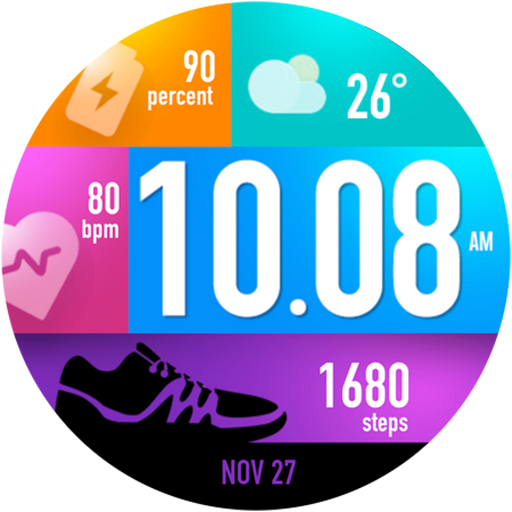
UsA Bubblegum Tiles - USA139
Paid

UsA Chalk - USA126
Paid
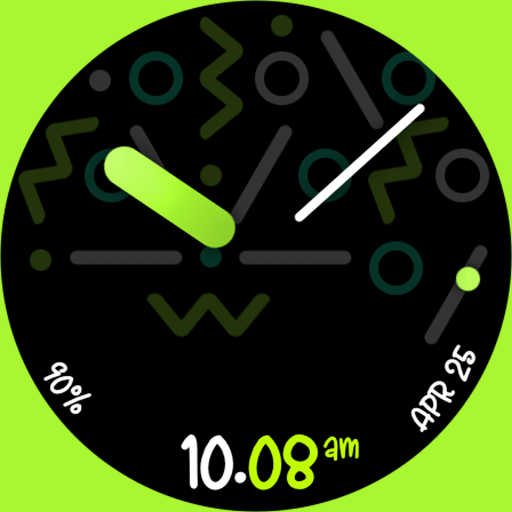
UsA Butter Analog - USA155
Paid

UsA Circle Bubble - USA118
Paid
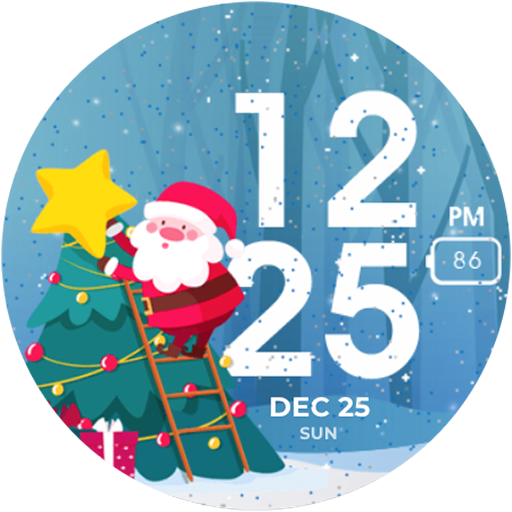
Santa Christmas Snow - USA135
Paid
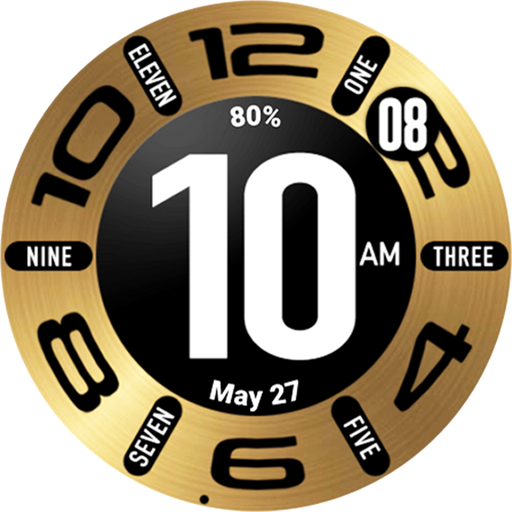
UsA Circular Classic - USA148
Paid
Similar Apps
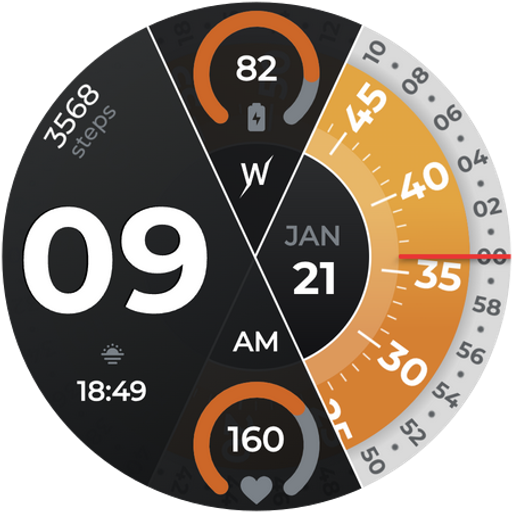
Color Ribbon Watch Face
Paid

ML2U 220 Watch Face
Paid

OMG 340 - Minimal Watch Face
Paid

SG-149
Paid

Omnis Digital Watch Face
Free

Concentric Space
Paid
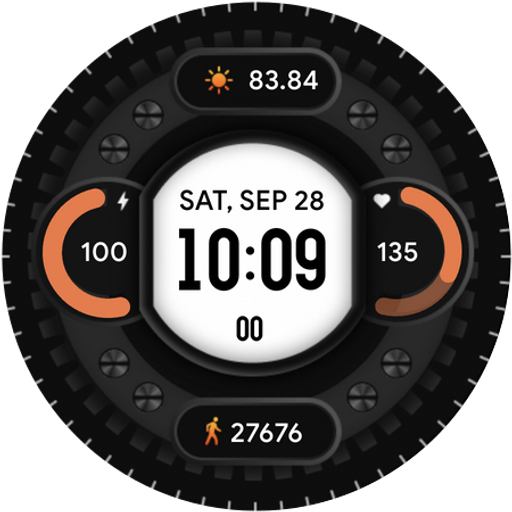
Interlock-for wear os 5
Free

ACD405 Agent
Free

Shadow Hour Watch Face
Paid

EXD119: Minimal Hybrid Face
Paid
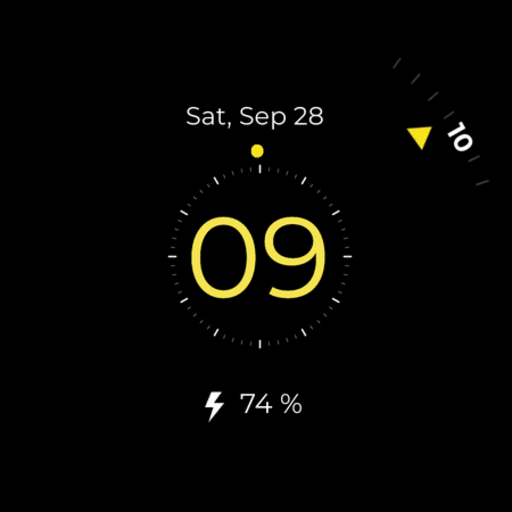
Simple Minimal watch face
Free

Watch Face J1
Paid

BOROI023 Watchface
Free

Inspire 20 - Analog Watch Face
Paid
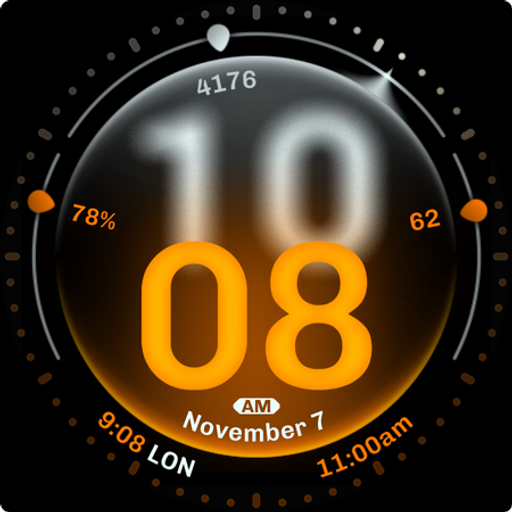
Dominant Minute Watch Face
Paid

JND0023U
Paid
Scan this QR code to download

Forwarding you to the page at Google Play market in seconds...
Open Google Play market now