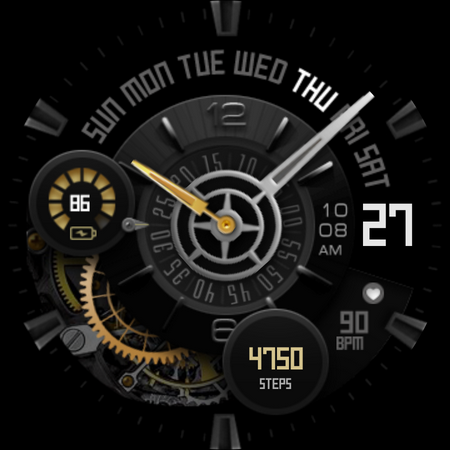
UsA Premium Analog - USA133 vVARY
USA Design Watch Face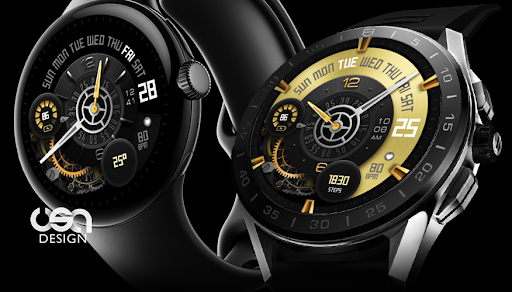
About this app
Developer Description
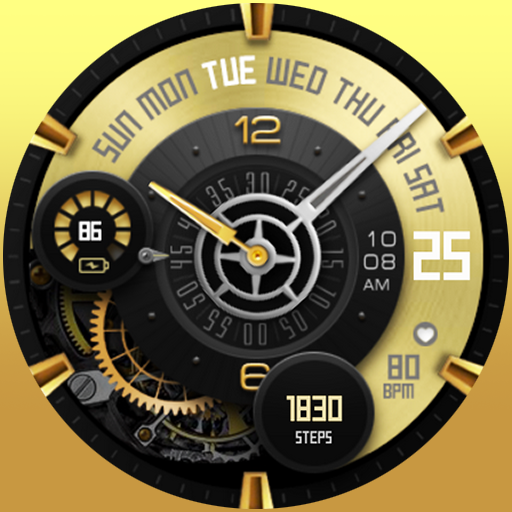
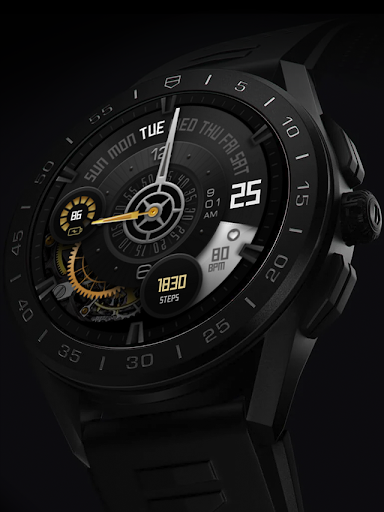
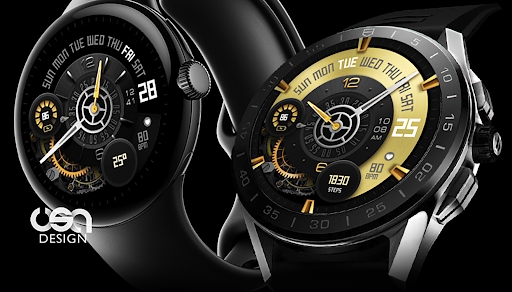
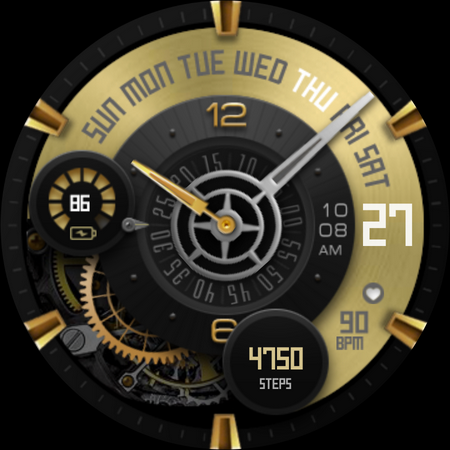
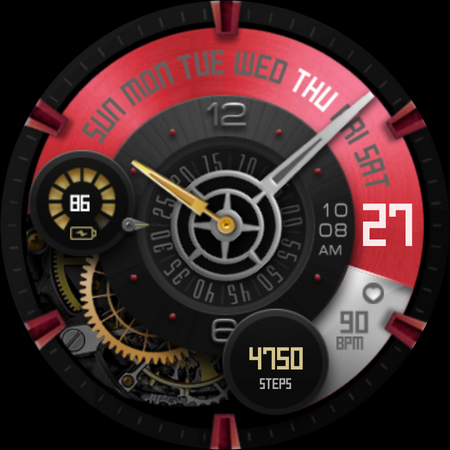
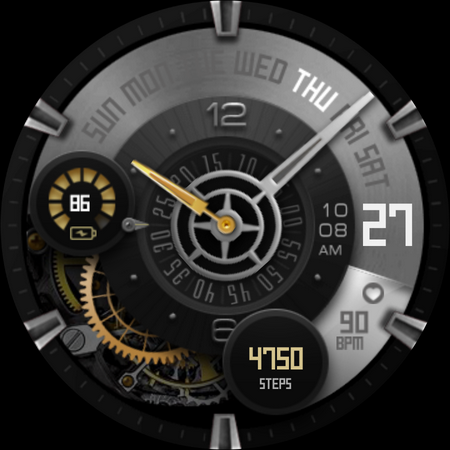
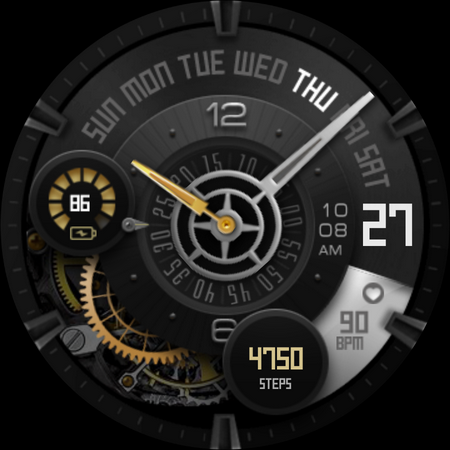
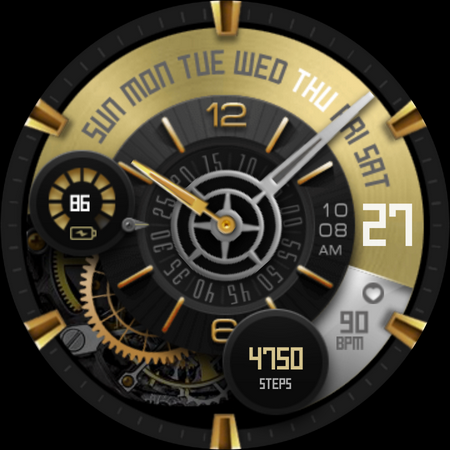
Premium analog watch face for Wear OS with realistic moving gear
Installing can take a few minutes, and you can find the watch on the "downloaded" section on the wear app. Or you find it on the add watch face menu on the watch (check the companion guide).
This watch face requires Wear OS API 33+ (Wear OS 4 or newer). Compatible with Galaxy Watch 4/5/6/7/8 Series and newer, Pixel Watch series and other watch face with Wear OS 4 or newer.
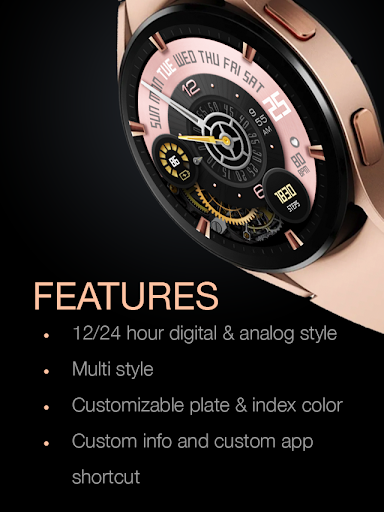
Features:
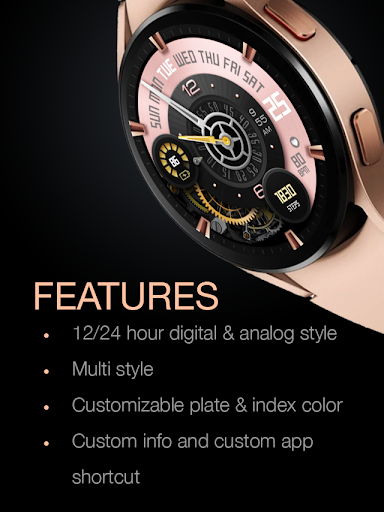
- Analog with digital 12/24 hour mode
- Battery Information with gauge
- Heart Rate
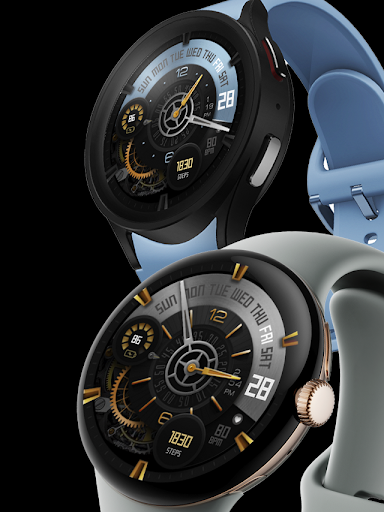
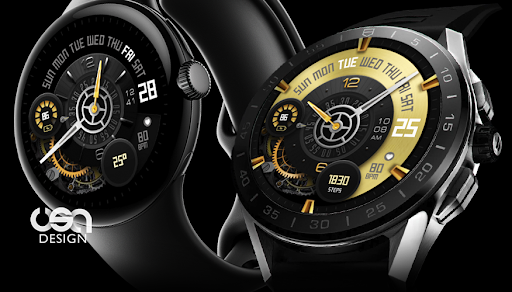
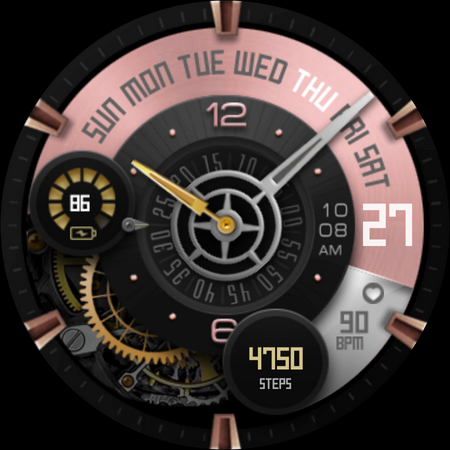
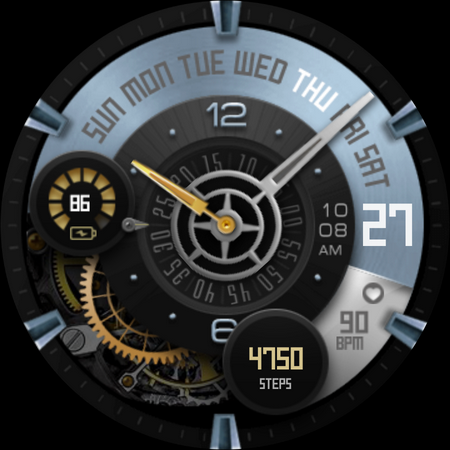
- Customize the back plate, accent, and index
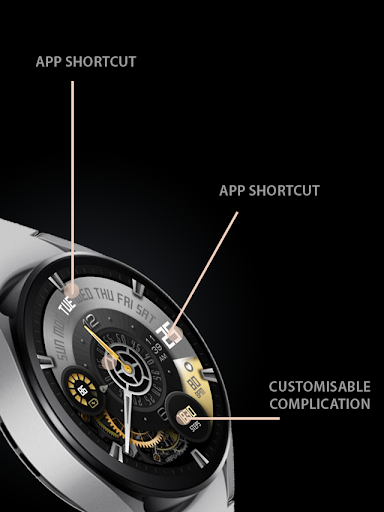
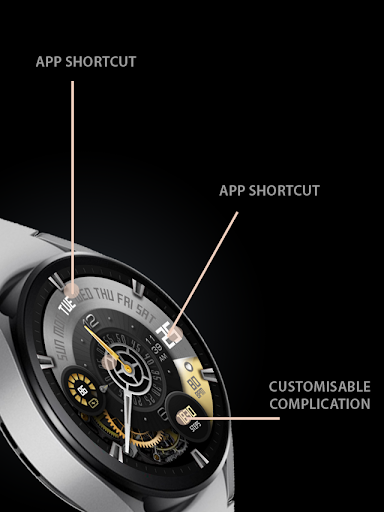
- Custom app shortcuts (tap action without icon)
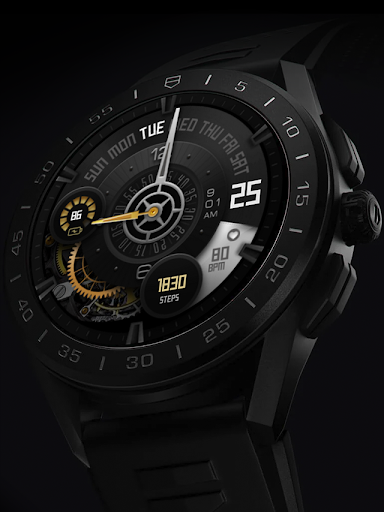
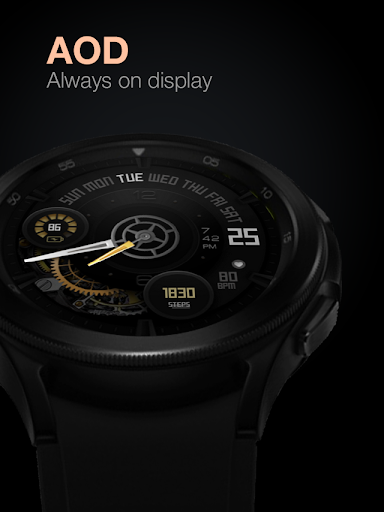
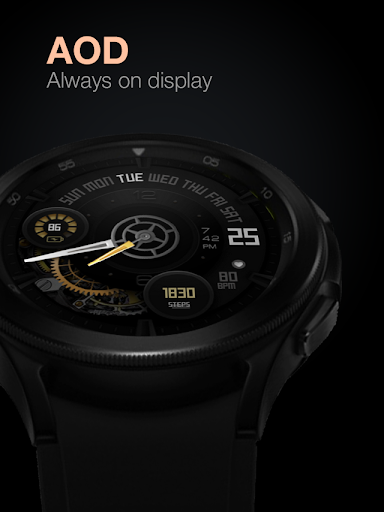
- Special Designed AOD
The heart rate is now synced with the built-in heart rate settings including the measurement interval.
Tap and hold the watch face and go to the "customize" menu (or settings icon under the watch face) to change the styles and also manage the custom shortcut complication.
To change between 12 or 24-hour mode, go to your phone date and time settings and there is an option to use 24-hour mode or 12-hour mode. The watch will sync with your new settings after a few moments.
Special designed Always On Display ambient mode. Turn on the Always On Display mode on your watch settings to show a low power display on idle. Please be aware, this feature will use more batteries.
Join our Telegram group for live support and discussion
https://t.me/usadesignwatchface
What's New
Version Information
- Version
- -
- Downloads
- 10K+
- Updated on
- Oct 30, 2025
- Released
- Nov 17, 2022
- Requires
- Android Varies with device
Statistics
Google Play Rating History
Rating Distribution
Downloads Over Time
UsA Premium Analog - USA133 has been downloaded times. Over the past 30 days, it averaged downloads per day.
Shaded area shows 30-day prediction based on historical trends
Historical data collection started recently. More data points will be available over time.
UsA Premium Analog - USA133 users say on Google Play
 Monica Dranger
Hands down the most beautiful watch face out there as far as I'm concerned. The AoD, which is usually pretty disappointing, is just gorgeous, as is everything else.
 A V
A V
Great looking watch face. It will be great if you can add clickable and customizable battery tab
 Nikhil Nayak
Cannot customize anything. Goes back to normal watch face
 Robert Dykes
Configuration changes to complications don't get applied. Screen timeout setting to 1 min is ignored. I have latest Samsung watch Pro
 Jessica Truelove
I wanted this for my Samsung watch 4. It supposedly downloaded and I waited 15 minutes, but it never showed up. I kept repeating the steps in the instructions, still nothing... requesting a refund.
ApkTrusted Ratings & Reviews
More from USA Design Watch Face
See more apps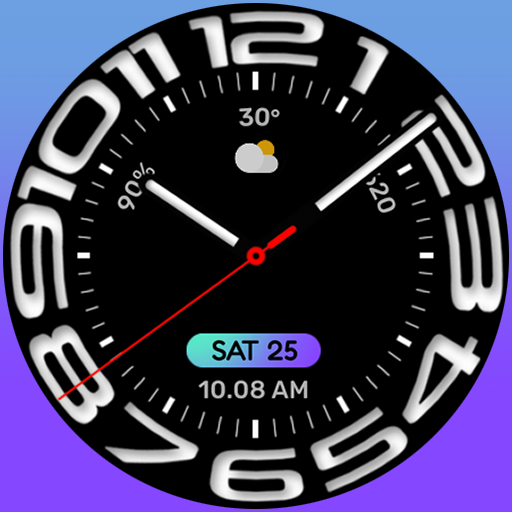
UsA Circular Analog - USA146
Paid

UsA Blazing Digital - USA144
Paid

UsA Bigger Watch Face - USA122
Paid

UsA Bigger Hybrid - USA123
Paid

UsA Golden Flower - USA157
Paid
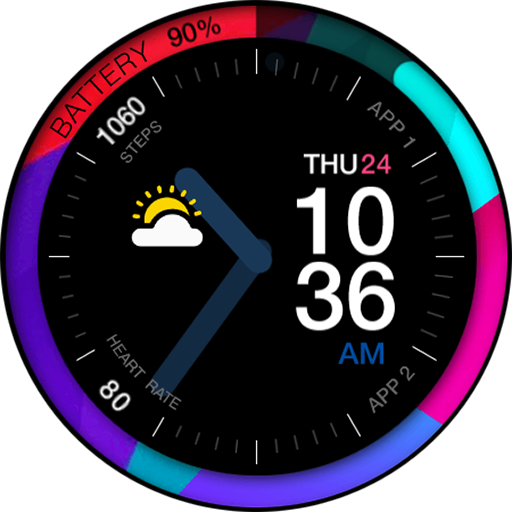
UsA Circle Bar - USA121
Paid
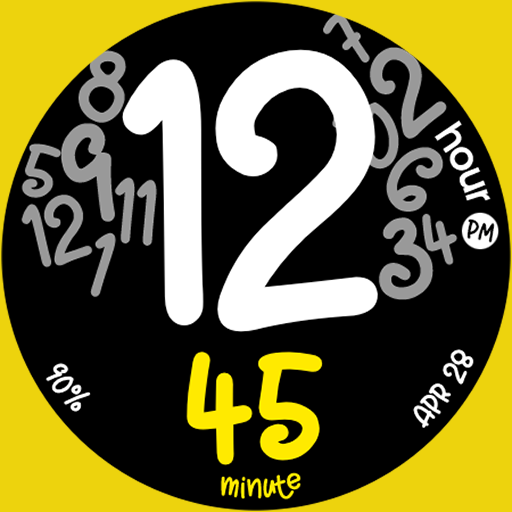
UsA Butter Animated - USA154
Paid

UsA Balancia - USA112
Paid

UsA Balancia Neo - USA178
Paid

UsA Big Color - USA101
Paid
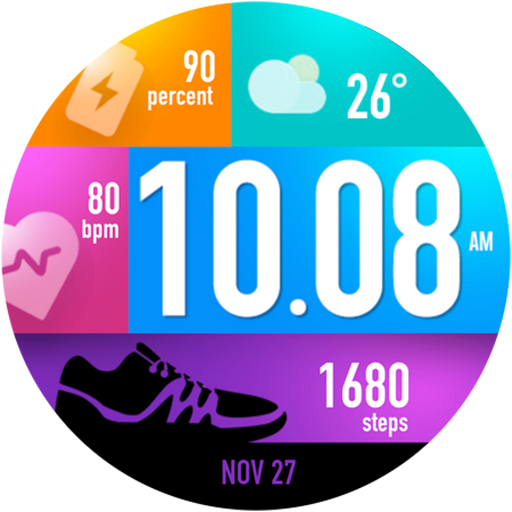
UsA Bubblegum Tiles - USA139
Paid

UsA Chalk - USA126
Paid
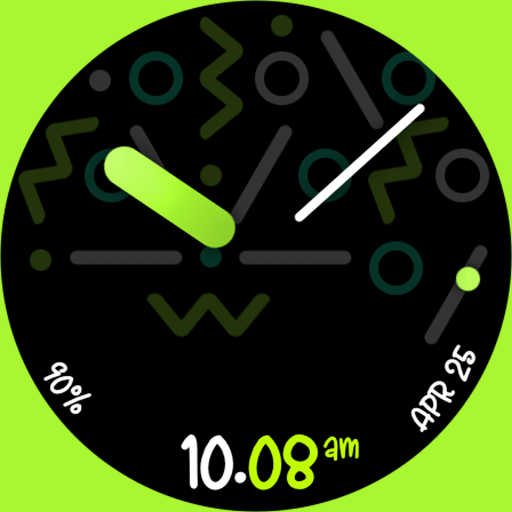
UsA Butter Analog - USA155
Paid

UsA Circle Bubble - USA118
Paid
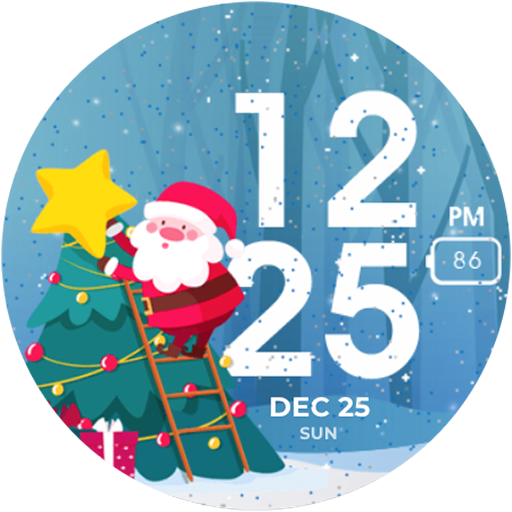
Santa Christmas Snow - USA135
Paid
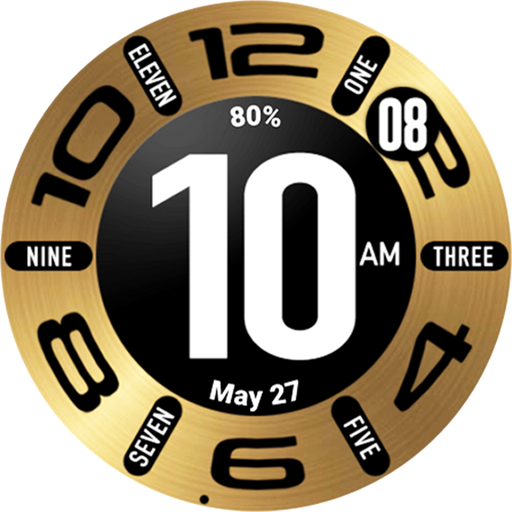
UsA Circular Classic - USA148
Paid
Similar Apps
![[SSP] - Gear Analog Watch Face icon](https://play-lh.googleusercontent.com/t_PEFtoTBnFZsa_JyfnO8BJlY7tc8dLufbYl39WFINFmdAODcsyYeSZqfCGkWI5zJQ)
[SSP] - Gear Analog Watch Face
Free
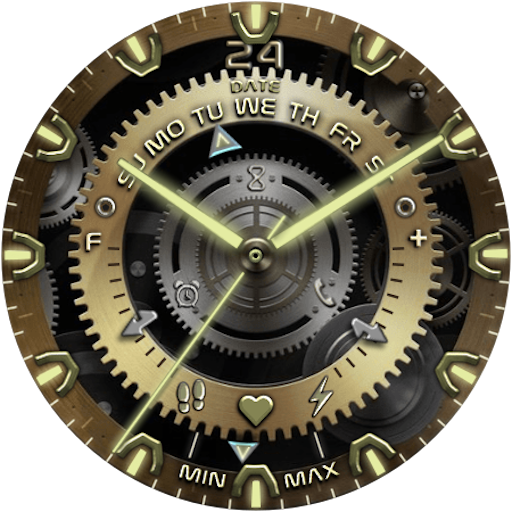
DF035
Paid

BFF10-Gold Analog Pattern Gear
Paid

BFF3- Gold Analog Gear Pattern
Free

W-Design WOS107 - Watch Face
Paid

BFF12- Gold Analog Galaxy Gear
Free

SNAKE
Paid

BFF8-Gold Analog Pattern Heart
Paid

BOROI031 Watchface
Free

Voron ARES Analog Animated
Paid

BFF9-Black Analog Pattern Gear
Paid

RHS 109 WR
Paid
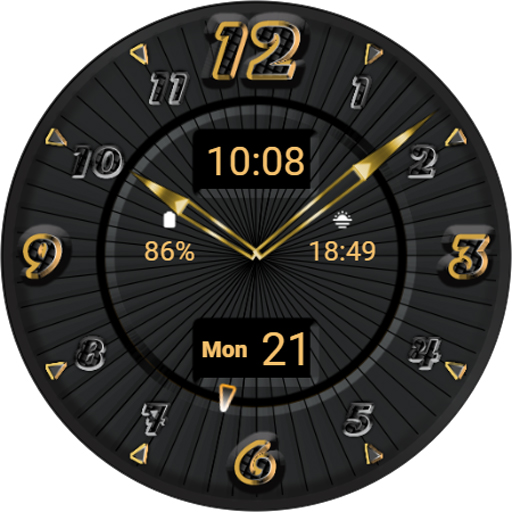
TSD36 Aurum Watch Face Wear OS
Free

PLEX Watch Face
Paid
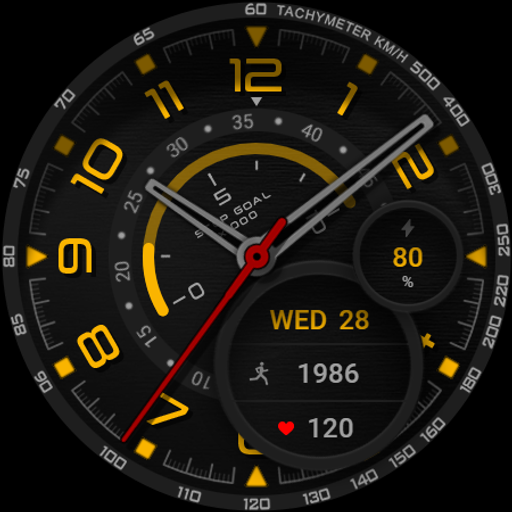
Watch face CNW0012
Paid

Digital Watch Face OMG 377
Paid
Scan this QR code to download

Forwarding you to the page at Google Play market in seconds...
Open Google Play market now