UsA Retro Digit - USA129 vVARY
USA Design Watch Face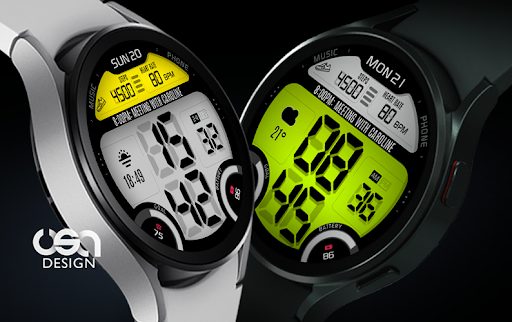





About this app
Developer Description
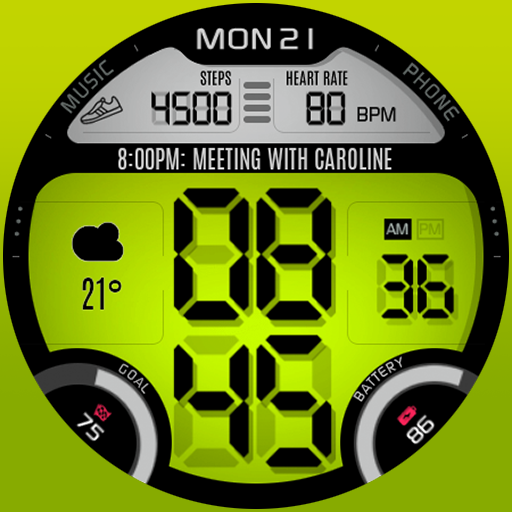
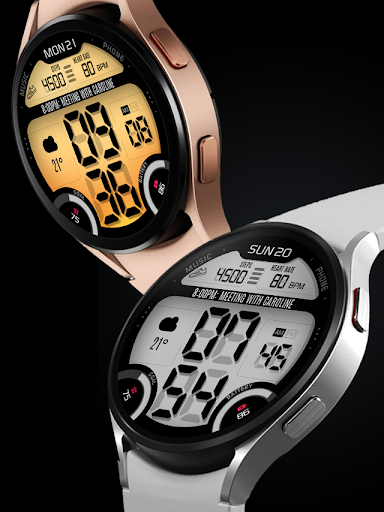
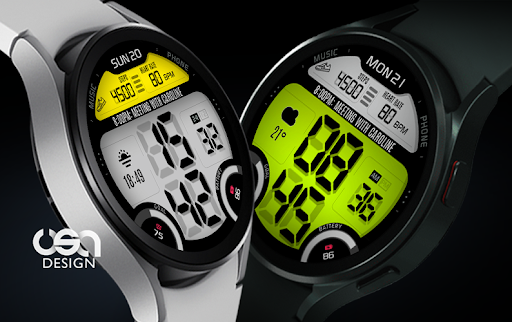
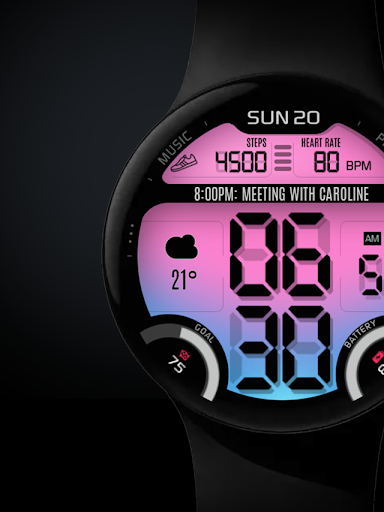
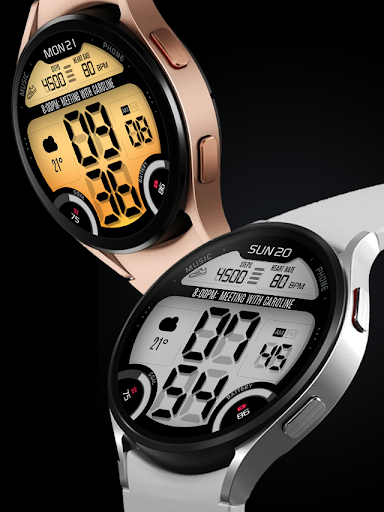
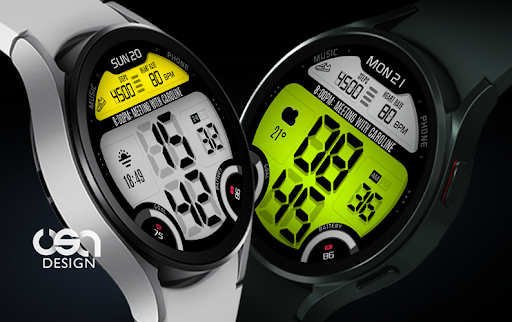
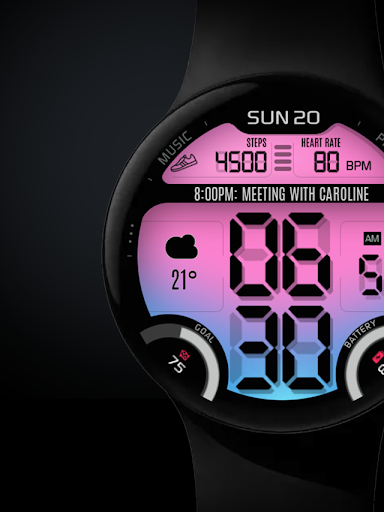
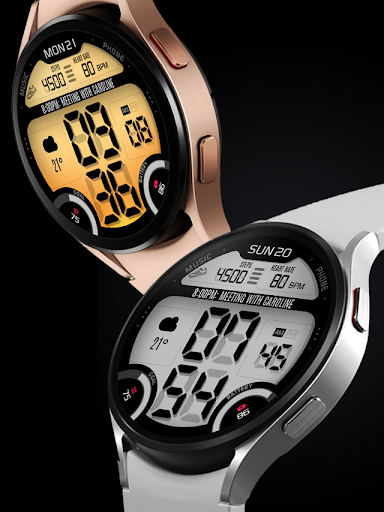
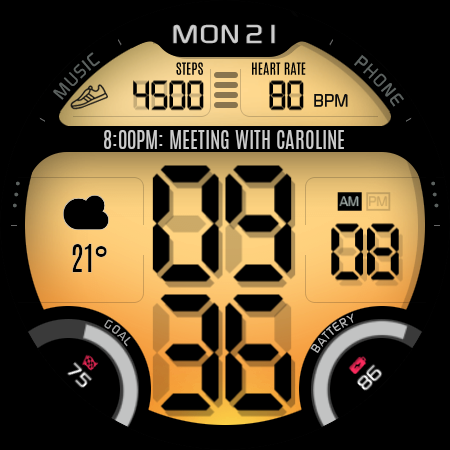
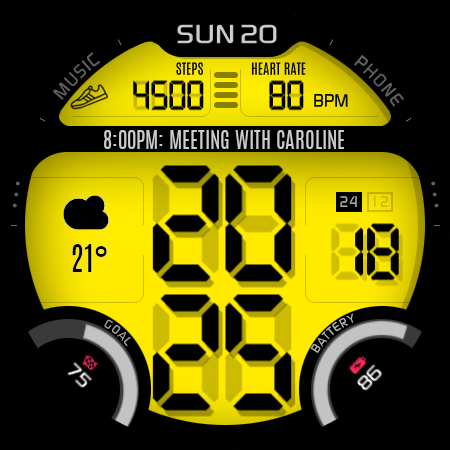
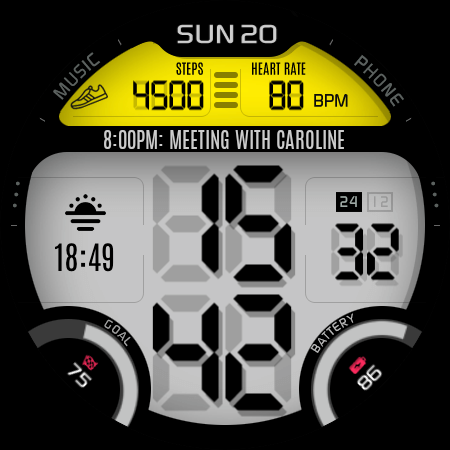
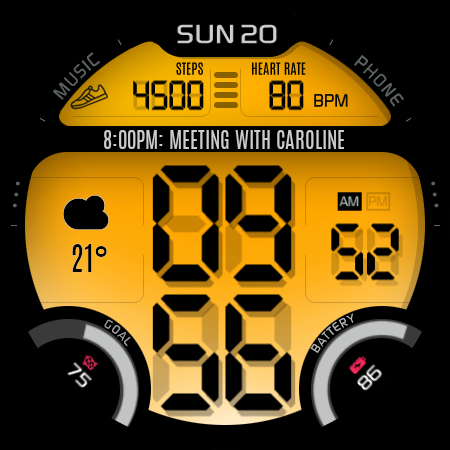
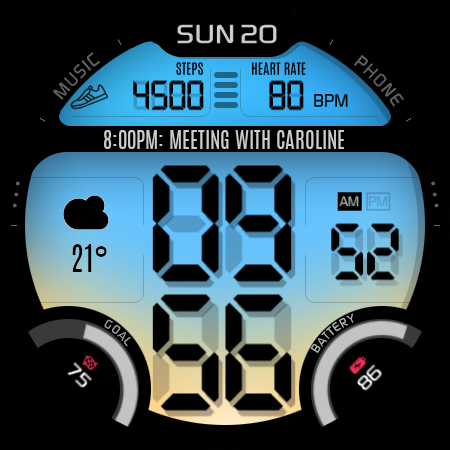
Retro digital watch with customizable EL Light backlight for Wear OS
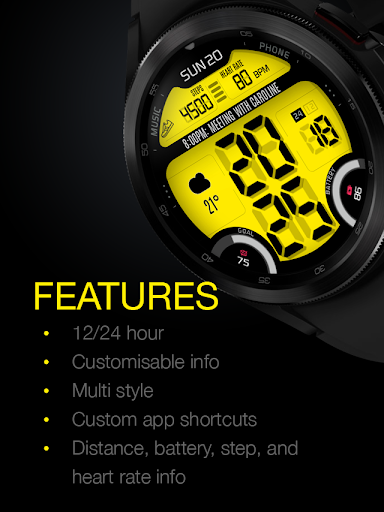
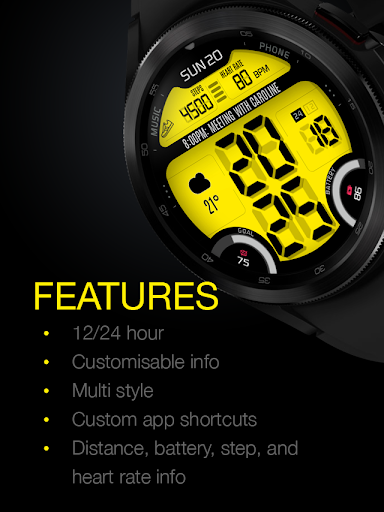
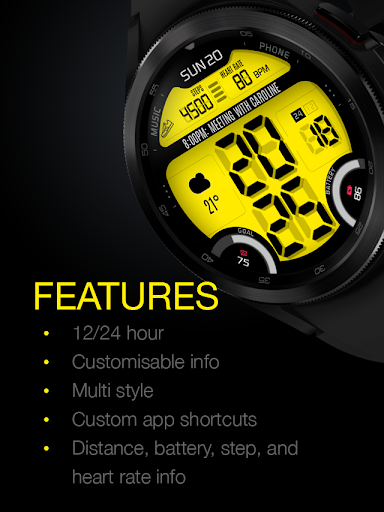
Features :
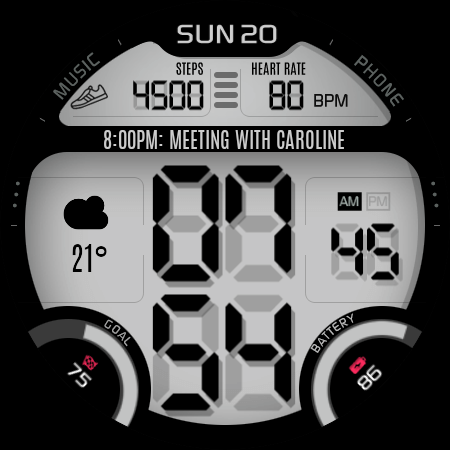
- 12/24 hour (sync with your phone settings)
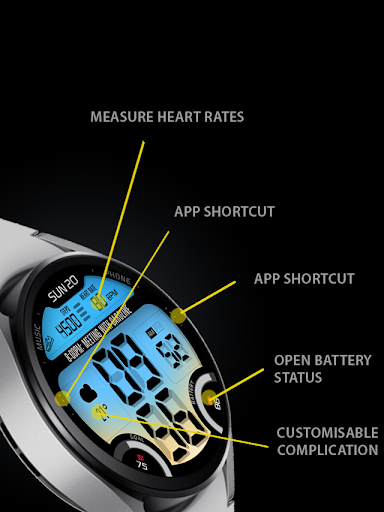
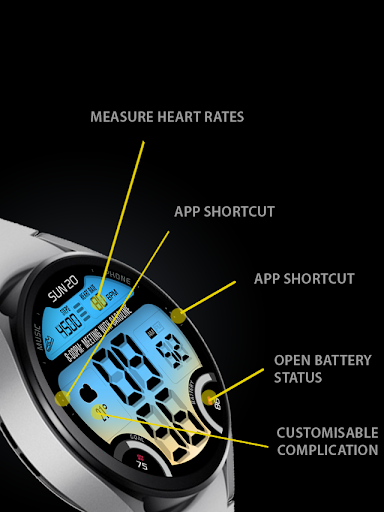
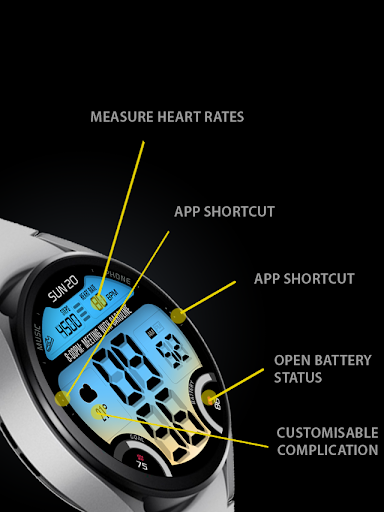
- Long text complication (e.g. for events)
- Short text complication (e.g. for weather)
- Customisable top, bottom, and gradient
- Heart rate info (tap to measure)
- Step goal gauge (6000 steps per day)
- Custom app shortcut
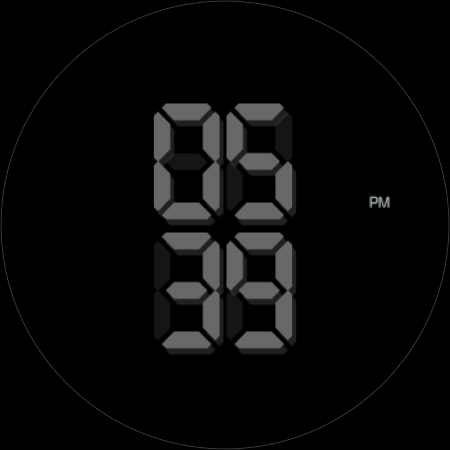
- Minimal digital always-on display mode (AOD)
Data shown on the complication area may differ depend on the device and version.
his watch face requires Wear OS API 33+ (Wear OS 4 or newer). Compatible with Galaxy Watch 4/5/6/7/8 Series and newer, Pixel Watch series and other watch face with Wear OS 4 or newer.
Make sure you are purchasing using the same Google account registered on your watch. The installation should begin automatically on the watch after a few moments.
After the installation is completed on your watch, do these steps to open the watch face on your watch :
1. Open the watch face list on your watch (tap and hold the current watch face)
2. Scroll to the right and tap "add watch face"
3. Scroll down and find new installed watch face in the "downloaded" section
The heart rate is now synced with the built-in heart rate settings including the measurement interval.
What's New
Version Information
- Version
- -
- Downloads
- 1K+
- Updated on
- Oct 30, 2025
- Released
- Jul 20, 2022
- Requires
- Android Varies with device
Statistics
Google Play Rating History
Rating Distribution
Downloads Over Time
UsA Retro Digit - USA129 has been downloaded times. Over the past 30 days, it averaged downloads per day.
Shaded area shows 30-day prediction based on historical trends
Historical data collection started recently. More data points will be available over time.
UsA Retro Digit - USA129 users say on Google Play
 Dinesh Raja
Super
 A “קכ”
Fine, but the shadow is too visible. It's making reading time difficult.
 John Smith
Nice looking watchface but unfortunately the AOD mode looks really cheap and just terrible. Avoid if you're a fan of AOD.
ApkTrusted Ratings & Reviews
More from USA Design Watch Face
See more apps
UsA Circular Analog - USA146
Paid

UsA Blazing Digital - USA144
Paid

UsA Bigger Watch Face - USA122
Paid

UsA Bigger Hybrid - USA123
Paid

UsA Golden Flower - USA157
Paid
UsA Circle Bar - USA121
Paid
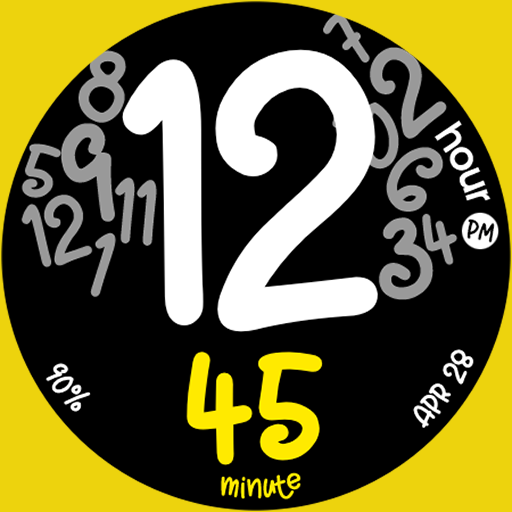
UsA Butter Animated - USA154
Paid

UsA Balancia - USA112
Paid

UsA Balancia Neo - USA178
Paid

UsA Big Color - USA101
Paid
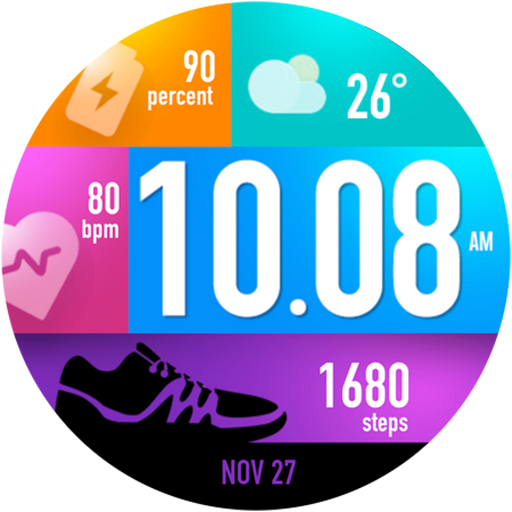
UsA Bubblegum Tiles - USA139
Paid

UsA Chalk - USA126
Paid
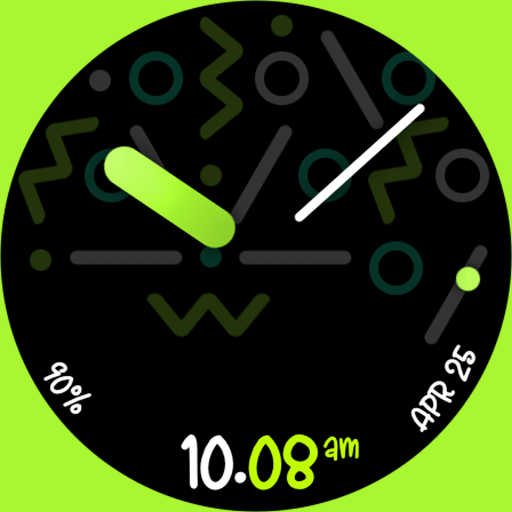
UsA Butter Analog - USA155
Paid

UsA Circle Bubble - USA118
Paid

Santa Christmas Snow - USA135
Paid
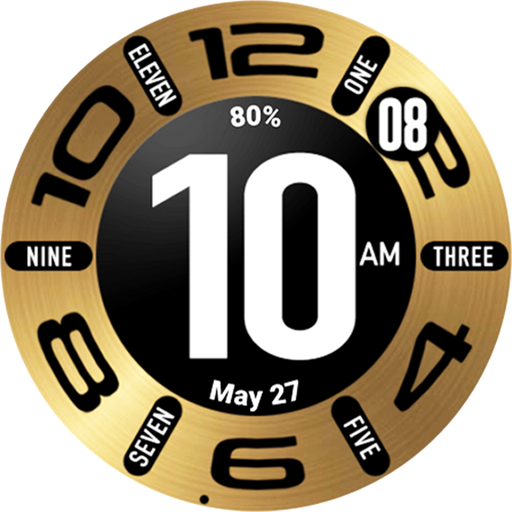
UsA Circular Classic - USA148
Paid
Similar Apps

Digi Genius Digital Watch Face
Paid
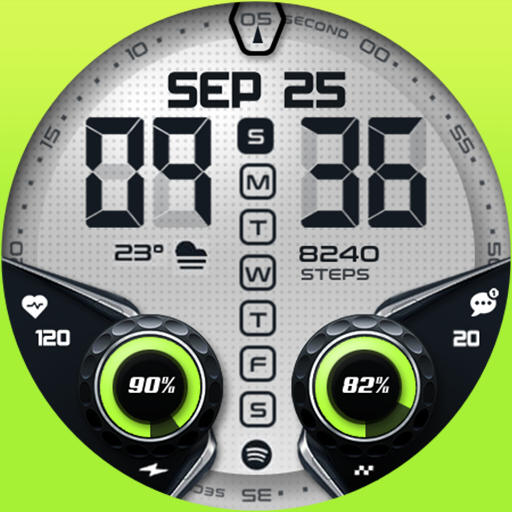
Oogly Digital Centro
Paid

KZY016
Paid

HMKWatch Digital 179
Paid
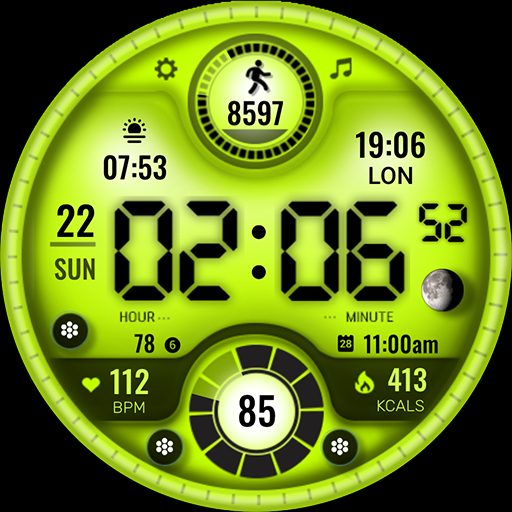
ML2U 166 Watch Face
Paid

HMKWatch Digital 279
Paid

MAHO019 Wear OS Watch Face
Paid

KZY125
Paid

OMG 348 Digital Watch Face
Paid

PRIME 012 Digital Retro
Paid

Merge Labs MOD9INE
Paid

Digital SUZAKUM 03 Watch face
Paid

KZY028
Paid

SamWatch Digital Shu 6
Paid

SY24 Watch Face for Wear OS
Free

HKR043
Free
Scan this QR code to download

Forwarding you to the page at Google Play market in seconds...
Open Google Play market now