UsA Simply Cool - USA115 vVARY
USA Design Watch Face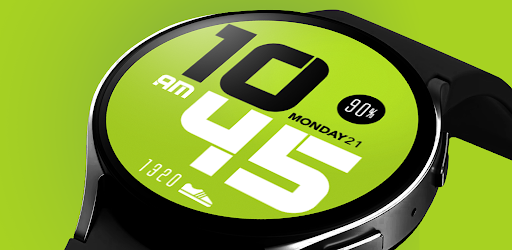
About this app
Developer Description
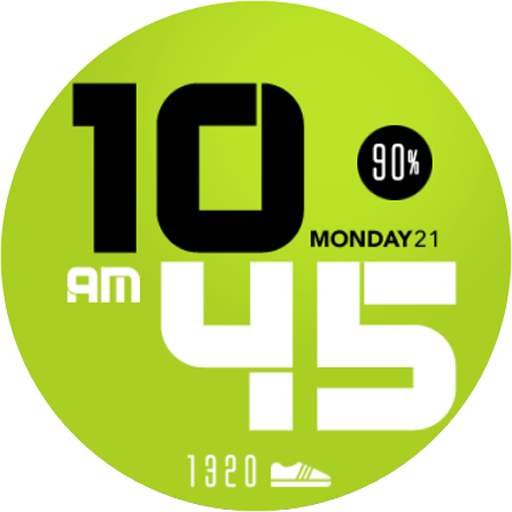
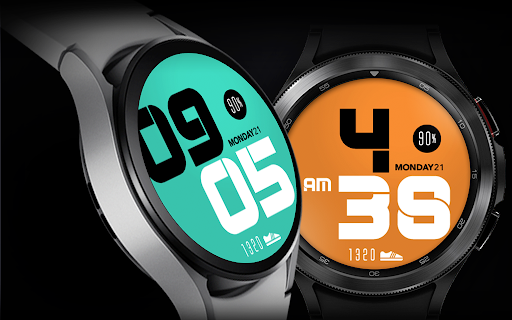
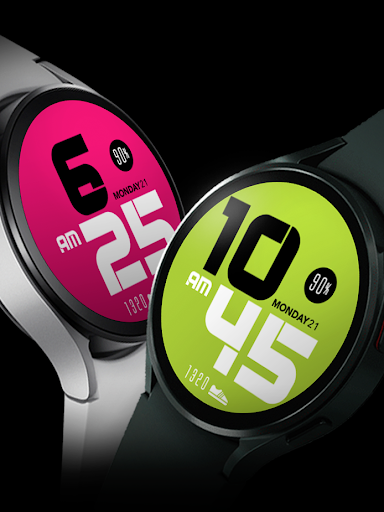
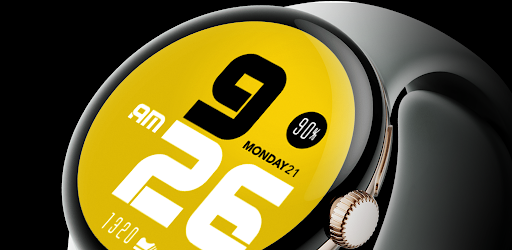
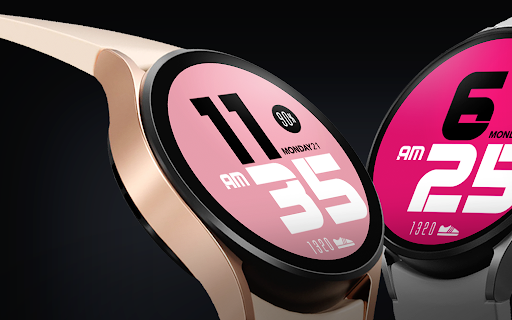
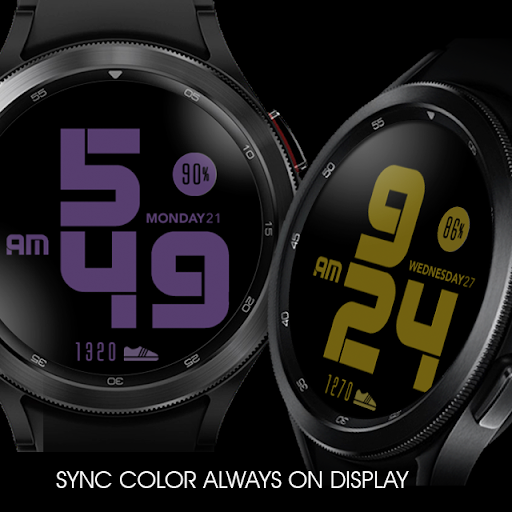
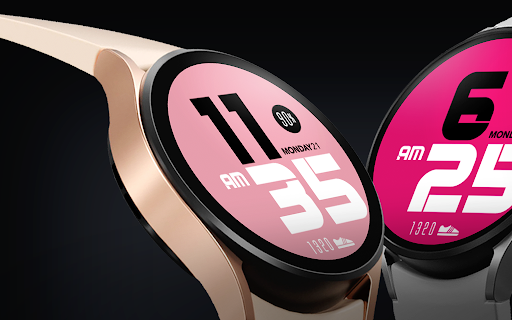
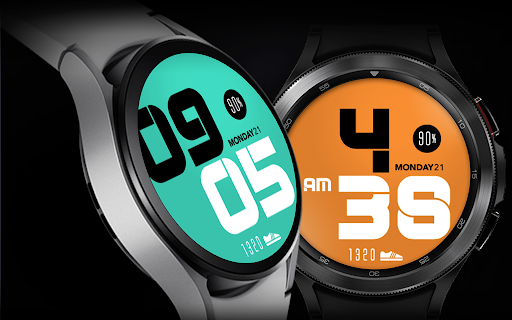
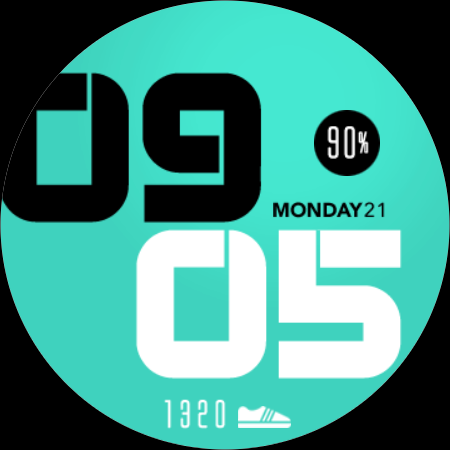
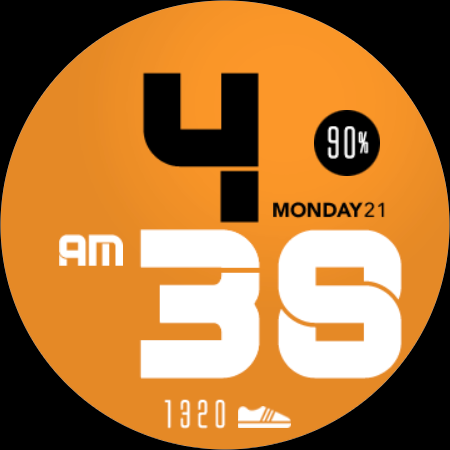
Bold color stylish digital watch face for Wear OS
This watch face requires Wear OS API 33+ (Wear OS 4 or newer). Compatible with Galaxy Watch 4/5/6/7/8 Series and newer, Pixel Watch series and other watch face with Wear OS 4 or newer.
Make sure you are purchasing using the same Google account registered on your watch. The installation should begin automatically on the watch after a few moments.
After the installation is completed on your watch, do these steps to open the watch face on your watch :
1. Open the watch face list on your watch (tap and hold the current watch face)
2. Scroll to the right and tap "add watch face"
3. Scroll down and find new installed watch face in the "downloaded" section
For WearOS 5 or newer, you can also simply tap "set/install" on the companion app, then tap set on the watch.
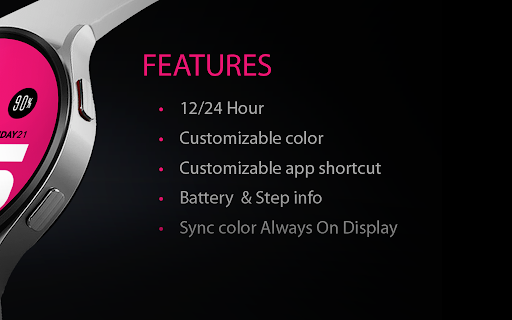
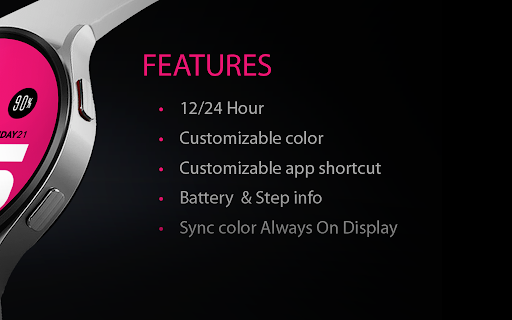
Features:
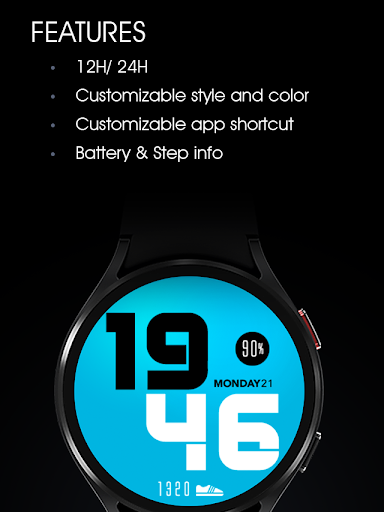
- 12/24 hour mode
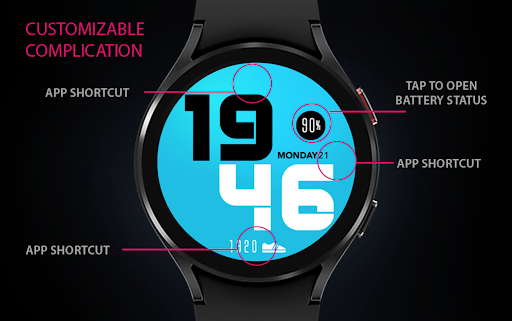
- Battery Information
- Step count information
- Customize menu for easy styling
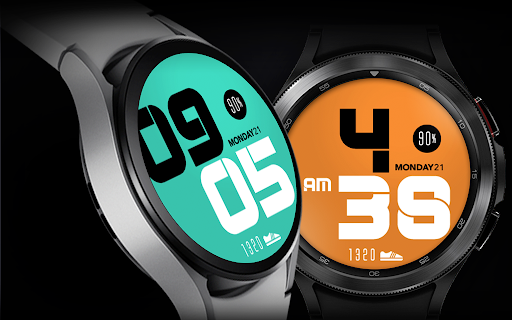
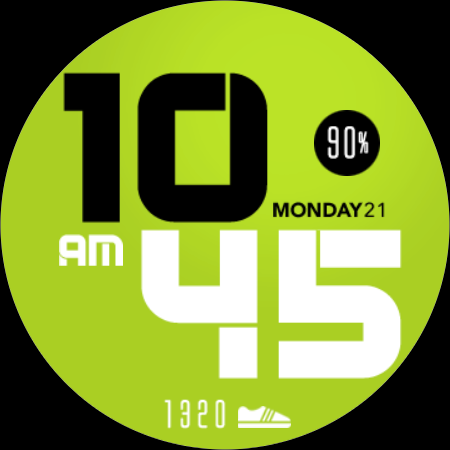
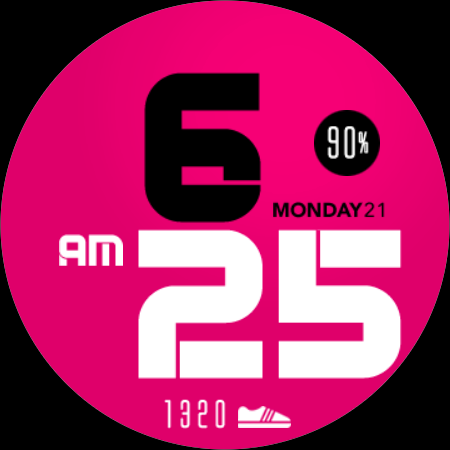
- Muti color background style
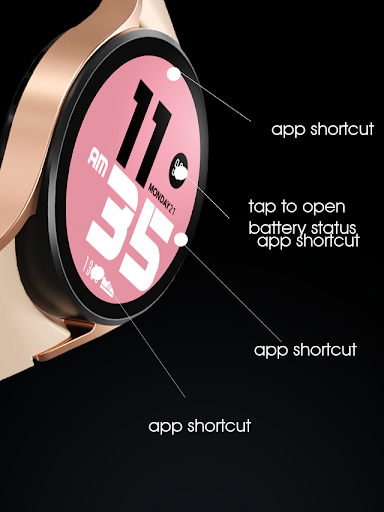
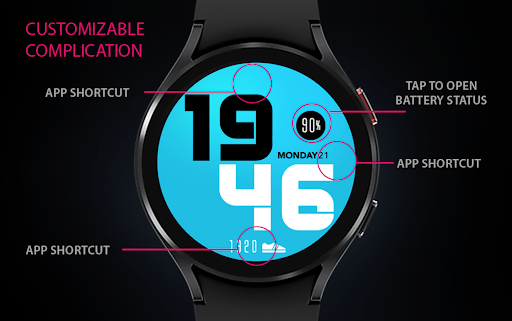
- Custom app shortcuts
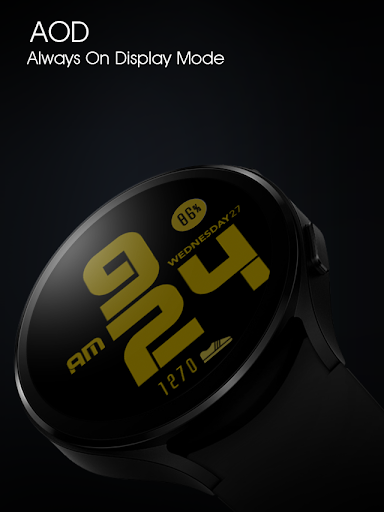
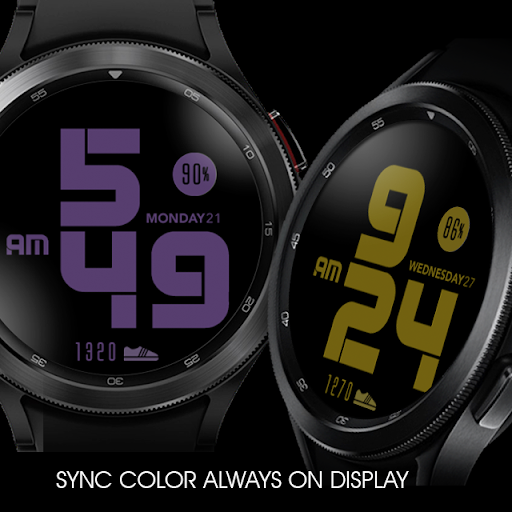
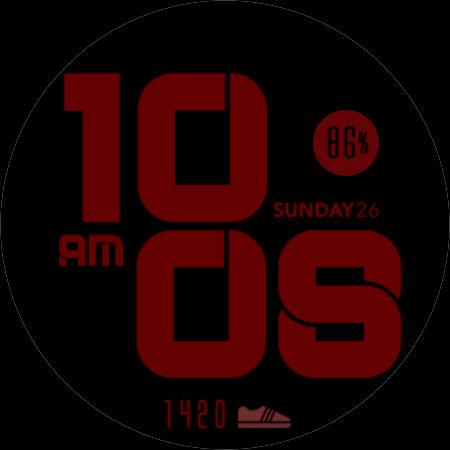
- Special Designed AOD, color synced with normal mode
Tap and hold the watch face and go to the "customize" menu (or settings icon under the watch face) to change the styles and also manage the custom shortcut complication.
To change between 12 or 24-hour mode, go to your phone date and time settings and there is an option to use 24-hour mode or 12-hour mode. The watch will sync with your new settings after a few moments.
Special designed Always On Display ambient mode. The color sync with the normal mode selection. Turn on the Always On Display mode on your watch settings to show a low power display on idle. Please be aware, this feature will use more batteries.
Join our Telegram group for live support and discussion
https://t.me/usadesignwatchface
What's New
Version Information
- Version
- -
- Downloads
- 5K+
- Updated on
- Oct 29, 2025
- Released
- Sep 17, 2021
- Requires
- Android Varies with device
Statistics
Google Play Rating History
Rating Distribution
Downloads Over Time
UsA Simply Cool - USA115 has been downloaded times. Over the past 30 days, it averaged downloads per day.
Shaded area shows 30-day prediction based on historical trends
Historical data collection started recently. More data points will be available over time.
UsA Simply Cool - USA115 users say on Google Play
 NovaIsTheBot
It's missing the colors that had the design on them. Like the little dots or whatever. Other than that I love it! Glad to see it back. Had it on my watch 3.
 Hunter Jorschumb
No option for a black background?
 John D'Amato
Disappointed that you can't add basic like weather, stopwatch or alarm shorcuts. Looks great but almost useless if you want info from basic apps on the watch face.
ApkTrusted Ratings & Reviews
More from USA Design Watch Face
See more apps
UsA Circular Analog - USA146
Paid

UsA Blazing Digital - USA144
Paid

UsA Bigger Watch Face - USA122
Paid

UsA Bigger Hybrid - USA123
Paid

UsA Golden Flower - USA157
Paid
UsA Circle Bar - USA121
Paid
UsA Butter Animated - USA154
Paid

UsA Balancia - USA112
Paid

UsA Balancia Neo - USA178
Paid

UsA Big Color - USA101
Paid
UsA Bubblegum Tiles - USA139
Paid

UsA Chalk - USA126
Paid
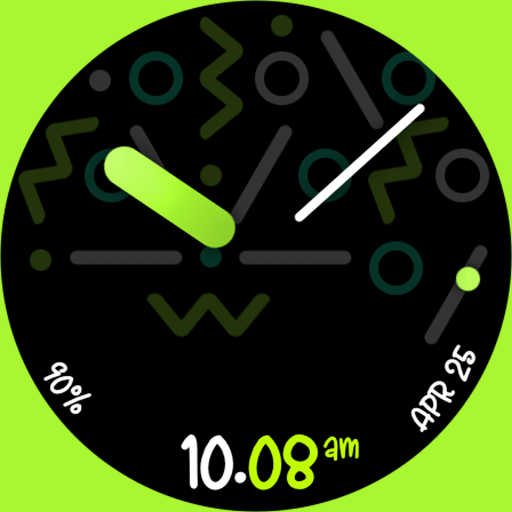
UsA Butter Analog - USA155
Paid

UsA Circle Bubble - USA118
Paid
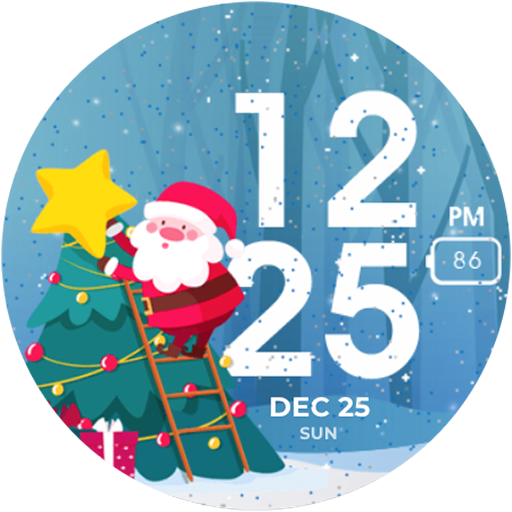
Santa Christmas Snow - USA135
Paid
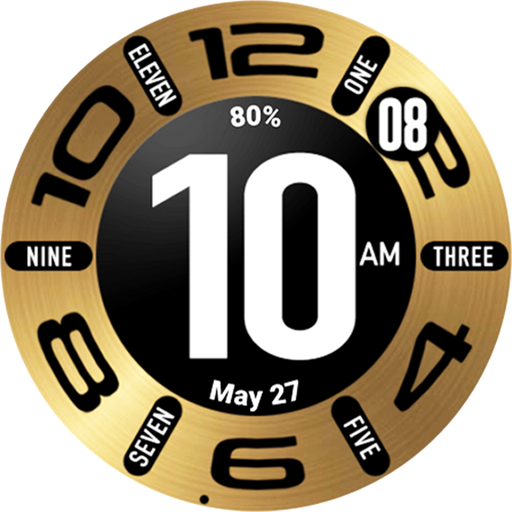
UsA Circular Classic - USA148
Paid
Similar Apps

Oogly Big Dark Minimal
Paid

Dash - Digital Watch Face
Free

Big numbers
Free

Stylish Green Watch Face
Paid
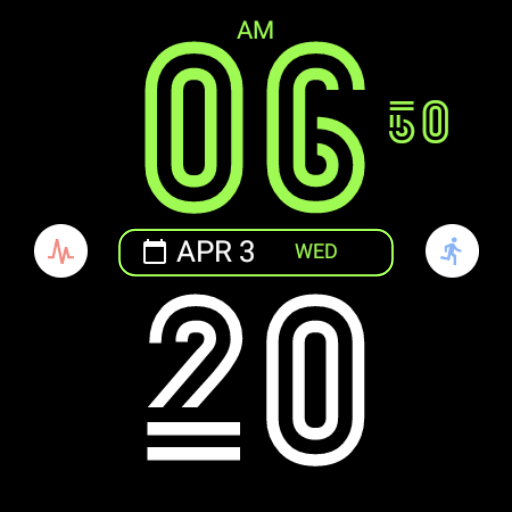
Stylish Line Watch Face
Paid

RUN 4: Watch face
Paid
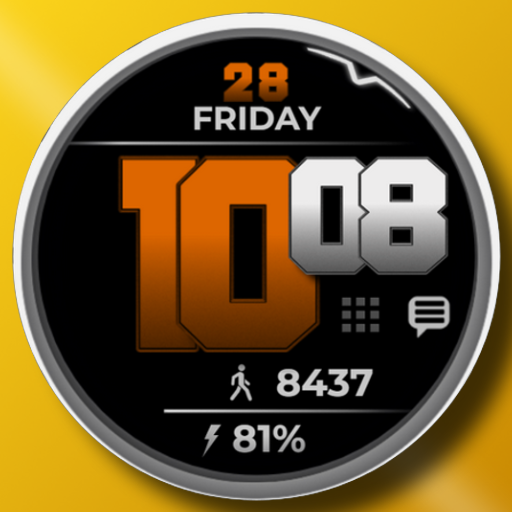
RACE - Big digital watch face
Free

Nature Digital XL Watch Face
Paid

MDS463 Digital Watch Face
Free

SamWatch Simple E 2022
Paid
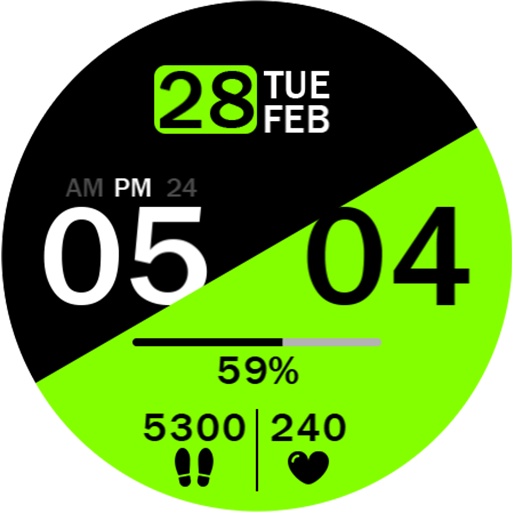
Key030 Digital Watch Face
Paid

ARS stacked
Paid

ML2U 105 Watch Face
Free

Dynamic Digits Watch Face
Paid

HMKWatch Digital 254
Paid

IWF Neon Pulse II watchface
Paid
Scan this QR code to download

Forwarding you to the page at Google Play market in seconds...
Open Google Play market now