
UsA Spatial Analog - USA162 vVARY
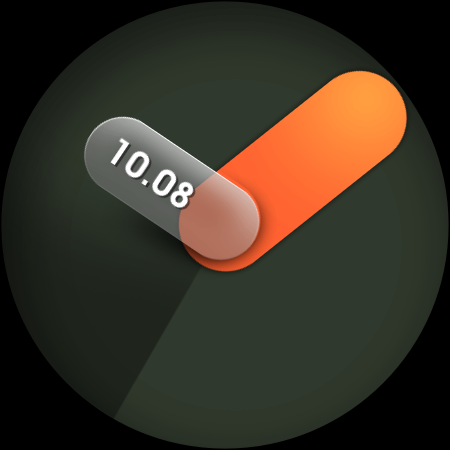
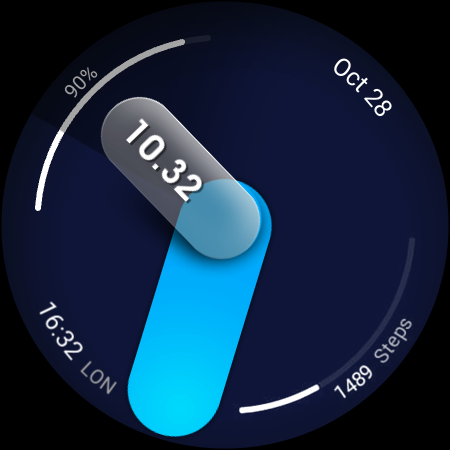
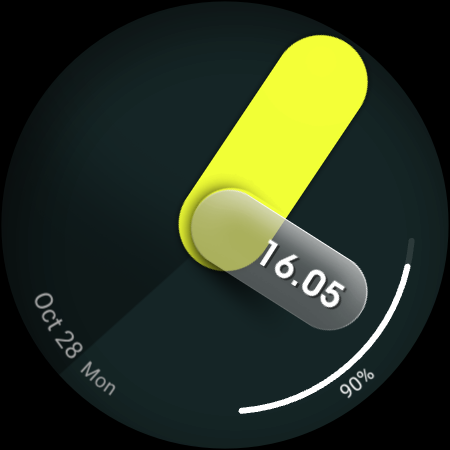
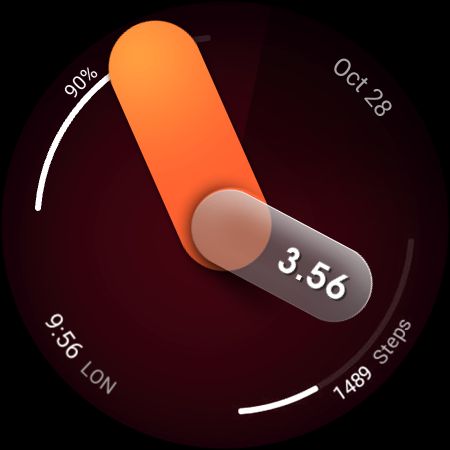
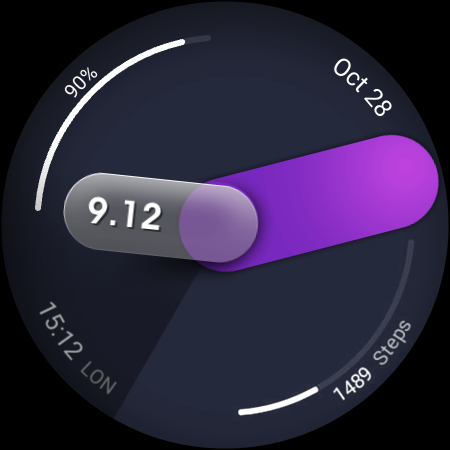
USA Design Watch Face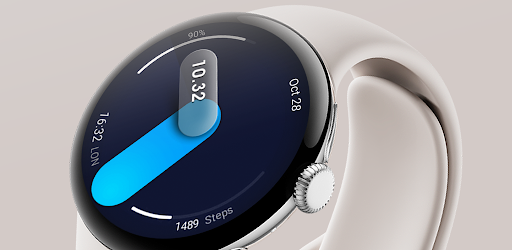


About this app
Developer Description
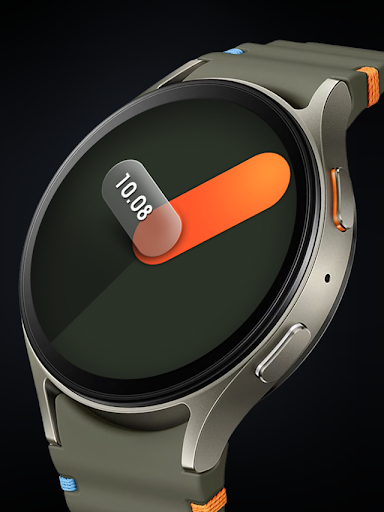
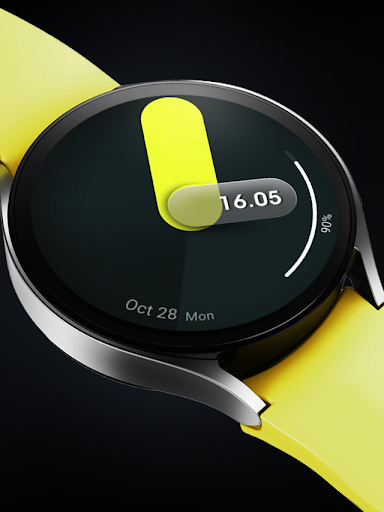
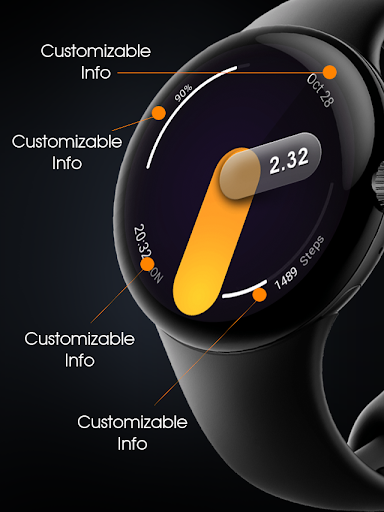
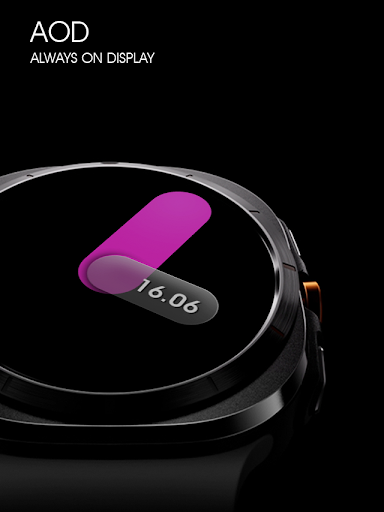
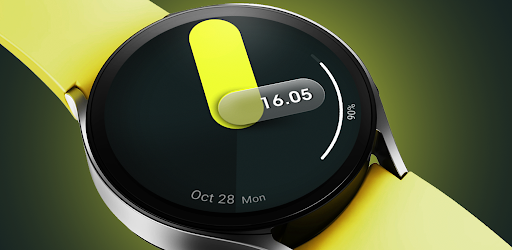
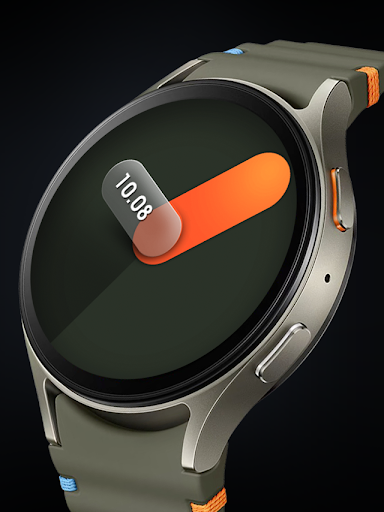
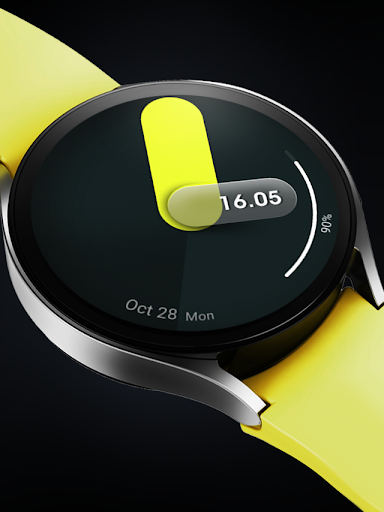
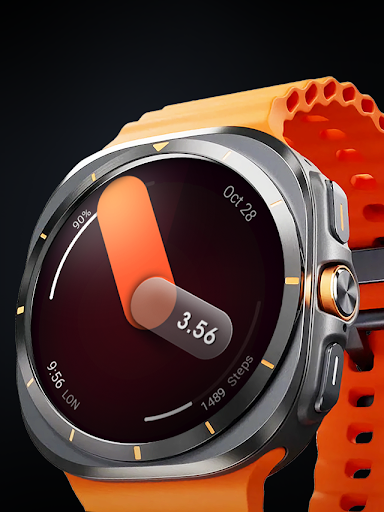
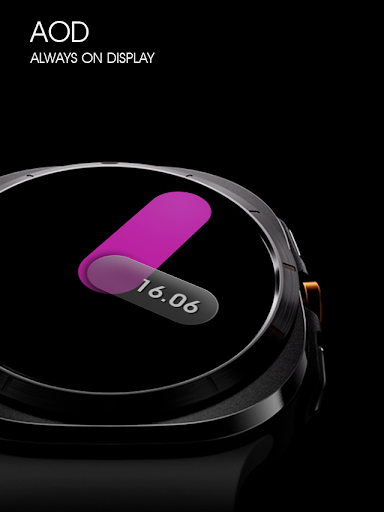
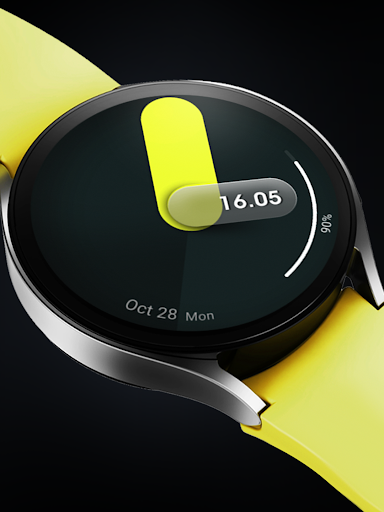
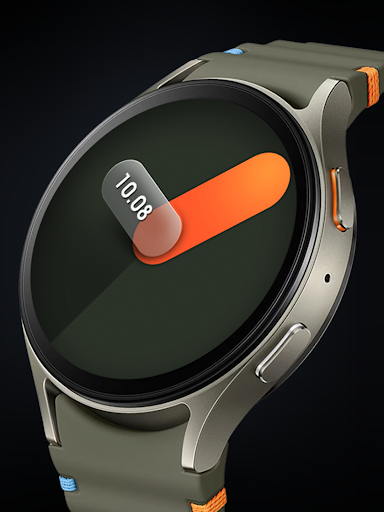
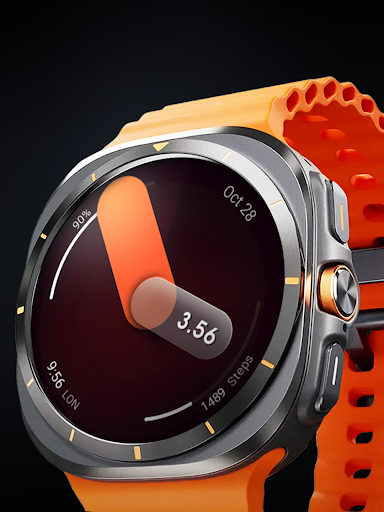
Spatial design in analog digital style for Wear OS
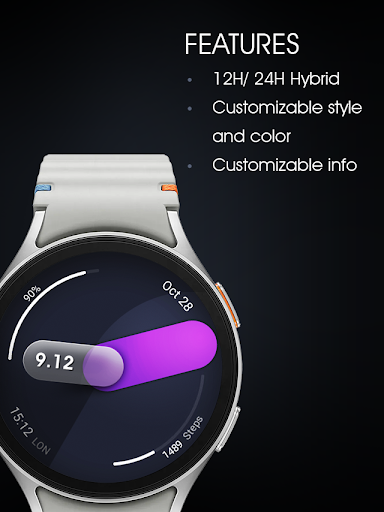
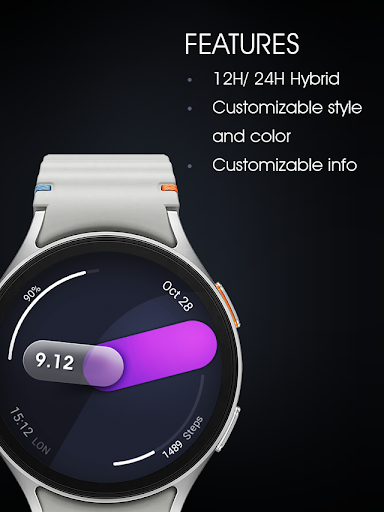
Features :
- Analog with digital clock (12/24HR support)
- Color styles
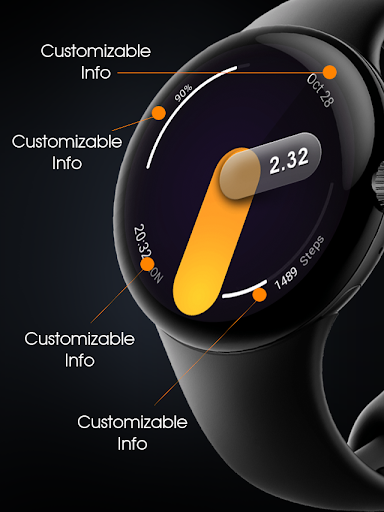
- 4 complication, you can set it to "none" to get the clean minimal design
Make sure you are purchasing using the same Google account registered on your watch. The installation should begin automatically on the watch after a few moments.
After the installation is completed on your watch, do these steps to open the watch face on your watch :
1. Open the watch face list on your watch (tap and hold the current watch face)
2. Scroll to the right and tap "add watch face"
3. Scroll down and find new installed watch face in the "downloaded" section
Installation and troubleshooting guide here:
https://developer.samsung.com/sdp/blog/en-us/2022/11/15/install-watch-faces-for-galaxy-watch5-and-one-ui-watch-45
Join our Telegram group for live support and discussion
https://t.me/usadesignwatchface
What's New
Version Information
- Version
- -
- Downloads
- 1K+
- Updated on
- Oct 28, 2025
- Released
- Aug 20, 2024
- Requires
- Android Varies with device
Statistics
Google Play Rating History
Rating Distribution
Downloads Over Time
UsA Spatial Analog - USA162 has been downloaded times. Over the past 30 days, it averaged downloads per day.
Shaded area shows 30-day prediction based on historical trends
Historical data collection started recently. More data points will be available over time.
UsA Spatial Analog - USA162 users say on Google Play
 Zoilo Rivera
Finally a nice watch face for my galaxy watch 7.. Looks very nice
 tristan teav
Would be perfect if you could add a 2nd AOD with everything showing just dimmed for more information at a glance. Some people including myself like to have AOD on all the time and tilt to wake off. If added in update would be perfect.
ApkTrusted Ratings & Reviews
More from USA Design Watch Face
See more apps
UsA Circular Analog - USA146
Paid

UsA Blazing Digital - USA144
Paid

UsA Bigger Watch Face - USA122
Paid

UsA Bigger Hybrid - USA123
Paid

UsA Golden Flower - USA157
Paid
UsA Circle Bar - USA121
Paid
UsA Butter Animated - USA154
Paid

UsA Balancia - USA112
Paid

UsA Balancia Neo - USA178
Paid

UsA Big Color - USA101
Paid
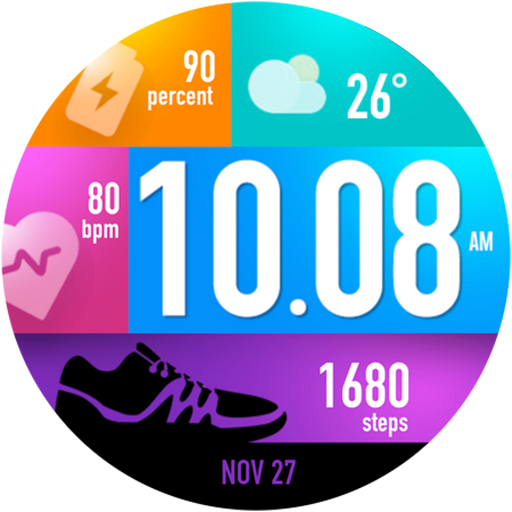
UsA Bubblegum Tiles - USA139
Paid

UsA Chalk - USA126
Paid
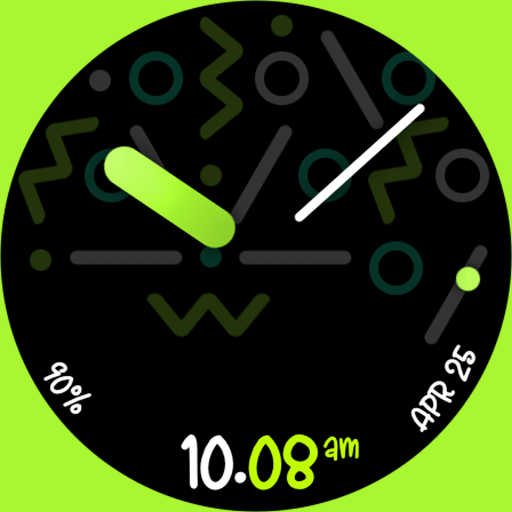
UsA Butter Analog - USA155
Paid

UsA Circle Bubble - USA118
Paid

Santa Christmas Snow - USA135
Paid
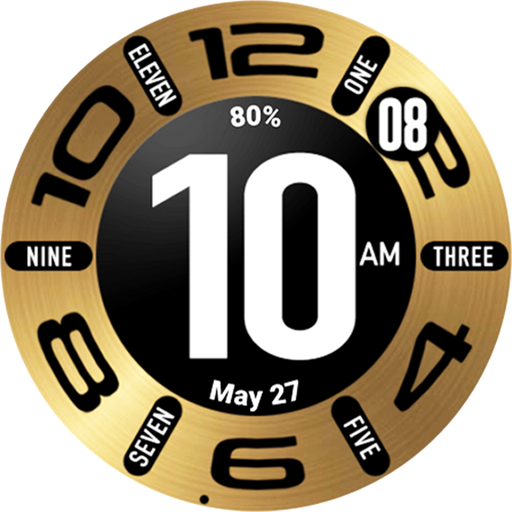
UsA Circular Classic - USA148
Paid
Similar Apps

Shadow Hour Watch Face
Free

Time Spectrum Watch Face
Free

PrismaArc SH16
Paid
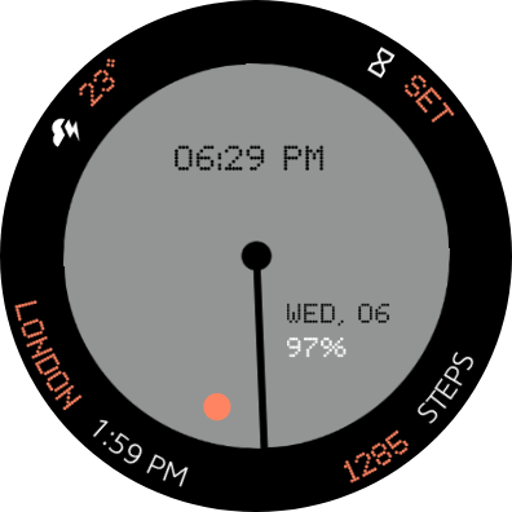
Nothing cmf Watch Face
Paid
Color Ribbon Watch Face
Paid

Bloom watch face for Wear OS
Free

ISAAC WATCH HJ600 White
Paid

Minimal - Watch Face
Paid

CC Analog Informer 02
Paid

ZKinWatch Dark Grey Ink Orange
Free

Fitness Watch Face
Paid

Fitness Watch MB404
Paid

OMG Orbit
Paid
Outer Rim Watch Face
Paid

Analogue Watch Face CRC082
Paid
ToGo CLD Sport - Watch Face
Paid
Scan this QR code to download

Forwarding you to the page at Google Play market in seconds...
Open Google Play market now