
Vimeo Create - Video Editor v1.27.4
Vimeo.com, Inc.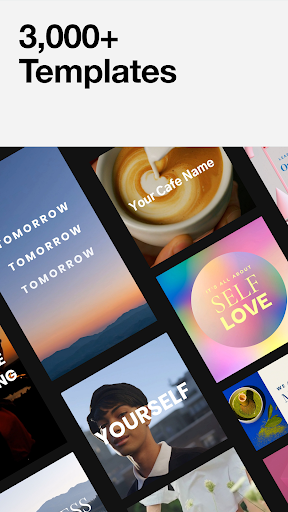










About this app
Vimeo Create - Video Editor solves the problem of complex video editing by providing a user-friendly interface with features like music, transition effects, and stickers, making it ideal for content creators and small businesses who want to produce high-quality videos without extensive editing experience. Compared to alternatives in the Video Players category, Vimeo Create stands out with its powerful editing capabilities and seamless integration with the Vimeo platform. However, it may fall short in terms of advanced features and customization options compared to professional video editing software. With its excellent user rating and large download base, Vimeo Create has established itself as a top-tier app in its category.
Pros
- Vimeo Create - Video Editor has an excellent user rating of 4.5/5, indicating a high level of user satisfaction with its features and performance.
- The app has a large download base of over 5 million users, providing social proof of its effectiveness and popularity.
- Vimeo Create offers a wide range of features, including music, transition effects, and stickers, making it a versatile video editing tool.
- The app is developed by Vimeo.com, Inc., a reputable company with a strong track record of producing high-quality video-related products.
Cons
- One concern with Vimeo Create is its monetization model, which includes in-app purchases ranging from $6.99 to $59.99 per item, potentially leading to a fragmented user experience.
- The app's content rating of Mature 17+ may be a concern for some users, particularly those who intend to use the app for family-friendly or educational purposes.
- Some users may find the app's feature set limited compared to professional video editing software, which could be a drawback for advanced users.
Best for: The ideal user for Vimeo Create - Video Editor is a content creator or small business owner who wants to produce high-quality videos without extensive editing experience, and is looking for a user-friendly and versatile video editing tool that can help them create engaging content for social media, marketing, or educational purposes.
Developer Description
Powerful video editing app with music, transition effects, stickers and more
Create wherever, whenever.
Start creating with our easy video maker for free and do it on any device. Download the Vimeo Create app to pick up where you left off and create video online with: phone, tablet, or desktop — anytime, anywhere.
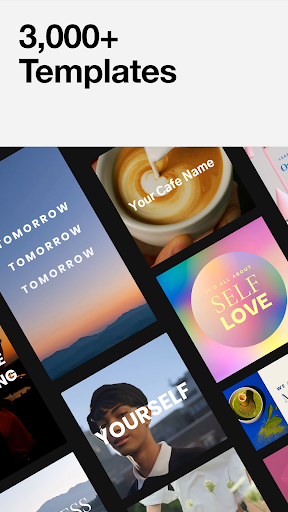
Templates to match any message.
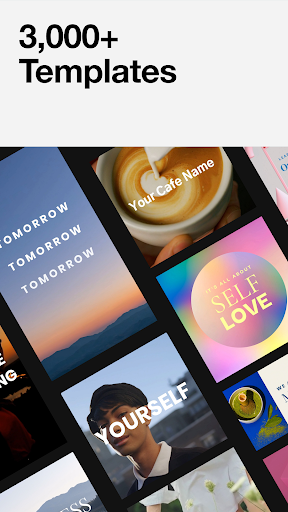
Explore over 3,000 + ready-made video templates. Each one has been professionally designed so no matter what type of video you need, our video creation software makes it easy. From: social ads, sales announcements and Instagram Stories, to bridal shower and birthday invitations — we’ve got you covered.
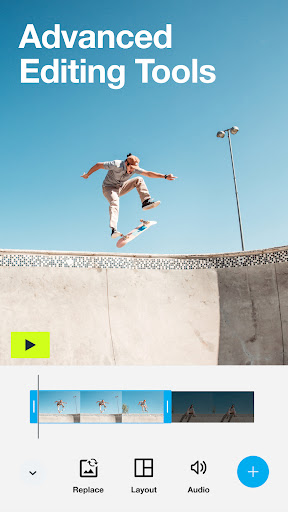
Powerful video making tools.
• Precision timeline editing
• Crop + fit media
• Snap to grid guidelines
• Easy audio with Cutaways
Advanced customization.
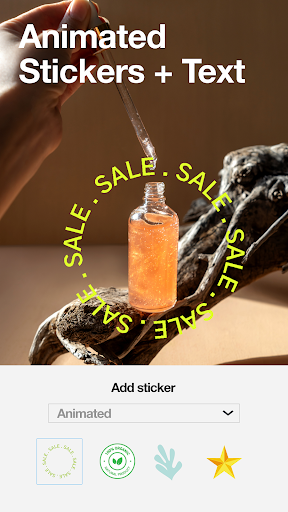
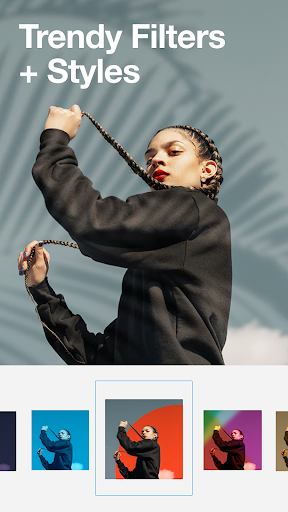
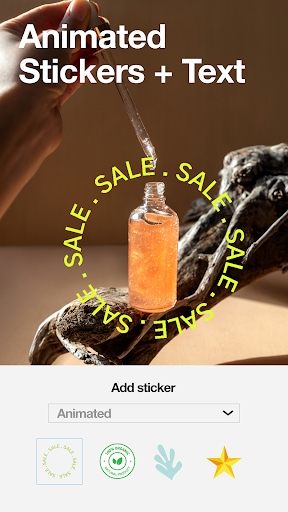
• Choose a style, sticker and soundtrack to fit any mood.
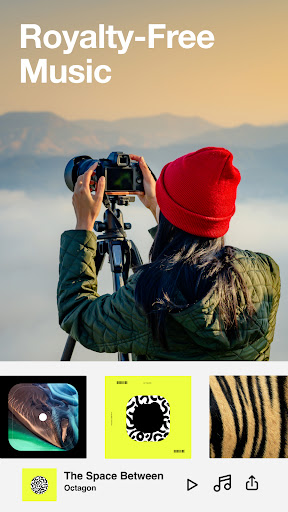
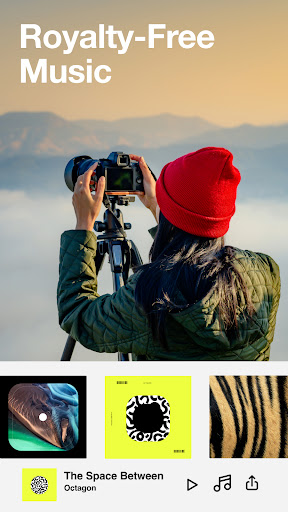
• Select a soundtrack from our licensed library
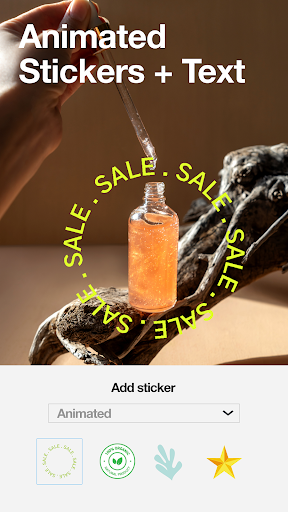
• Stand out with stickers
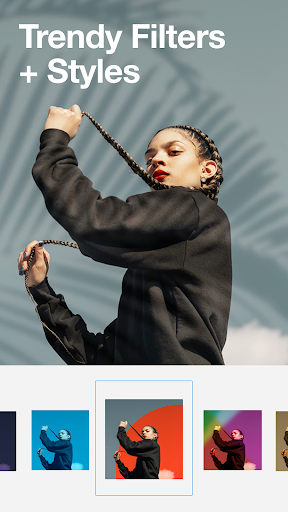
• Choose from exclusive filters and styles
• Make it move with sticker and text animations
Upgrade to unlock even more.
--
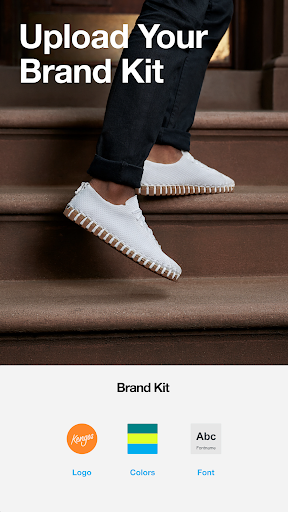
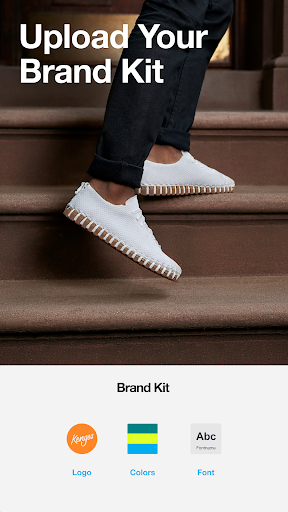
Create consistency for your brand.
Make a video by uploading your own stickers, brand colors, custom logos, and get access to even more marketing features, available when you upgrade.
Unlock unlimited.
Access to millions (yes, millions) of stock clips, hundreds of professional templates, and even more powerful video tools by making the jump to Vimeo Pro or higher. Upon confirmation of purchase, the amount will be charged to your iTunes account. You can always review the total price before completing payment.
Depending on your subscription, Vimeo Plus will renew monthly or annually, and pricing will vary by the subscription type and by country. Once your free trial ends (if any), you will be charged a subscription fee (plus any tax) per subscription period until you cancel. To avoid renewal, you must disable auto-renew at least 24 hours before your subscription ends. You can turn off auto-renew at any time from your Google Play account settings.
--
Use our online video maker for:
• TikTok ads and tutorials
• Testimonial maker
• Seasonal events and occasions
• Instagram story editor, and story highlights maker
• Create Facebook posts & Facebook video covers
• Youtube intros and outros, and Youtube ads
• Make video invitations, photo slideshows
• Corporate training and onboarding
• Business resume, presentation maker
• Motivational quote videos
• Any event: birthday card maker, wedding invitation maker, online invitation creator
• Recapping adventures: travel videos, blogging, vlog video editor
Connect with us on social:
Follow us @VimeoCreate
Video creator: show us what you #madewithvimeo
Have feedback for us?
Vimeo is full of actual humans who’d love to listen. Go to vimeo.com/help/contact to get in touch.
Terms of Service: https://vimeo.com/terms
Privacy Policy: https://vimeo.com/privacy
Privacy
Given that Vimeo Create - Video Editor requires no permissions, it is a relatively safe app to use, with minimal risk of data collection or privacy breaches. However, users should still be cautious when creating an account or linking their Vimeo profile, as this may involve sharing personal data. To stay safe, users should review Vimeo's privacy policy and adjust their account settings accordingly.
Tips
To get the most out of Vimeo Create, users should start by exploring the app's various features and templates, and then experiment with different editing techniques to find what works best for their content. Additionally, users can optimize performance by closing other resource-intensive apps while using Vimeo Create, and take advantage of the app's offline capabilities to work on projects without an internet connection.
What's New
Please reach out to our support team at https://vimeo.com/help/contact if you experience any issues.
In-app purchases
$6.99 - $59.99 per item
Version Information
- Version
- 1.27.4
- Downloads
- 5M+
- Updated on
- Mar 11, 2025
- Released
- Feb 25, 2020
- Requires
- Android 8.0
Statistics
Google Play Rating History
Rating Distribution
Downloads Over Time
Vimeo Create - Video Editor has been downloaded times. Over the past 30 days, it averaged downloads per day.
Shaded area shows 30-day prediction based on historical trends
Historical data collection started recently. More data points will be available over time.
Vimeo Create - Video Editor - Google Play Rankings
Top Rankings
| Rank | Country | Category | List | Change |
|---|---|---|---|---|
| — |
Ranking History in
No ranking data available yet. Rankings are updated daily.
#67 in Top Grossing Video Players in United States

#80 in Top Grossing Video Players in United Kingdom
 Video Downloader Proxy Browser
Vimeo Create - Video Editor
Video Downloader Proxy Browser
Vimeo Create - Video Editor
 VidClothes- AI Video Generator
#116 in Top Grossing Video Players in Canada


#135 in Top Grossing Video Players in Australia


Vimeo Create - Video Editor users say on Google Play
 Rachel Pace
I tried making a video with small clips and photos on Google Photos for social media. Wouldn't save no matter what I did. Frustrated, I tried this out. It can access Google photos and is super simple to crop and rearrange. Took 5 hours and failed on Google. Took 10 minutes and I'm happy with the video on vimeo. I will be purchasing.
 Erin Renée Roberts
had vimeo create make a quick video from these photos and videos i made...extremely satisfied. the pre approved music worked perfectly! ive been getting flagged for using copyrighted music in the past, or have had a hard time finding the right software to get a legal clip of the song I wanted...so YES! I will be using that part of vimeo create again!
 Madelyn
Not the best video editor.
 Wilfredo Ortiz
What happened to all of the transition it use to have at the beginning when I went pro. None of them exist anymore. It's been this way for over a year now. I'm not enjoying Vimeo as much as I did when I upgraded to pro.
 Thao Nguyen
New app doesn't load. Once u press video maker it freezes and can't do anything.
ApkTrusted Ratings & Reviews
More from Vimeo.com, Inc.
See more apps
Similar Apps

Video Editor VideoShowLite
Free

Focus Video - Video Compressor
Free

Splice - Video Editor & Maker
Free

Fliki - AI Video Editor
Free

Boosted Ad Maker by Lightricks
Free

Veffex: Video effects, filters
Free

BeatSync: Photo & Music Videos
Free

Video Downloader Stream Saver
Paid

Vaulty : Hide Pictures Videos
Free

Snaphouss
Free

Promeo - Story & Reels Maker
Free
PicsKit Photo Editor & Design
Free

VLLO - Video Editor Vlog Edits
Free

Video Downloader
Free

Video Downloader - Story Saver
Free

GoCut - Effect Video Editor
Free
Scan this QR code to download

Forwarding you to the page at Google Play market in seconds...
Open Google Play market now