ClassicWIN Sport V2 Watch face vVARY
WinWatchfaces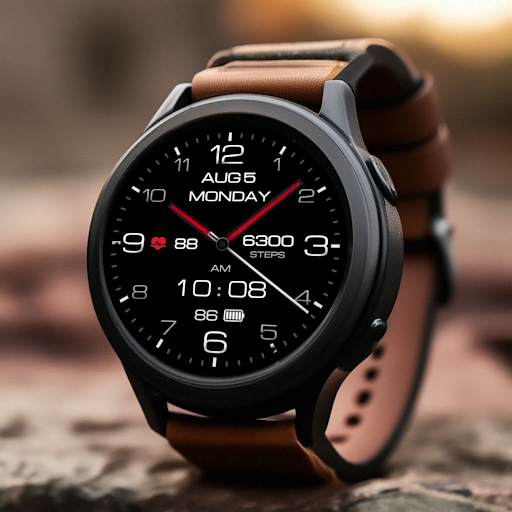










About this app
Developer Description
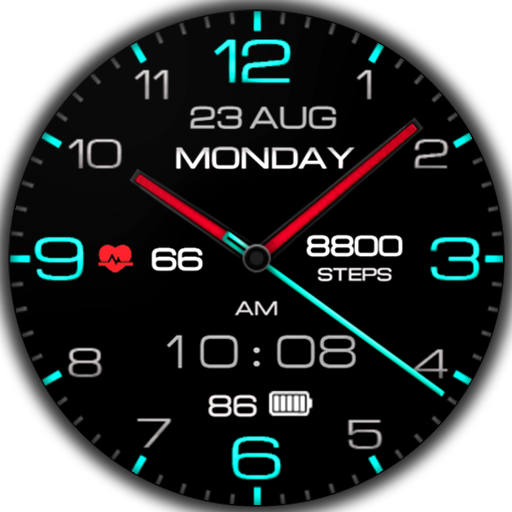
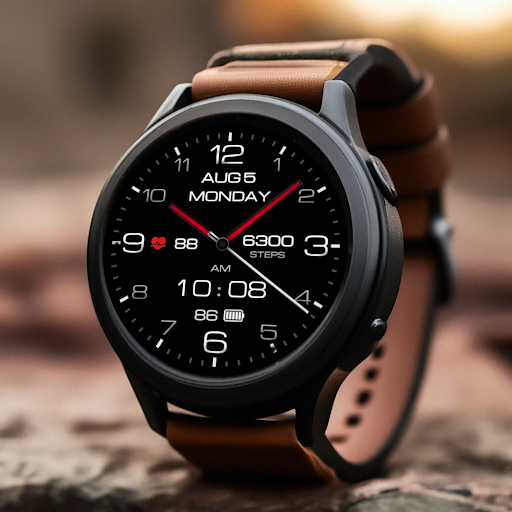
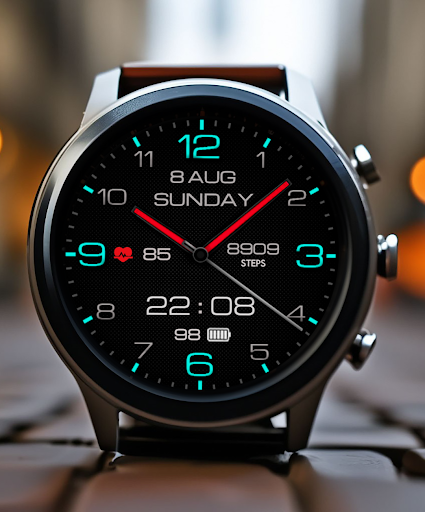
A sleek hybrid, sporty watch face for Wear OS
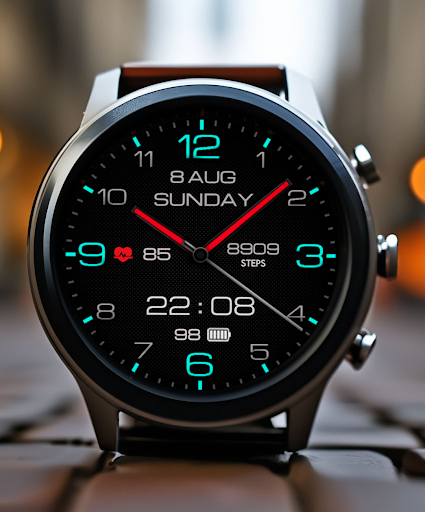
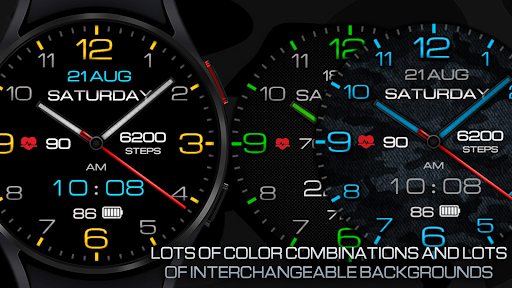
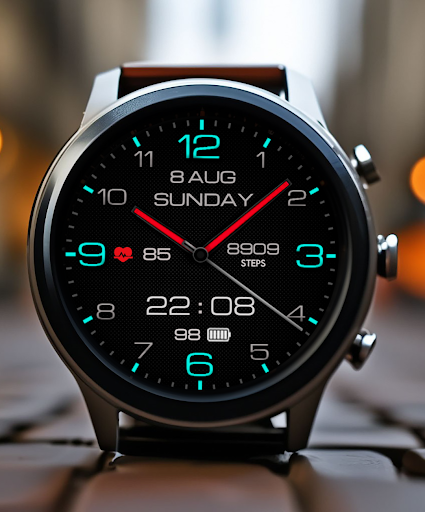
A sleek hybrid, sporty watch face for Wear OS that's the perfect blend of classic analog styling and modern digital functionality. Features customizable complications for a sophisticated yet sporty look. Perfect for everyday use.
This watch face supports all Wear OS devices with API level 30+, such as Samsung Galaxy Watch 4, 5, 6, 7, Pixel Watch, etc.
Basic moments
- A high resolution;
- Digital time in 12\24 hour format.
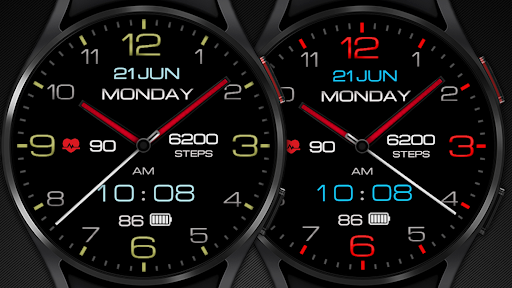
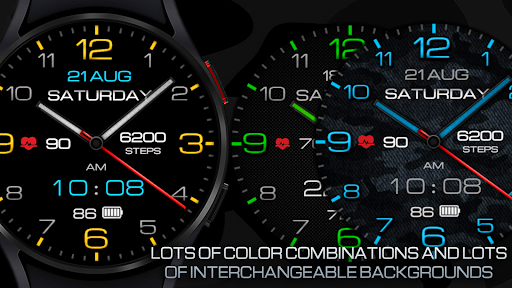
- Changeable colors
- Change the color of the hour and minute hands
- Ability to change Styles (backgrounds)
- Custom complications
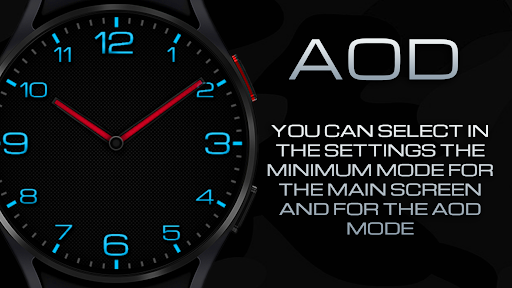
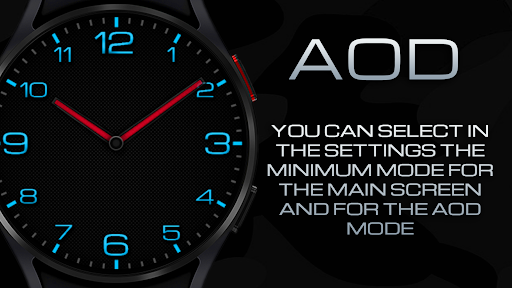
- AOD mode full and minimal
- NOTES FOR INSTALLING WATCH FACE -
If you have problems with installation, please follow the instructions: https://bit.ly/infWF
Settings
- To customize your watch face, simply touch and hold the display, then tap the Customize button.
- IMPORTANT - since there are many settings here, it is better to configure the watchface on the watch itself as shown in the video: https://youtu.be/YPcpvbxABiA
Support
- Contact srt48rus@gmail.com.
Check out my other watch faces in the Google Play store: https://bit.ly/WINwatchface
What's New
- Added new custom complications (for example, probability of rain and others)
Version Information
- Version
- -
- Downloads
- 10K+
- Updated on
- Oct 4, 2025
- Released
- Sep 20, 2021
- Requires
- Android Varies with device
Statistics
Google Play Rating History
Rating Distribution
Downloads Over Time
ClassicWIN Sport V2 Watch face has been downloaded times. Over the past 30 days, it averaged downloads per day.
Shaded area shows 30-day prediction based on historical trends
Historical data collection started recently. More data points will be available over time.
ClassicWIN Sport V2 Watch face users say on Google Play
 Bruce Cox
Can't make changes on s22+ phone. When I go to customize using my phone, takes a very long time to load options. Couldn't find a way to remove the digital time display. Edit to my first post, after watching the video and trying it on the watch, bingo I can change it all, just took a little learning. I have dry hands, so licking my finger helped a lot. Very happy now, thank you.
 Tim Smalley
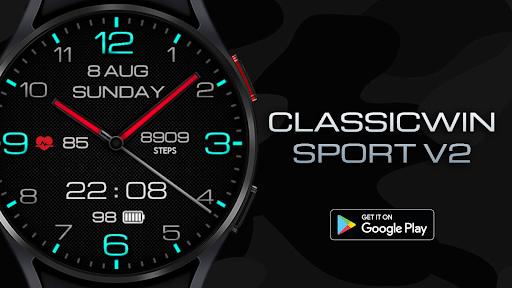
Very nice watchface with a couple of issues. Firstly, heart rate shows on the left of the face and steps on the right, but they are not centered vertically. I see on the photo here that the steps display actually says the word "steps" under the numbers, but it does not on mine, which may be contributing to the crooked appearance. Secondly, the watchface cannot be customized in the Pixel Watch app. If I try it just errors out, so I have to make any customizations on the watch itself.
 Don Boyer
Nice, and could easily be a five-star watch face if one issue was addressed. I am using a Galaxy watch 6 Classic, and a Samsung s23 Ultra, and both have the latest software installed. The Galaxy Wearable app, that is used to customize all other watch faces, will not launch with this face... It just continuously spins. You have to do all customizations on the watch, and that is a very small screen to adjust this many settings. If this issue is resolved I will gladly change my rating!
 Bill Cumming
Looks good in my Pixel Watch 2 but some of the readouts are not working: Step count, Heart rate & Battery level are all static numbers. Also the face can't be customised in the app as it crashes. If these issues are fixed it would be a 5 star, but can only give 2 in its current state
 Spinny
This is a beautiful watch face on my Fossil Gen 6 watch but impossible to customise. It is very buggy and freezes when trying to change the face. Shame because had I known would not have purchased this.
ApkTrusted Ratings & Reviews
More from WinWatchfaces
See more apps
Classic Minimal INF MOD
Paid

White Sports V2
Paid

Black Military 3
Paid

Dgt BigMod Informer Watch face
Paid
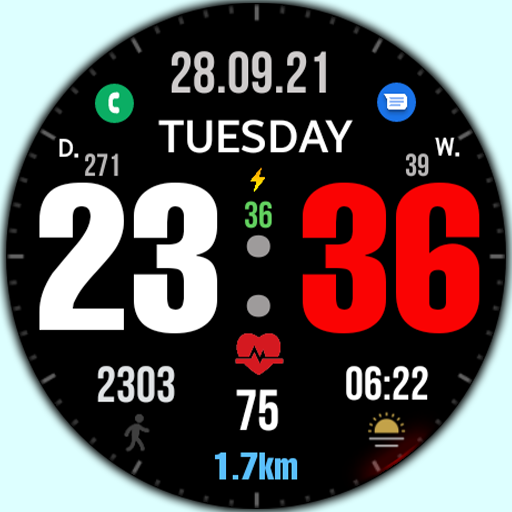
Big dgt mod 5M Watch face
Paid

WIN Super Minimal Black
Paid

Black practical MOD Watch face
Paid

Classic Hybrid DGT MOD
Paid

DGT Mod 3 Super digital
Paid

Classic 8 Informer Mod
Paid

Classic Mod M3 Watch Face
Paid
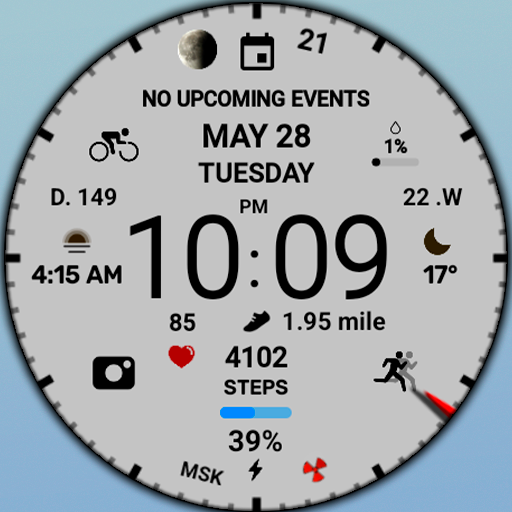
WIN White sports digital
Free

WIN - White Sports V3
Paid

Christmas Digital Watch Face
Paid

WIN - Space Cat Animated
Paid

Christmas snow globe Watchface
Paid
Similar Apps

NTV146 - Contrast watch face
Paid
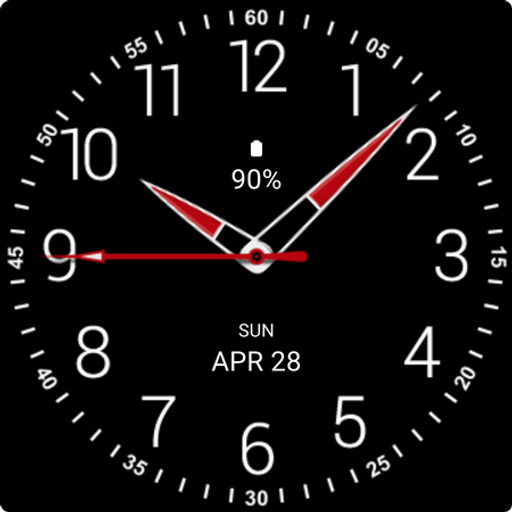
Black Analogue X Watch Face
Paid
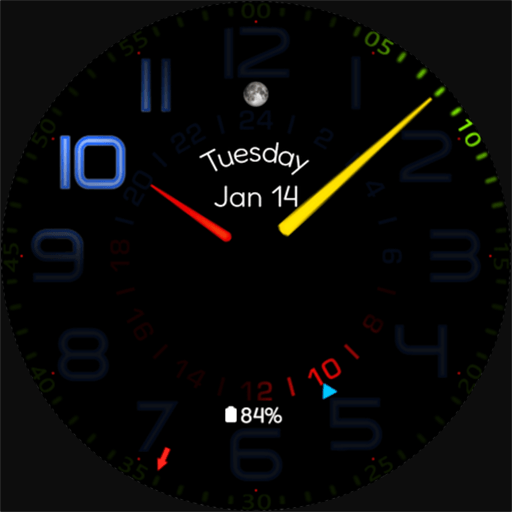
Lightsync
Paid
Black Max Analogue Watch Face
Paid
Tancha Simply Black
Paid

SamWatch Analog SIGN F 2022
Paid

SamWatch Simple Analog 18 2023
Paid

SamWatch Simple Analog 40
Paid

Elegant Style Watch Face
Paid

Black Analogue S Watch Face
Paid

NTV002 - Minimal II watch face
Paid
BLOS Classic URX101 Watch face
Paid

Regal Time Watch Face
Free
WES2 - Casual Watch Face
Free

Engraved Time Watch Face
Paid

Lumen 2
Free
Scan this QR code to download

Forwarding you to the page at Google Play market in seconds...
Open Google Play market now