
ZKin Watch Gray Dark Blocks vVARY
ZKin

About this app
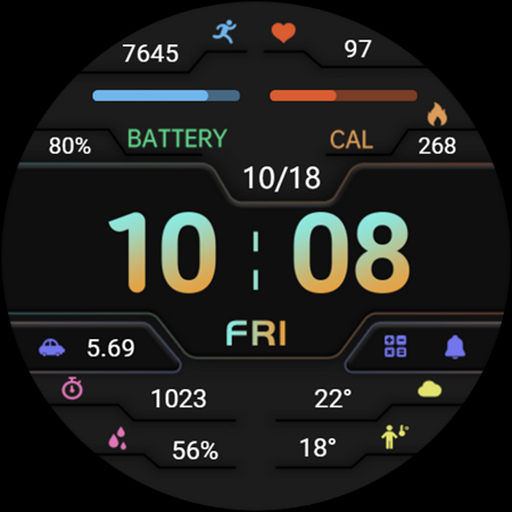
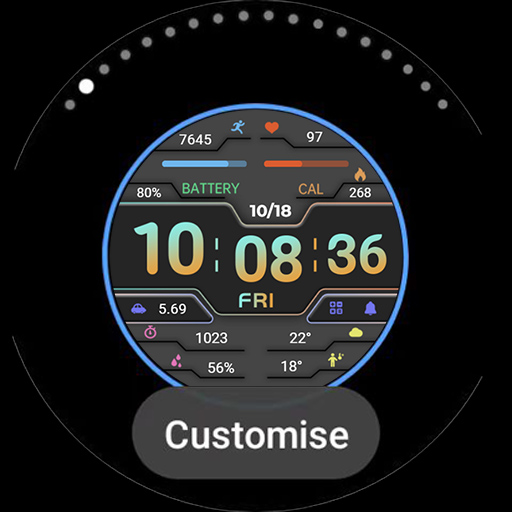
The ZKin Watch Gray Dark Blocks app solves the problem of limited watch face options for users, providing a unique and stylish design that benefits individuals who value customization and personalization. Compared to alternatives in the Personalization category, this app stands out with its simple and dark block design, but falls short in terms of functionality and features. The app's limited data and lack of user ratings make it difficult to assess its overall quality, but its paid model and ad-supported monetization may be a turn-off for some users. Overall, the app's unique design makes it a niche option for those seeking a specific aesthetic.
Pros
- The app's unique watch face design provides a stylish and modern look that may appeal to users who value customization and personalization.
- The paid model ensures that users can access the app's full features without interruptions, although the presence of ads may still be a drawback.
- The app's small size and varying Android requirements suggest that it may be compatible with a range of devices, making it accessible to a broader user base.
- The developer's email address provides a direct point of contact for users to report issues or provide feedback, which can be beneficial for troubleshooting and support.
Cons
- The app's limited data and lack of user ratings make it difficult to assess its overall quality and reliability.
- The presence of ads in a paid app may be a turn-off for some users, who may feel that they are being nickel-and-dimed.
- The app's limited functionality and features may not justify its price point, especially compared to more comprehensive personalization apps.
- The developer's lack of website and transparency may raise concerns about their reputation and trustworthiness.
Best for: The ideal user for this app is a tech-savvy individual between the ages of 18 and 40 who values customization and personalization, and is willing to pay for a unique and stylish watch face design, despite the presence of ads and limited functionality.
Developer Description
All dials:https://play.google.com/store/apps/dev?id=9082617204511160070
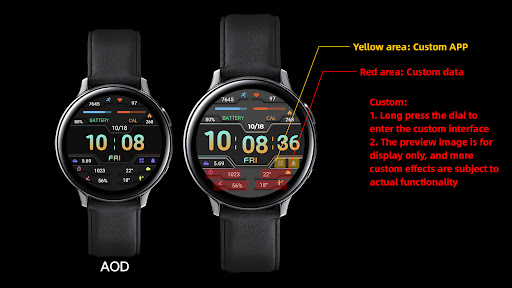
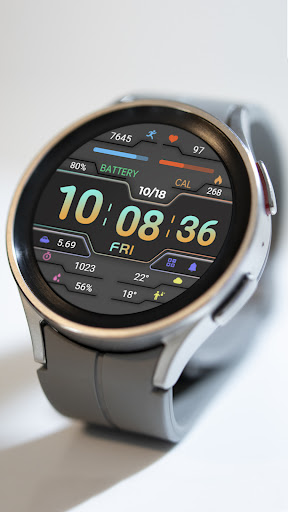
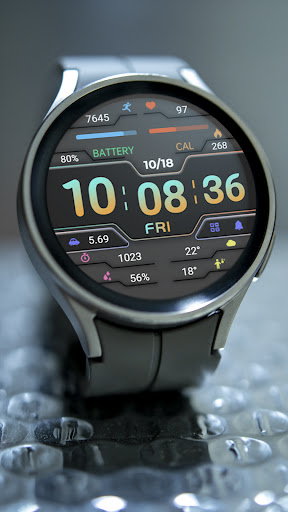
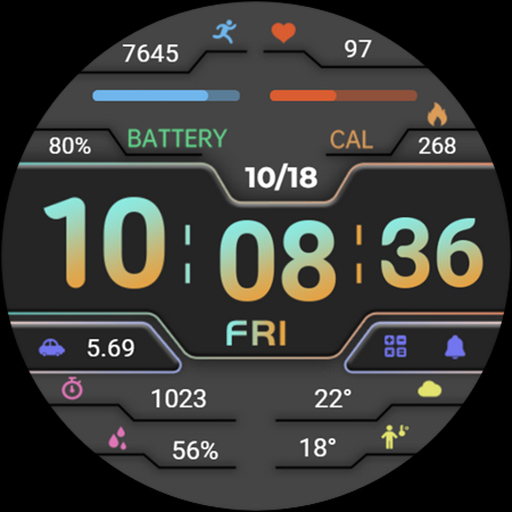
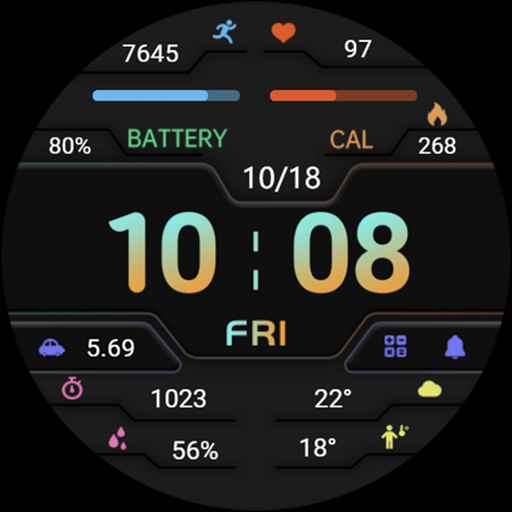
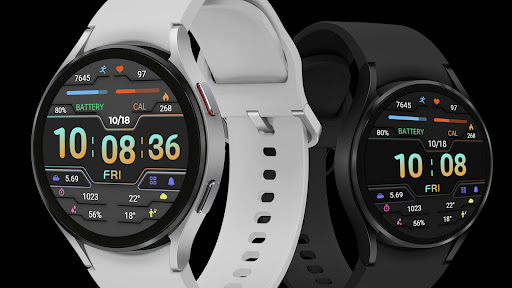
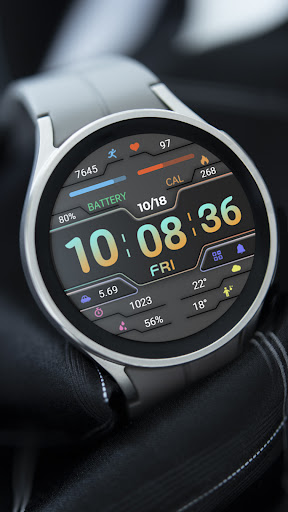
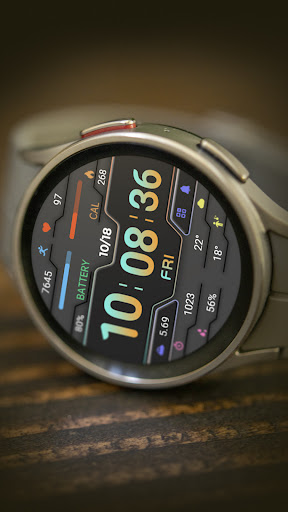
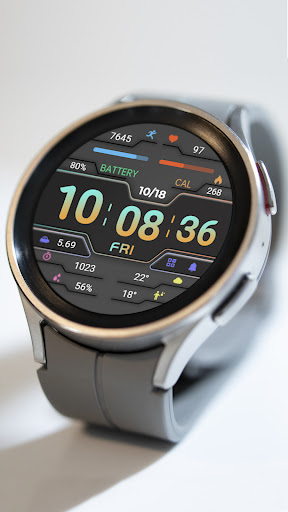
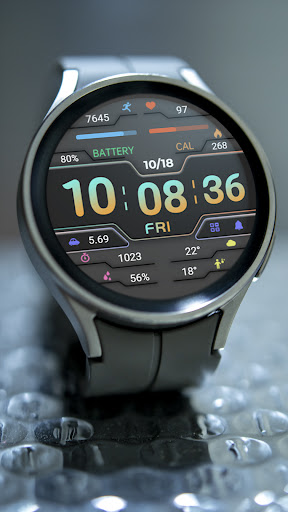
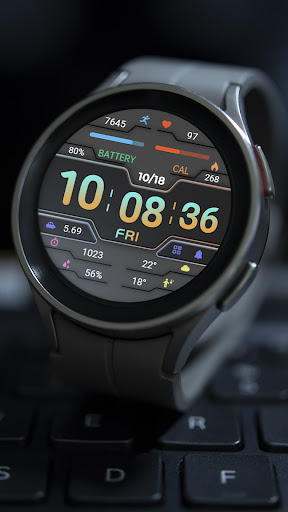
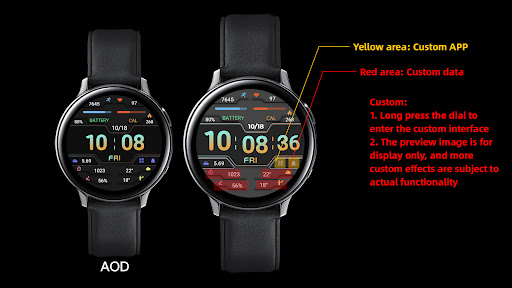
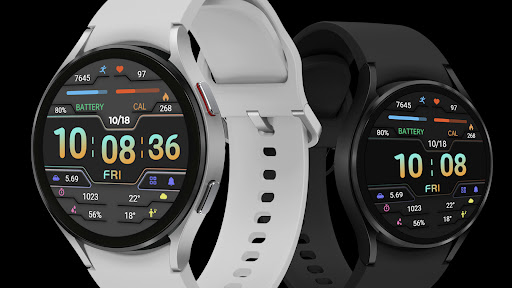
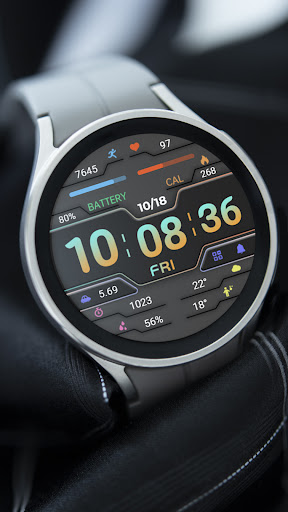
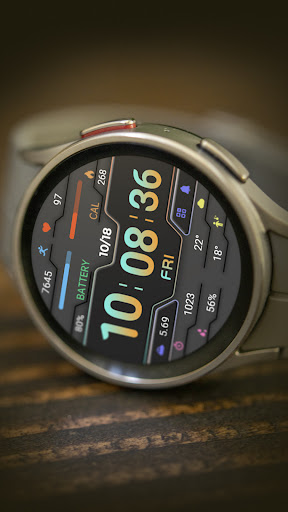
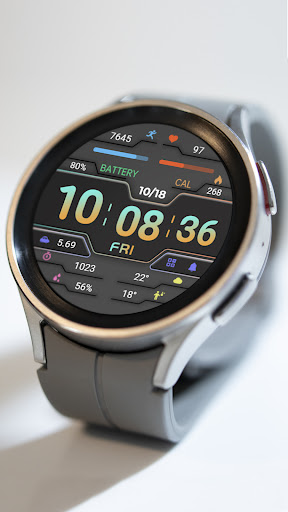
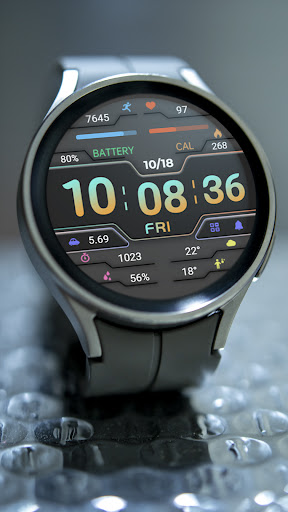
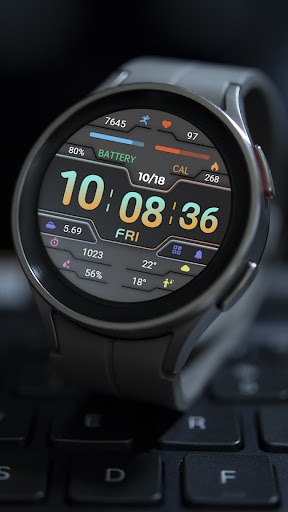
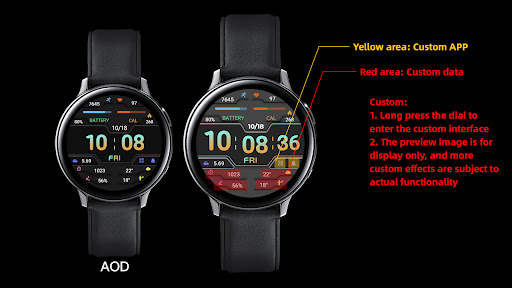
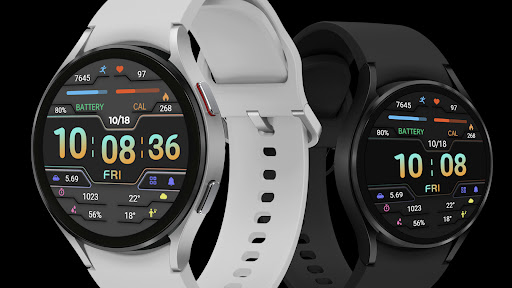
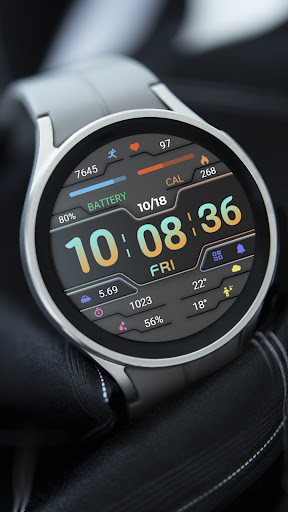
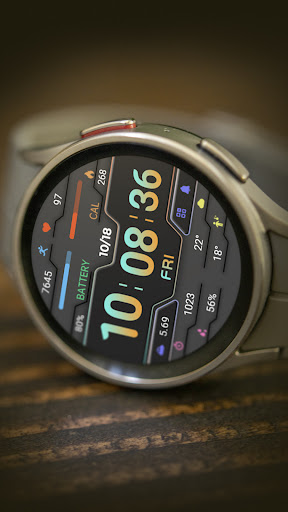
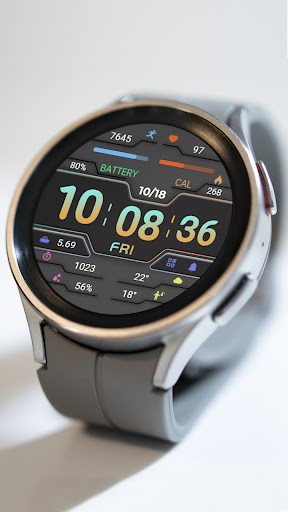
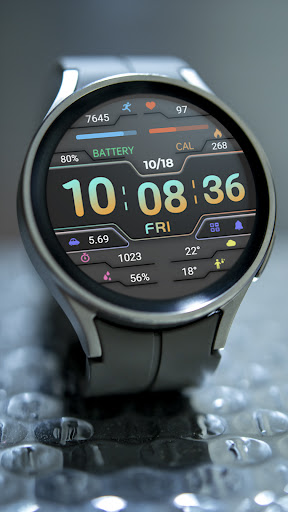
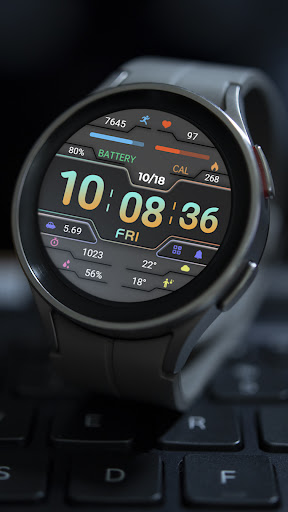
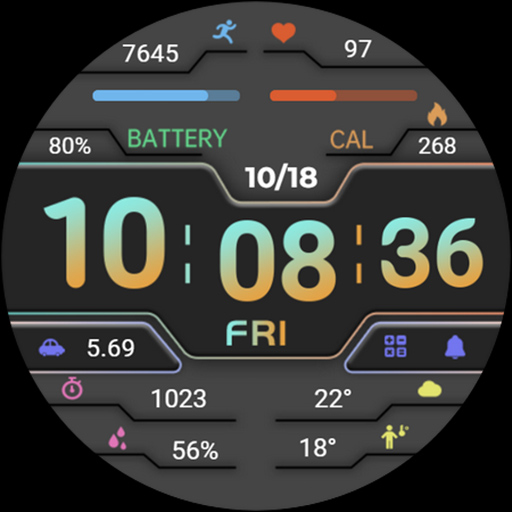
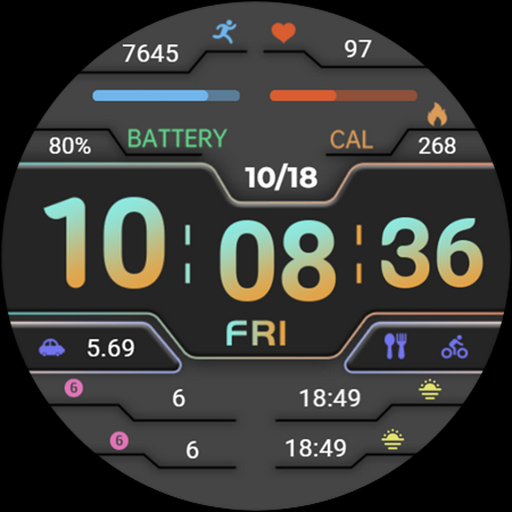
1. Top: Steps, Step Target Percentage Progress, Heart Rate, Heart Rate Percentage Progress, Battery Level, Calories
2. Central: Date, morning and afternoon, time, week, distance, custom app
3. Bottom: Custom Data
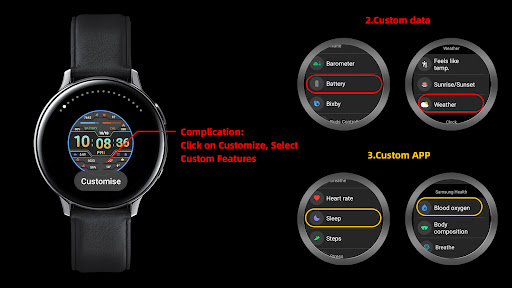
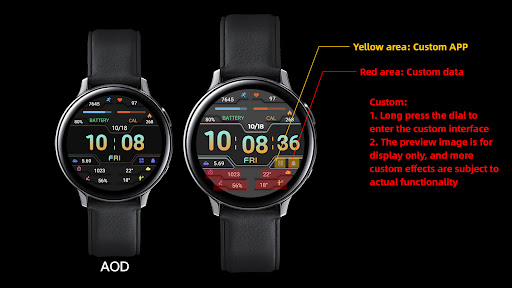
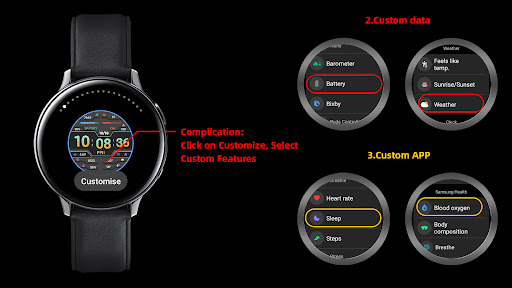
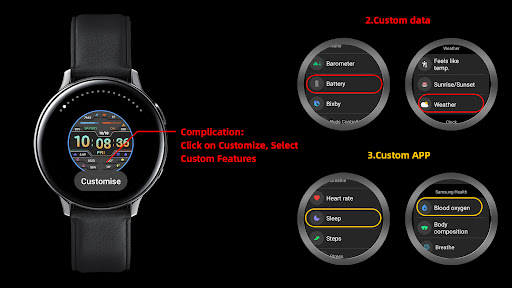
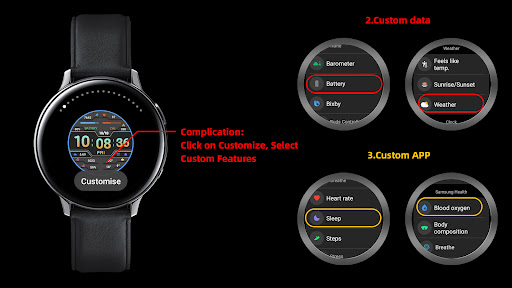
Customization: Multiple customization areas are available for selection
Compatible devices: Pixel Watch, Galaxy Watch 4/5/6/7 and above, and other devices
How do I install the watch face on WearOS ?
1. Install it from Google Play Wear Store on your watch
2. Install the companion app for fully customization (Android phone devices)
Privacy
Since the app requests no permissions, users do not need to worry about data collection or privacy implications. However, the presence of ads may still collect some user data, and users should be cautious when clicking on ads or providing personal information. To stay safe, users should review the app's terms and conditions and be aware of any potential data collection.
Tips
To get the most out of this app, users should first review the app's design and features to ensure it meets their needs. Users can also experiment with different watch face settings to find the perfect combination of style and functionality. Additionally, users should be mindful of the app's battery usage and adjust their settings accordingly to minimize any potential impact on their device's performance.
What's New
1. Top: Steps, Step Target Percentage Progress, Heart Rate, Heart Rate Percentage Progress, Battery Level, Calories
2. Central: Date, morning and afternoon, time, week, distance, custom app
3. Bottom: Custom Data
Customization: Multiple customization areas are available for selection
Compatible devices: Pixel Watch, Galaxy Watch 4/5/6/7 and above, and other devices
Version Information
- Version
- -
- Downloads
- 100+
- Updated on
- Feb 24, 2025
- Released
- Feb 23, 2025
- Requires
- Android Varies with device
Statistics
Google Play Rating History
Rating Distribution
Downloads Over Time
ZKin Watch Gray Dark Blocks has been downloaded times. Over the past 30 days, it averaged downloads per day.
Shaded area shows 30-day prediction based on historical trends
Historical data collection started recently. More data points will be available over time.
ApkTrusted Ratings & Reviews
More from ZKin
See more apps
Green Triangle ZKin Watch
Paid
Practical Desktop ZKin Watch
Paid

ZKin Watch Astronaut Club
Paid

ZKin Watch Face Candy Puppy
Paid

Cherry Milk ZKin Watch
Paid

ZKin Colorful function black
Paid

Cyberpunk ZKin Watch
Paid

Dynamic Desktop ZKin Watch
Paid

Dynamic Blue ZKin Watch
Paid

Gradient Green ZKin Watch
Paid

ZKin Watch Half Of Life
Paid

Kevlar Machinery ZKin Watch
Paid

Mechanical Black Gold Wear OS
Paid

ZKin Watch Mechanical Fighter
Paid

Mechanical Dark Gold ZKinWatch
Paid

Mondrian Grid ZKin Watch
Paid
Similar Apps
WFP 132 Digital watch face
Paid
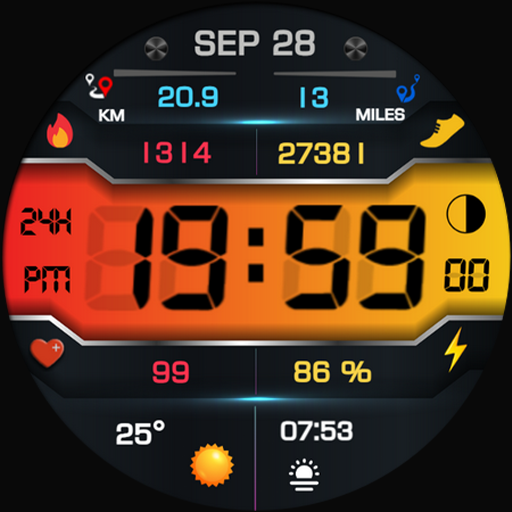
Cuppa Digital Watch Face
Paid

Athena Digital Watch Face
Paid

PRADO X81 Digital Watch Face
Paid

SamWatch Military Weather 2
Paid
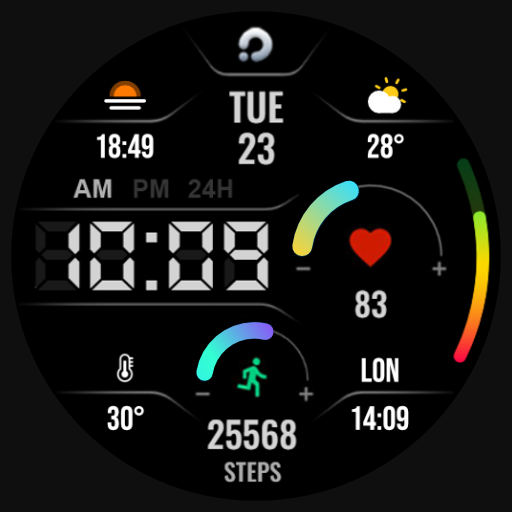
ACTIVE 11 Digital Watch Face
Paid

Ultimate Numbers
Free

PRADO 19 Digital Watch Face
Free

Aura Digital Watch Face
Paid
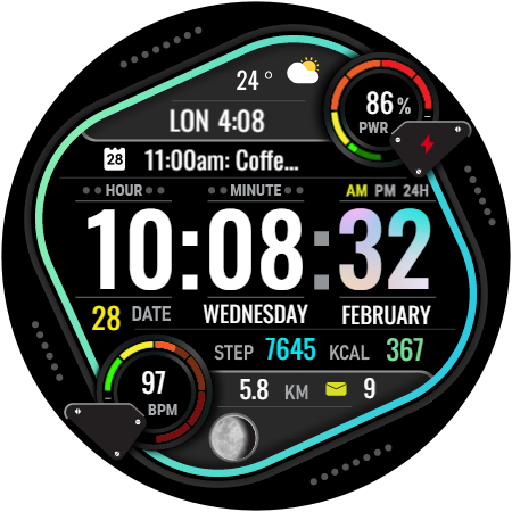
HKR023
Free

Digital Berulyk Watch Face
Free

Polaris: Digital Watch Face
Free
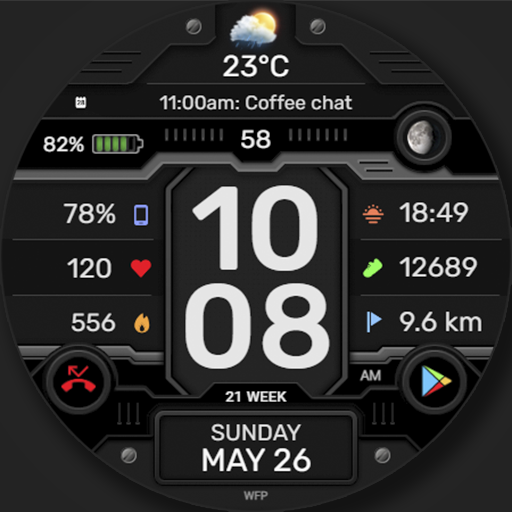
WFP 337 Digital watch face
Paid

DIGI IMUKI URX49 Watch face
Paid

Digital Neror Watch Face
Free

SamWatch FIT M 2024
Paid
Scan this QR code to download

Forwarding you to the page at Google Play market in seconds...
Open Google Play market now