
Aura Digital Watch Face vVARY
Pars Watch Faces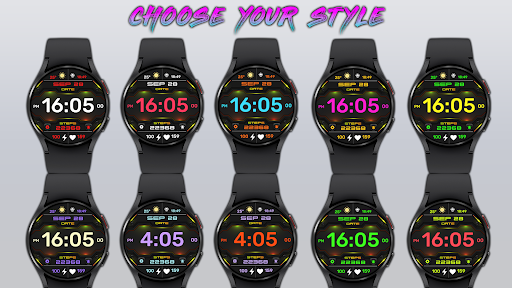

About this app
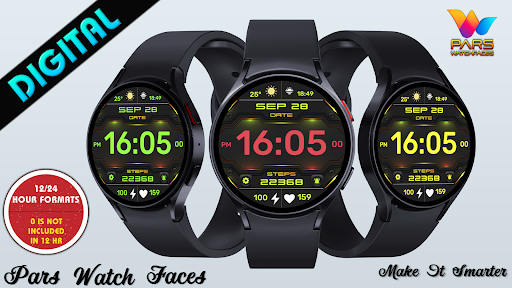
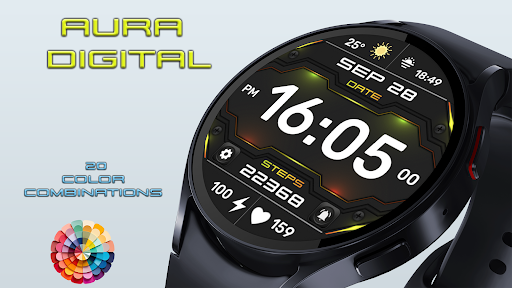
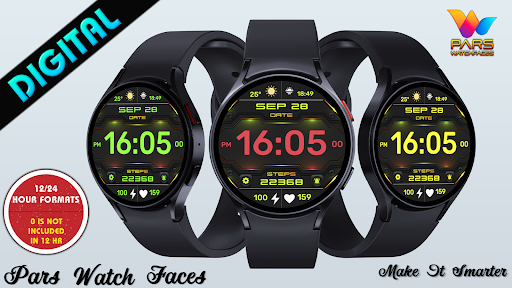
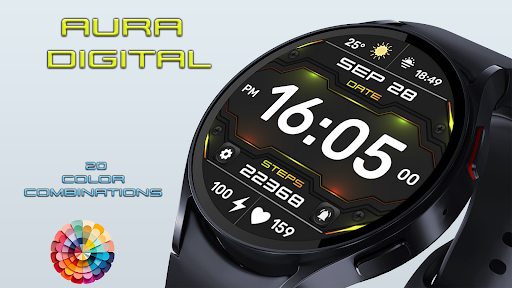
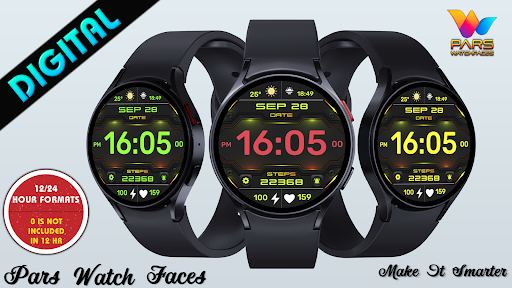
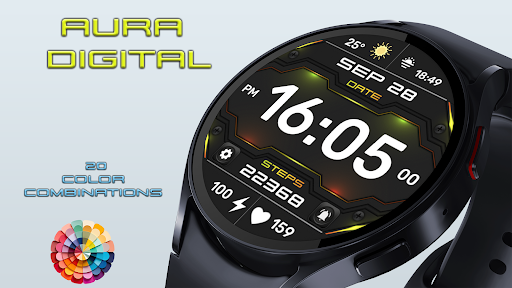
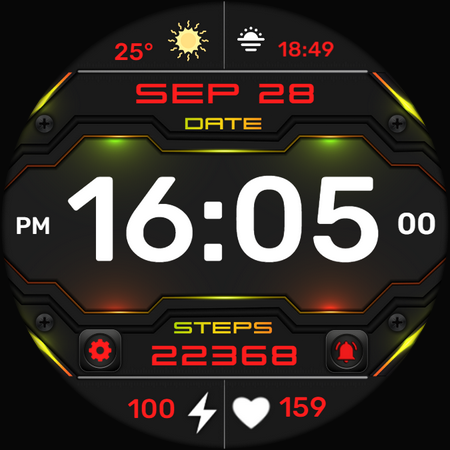
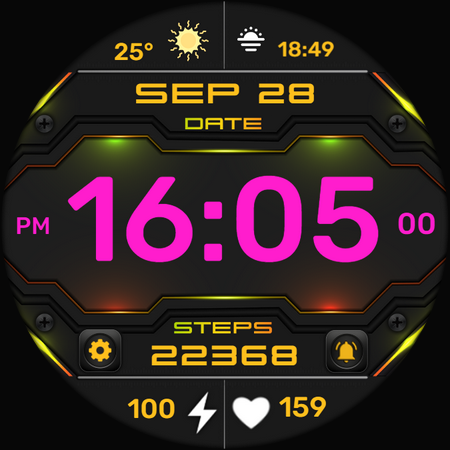
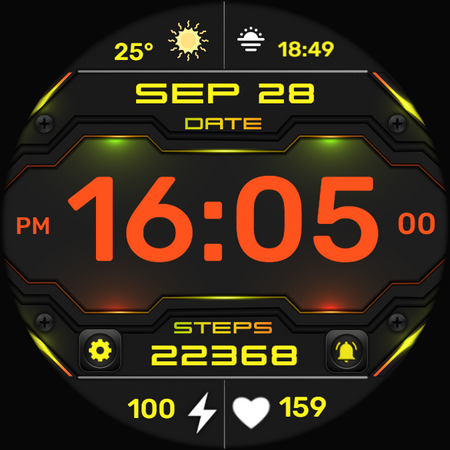
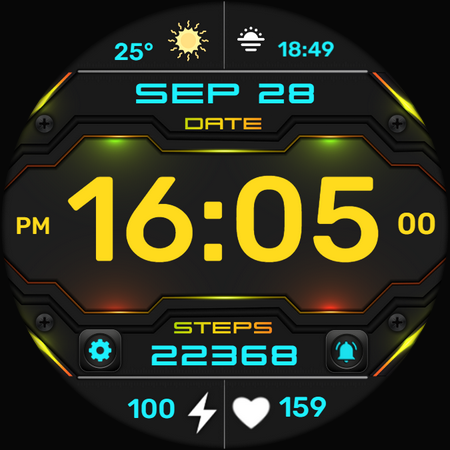
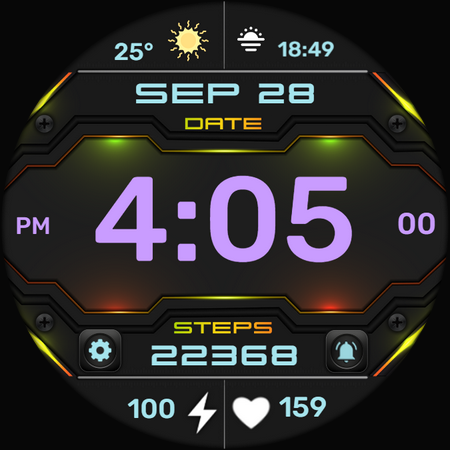
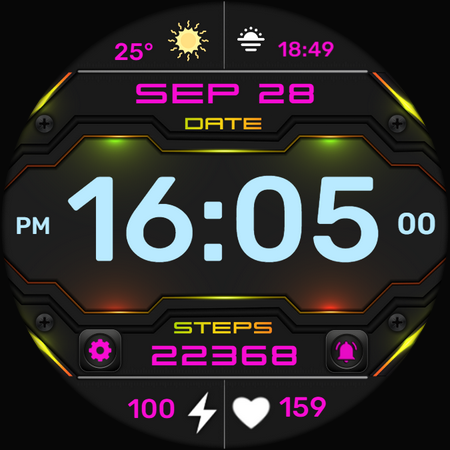
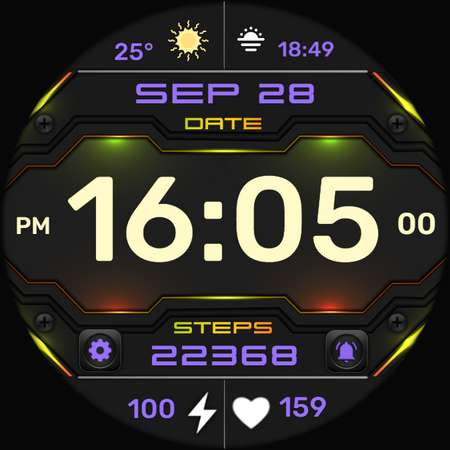
The Aura Digital Watch Face app solves the problem of bland and uninspiring watch faces by offering an elegant, stylish, and customizable digital watch face, making it ideal for users seeking to personalize their wearable devices. This app benefits users who value aesthetics and want to add a touch of personality to their smartwatches. Compared to alternatives in the Personalization category, Aura Digital Watch Face stands out due to its color customization feature, which allows users to match their watch face with their personal style. However, the lack of user rating data and limited downloads may raise concerns about its overall quality and popularity.
Pros
- The app's paid model of $0.99 ensures that users are not bothered with ads, providing a seamless and uninterrupted experience.
- The developer's website and email provide a clear channel for feedback and support, indicating a commitment to customer satisfaction.
- The app's small size and lack of required permissions suggest efficient coding and a low risk of battery drain or data consumption.
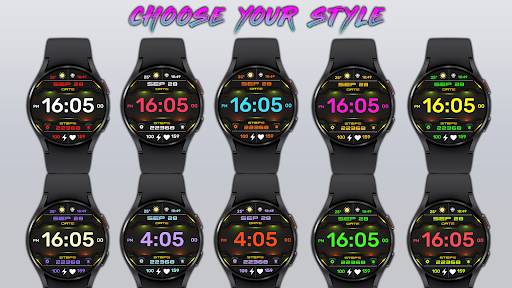
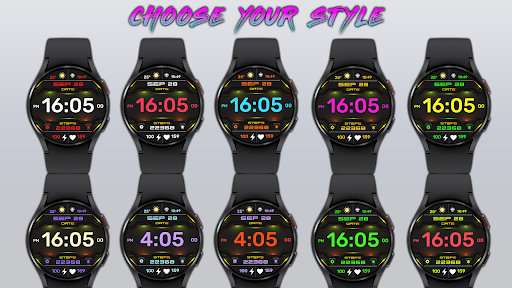
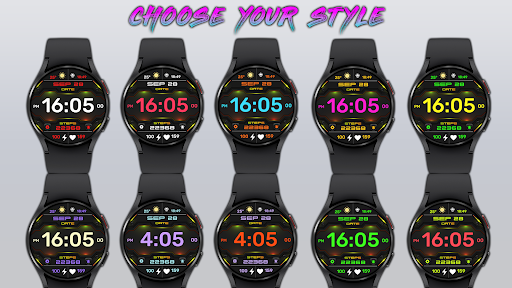
- The color customization feature allows users to personalize their watch face, which can enhance their overall user experience and satisfaction.
Cons
- The limited download numbers and lack of user rating data may indicate a limited user base and potential quality issues, which could be a concern for potential users.
- The app's version and size vary with the device, which may lead to inconsistencies in performance or functionality across different devices.
- The developer's reputation, although supported by a professional website, is not extensively proven through a large user base or significant download numbers, which may impact trust.
Best for: The ideal user for the Aura Digital Watch Face app is a tech-savvy individual, likely between the ages of 25 and 45, who owns a smartwatch, values customization, and is willing to pay a small fee for a high-quality, ad-free experience that enhances their wearable device's personalization and aesthetic appeal.
Developer Description
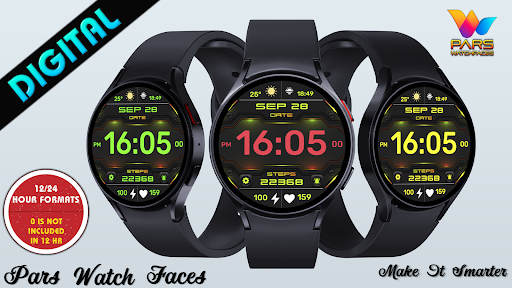
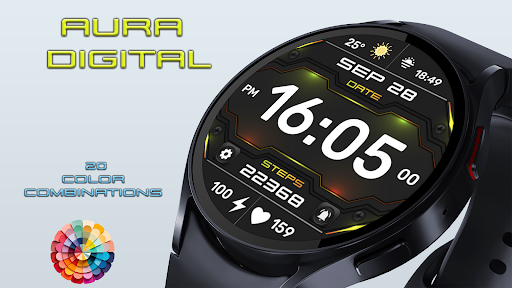
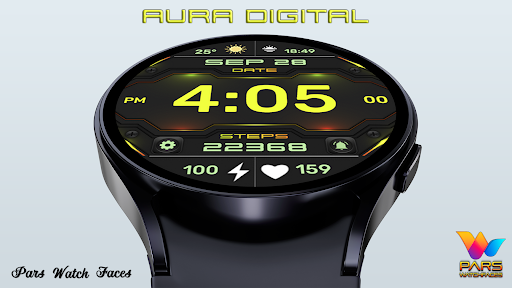
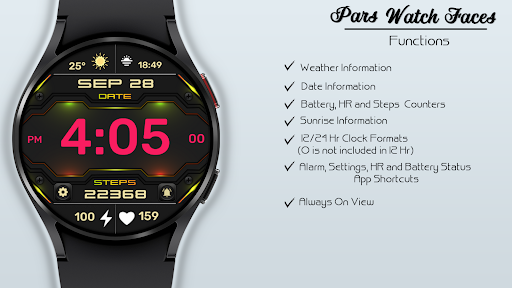
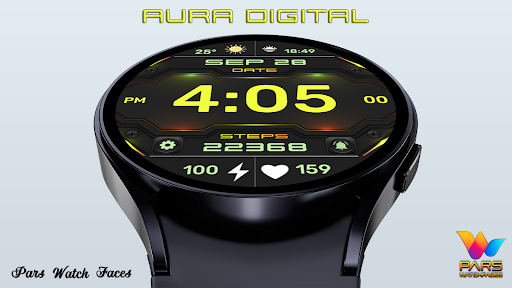
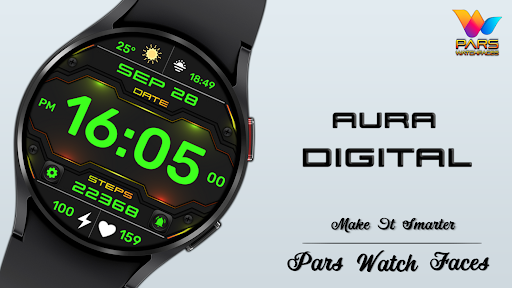
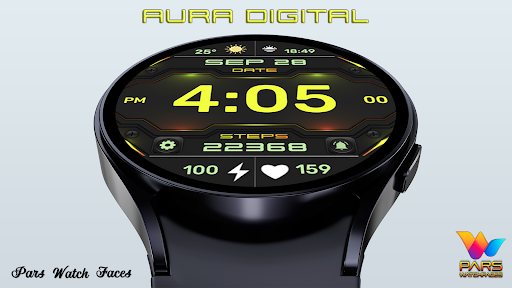
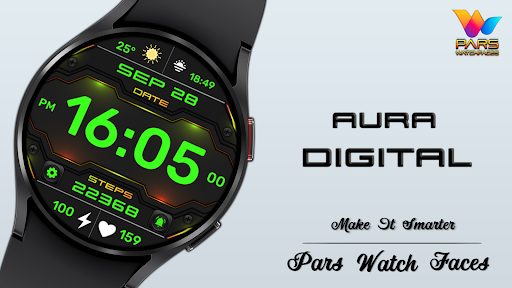
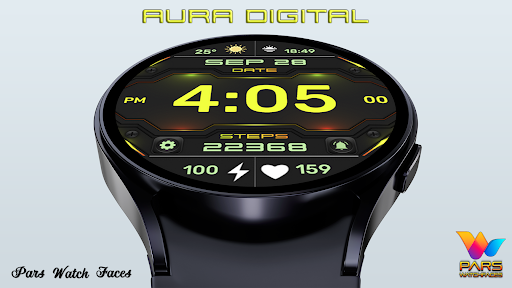
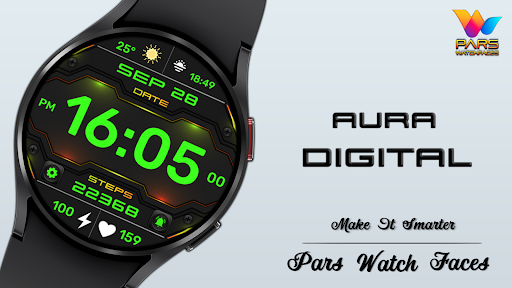
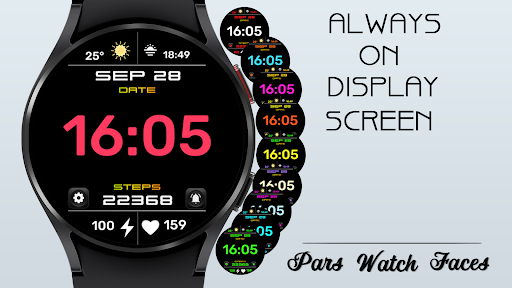
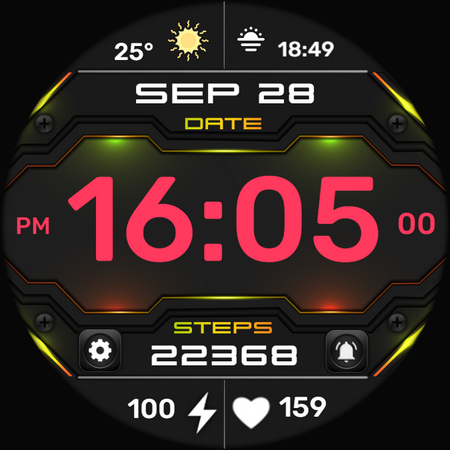
Elegant, stylish and color customizable digital watch face
Aura Digital Watch Face is compatible with all watches using Wear OS SDK 34 and Api 34+.
IMPORTANT NOTE: The companion application installed on your phone is for informational purposes only. The watch face will be automatically installed on your watch. All you need to do is activate the Always Set Watch Face section from the settings menu in the Play Store application on your watch. This will automatically bring the watch face to your home screen. For more information, please check the link below.
https://www.parswatchfaces.com/set/
PLEASE NOTE: In some watch brands and models, functions specific to Samsung Galaxy series watches may not work.
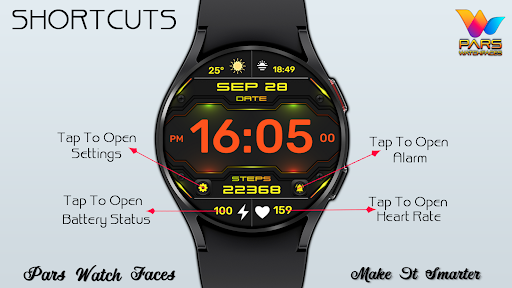
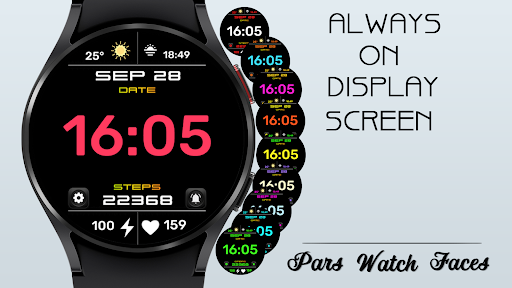
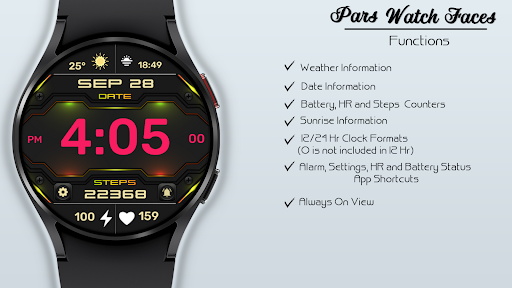
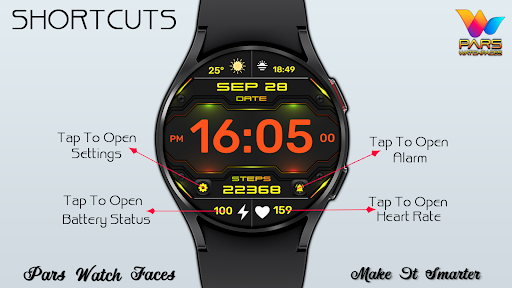
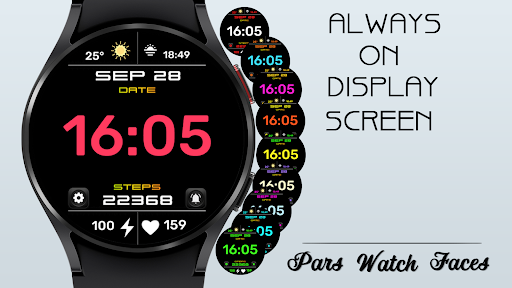
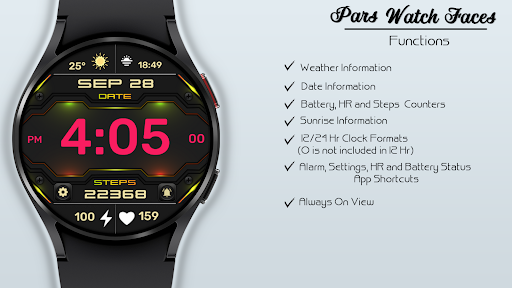
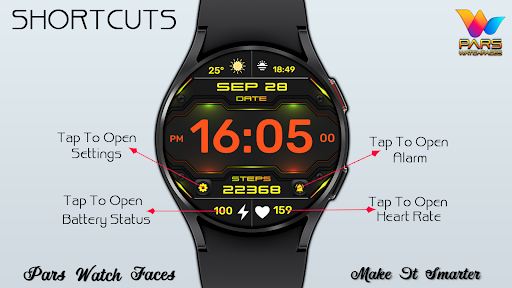
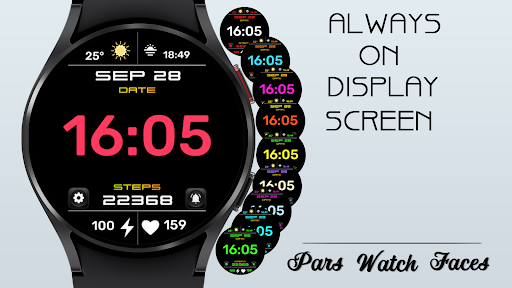
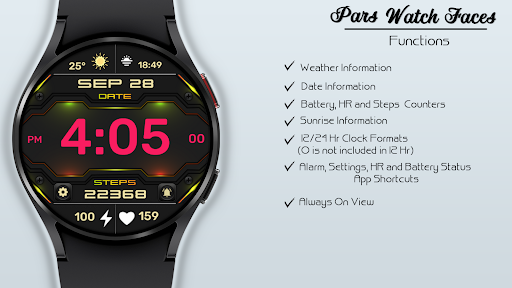
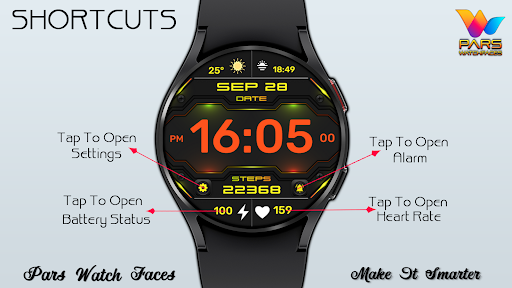
* Please check the pictures of the watch face for more information.
NOTES:
- Make sure you have allowed the access sensors.
- Step target set to 10k.
- Turning on the pedometer by clicking on the Pedometer text may not work on some watch models other than Samsung watch models.
- This watch face is compatible with Samsung Galaxy Watch 4,Watch 5, Watch 6, Watch 7, Pixel Watch etc.It supports all Wear OS devices with API Level 30+.
ISTALLING NOTES:
1 - Make sure the watch is properly connected to the phone.
The Phone app just acts as a placeholder to make it easy to set up and find the watch face on your Wear OS watch
PS: If you get stuck in the payment cycle, don't worry, only one payment will be made even if you are asked to pay a second time. Wait 5 minutes or restart your watch and try again.
There may be a synchronization issue between your device and Google servers.
or
2 - Alternatively, try to install the watch face from the web browser on your PC.
PS: While installing the watch face, the developer has no any control about the installation.
Before writing a negative comment or giving 1 star rating please read the Installation Guide carefully in the link below and please contact us via e-mail if you get any other problem.
https://www.parswatchfaces.com/installation-guide/
NOTE :If you get the message "Your devices are not compatible" instead of app on phone, please use Play Store in WEB browser from PC or Laptop.
IMPORTANT NOTICE :
After installation, the watch face can load the last heart rate measurement result, but it doesn't have to.
The watch face does not automatically measure and does not automatically display the heart rate result.
To view your current heart rate score, you'll need to take a manual measurement.
To do this, sit still, wait a few minutes and click on the heart rate display area.
Wait a few seconds. The watch face will take a measurement and display the current result.
Do this whenever you want to see your current heart rate.
MY WATCH FACES CATALOG
https://play.google.com/store/apps/dev?id=7655501335678734997
FOLLOW US :
https://www.facebook.com/profile.php?id=100078915463662
https://www.instagram.com/parswf/
TELEGRAM
https://t.me/parswatchfaces
if you have any question, please contact with me: info@parswatchfaces.com
I would be very grateful for the rate and review in the Store.
Thanks.
Privacy
Given that the app requires no permissions, the risk of data collection or privacy breaches appears to be minimal. However, users should still be cautious when downloading and installing apps from unfamiliar developers, ensuring they are downloading from trusted sources like the Google Play Store. It is also advisable to monitor the app's performance and data usage to ensure it aligns with the expected behavior.
Tips
To get the most out of the Aura Digital Watch Face, users should start by exploring the color customization options to find a style that suits their preferences. Additionally, ensuring that the watch face is properly synced with their wearable device can help optimize performance and battery life. Users can also consider visiting the developer's website for potential tips, FAQs, or community forums where they can share their experiences and learn from others.
What's New
Version Information
- Version
- -
- Downloads
- 100+
- Updated on
- Aug 21, 2025
- Released
- Feb 12, 2025
- Requires
- Android Varies with device
Statistics
Google Play Rating History
Rating Distribution
Downloads Over Time
Aura Digital Watch Face has been downloaded times. Over the past 30 days, it averaged downloads per day.
Shaded area shows 30-day prediction based on historical trends
Historical data collection started recently. More data points will be available over time.
Aura Digital Watch Face users say on Google Play
 Timothy RUSSELL
Love the this watch it really easy to read and it look cool
ApkTrusted Ratings & Reviews
More from Pars Watch Faces
See more apps
Happy Halloween Watch Face
Free

Adore Digital Watch Face
Free

Adore Hybrid Watch Face
Paid

Alya Digital Watch Face
Free
Analog Prime Watch Face
Paid

Pars Analog Watch Face
Paid

Ankara Digital Watch Face
Free

Argos Digital Watch Face
Free

Aria Digital Watch Face
Free

Artemis Digital Watch Face
Paid

Astana Digital Watch Face
Paid

Athena Digital Watch Face
Paid
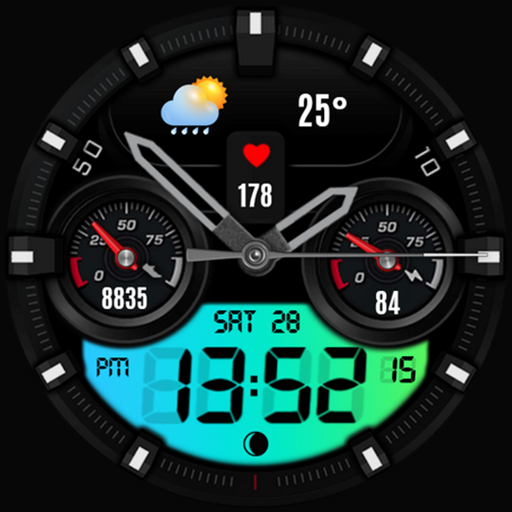
Athena Hybrid Watch Face
Paid

Autumn Floral Digital
Paid
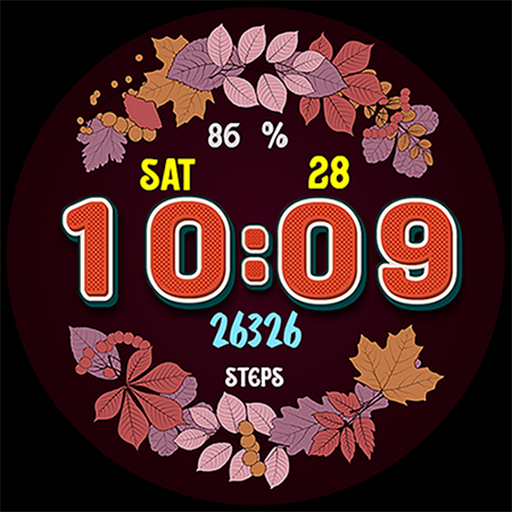
Autumn Flowers
Paid

Baku Digital Watch Face
Paid
Similar Apps

SamWatch Digital Mut 2 2021 B
Paid
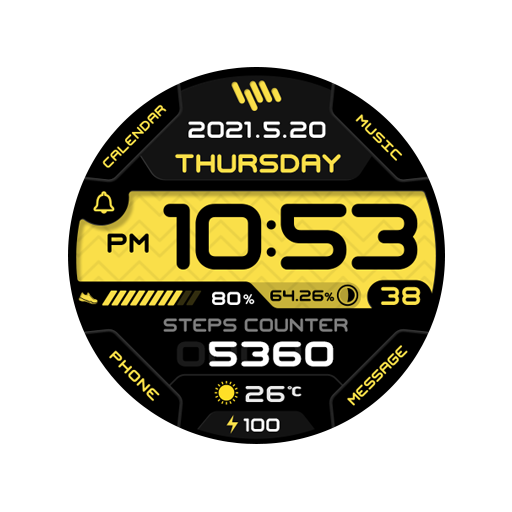
SamWatch Digital Mut 2 2021
Paid

Digital Neror Watch Face
Free

ZKin Watch Gray Dark Blocks
Paid

Watch Face A12
Paid

Cyber Cargo - animated health
Paid
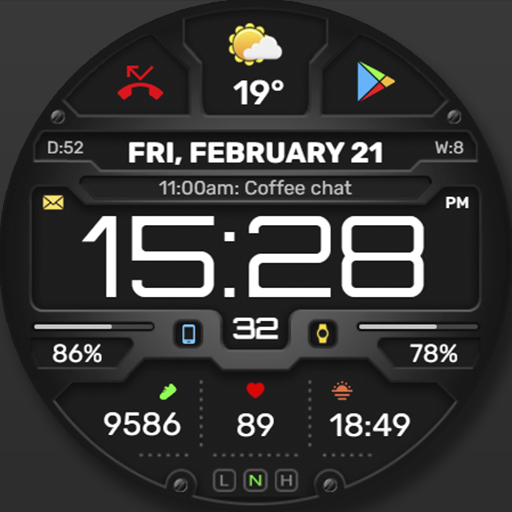
WFP 132 Digital watch face
Paid
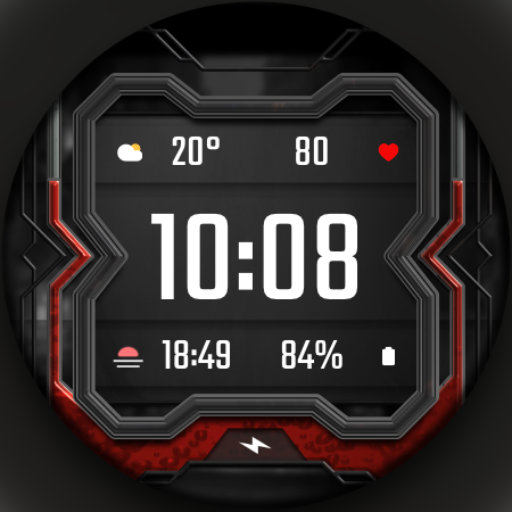
DADAM33: Modern Graphic Dial
Paid

Ballozi TRAGEN Digital
Paid

Digital Sunburst WS3 WatchFace
Paid
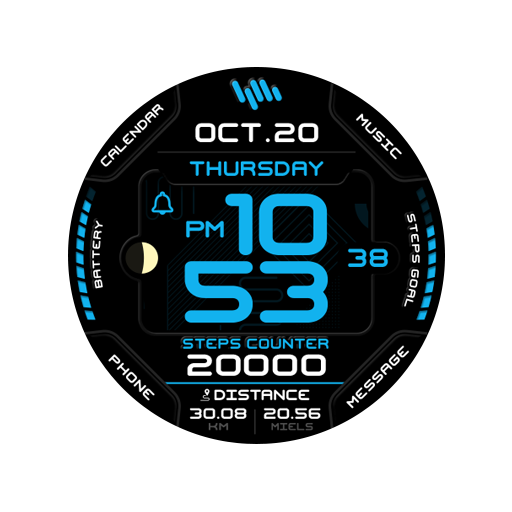
SamWatch Digital Mut 3 B
Paid

A470 Car Dashboard Face
Free
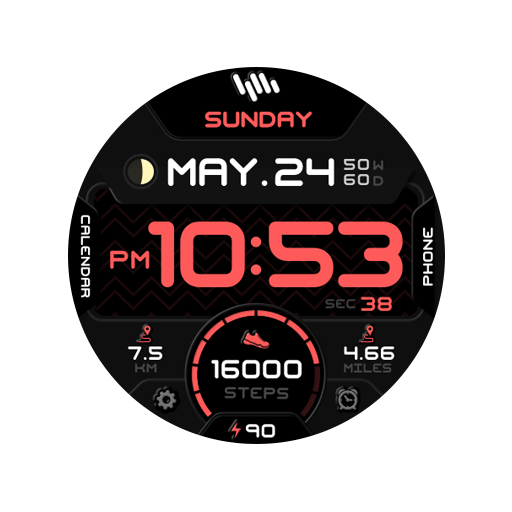
SamWatch Digital Mut 2021 B
Paid

Watch Face WF150
Paid

Ballozi METRON Digital
Paid

Oogly Digital Ultra X
Paid
Scan this QR code to download

Forwarding you to the page at Google Play market in seconds...
Open Google Play market now