
NW Orbit Wear OS Watch Face vVARY
NeonWave Watch






About this app
Developer Description
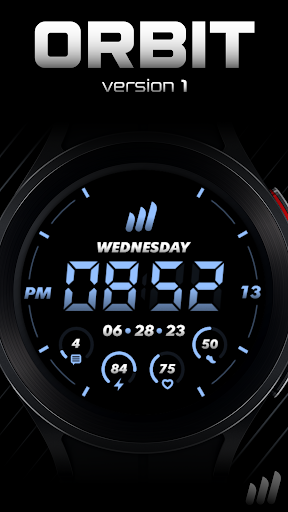
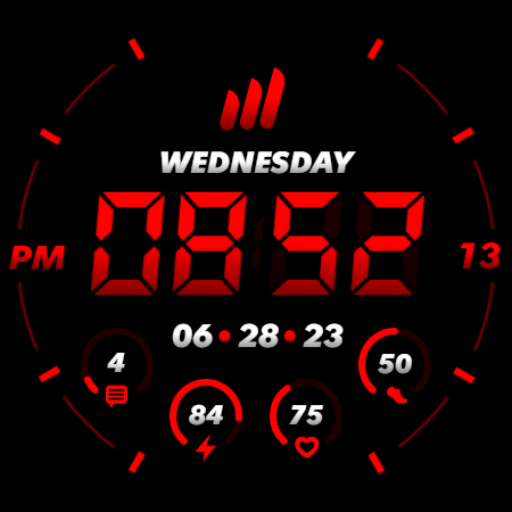
Highly customizable digital Wear OS watch face
https://linktr.ee/neonwavewatch
HOW TO INSTALL
To install this watch face from your phone, please select your smartwatch in Other devices dropdown menu on the main page of this app.
If you have problems, just go to Play Store on your smartwatch and download the watch face manually.
After that make sure you enabled all needed permissions in Settings/Applications/Permissions for this particular watch face app.
FEATURES
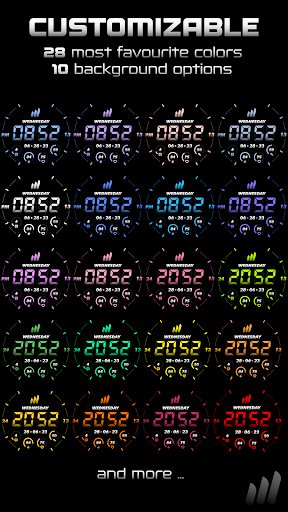
★ 28 most favourite and used color options
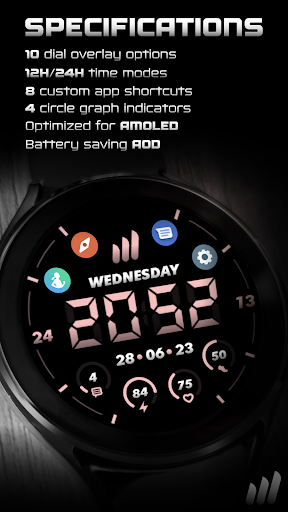
★ 10 overlay theme options
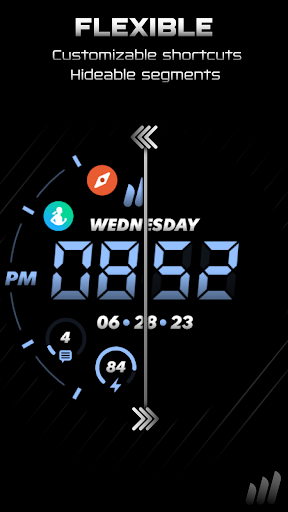
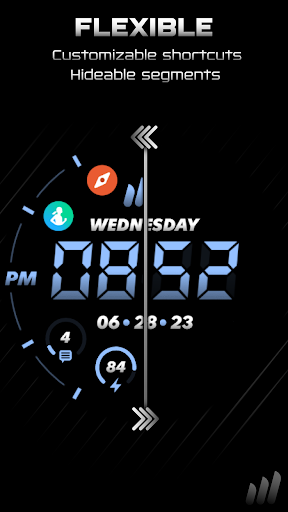
★ 7 options to hide parts of the watch face
★ 4 indicators for Notifications, Watch Battery, Heart Rate, Steps Goal
★ 12H/24H time format
★ 8 custom app shortcuts
★ Quick touch shortcut for Alarm and Calendar
★ Simple and battery friendly AOD
★ Highly optimized for battery life (full blacks, optimized assets)
TOUCH CONTROLS
★ Alarm (click on time)
★ Calendar (click on date or day)
★ 8 Custom app shortcut complications (click & hold in the middle, click on theme button)
★ Theme customization (click & hold in the middle, click on theme button)
FEEDBACK & BUG REPORT
NeonWave watch faces are shaped by its users and I'm all ears to hear your ideas. With rating of this watch you can also use the review to share your ideal concept and I'll make it real! If you found any problem with this watch face, please contact me on my support email or social media.
Thank you very much!
What's New
Version Information
- Version
- -
- Downloads
- 50+
- Updated on
- Jul 4, 2025
- Released
- Aug 11, 2023
- Requires
- Android Varies with device
Statistics
Google Play Rating History
Rating Distribution
Downloads Over Time
NW Orbit Wear OS Watch Face has been downloaded times. Over the past 30 days, it averaged downloads per day.
Shaded area shows 30-day prediction based on historical trends
Historical data collection started recently. More data points will be available over time.
ApkTrusted Ratings & Reviews
More from NeonWave Watch
See more apps



Similar Apps

Light Shadow- for wear os 5
Free
JHW Digital Bits 3: Watch face
Paid
JHW Digital Bits 4: Watch face
Paid

SMZ Knights Pro E3
Paid

The Reactor Ultimate animated
Paid

TVV Minimal 2 Watch Face
Paid

LCD Digital: Watch face
Paid
Razer Battle-for Galaxy watch7
Free

SonarFace
Free

JHW Digital Bits 2: Watch face
Paid

AD Digital BrieF - Watch Face
Paid

W-Design WOS089 - Watch Face
Paid
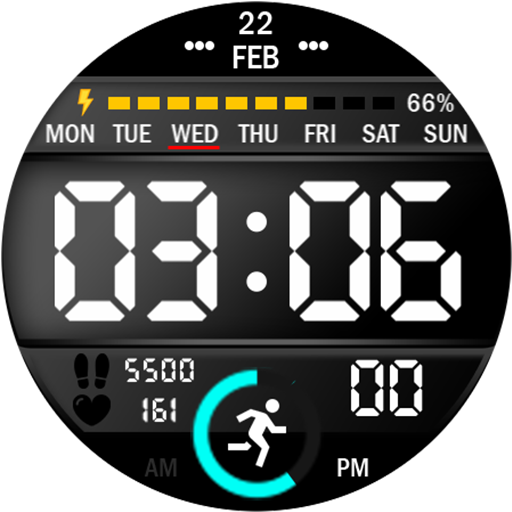
Key024 Digital Watch Face
Paid

Digital Master Lunar Face IN97
Paid

Minimus Digitalis Watch Face
Paid
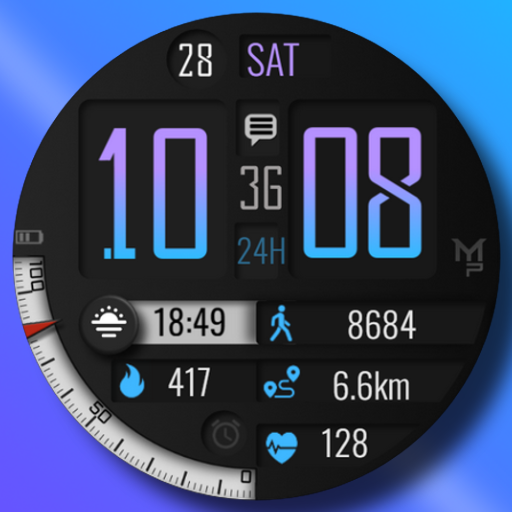
ADRIFT
Paid
Scan this QR code to download

Forwarding you to the page at Google Play market in seconds...
Open Google Play market now