
Analog Basic 20 Wear OS 4+ vVARY
OQ Watchfaces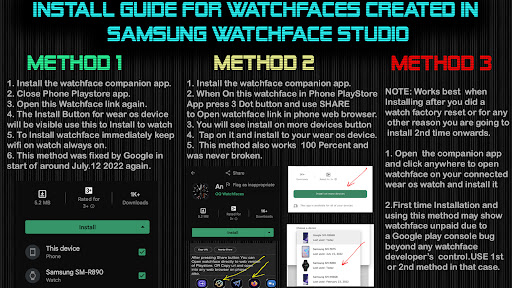


/
About this app
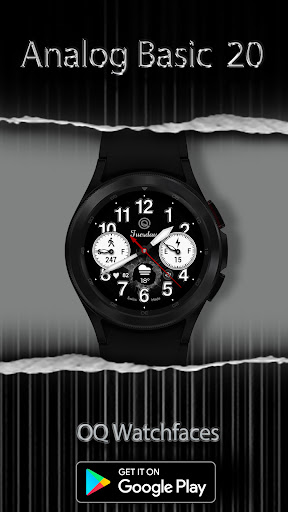
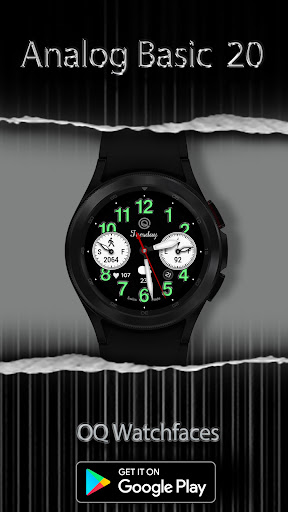
A Watchface for Wear OS with customization options to match your preferences.
NOTICE: READ THIS ALWAYS BEFORE AND AFTER DOWNLOADING OUR WATCH FACE TO AVOID ANY SITUATION YOU DON'T LIKE.
a. This watch face for Wear Os 4+ contains a lot of options in customization menu.If for some reason Galaxy wearable app takes time to open customization options or force closes while you are trying to open it that is due to a bug in Galaxy Wearable app last update. Try 2 to 3 times while opening on Galaxy wearable app and customization menu will also open there as well.This has got nothing to do with the watch face.
b. An effort has be done to make a INSTALL GUIDE which is attached as an image with screen previews.It is the 1st image in previews for Newbie Android Wear OS Users or for those who don't know how to install the watch-face to your connected device. So it is requested to users to also make an effort and read it before posting cannot install statements.
c. DO NOT PAY TWICE FROM WATCH PLAY STORE . READ The Install Guide Image again. See 3 x methods 100 percent working to install both phone app and watch app . The install guide clearly says tap to open connected on connected watch is when you are installing it for the first time.
This watch face for Wear OS has following features:-
1. The watch face has an option to change Seconds Analog needle to 2 x types of movements Sweep and Normal select-able by user in customization menu.
2. The watch-face has cracked effect options x 2 . Both can be turned on or off from customization menu.
3. The watch face has Dim Mode available in customization menu both for Main and AoD Display separately in customization menu.
4. The watch-face has Outer Index Styles changeable both for Main and AoD separately in customization menu.
5. The watch face has also separate option to dim the outer index in customization menu.
6. Tap at Minute Index Number 4 to open watch phone app.
7. Tap at Minute Index Number 8 to open watch messages app.
8. Tap at Day text below OQ Logo to open watch alarm app.
9. Tap on OQ Logo to open watch settings menu.
10. Tap On heart icon or reading and then reading will start blinking and stop blinking when the sensor completes reading and then the reading will be updated to the fresh one.
11. Tap on Battery icon or text to open watch battery settings.
12. Tap on Date text to open calendar menu.
a. This watch face for Wear Os 4+ contains a lot of options in customization menu.If for some reason Galaxy wearable app takes time to open customization options or force closes while you are trying to open it that is due to a bug in Galaxy Wearable app last update. Try 2 to 3 times while opening on Galaxy wearable app and customization menu will also open there as well.This has got nothing to do with the watch face.
b. An effort has be done to make a INSTALL GUIDE which is attached as an image with screen previews.It is the 1st image in previews for Newbie Android Wear OS Users or for those who don't know how to install the watch-face to your connected device. So it is requested to users to also make an effort and read it before posting cannot install statements.
c. DO NOT PAY TWICE FROM WATCH PLAY STORE . READ The Install Guide Image again. See 3 x methods 100 percent working to install both phone app and watch app . The install guide clearly says tap to open connected on connected watch is when you are installing it for the first time.
This watch face for Wear OS has following features:-
1. The watch face has an option to change Seconds Analog needle to 2 x types of movements Sweep and Normal select-able by user in customization menu.
2. The watch-face has cracked effect options x 2 . Both can be turned on or off from customization menu.
3. The watch face has Dim Mode available in customization menu both for Main and AoD Display separately in customization menu.
4. The watch-face has Outer Index Styles changeable both for Main and AoD separately in customization menu.
5. The watch face has also separate option to dim the outer index in customization menu.
6. Tap at Minute Index Number 4 to open watch phone app.
7. Tap at Minute Index Number 8 to open watch messages app.
8. Tap at Day text below OQ Logo to open watch alarm app.
9. Tap on OQ Logo to open watch settings menu.
10. Tap On heart icon or reading and then reading will start blinking and stop blinking when the sensor completes reading and then the reading will be updated to the fresh one.
11. Tap on Battery icon or text to open watch battery settings.
12. Tap on Date text to open calendar menu.
Version Information
- Version
- -
- Downloads
- 1K+
- Updated on
- Aug 28, 2024
- Released
- Mar 21, 2023
- Requires
- Android Varies with device
What's New
V1.0.1 Change Log:-
1. Watch face updated with Samsung Latest Watch Studio V1.6.10 released on Jul-23-2024 as per Google New Policy To target Android 13 (API level 33) or higher.
2. Helper Companion app updated for phone play store app.
3. Support For Wear OS 4+
1. Watch face updated with Samsung Latest Watch Studio V1.6.10 released on Jul-23-2024 as per Google New Policy To target Android 13 (API level 33) or higher.
2. Helper Companion app updated for phone play store app.
3. Support For Wear OS 4+
Ratings & Reviews
Developer Response
More from OQ Watchfaces
See more apps
Analog Basic 16 Wear OS 4+
Paid
Analog Basic 12 Wear OS 4+
Paid

Analog Basic 14 Wear OS 4+
Paid

Analog Basic 13 Wear OS 4+
Paid

Digital Basic 4 Wear OS 5+
Paid

Diver Classic 2 Wear OS 4+
Paid

Analog Classic 5 Wear OS4
Free
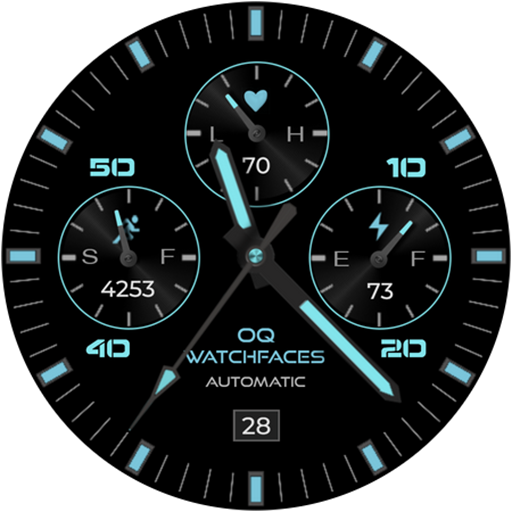
Analog Basic 21 Wear OS 4+
Paid
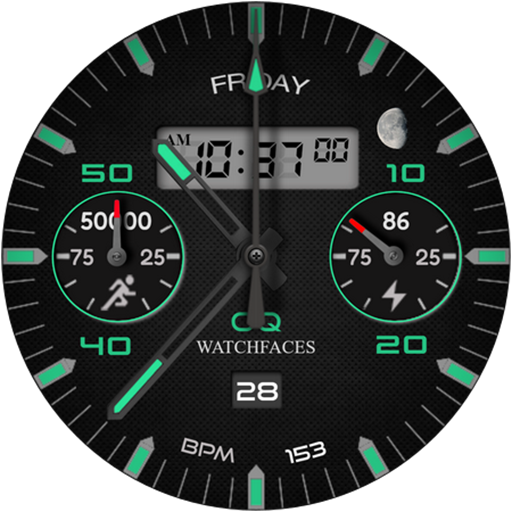
Analog Basic 11B Wear OS 5+
Paid

Digital Basic 8 Wear OS 4+
Paid
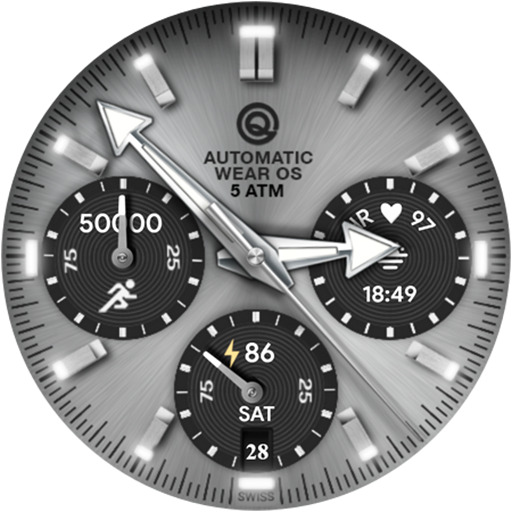
Analog Basic 16C Wear OS 4+
Paid

Analog Basic 22 Wear OS 4+
Paid

Analog Basic 23 WEAR OS 4+
Paid

Analog Basic 24 Wear OS 4+
Paid
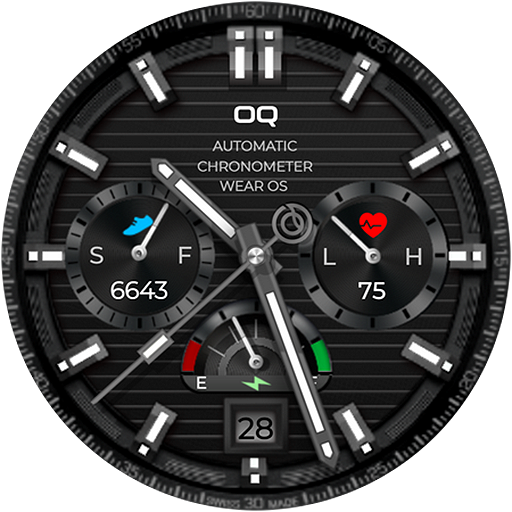
Analog Basic 25 Wear OS 4+
Paid
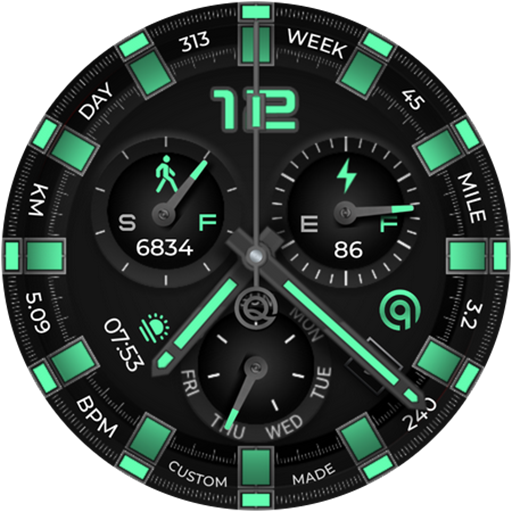
Analog Basic 26 Wear OS 4+
Paid
Similar Apps

Lumeon Realistic Watch Face
Paid
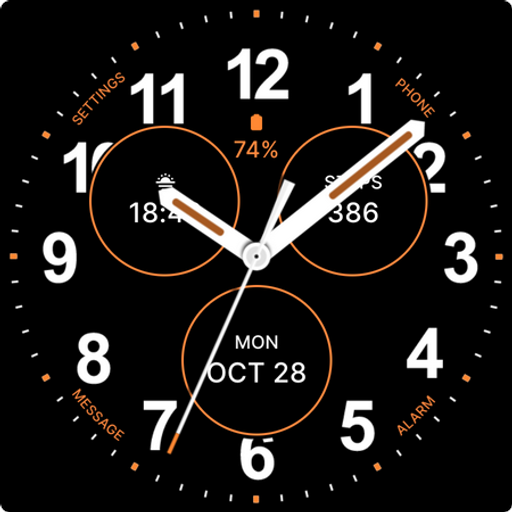
Casual Black Watch Face
Paid

Big Number 2
Paid
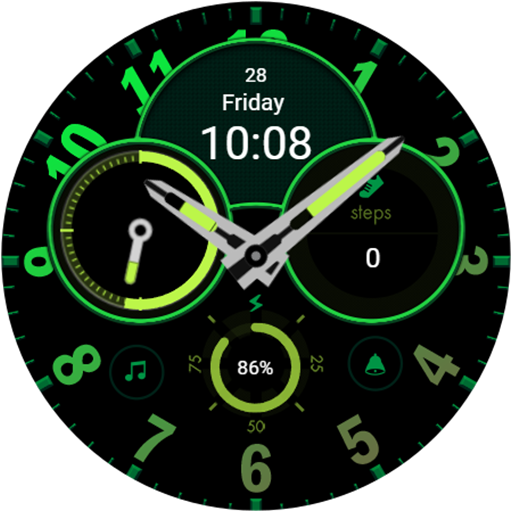
ssomwatchbay
Free

Sphinx C
Paid

SG-91
Paid
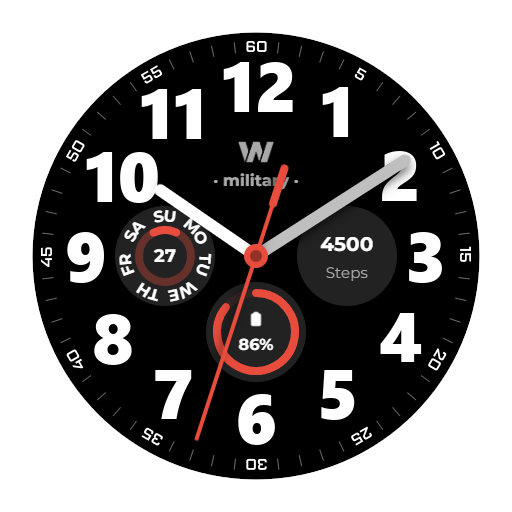
WES15 - Military Watch Face
Paid

Night 06A - Analog Watch Face
Paid

SamWatch Simple Analog 39
Free

High end business watch face
Paid
WES24 - Nine Eleven Turbo Face
Paid
Key032 Analog Watch Face
Paid

Cloud Elegant Watch Face
Paid

Wayfinder - Analog Watch Face
Paid

Digital Dashboard 7
Paid

Ink conversion For Wear OS
Paid