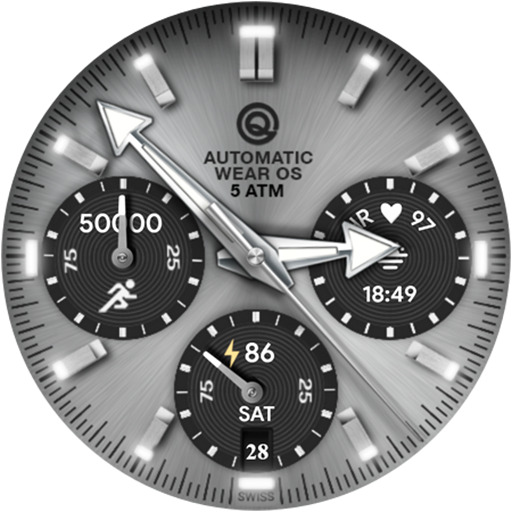
Analog Basic 16C Wear OS 4+ vVARY
OQ Watchfaces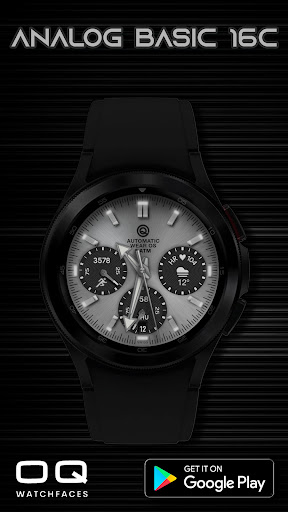




/
About this app
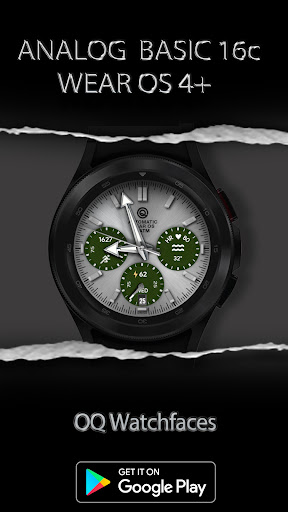
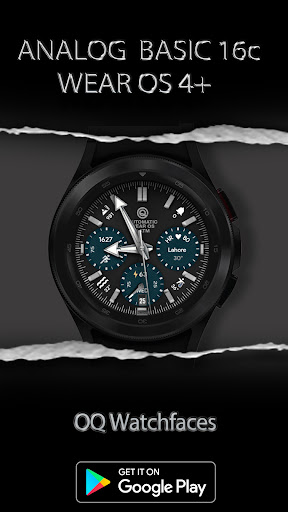
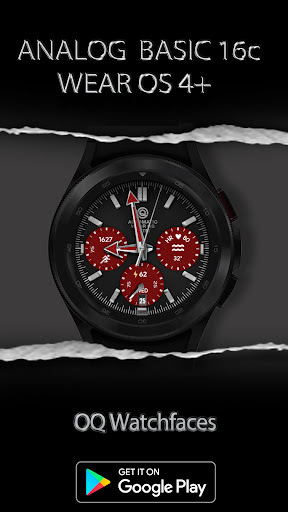
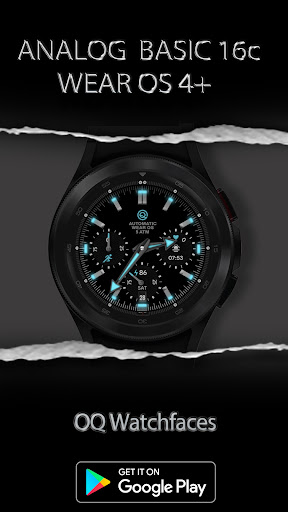
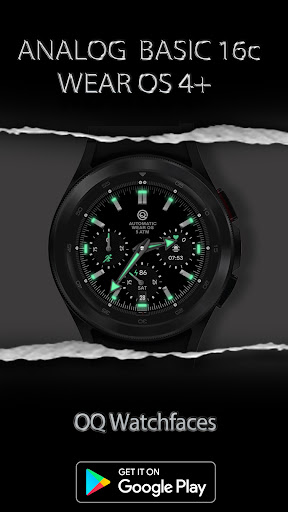
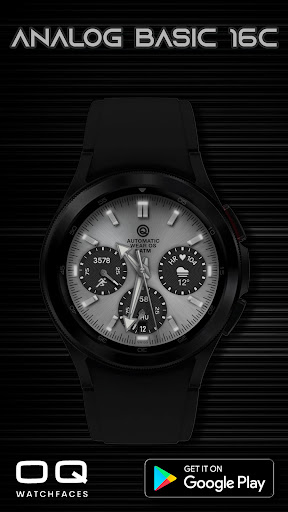
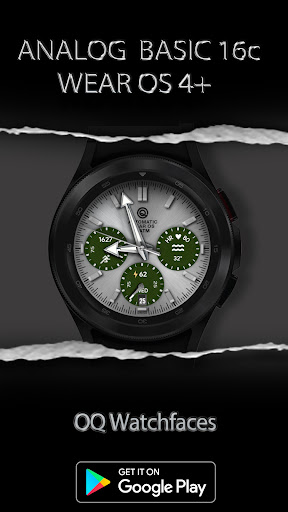
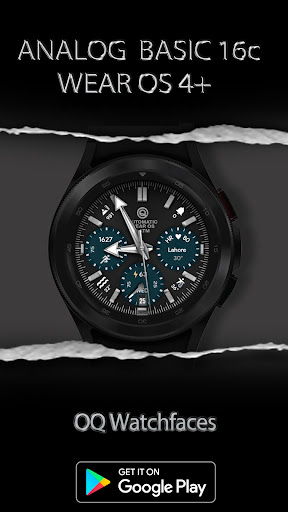
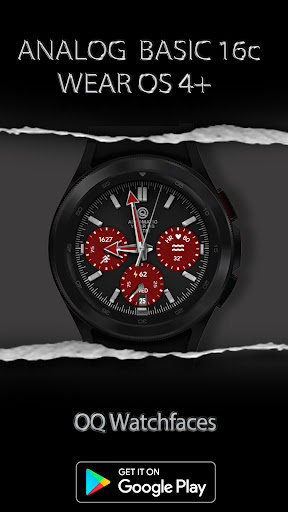
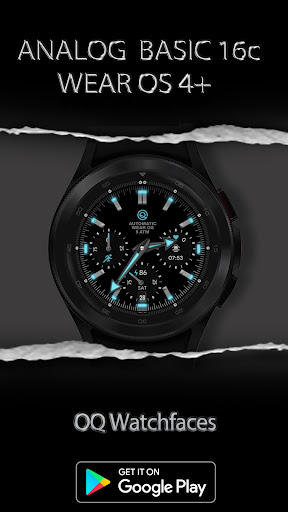
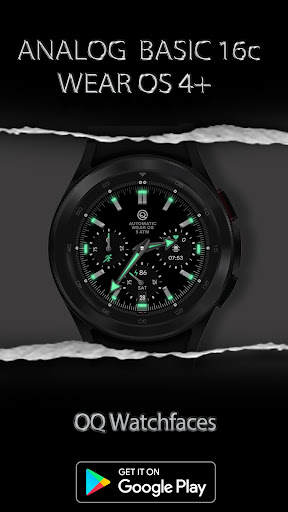
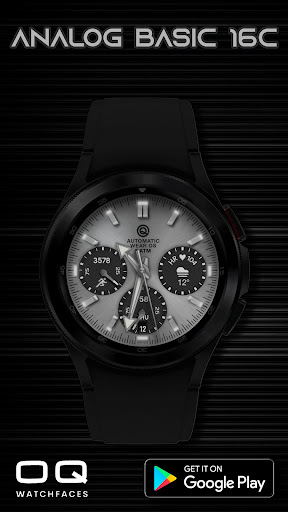
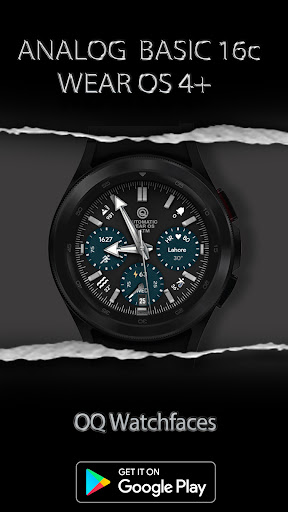
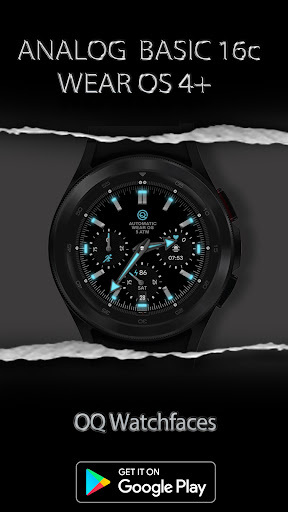
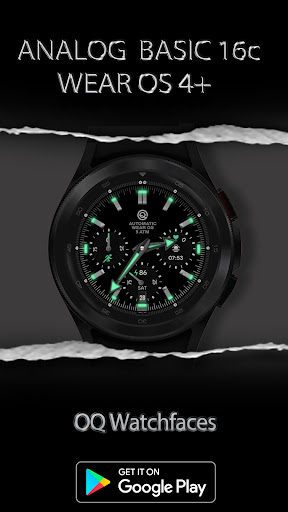
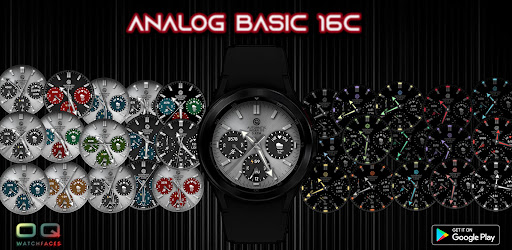
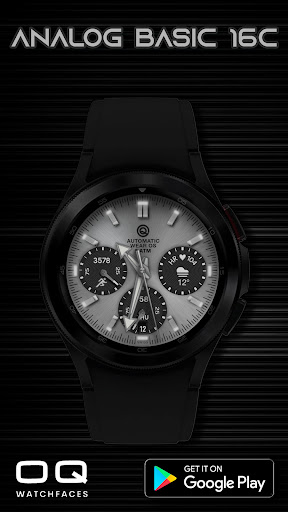
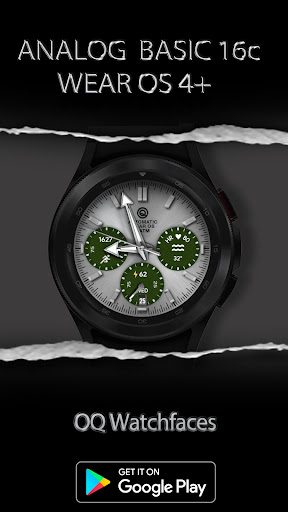
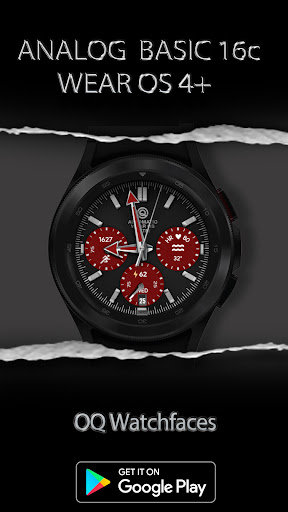
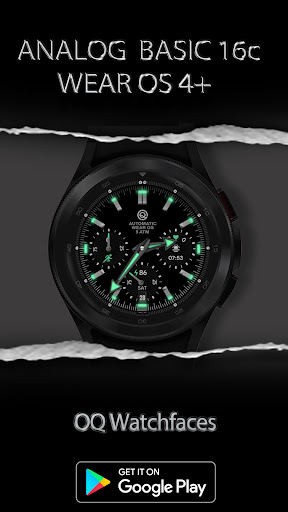
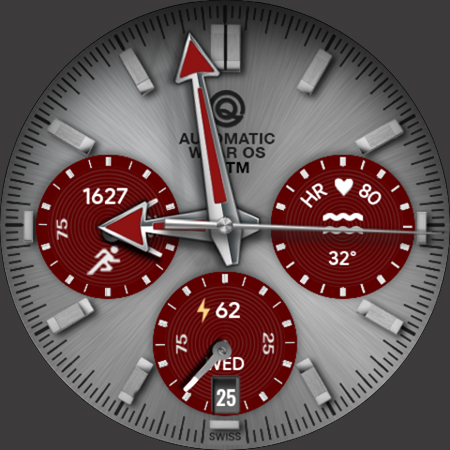
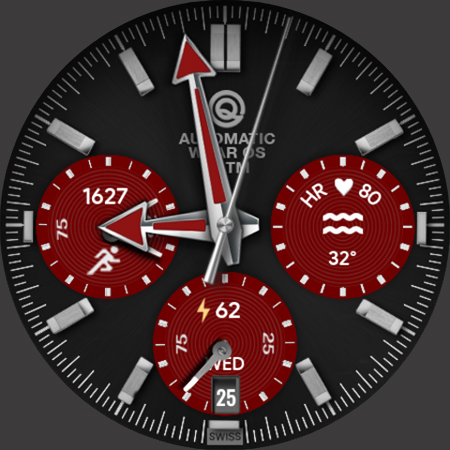
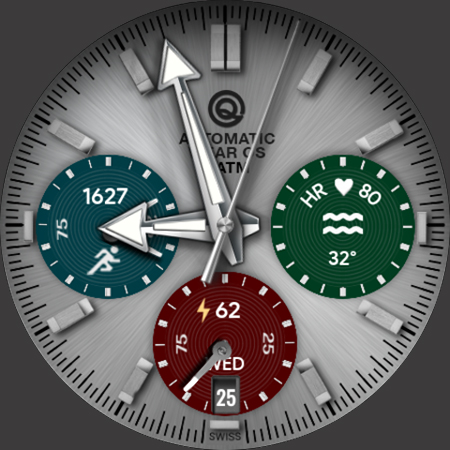
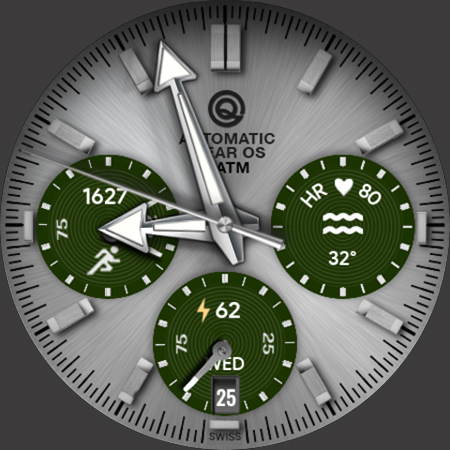
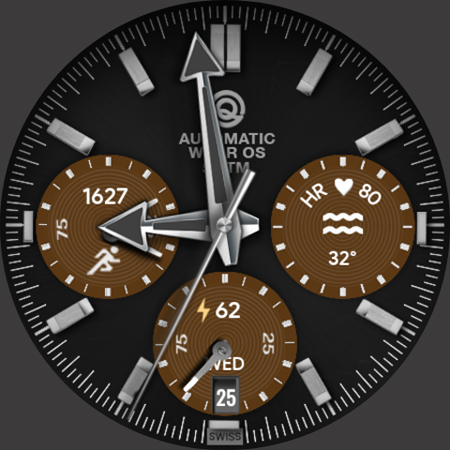
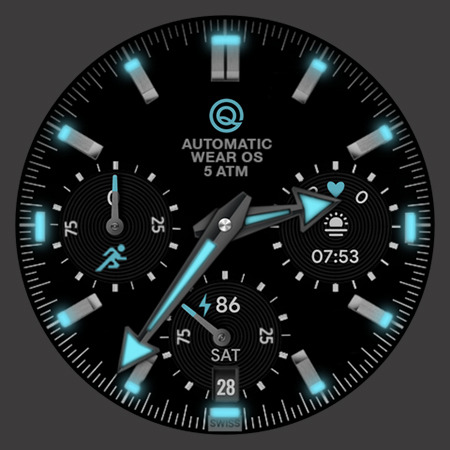
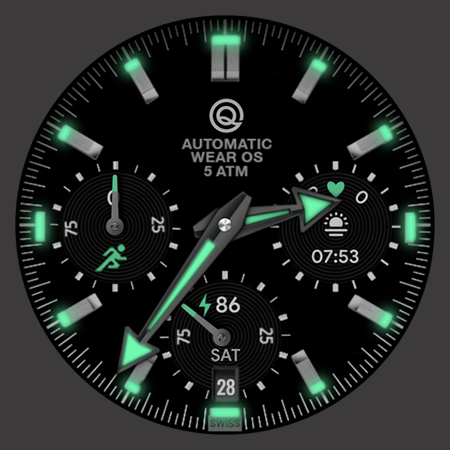
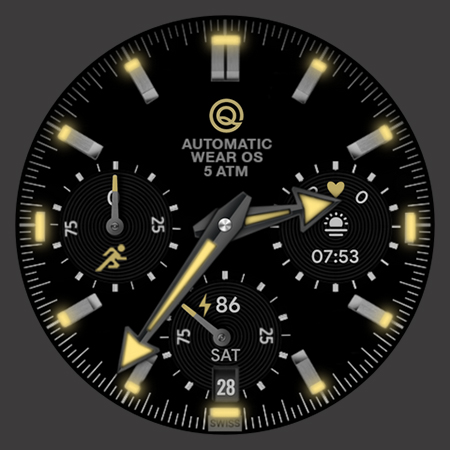
A Unique Analog for Wear OS 4+ with Bright & Dark Backgrounds for Main Display.
NOTICE: READ THIS ALWAYS BEFORE AND AFTER BUYING OUR WATCH FACE TO AVOID ANY SITUATION YOU DON'T LIKE.
a. This watch face for WEAR OS 4+ contains a lot of options in customization menu.If for some reason Galaxy wearable app force closes while you are trying to customize that is due to a bug in Galaxy Wearable app last update. Try 2 to 3 times while opening on Galaxy wearable app and customization menu will also open there as well.This has got nothing to do with the watch face.
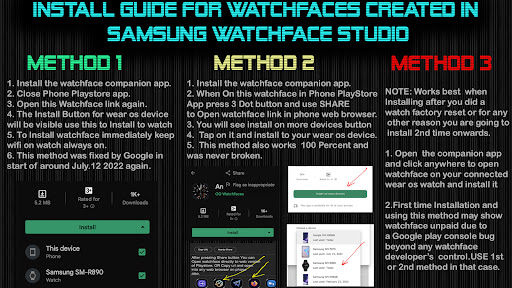
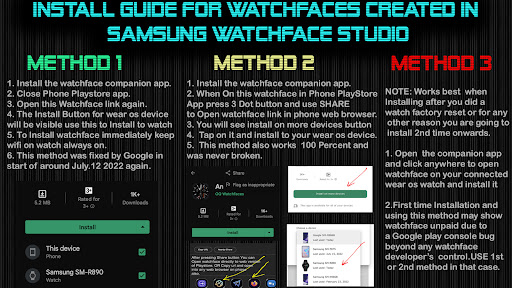
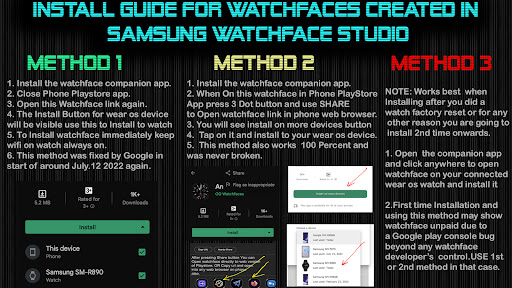
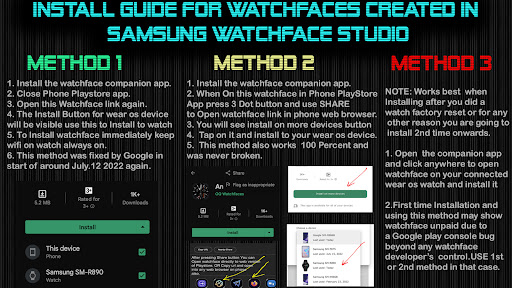
b. An Effort has be done to make a INSTALL GUIDE which is attached as an image with screen previews.It is the last image in previews for Newbie Android Wear OS Users or for those who do not know how to install the watch-face to your connected device. So it is requested to users to also make an effort and read it before posting cannot install statements.
This watch-face for Wear Os 4+ has following features :-
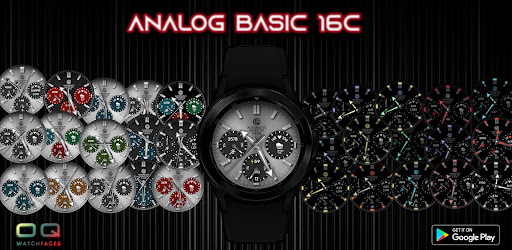
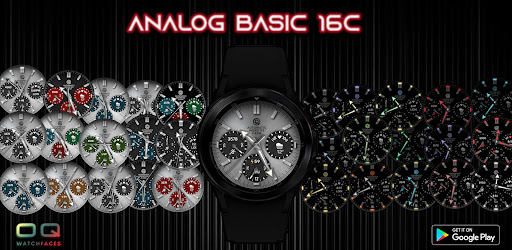
1. To change Main Display to brighter background styles tap on empty space anywhere on Main Display for example at 12 o Clock. Dark Backgrounds if you want they are available in customization menu. This is done intentionally because in .Samsung Watch-face studio there is a limitation of max x10 backgrounds. And this watch face has way more than that by adopting this method combination.
2. The color option in customization menu controls the color of AOD Display Hands and Index only.
3. Suitable color of hands for Main Display are also available as a separate option in customization menu.
4. Tap on Battery icon or text to open watch battery settings.
5. Tap at 3 o clock hour index bar to open watch phone app.
6. Tap at 9 o clock hour index bar to open watch messaging app.
7. 4x icon text complications can be added on main and can also be
switch off from customization menu.
8. 2 x shortcut invisible also available in customization menu.
9. 1 x Customizable complication is also available on main display just below heart rate text.
10. Tap on OQ Logo to open watch alarm settings menu.
11. Tap on text below OQ logo to open watch settings menu.
12. Tap on Date text to open calendar menu on watch.
13. Dim Mode is available for AOD Display in customization menu.
14. Minutes Index indicator markers glow effect On/Off for main is available in customization menu.
a. This watch face for WEAR OS 4+ contains a lot of options in customization menu.If for some reason Galaxy wearable app force closes while you are trying to customize that is due to a bug in Galaxy Wearable app last update. Try 2 to 3 times while opening on Galaxy wearable app and customization menu will also open there as well.This has got nothing to do with the watch face.
b. An Effort has be done to make a INSTALL GUIDE which is attached as an image with screen previews.It is the last image in previews for Newbie Android Wear OS Users or for those who do not know how to install the watch-face to your connected device. So it is requested to users to also make an effort and read it before posting cannot install statements.
This watch-face for Wear Os 4+ has following features :-
1. To change Main Display to brighter background styles tap on empty space anywhere on Main Display for example at 12 o Clock. Dark Backgrounds if you want they are available in customization menu. This is done intentionally because in .Samsung Watch-face studio there is a limitation of max x10 backgrounds. And this watch face has way more than that by adopting this method combination.
2. The color option in customization menu controls the color of AOD Display Hands and Index only.
3. Suitable color of hands for Main Display are also available as a separate option in customization menu.
4. Tap on Battery icon or text to open watch battery settings.
5. Tap at 3 o clock hour index bar to open watch phone app.
6. Tap at 9 o clock hour index bar to open watch messaging app.
7. 4x icon text complications can be added on main and can also be
switch off from customization menu.
8. 2 x shortcut invisible also available in customization menu.
9. 1 x Customizable complication is also available on main display just below heart rate text.
10. Tap on OQ Logo to open watch alarm settings menu.
11. Tap on text below OQ logo to open watch settings menu.
12. Tap on Date text to open calendar menu on watch.
13. Dim Mode is available for AOD Display in customization menu.
14. Minutes Index indicator markers glow effect On/Off for main is available in customization menu.
Version Information
- Version
- -
- Downloads
- 1K+
- Updated on
- Sep 28, 2024
- Released
- Jan 12, 2023
- Requires
- Android Varies with device
What's New
V1.0.5 Change Log:-
1. Steps need chronograph needle marker stuck on main display fixed.
2. More Colors added for hands.
3. Main Hands Outer Color Option added.
1. Steps need chronograph needle marker stuck on main display fixed.
2. More Colors added for hands.
3. Main Hands Outer Color Option added.
Ratings & Reviews
Developer Response
More from OQ Watchfaces
See more apps
Analog Basic 16 Wear OS 4+
Paid
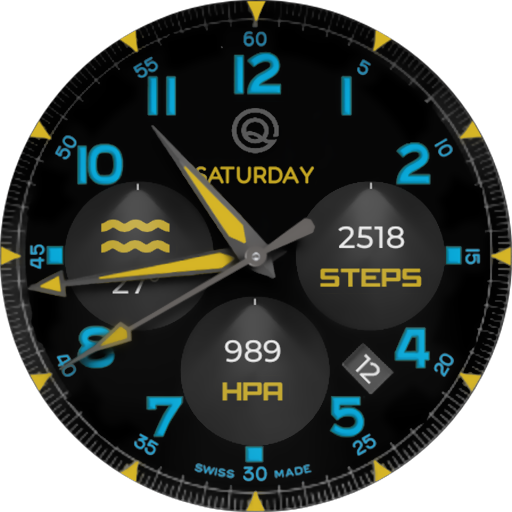
Analog Basic 12 Wear OS 4+
Paid

Analog Basic 14 Wear OS 4+
Paid

Analog Basic 13 Wear OS 4+
Paid

Digital Basic 4 Wear OS 5+
Paid

Diver Classic 2 Wear OS 4+
Paid

Analog Classic 5 Wear OS4
Free
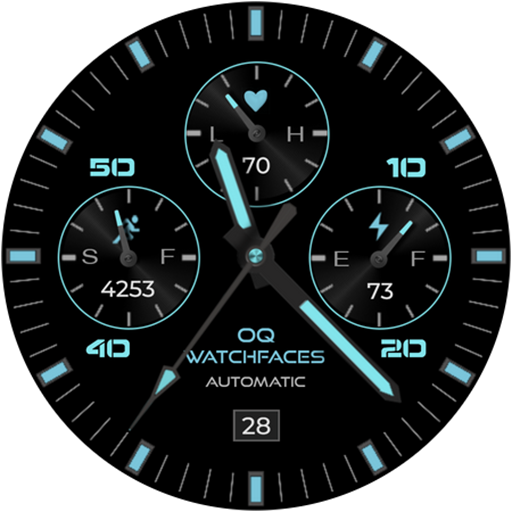
Analog Basic 21 Wear OS 4+
Paid

Digital Basic 8 Wear OS 4+
Paid
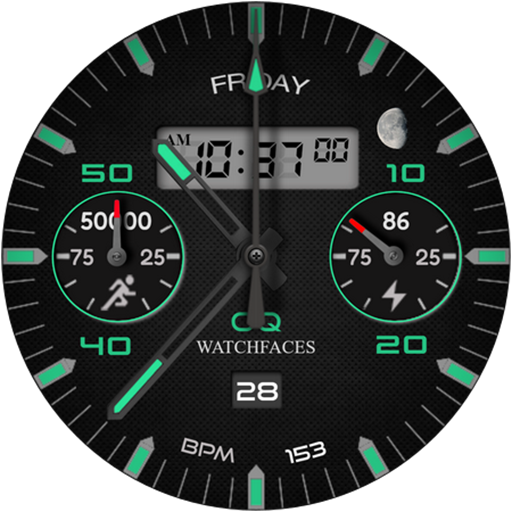
Analog Basic 11B Wear OS 4+
Free

Analog Basic 20 Wear OS 4+
Paid

Analog Basic 22 Wear OS 4+
Paid

Analog Basic 23 WEAR OS 4+
Paid

Analog Basic 24 Wear OS 4+
Paid
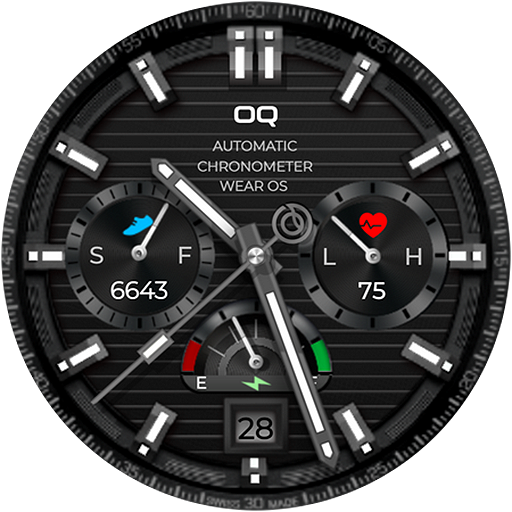
Analog Basic 25 Wear OS 4+
Paid
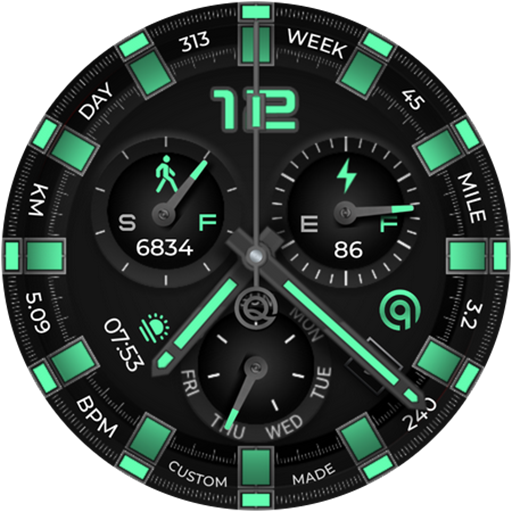
Analog Basic 26 Wear OS 4+
Paid
Similar Apps
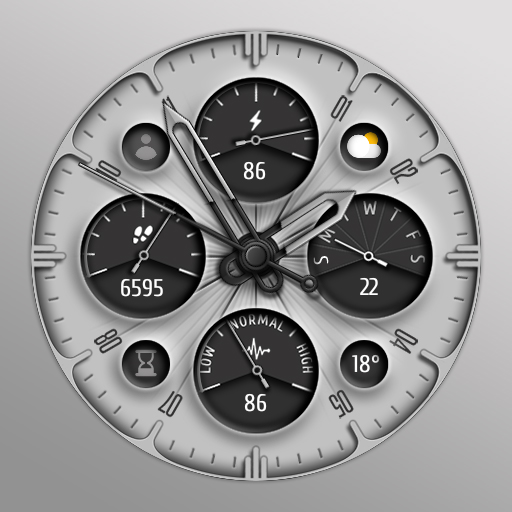
KTwL
Free

JND0092
Free
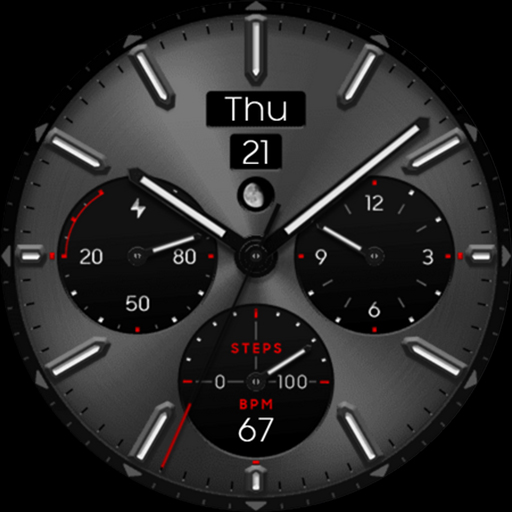
OBSIDIAN Titanium analog class
Free
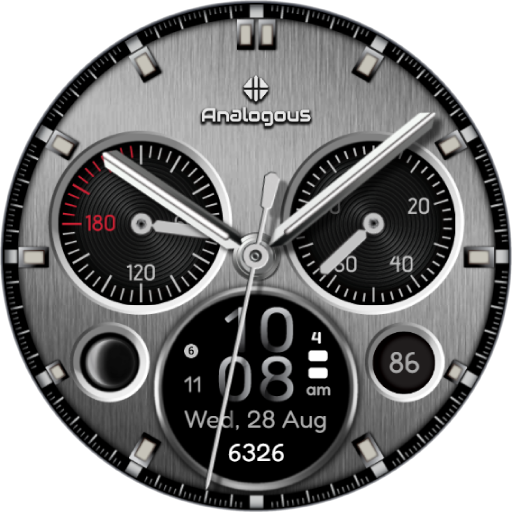
Fusion - Hybrid Watch Face
Paid
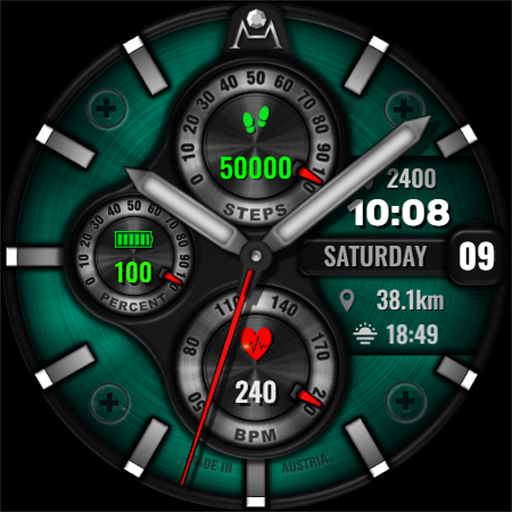
DM049 Hybrid Watch Face
Paid

WAW003 Vibrant Smart Face
Paid

DADAM100: Hybrid Watch Face
Free

ZKin WatchFace Retro Deep Grey
Paid

JND0015U
Paid
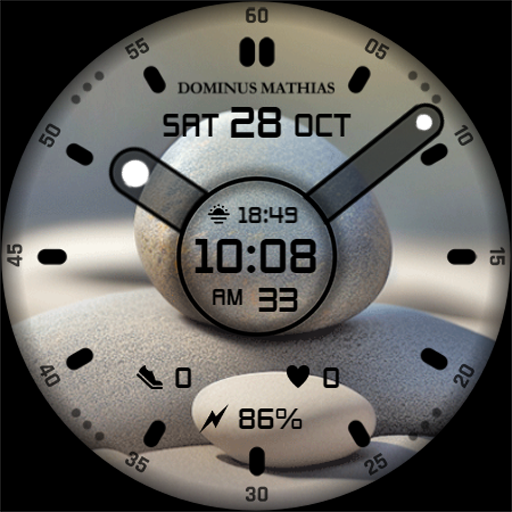
DM080 Zen Nature Relax Face
Paid

Analog Watch Face CUE132
Free
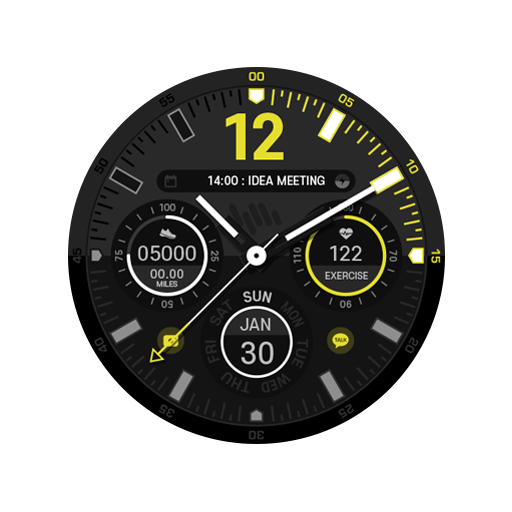
SamWatch Analog Original 2023
Paid

MJ175 Hybrid Stylish Watch
Paid
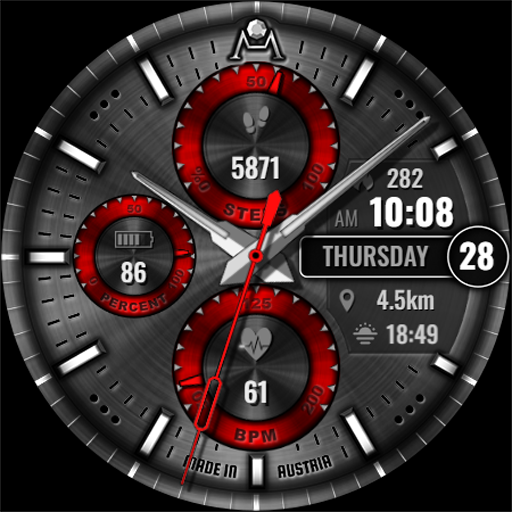
DM047 Hybrid Chic Face
Paid

Simple IMBA Ultra
Free

DADAM84: Hybrid Watch Face
Paid