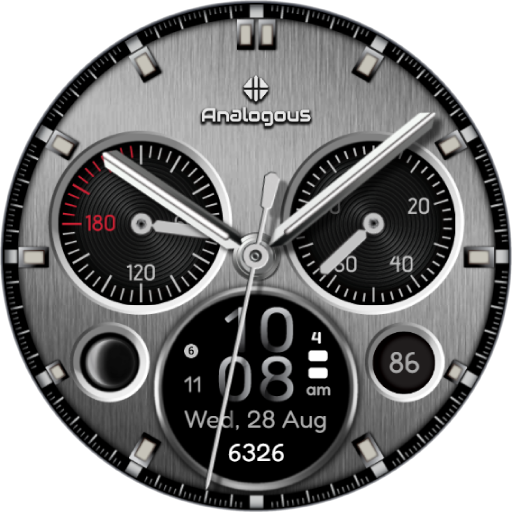
Fusion - Hybrid Watch Face vVARY
Time Canvas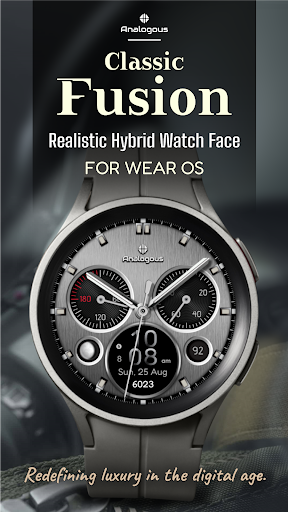






About this app
Developer Description
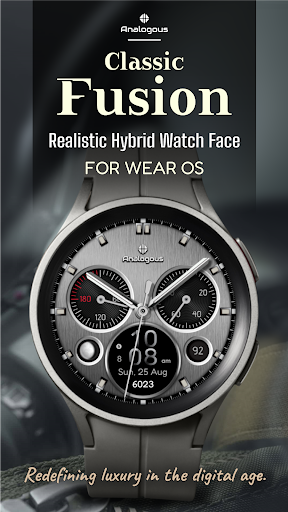
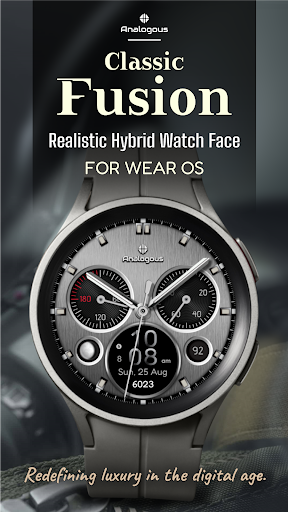
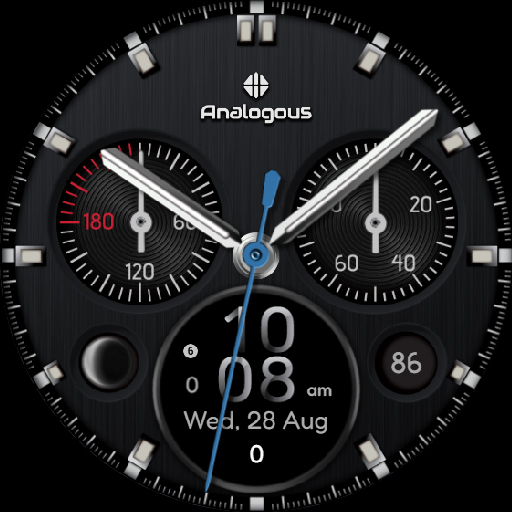
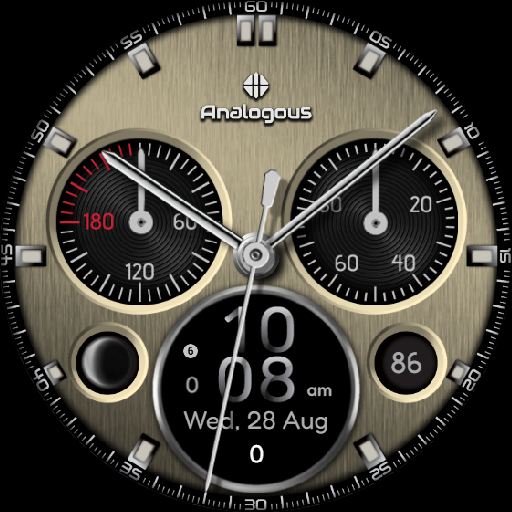
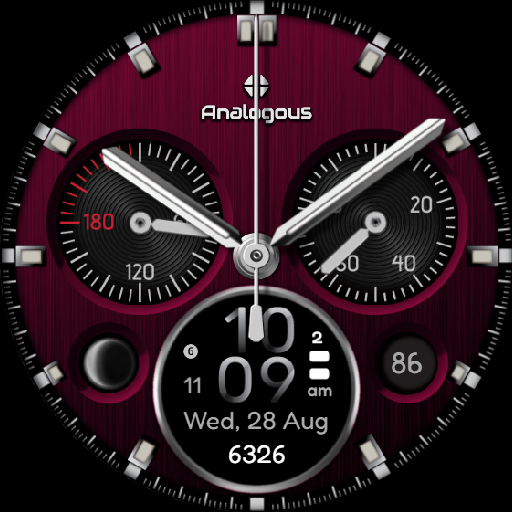
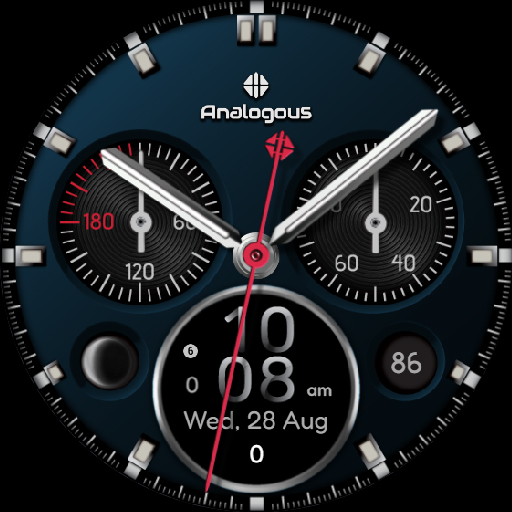
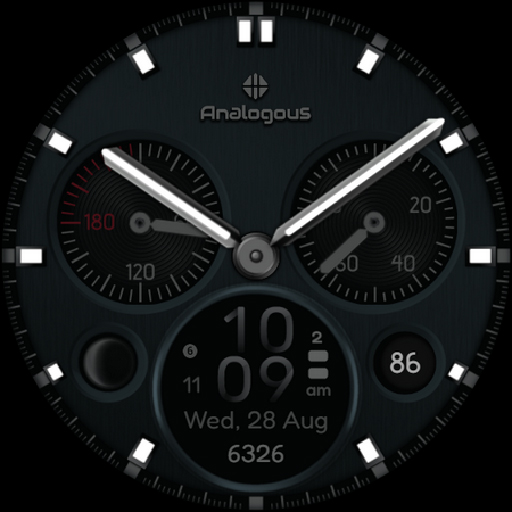
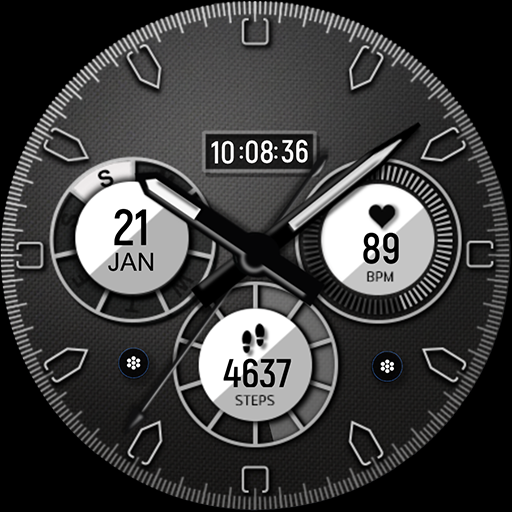
Classic Fusion: Hybrid watch face with customizable analog and digital design.
Highlights:
Ultra Realistic Analog-Digital Dial Design
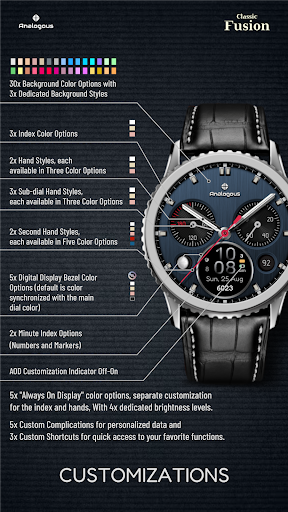
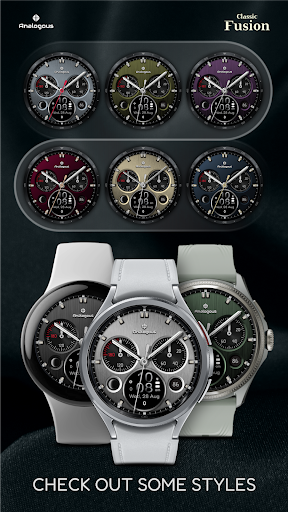
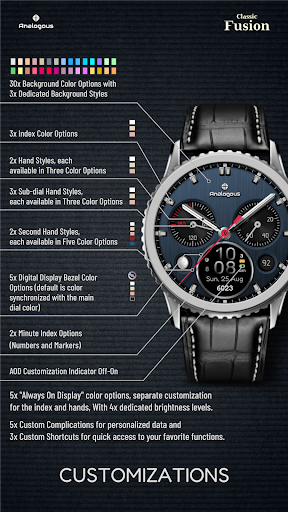
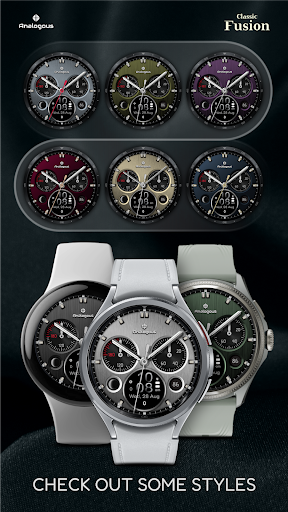
3 different dial styles, each available in 30 customizable colors
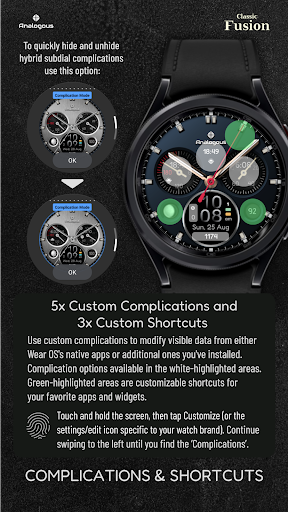
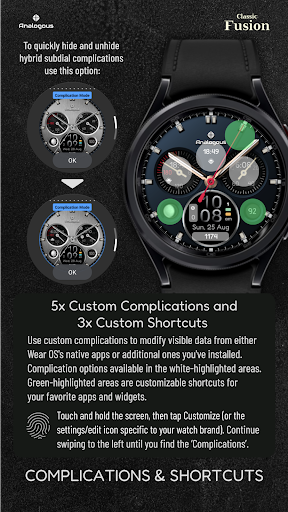
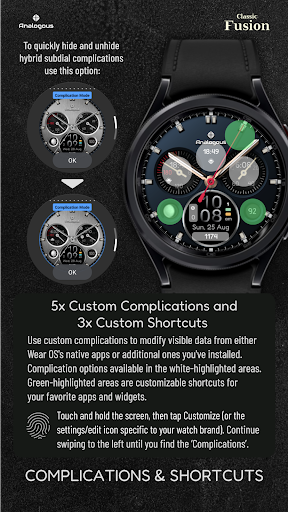
5 custom complications (for user-defined data).
3 custom shortcuts to access your favorite functions
2 custom watch hands
3 custom sub-dial hands
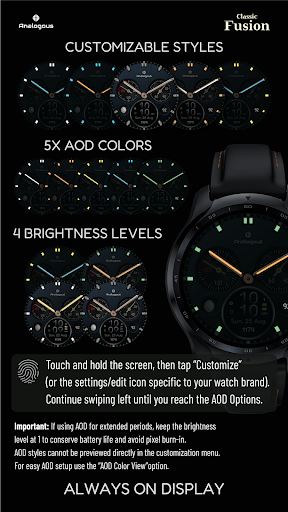
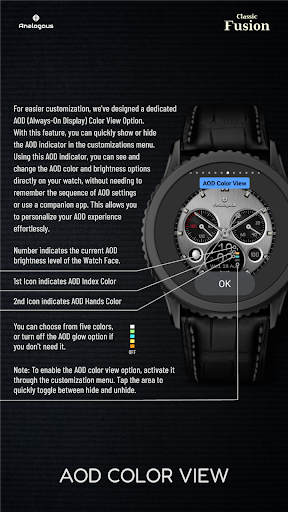
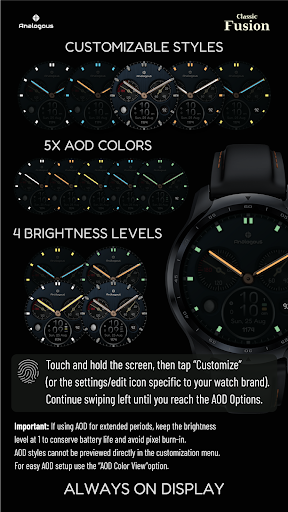
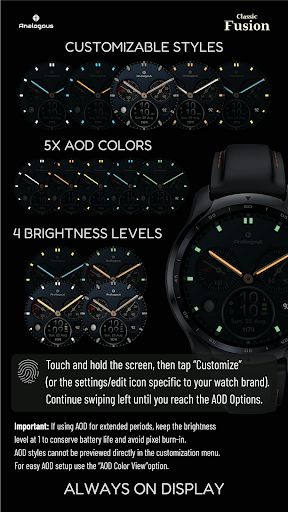
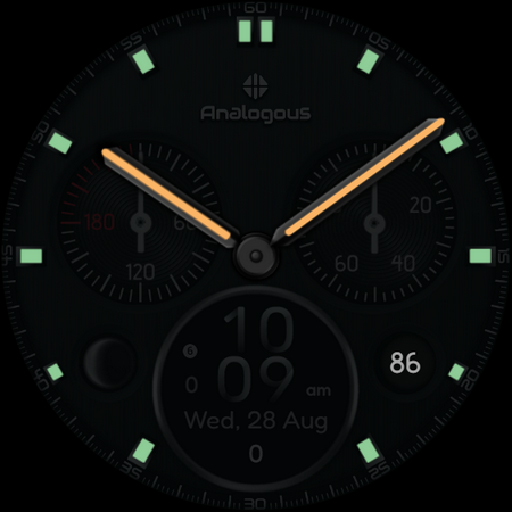
Always-On Display with four brightness levels and
5 customizable color options for both AOD Index and AOD Watch Hands
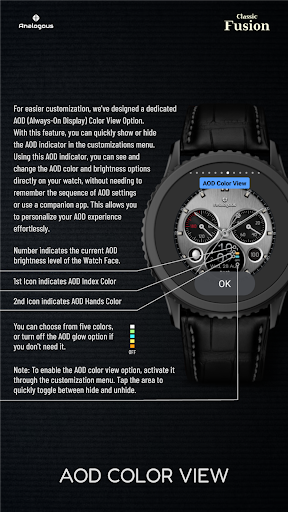
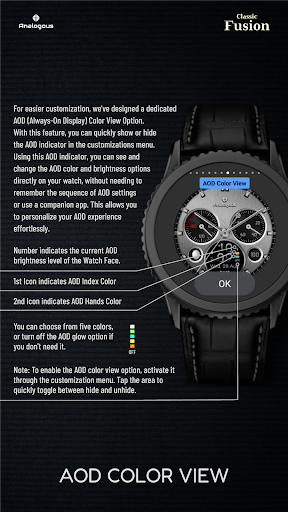
Unique AOD Color View option for easy customization of
AOD colors and brightness
Displays:
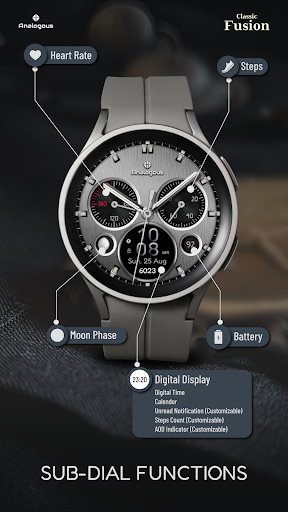
Analog time, Heart Rate, Steps, Battery, Astronomical moon phase complication
Digital Display - Digital Time, Calender, Unread Notifications (Customizable),
Steps Count (Customizable), AOD Color View indicator (Customizable)
Customizations:
Touch and hold the screen, then tap Customize (or the settings/edit icon specific to your watch brand).
Continue swiping left to choose options, and swipe up or down to select styles.
Measuring Heart Rate
Heart rate is measured automatically. On Samsung watches, you can change the measurement interval in the Health settings. To adjust this, navigate to your watch > Settings > Health.
Compatibility:
This watch face is designed for Wear OS devices running on Wear OS API 34+, including the Samsung Galaxy Watch 4, 5, 6, 7 and 8 as well as other supported Samsung Wear OS watches, Pixel Watches, and other Wear OS-compatible models from various brands.
Note: The phone app serves as a companion to make it easier to install and find the watch face on your Wear OS watch. You can select your watch device from the install drop-down menu and install it directly on your watch.
If you encounter any installation issues, please read the detailed instructions on the companion app or contact us at support@timecanvaswatches.com
If you appreciate this design, be sure to check out our other creations. More designs will be coming to Wear OS soon. For quick contact, please use our email. We welcome and value all feedback in the Play Store—whether it's what you love, what you don't, or any suggestions for improvement. If you have any design suggestions, we'd love to hear them. We strive to consider all input.
What's New
Version Information
- Version
- -
- Downloads
- 100+
- Updated on
- Oct 17, 2025
- Released
- Sep 1, 2024
- Requires
- Android Varies with device
Statistics
Google Play Rating History
Rating Distribution
Downloads Over Time
Fusion - Hybrid Watch Face has been downloaded times. Over the past 30 days, it averaged downloads per day.
Shaded area shows 30-day prediction based on historical trends
Historical data collection started recently. More data points will be available over time.
Fusion - Hybrid Watch Face users say on Google Play
 Maya Tripathi
this watch face is the perfect blend of classic and modern, I love that there are so many options to customise.....
ApkTrusted Ratings & Reviews
More from Time Canvas
See more apps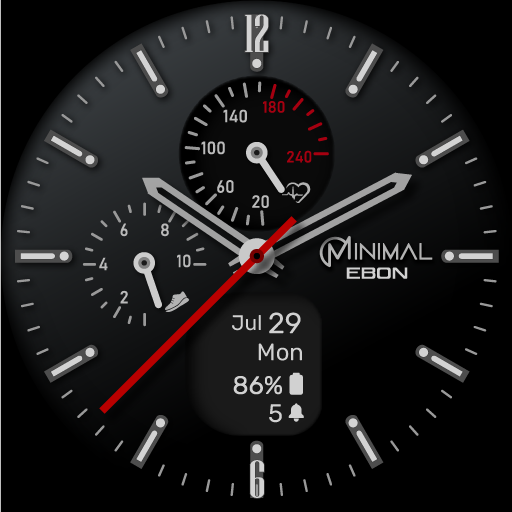
Ebon Basic - Hybrid Watch Face
Free

Accutime - Hybrid Watch Face
Paid

Auris - Hybrid Watch Face
Paid

Heritage - Classic Watch Face
Paid

Classic Luxury Moon Watch Face
Paid

Explorer World Time Watch Face
Paid

TC012-DD - Digital Watch Face
Paid

Solis Luxury Watch Face
Paid
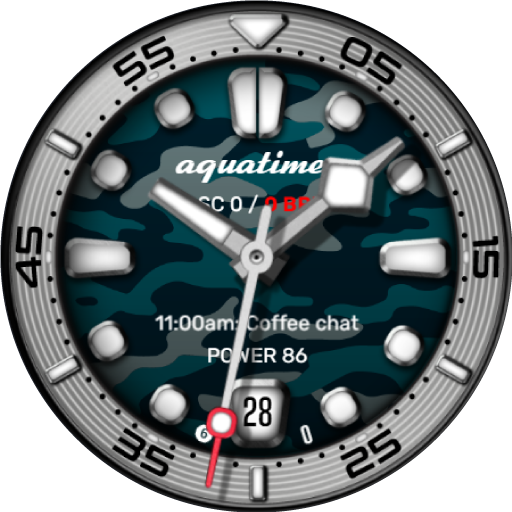
AquaTimer - Diver Watch Face
Paid
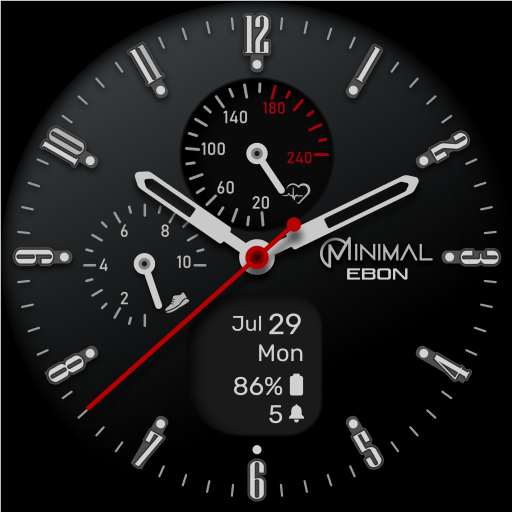
Minimal Ebon Hybrid Watch Face
Free

AQVOS: Modern Diver Watch Face
Paid

Arcane : Classic Watch Face
Paid

Cosma : Hybrid Watch Face
Free

Cosma Moon: Classic Watch Face
Free

Cryo - Classic Watch Face
Free

DiveNX: Hybrid Dive Watch Face
Paid
Similar Apps

DADAM97: Elegant Watch Face
Paid

DADAM90: Classic Watch Face
Paid

Hybrid NESSCA URX89 Watch face
Paid

DADAM68: Classic Watch face
Paid

Key WF78 Classic Watch Face
Paid
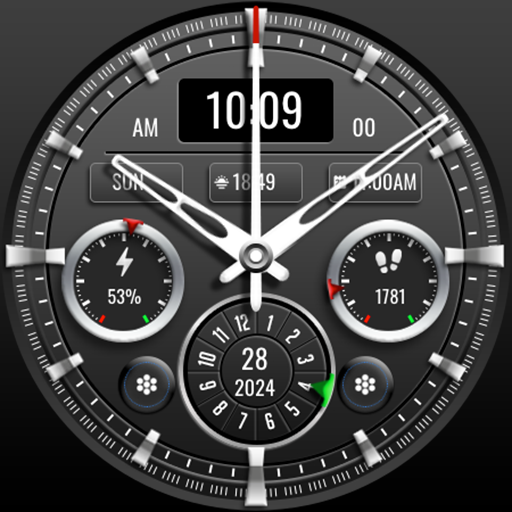
MJ141 Elegant Executive
Free

MJ175 Hybrid Stylish Watch
Paid

BRN158 - elon
Paid

Circular Watch Face 029
Paid

CNRwatch038
Paid

DADAM100: Hybrid Watch Face
Free

MJ178 Elegant Hybrid WatchFace
Free
ML2U 139 Watch Face
Paid

Cream - Beige Watch Face
Paid

SILVER Analog WATCHFACE
Paid

Hybrid DIALS URX68 Watch face
Paid
Scan this QR code to download

Forwarding you to the page at Google Play market in seconds...
Open Google Play market now