
Solis Luxury Watch Face vVARY
Time Canvas


About this app
Developer Description
Realistic luxury analog watch face, highly customizable with many complications.
Embrace the Radiance of Elegance with the Solis Watch Face. This exclusive watch face blends celestial beauty with a luxurious sunburst design that radiates brilliance in every detail. Elevate your style with the timeless glow of the sun, capturing true exclusivity.
💎 EXCLUSIVE FEATURES
Pure View Mode: One tap hides all complications for a clean, minimalist dress-watch look, without losing access to essential information.
🕒 DATA DISPLAYED
• Analog Time
• Day and Date
• Daily Steps Goal Progress (Gauge at 6 o'clock)
• Heart Rate (Left subdial)
• Battery Power Reserve (Upper subdial)
• 4 Custom Complication Data Slots (Edge positions)
🎨 UNMATCHED CUSTOMIZATION
With thousands of potential combinations, Solis transitions perfectly from formal events to active daily use.
• 30 Radiant Dial Palettes: From classic deep blues to luxury emerald greens and rich purples.
• 2 Premium Textures: Choose between Radial Brushed and Radial Guilloche Sunburst patterns.
• 3 Luxury Index Styles: Finely crafted markers in Gold, Rose Gold, or Silver accents.
• 3 Elegant Hand Styles: Premium handset designs with matching metallic finishes.
⚙️ COMPLICATIONS & HIDDEN SHORTCUTS
• Edge Complications: 4 visible, fully customizable edge slots to display real-time data like weather, UV index, or world clock.
• Hidden Shortcuts: Integrated within the three subdials and the date window are 4 customizable shortcut functions for instant app access.
🌙 ADVANCED ALWAYS-ON DISPLAY (AOD)
• 4 Unique AOD Layouts: Choose the level of detail that fits your style.
• 2 Brightness Levels: Optimized for maximum clarity and battery efficiency.
📱Compatibility:
This watch face is designed for Wear OS devices running on Wear OS API 34+, including the Samsung Galaxy Watch 4, 5, 6, 7 and 8 and ultra as well as other supported Samsung Wear OS watches, Pixel Watches, and other Wear OS-compatible models from various brands.
🛠️HOW TO CUSTOMIZE
• Touch and hold the watch screen.
• Tap Customize (or the settings/edit icon).
• Swipe left/right to browse categories; swipe up/down to select styles.
✉️SUPPORT & INSTALLATION
If you encounter any issues during installation, please refer to the detailed instructions in the companion app.
• Need help? Contact us at: timecanvasapps@gmail.com
• Note: The phone app is a companion tool to help you install the watch face. You can uninstall it once the watch face is active on your device.
Love our designs? Check out the Time Canvas collection on the Play Store. Your feedback helps us grow—let us know what you love!
What's New
• New Texture: Added the Radial Guilloche Brushed pattern for a more realistic luxury feel.
• New and improved graphic elements in the watch face UI.
• Pure View Mode: Added a one-tap transition for a cleaner, minimalist aesthetic.
• Added a new Pure Black AOD layout for better battery efficiency.
• General bug fixes and performance enhancements in the watch face and companion app.
Version Information
- Version
- -
- Downloads
- 100+
- Updated on
- Dec 31, 2025
- Released
- Aug 13, 2024
- Requires
- Android Varies with device
Statistics
Google Play Rating History
Rating Distribution
Downloads Over Time
Solis Luxury Watch Face has been downloaded times. Over the past 30 days, it averaged downloads per day.
Shaded area shows 30-day prediction based on historical trends
Historical data collection started recently. More data points will be available over time.
ApkTrusted Ratings & Reviews
More from Time Canvas
See more apps
Ebon Basic - Hybrid Watch Face
Free
Fusion - Hybrid Watch Face
Paid

Auris - Hybrid Watch Face
Paid

Accutime - Hybrid Watch Face
Paid

Classic Luxury Moon Watch Face
Paid

Explorer World Time Watch Face
Paid

TC012-DD - Digital Watch Face
Paid

Heritage - Classic Watch Face
Paid
AquaTimer - Diver Watch Face
Paid
Minimal Ebon Hybrid Watch Face
Free

AQVOS: Modern Diver Watch Face
Paid

Arcane : Classic Watch Face
Paid

Cosma : Hybrid Watch Face
Free

Cosma Moon: Classic Watch Face
Free

Cryo - Classic Watch Face
Free

DiveNX: Hybrid Dive Watch Face
Paid
Similar Apps

JW062 jwstudio
Paid
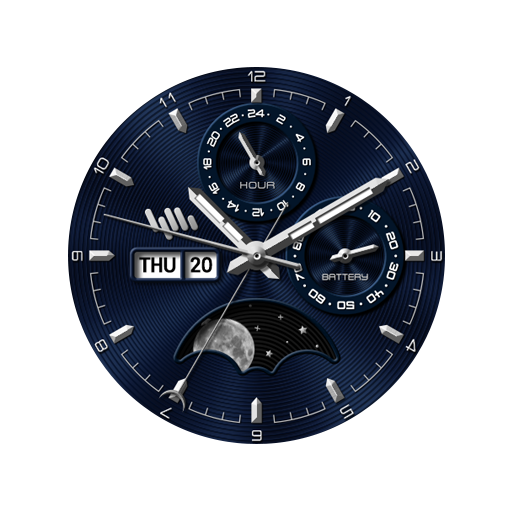
SamWatch Analog B 2021
Paid

Skyleader
Paid
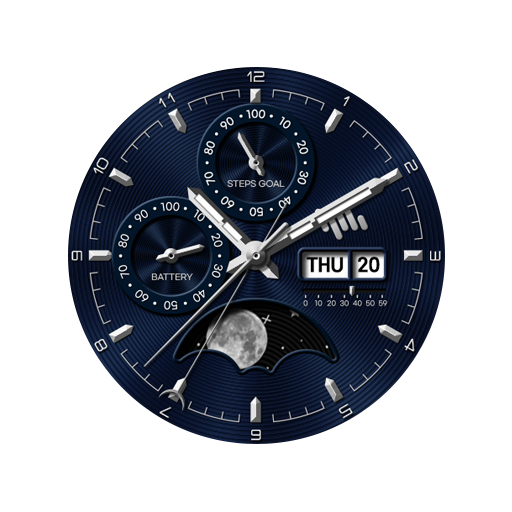
SamWatch Analog B 2023
Paid

샘워치 Analog B 2023
Paid

Classic Signature 10
Paid
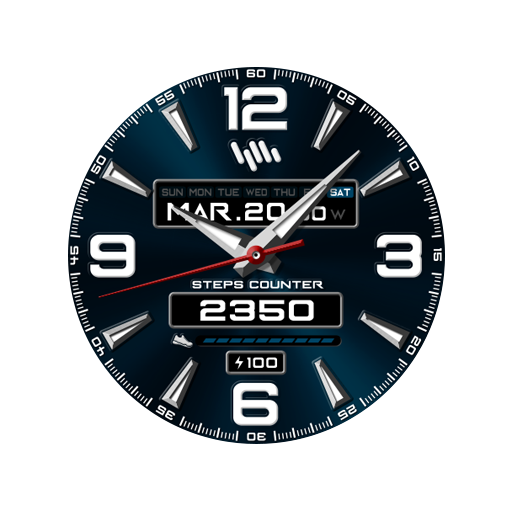
SamWatch AD N 2021 Renewal
Paid

Urban Daily Color Watch Face
Paid

AE CELAENA
Free

샘워치 AD N 2021 Renewal
Paid

SO473
Free
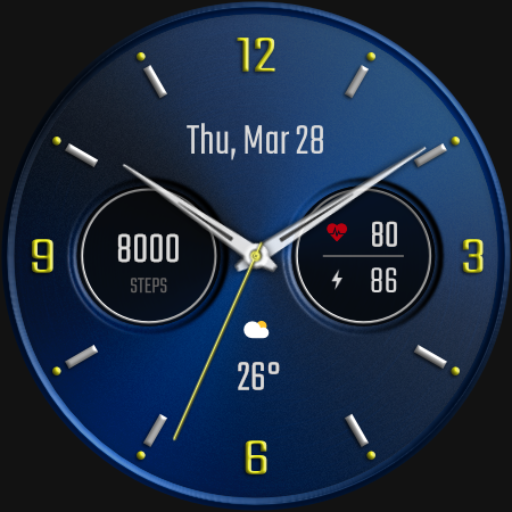
DADAM58B: Classic Watch Face
Paid

JW078 jwstudio
Paid

Navitron Hybrid Watch Face
Paid

JW272 jwstudio watchface
Paid

Nebulus - watch face
Paid
Scan this QR code to download

Forwarding you to the page at Google Play market in seconds...
Open Google Play market now