Ebon Basic - Hybrid Watch Face vVARY
Time Canvas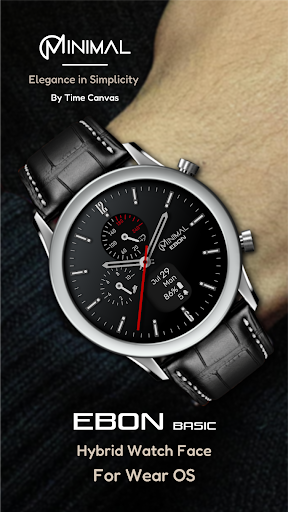





About this app
Developer Description
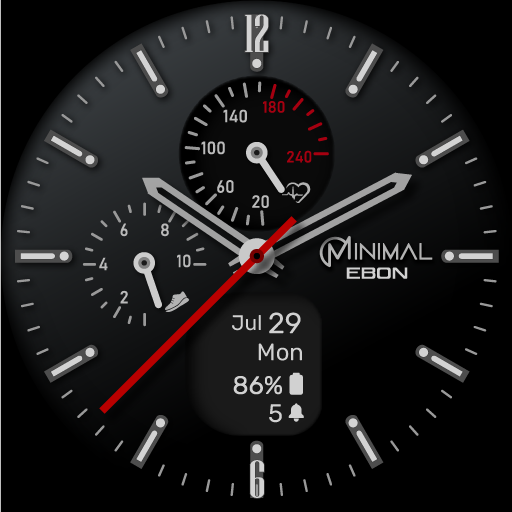
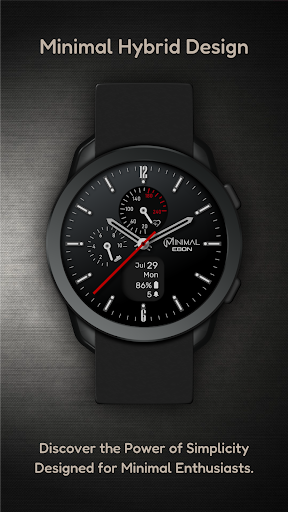
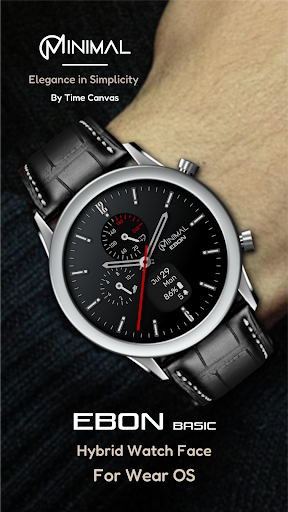
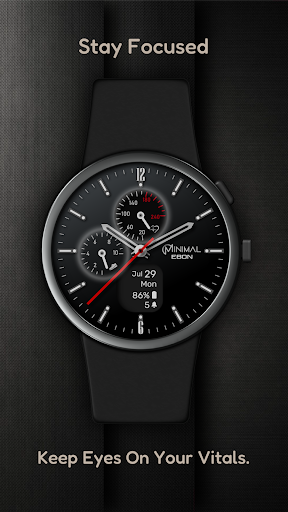
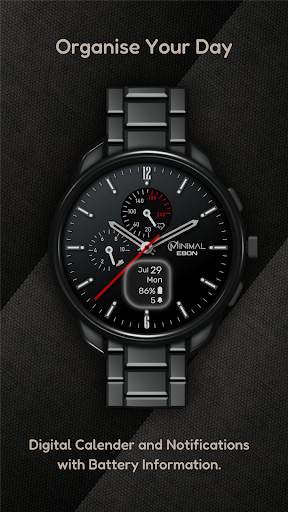
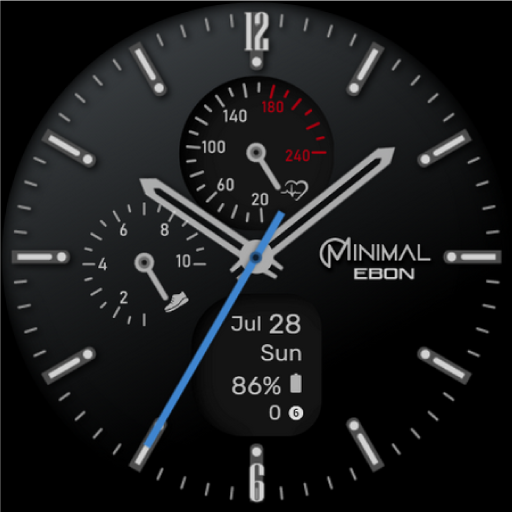
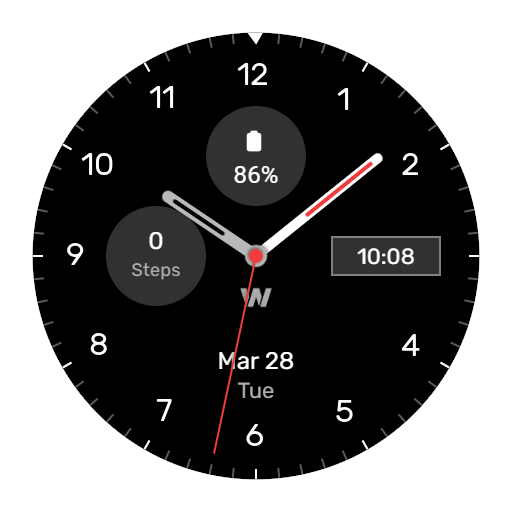
Experience sleek design and smart features with Minimal Ebon Basic hybrid watch.
Key Features:
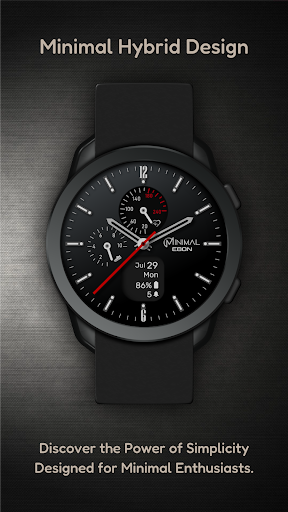
Minimalistic hybrid dial design
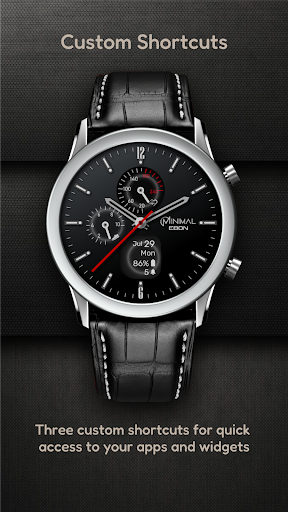
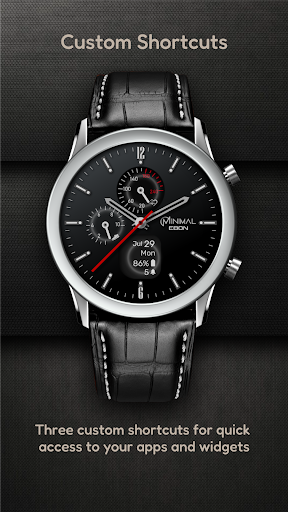
Three user-defined custom shortcuts
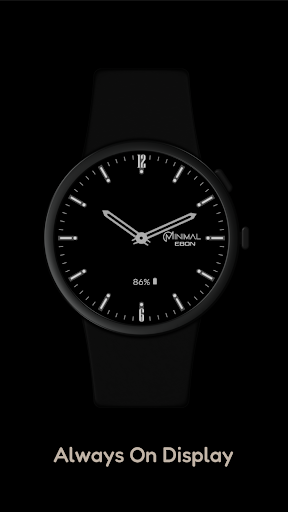
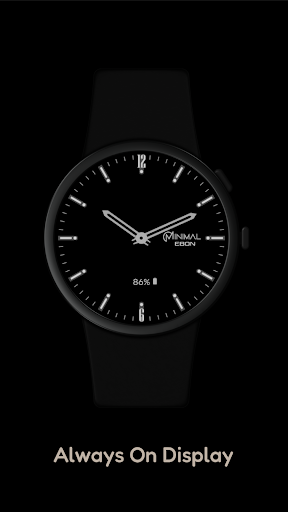
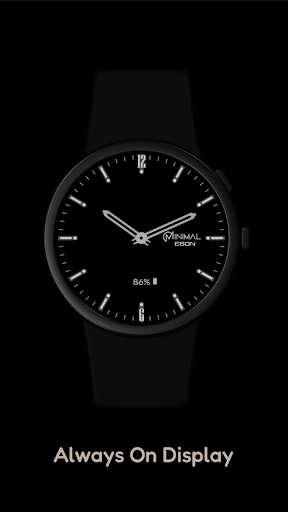
Always-On Display (AOD)
Displays:
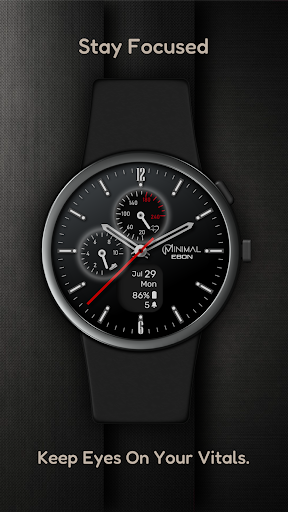
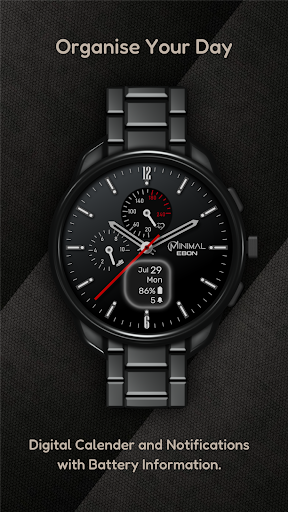
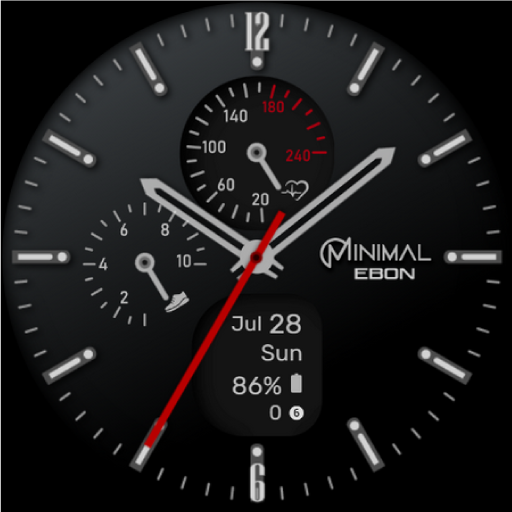
Analog time
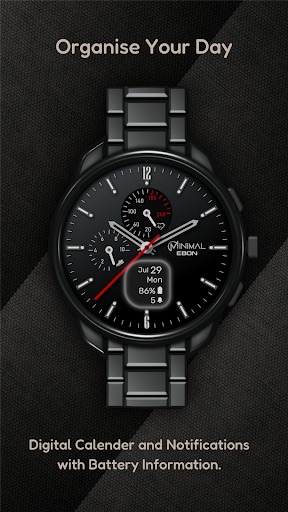
Digital smart screen showing calendar, battery, and notification info
Analog step goal and heart rate dials
To set up app shortcuts:
Press and hold the watch display.
Tap the customize button.
Select the 3 app shortcuts to configure your desired settings.
Measuring Heart Rate
Heart rate is measured automatically. On Samsung watches, you can change the measurement interval in the Health settings. To adjust this, navigate to your watch > Settings > Health.
Compatibility:
This watch face is designed for Wear OS devices operating on WEAR OS API 30+, including the Samsung Galaxy Watch 4, Samsung Galaxy Watch 5, Samsung Galaxy Watch 6, and other compatible models.
Note: The phone app serves as a companion to make it easier to install and find the watch face on your Wear OS watch. You can select your watch device from the install drop-down menu and install it directly on your watch.
If you encounter any installation issues, please read the detailed instructions on the companion app or contact us at timecanvasapps@gmail.com.
"Enjoying this design? Be sure to check out our other creations. More designs will be available on Wear OS soon. For quick contact, please email us. We welcome and value all feedback in the Play Store—whether it's what you love, what needs improvement, or any suggestions you have. We welcome your design ideas and suggestions. We make it a priority to consider all feedback.
What's New
Version Information
- Version
- -
- Downloads
- 10K+
- Updated on
- Oct 27, 2025
- Released
- Jul 31, 2024
- Requires
- Android Varies with device
Statistics
Google Play Rating History
Rating Distribution
Downloads Over Time
Ebon Basic - Hybrid Watch Face has been downloaded times. Over the past 30 days, it averaged downloads per day.
Shaded area shows 30-day prediction based on historical trends
Historical data collection started recently. More data points will be available over time.
Ebon Basic - Hybrid Watch Face users say on Google Play
 Arsh Spencer
Awesome watch face ! ⌚️
ApkTrusted Ratings & Reviews
More from Time Canvas
See more apps
Classic Luxury Moon Watch Face
Paid

Arcane : Classic Watch Face
Paid

Solis Luxury Watch Face
Paid

Heritage - Classic Watch Face
Paid

Accutime - Hybrid Watch Face
Paid
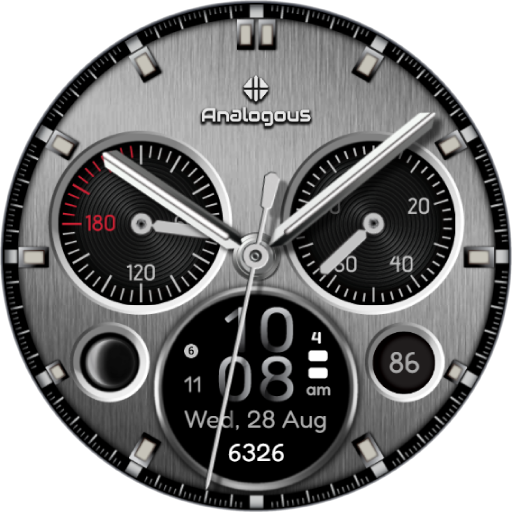
Fusion - Hybrid Watch Face
Paid

Explorer World Time Watch Face
Paid

TC012-DD - Digital Watch Face
Paid
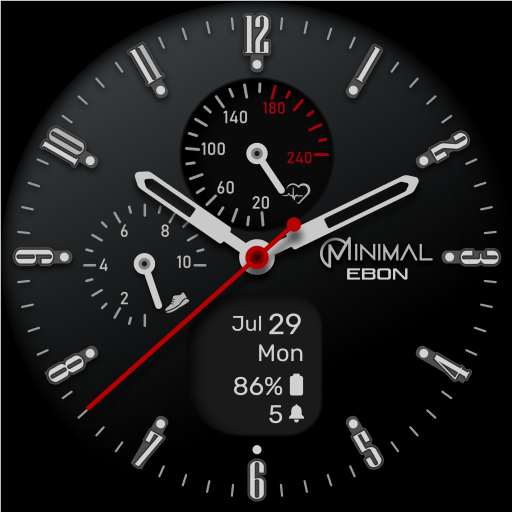
Minimal Ebon Hybrid Watch Face
Free
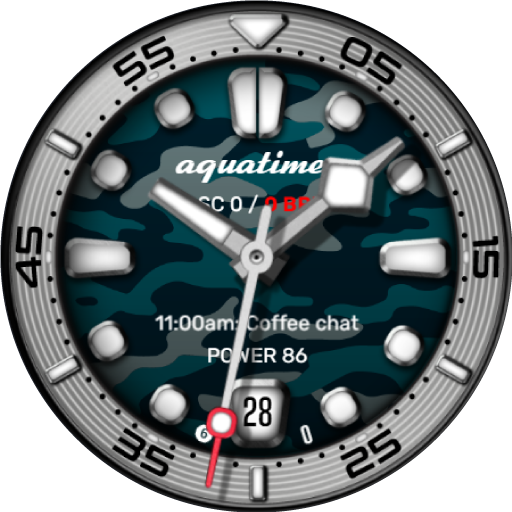
AquaTimer - Diver Watch Face
Paid

AQVOS: Modern Diver Watch Face
Paid

Auris - Hybrid Watch Face
Paid

Cosma : Hybrid Watch Face
Free

Cosma Moon: Classic Watch Face
Free

Cryo - Classic Watch Face
Free

DiveNX: Hybrid Dive Watch Face
Paid
Similar Apps
![[69D] V2 icon](https://play-lh.googleusercontent.com/CUZtoXAlzqRg3hpukYTH-P1Q02tE0LTflCUb86vQR7_T37T23iYYS06kvZiEBjqrQ4k_)
[69D] V2
Free

SamWatch PointColor 17
Paid
![[69D] Valiant icon](https://play-lh.googleusercontent.com/O1DHjurF7BMXQqWFB1pyNo5NriN6sxXLkTHe9etE51X_hRhgj8DOs4Bb9UITJW3sQME)
[69D] Valiant
Free

YamWatch Analog 1
Paid

Rythenight - watch face
Paid

Hybrid 11
Paid
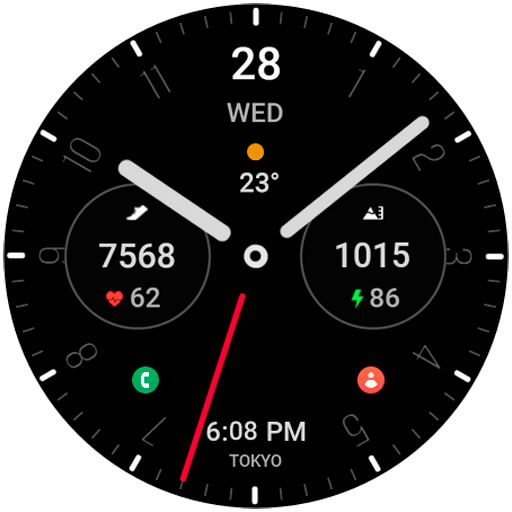
Analog dark edition
Paid

Elegant Style Watch Face
Paid
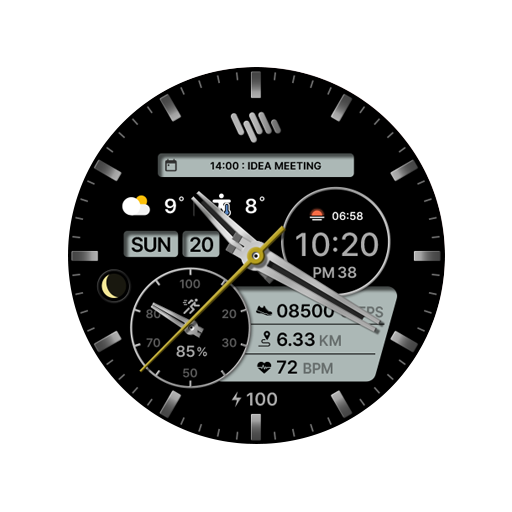
SamWatch AD III
Paid
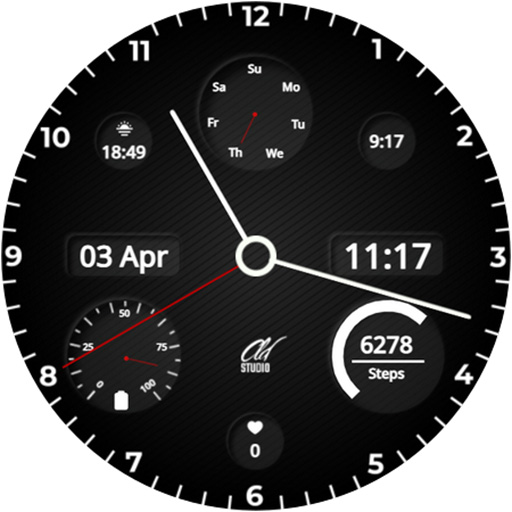
CLD LUX Watch Face for Wear OS
Free

Tancha S5 Hybrid Watch Face
Paid
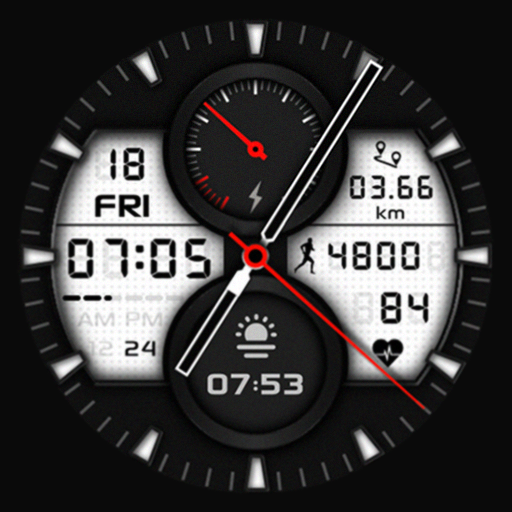
SG-114
Paid

SamWatch Simple Analog 40
Paid

ISAAC WATCH Gentleman
Paid
WES2 - Casual Watch Face
Free

Chester Prototype watch face
Free
Scan this QR code to download

Forwarding you to the page at Google Play market in seconds...
Open Google Play market now