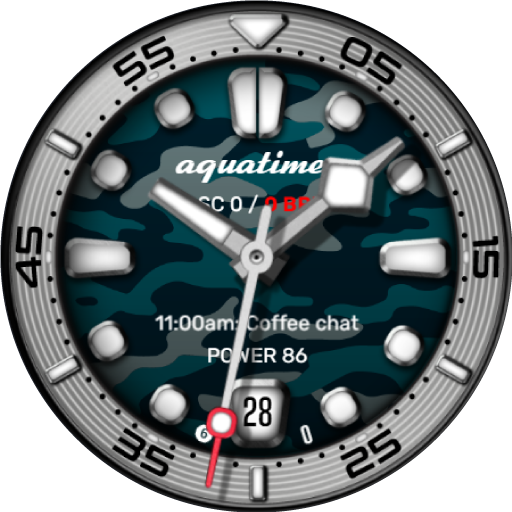
AquaTimer - Diver Watch Face vVARY
Time Canvas




About this app
Developer Description
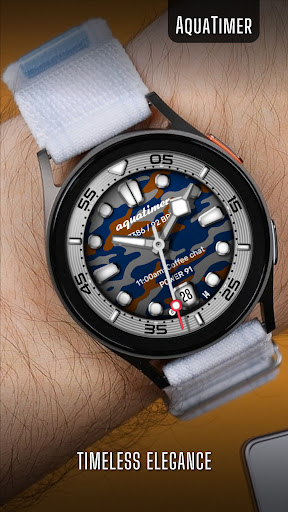
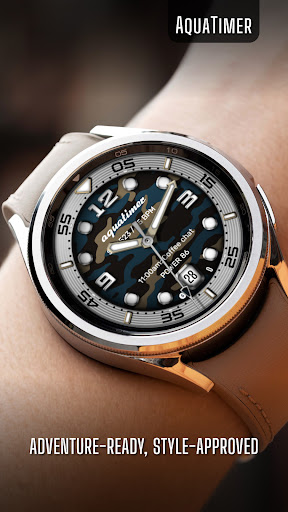
Classic diver watch face that blends timeless design with modern functionality.
Key Features:
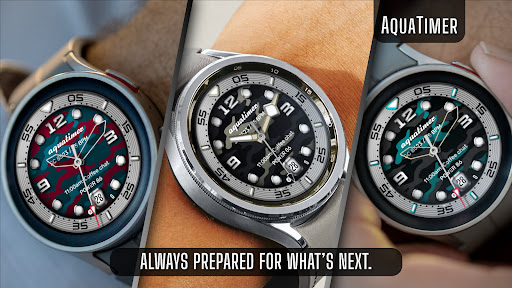
Color Customizations: Choose from 30 vibrant color themes inspired by the beauty of aquatic life to personalize your diver watch face and craft a look that reflects your unique style.
User-Defined Data: Access essential information at a glance with 3 customizable complications, allowing you to display the data that matters most to you.
Quick Access Shortcuts: Enjoy seamless navigation by setting up to 3 shortcuts for instant access to your favorite apps and features.
Custom Watch Hands: Choose from 3 unique clock hands in 3 color options, plus a high-readability fourth hand that syncs with the main color theme. Additionally, pick from 2 second hand styles, each with 5 color options for extra personalization.
Custom Hour and Minute Markers: Select from 2 hour marker designs and 4 color options each, plus 1 minute marker style in 4 colors. A fifth minute marker syncs with the main theme color for a cohesive, personalized look.
Always-On Display (AOD) Brightness: Enhance visibility with 2 AOD brightness settings (Your customized theme is automatically applied to AOD).
Essential Features:
Track time with a bold analog dial.
Digital steps counter to monitor your activity.
Heart rate counter with high BPM alert.
Date window at the 6 o’clock position.
Unread message count for easy notifications (Editable).
Battery information with charging status and low battery alert.
Compatibility:
This watch face is designed for Wear OS devices running on Wear OS API 34+, including the Samsung Galaxy Watch 4, 5, 6, 7 and 8 as well as other supported Samsung Wear OS watches, Pixel Watches, and other Wear OS-compatible models from various brands.
If you encounter any issues during installation, even with a compatible smartwatch, please refer to the detailed instructions in the companion app. For further assistance, feel free to reach out to us at support@timecanvaswatches.com or timecanvasapps@gmail.com.
Note: The phone app serves as a companion to assist you in installing and locating the watch face on your Wear OS watch. You can choose your watch device from the installation drop-down menu and install the watch face directly on your watch. The companion app also offers details about the watch face features and installation instructions. If you no longer need it, you can uninstall the companion app from your phone at any time.
How to Customize:
To customize your watch face, touch and hold the screen, then tap Customize (or the settings/edit icon specific to your watch brand). Swipe left and right to browse customization options, and swipe up and down to select styles from the available custom options.
How to Set Custom Complications and Shortcuts:
To set custom complications and shortcuts, touch and hold the screen, then tap Customize (or the settings/edit icon specific to your watch brand). Swipe left until you reach "Complications," then tap on the highlighted area for the complication or shortcut you want to set up.
Heart Rate Measurement:
Heart rate is measured automatically. On Samsung watches, you can change the measurement interval in the Health settings. To adjust this, navigate to your watch > Settings > Health.
If you like our designs, don’t forget to check out our other watch faces, with more coming soon to Wear OS! For quick help, feel free to email us. Your feedback on the Google Play Store means a lot to us—let us know what you love, what we can improve, or any suggestions you have. We’re always excited to hear your design ideas!
What's New
Version Information
- Version
- -
- Downloads
- 100+
- Updated on
- Oct 19, 2025
- Released
- Oct 19, 2024
- Requires
- Android Varies with device
Statistics
Google Play Rating History
Rating Distribution
Downloads Over Time
AquaTimer - Diver Watch Face has been downloaded times. Over the past 30 days, it averaged downloads per day.
Shaded area shows 30-day prediction based on historical trends
Historical data collection started recently. More data points will be available over time.
ApkTrusted Ratings & Reviews
More from Time Canvas
See more apps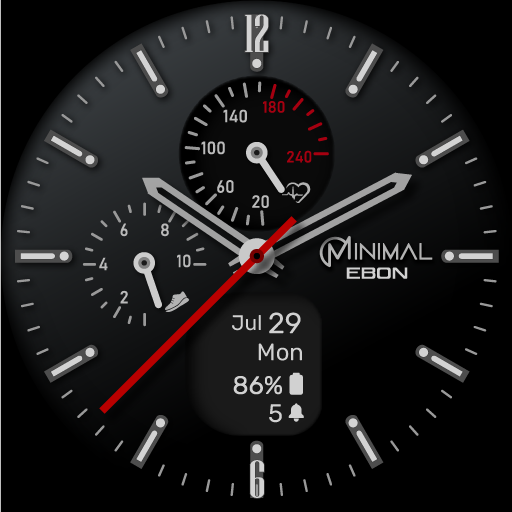
Ebon Basic - Hybrid Watch Face
Free
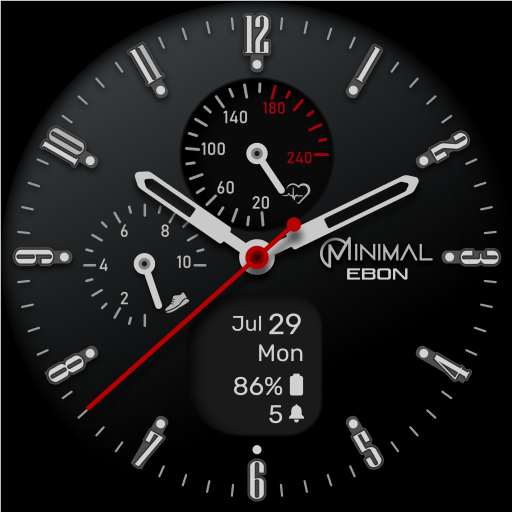
Minimal Ebon Hybrid Watch Face
Free

Auris - Hybrid Watch Face
Paid

Heritage - Classic Watch Face
Paid

Accutime - Hybrid Watch Face
Paid
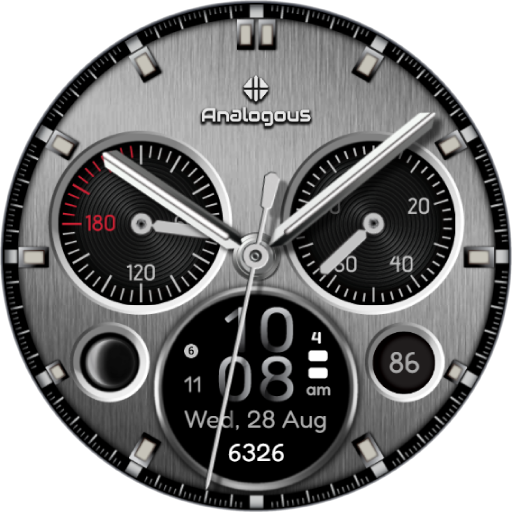
Fusion - Hybrid Watch Face
Paid

Explorer World Time Watch Face
Paid

Solis Luxury Watch Face
Paid

Arcane : Classic Watch Face
Paid

TC012-DD - Digital Watch Face
Paid

AQVOS: Modern Diver Watch Face
Paid

Classic Luxury Moon Watch Face
Paid

Cosma : Hybrid Watch Face
Free

Cosma Moon: Classic Watch Face
Free

Cryo - Classic Watch Face
Free

DiveNX: Hybrid Dive Watch Face
Paid
Similar Apps

CELEST5562 Retro Digital Watch
Free

Roolex Submarine
Paid

ULTRA Diver watch face
Paid
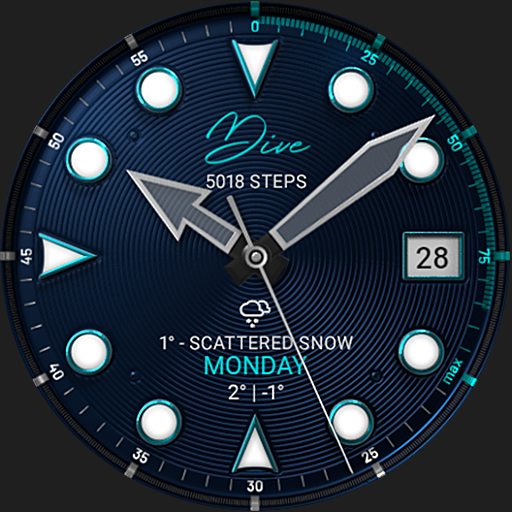
S4U Dive - Diver watch face
Paid
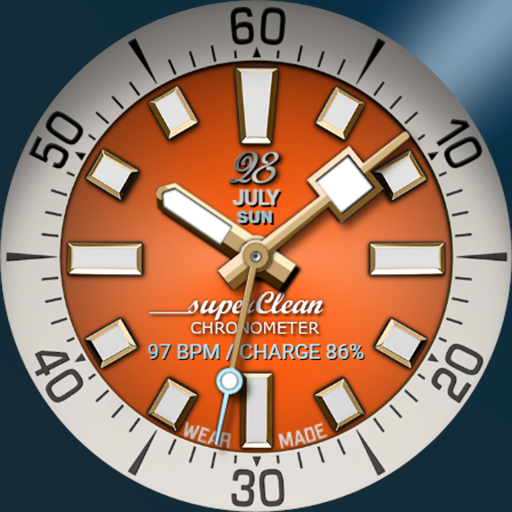
SUPERCLEAN V
Paid

Aquastellar: Diver Watch Face
Paid
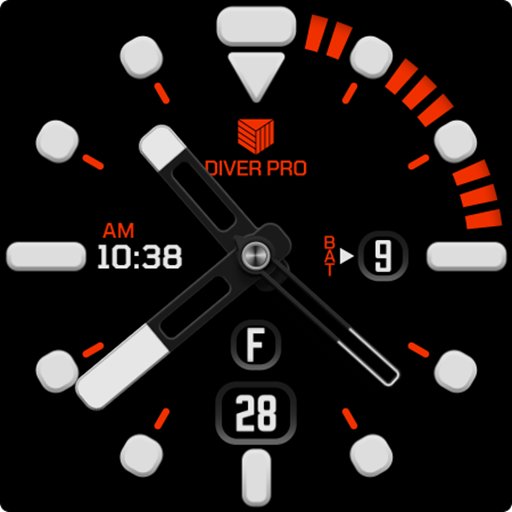
IWF AllNew Diver watch face
Paid

Green Fun Readable
Free
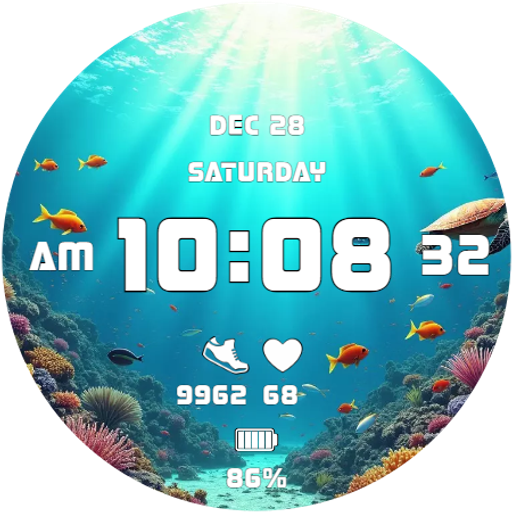
Underwater Life Animated Face
Paid

IWF AllNew Diver SE
Free

Iris Ocean Watch Face
Paid

Japan Theme Watch Face 02
Paid
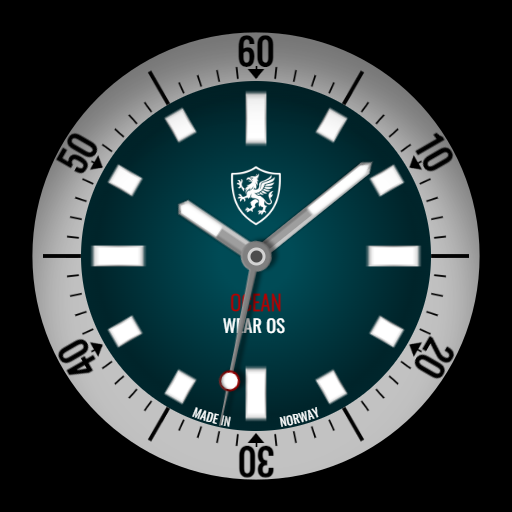
Modern Diver
Paid

Blue Rugged Clean Diver
Free

Bangkero Dive-Master
Free

Bienne Oceanograph
Paid
Scan this QR code to download

Forwarding you to the page at Google Play market in seconds...
Open Google Play market now